How we make this list: we compare pricing pages, product documentation and public user reviews. Rankite is independent; if a vendor ever pays for a featured spot, that listing is clearly labeled Partner.
Key takeaways
- KiCad is free and open source with no size limits, and it now handles professional-grade boards that used to require commercial software.
- Altium Designer is the industry standard for complex boards, starting at $325 a month subscription, with the deepest libraries and supply chain integration.
- EasyEDA is free and browser-based with one-click ordering to JLCPCB, making it the fastest path from schematic to manufactured board.
- Autodesk Fusion includes PCB design alongside mechanical CAD for $57 a month annually, replacing the retired EAGLE.
Quick comparison
| Tool | Best for | Starting price | Free plan |
|---|
 Altium Designer Altium Designer | professional teams designing complex boards | $325/month (subscription) | Free trial |
 KiCad KiCad | free professional-grade PCB design with no limits | Free | Yes |
 EasyEDA EasyEDA | browser-based design with fast fabrication ordering | Free; Pro from $7.99/month | Yes |
 Autodesk Fusion Autodesk Fusion | teams that design electronics inside mechanical products | $57/month (billed annually) | Free for personal use |
 OrCAD X OrCAD X | front-to-back PCB design with built-in simulation | $2,088/year | Free trial |
 Siemens PADS Siemens PADS | integrated design, layout, and signal integrity analysis | $163/month | Student edition free |
 DipTrace DipTrace | affordable perpetual licenses for small teams | Free; Starter $75 one-time | Yes (free edition, 300 pins) |
Is your product missing or out of date?
We review this list regularly. Vendors can request a listing, send updated pricing or ask about featured placement.
The best pcb design software
#1
Altium Designer
Best for: professional teams designing complex boards
Visit altium.com
Starting price$325/month (subscription)
Free planFree trial
Altium Designer is the tool professional PCB designers compare everything else against: schematic capture, PCB layout, SPICE simulation, 3D visualization, and manufacturing outputs live in one unified environment. Subscriptions start at $325 a month, with perpetual licenses available from $10,790. A 15-day free trial needs no credit card.
The supply chain integration is the standout: pick parts with live pricing and availability from distributors right in the schematic, so the BOM you design is the BOM you can actually buy. Altium 365 adds cloud collaboration, version control, and manufacturer handoff that teams share with mechanical designers and fabricators.
The honest catch is cost and complexity. At $325 a month per seat, Altium needs to earn its keep, and it does for teams shipping dense multi-layer boards where one respin costs more. Hobbyists and simple two-layer boards should start free elsewhere; companies where PCB design is the product should budget for Altium.
What we like- Unified schematic-to-manufacturing environment
- Live component supply chain data
- Strongest employer demand
Watch out for- Expensive
- Windows-focused
- Learning curve for beginners
#2
KiCad
Best for: free professional-grade PCB design with no limits
Visit kicad.org
Starting priceFree
Free planYes
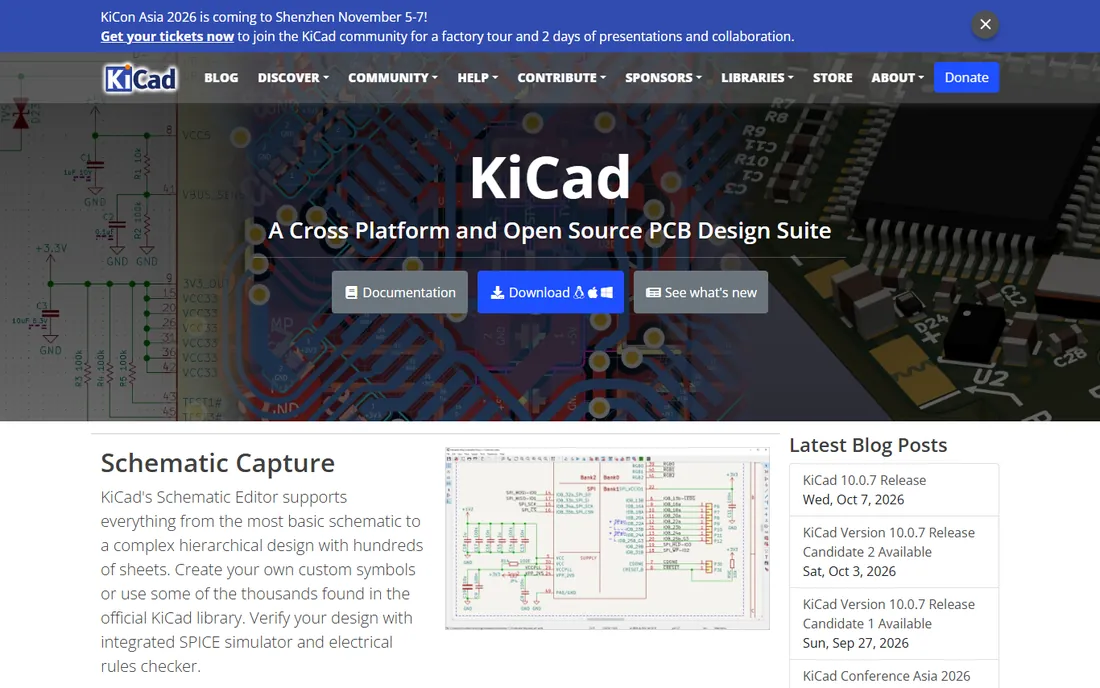
KiCad is the free tool that keeps getting better: a full open-source EDA suite with schematic capture, PCB layout up to 32 copper layers, SPICE simulation, 3D viewer, and Gerber output, licensed under the GPL with no size, layer, or commercial-use restrictions. Version 10 added design variants, improved length tuning, and imports from Allegro, PADS, and gEDA. It runs on Windows, macOS, and Linux.
The community is the real feature: thousands of contributed symbols and footprints, extensive tutorials, and active forums mean most problems already have answers. Python scripting lets power users automate repetitive layout tasks, and the design rule checker is genuinely capable on complex boards.
The catch is the initial setup: libraries, footprints, and 3D models need configuration before the tool feels smooth, and the interface lacks some commercial polish. But for startups, educators, and hobbyists shipping real boards, KiCad removes the biggest barrier in hardware: the software cost.
What we like- Completely free and open source
- No board size or layer limits
- Huge community and libraries
Watch out for- Library management takes setup
- Some commercial-tool polish missing
#3
EasyEDA
Best for: browser-based design with fast fabrication ordering
Visit easyeda.com
Starting priceFree; Pro from $7.99/month
Free planYes
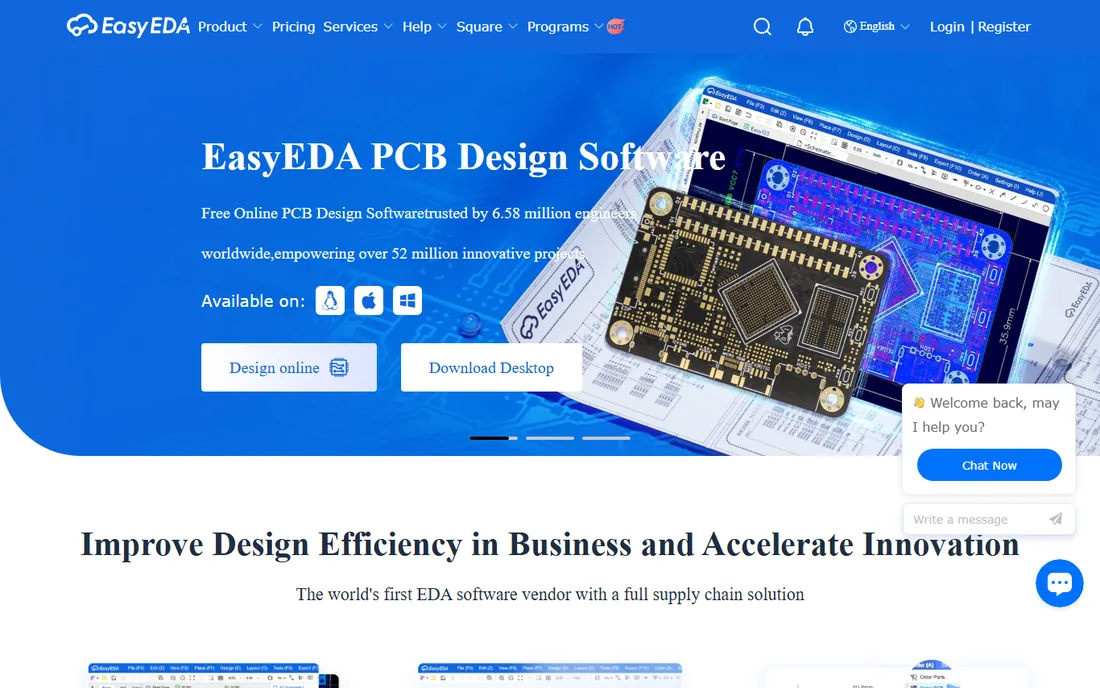
EasyEDA is the fastest route from idea to physical board: a free browser-based suite with schematic capture, SPICE simulation, and PCB layout, backed by JLCPCB's manufacturing pipeline. The free tier allows commercial projects without feature restrictions; Pro from $7.99 a month adds convenience like ad-free use and priority support. Designs import from EAGLE, Altium, KiCad, and LTspice.
The JLCPCB integration is the killer feature: finish the layout and order fabrication and assembly in a few clicks, with the component catalog and stock levels visible during part selection. Real-time collaboration lets teams comment on designs from anywhere, and the public project database offers thousands of reference designs.
The honest trade-offs: it needs an internet connection, complex multi-layer designs can lag in the browser, and your designs live on someone else's cloud. For prototypes, hobby projects, and small production runs, EasyEDA is unbeatable on speed and convenience.
What we like- Works in the browser, no install
- Free for commercial projects
- One-click ordering to JLCPCB
Watch out for- Internet required
- Cloud data security questions
- Less powerful on complex boards
#4
Autodesk Fusion
Best for: teams that design electronics inside mechanical products
Visit autodesk.com
Starting price$57/month (billed annually)
Free planFree for personal use
Autodesk Fusion absorbed EAGLE's electronics capabilities into a single platform that combines PCB design with 3D CAD, CAM, and simulation. Commercial subscriptions start at $57 a month billed annually ($680 a year) with a 30-day trial; a free personal-use version covers non-commercial hobbyist work with limited electronics features.
The electromechanical integration is why teams choose it: design the PCB and the enclosure it lives in within one model, check clearances in 3D, and manage both with built-in data management instead of exporting STEP files between tools. For product companies shipping devices with real housings, this eliminates a whole class of fit errors.
The catch is depth: Fusion's ECAD tools handle most designs but trail Altium and OrCAD on complex high-speed routing and constraint management. Former EAGLE users get continuity; teams doing only PCB work may prefer a dedicated tool. For hardware startups building real products, the combined CAD-ECAD workflow is a strong value at the price.
What we like- PCB and mechanical CAD in one tool
- Cloud collaboration built in
- Free personal-use version
Watch out for- PCB tools less deep than Altium
- Subscription-only for commercial use
#5
OrCAD X
Best for: front-to-back PCB design with built-in simulation
Visit cadence.com
Starting price$2,088/year
Free planFree trial
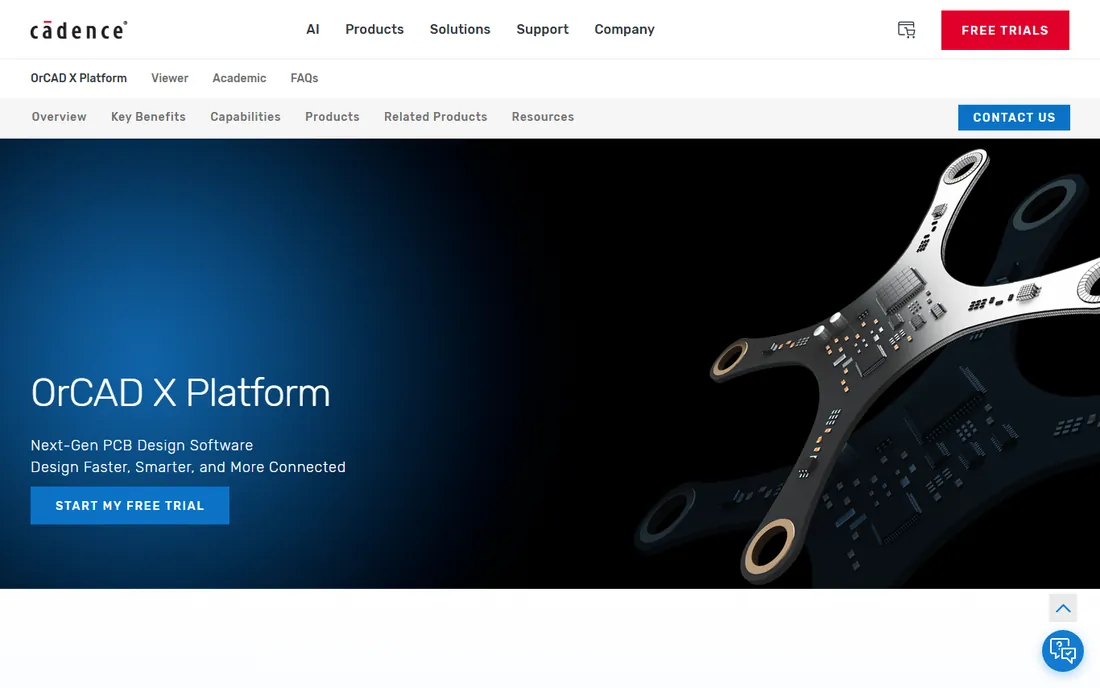
OrCAD X is Cadence's front-to-back PCB suite for engineers who want schematic capture, PSpice circuit simulation, and PCB layout in one approachable package. Pricing starts at $2,088 a year for a lease including support and updates, a more accessible entry point than Cadence's enterprise Allegro platform.
The PSpice integration is the differentiator: simulate analog and mixed-signal circuits before laying out a single trace, catching design errors in minutes instead of after a board spin. Because OrCAD X shares its database architecture with Allegro X, designs and skills transfer upward as teams grow into more complex work.
The catch is the buying experience: Cadence sells through quotes and partners, so expect a sales conversation rather than a checkout page. The tool is also strongest on Windows. For mid-size teams and consultancies that need simulation plus layout at a professional but sane price, OrCAD X is a proven choice.
What we like- PSpice simulation included
- Approachable learning curve
- Shares database with Allegro for growth
Watch out for- Quote-heavy enterprise sales process
- Windows-centric
Starting price$163/month
Free planStudent edition free
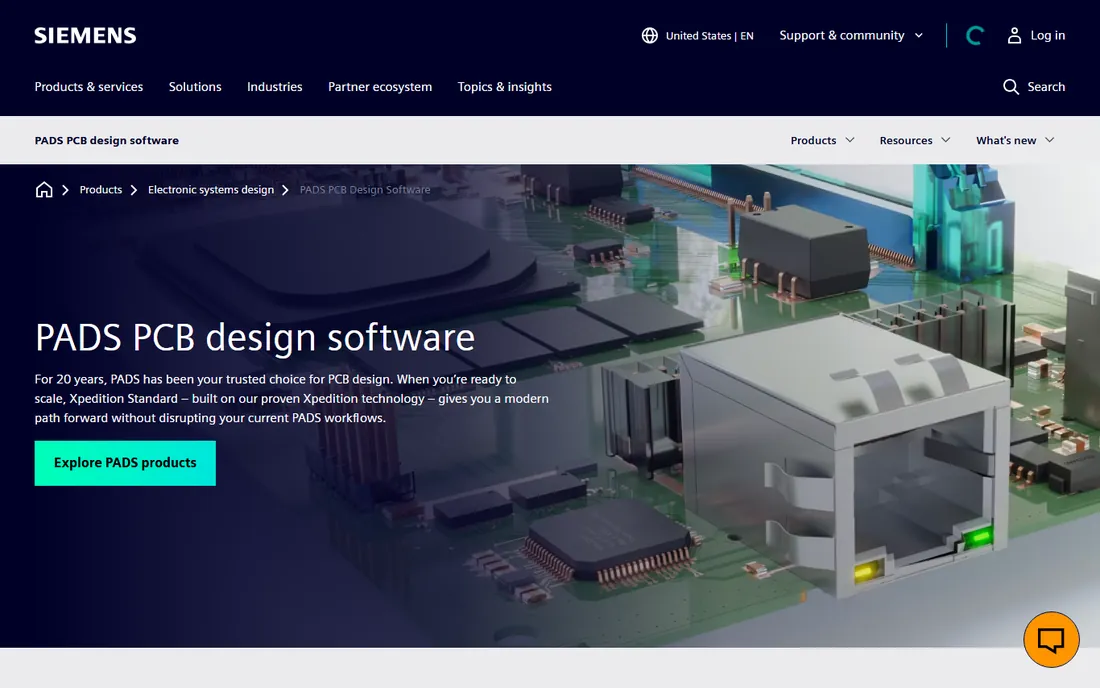
PADS, from Siemens' electronic design division, combines schematic capture, PCB layout, signal integrity analysis, and 3D in a single integrated suite powered by the same technology behind Siemens' high-end Xpedition platform. PADS Professional pricing starts around $163 a month; a free 12-month student edition helps new engineers learn the tool.
The integrated analysis is the selling point: run signal integrity and power integrity checks inside the design environment instead of exporting to separate tools, catching high-speed issues before fabrication. Longtime PADS users praise its routing efficiency on dense boards.
The catch is the enterprise sales motion: published pricing is limited and most buyers go through Siemens partners. It is a strong fit for established hardware teams, especially those already in the Siemens ecosystem; small startups will find KiCad or EasyEDA easier to adopt.
What we like- Capture, layout, and analysis in one suite
- Powered by Xpedition technology
- Free student licenses
Watch out for- Pricing not fully transparent
- Enterprise-oriented sales
Starting priceFree; Starter $75 one-time
Free planYes (free edition, 300 pins)
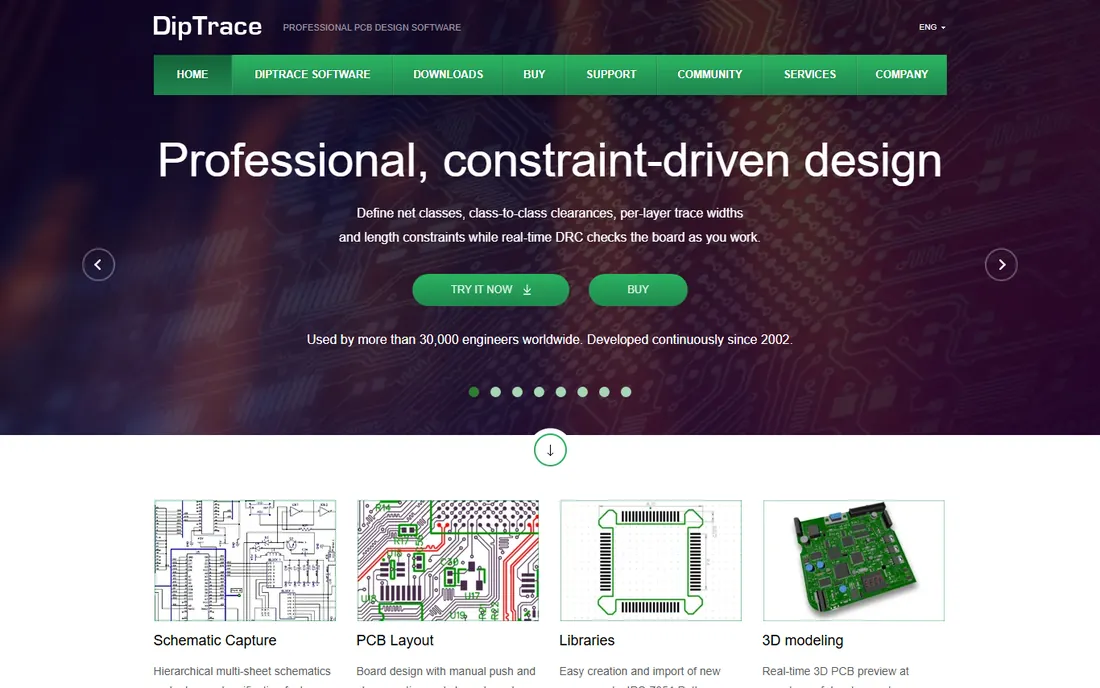
DipTrace is the rare PCB tool you can still buy outright: perpetual licenses from $75 for Starter (300 pins) through $995 for Full (unlimited), with a free edition covering small boards. It includes schematic capture, PCB layout, component and pattern editors, 3D preview, and autorouting in one consistent interface.
The pricing model is the appeal: pay once and own it, with tiers scaled by pin count so small shops never pay for capacity they do not use. The interface is widely praised as intuitive, and import support for EAGLE and other formats eases migration. Novarm also offers a 24-hour component design service for parts missing from the library.
The catch is depth: simulation is a secondary feature, and the library ecosystem is smaller than KiCad's community or Altium's managed content. For freelancers, small consultancies, and hobbyists who want a capable tool without a subscription, DipTrace's buy-once pricing is increasingly rare and welcome.
What we like- Buy once, no subscription
- Intuitive interface
- Free edition for small boards
Watch out for- Simulation is basic
- Smaller library ecosystem than KiCad or Altium
How we chose
We compared PCB design software using vendor pricing pages and official documentation, alongside public reviews on G2, Reddit's electronics communities, and engineering forums. We weighed design capability, layer and complexity support, simulation, library quality, pricing model, and fit for teams from hobbyists to professional hardware companies. We did not perform hands-on testing.
Start with your hardest board, not your easiest. Two-layer prototypes with standard parts: KiCad, EasyEDA, or DipTrace's free edition all work. Boards inside mechanical products: Fusion's combined ECAD and MCAD saves real time. Dense multi-layer boards with high-speed signals: Altium Designer, OrCAD X, or PADS earn their licenses by preventing one respin.
Check the license model against your cash flow: subscriptions (Altium, Fusion) spread cost monthly but never end; DipTrace's perpetual license costs once; KiCad costs nothing forever. Factor in library migration time too: rebuilding footprints is the hidden cost of switching tools.
A decade ago, free PCB software meant toy limits and unreliable output. KiCad's steady development and EasyEDA's fabrication-backed model changed that: both now produce manufacturing-ready boards that fabricators accept without complaint. The gap that remains is on the hardest designs, high-speed constraints, massive pin counts, and deep supply chain integration.
The practical move for a new hardware team: start on KiCad or EasyEDA, build your library, and ship boards. Move to Altium or OrCAD X when your designs hit real limits or when respin costs exceed the license price. Many successful hardware companies never outgrow the free tier.
Frequently asked questions
What is the best free PCB design software?
KiCad is the best free option: open source, no size or commercial limits, and capable of professional boards. EasyEDA is the best free browser-based option with direct fabrication ordering. DipTrace's free edition covers small boards with a buy-once upgrade path.
Is KiCad good enough for professional work?
Yes. KiCad handles multi-layer boards, design rule checking, SPICE simulation, and manufacturing outputs that fabricators accept. Many professional engineers and small companies ship commercial products designed in KiCad.
Altium vs KiCad: which should I choose?
Altium wins for complex high-speed designs, team collaboration, and supply chain integration, at $325 a month per seat. KiCad wins on cost (free) and handles most designs well. Choose Altium when respin costs or design complexity justify the license.
What happened to Autodesk EAGLE?
Autodesk folded EAGLE's electronics design capabilities into Fusion, now called Fusion Electronics within Autodesk Fusion. EAGLE as a standalone product is retired; former EAGLE users move to Fusion subscriptions.
How much does Altium Designer cost?
Altium Designer subscriptions start at $325 a month, with annual time-based licenses around $3,850. Perpetual licenses start at $10,790 with an optional annual maintenance subscription. Prices vary by region and configuration.
Can I design PCBs in a web browser?
Yes. EasyEDA is a full browser-based PCB design suite with schematic capture, simulation, and layout, free for commercial projects. It requires an internet connection and stores designs in the cloud.
Sources we checked (8)
- https://www.altium.com/altium-designer
- https://www.kicad.org
- https://easyeda.com
- https://www.autodesk.com/products/fusion-360/overview
- https://www.cadence.com/en_US/home/tools/pcb-design-and-analysis/orcad.html
- https://eda.sw.siemens.com/en-US/pcb/pads/
- https://diptrace.com
- https://www.g2.com/products/diptrace/pricing
Is your product missing or out of date?
We review this list regularly. Vendors can request a listing, send updated pricing or ask about featured placement.

Shihab Mia · Founder, Rankite
Shihab has spent more than a decade helping SaaS and e-commerce brands grow through search. He writes Rankite's software buying guides from pricing pages, documentation and public user reviews. More about Shihab.