How we make this list: we compare pricing pages, product documentation and public user reviews. Rankite is independent; if a vendor ever pays for a featured spot, that listing is clearly labeled Partner.

Key takeaways
- Altium Designer with Altium 365 is the unified platform for professional electronics product creation.
- KiCad is the free, open-source schematic and PCB suite that handles complex hierarchical designs.
- OrCAD X brings AI-driven automation and built-in PSpice simulation for small to mid-size teams.
- LTspice is the free, unlimited SPICE simulator from Analog Devices for analog circuits.
- MATLAB with Simulink remains the standard for system modeling, and agentic AI arrived in 2026.
Quick comparison
| Tool | Best for | Starting price | Free plan |
|---|
 Altium Designer Altium Designer | Professional electronics development | See website | No |
 KiCad KiCad | Free open-source PCB design | See website | Yes |
 Autodesk Fusion Autodesk Fusion | Unified MCAD-ECAD electronics | See website | No |
 OrCAD X OrCAD X | AI-enabled PCB design | See website | No |
 MATLAB and Simulink MATLAB and Simulink | System modeling and simulation | See website | Free trial |
 LTspice LTspice | Free analog circuit simulation | See website | Yes |
 NI Multisim NI Multisim | Education and research circuits | See website | Yes |
 EasyEDA EasyEDA | Cloud PCB design | See website | No |
Is your product missing or out of date?
We review this list regularly. Vendors can request a listing, send updated pricing or ask about featured placement.
The best software for electrical engineering
#1
Altium Designer
Best for: Professional electronics development
Visit altium.com
Starting priceSee website
Free planNo
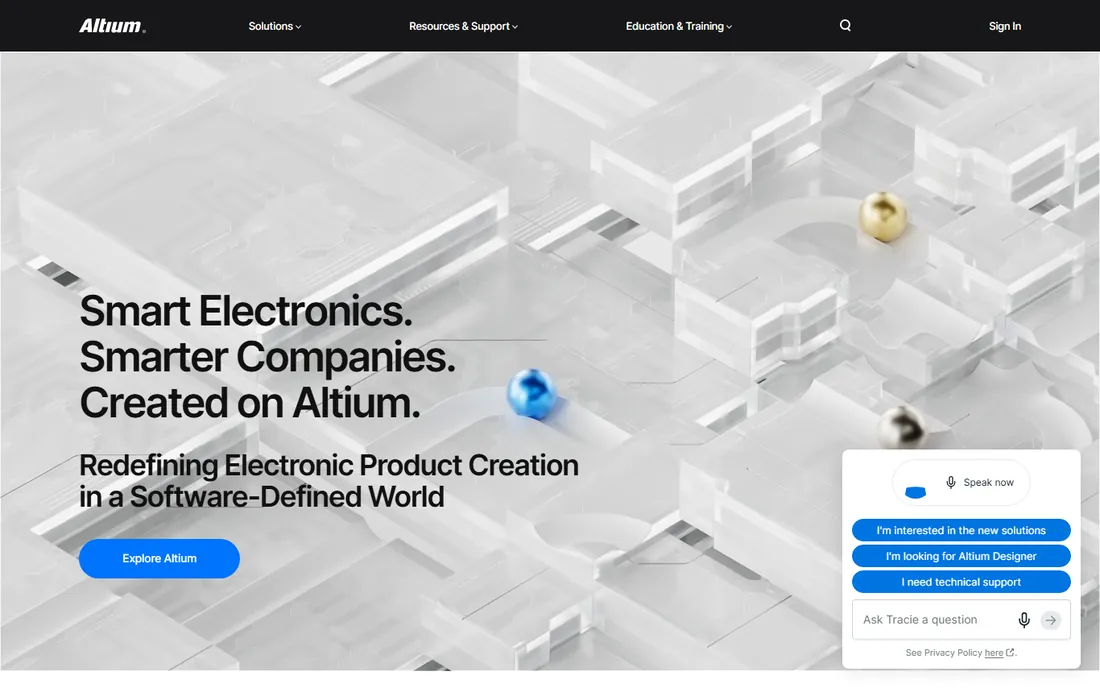
Altium is the unified electronics development platform for modern engineers. The platform connects every stakeholder, every discipline, and every phase of electronics product creation, with Altium 365 keeping communication, traceability, and revision control inside the project.
Every solution bundles Altium Designer with Altium 365. The honest catch is cost and commitment: this is professional software priced for companies. For teams shipping electronics products, Altium is the industry standard.
What we like- Unified platform connects every stakeholder and every phase of electronics development
- Every solution includes Altium Designer and Altium 365
- Trusted across industries and company sizes
Watch out for- Professional pricing
- Desktop environment with a learning curve
Starting priceSee website
Free planYes
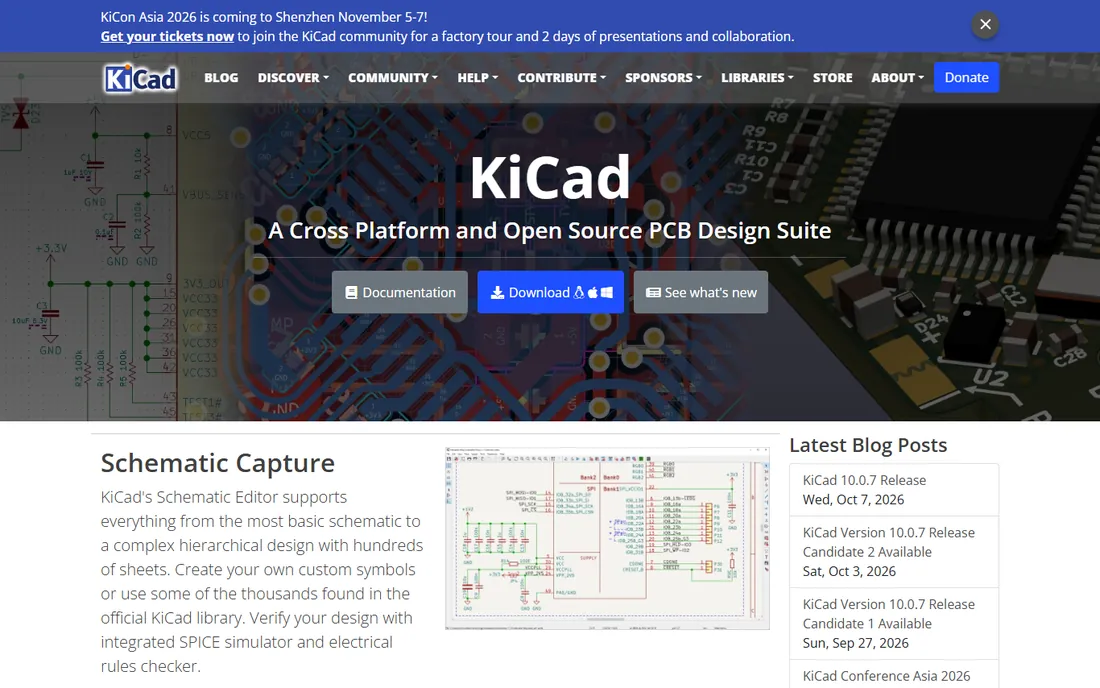
KiCad is the free open-source EDA suite that serious engineers actually use. The schematic editor scales from basic schematics to complex hierarchical designs with hundreds of sheets, with integrated SPICE simulation and electrical rules checking. The PCB editor pairs an approachable start with power for complex modern designs.
A powerful interactive router, 3D viewer with raytracing, and thousands of library symbols come free. The honest catch is ecosystem: you trade vendor support and libraries for freedom. For hobbyists, startups, and open hardware, KiCad is the obvious choice.
What we like- Free and open source, no licensing costs ever
- Schematic editor handles complex hierarchical designs with SPICE
- Interactive router and 3D viewer included
Watch out for- Smaller library ecosystem than commercial tools
- Community support instead of a vendor helpdesk
Starting priceSee website
Free planNo
Autodesk Fusion is the cloud product development platform that unified mechanical and electronic design. The Electronics Workspace includes schematic capture, PCB layout for dense boards, customizable DRC, and SPICE simulation, with 999 schematics, 16 signal layers, and unlimited board area.
ECAD-MCAD unification means the PCB fits the enclosure the first time, with no file conversions. The honest catch is the subscription and cloud dependence. For teams designing the product and its electronics together, Fusion removes the translation pain.
What we like- Only genuinely unified MCAD-to-ECAD platform
- Electronics workspace with 999 schematics and SPICE simulation
- Cloud data management built in
Watch out for- Subscription pricing
- Cloud-first may not suit everyone
Starting priceSee website
Free planNo
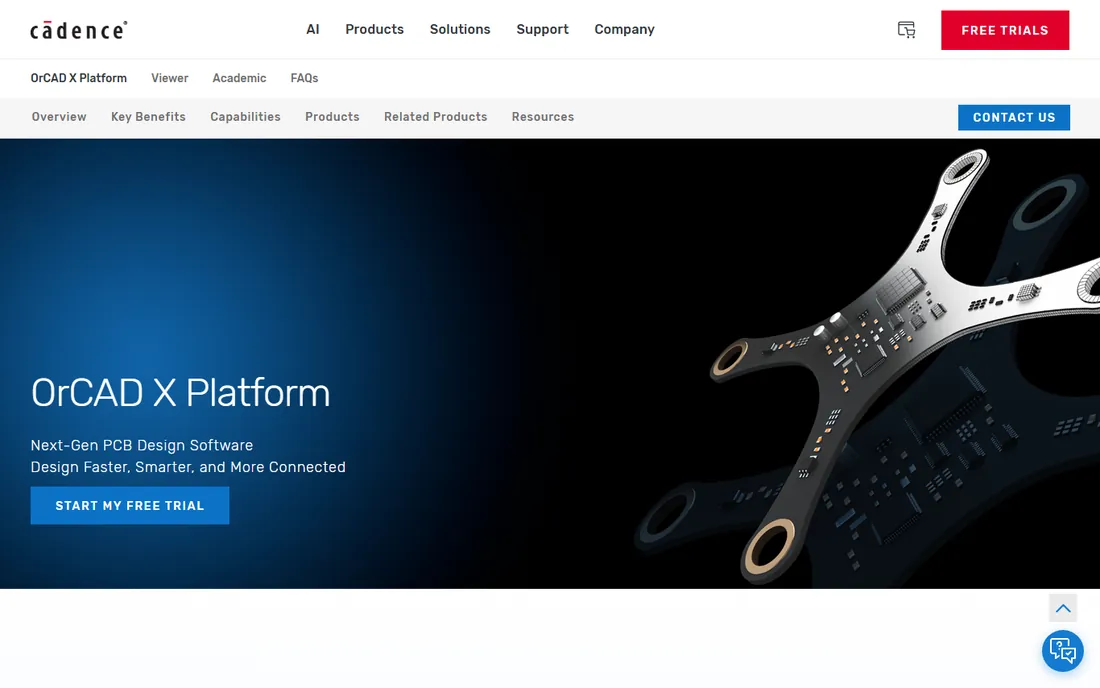
OrCAD X is Cadence's AI-enabled PCB design platform for small to mid-size businesses. Streamlined workflows and cloud tools accelerate design cycles, while built-in PSpice delivers DC, AC, transient, Monte Carlo, and worst-case analyses without leaving the schematic.
OrCAD X Live BOM gives real-time component and supply chain data on 1.6 billion parts, and native Ultra Librarian integration brings 18 million verified symbols and footprints. The honest catch is that this is commercial EDA. For engineering teams that need simulation plus supply chain in one flow, OrCAD X is the modern pick.
What we like- AI-driven automation for quick-turn design
- Built-in PSpice analog and mixed-signal simulation
- Real-time supply chain insights with Live BOM
Watch out for- Cadence pricing for professional tiers
- Designed for teams more than solo hobbyists
Starting priceSee website
Free planFree trial
MATLAB is the programming and numeric computation environment for algorithm development, data analysis, and visualization. Simulink models and simulates multidomain systems graphically and auto-generates production-ready embedded code. Toolboxes extend into signal processing, control systems, communications, and robotics.
In 2026, MathWorks added agentic AI with MATLAB Copilot and AI agents that accelerate learning and automate tasks. The honest catch is licensing: MATLAB is not free. For system-level electrical engineering, modeling, and algorithm work, it remains unmatched.
What we like- The language of engineers and scientists for algorithm and system design
- Simulink block diagrams generate production-ready embedded code
- 2026 added agentic AI tooling
Watch out for- Not free
- Commercial licensing is expensive
Starting priceSee website
Free planYes
LTspice is the free SPICE simulator from Analog Devices, and it is simply free with no limits. Schematic capture, simulation, and a waveform viewer for exploring results, with enhancements and models that improve analog circuit simulation compared to other SPICE solutions.
Download for Windows and Mac, with models updated September 2026. The honest catch is scope: it simulates circuits, it does not lay out PCBs. For analog design verification at zero cost, LTspice is the classic.
What we like- Fast, free, and unlimited SPICE simulation
- Enhancements and models for analog circuits
- Built-in schematic capture and waveform viewer
Watch out for- Analog-focused, not a full PCB suite
- Interface is utilitarian
#7
NI Multisim
Best for: Education and research circuits
Visit ni.com
Starting priceSee website
Free planYes
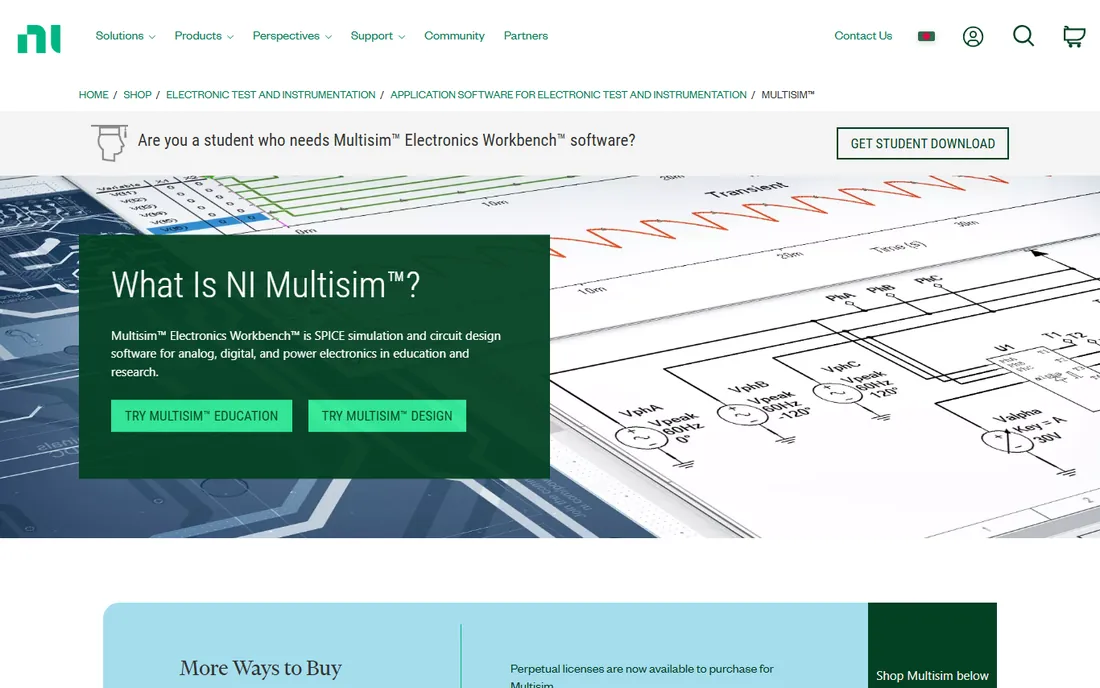
Multisim is NI's SPICE simulation and circuit design software for analog, digital, and power electronics in education and research. The intuitive interface integrates SPICE simulation with an interactive schematic to visualize and analyze circuit behavior instantly.
Multisim Live brings SPICE simulation to the browser with a touch-optimized interface and 30,000 community circuits, free to try. The honest catch is that the desktop software is licensed software. For teaching and learning circuit design, Multisim is the education standard.
What we like- Interactive SPICE simulation with schematic environment
- Multisim Live free in the browser with 30,000+ community circuits
- Strong in academia and education
Watch out for- Full software is subscription or perpetual license
- Windows-focused ecosystem
Starting priceSee website
Free planNo
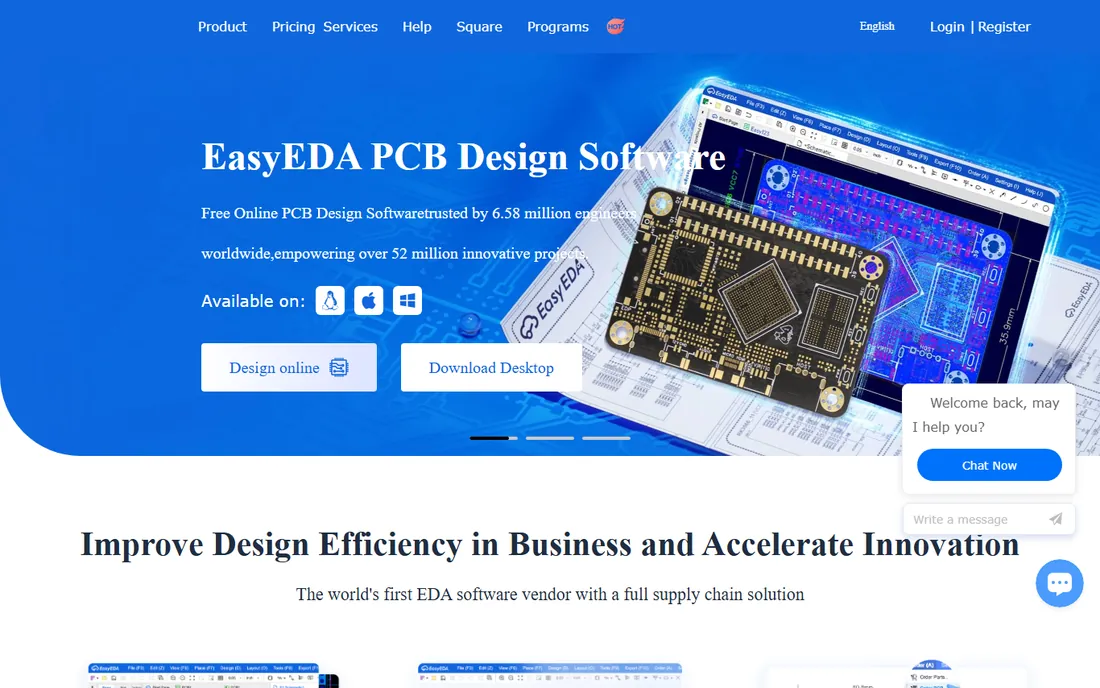
EasyEDA is the cloud-based EDA platform with a full supply chain solution. Schematic capture supports complex designs, PCB design handles thousands of components, and one-click ordering turns manufacturing files into delivered boards.
Millions of free libraries with real-time inventory and pricing, plus team roles, ERP/PLM integration, and a desktop client with offline modes. The honest catch is that advanced layout services cost per pin. For fast web-based PCB design tied to manufacturing, EasyEDA is the streamlined option.
What we like- Web-based, no download required
- One-click PCB ordering with supply chain integration
- Team collaboration and ERP/PLM sync
Watch out for- Cloud-only by default
- Layout services priced per pin
How we chose
We compared electrical engineering tools using each vendor's own site and documentation in October 2026, alongside G2, Capterra, and engineering community reviews. We required live, verifiable products and covered the 2026 AI additions. We never claim hands-on testing.
Choosing electrical engineering software
PCB design or circuit simulation
Altium, KiCad, Fusion, OrCAD X, and EasyEDA design boards. LTspice and Multisim simulate circuits. MATLAB and Simulink model systems. Many engineers need one of each: KiCad plus LTspice covers design and simulation free.
Commercial or free
Free: KiCad, LTspice, Multisim Live. Commercial: Altium, OrCAD X, Fusion, Multisim desktop, MATLAB. Free tools handle serious work; commercial tools pay for support, libraries, and team workflows.
Solo or team
KiCad and LTspice suit individuals. Altium 365, OrCAD X OnCloud, and EasyEDA team plans serve distributed teams. Pick the collaboration model that matches how you work.
AI is automating the EE workflow
The 2026 trend is intelligence inside the tools: OrCAD X's AI-driven automation, MathWorks' agentic AI for MATLAB and Simulink, Altium's connected platform surfacing design data. Layout and simulation are becoming assisted rather than manual. The tools above differ in how far they go, so evaluate the automation, not just the feature list.
Don't skip the free toolchain
Before paying for commercial EDA, run a real board through KiCad and simulate it in LTspice. Many engineers never outgrow them. Pay for Altium or OrCAD when team workflows, supply chain integration, or vendor support become the bottleneck, not before.
Simulate before you order
Check library and component data
A great router means little without footprints you trust. OrCAD X's native Ultra Librarian and Live BOM, EasyEDA's real-time inventory libraries, and KiCad's community libraries each solve this differently. Evaluate library quality before committing to a platform.
Simulate before you order
The cheapest PCB is the one you never fabricate. Run SPICE on critical circuits (LTspice, Multisim, or PSpice inside OrCAD X) before sending Gerbers. Catching a bad power stage in simulation saves weeks of rework and a board spin.
Match the tool to the domain
Power electronics and analog: LTspice or PSpice. Digital and mixed-signal boards: Altium, OrCAD X, or KiCad. System-level and control design: MATLAB and Simulink. Embedded firmware with circuits: Fusion or Multisim. Domain fit beats raw feature counts.
Frequently asked questions
What is the best software for electrical engineering?
For professional PCB design: Altium Designer or OrCAD X. For free PCB design: KiCad. For system modeling: MATLAB and Simulink. For free simulation: LTspice.
Is KiCad really free?
Yes. KiCad is free and open-source with no licensing costs, and it handles professional-grade schematic capture and PCB layout. It is used by hobbyists, startups, and open-hardware projects worldwide.
What software do electrical engineers use for PCB design?
Altium Designer, OrCAD X, Autodesk Fusion, KiCad, and EasyEDA are the main PCB design tools, covering commercial and free options. The choice depends on budget, team size, and how deep the supply chain integration needs to go.
Is LTspice free?
Yes. LTspice from Analog Devices is free and unlimited, a full SPICE simulator with schematic capture and a waveform viewer.
Can I try MATLAB for free?
MathWorks offers free ways to try MATLAB, Simulink, and more. Commercial licenses are paid.
What is the best circuit simulator for students?
NI Multisim is the education standard with Multisim Live free in the browser. LTspice is free and unlimited for analog simulation. Both are widely used in university electronics courses.
Should I pay for EDA software?
Pay when free tools become the bottleneck: when you need vendor support, managed component libraries with live pricing, or cloud collaboration across a team. KiCad and LTspice handle serious solo work without spending anything.
Sources we checked (8)
- https://altium.com/
- https://www.kicad.org/
- https://www.autodesk.com/products/fusion-360/electronics-engineer
- https://www.orcad.com/
- https://www.mathworks.com/products/matlab.html
- https://www.analog.com/en/resources/design-tools-and-calculators/ltspice-simulator.html
- https://www.ni.com/en/shop/electronic-test-instrumentation/application-software-for-electronic-test-and-instrumentation-category/what-is-multisim.html
- https://easyeda.com/
Is your product missing or out of date?
We review this list regularly. Vendors can request a listing, send updated pricing or ask about featured placement.

Shihab Mia · Founder, Rankite
Shihab has spent more than a decade helping SaaS and e-commerce brands grow through search. He writes Rankite's software buying guides from pricing pages, documentation and public user reviews. More about Shihab.