How we make this list: we compare pricing pages, product documentation and public user reviews. Rankite is independent; if a vendor ever pays for a featured spot, that listing is clearly labeled Partner.
Key takeaways
- Altium Designer is the professional standard for unified PCB design with cloud collaboration.
- KiCad is the most capable free open-source EDA suite, suitable for real products.
- OrCAD X brings Cadence's proven technology to small and mid-size teams.
- EasyEDA is the fastest free route from schematic to ordered boards, with integrated manufacturing.
- DipTrace offers perpetual licensing, a rarity among commercial EDA tools.
Quick comparison
| Tool | Best for | Starting price | Free plan |
|---|
 Altium Designer Altium Designer | Professional unified PCB design | See website | No |
 KiCad KiCad | Free open-source EDA | Free | Yes |
 Autodesk Fusion Autodesk Fusion | Electronics plus mechanical design | $57/month | Free trial |
 OrCAD X OrCAD X | SMB teams needing proven tools | See website | No |
 EasyEDA EasyEDA | Free cloud design with manufacturing | Free | Yes |
 DipTrace DipTrace | Affordable perpetual licenses | From $75 | No |
 Pulsonix Pulsonix | Professional design with great support | See website | No |
Is your product missing or out of date?
We review this list regularly. Vendors can request a listing, send updated pricing or ask about featured placement.
The best EDA software
Starting priceSee website
Free planNo

Altium Designer is the industry standard for professional PCB design. Schematic capture, layout, routing, simulation, and 3D visualization live in one environment, and Altium 365 adds cloud collaboration, version control, and supply chain data. It is the tool most commercial hardware teams standardize on.
The price reflects that position, and the subscription model is a commitment. For companies shipping real products, though, the unified workflow and ecosystem make it the benchmark everything else is measured against. The 365 cloud platform also simplifies design reviews and manufacturing handoff, which is where many teams lose weeks.
What we like- Unified schematic, layout, and 3D in one environment
- Altium 365 cloud collaboration
- Huge component library ecosystem
Watch out for- Premium pricing
- Subscription model
Starting priceFree
Free planYes
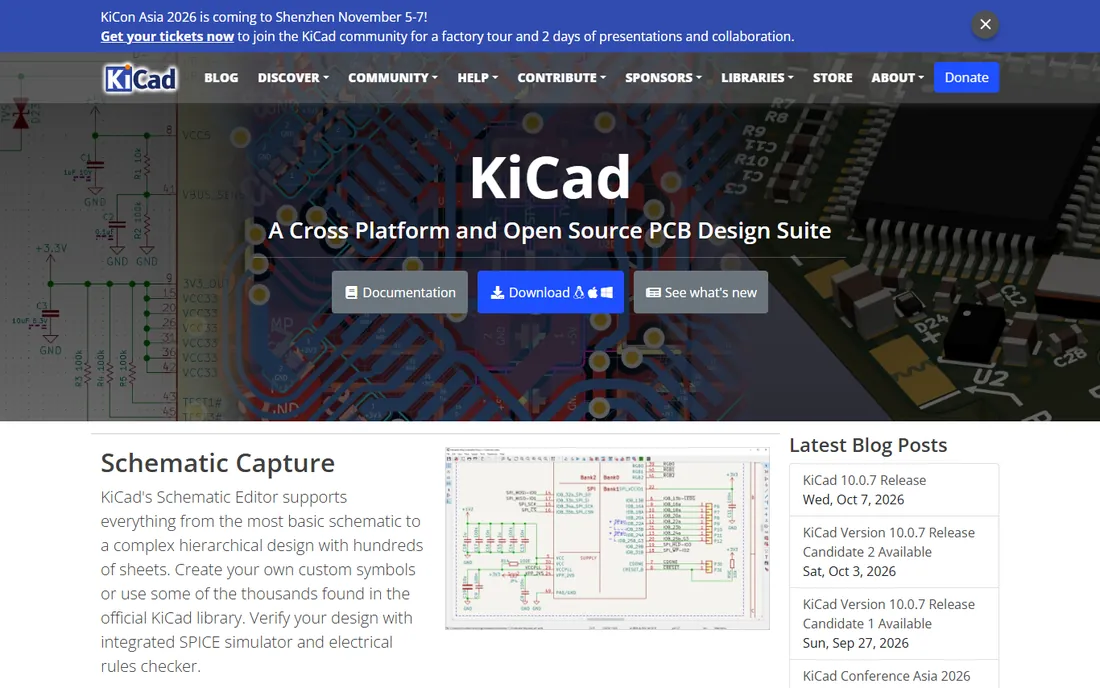
KiCad is the premier open-source EDA suite, and it keeps getting better. The schematic editor handles complex hierarchical designs, the PCB editor has a powerful interactive router, integrated SPICE simulation verifies circuits, and the 3D viewer with raytracing previews the finished board.
It is free forever, with no board-size or layer limits, and professionals use it for commercial products. The learning curve is real and there is no autorouter, but for budget-conscious teams and individuals, nothing else comes close. The plugin ecosystem and active development mean it improves every release, narrowing the gap with commercial tools year by year.
What we like- Completely free with no limits
- Schematic, layout, SPICE, and 3D viewer
- Large community and libraries
Watch out for- No built-in autorouter
- Library management takes effort
Starting price$57/month
Free planFree trial
Autodesk Fusion, at $57 per month billed annually, combines CAD, CAM, CAE, and PCB design in one cloud workspace. The electronics workspace handles schematic and layout, while the real advantage is mechanical integration: design the board and its enclosure together, with changes synchronized.
Teams building products where the PCB must fit a physical case get the most value. Pure electronics designers may prefer deeper EDA tools, but for electromechanical products, Fusion is unmatched. Startups also like the single subscription covering mechanical, manufacturing, and electronics, since it replaces several separate tools.
What we like- PCB design integrated with 3D CAD
- ECAD-MCAD co-design
- Cloud collaboration built in
Watch out for- PCB tools are less deep than dedicated EDA
- Subscription required
Starting priceSee website
Free planNo
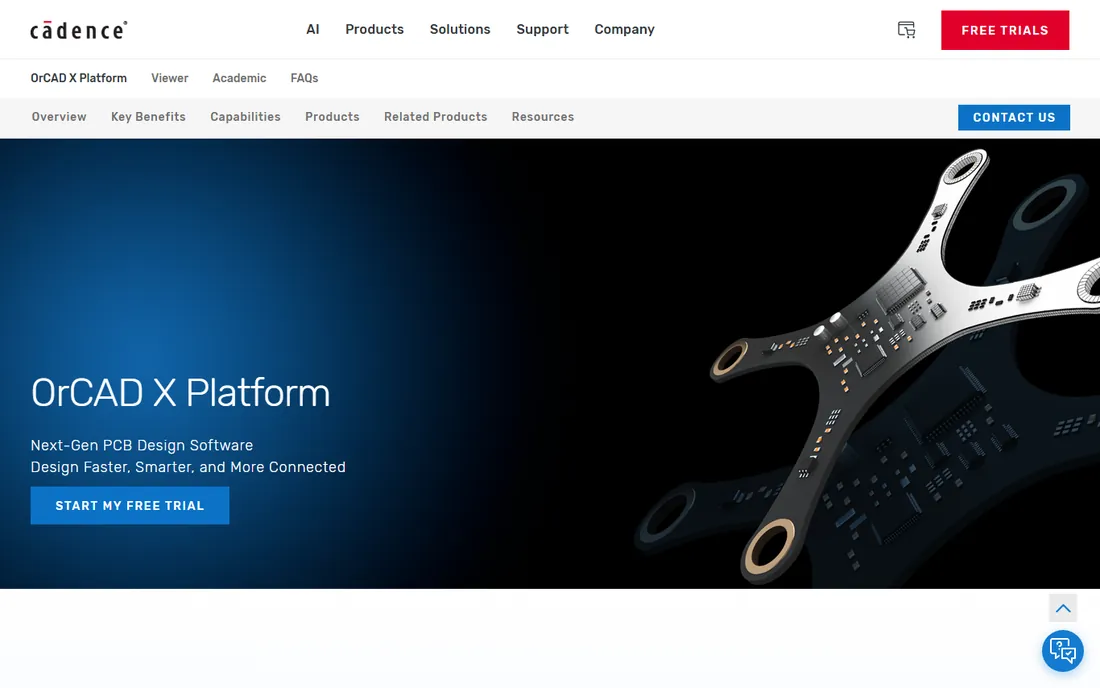
OrCAD X is Cadence's platform for small to mid-size businesses, combining the widely adopted OrCAD Capture schematic tool, PSpice simulation, and PCB layout with cloud collaboration. AI-driven automation accelerates routine tasks, and live BOM data from thousands of suppliers keeps designs manufacturable.
It brings enterprise-grade technology to smaller teams without the Allegro price tag. Pricing requires talking to Cadence, and the learning curve is steeper than KiCad or EasyEDA, but the depth is real. The PSpice integration alone justifies a look for analog-heavy designs, since it is the most trusted name in circuit simulation.
What we like- Industry-proven Capture and PSpice
- AI-driven automation
- Real-time supply chain data
Watch out for- Quote-based pricing
- Enterprise heritage shows in complexity
Starting priceFree
Free planYes
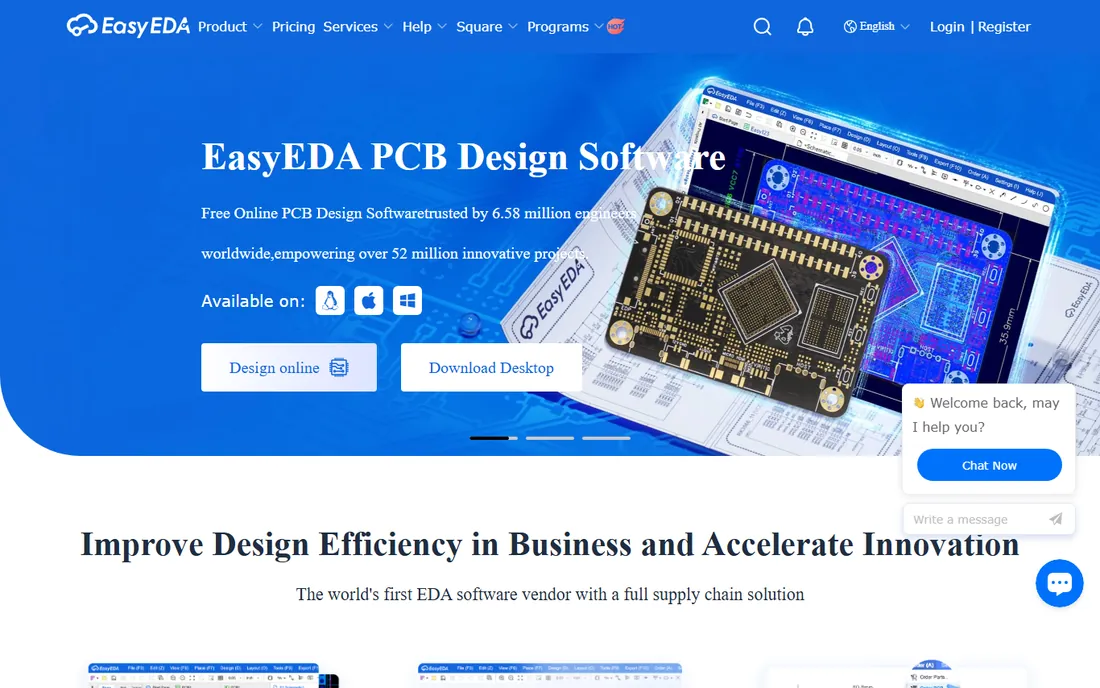
EasyEDA is the fastest path from idea to physical board. The free cloud-based tool covers schematic capture, PCB layout, and 3D preview, with millions of free libraries and real-time component pricing. One-click ordering sends the design straight to JLCPCB for fabrication.
Hobbyists, students, and startups prototyping simple to moderate boards will not find a quicker workflow. Complex high-speed designs may outgrow it, and the cloud dependence is worth noting, but for rapid prototyping it is outstanding. The desktop client with offline modes answers the most common objection, letting you work without a connection when needed.
What we like- Free and runs in the browser
- One-click ordering from JLCPCB
- Millions of free libraries
Watch out for- Cloud-dependent
- Advanced features need the paid tier
Starting priceFrom $75
Free planNo
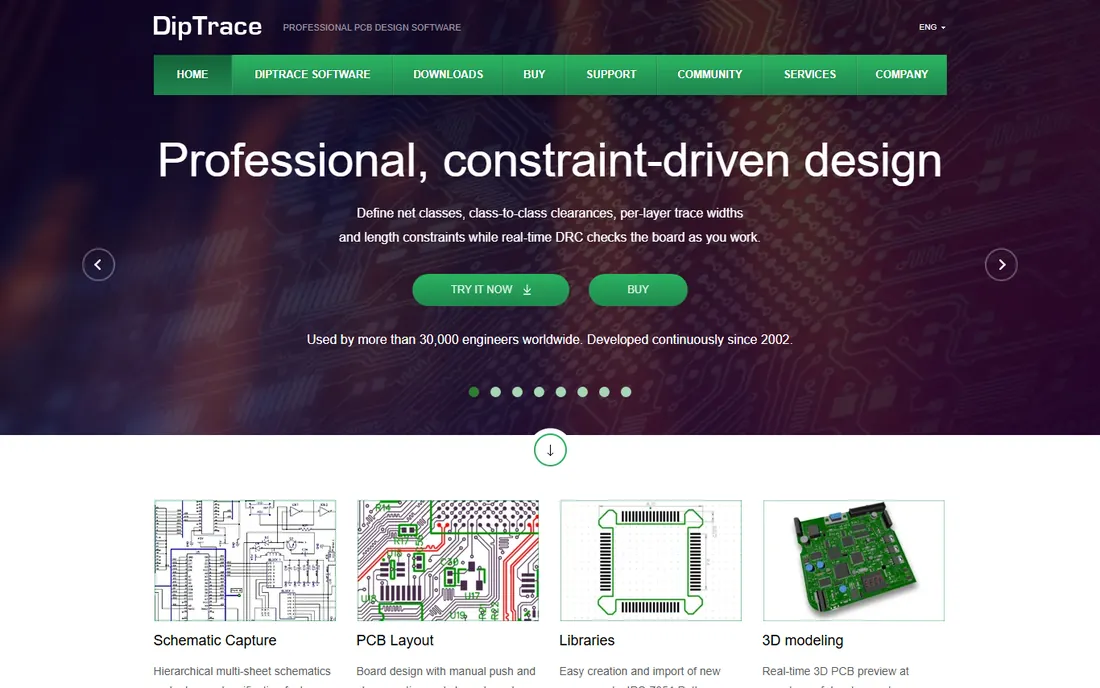
DipTrace sells perpetual licenses from $75 to $995 depending on pin count, a rarity in an industry moving to subscriptions. The interface is consistent across schematic, layout, and component editors, with push-and-shove routing, differential pair tools, and real-time DRC.
Small businesses and independent engineers who want professional tools without recurring fees should look here. The ecosystem is smaller than Altium's, but the value per dollar is excellent. The native XML project format also plays well with Git, which modern hardware teams increasingly expect.
What we like- Perpetual licenses with no subscription
- Intuitive consistent interface
- Strong high-speed routing tools
Watch out for- Smaller ecosystem than Altium
- 3D and MCAD integration is basic
Starting priceSee website
Free planNo
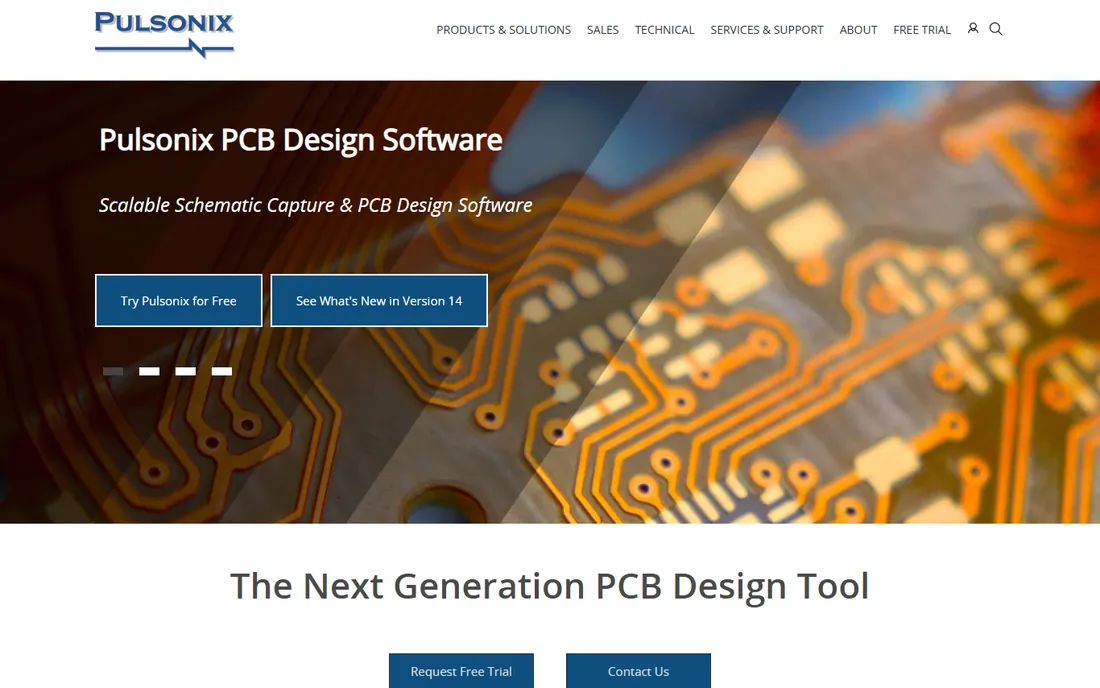
Pulsonix unites schematic capture, PCB layout, simulation, and manufacturing outputs in one intuitive environment, with high-speed design tools for DDR and PCIe, true flexi-rigid support, and a real-time 3D viewer. Users consistently praise the direct, qualified support from the development team.
It is less known than Altium or Cadence, but companies from startups to enterprises use it. For teams that want professional power with a human support experience, Pulsonix deserves a demo. Request the evaluation version and run a real board through it; an hour with your own design tells you more than any feature list.
What we like- Intuitive professional toolset
- High-speed and flexi-rigid support
- Praised customer support
Watch out for- Less market visibility
- Pricing by quote
How we chose
We reviewed vendor product pages, feature documentation, and practitioner discussion across engineering publications and forums, comparing schematic and layout capabilities, simulation, library ecosystems, pricing models, and manufacturing integration. We excluded discontinued products like Autodesk EAGLE. Every tool had to be currently available with a working website. We did not claim hands-on testing.
A buying guide for EDA software
Match the tool to your board complexity. Simple two-to-four-layer boards for prototypes: EasyEDA or KiCad will get you to fabrication fast and free. Commercial products with high-speed signals: Altium Designer, OrCAD X, or Pulsonix earn their price through constraint management and analysis.
Consider the mechanical side. If your board lives in a custom enclosure, Fusion's integrated ECAD-MCAD workflow or a tool with strong STEP export saves painful iterations and expensive rework. Pure board designers can ignore the mechanical question entirely and optimize for routing power instead.
Weigh licensing against your horizon. DipTrace's perpetual license is the cheapest long-term option for small teams. Subscriptions from Altium and Autodesk make sense when the collaboration and library ecosystems save more engineering time than they cost. Free tools cost nothing but your learning time. Run the numbers over three years, not one, because subscription costs compound while perpetual licenses do not.
Free versus paid EDA: where the line sits
Free EDA is genuinely capable now. KiCad designs commercial products, and EasyEDA takes you from browser to delivered boards. University labs and open-hardware projects have proven both at scale, so the question is no longer whether free tools work but whether your specific workflow needs the paid extras. The paid tools justify themselves in three areas: advanced high-speed analysis, managed libraries with supply chain data, and team collaboration at scale. If your designs are simple and your team is small, start free and upgrade only when a specific limitation costs you time or a board spin. A single respin of a four-layer board often costs more than a year of a mid-tier license, so do not let false economy drive the decision. Most failed boards fail from library errors and DFM mistakes, not from the tool's routing engine. Run the built-in design rule checks before every single fabrication order, no matter which tool you chose.
Libraries make or break your EDA choice
Ask experienced PCB designers what costs them the most time, and the answer is rarely routing. It is component libraries: finding or building verified symbols and footprints, keeping them consistent, and making sure the part you placed is the part you can actually buy. This is where the tools diverge sharply.
Altium and OrCAD X invest heavily here, with managed libraries, millions of verified models, and live supply chain data showing price, stock, and lifecycle. EasyEDA gives you millions of free libraries tied to its manufacturing partner. KiCad's libraries are community-built and extensive but require more curation. Before committing to any tool, spend an hour checking whether the components you actually use exist in its libraries. A beautiful router cannot compensate for a missing footprint. Make library coverage part of your evaluation checklist, right alongside routing power and simulation depth.
Frequently asked questions
What is the best EDA software for beginners?
EasyEDA for the gentlest start, with its browser interface and one-click manufacturing. KiCad for beginners willing to invest learning time in a tool that scales to professional work. Both have large tutorial communities on video platforms, so help is never far away.
Is KiCad really free for commercial use?
Yes. KiCad is open source with no restrictions on commercial use, no board-size limits, and no license fees. Professionals and companies ship real products designed in KiCad. The CERN-backed development and regular releases keep it improving, and the permissive licensing means your designs are always yours.
What happened to Autodesk EAGLE?
Autodesk discontinued EAGLE and folded electronics design into Autodesk Fusion. Existing EAGLE users were migrated to Fusion, which is why we list Fusion instead.
Which EDA tool is best for small businesses?
DipTrace for affordable perpetual licensing, OrCAD X for proven professional tools scaled to SMBs, and KiCad if the budget is zero. EasyEDA covers rapid prototyping for free. EasyEDA works for rapid prototyping.
Do I need simulation in my EDA tool?
For analog and mixed-signal designs, yes: SPICE simulation catches problems before fabrication. KiCad, OrCAD X, DipTrace, and Pulsonix all include it. Pure digital boards can often skip it. When in doubt, simulate: an hour of simulation beats a week waiting for a respin.
Sources we checked (7)
- https://altium.com/
- https://kicad.org/
- https://www.autodesk.com/products/fusion-360/overview
- https://www.orcad.com/
- https://easyeda.com
- https://diptrace.com/
- https://pulsonix.com/
Is your product missing or out of date?
We review this list regularly. Vendors can request a listing, send updated pricing or ask about featured placement.

Shihab Mia · Founder, Rankite
Shihab has spent more than a decade helping SaaS and e-commerce brands grow through search. He writes Rankite's software buying guides from pricing pages, documentation and public user reviews. More about Shihab.