How we make this list: we compare pricing pages, product documentation and public user reviews. Rankite is independent; if a vendor ever pays for a featured spot, that listing is clearly labeled Partner.
Key takeaways
- Ansys Mechanical and Abaqus are the industry-standard solvers for complex nonlinear and multiphysics analysis.
- COMSOL Multiphysics is the choice when your problem spans multiple physics, like electromagnetics coupled with structural mechanics.
- SimScale brings FEA to the browser with a free Community plan, removing the hardware barrier.
- SOLIDWORKS Simulation and Autodesk Fusion integrate FEA directly into CAD, which is ideal for design engineers iterating quickly.
- Altair HyperWorks pairs strong solvers with best-in-class optimization for lightweighting and structural design.
- Expect quote-based pricing on the enterprise tools; only SimScale and Fusion publish clear starting prices.
Quick comparison
| Tool | Best for | Starting price | Free plan |
|---|
 Ansys Mechanical Ansys Mechanical | complex structural simulation at enterprise scale | See website | Free trial |
 Abaqus Abaqus | nonlinear and dynamic FEA | See website | No |
 COMSOL Multiphysics COMSOL Multiphysics | multiphysics simulation | See website | Free trial |
 SimScale SimScale | cloud-based FEA in the browser | Free (Community) | Yes |
 SOLIDWORKS Simulation SOLIDWORKS Simulation | CAD-integrated FEA for design teams | See website | Free trial |
 Altair HyperWorks Altair HyperWorks | optimization-driven structural design | See website | Free trial |
 Autodesk Fusion Autodesk Fusion | affordable CAD-plus-simulation | £52/month (billed annually) | Free trial |
Is your product missing or out of date?
We review this list regularly. Vendors can request a listing, send updated pricing or ask about featured placement.
The best finite element analysis software
#1
Ansys Mechanical
Best for: complex structural simulation at enterprise scale
Visit ansys.com
Starting priceSee website
Free planFree trial
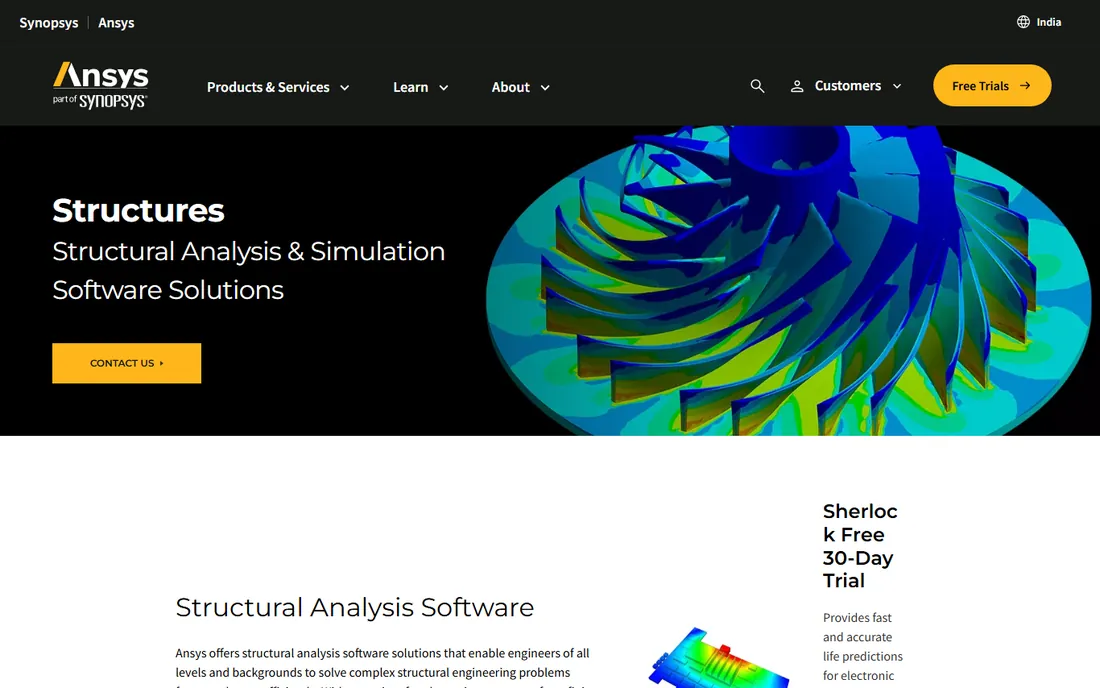
Ansys Mechanical is the benchmark against which other FEA tools are measured. Its solver handles everything from routine linear statics to complex nonlinear contact, fracture mechanics, fatigue life, and coupled thermal-structural analysis. The Workbench environment ties geometry preparation, meshing, solving, and post-processing into one workflow, and Python scripting automates repetitive studies.
Ansys suits organizations where simulation results feed certification, warranty, or safety decisions. Pricing is quote-based and the learning curve is real, but the solver's track record in aerospace, automotive, and energy is unmatched. If your analyses involve nonlinearity, large assemblies, or regulatory scrutiny, Ansys Mechanical is the default choice.
What we like- The most trusted general-purpose FEA solver
- Linear, nonlinear, vibration, thermal, and acoustics in one environment
- Strong automation and scripting
Watch out for- Quote-based enterprise pricing
- Steep learning curve
- Demands serious workstation hardware
Starting priceSee website
Free planNo
Abaqus, from Dassault Systemes SIMULIA, is the solver engineers reach for when things get nonlinear: crash, impact, rubber seals, metal forming, and fracture. Abaqus/Standard handles implicit statics and dynamics while Abaqus/Explicit tackles high-speed transient events, and the two can be coupled in a single workflow. The material model library and user-subroutine customization are the deepest in the industry.
This is specialist software with specialist pricing, sold through quotes and typically bundled into enterprise agreements. For routine linear statics it is more than you need. But when your problem involves extreme deformation, complex contact, or explicit dynamics, Abaqus is the tool analysts trust most.
What we like- Outstanding nonlinear and explicit dynamics solvers
- Huge material model library
- Customizable through user subroutines
Watch out for- Expensive and quote-only
- Interface is powerful but dense
- Overkill for simple linear analysis
Starting priceSee website
Free planFree trial
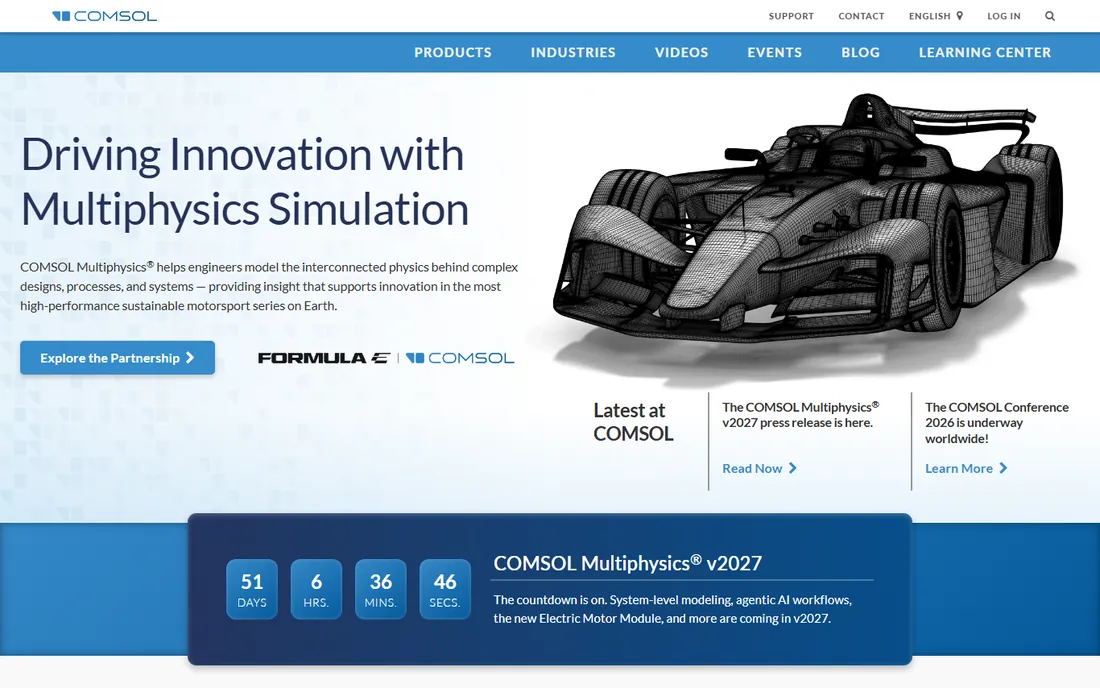
COMSOL Multiphysics earns its place when your problem is not just structural. It couples structural mechanics with heat transfer, fluid flow, electromagnetics, acoustics, and chemical reactions in a single model, with an equation interpreter that lets you define custom physics. MEMS designers, acoustics engineers, and researchers love it for problems no single-physics tool can touch.
Pricing is quote-based and the module system means costs add up. For pure structural analysis it is less streamlined than Ansys or Abaqus. But when your design lives at the intersection of physics, COMSOL is the most flexible simulation environment available, and the free trial lets you test your actual multiphysics problem before committing.
What we like- Couples any physics in one model
- Equation-based modeling for custom phenomena
- Strong in MEMS, acoustics, and electromagnetics
Watch out for- Quote-based pricing
- Less streamlined for pure structural workflows
- Demands physics knowledge
Starting priceFree (Community)
Free planYes
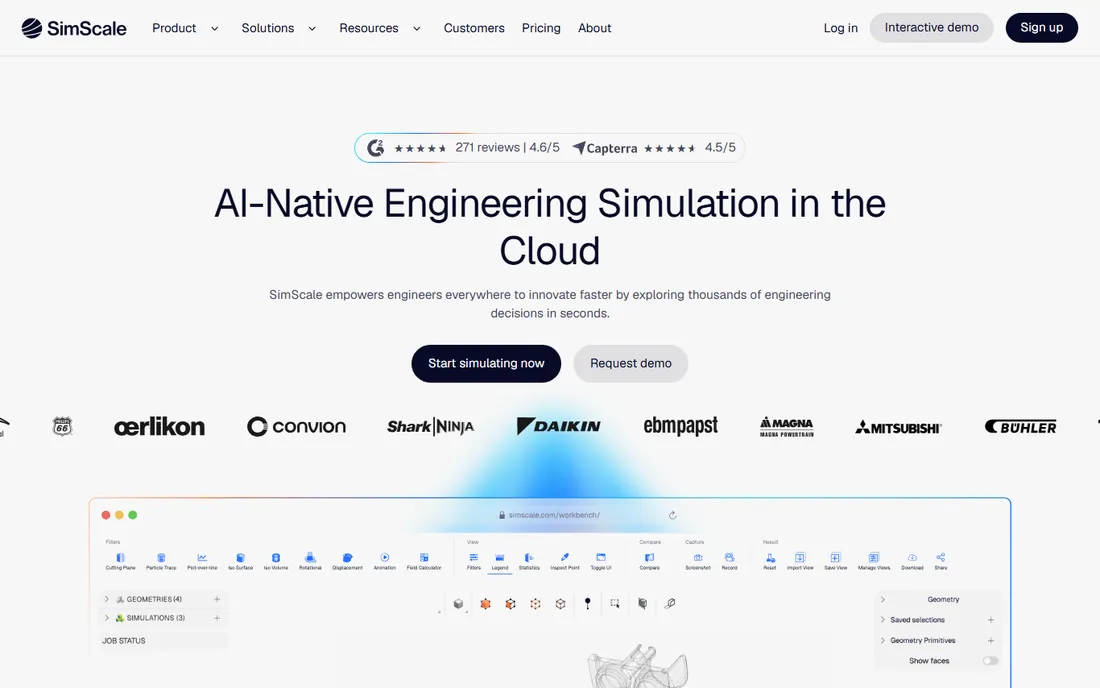
SimScale removed the two biggest barriers to FEA: hardware and cost. The entire workflow, from CAD import and meshing to solving and post-processing, runs in a web browser backed by cloud HPC. The free Community plan includes real FEA simulations with up to 3,000 core hours, which is enough for learning and evaluation. Paid Mechanical, Professional, and Enterprise plans add privacy, higher fidelity, and multi-physics.
The catches are straightforward: free projects are public, paid pricing requires a quote, and you need a solid internet connection. For small companies, startups, and engineers without workstation budgets, SimScale is the most accessible serious FEA option, and its Onshape integration makes it a natural fit for cloud CAD users.
What we like- Runs entirely in the browser with no installation
- Free Community plan with real solver access
- On-demand HPC without hardware investment
Watch out for- Community projects are public
- Paid plans are quote-based
- Internet-dependent workflow
Starting priceSee website
Free planFree trial
SOLIDWORKS Simulation wins on workflow: because it runs inside SOLIDWORKS, every design change updates the simulation automatically. Design engineers can run stress, thermal, vibration, and drop-test studies without leaving CAD or learning a separate pre-processor. The tiered lineup runs from the free SimulationXpress sanity checker up to nonlinear and dynamics packages.
It is not a replacement for Ansys when contact nonlinearity or explicit dynamics control the outcome, and the solver occupies your CAD seat during runs. Pricing is quote-based through resellers. For product teams whose bottleneck is iteration speed rather than solver depth, CAD-integrated FEA is the right trade, and SOLIDWORKS Simulation is the most mature version of it.
What we like- Lives inside SOLIDWORKS CAD with full associativity
- Fast iteration for design engineers
- Tiered from Xpress to Premium
Watch out for- Tied to an active SOLIDWORKS session
- Weaker on deep nonlinear analysis
- Requires the CAD license first
#6
Altair HyperWorks
Best for: optimization-driven structural design
Visit altair.com
Starting priceSee website
Free planFree trial

Altair HyperWorks pairs capable solvers with the industry's most respected structural optimization. OptiStruct's topology, topography, and shape optimization routinely strip double-digit weight percentages from brackets, mounts, and chassis components. RADIOSS covers crash and nonlinear dynamics, while HyperMesh remains the pre-processor many analysts prefer even when solving elsewhere.
The platform is broad, which means a learning curve, and pricing is quote-based. Altair's units-based licensing lets you draw from a pool of tokens across products, which suits teams using several tools. For weight-critical design work in automotive and aerospace, HyperWorks is the optimization-led alternative to Ansys.
What we like- OptiStruct optimization is best in class
- RADIOSS for crash and nonlinear dynamics
- HyperMesh is the industry standard pre-processor
Watch out for- Quote-based pricing
- Broad platform takes time to learn
- Strongest in automotive and aerospace workflows
Starting price£52/month (billed annually)
Free planFree trial
Autodesk Fusion bundles CAD, CAM, PCB, and simulation into a single subscription starting at £52 per month billed annually, with a 30-day trial. The built-in simulation covers static stress, thermal, thermal stress, modal, and buckling analysis, solved in the cloud so your laptop does not need workstation specs. For small shops and product designers, it is an enormous amount of capability per dollar.
The trade-off is depth: Fusion's solvers handle mainstream design validation well but cannot match Ansys or Abaqus for advanced nonlinear or explicit dynamics work. The Simulation Extension, at roughly $1,465 per user per year, opens up deeper studies for those who need them. For teams whose FEA needs are validation rather than research, Fusion is the value pick.
What we like- CAD, CAM, and simulation in one subscription
- Cloud solving without local hardware
- Far cheaper than enterprise FEA
Watch out for- Simulation depth below dedicated solvers
- Simulation Extension adds cost for advanced studies
- Cloud credits for some analyses
Most FEA questions are linear: small deflections, constant stiffness, one load step. Every tool here handles those. The expensive question is whether your problem is nonlinear: large deformations, contact between parts, plastic materials, or time-dependent dynamics. Nonlinear analysis demands better solvers, more expertise, and usually Ansys, Abaqus, or RADIOSS. Buying an enterprise nonlinear solver for linear bracket checks wastes money; buying a CAD-integrated tool for crash simulation wastes time. Classify your hardest problem honestly before you shop. When in doubt, run a pilot project on your actual geometry with two finalists and compare both the results and the effort required to get them.
How to choose finite element analysis software
Start with your hardest analysis, not your most common one. If it involves nonlinearity, contact, or explicit dynamics, you need Ansys, Abaqus, or Altair. If it spans multiple physics, shortlist COMSOL. If your work is design validation inside CAD, SOLIDWORKS Simulation or Fusion will iterate faster. If budget or hardware is the constraint, SimScale's free Community plan gets you solving today.
Then weigh the ecosystem costs. Enterprise solvers are quote-priced and need training and hardware, so budget two to three times the license cost for the first year. Request trials with your own geometry and your hardest load case, because solver marketing never shows the model that fails to converge. The tool that converges on your real problem is the right one.
How we chose
We evaluated FEA tools using vendor product pages, documentation, and feature lists, alongside public reviews on G2, Capterra, engineering forums, and Reddit. We weighed solver capabilities, physics coverage, CAD integration, cloud versus desktop deployment, and pricing transparency. We did not perform hands-on testing.
Frequently asked questions
What is the best FEA software for beginners?
SimScale's free Community plan is the easiest starting point, since it runs in a browser with no hardware requirements. Autodesk Fusion is the best affordable commercial option for design engineers. SOLIDWORKS Simulation suits beginners who already know SOLIDWORKS CAD.
How much does FEA software cost?
It ranges from free (SimScale Community) to thousands per year. Autodesk Fusion starts around £52/month. SOLIDWORKS Simulation and COMSOL are quote-based, with third-party listings suggesting several thousand dollars annually. Ansys, Abaqus, and Altair are enterprise-priced through quotes, typically tens of thousands per seat per year.
Can I do FEA without a powerful computer?
Yes. SimScale and Autodesk Fusion solve in the cloud, so a basic laptop works. Traditional desktop solvers like Ansys and Abaqus benefit from workstation CPUs, lots of RAM, and fast storage, especially for large nonlinear models.
What is the difference between linear and nonlinear FEA?
Linear FEA assumes small deflections and constant material stiffness, which suits most basic stress checks. Nonlinear FEA accounts for large deformations, contact, plasticity, and changing stiffness, which is needed for crash, forming, rubber parts, and buckling analysis. Nonlinear studies take longer and demand more expertise.
Is cloud-based FEA reliable for professional work?
For design validation and moderate complexity, yes. SimScale and Fusion produce trustworthy results for linear statics, modal, and thermal studies. Highly nonlinear, regulated, or ITAR-restricted work usually stays on desktop solvers for control, performance, and data-sovereignty reasons.
Do I need FEA if I have a CAD-integrated simulator?
For many design teams, CAD-integrated simulation is enough. Step up to a dedicated solver when you need advanced nonlinear analysis, explicit dynamics, fatigue life prediction, or multiphysics coupling that your CAD tool cannot handle.
Sources we checked (7)
- https://www.ansys.com/en-in/products/structures
- https://www.3ds.com/products/simulia/abaqus/standard
- https://www.comsol.com
- https://www.simscale.com/product/pricing/
- https://www.solidworks.com/product/solidworks-simulation
- https://www.altair.com
- https://autodesk.com/uk/products/fusion-360/overview
Is your product missing or out of date?
We review this list regularly. Vendors can request a listing, send updated pricing or ask about featured placement.

Shihab Mia · Founder, Rankite
Shihab has spent more than a decade helping SaaS and e-commerce brands grow through search. He writes Rankite's software buying guides from pricing pages, documentation and public user reviews. More about Shihab.