How we make this list: we compare pricing pages, product documentation and public user reviews. Rankite is independent; if a vendor ever pays for a featured spot, that listing is clearly labeled Partner.
Key takeaways
- ChatGPT and Perplexity cover everyday AI work, but they answer different needs. ChatGPT handles drafting, brainstorming and general tasks, while Perplexity suits research with cited sources.
- Media creation has clear specialists. Midjourney leads on images, Runway on video clips, and ElevenLabs on synthetic voice, though none gives away real production work for free.
- For teams, GitHub Copilot is the natural pick for developers already on GitHub, Jasper fits marketing teams that need brand-consistent copy, and Otter.ai pays for itself if your calendar is full of meetings.
- Watch the fine print. Several tools bill in credits that burn faster than expected, and the jump from a free tier to a usable paid plan is often bigger than the headline price suggests.
Quick comparison
| Tool | Best for | Starting price | Free plan |
|---|
 ChatGPT ChatGPT | everyday AI assistance and drafting | $20/month (Plus) | Yes (free tier with limits) |
 Jasper Jasper | marketing teams producing on-brand copy | $69/seat/month (billed monthly), $59/seat/month (billed annually) | Free trial (7 days) |
 Midjourney Midjourney | AI-generated images and art | $10/month (Basic) | No |
 Runway Runway | AI video generation and editing | $15/month (billed monthly), $12/month (billed annually) | Yes (free tier with 125 one-time credits) |
 ElevenLabs ElevenLabs | realistic AI voiceovers | $6/month (Starter) | Yes (free plan with non-commercial limits) |
 Perplexity Perplexity | AI search with cited sources | $20/month (Pro) | Yes (free tier) |
 GitHub Copilot GitHub Copilot | developers writing code daily | $10/month (Pro) | Yes (limited free tier) |
 Descript Descript | podcast and video editing | $24/month (billed monthly), $16/month (billed annually) | Yes (limited free plan) |
 Synthesia Synthesia | training and corporate videos with AI avatars | $29/month (billed monthly), $18/month (billed annually) | Yes (free Basic plan, watermarked) |
 Otter.ai Otter.ai | meeting transcription and notes | $16.99/user/month (billed monthly), $8.33/user/month (billed annually) | Yes (free Basic plan) |
Is your product missing or out of date?
We review this list regularly. Vendors can request a listing, send updated pricing or ask about featured placement.
Starting price$20/month (Plus)
Free planYes (free tier with limits)
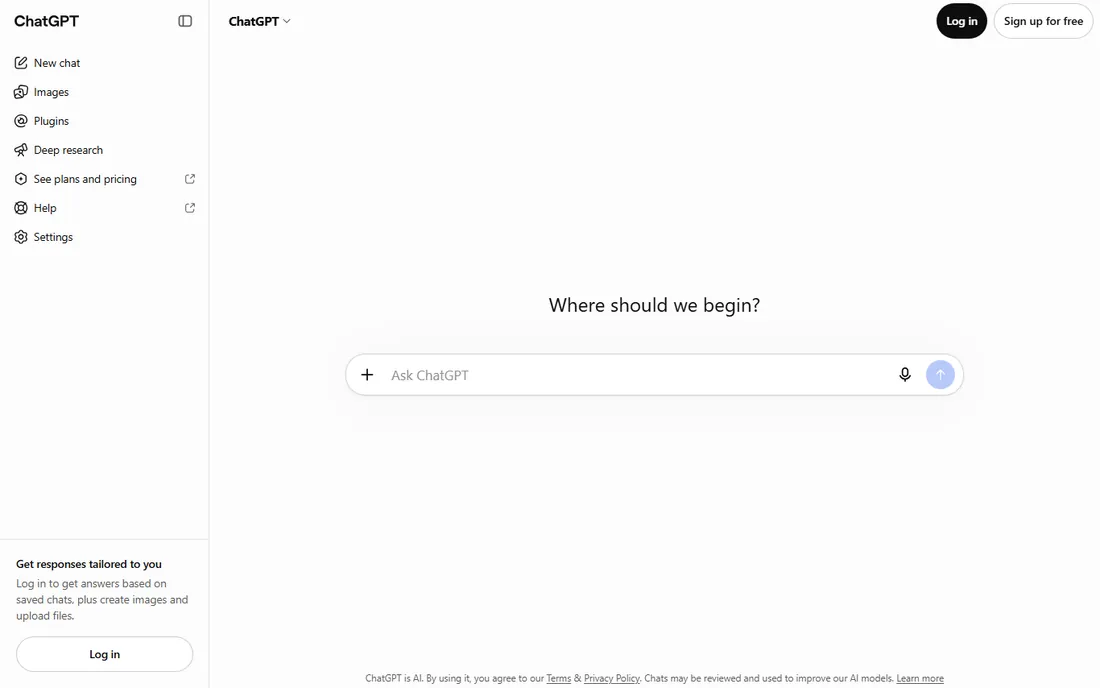
For most teams, ChatGPT is the first AI subscription to buy. It drafts emails, summarizes documents, brainstorms campaigns and writes code snippets with a fluency that still sets the benchmark. The Plus plan at $20 a month removes the worst of the throttling and gives access to the stronger models, which is where the real value lives.
The honest catch is verification. ChatGPT states uncertain facts with complete confidence, so anything destined for publication needs a human check. It also has no memory of your brand voice beyond what you paste in, which makes it a weak fit for teams that need consistent tone across dozens of writers. Used as a thinking partner rather than a publisher, it earns its price.
What we like- Strongest general-purpose model
- Huge plugin and integration ecosystem
- Fast and reliable for writing tasks
Watch out for- Can hallucinate facts confidently
- Free tier is slower and capped
Starting price$69/seat/month (billed monthly), $59/seat/month (billed annually)
Free planFree trial (7 days)
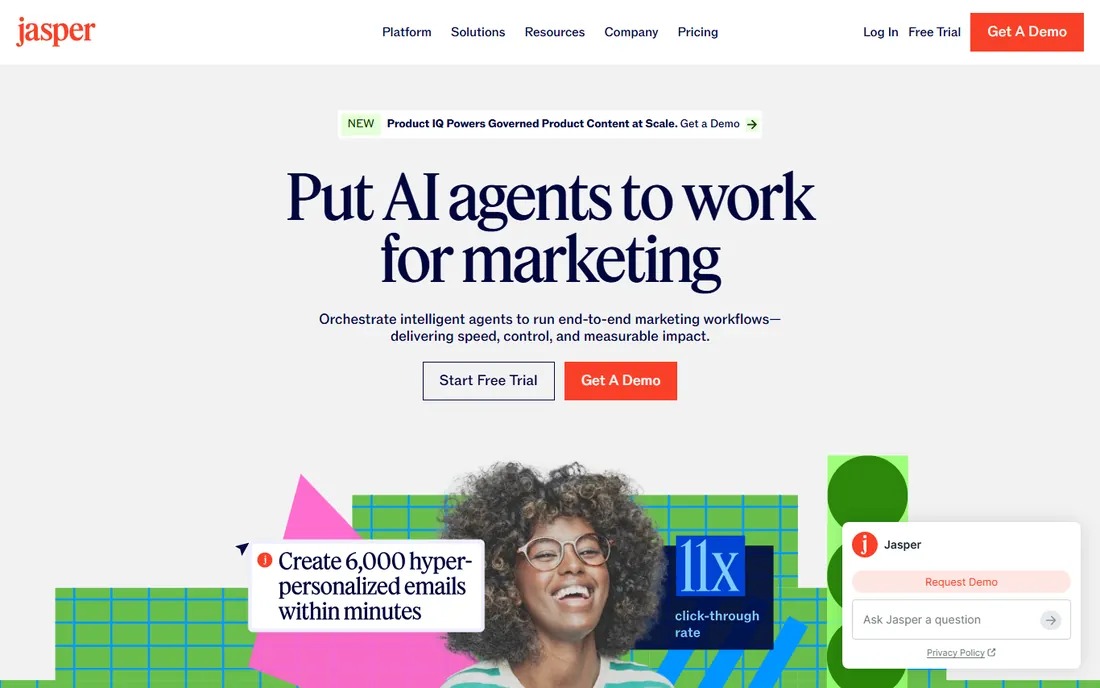
Jasper sells control to marketing teams that a general chatbot cannot give them. You define a brand voice, load in style guides and product facts, and the output reads like it came from your team instead of a machine. For agencies and content teams publishing at volume, that consistency is the whole product.
The trade-off is price and scope. At $69 per seat on monthly billing, a five-person content team pays more than most single-purpose SaaS tools combined, and Jasper is a poor substitute for a general assistant. Small teams should test the seven-day trial on a real campaign before committing, because the value shows up only when several people write every week.
What we like- Brand voice controls keep output consistent
- Templates for ads, blogs and email
- Collaboration features for marketing teams
Watch out for- Per-seat pricing adds up fast
- Weaker than ChatGPT for general tasks
Starting price$10/month (Basic)
Free planNo
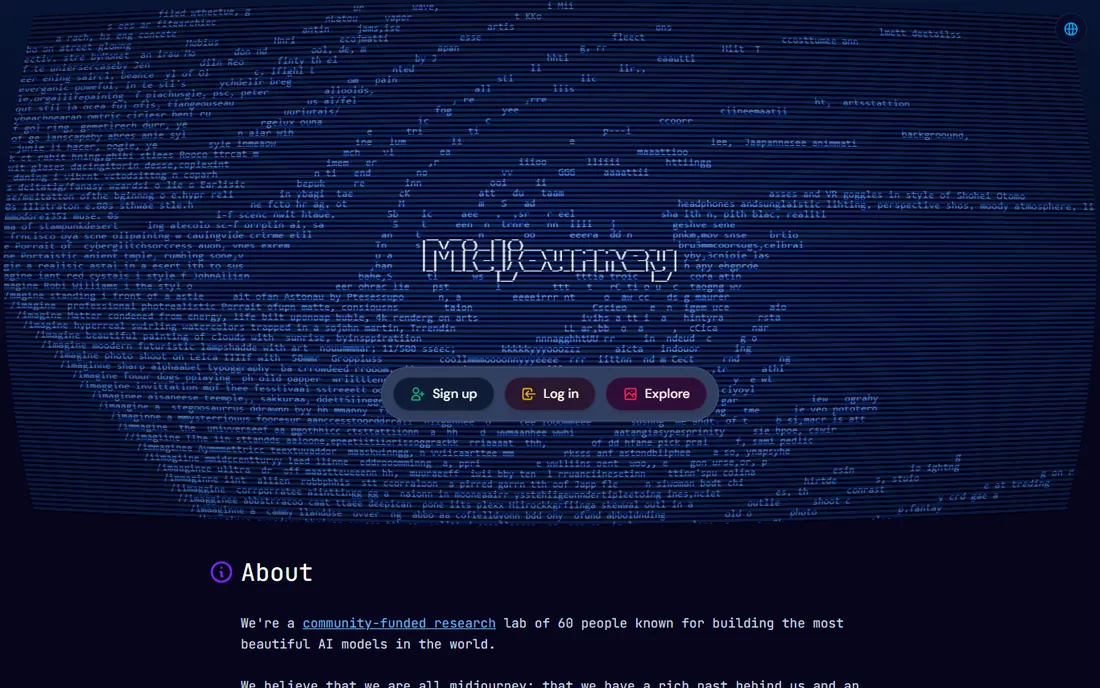
Nobody generates better images from a text prompt than Midjourney. Marketers, indie game developers and content creators use it for hero images, concept art and social graphics that would once have required a stock photo budget or an illustrator. The Basic plan at $10 a month is one of the cheapest entries in this entire list.
What you give up is convenience. Midjourney still runs through Discord, which feels odd for a paid product, and there is no free tier, so you subscribe on faith or on a friend's recommendation. Prompting is also a skill: great results take practice, and the commercial-use terms vary by plan, so read them before using images in client work.
What we like- Best image quality from text prompts
- Strong community and style sharing
- Fast generation
Watch out for- Discord-based workflow confuses new users
- No free tier or trial
Starting price$15/month (billed monthly), $12/month (billed annually)
Free planYes (free tier with 125 one-time credits)
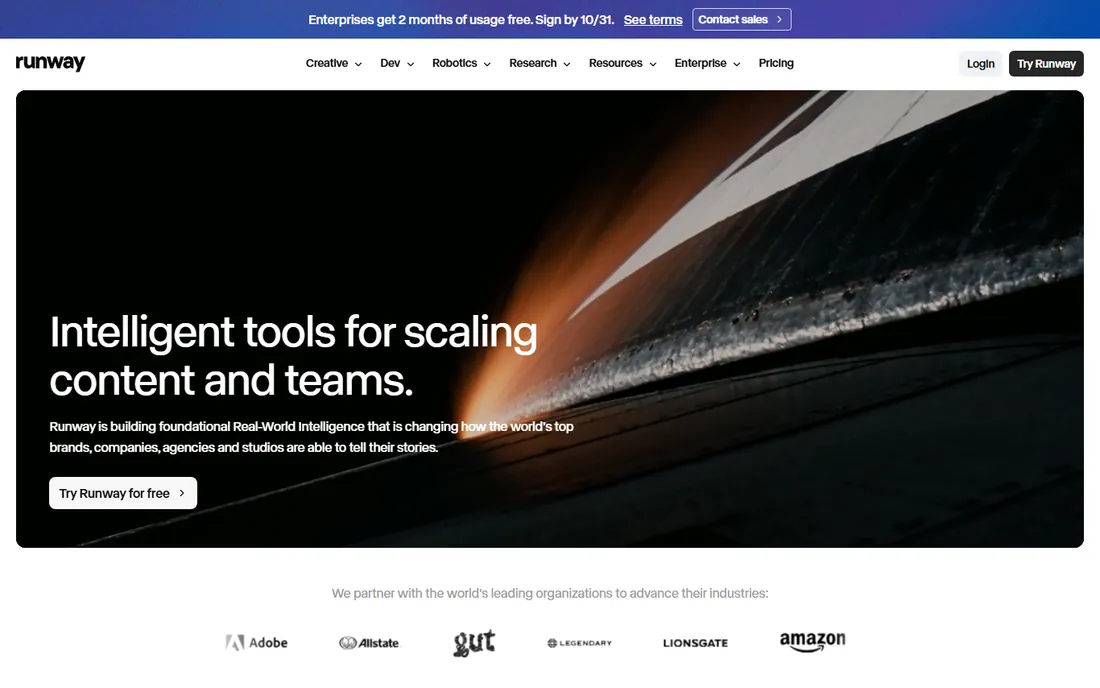
Runway turns a sentence into a video clip you can actually use. Beyond generation, it offers practical editing tools like background removal and object erasing that save hours in post-production. For social teams and small studios, the Standard plan at $15 a month is a reasonable experiment.
The meter runs fast. Video generation eats credits, and a few minutes of experimentation can exhaust the free tier's 125 one-time credits in an afternoon. Longer clips and higher resolutions cost more, so budget for overage or a higher tier if video becomes a regular channel. Treat the free plan as a demo, not a production tool.
What we like- Text-to-video and video editing in one place
- Green screen and inpainting tools
- Generous creative control
Watch out for- Credits burn quickly on long clips
- Output quality varies by prompt
Starting price$6/month (Starter)
Free planYes (free plan with non-commercial limits)
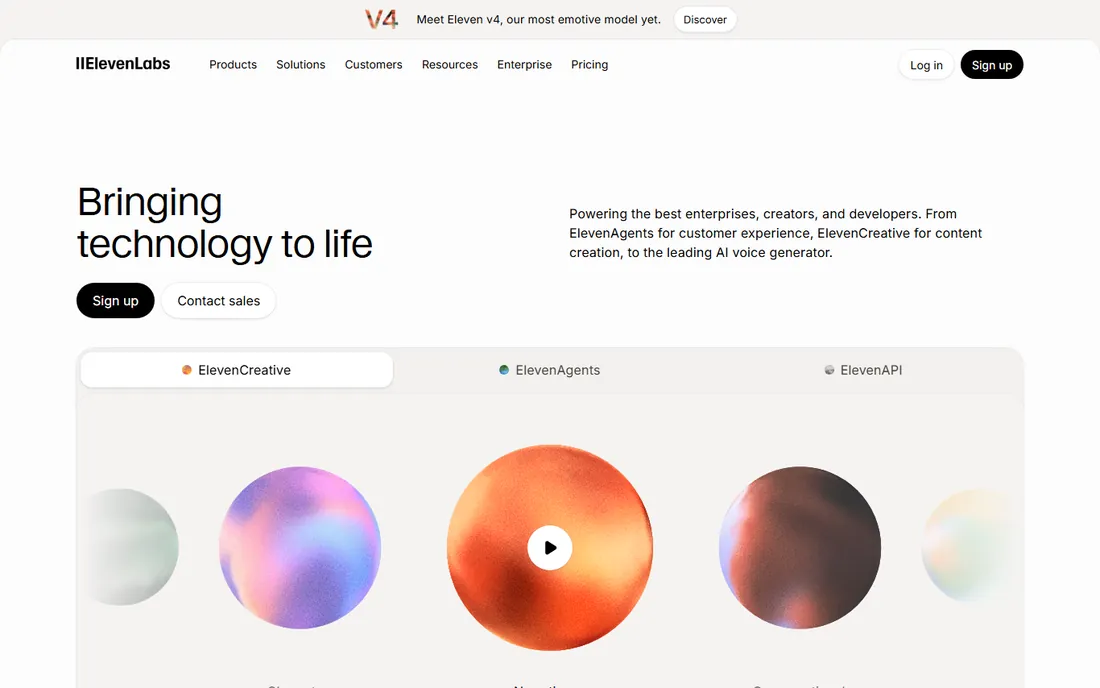
ElevenLabs has built its reputation on synthetic voices that sound remarkably human. Podcasters use it for intros, course creators for narration, and developers for voice features in apps. At $6 a month, Starter is the cheapest paid plan in this roundup, which makes it easy to try.
The limits matter. The free plan does not cover commercial use, so any business voiceover needs a paid tier, and higher-quality voices consume more characters per minute of audio. Voice cloning also raises real ethical questions: the technology is powerful enough to imitate real people, so use it for your own voice or licensed voices only. Within those bounds, it is the best value in voice AI.
What we like- Remarkably natural voice quality
- Voice cloning for consistent narration
- Large voice library
Watch out for- Free plan is non-commercial
- Ethical concerns around voice cloning
Starting price$20/month (Pro)
Free planYes (free tier)
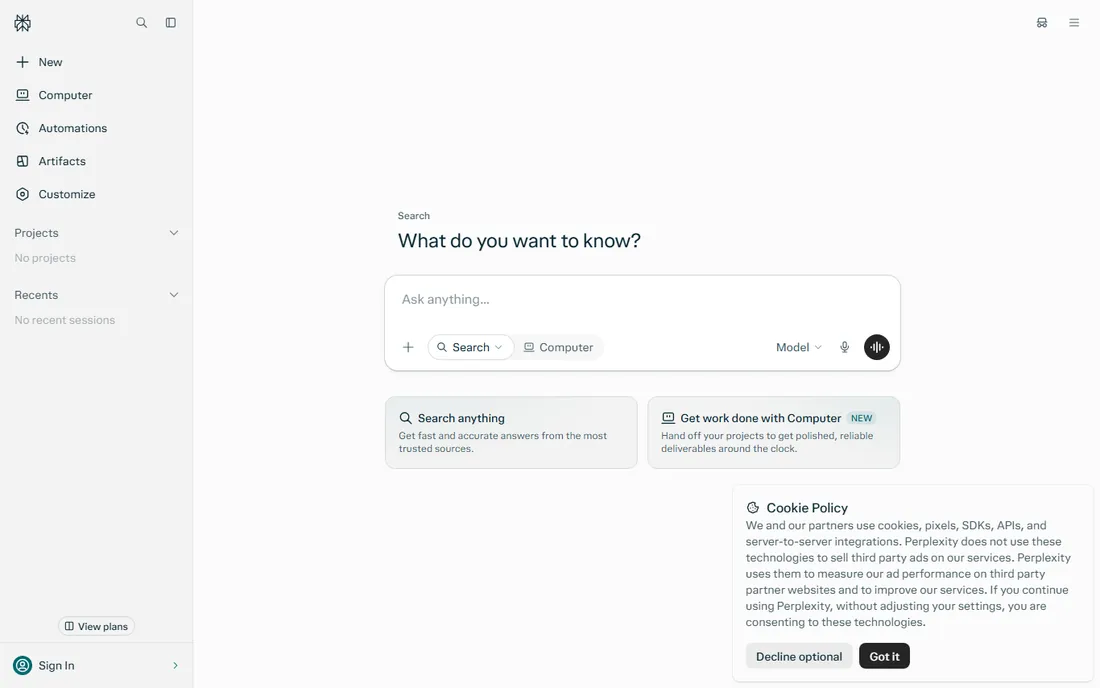
Perplexity answers questions the way a research assistant would, with sources attached. Instead of a confident paragraph you cannot verify, you get an answer with links you can click. For market research, competitive analysis and fact-finding, that habit of citation makes it more trustworthy than a general chatbot.
The free tier handles light research, but heavy users hit the Pro search limits and face the same $20 monthly decision as ChatGPT Plus. It is also a specialist: ask it to write a poem or brainstorm a brand name and ChatGPT does better. Buy Perplexity for answers you need to defend, not for creative work.
What we like- Answers include real citations
- Current information, not a frozen model
- Clean research workflow
Watch out for- Pro is pricey for casual use
- Weaker at creative writing than ChatGPT
Starting price$10/month (Pro)
Free planYes (limited free tier)
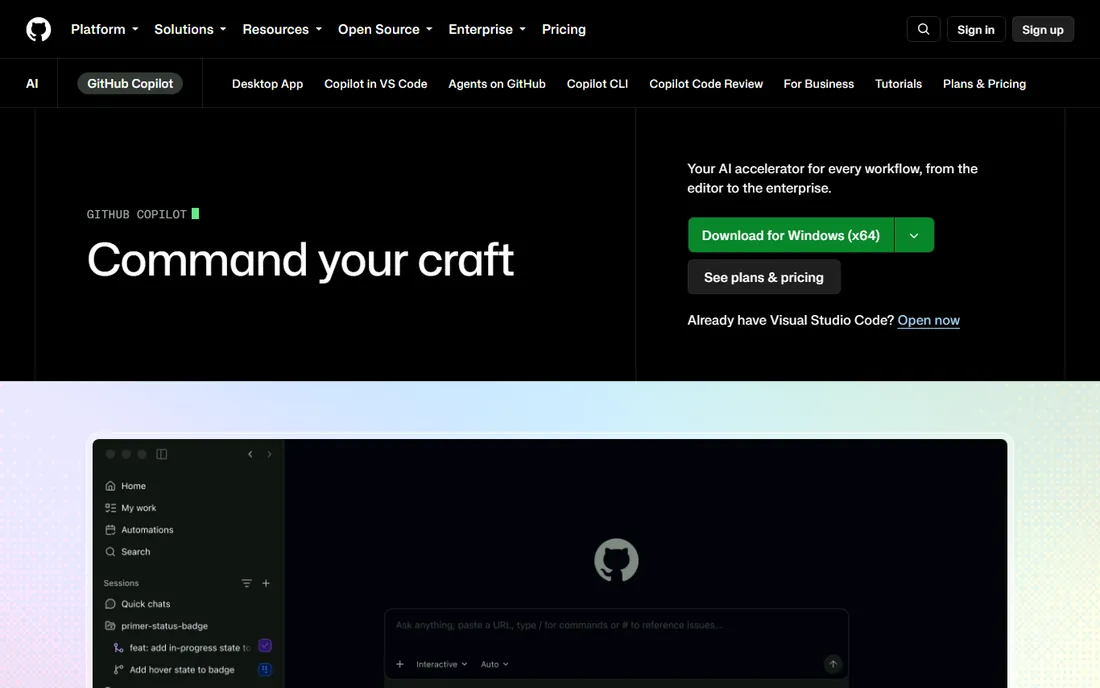
GitHub Copilot lives inside the editor your developers already use, which is why it spread so fast. It autocompletes functions, writes tests and explains unfamiliar code, typically saving real time on boilerplate. At $10 a month, it costs less than an hour of developer time, so the math is easy for most teams.
It is not a senior engineer. Copilot suggests plausible code that can be subtly wrong, and accepting suggestions blindly creates bugs that cost more than the time saved. Teams get the best results when developers treat it as a fast junior pair programmer: useful, quick, and always supervised. Note that sign-ups for new Pro plans were paused in 2026, so check current availability.
What we like- Works inside the editors developers already use
- Speeds up boilerplate and tests
- Deep GitHub integration
Watch out for- Suggestions need review
- Limited value outside code editors
Starting price$24/month (billed monthly), $16/month (billed annually)
Free planYes (limited free plan)
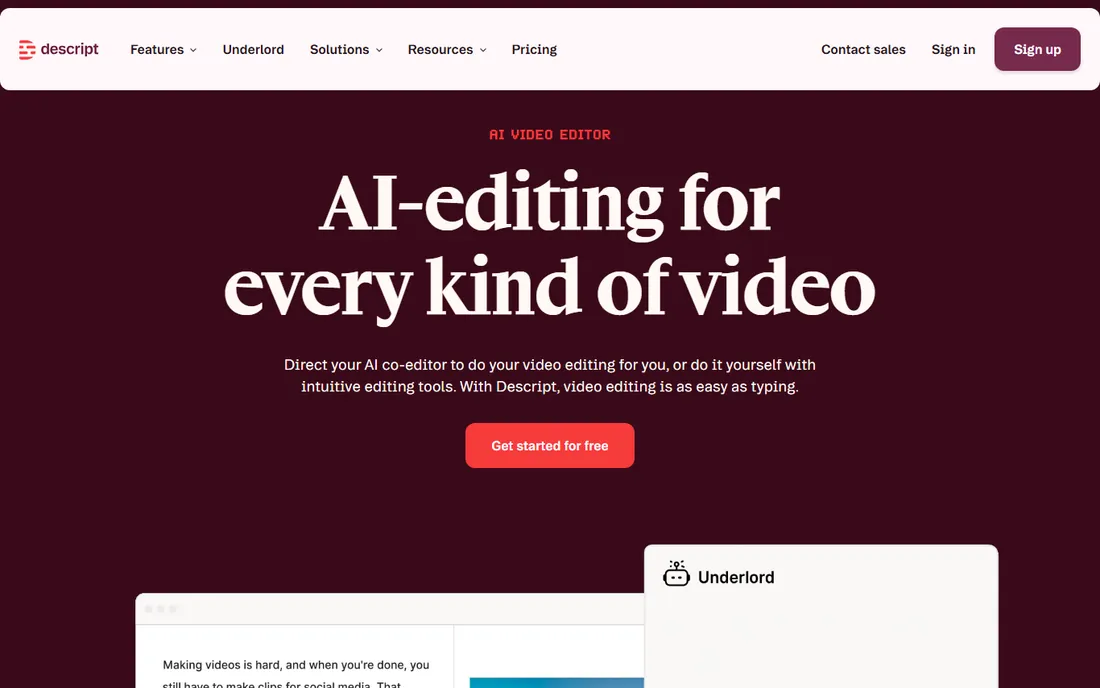
Descript edits audio and video the way you edit a document. Delete a sentence in the transcript and it disappears from the recording. For podcasters, course creators and marketing teams producing video, that text-based workflow cuts editing time dramatically compared to a traditional timeline.
The catch is that the magic depends on the transcript. Accents, crosstalk and jargon produce errors that need manual fixing, and the free plan's export limits push serious users to paid tiers quickly. At $24 a month on monthly billing, it is priced for people who publish regularly. If you edit one podcast a month, the annual plan or a simpler tool makes more sense.
What we like- Edit audio by editing text
- Automatic transcription
- Overdub voice cloning
Watch out for- Transcription errors need manual cleanup
- Monthly billing is steep
Starting price$29/month (billed monthly), $18/month (billed annually)
Free planYes (free Basic plan, watermarked)
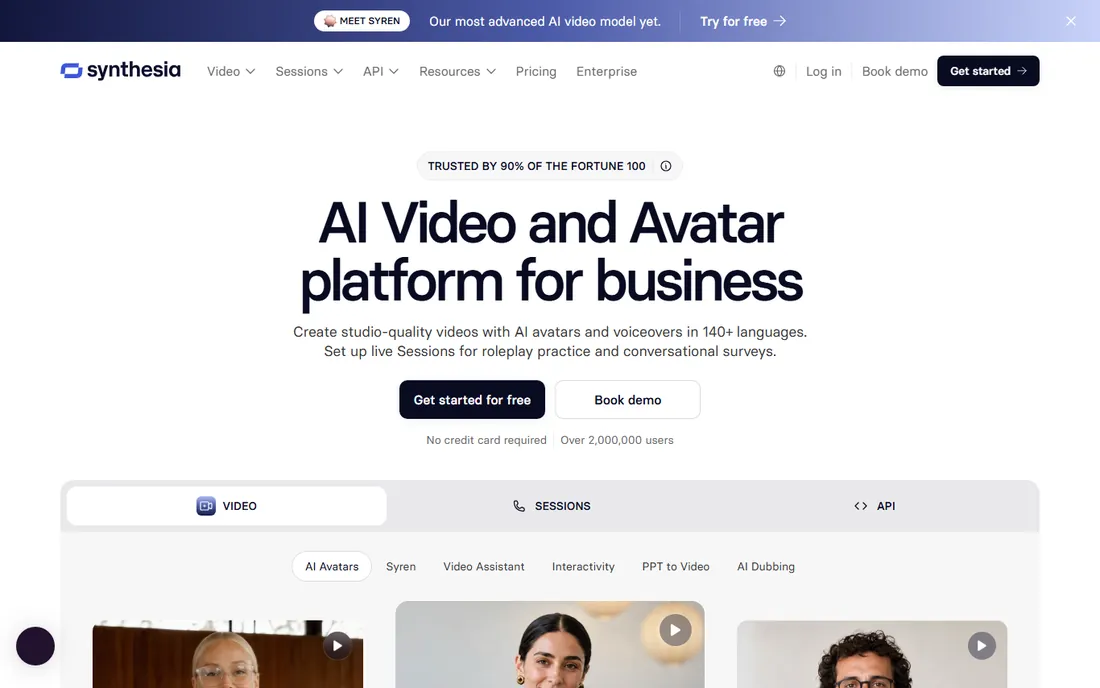
Synthesia replaces the camera crew for corporate video. Type a script, pick an avatar, and get a presentable training video or product update without booking a studio. For HR teams, onboarding programs and global companies localizing content, the time savings are real.
The output has a ceiling. Avatar presenters work for information delivery but fall flat for emotional or persuasive content, and viewers can tell the difference. The free Basic plan watermarks everything, so professional use starts at $29 a month on monthly billing. Use Synthesia for volume training content, not for your brand film.
What we like- No camera or studio needed
- Videos in many languages
- Fast turnaround for training content
Watch out for- Avatars can feel impersonal
- Monthly price is high for occasional use
Starting price$16.99/user/month (billed monthly), $8.33/user/month (billed annually)
Free planYes (free Basic plan)
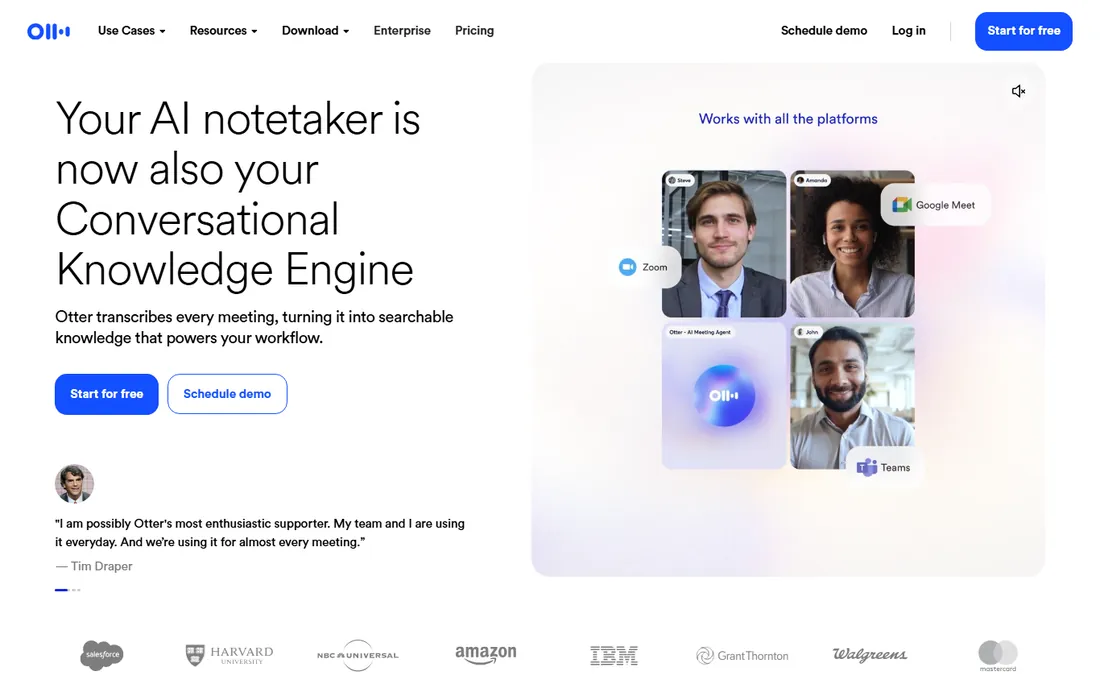
Otter.ai sits quietly in meetings and turns talk into text. It joins your Zoom, Meet or Teams calls, produces a transcript with speaker labels, and now generates summaries with action items. For managers drowning in meetings, the searchable archive alone justifies the cost.
Accuracy is good but not perfect. Heavy accents, overlapping speakers and technical terms still produce errors, so treat the transcript as notes, not a legal record. Pricing is per user, which means a 20-person team pays real money even on the annual plan. Start with the free Basic plan on your own meetings and expand only if the summaries prove useful.
What we like- Automatic meeting summaries
- Integrates with Zoom, Meet and Teams
- Searchable transcript archive
Watch out for- Accuracy drops with accents and crosstalk
- Per-user pricing scales with headcount
How we chose
We researched each product's pricing page, documentation and feature list, then cross-checked against public reviews on G2, Capterra and Reddit for the issues buyers actually report. We focused on tools a small or mid-size US business can buy and deploy without an enterprise contract, and we verified that every product is live and available today. Pricing figures come from the vendors' own pricing pages; where a price could not be confirmed from the vendor, the listing says so. We did not accept vendor claims about awards, user counts or customer logos at face value.
What to check before you commit
Match the tool to the job
General assistants like ChatGPT handle a bit of everything, but specialists win on quality. A marketing team publishing daily gets more from Jasper's brand controls than from a clever prompt. A podcaster gets more from Descript's text editing than from any transcription add-on. List the three jobs you will use the tool for weekly, then buy the product built for the most frequent one.
Read the meter
Several tools in this list bill in credits, characters or minutes rather than flat seats. Runway credits, ElevenLabs characters and Descript transcription hours all run out faster than new buyers expect. Before subscribing, estimate your monthly usage and check what the next tier costs, because the plan you actually need is often one step above the entry price.
Try it on your own work
Free tiers and trials are marketing. The real test is a week of your actual workload: your documents, your brand voice, your meeting schedule. Jasper's trial means little until you run a real campaign through it, and Otter.ai's value shows up only in your own messy meetings. Use the trial period for production work, not for clicking around the demo.
Where the money really goes
Entry prices in AI software are misleading in two specific ways. First, per-seat pricing multiplies: Jasper at $69 a seat and Otter.ai at $16.99 a user look reasonable until you multiply by a team. Second, usage metering hides the ceiling: a $6 ElevenLabs plan covers a hobbyist, not a course business publishing weekly. Annual billing cuts most of these prices by 20 to 40 percent, which is worth it only after a month or two of real use confirms the tool sticks. Budget for the tier above the one you think you need, and revisit the subscription quarterly.
Frequently asked questions
Which AI software should a small business buy first?
A general assistant like ChatGPT covers the most ground for the money, since every department can use it. Add a specialist second, based on your biggest bottleneck: Perplexity for research-heavy work, Descript for content production, or Otter.ai for meeting-heavy teams. One well-used tool beats three subscriptions nobody opens.
Are the free plans enough for real work?
Rarely. Free tiers work for evaluation and light personal use, but commercial limits, watermarks and usage caps push business users to paid plans quickly. ElevenLabs restricts its free plan to non-commercial use, and Synthesia watermarks free exports. Treat free plans as trials with no expiry date.
How do these tools handle my data?
Policies vary widely and change often, so read the current terms before uploading sensitive material. Most vendors offer business tiers with stronger data controls, and some let you opt out of training on your inputs. As a rule, keep client data, unreleased financials and personal information out of free-tier accounts.
Can AI tools replace writers, designers or developers?
They replace drafts, not judgment. AI produces first versions fast, but the output still needs human review for accuracy, tone and originality. Teams that treat these tools as junior assistants get strong results. Teams that publish unreviewed output get embarrassing corrections.
Do I need separate tools for each type of AI work?
Eventually, yes, if the work matters. General tools do everything adequately and nothing excellently. The pattern that works is one general assistant plus specialists for your highest-volume tasks, which is exactly how this list is organized.
Sources we checked (10)
- https://chatgpt.com/
- https://jasper.ai/
- https://www.midjourney.com
- https://runwayml.com
- https://elevenlabs.io
- https://perplexity.ai
- https://github.com/features/copilot
- https://www.descript.com
- https://synthesia.io
- https://otter.ai
Is your product missing or out of date?
We review this list regularly. Vendors can request a listing, send updated pricing or ask about featured placement.

Shihab Mia · Founder, Rankite
Shihab has spent more than a decade helping SaaS and e-commerce brands grow through search. He writes Rankite's software buying guides from pricing pages, documentation and public user reviews. More about Shihab.