How we make this list: we compare pricing pages, product documentation and public user reviews. Ratings come from G2, Capterra or Trustpilot, with the date we checked them.
Start with how you share files. If most of your work stays private and you want encryption without extra setup, Sync.com is the simpler pick. Its Personal plan includes 1 TB and its interface stays close to a normal folder. If you send files to clients and link tools together, Dropbox is stronger, with sharing controls, file requests and integrations that cover more everyday workflows.
Also consider your other software. Google Drive fits Docs and Gmail users, OneDrive fits Word and Outlook users, Box fits regulated teams, and iCloud Drive fits Apple users. pCloud and MEGA fit buyers who want flexible storage and larger free tiers. Pick the tool that matches your current stack, then check its paid plan against the storage you need.
| Tool |
Best for |
Starting paid price |
Free storage |
| Sync.com |
Private encrypted storage |
12 dollars per month billed annually |
5 GB |
| Dropbox |
Sharing and collaboration |
9.99 dollars per month billed annually |
2 GB |
| Google Drive |
Google Workspace users |
1.99 dollars per month |
15 GB |
| Microsoft OneDrive |
Microsoft 365 users |
1.99 dollars per month |
5 GB |
| Box |
Business file management |
10 dollars per month billed annually |
10 GB |
| Apple iCloud Drive |
Apple device users |
0.99 dollars per month |
5 GB |
| pCloud |
Lifetime storage buyers |
4.99 dollars per month |
10 GB |
| MEGA |
Large free storage and encryption |
3.33 euros per month billed yearly |
20 GB |
Prices checked 18 Nov 2026. The table shows starting paid prices only. Check the plan that matches your storage need before you buy.
Storage pricing depends on how much space you need and whether you pay monthly or annually. Dropbox Plus at 9.99 dollars per month billed annually gives 2 TB. Sync.com Personal at 12 dollars per month billed annually gives 1 TB, which is less space for more money, but it includes end to end encryption as standard. Google Drive Basic at 1.99 dollars per month gives 100 GB.
OneDrive Basic at 1.99 dollars per month also gives 100 GB, and Microsoft 365 Personal at 9.99 dollars per month adds 1 TB plus Office apps. Box Personal Pro at 10 dollars per month billed annually gives 100 GB. iCloud Plus starts at 0.99 dollars per month for 50 GB. pCloud Premium at 4.99 dollars per month gives 500 GB. MEGA Essential at 3.33 euros per month billed yearly gives 200 GB. Compare total yearly cost before you decide.
How do security and privacy compare?
Sync.com and MEGA both use end to end encryption, which means only you hold the key to your files. That is a clear advantage for sensitive documents. Dropbox, Google Drive, OneDrive, Box and iCloud Drive encrypt files in transit and at rest, and they offer two factor authentication and sharing controls, but they do not offer end to end encryption on every plan as standard.
Box adds stronger admin controls and retention policies for business buyers. Dropbox offers remote wipe, link expiry and password protected links on paid plans. Google Drive and OneDrive use the security controls of their wider suites. iCloud Drive uses two factor authentication tied to your Apple ID. pCloud offers a paid Crypto folder for end to end encryption. Choose Sync.com or MEGA for privacy, or Box and Dropbox for admin control.
Solo users can start free and upgrade when storage runs out. MEGA gives 20 GB free, Google Drive gives 15 GB, pCloud and Box give 10 GB, Sync.com and OneDrive give 5 GB, and Dropbox gives 2 GB. A buyer who backs up photos may find Google Drive or pCloud enough. A buyer who stores client work may prefer Sync.com for privacy or Dropbox for sharing.
Small teams should check per user pricing and minimums. Dropbox Standard costs 15 dollars per user per month billed annually. Sync.com Teams Standard costs 6 dollars per user per month billed annually. Box Business starts at 5 dollars per user per month, with a three user minimum. OneDrive Business Basic and Google Workspace Business Starter each cost 7 dollars per user per month. Test sharing with a real project before you move all your files.
Quick comparison
| Tool | Best for | Starting price | Free plan |
|---|
 Sync.com | Privacy focused individuals and small teams who want encrypted cloud storage | Personal 1 TB 12 dollars per month billed annually, 16 dollars monthly; Solo 5 TB 28 dollars per month billed annually, 32 dollars monthly; Teams Standard 6 dollars per user per month billed annually | 5 GB free with basic sharing and sync |
 Dropbox | Individuals and teams who share files often and use many connected apps | Plus 9.99 dollars per month billed annually, 11.99 dollars monthly, 2 TB; Standard 15 dollars per user per month billed annually; Advanced 24 dollars per user per month billed annually | 2 GB free with basic sync and sharing |
 Google Drive | Google Workspace users, students and anyone who works in Docs and Sheets | Basic 100 GB 1.99 dollars per month; Standard 200 GB 2.99 dollars per month; Premium 2 TB 9.99 dollars per month, relabeled Google AI Plus in 2026 at the same price; Workspace Business Starter 7 dollars per user per month | 15 GB free shared across Drive, Gmail and Google Photos |
 Microsoft OneDrive | Microsoft 365 users and Windows based teams | Microsoft 365 Basic 1.99 dollars per month or 19.99 dollars per year, 100 GB; Personal 9.99 dollars per month or 99.99 dollars per year, 1 TB; Family 12.99 dollars per month; Business Basic 7 dollars per user per month | 5 GB free with basic sync and sharing |
 Box | Businesses that need admin controls, retention rules and secure file management | Personal Pro 10 dollars per month billed annually; Business Starter 5 dollars per user per month; Business 15 dollars per user per month; Business Plus 25 dollars per user per month; Enterprise 35 dollars per user per month; 3 user minimum on business plans | 10 GB free with a 250 MB file upload limit |
 Apple iCloud Drive | iPhone, iPad and Mac users who want storage built into Apple devices | iCloud Plus 50 GB 0.99 dollars per month, 200 GB 2.99 dollars per month, 2 TB 9.99 dollars per month, 6 TB 29.99 dollars per month, 12 TB 59.99 dollars per month, monthly only with no annual discount | 5 GB free shared across iCloud services |
 pCloud | Buyers who want lifetime storage and flexible sync options | Premium 500 GB 4.99 dollars per month or 49.99 dollars per year, lifetime 219 dollars, list 279 dollars; Premium Plus 2 TB 9.99 dollars per month or 99.99 dollars per year, lifetime 499 dollars, list 709 dollars; Business 9.99 dollars per user per month | 10 GB free with basic sync and sharing |
 MEGA | Buyers who want a large free tier and end to end encryption | Essential 200 GB 3.33 euros per month billed yearly; Pro Lite 750 GB 4.99 euros per month; Pro I 3 TB 9.99 euros per month, 8.33 euros billed yearly; Pro II 10 TB 19.99 euros per month; Pro III 20 TB 29.99 euros per month | 20 GB free with encrypted storage and sharing |
Is your product missing or out of date?
We review this list regularly. Vendors can request a listing, send updated pricing or ask about featured placement.
#1Sync.com
Best for: Privacy focused individuals and small teams who want encrypted cloud storage4.0/5 on
G2 (44 reviews, checked Oct 2026)
Visit sync.com
Starting pricePersonal 1 TB 12 dollars per month billed annually, 16 dollars monthly; Solo 5 TB 28 dollars per month billed annually, 32 dollars monthly; Teams Standard 6 dollars per user per month billed annually
Free plan5 GB free with basic sharing and sync
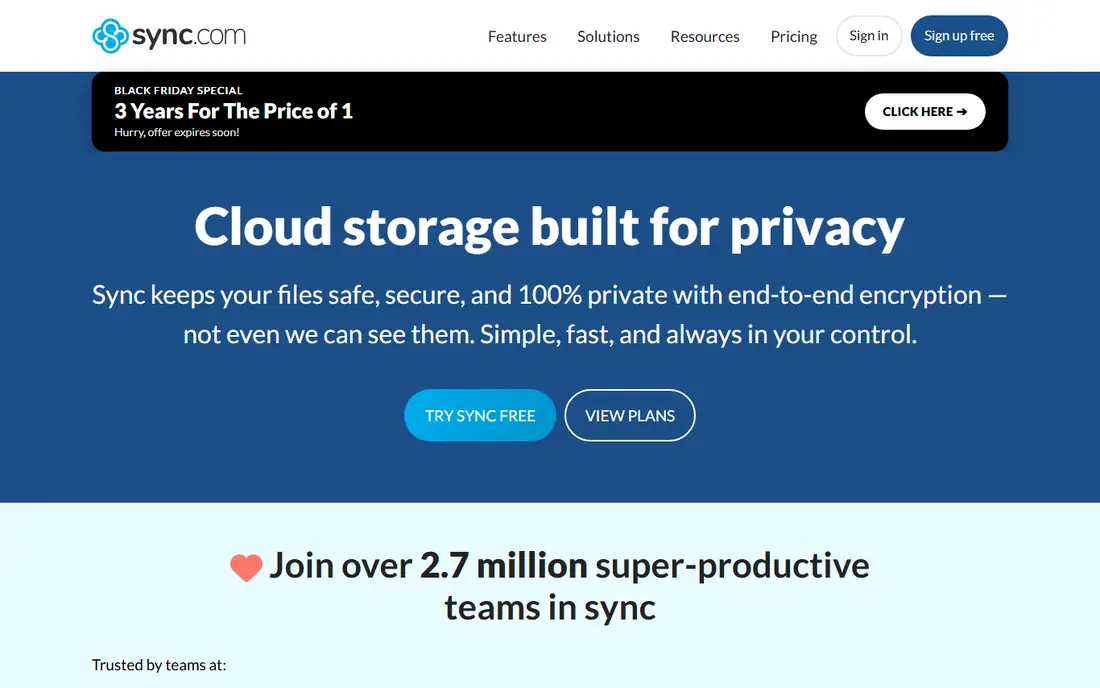
Sync.com suits buyers who want files encrypted by default without paying for an add on. Files sync across Windows, Mac, iOS and Android, and shared links can use expiry dates and passwords. The folder based interface keeps the learning curve low, and version history helps you recover older files. Dropbox connects to more apps, while Google Drive and OneDrive fit better inside office suites. Pick Sync.com when privacy comes first.
What we like- End to end encryption included, simple folder based interface, unlimited data transfer on paid plans, version history and file recovery
Watch out for- Smaller free tier than Google Drive and MEGA, fewer third party integrations than Dropbox, 1 TB Personal plan costs more per terabyte than Dropbox Plus
#2Dropbox
Best for: Individuals and teams who share files often and use many connected apps4.4/5 on
G2 (31,453 reviews, checked Oct 2026)
Visit dropbox.com
Starting pricePlus 9.99 dollars per month billed annually, 11.99 dollars monthly, 2 TB; Standard 15 dollars per user per month billed annually; Advanced 24 dollars per user per month billed annually
Free plan2 GB free with basic sync and sharing
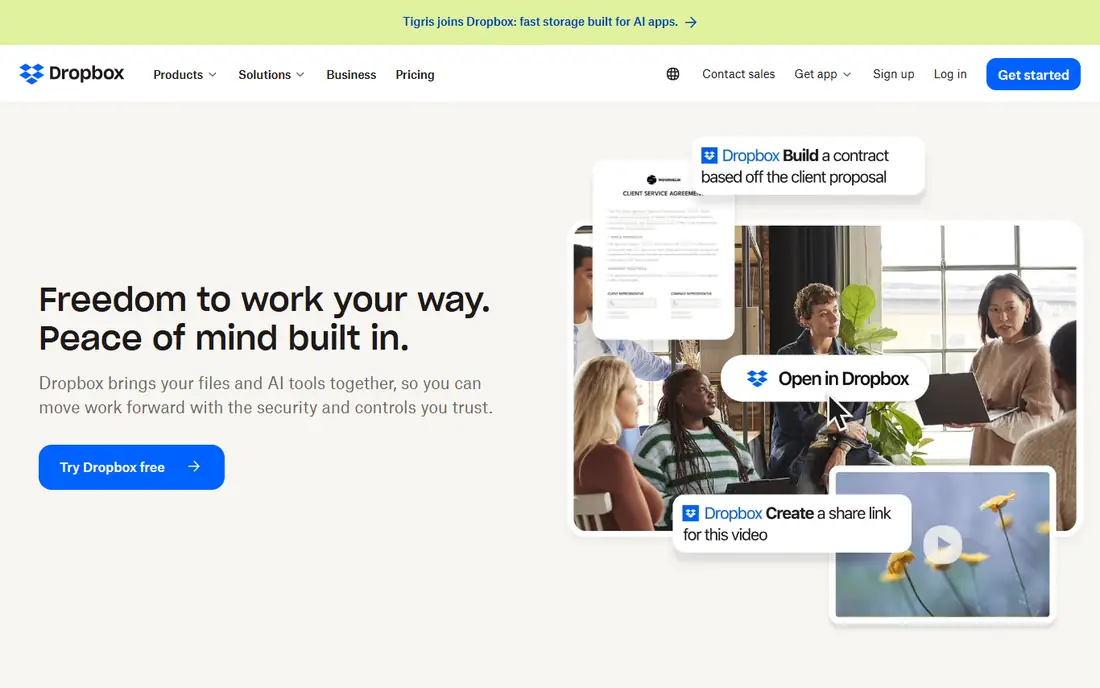
Dropbox remains strong for sharing because recipients rarely need training to open a link, preview a file or upload through a file request. Sync is fast and reliable, and integrations cover office, design, project and e signature tools. The 2 TB Plus plan offers good value for photo and document libraries. Note that Dropbox Professional at 16.58 dollars per month is no longer sold as of Nov 2026. Choose Dropbox when sharing and integrations matter more than built in encryption.
What we like- Mature sharing and file request tools, broad app integrations, strong file previews, reliable sync across devices
Watch out for- Small 2 GB free tier, Plus plan has no end to end encryption as standard, price rises sharply on business plans for larger teams
#3Google Drive
Best for: Google Workspace users, students and anyone who works in Docs and Sheets4.8/5 on
Capterra (28,634 reviews, checked Oct 2026)
Visit drive.google.com
Starting priceBasic 100 GB 1.99 dollars per month; Standard 200 GB 2.99 dollars per month; Premium 2 TB 9.99 dollars per month, relabeled Google AI Plus in 2026 at the same price; Workspace Business Starter 7 dollars per user per month
Free plan15 GB free shared across Drive, Gmail and Google Photos
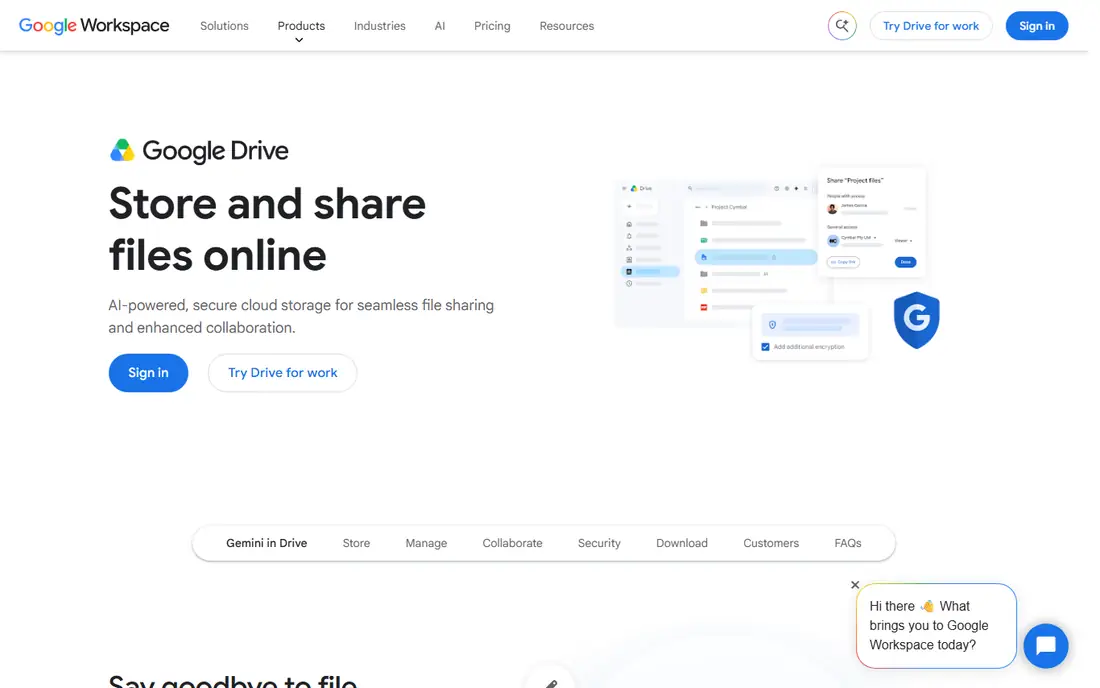
Google Drive works best when your work already lives in Google tools. You can open, edit and comment on documents without downloading them, and sharing with a Google account takes seconds. Search finds files by name and content. The 100 GB Basic plan is cheap, and the 2 TB Premium plan matches Dropbox Plus on price. The shared 15 GB free allowance also covers Gmail and Photos, so heavy email users may reach the limit sooner. Choose it if Docs, Sheets and Gmail are your daily tools.
What we like- Generous 15 GB free tier, tight integration with Docs, Sheets and Gmail, strong search, easy sharing with Google accounts
Watch out for- Free storage is shared across Google services so it fills fast, no end to end encryption as standard, large file organisation can feel messy without clear folder rules
#4Microsoft OneDrive
Best for: Microsoft 365 users and Windows based teams4.3/5 on
G2 (10,433 reviews, checked Oct 2026)
Visit microsoft.com
Starting priceMicrosoft 365 Basic 1.99 dollars per month or 19.99 dollars per year, 100 GB; Personal 9.99 dollars per month or 99.99 dollars per year, 1 TB; Family 12.99 dollars per month; Business Basic 7 dollars per user per month
Free plan5 GB free with basic sync and sharing
OneDrive is the natural choice for Windows and Microsoft 365 users. Files sync through File Explorer, Office documents open in Word, Excel and PowerPoint, and version history protects against accidental edits. Personal Vault adds an extra layer for sensitive files. The 1 TB Personal plan at 9.99 dollars per month includes Office apps, which is good value if you already pay for them. Choose it when your documents, email and calendar already sit inside Microsoft 365.
What we like- Deep integration with Windows and Office apps, Personal Vault for sensitive files, strong sharing controls, good value inside Microsoft 365 plans
Watch out for- Only 5 GB free, interface can feel tied to Microsoft accounts, sync settings need care on shared computers
#5Box
Best for: Businesses that need admin controls, retention rules and secure file management4.2/5 on
G2 (5,259 reviews, checked Oct 2026)
Visit box.com
Starting pricePersonal Pro 10 dollars per month billed annually; Business Starter 5 dollars per user per month; Business 15 dollars per user per month; Business Plus 25 dollars per user per month; Enterprise 35 dollars per user per month; 3 user minimum on business plans
Free plan10 GB free with a 250 MB file upload limit
Box suits teams that need control over who sees what, how long files are kept and how sharing works across departments. Admins can set permissions, track activity and apply retention rules, which helps regulated industries. Integrations cover office, CRM and workflow apps. For personal use, 100 GB for 10 dollars per month costs more per gigabyte than Dropbox or Google Drive, and the free plan limits uploads to 250 MB. Choose Box when governance and team administration matter most.
What we like- Strong admin and compliance controls, good sharing and collaboration tools, broad enterprise integrations, clear permission settings
Watch out for- Personal Pro gives only 100 GB for 10 dollars per month, free plan limits file size, business plans require at least three users
#6
Apple iCloud Drive
Best for: iPhone, iPad and Mac users who want storage built into Apple devices
Visit apple.com
Starting priceiCloud Plus 50 GB 0.99 dollars per month, 200 GB 2.99 dollars per month, 2 TB 9.99 dollars per month, 6 TB 29.99 dollars per month, 12 TB 59.99 dollars per month, monthly only with no annual discount
Free plan5 GB free shared across iCloud services
iCloud Drive is the easiest option if you use Apple devices every day. Photos, documents and device backups sync without extra apps, and files appear in Files on iPhone and iPad and in Finder on Mac. The 50 GB plan at 0.99 dollars per month is cheap for phone backup, and the 2 TB plan at 9.99 dollars per month matches Dropbox Plus on price. The drawback is the small free tier and no annual discount. Choose it when Apple devices are your main tools.
What we like- Built into iOS and macOS, simple backup for photos and device data, easy sharing with Apple users, Private Relay and Hide My Email on paid plans
Watch out for- Only 5 GB free, no annual discount, Windows and Android support is limited, sharing with non Apple users is less smooth
#7pCloud
Best for: Buyers who want lifetime storage and flexible sync options4.3/5 on
G2 (166 reviews, checked Oct 2026)
Visit pcloud.com
Starting pricePremium 500 GB 4.99 dollars per month or 49.99 dollars per year, lifetime 219 dollars, list 279 dollars; Premium Plus 2 TB 9.99 dollars per month or 99.99 dollars per year, lifetime 499 dollars, list 709 dollars; Business 9.99 dollars per user per month
Free plan10 GB free with basic sync and sharing
pCloud appeals to buyers who dislike monthly bills. Lifetime plans cost 219 dollars for 500 GB and 499 dollars for 2 TB, which can pay for itself after a few years. Premium Plus at 9.99 dollars per month matches Dropbox Plus on price for 2 TB. The 10 GB free tier is useful, and file versioning helps you recover earlier versions. Encryption is available through the paid Crypto folder, not as standard. Choose pCloud if a one time payment matters more than deep enterprise features.
What we like- Lifetime plans available, 10 GB free tier, optional Crypto folder for end to end encryption, file versioning and rewind
Watch out for- Crypto encryption costs extra, lifetime plans require a large upfront payment, fewer business admin tools than Box or Dropbox
#8
MEGA
Best for: Buyers who want a large free tier and end to end encryption
Visit mega.io
Starting priceEssential 200 GB 3.33 euros per month billed yearly; Pro Lite 750 GB 4.99 euros per month; Pro I 3 TB 9.99 euros per month, 8.33 euros billed yearly; Pro II 10 TB 19.99 euros per month; Pro III 20 TB 29.99 euros per month
Free plan20 GB free with encrypted storage and sharing
MEGA gives the largest free tier here at 20 GB, with end to end encryption included at no extra fee. That suits buyers who want privacy and space without paying at first. Paid plans scale from 200 GB to 20 TB, which covers large photo, video and backup libraries. Sharing links can use passwords and expiry dates. Dropbox, Google Drive and OneDrive connect to more business apps. Prices are in euros, so check the converted cost first. Choose MEGA when free space and encryption matter most.
How we picked: We compared price, free storage, encryption, sharing and integrations, using vendor pricing pages checked 18 Nov 2026. We favoured tools that fit clear buyer needs, and we listed a real drawback for each option.
Last verified 18 Nov 2026.
What we like- 20 GB free tier, end to end encryption included, large storage tiers up to 20 TB, chat and sharing tools built in
Watch out for- Prices are in euros so costs vary by currency, interface feels less polished than Dropbox, fewer business integrations than Google Drive or OneDrive
Frequently asked questions
Is Sync.com better than Dropbox for privacy?
Yes, for privacy Sync.com is stronger because it includes end to end encryption as standard, while Dropbox encrypts files in transit and at rest without the same default protection. That difference matters for sensitive client files. Dropbox still offers link controls, two factor authentication and remote wipe, so it is secure for normal sharing.
How much free storage does Dropbox give?
Dropbox gives 2 GB free, the smallest free tier in this guide. That covers documents and a small photo set, but it fills fast if you back up a phone or store video. Google Drive gives 15 GB free and MEGA gives 20 GB free, so both are better starting points if free space matters. Paid plans are the reliable route to more room.
Which is cheaper, Sync.com or Dropbox?
Dropbox Plus is cheaper per terabyte because it gives 2 TB for 9.99 dollars per month billed annually, while Sync.com Personal gives 1 TB for 12 dollars per month billed annually. Sync.com Teams Standard at 6 dollars per user per month is cheaper than Dropbox Standard at 15 dollars per user per month, so team pricing changes the answer. Compare the plan you will actually use before you decide.
Can I use Google Drive or OneDrive instead of Sync or Dropbox?
Yes, both work well if you already use their office suites. Google Drive fits Docs, Sheets and Gmail users, while OneDrive fits Word, Excel and Outlook users. Both offer 100 GB plans at 1.99 dollars per month and 2 TB options near 9.99 dollars per month. Neither offers end to end encryption as standard, so Sync.com or MEGA remain better for privacy led buyers.
Does pCloud really offer lifetime storage?
Yes, pCloud sells lifetime plans for 500 GB and 2 TB, currently listed at 219 dollars and 499 dollars, with list prices of 279 dollars and 709 dollars. You pay once and keep the storage for the life of the account, subject to vendor terms. Monthly and annual plans are also available. Check the current terms before you buy, because lifetime offers can change.
Sources we checked (9)
- https://www.sync.com
- https://www.dropbox.com
- https://drive.google.com
- https://www.microsoft.com/en-us/microsoft-365/onedrive/online-cloud-storage
- https://www.box.com
- https://www.apple.com/icloud/
- https://www.pcloud.com
- https://mega.io
- https://rankite.com
Is your product missing or out of date?
We review this list regularly. Vendors can request a listing, send updated pricing or ask about featured placement.

Shihab Mia · Founder, Rankite
Shihab has 5+ years in B2B and SaaS SEO. He writes Rankite's software buying guides from pricing pages, documentation and public user reviews. More about Shihab.