How we make this list: we compare pricing pages, product documentation and public user reviews. Ratings come from G2, Capterra or Trustpilot, with the date we checked them.
Dropbox vs OneDrive: Which Cloud Storage Fits Your Business?
Dropbox and OneDrive are the two cloud storage names most businesses meet first, and the choice between them usually comes down to what your team already uses every day. Dropbox built its reputation on simple syncing and easy file sharing, and it works the same way on Windows, Mac, and mobile without asking users to change how they work. OneDrive is part of Microsoft 365, so teams that already live in Word, Excel, Teams, and Outlook get storage that is already connected to the tools they open each morning. Neither product is the wrong answer on its own. The right one depends on your existing software, your budget, and how your team shares files with people outside the company.
This guide compares Dropbox and OneDrive directly, then puts six more cloud storage tools next to them so you can see the full range of prices and features before you commit. Every tool below lists its starting price as checked on 18 November 2026, a real drawback to weigh, and the kind of team it suits best.
What Should a Business Look for in Cloud Storage?
Storage space is the first number buyers check, but it is rarely the number that decides whether a tool works for a team. A business plan needs admin controls that let one person manage who can see each folder, remove access when someone leaves, and set sharing rules that stop sensitive files from leaving the company by accident. Version history matters just as much, because a file that was overwritten or deleted by mistake should be recoverable without calling support. Look for at least 30 days of version history on any plan you consider, and 180 days if your team works on shared documents every day.
Syncing speed and reliability decide whether people trust the tool. Files should appear on every device quickly, and the desktop app should handle large files and offline edits without creating conflicting copies. Collaboration features are the next test. Real time co-authoring, comments, and file requests from clients or suppliers save far more time than an extra terabyte of space. Security and compliance close the list. Encryption in transit and at rest, two factor authentication, single sign on, and audit logs are standard on business plans, and regulated industries should check for the certifications their clients require before they shortlist anything.
How Do Dropbox and OneDrive Compare on Price and Storage?
Dropbox charges per user on business plans, with Standard at 15 dollars per user per month billed annually and Advanced at 24 dollars per user per month billed annually. Standard includes 5 TB of pooled storage for the team, while Advanced adds unlimited storage as long as usage stays reasonable, plus advanced admin controls and longer version history. For individuals, Dropbox Plus costs 9.99 dollars per month billed annually and includes 2 TB, while Professional costs 16.58 dollars per month billed annually. The free Dropbox plan gives 2 GB, which is enough to test the service but not enough for real business use.
OneDrive is usually cheaper when bought as part of Microsoft 365. Business Basic costs 7 dollars per user per month and includes 1 TB of OneDrive storage plus the web versions of Word, Excel, and PowerPoint, along with Teams and Exchange email. Microsoft 365 Personal costs 9.99 dollars per month for 1 TB plus the desktop Office apps, and the free OneDrive plan gives 5 GB. A team that already pays for Microsoft 365 is effectively getting OneDrive at no extra cost, which makes it hard for Dropbox to win on price alone. Dropbox wins back ground on cross platform simplicity and on sharing with people who do not use Microsoft products.
Quick comparison
| Tool | Best for | Starting price | Free plan |
|---|
 Dropbox | Teams that want simple, reliable syncing and easy sharing with clients and partners outside the company | Plus $9.99 per month billed annually ($11.99 month to month) for 2 TB; Professional $16.58 per month billed annually; business Standard $15 per user per month billed annually, Advanced $24 per user per month billed annually | 2 GB free storage |
 Microsoft OneDrive | Businesses that already use Microsoft 365, Word, Excel, Teams, and Outlook | Microsoft 365 Basic $1.99 per month or $19.99 per year (100 GB); Personal $9.99 per month or $99.99 per year (1 TB); Business Basic $7 per user per month | 5 GB free storage |
 Google Drive | Teams that use Google Workspace, Gmail, and Google Docs every day | Google One Basic $1.99 per month (100 GB); Google Workspace Starter $7 per user per month, Standard $14, Plus $22 | 15 GB free storage shared across Gmail, Drive, and Google Photos |
 Box | Businesses that need strong security, compliance, and content management controls | Business Starter $5 per user per month, Business $15, Business Plus $25, Enterprise $35, 3-user minimum | 10 GB free storage for one user |
 Microsoft SharePoint | Microsoft 365 businesses that need team sites, document libraries, and intranet pages in one place | Plan 1 $5 per user per month, Plan 2 $10; Microsoft 365 Business Basic $7 per user per month includes SharePoint | No free plan; included with Microsoft 365 subscriptions |
 Apple iCloud Drive | Small businesses and freelancers who work mainly on Apple devices | iCloud+ 50 GB $0.99 per month, 200 GB $2.99, 2 TB $9.99 | 5 GB free storage |
 Egnyte | Mid sized and larger companies that need governance, compliance, and hybrid cloud storage | Team $10 per user per month, Business $22, Enterprise Lite $39, Elite $48 | No free plan; trial available |
 Sync.com | Privacy focused teams and small businesses that want end to end encryption at a low price | Personal 1 TB $12 per month billed annually ($16 month to month); Solo 5 TB $28 per month billed annually ($32 month to month) | 5 GB free storage |
Is your product missing or out of date?
We review this list regularly. Vendors can request a listing, send updated pricing or ask about featured placement.
The eight tools below cover the main ways businesses store and share files in the cloud. Dropbox and OneDrive lead the list because they are the two products most buyers compare first. Google Drive, Box, SharePoint, iCloud Drive, Egnyte, and Sync.com each serve a different kind of team, from Google Workspace shops to companies that need strict compliance controls.
#1Dropbox
Best for: Teams that want simple, reliable syncing and easy sharing with clients and partners outside the company4.4/5 on
G2 (31,453 reviews, checked Oct 2026)
Visit dropbox.com
Starting pricePlus $9.99 per month billed annually ($11.99 month to month) for 2 TB; Professional $16.58 per month billed annually; business Standard $15 per user per month billed annually, Advanced $24 per user per month billed annually
Free plan2 GB free storage
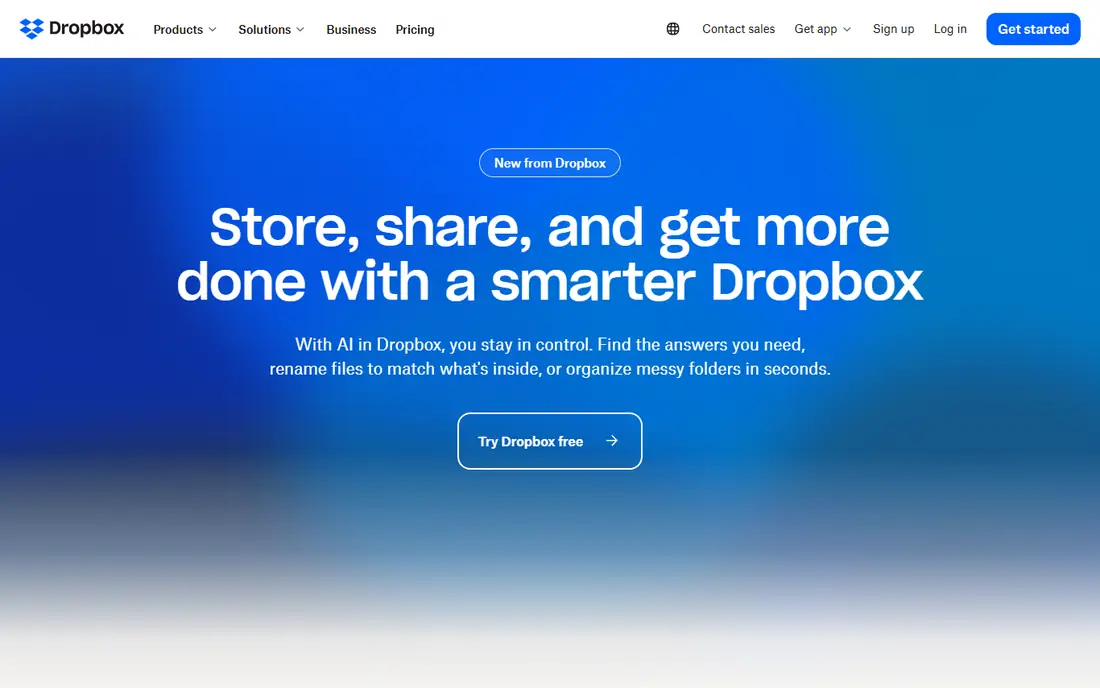
Dropbox remains the easiest cloud storage tool for mixed teams to adopt, because it behaves the same on Windows, Mac, iOS, and Android and asks very little of the people using it. Files sync quickly, shared folders are simple to set up, and the file request feature lets clients send documents without needing a Dropbox account of their own. Smart Sync keeps large folders visible without filling up a laptop hard drive, and version history on paid plans recovers files that were changed or deleted by mistake. The main trade off is price. A team that already pays for Microsoft 365 will pay extra for Dropbox on top of storage it already owns, so Dropbox makes the most sense for teams that value simplicity and cross platform sharing over the lowest possible bill.
What we like- Fast and reliable syncing, clean interface that needs almost no training, strong sharing controls and file request links
Watch out for- Business plans cost more than Microsoft 365 bundles that include storage, and the free plan is only 2 GB
#2Microsoft OneDrive
Best for: Businesses that already use Microsoft 365, Word, Excel, Teams, and Outlook4.3/5 on
G2 (10,433 reviews, checked Oct 2026)
Visit microsoft.com
Starting priceMicrosoft 365 Basic $1.99 per month or $19.99 per year (100 GB); Personal $9.99 per month or $99.99 per year (1 TB); Business Basic $7 per user per month
Free plan5 GB free storage
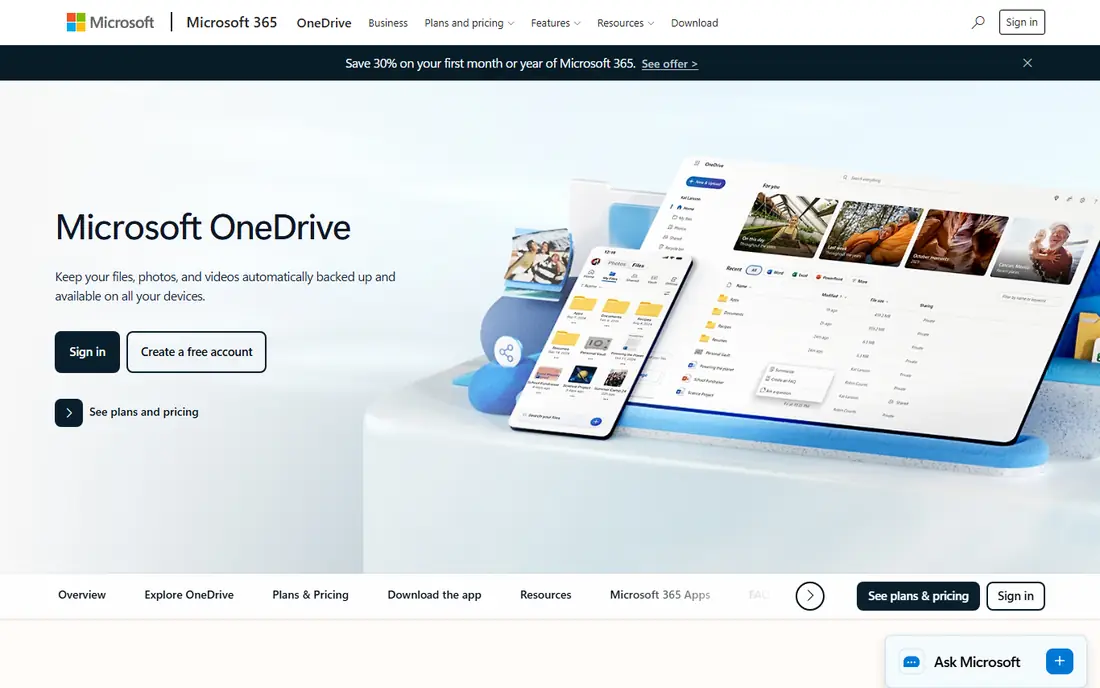
OneDrive is the natural storage choice for any business that already runs on Microsoft 365, because it is built into the same subscription and the same sign in. Documents open directly in Word, Excel, and PowerPoint in the browser, edits save automatically, and co-authoring lets several people work in the same file at once. Files On Demand keeps the full folder tree visible on a PC without downloading every file, and the Personal Vault adds an extra layer of identity verification for sensitive documents. Admins get sharing controls, device management, and audit logs through the Microsoft 365 admin center. OneDrive is less appealing for teams that do not use Microsoft products, because its best features only appear inside that ecosystem.
What we like- Deep integration with Microsoft 365 apps, strong value inside Microsoft 365 bundles, real time co-authoring in Word and Excel
Watch out for- Sharing with people outside Microsoft 365 can feel clumsy, and the web interface is less intuitive than Dropbox for new users
#3Google Drive
Best for: Teams that use Google Workspace, Gmail, and Google Docs every day4.8/5 on
Capterra (28,634 reviews, checked Oct 2026)
Visit drive.google.com
Starting priceGoogle One Basic $1.99 per month (100 GB); Google Workspace Starter $7 per user per month, Standard $14, Plus $22
Free plan15 GB free storage shared across Gmail, Drive, and Google Photos
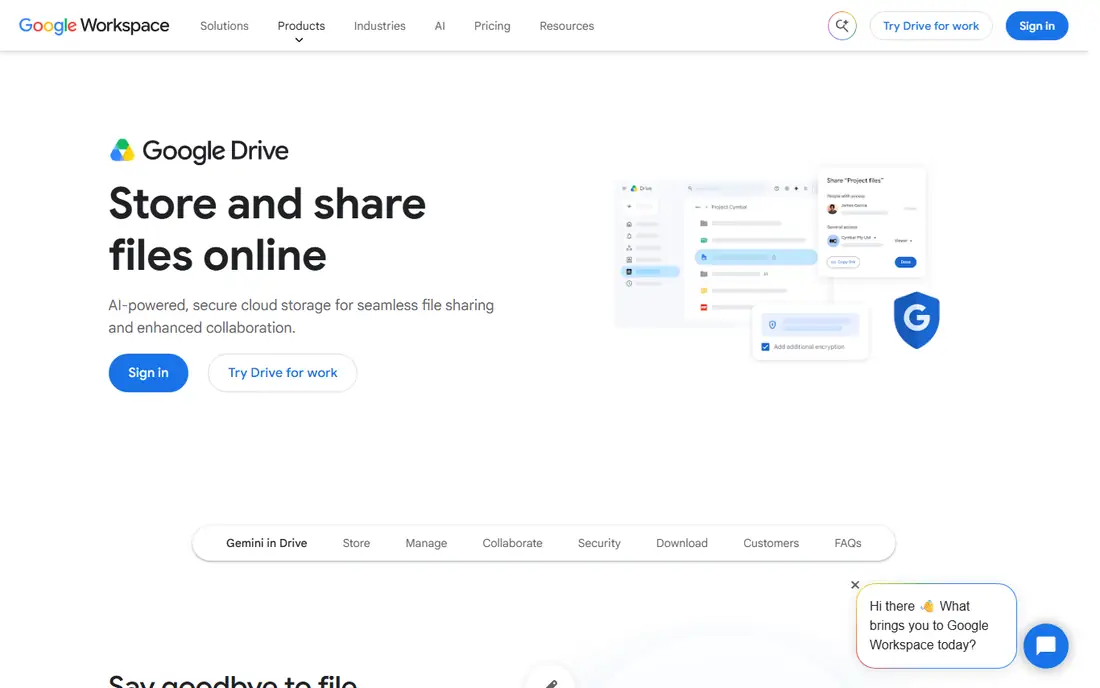
Google Drive works best as part of Google Workspace, where Docs, Sheets, Slides, and Gmail all share the same storage. Collaboration is the strongest reason to choose it, because several people can edit the same document at once, leave comments, and see every change as it happens. Search is another strength, since Google can find files by content and not just by file name, which saves time in large shared drives. The 15 GB free plan is the most generous of the major providers, although it is shared with Gmail, so a heavy email user can run out of room faster than expected. Business plans start at 7 dollars per user per month for Workspace Starter, which includes 30 GB of pooled storage per user, and rise to 22 dollars for Plus with 5 TB per user and stronger admin and vault features.
What we like- Generous 15 GB free plan, real time collaboration in Google Docs and Sheets, fast search across files and content
Watch out for- Desktop sync and offline access are weaker than Dropbox, and storage is shared with Gmail so inboxes can eat into the allowance
#4Box
Best for: Businesses that need strong security, compliance, and content management controls4.2/5 on
G2 (5,259 reviews, checked Oct 2026)
Visit box.com
Starting priceBusiness Starter $5 per user per month, Business $15, Business Plus $25, Enterprise $35, 3-user minimum
Free plan10 GB free storage for one user
Box positions itself as a content management platform rather than a simple storage folder, and that shows in its security and admin features. Business plans include unlimited storage, granular permission controls, watermarking, and detailed audit trails that regulated teams need. Box supports integrations with Microsoft 365, Google Workspace, Salesforce, Slack, and many other business tools, so files can move between systems without leaving Box. Workflow tools let teams route documents for review and approval, and Box Shield adds threat detection and data loss prevention on higher plans. Box is the strongest pick for companies in finance, healthcare, or legal work that need compliance evidence, while smaller creative teams may prefer a simpler tool.
What we like- Strong security and compliance certifications, unlimited storage on Business plans and above, good admin controls and workflow tools
Watch out for- The interface is less friendly for casual users than Dropbox or Drive, and the 3-user minimum rules out very small teams on business plans
#5Microsoft SharePoint
Best for: Microsoft 365 businesses that need team sites, document libraries, and intranet pages in one place4.0/5 on
G2 (8,961 reviews, checked Oct 2026)
Visit microsoft.com
Starting pricePlan 1 $5 per user per month, Plan 2 $10; Microsoft 365 Business Basic $7 per user per month includes SharePoint
Free planNo free plan; included with Microsoft 365 subscriptions
SharePoint is the document management layer behind Microsoft 365, and it powers the team sites, shared libraries, and intranet pages that larger Microsoft shops rely on. Every Microsoft 365 group and Teams channel stores its files in SharePoint, so a business that already uses Teams is already using SharePoint whether it knows it or not. Document libraries offer metadata, content types, approval workflows, and retention policies that go well beyond a simple shared folder. The standalone plans are being retired, with end of sale on 31 May 2026, end of life in January 2027, and end of service in December 2029, so new buyers should get SharePoint through a Microsoft 365 subscription rather than a standalone plan.
What we like- Deep Microsoft 365 integration, strong document libraries and version control, intranet and team site features included
Watch out for- Standalone SharePoint plans are retiring for new customers (end of sale 31 May 2026, end of life January 2027, end of service December 2029), and setup is more complex than OneDrive
#6
Apple iCloud Drive
Best for: Small businesses and freelancers who work mainly on Apple devices
Visit icloud.com
Starting priceiCloud+ 50 GB $0.99 per month, 200 GB $2.99, 2 TB $9.99
Free plan5 GB free storage
iCloud Drive is the simplest cloud storage option for a business that runs on Apple hardware, because it is already on every iPhone, iPad, and Mac and needs no setup. Files saved to the Desktop and Documents folders on a Mac sync automatically, photos and backups share the same storage pool, and sharing a file with another Apple user takes only a couple of taps. The pricing is the lowest of any tool in this list, with 50 GB for 99 cents a month and 2 TB for 9.99 dollars a month, which makes it an easy choice for a solo operator or a small creative team. There are no real admin controls for managing a team, no audit logs, and no advanced sharing policies, so iCloud Drive suits individuals and very small Apple based teams rather than companies that need governance and cross platform support.
What we like- Seamless syncing across iPhone, iPad, and Mac, very low starting price, built into every Apple device with no app to install
Watch out for- Windows and Android support is limited, collaboration features lag behind Google Drive and Microsoft 365, and business admin controls are minimal
#7Egnyte
Best for: Mid sized and larger companies that need governance, compliance, and hybrid cloud storage4.4/5 on
G2 (1,167 reviews, checked Oct 2026)
Visit egnyte.com
Starting priceTeam $10 per user per month, Business $22, Enterprise Lite $39, Elite $48
Free planNo free plan; trial available
Egnyte is built for companies that need control over their files as much as storage for them, and it is the strongest option in this list for governance heavy teams. It offers granular permissions, content classification, data loss prevention, and audit trails that help companies meet compliance requirements in finance, healthcare, construction, and life sciences. A hybrid storage option lets teams keep sensitive files on local servers while syncing the rest to the cloud, which suits businesses that cannot move everything off site. The Team plan starts at 10 dollars per user per month, but most companies that need the compliance features will look at Business at 22 dollars or Enterprise Lite at 39 dollars. There is no free plan, only a trial, so buyers should use the trial to test the admin console before committing.
What we like- Strong governance and compliance tools, hybrid storage that combines cloud and on premises, detailed permissions and audit logs
Watch out for- No free plan, pricing rises steeply on the higher tiers, and the interface takes longer to learn than simpler tools
#8Sync.com
Best for: Privacy focused teams and small businesses that want end to end encryption at a low price4.0/5 on
G2 (44 reviews, checked Oct 2026)
Visit sync.com
Starting pricePersonal 1 TB $12 per month billed annually ($16 month to month); Solo 5 TB $28 per month billed annually ($32 month to month)
Free plan5 GB free storage
Sync.com stands out in this list because it encrypts files on the device before they reach the cloud, so even Sync.com cannot read them. That zero knowledge design appeals to lawyers, accountants, healthcare providers, and any small business that handles sensitive client files and wants privacy by default rather than as an add on. The free plan gives 5 GB, and the Personal plan at 12 dollars a month billed annually includes 1 TB, while Solo at 28 dollars a month billed annually includes 5 TB. The trade off is that collaboration tools and integrations are thinner than the bigger platforms, so Sync.com suits teams that store and share files securely more than teams that edit documents together all day.
What we like- End to end encryption on all plans, unlimited data transfer, generous storage allowances for the price
Watch out for- Collaboration and third party integrations are thinner than Dropbox or Google Drive, and there is no business plan with advanced admin controls on the lower tiers
Frequently asked questions
Sources we checked (10)
- https://www.dropbox.com/plans
- https://www.microsoft.com/en-us/microsoft-365/onedrive/online-cloud-storage
- https://drive.google.com
- https://www.box.com/pricing
- https://www.microsoft.com/en-us/microsoft-365/sharepoint/collaboration
- https://www.icloud.com/iclouddrive
- https://www.egnyte.com/pricing
- https://www.sync.com/pricing
- https://www.dropbox.com
- https://rankite.com
Is your product missing or out of date?
We review this list regularly. Vendors can request a listing, send updated pricing or ask about featured placement.

Shihab Mia · Founder, Rankite
Shihab has 5+ years in B2B and SaaS SEO. He writes Rankite's software buying guides from pricing pages, documentation and public user reviews. More about Shihab.