How we make this list: we compare pricing pages, product documentation and public user reviews. Ratings come from G2, Capterra or Trustpilot, with the date we checked them.
Dropbox and Box are the two best known names in business cloud storage, and buyers often start by comparing them head to head. Dropbox built its name on simple file sync that works the same on every device, while Box built its name on secure content management for regulated and enterprise teams. Both store files in the cloud, both offer team folders and sharing controls, and both charge per user per month on business plans. The differences show up in how they handle admin controls, integrations, and large scale content workflows. This guide compares Dropbox and Box directly, then adds six more tools so you can see the full range of options before you commit. Prices in this guide were checked on 18 November 2026 from each vendor pricing page.
How Do Dropbox and Box Differ for Business Teams?
Dropbox focuses on getting files onto every device quickly and keeping them in sync without fuss. Sharing a file is a matter of sending a link with an expiry date or a password, and its integrations cover the usual office and design apps. Dropbox Standard gives a team 5 TB of pooled storage, while Advanced gives as much space as the team needs. Admin controls are solid but lighter than Box, which suits teams that want storage to stay out of the way. Box takes the opposite approach and treats every file as managed content. It adds granular permissions, retention policies, watermarking, and detailed audit logs, which matter for finance, health care, and legal work. Its Business plans start lower than Dropbox, at 5 dollars per user per month for the Starter plan, though the three user minimum and the feature limits on lower tiers mean the real cost depends on the plan you need. If your main need is fast sync for a creative or general business team, Dropbox is the simpler pick. If your main need is control, compliance, and content workflows, Box is the stronger pick.
Start with storage limits, because they decide whether a plan works at all. Some plans cap storage per user, some pool it across the team, and some offer unlimited space once you reach a higher tier. A design team with large video files will hit a 2 TB cap fast, while a small office that stores documents will not. Next, check file size limits for uploads, because a plan that stores plenty of data may still block a single 10 GB video. Admin tools come next, including user provisioning, device management, and audit logs. If you work in a regulated field, check for compliance certifications and data residency options. Integrations matter too, since a storage tool that connects with your office suite, your CRM, and your design tools saves more time than one that stands alone. Finally, test the desktop and mobile apps with your own files before you pay, because sync speed and reliability vary by network and file type.
How Much Does Business Cloud Storage Cost?
Dropbox business plans start at 15 dollars per user per month, while Box business plans start at 5 dollars per user per month with a three user minimum. Google Workspace and Microsoft 365 bundle storage with office apps, so the storage price is part of a wider subscription. Apple iCloud is the cheapest option for personal use, while pCloud offers lifetime plans that suit buyers who want to pay once. The table below shows the starting price and free plan for each tool in this guide.
| Tool | Starting price | Free plan |
| Dropbox | Plus 9.99 dollars per month billed annually | 2 GB |
| Box | Business Starter 5 dollars per user per month | 10 GB for one user |
| Google Drive | Google One Basic 1.99 dollars per month | 15 GB |
| Microsoft OneDrive | Microsoft 365 Basic 1.99 dollars per month | 5 GB |
| Microsoft SharePoint | Plan 1 5 dollars per user per month | None, included with Microsoft 365 |
| Apple iCloud Drive | iCloud+ 50 GB 0.99 dollars per month | 5 GB |
| Egnyte | Team 10 dollars per user per month | None, trial available |
| pCloud | Premium 500 GB 4.99 dollars per month | 10 GB |
Quick comparison
| Tool | Best for | Starting price | Free plan |
|---|
 Dropbox | Small and mid sized teams that want fast, reliable file sync across every device | Plus $9.99 per month billed annually ($11.99 month to month) for 2 TB; Professional $16.58 per month billed annually; business Standard $15 per user per month billed annually, Advanced $24 | 2 GB |
 Box | Regulated and enterprise teams that need strict access control, audit logs, and content workflows | Business Starter $5 per user per month, Business $15, Business Plus $25, Enterprise $35, 3-user minimum | 10 GB for one user |
 Google Drive | Teams that already use Gmail, Google Docs, and Google Sheets every day | Free 15 GB; Google One Basic $1.99 per month (100 GB); Google Workspace Starter $7 per user per month, Standard $14, Plus $22 | 15 GB |
 Microsoft OneDrive | Windows users and Microsoft 365 subscribers who want storage built into Office | Free 5 GB; Microsoft 365 Basic $1.99 per month or $19.99 per year (100 GB); Personal $9.99 per month or $99.99 per year (1 TB); Business Basic $7 per user per month | 5 GB |
 Microsoft SharePoint | Mid sized and large companies that need team sites, document libraries, and intranets | Plan 1 $5 per user per month, Plan 2 $10; Microsoft 365 Business Basic $7 per user per month includes SharePoint | None as a standalone product, included with Microsoft 365 Business plans |
 Apple iCloud Drive | People and small teams that use iPhone, iPad, and Mac as their main devices | Free 5 GB; iCloud+ 50 GB $0.99 per month, 200 GB $2.99, 2 TB $9.99 | 5 GB |
 Egnyte | Companies in construction, life sciences, and finance that need governed file sharing with on site and cloud storage | Team $10 per user per month, Business $22, Enterprise Lite $39, Elite $48 | No free plan, trial available |
 pCloud | Individuals and small teams that want a one time lifetime payment instead of a monthly bill | Premium 500 GB $4.99 per month or $49.99 per year, lifetime $199; Premium Plus 2 TB $9.99 per month or $99.99 per year, lifetime $399; Business $9.99 per user per month | 10 GB |
Is your product missing or out of date?
We review this list regularly. Vendors can request a listing, send updated pricing or ask about featured placement.
Compare the storage limits and admin features against your own team size and file types before you choose.
#1Dropbox
Best for: Small and mid sized teams that want fast, reliable file sync across every device4.4/5 on
G2 (31,453 reviews, checked Oct 2026)
Visit dropbox.com
Starting pricePlus $9.99 per month billed annually ($11.99 month to month) for 2 TB; Professional $16.58 per month billed annually; business Standard $15 per user per month billed annually, Advanced $24
Free plan2 GB
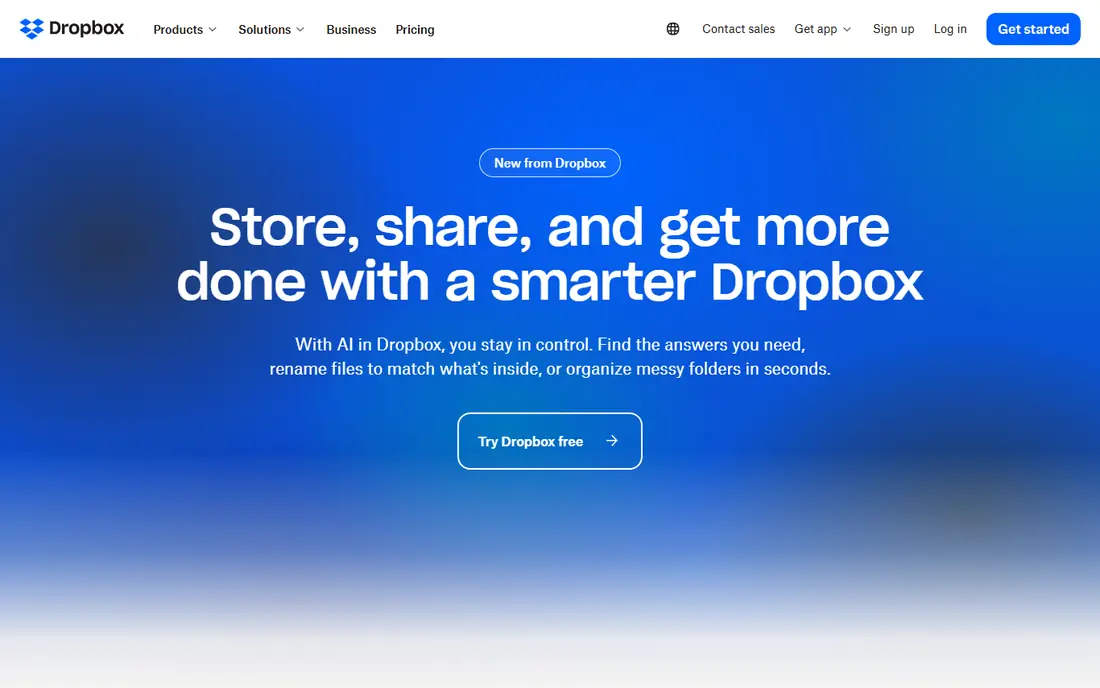
Dropbox is the tool most teams picture when they think of cloud storage, and it earns that place with sync that rarely causes trouble. Team folders, shared links, and file requests cover the daily sharing needs of most offices, and the admin console handles user management and device controls without a long learning curve. The main weakness is price, since the business plans sit above Box and Google Workspace, and the 2 GB free plan is too small for serious use. For a general business team that wants storage to work quietly in the background, Dropbox remains a strong and safe choice.
What we like- Sync is fast and reliable, apps work well on Windows, Mac, iOS, and Android, sharing links are easy to set with expiry dates and passwords, and integrations cover Microsoft 365, Google Workspace, Slack, and Zoom
Watch out for- The free plan offers only 2 GB, which fills up fast, and business plans cost more than Box and Google Workspace for similar storage
#2Box
Best for: Regulated and enterprise teams that need strict access control, audit logs, and content workflows4.2/5 on
G2 (5,259 reviews, checked Oct 2026)
Visit box.com
Starting priceBusiness Starter $5 per user per month, Business $15, Business Plus $25, Enterprise $35, 3-user minimum
Free plan10 GB for one user

Box treats files as managed business content rather than simple synced folders, and that shows in every part of the product. Admins can set detailed permissions on folders and files, apply retention policies, watermark previews, and review a full audit log of who opened what and when. Those controls make Box a common choice for finance, health care, legal, and government teams. For teams where control and compliance matter more than simple sync, Box is the better fit.
What we like- Admin controls and audit logs are stronger than Dropbox, retention policies and watermarking suit regulated work, workflow automation and e-signature are built in, and integrations cover Microsoft 365, Google Workspace, Salesforce, and Slack
Watch out for- The interface feels more complex than Dropbox for simple file sharing, and useful features such as advanced workflows sit on the higher priced plans
#3Google Drive
Best for: Teams that already use Gmail, Google Docs, and Google Sheets every day4.8/5 on
Capterra (28,634 reviews, checked Oct 2026)
Visit drive.google.com
Starting priceFree 15 GB; Google One Basic $1.99 per month (100 GB); Google Workspace Starter $7 per user per month, Standard $14, Plus $22
Free plan15 GB
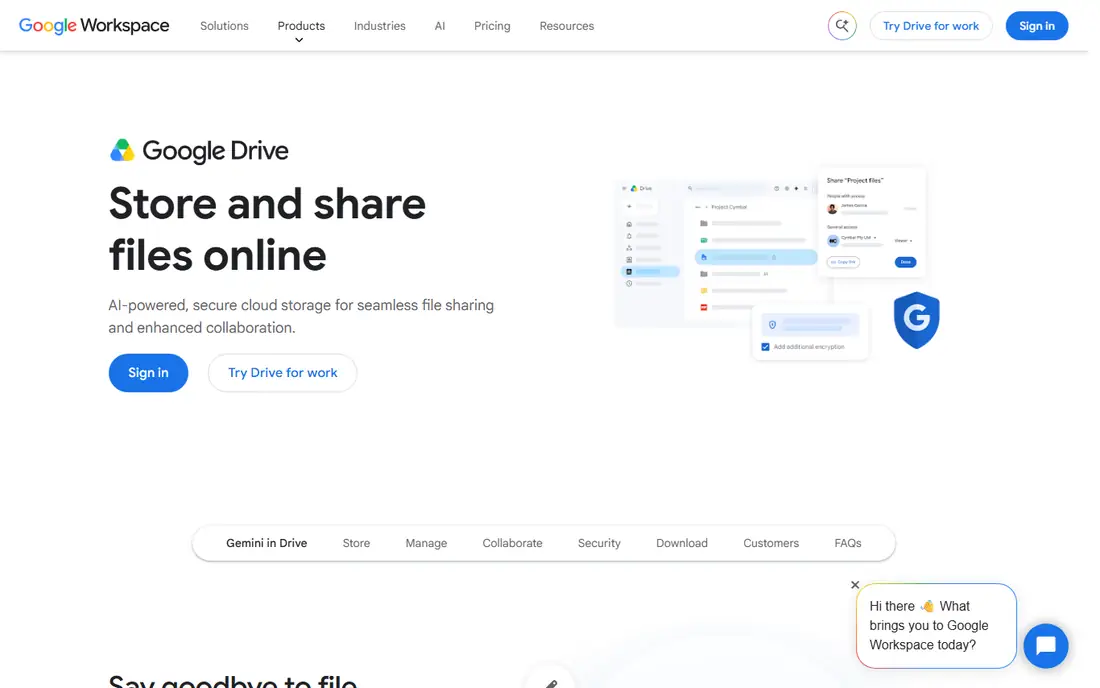
Google Drive is the storage layer of Google Workspace, and it works best for teams that already live in Google apps. Files open straight into Docs, Sheets, and Slides, and several people can edit the same document at once with comments and version history built in. For business, Google Workspace Starter at 7 dollars per user per month includes a business email address, 30 GB of pooled storage per user, and the full office suite, which makes it one of the cheapest business bundles in this guide. For a team that already uses Gmail and Google Docs, Drive is the natural and low cost choice.
What we like- The 15 GB free plan is generous, Docs, Sheets, and Slides work directly on files in Drive, real time collaboration is strong, and search finds files by content and text inside documents
Watch out for- Offline access needs setup in advance, and shared drive permissions can confuse new users when files move between personal and team folders
#4Microsoft OneDrive
Best for: Windows users and Microsoft 365 subscribers who want storage built into Office4.3/5 on
G2 (10,433 reviews, checked Oct 2026)
Visit microsoft.com
Starting priceFree 5 GB; Microsoft 365 Basic $1.99 per month or $19.99 per year (100 GB); Personal $9.99 per month or $99.99 per year (1 TB); Business Basic $7 per user per month
Free plan5 GB
OneDrive is the storage that comes with Microsoft 365, and it is the obvious choice for teams that use Word, Excel, and Outlook every day. Files open straight into the Office apps, and the Files On Demand feature keeps files visible in File Explorer without downloading them all to the disk. Business Basic at 7 dollars per user per month adds a business email address and 1 TB per user. The main limits are the small 5 GB free plan and sync speed, which can lag when a library holds many thousands of files. For a Windows and Office team, OneDrive is hard to beat on value.
What we like- Files On Demand saves local disk space, Word, Excel, and PowerPoint open directly from OneDrive, version history and ransomware detection protect files, and it is included with Microsoft 365 plans
Watch out for- The free plan offers only 5 GB, and sync can be slow with very large libraries or many small files
#5Microsoft SharePoint
Best for: Mid sized and large companies that need team sites, document libraries, and intranets4.0/5 on
G2 (8,961 reviews, checked Oct 2026)
Visit microsoft.com
Starting pricePlan 1 $5 per user per month, Plan 2 $10; Microsoft 365 Business Basic $7 per user per month includes SharePoint
Free planNone as a standalone product, included with Microsoft 365 Business plans
SharePoint is the document platform behind Microsoft 365 team sites, and it suits companies that need more structure than a simple synced folder. The important fact for new buyers is that Microsoft is retiring the standalone SharePoint plans, with end of sale on 31 May 2026, end of life in January 2027, and end of service in December 2029. New customers should buy SharePoint through a Microsoft 365 Business plan instead, which starts at 7 dollars per user per month and includes OneDrive, Teams, and the Office web apps. For a company already committed to Microsoft 365, SharePoint adds real structure at no extra cost.
What we like- Team sites and document libraries organise files by department or project, permissions are detailed, version history and approval workflows are built in, and it connects closely with Teams and OneDrive
Watch out for- Standalone SharePoint plans are retiring for new customers, with end of sale on 31 May 2026, end of life in January 2027, and end of service in December 2029, so new buyers should take the Microsoft 365 route instead
#6
Apple iCloud Drive
Best for: People and small teams that use iPhone, iPad, and Mac as their main devices
Visit icloud.com
Starting priceFree 5 GB; iCloud+ 50 GB $0.99 per month, 200 GB $2.99, 2 TB $9.99
Free plan5 GB
iCloud Drive is the storage built into every iPhone, iPad, and Mac, and it works best when Apple devices are the centre of your setup. The iCloud+ plans are cheap, with 50 GB at 0.99 dollars per month, 200 GB at 2.99 dollars, and 2 TB at 9.99 dollars, and family sharing lets up to six people share a plan. The limits are clear: the free 5 GB plan fills up fast, the Windows app is basic, and the admin controls are far lighter than Dropbox or Box, so it does not suit a company that needs central user management. For personal use and small Apple based teams, it is simple and cheap.
What we like- Backup for iPhone and iPad is automatic, files sync across Apple devices without setup, family sharing covers up to six people, and the 50 GB plan costs only 0.99 dollars per month
Watch out for- The free plan offers only 5 GB, which a single iPhone backup can fill, and the Windows app and web interface are weaker than the Apple apps
#7Egnyte
Best for: Companies in construction, life sciences, and finance that need governed file sharing with on site and cloud storage4.4/5 on
G2 (1,167 reviews, checked Oct 2026)
Visit egnyte.com
Starting priceTeam $10 per user per month, Business $22, Enterprise Lite $39, Elite $48
Free planNo free plan, trial available
Egnyte is built for companies that need governed file sharing across offices, job sites, and cloud storage at the same time. Its hybrid model lets a team keep files on a local server for fast access while syncing the same files to the cloud, which suits construction firms, engineering teams, and media companies with large files. There is no free plan, though a trial is available, and the setup takes longer than the simpler tools in this guide. Egnyte is not the right pick for a small team that just needs shared folders, but for a mid sized company with compliance needs and large files, it is a serious option.
What we like- Hybrid storage mixes cloud and on site servers, governance tools cover permissions, retention, and audit, large file handling suits media and construction, and integrations cover Microsoft 365, Google Workspace, and Salesforce
Watch out for- There is no free plan, and the interface and admin setup take longer to learn than Dropbox or Google Drive
#8pCloud
Best for: Individuals and small teams that want a one time lifetime payment instead of a monthly bill4.3/5 on
G2 (166 reviews, checked Oct 2026)
Visit pcloud.com
Starting pricePremium 500 GB $4.99 per month or $49.99 per year, lifetime $199; Premium Plus 2 TB $9.99 per month or $99.99 per year, lifetime $399; Business $9.99 per user per month
Free plan10 GB
pCloud stands out in this guide because it sells lifetime storage alongside monthly plans. The Premium plan gives 500 GB for 4.99 dollars per month or 49.99 dollars per year, with a lifetime option at 199 dollars, while Premium Plus gives 2 TB for 9.99 dollars per month or 99.99 dollars per year, with a lifetime option at 399 dollars. The Business plan at 9.99 dollars per user per month adds team folders and admin controls. The drawbacks are the high up front cost of the lifetime plans and an interface that feels less polished than the bigger names. For a buyer who wants to pay once and stop thinking about a monthly bill, pCloud is the clear pick.
What we like- Lifetime plans remove the monthly bill, the free plan offers 10 GB, file versioning keeps older copies, and the Business plan adds team controls at 9.99 dollars per user per month
Watch out for- The lifetime plans cost a lot up front, and the app and web interface feel less polished than Dropbox or Google Drive
Frequently asked questions
Sources we checked (12)
- https://www.dropbox.com/plans
- https://www.dropbox.com/business/plans
- https://www.box.com/pricing
- https://one.google.com/about/plans
- https://workspace.google.com/pricing/
- https://www.microsoft.com/en-us/microsoft-365/onedrive/online-cloud-storage
- https://www.microsoft.com/en-us/microsoft-365/buy/compare-all-microsoft-365-products
- https://www.microsoft.com/en-us/microsoft-365/sharepoint/collaboration
- https://support.apple.com/en-us/108047
- https://www.egnyte.com/pricing
- https://www.pcloud.com/pricing
- https://rankite.com/blog/
Is your product missing or out of date?
We review this list regularly. Vendors can request a listing, send updated pricing or ask about featured placement.

Shihab Mia · Founder, Rankite
Shihab has 5+ years in B2B and SaaS SEO. He writes Rankite's software buying guides from pricing pages, documentation and public user reviews. More about Shihab.