How we make this list: we compare pricing pages, product documentation and public user reviews. Ratings come from G2, Capterra or Trustpilot, with the date we checked them.
Box and SharePoint are two of the most widely used cloud storage and collaboration platforms for business teams, yet they come from very different starting points. Box is a cloud content management platform built around secure file storage, sharing and workflow automation. SharePoint is Microsoft's document management and intranet platform, deeply tied to Microsoft 365, Teams and OneDrive. Choosing between them depends on how your team already works and how much control IT needs.
The short answer is that Box suits teams that want a clean, standalone content platform with strong governance and broad third party integrations, while SharePoint suits organisations already committed to Microsoft 365 that want document libraries, intranets and team sites in one place. This guide compares both platforms side by side and adds six alternatives, so you can see the full field before you decide.
What Is the Difference Between Box and SharePoint
Box is a cloud native platform that stores files, manages permissions and automates document workflows. It works the same way whether your team uses Windows, macOS, Google Workspace or Microsoft 365. Its admin console gives IT teams detailed control over sharing, retention and access. Box also offers e-signatures through Box Sign, workflow automation through Box Relay, and AI features that summarise and search across documents.
SharePoint, by contrast, is part of the Microsoft 365 ecosystem. It provides document libraries, team sites, communication sites and intranet pages that tie directly into Teams, Outlook and OneDrive. Files stored in SharePoint are usually accessed through Teams channels or OneDrive sync, which makes it feel familiar to anyone already using Microsoft tools. Its strength is structure: version history, metadata, approval flows and integration with Power Automate are built in rather than added on.
The practical difference shows up in daily use. Box gives you a single content layer that sits above whatever productivity suite you use. SharePoint gives you a document system that is most powerful when the whole organisation lives inside Microsoft 365. If your team mixes Macs, Google Docs and Office files, Box tends to feel lighter.
How Much Do Box and SharePoint Cost
Box Business Starter costs $5 per user per month and includes 100 GB of storage per user with a three user minimum. Box Business costs $15 per user per month with unlimited storage. Box Business Plus costs $25 per user per month and adds advanced security controls and workflow automation. Box Enterprise costs $35 per user per month with deeper governance and compliance features. A free Box plan gives a single user 10 GB of storage. Prices checked 18 Nov 2026.
SharePoint Plan 1 costs $5 per user per month and SharePoint Plan 2 costs $10 per user per month. Microsoft has announced that standalone SharePoint Online plans are retiring for new customers, with end of sale on 31 May 2026, end of life in Jan 2027 and end of service in Dec 2029. For most new buyers the practical route is Microsoft 365 Business Basic at $7 per user per month, which includes SharePoint along with Teams, Exchange and OneDrive. Prices checked 18 Nov 2026.
The cost comparison therefore depends on what you already pay for. If your organisation already licenses Microsoft 365, SharePoint effectively costs nothing extra. If you do not, Box at $5 per user per month is the cheaper entry point for a standalone platform.
Quick comparison
| Tool | Best for | Starting price | Free plan |
|---|
 Box | Teams that want a standalone cloud content platform with strong governance and broad integrations | Business Starter $5 per user per month, Business $15, Business Plus $25, Enterprise $35, with a 3-user minimum | 10 GB for one user |
 Microsoft SharePoint | Organisations already running Microsoft 365 that want document libraries, intranets and team sites | SharePoint Plan 1 $5 per user per month, Plan 2 $10; Microsoft 365 Business Basic $7 per user per month includes SharePoint | No standalone free plan; SharePoint is included with Microsoft 365 subscriptions |
 Google Drive | Teams using Google Workspace, and small businesses that want generous free storage | Free 15 GB; Google One Basic $1.99 per month for 100 GB; Google Workspace Starter $7 per user per month, Standard $14, Plus $22 | 15 GB shared across Google Drive, Gmail and Google Photos |
 Dropbox | Teams and individuals who value fast, reliable file sync above all else | Plus $9.99 per month billed annually ($11.99 month to month) for 2 TB; Professional $16.58 per month billed annually; business Standard $15 per user per month billed annually, Advanced $24 | 2 GB |
 Microsoft OneDrive | Individuals and businesses already using Windows and Microsoft 365 | Free 5 GB; Microsoft 365 Basic $1.99 per month or $19.99 per year for 100 GB; Personal $9.99 per month or $99.99 per year for 1 TB; Business Basic $7 per user per month | 5 GB |
 Apple iCloud Drive | Individuals and families using iPhone, iPad and Mac | Free 5 GB; iCloud+ 50 GB $0.99 per month, 200 GB $2.99, 2 TB $9.99 | 5 GB |
 Egnyte | Mid size businesses in regulated or file heavy industries that need hybrid cloud and on premises storage | Team $10 per user per month, Business $22, Enterprise Lite $39, Elite $48 | No free plan; trial available |
 Sync.com | Individuals and small teams that want zero knowledge encryption and strong privacy by default | Free 5 GB; Personal 1 TB $12 per month billed annually ($16 month to month); Solo 5 TB $28 per month billed annually ($32 month to month) | 5 GB |
Is your product missing or out of date?
We review this list regularly. Vendors can request a listing, send updated pricing or ask about featured placement.
The eight tools below cover the main ways teams store, share and collaborate on files in 2026. Each entry lists the starting price checked on 18 Nov 2026 and a real drawback.
#1Box
Best for: Teams that want a standalone cloud content platform with strong governance and broad integrations4.2/5 on
G2 (5,259 reviews, checked Oct 2026)
Visit box.com
Starting priceBusiness Starter $5 per user per month, Business $15, Business Plus $25, Enterprise $35, with a 3-user minimum
Free plan10 GB for one user

Box is the most platform neutral option on this list. It does not assume you use one productivity suite, and it connects to almost everything a modern team runs. File sharing is straightforward, with link controls, expiry dates and download permissions that administrators can set at a granular level. Box Relay automates approval and review workflows without code, and Box Sign covers basic e-signature needs without a separate subscription. The trade off is that Box is not a full productivity suite, so you still need a separate home for email, calendars and document editing.
What we like- Clean interface that works across Windows, macOS and mobile
- Strong admin controls for sharing, retention and access
- More than 1,500 integrations including Microsoft 365, Google Workspace, Slack and Salesforce
- Built in e-signature and workflow automation
Watch out for- The entry plan caps storage at 100 GB per user and omits advanced security features, so growing teams usually need to step up to the $15 or $25 tier
#2Microsoft SharePoint
Best for: Organisations already running Microsoft 365 that want document libraries, intranets and team sites4.0/5 on
G2 (8,961 reviews, checked Oct 2026)
Visit microsoft.com
Starting priceSharePoint Plan 1 $5 per user per month, Plan 2 $10; Microsoft 365 Business Basic $7 per user per month includes SharePoint
Free planNo standalone free plan; SharePoint is included with Microsoft 365 subscriptions
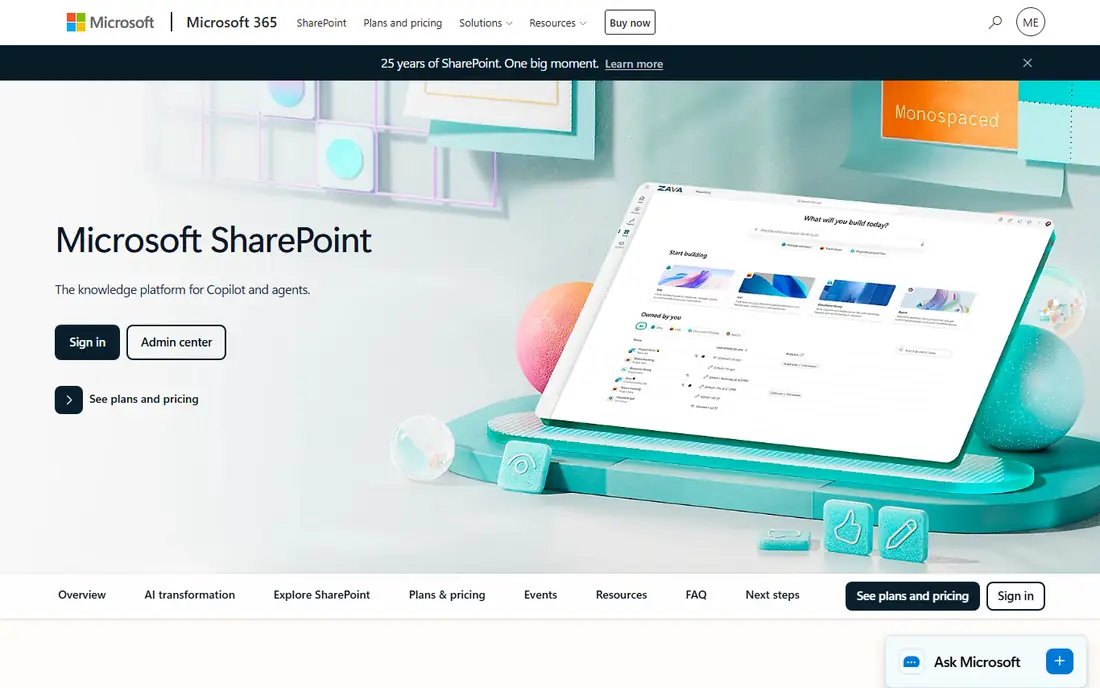
SharePoint is at its best inside Microsoft 365. Files live in document libraries that Teams channels and OneDrive sync both point to, so collaboration feels seamless for users who already work in Outlook and Word. Administrators get fine grained permission control, retention policies and compliance tools through the Microsoft 365 admin centre. The weakness is complexity: setting up a SharePoint site well takes planning, and the interface can feel heavy for teams that only need simple file sharing.
What we like- Deep integration with Teams, Outlook, OneDrive and Office apps
- Powerful document libraries with version history, metadata and approval flows
- Intranet and communication sites for internal publishing
- Power Automate integration for business process automation
Watch out for- Standalone SharePoint Online plans are retiring for new customers, with end of sale on 31 May 2026, end of life in Jan 2027 and end of service in Dec 2029, so new buyers must go through Microsoft 365 and plan around that timeline
#3Google Drive
Best for: Teams using Google Workspace, and small businesses that want generous free storage4.8/5 on
Capterra (28,634 reviews, checked Oct 2026)
Visit drive.google.com
Starting priceFree 15 GB; Google One Basic $1.99 per month for 100 GB; Google Workspace Starter $7 per user per month, Standard $14, Plus $22
Free plan15 GB shared across Google Drive, Gmail and Google Photos
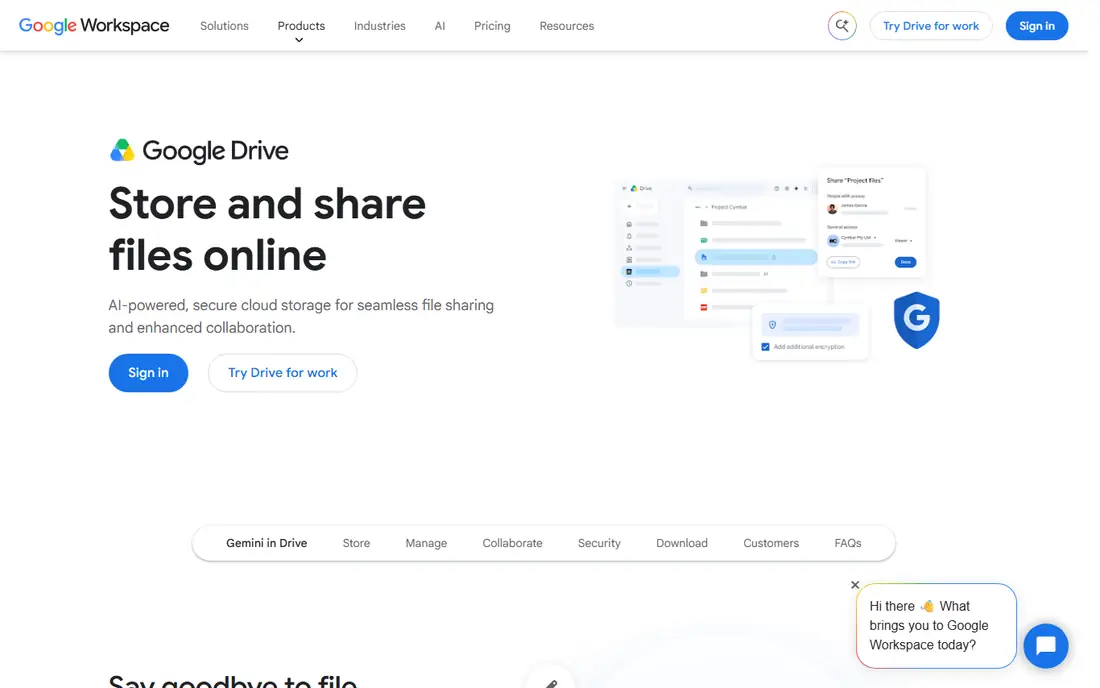
Google Drive is the easiest starting point for small teams and solo users. The 15 GB free plan is the most generous on this list, and the collaboration experience in Google Docs remains the standard other tools are measured against. Comments, suggested edits and simultaneous editing work without friction, and version history makes it easy to recover earlier drafts. The main limitation is that Drive is built around Google's ecosystem. If your team depends on desktop Office apps, the experience is less polished than SharePoint or Box.
What we like- Generous 15 GB free tier
- Real time collaboration in Docs, Sheets and Slides with no extra software
- Strong search across file contents
- Simple sharing with link controls and expiry dates
Watch out for- Storage is shared across Drive, Gmail and Google Photos, so the 15 GB free allowance can fill up faster than expected, and advanced admin and data loss prevention controls require the higher Workspace tiers
#4Dropbox
Best for: Teams and individuals who value fast, reliable file sync above all else4.4/5 on
G2 (31,453 reviews, checked Oct 2026)
Visit dropbox.com
Starting pricePlus $9.99 per month billed annually ($11.99 month to month) for 2 TB; Professional $16.58 per month billed annually; business Standard $15 per user per month billed annually, Advanced $24
Free plan2 GB
Dropbox built its reputation on sync that simply works. Files appear on every device quickly, conflicts are rare, and Smart Sync keeps large libraries accessible without filling a hard drive. Dropbox Paper adds lightweight document collaboration, and the business plans include admin controls, team folders and e-signature features. The drawback is price. At $9.99 per month for 2 TB, Dropbox costs more than Google One Basic for a similar amount of storage, and the free plan is too small for serious use.
What we like- Fast and reliable sync across devices, including selective sync and Smart Sync
- Dropbox Paper and integrations with Microsoft 365 and Google Workspace
- Strong version history and file recovery
- Simple sharing that non technical users understand quickly
Watch out for- The 2 GB free plan is the smallest on this list, and Dropbox costs more per terabyte than Google One or Microsoft 365 for personal storage, so it is a premium choice rather than a budget one
#5Microsoft OneDrive
Best for: Individuals and businesses already using Windows and Microsoft 3654.3/5 on
G2 (10,433 reviews, checked Oct 2026)
Visit microsoft.com
Starting priceFree 5 GB; Microsoft 365 Basic $1.99 per month or $19.99 per year for 100 GB; Personal $9.99 per month or $99.99 per year for 1 TB; Business Basic $7 per user per month
Free plan5 GB
OneDrive is the personal storage layer of Microsoft 365, and it shares its document libraries with SharePoint behind the scenes. For Windows users it is the default cloud drive, with Files On Demand showing cloud files in File Explorer without downloading them. The Microsoft 365 Personal plan at $9.99 per month is good value because it bundles 1 TB of storage with the desktop Office apps. OneDrive is less compelling as a standalone choice, since the free tier is small and the full experience depends on a Microsoft 365 subscription.
What we like- Included with every Microsoft 365 subscription
- Files On Demand keeps cloud files visible without using local disk space
- Tight integration with Word, Excel, PowerPoint and Teams
- Personal Vault for sensitive files
Watch out for- The 5 GB free plan is small, and OneDrive is most useful inside the Microsoft ecosystem, so teams that mix platforms may find Google Drive or Dropbox more flexible
#6
Apple iCloud Drive
Best for: Individuals and families using iPhone, iPad and Mac
Visit icloud.com
Starting priceFree 5 GB; iCloud+ 50 GB $0.99 per month, 200 GB $2.99, 2 TB $9.99
Free plan5 GB
iCloud Drive is the invisible storage layer for Apple users. Documents, photos, messages and app data sync across devices without any configuration, and the Files app on iOS and macOS gives quick access to everything stored in the cloud. The limitation is scope. iCloud Drive is designed for individuals and families, not business teams. It lacks the admin console, granular permissions and workflow tools that Box, SharePoint and Egnyte provide.
What we like- Built into every Apple device with no setup
- Syncs documents, photos and app data across iPhone, iPad and Mac automatically
- Family sharing on the 200 GB and 2 TB plans
- Low monthly prices for personal storage
Watch out for- The 5 GB free plan fills quickly with photos and backups, and the Windows and web experience is thinner than the native Apple experience, so it is a poor fit for mixed platform teams
#7Egnyte
Best for: Mid size businesses in regulated or file heavy industries that need hybrid cloud and on premises storage4.4/5 on
G2 (1,167 reviews, checked Oct 2026)
Visit egnyte.com
Starting priceTeam $10 per user per month, Business $22, Enterprise Lite $39, Elite $48
Free planNo free plan; trial available
Egnyte is built for businesses that cannot move everything to the cloud at once. Its hybrid architecture lets teams keep files on local servers while giving remote workers fast cloud access to the same content. That matters in industries such as architecture, engineering, construction and life sciences, where project files are large and often subject to strict retention rules. The trade off is complexity and cost. Setup takes more planning than Box or Dropbox, and the per user price at the Enterprise tiers is among the highest in this comparison.
What we like- Hybrid storage that combines cloud access with on premises file servers
- Strong governance, audit trails and compliance support for industries such as construction, life sciences and finance
- Granular permissions and content lifecycle management
- Good handling of very large files
Watch out for- There is no free plan, the interface is more complex than Box or Dropbox, and the price rises steeply at the Enterprise tiers, so small teams may find it more than they need
#8Sync.com
Best for: Individuals and small teams that want zero knowledge encryption and strong privacy by default4.0/5 on
G2 (44 reviews, checked Oct 2026)
Visit sync.com
Starting priceFree 5 GB; Personal 1 TB $12 per month billed annually ($16 month to month); Solo 5 TB $28 per month billed annually ($32 month to month)
Free plan5 GB
Sync.com takes a different approach from the mainstream cloud drives by encrypting files on your device before they reach the server, so even Sync.com cannot read them. That zero knowledge model appeals to privacy conscious users, freelancers handling client work, and small businesses in regions with strict data residency rules. Team plans add shared folders and admin controls for small groups. The weakness is the ecosystem. Sync.com integrates with fewer apps than Dropbox, Google Drive or Box, and its collaboration features are basic, with no built in document editor.
What we like- Zero knowledge encryption means only you hold the keys to your files
- Canadian data residency options
- Clean interface with file sharing, version history and team folders
- No tracking or advertising based on your files
Watch out for- Fewer third party integrations than Dropbox or Box, and the $12 per month Personal plan costs more than Google One or Microsoft 365 for the same 1 TB, so you pay a premium for the privacy model
How to Choose Between Box, SharePoint and the Alternatives
Start with the tools your team already uses. If everyone works in Microsoft 365, SharePoint and OneDrive are already included in your subscription, and adding Box would duplicate what you pay for. If your team uses Google Workspace, Google Drive is the natural fit, and Box can sit alongside it for governance. If your team mixes platforms, Box, Dropbox or Google Drive will cause fewer friction points than a platform tied to one vendor.
Next, weigh governance against simplicity. Box and Egnyte give administrators the deepest control over sharing, retention and compliance, which matters in regulated industries. SharePoint gives similar control inside the Microsoft ecosystem but needs more setup time. Google Drive, Dropbox and Sync.com are simpler to administer but offer less granular control at the lower tiers.
Finally, check the storage maths before you commit. A 100 GB Box Business Starter plan, a 2 TB Dropbox Plus plan and a 1 TB Microsoft 365 Personal plan serve very different needs, and the cheapest headline price is not always the cheapest per user once you add the seats you need. Confirm the current price on the vendor pricing page and test the free tier or trial with real files before you migrate a whole team.
Frequently asked questions
Is Box better than SharePoint?
Box is better for teams that want a standalone content platform that works across Microsoft 365, Google Workspace and other tools, with a clean interface and strong governance. SharePoint is better for organisations already committed to Microsoft 365 that want document libraries, intranets and team sites in one system. The right choice depends on whether your team lives inside Microsoft 365 or mixes platforms, and on how much IT control you need.
Can I use SharePoint without Microsoft 365?
Standalone SharePoint Online plans cost $5 per user per month for Plan 1 and $10 for Plan 2, but Microsoft is retiring them for new customers, with end of sale on 31 May 2026, end of life in Jan 2027 and end of service in Dec 2029. New buyers should get SharePoint through a Microsoft 365 plan instead, such as Business Basic at $7 per user per month, which includes SharePoint, Teams, Exchange and OneDrive.
Which is cheaper, Box or Google Drive?
Google Drive is cheaper for personal and small team use, with 15 GB free and Google One Basic at $1.99 per month for 100 GB, while Box Business Starter starts at $5 per user per month. For business use the comparison changes, because Google Workspace Starter also costs $7 per user per month and Box Business at $15 adds governance features that Workspace only offers on higher tiers. Compare the full feature set, not just the headline price.
Does Box integrate with Microsoft Office?
Yes, Box integrates with Microsoft 365, including Word, Excel, PowerPoint, Outlook and Teams, so you can open and edit Office files stored in Box without downloading them. Box also integrates with Google Workspace, Slack, Salesforce, Zoom and more than 1,500 other apps. This platform neutral approach is one of the main reasons teams choose Box over a tool tied to a single vendor ecosystem.
Is Sync.com safe for business files?
Sync.com uses zero knowledge encryption, which means files are encrypted on your device before upload and only you hold the decryption keys, so the provider cannot read your files. That model suits privacy conscious teams and small businesses with strict confidentiality needs. The trade off is fewer integrations and simpler collaboration features than Dropbox or Box, so confirm it covers your workflow before committing a whole team.
Sources we checked (10)
- https://www.box.com/pricing
- https://www.microsoft.com/en-us/microsoft-365/sharepoint/collaboration
- https://drive.google.com
- https://workspace.google.com/pricing
- https://www.dropbox.com/plans
- https://www.microsoft.com/en-us/microsoft-365/onedrive/online-cloud-storage
- https://www.icloud.com/iclouddrive
- https://www.egnyte.com
- https://www.sync.com
- https://rankite.com
Is your product missing or out of date?
We review this list regularly. Vendors can request a listing, send updated pricing or ask about featured placement.

Shihab Mia · Founder, Rankite
Shihab has 5+ years in B2B and SaaS SEO. He writes Rankite's software buying guides from pricing pages, documentation and public user reviews. More about Shihab.