How we make this list: we compare pricing pages, product documentation and public user reviews. Rankite is independent; if a vendor ever pays for a featured spot, that listing is clearly labeled Partner.
Key takeaways
- Appian and Pega are the enterprise heavyweights: full process automation platforms for complex, regulated operations, sold through sales, not self-serve.
- Kissflow and Pipefy are the accessible end: visual, low-code tools teams can start using without an implementation project; Pipefy has a genuinely free Starter plan.
- Camunda is the developer's BPM: open-standards process orchestration (BPMN) that engineers actually enjoy building on, with free development use.
- Nintex and Creatio sit in the middle: broad automation plus CRM-adjacent strengths, both evaluated through trials and sales conversations.
- Almost no BPM vendor publishes prices: budget for a quote-based conversation, and ask what implementation services cost before you compare.
Quick comparison
| Tool | Best for | Starting price | Free plan |
|---|
 Appian Appian | Enterprise process automation with governance | See website | Free trial |
 Pega (Pegasystems) Pega (Pegasystems) | Rules-heavy, high-volume operations | See website | Free trial |
 Nintex Nintex | Automating document and workflow processes at scale | See website | Free trial |
 Kissflow Kissflow | Business teams building their own process apps | See website | Free trial |
 Bizagi Bizagi | Teams that start with process modeling | See website | Yes (free Modeler) |
 Camunda Camunda | Engineering teams orchestrating processes as code | See website | Free trial |
 Pipefy Pipefy | Teams that want no-code processes today, not next quarter | See website | Yes (Starter plan free) |
 Creatio Creatio | Process automation tied to CRM | See website | Free trial |
Is your product missing or out of date?
We review this list regularly. Vendors can request a listing, send updated pricing or ask about featured placement.
The top BPM software
#1
Appian
Best for: Enterprise process automation with governance
Visit appian.com
Starting priceSee website
Free planFree trial
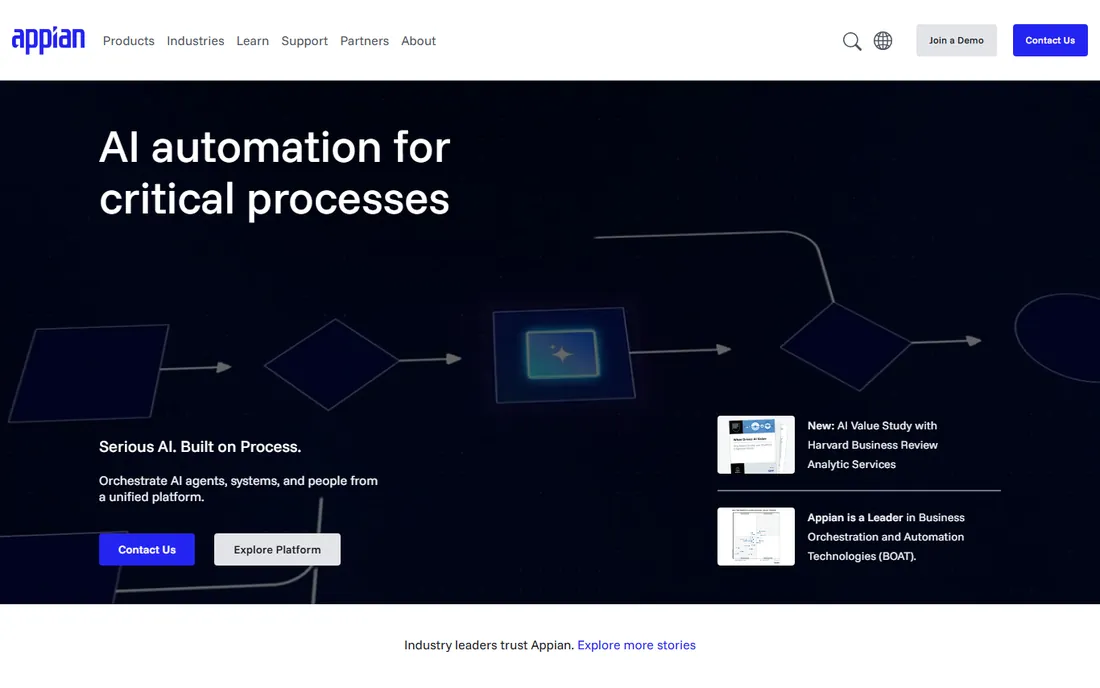
Appian is one of the two names that come up in every enterprise BPM shortlist. It combines process automation, case management, low-code app building and process mining in one platform, and it has deep roots in government and financial services where audit trails and compliance are non-negotiable.
The commercial reality: there is no self-serve path and no published pricing. You evaluate through a trial and a sales conversation, and complex implementations typically involve Appian's professional services or a partner. That is the right shape for a bank automating loan origination; it is the wrong shape for a 50-person company that wants a better purchase-approval flow.
Choose Appian when the processes are mission-critical, regulated and cross-departmental.
What we like- Unified low-code platform
- Strong in regulated industries
- Process mining included
Watch out for- Quote-based enterprise pricing
- Needs trained developers for complex apps
#2
Pega (Pegasystems)
Best for: Rules-heavy, high-volume operations
Visit pega.com
Starting priceSee website
Free planFree trial
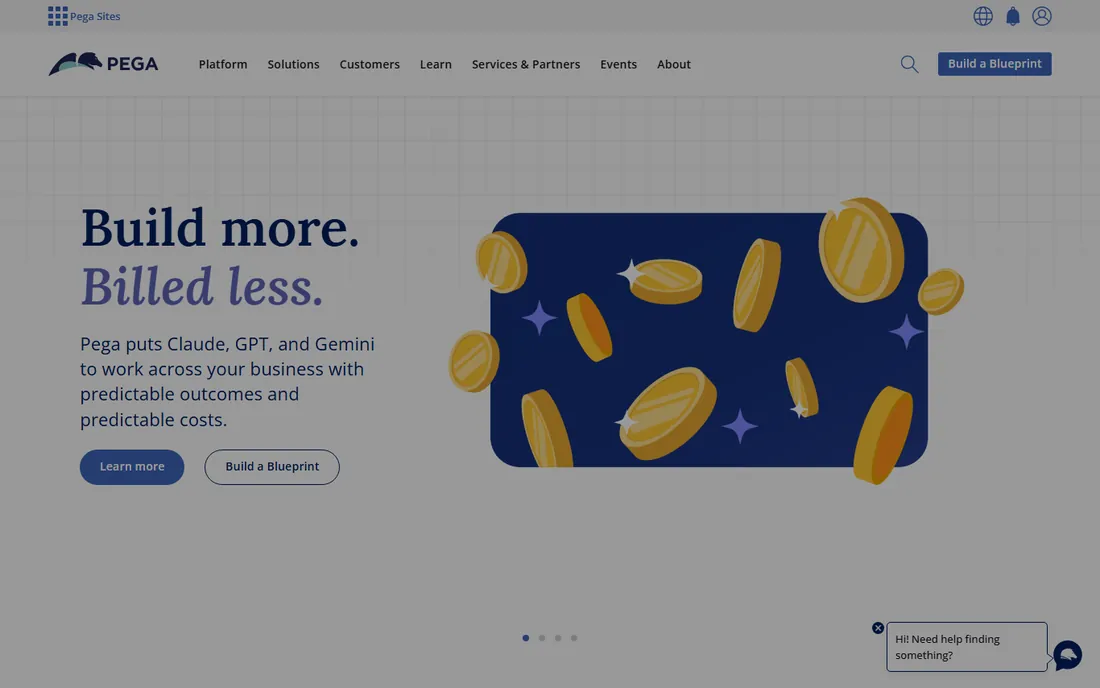
Pega's strength is decisioning: when a process involves thousands of business rules, exceptions and customer interactions, Pega's rules engine and case management handle complexity that breaks simpler tools. Telecoms, banks and insurers run core operations on it. The platform now layers AI-assisted design on top, which shortens the build phase.
Like Appian, it is quote-based and enterprise-sold, with implementation that is a project, not a purchase. Smaller organizations will find both the price and the platform oversized. The evaluation path is a trial followed by a scoped sales conversation.
Pick Pega when your processes are defined by complex business rules and high transaction volumes.
What we like- Best-in-class decisioning and case management
- Scales to massive volumes
- AI-assisted design
Watch out for- Enterprise pricing and complexity
- Meaningful learning curve
#3
Nintex
Best for: Automating document and workflow processes at scale
Visit nintex.com
Starting priceSee website
Free planFree trial
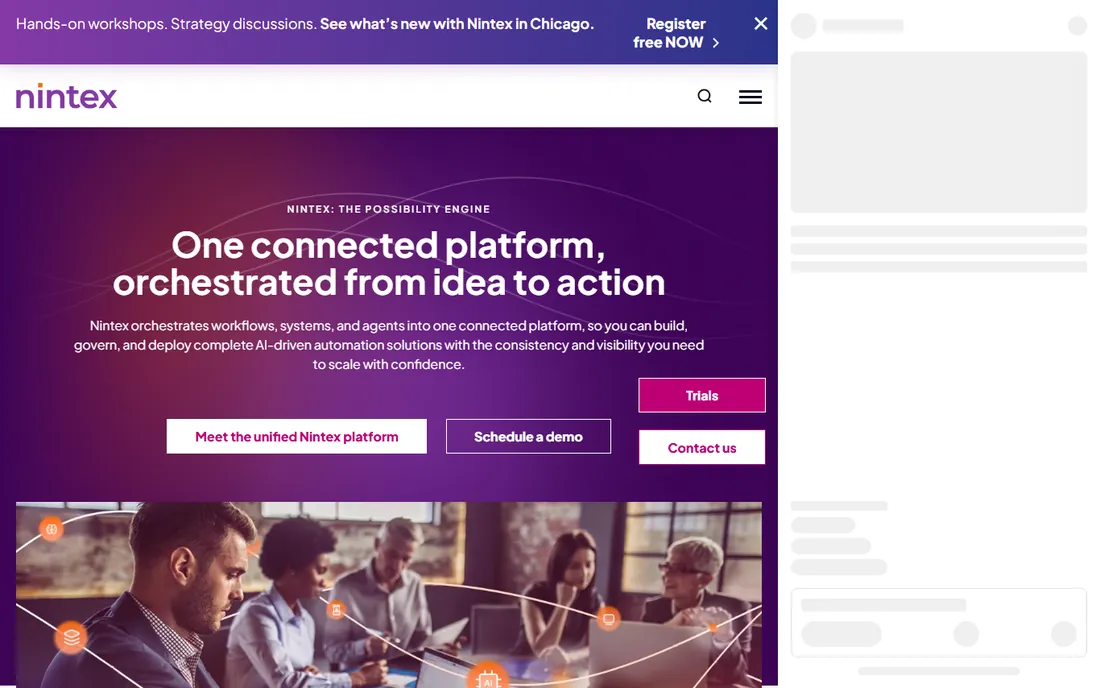
Nintex grew up automating SharePoint workflows and has expanded into a broad process automation platform: workflow automation, document generation, e-signature, robotic process automation and process mapping. Its document strengths (generating and routing contracts, forms and reports) set it apart from pure BPM players.
Pricing is quote-based with trials available for evaluation. The breadth of the product line means you should scope carefully: know whether you are buying workflow automation, document automation or the full platform, because the commercial conversation differs.
It fits Microsoft-centric organizations that want to automate document-heavy processes without rebuilding their stack.
What we like- Strong document generation and e-signature
- Broad workflow automation
- Good Microsoft ecosystem fit
Watch out for- Pricing not published
- Product line is broad, which complicates evaluation
Starting priceSee website
Free planFree trial
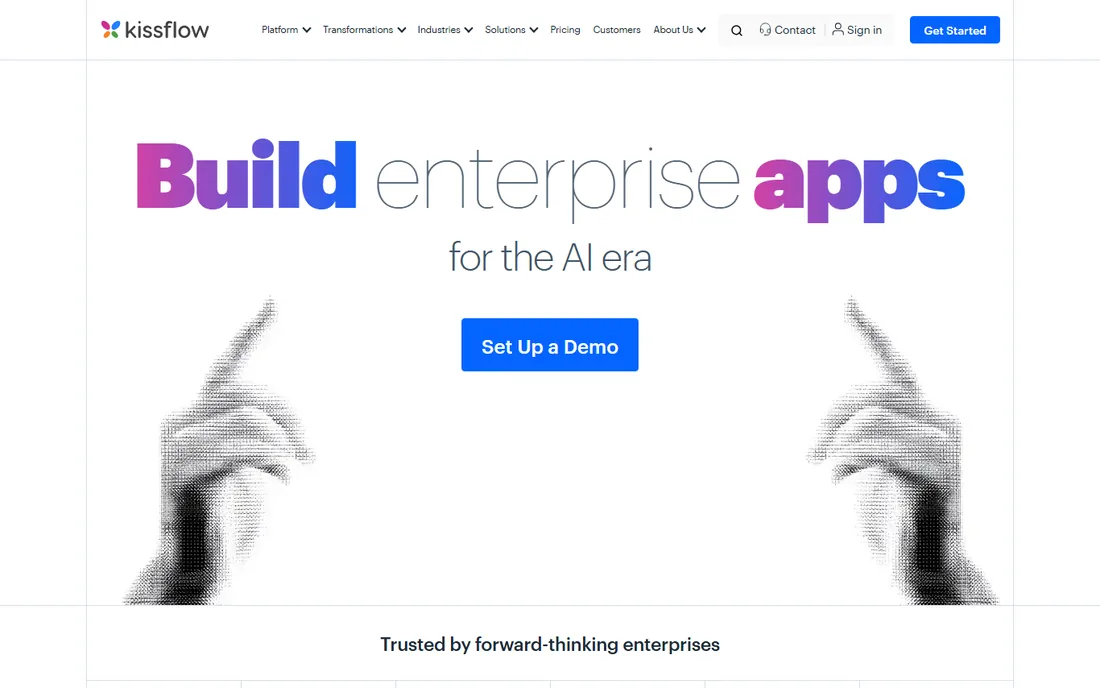
Kissflow pitches itself as the platform where business users, not just developers, build process applications: approvals, onboarding, procurement and custom workflows, with integrations and AI-assisted automation. Its customer list includes Fortune 500 names, and the platform emphasizes governance and security for enterprise IT.
The catch for buyers: pricing is not published, and the enterprise framing (fixed annual agreements, solution architects, implementation services) can make it feel heavier than it is. In practice, the product is genuinely usable by non-developers. A trial is the way to test that claim against your team's skills.
Choose Kissflow when operations teams need to build and own their processes without waiting on IT.
What we like- Intuitive low-code builder
- Broad app and integration scope
- Strong enterprise customer base
Watch out for- No published pricing
- Enterprise positioning can intimidate smaller buyers
Starting priceSee website
Free planYes (free Modeler)
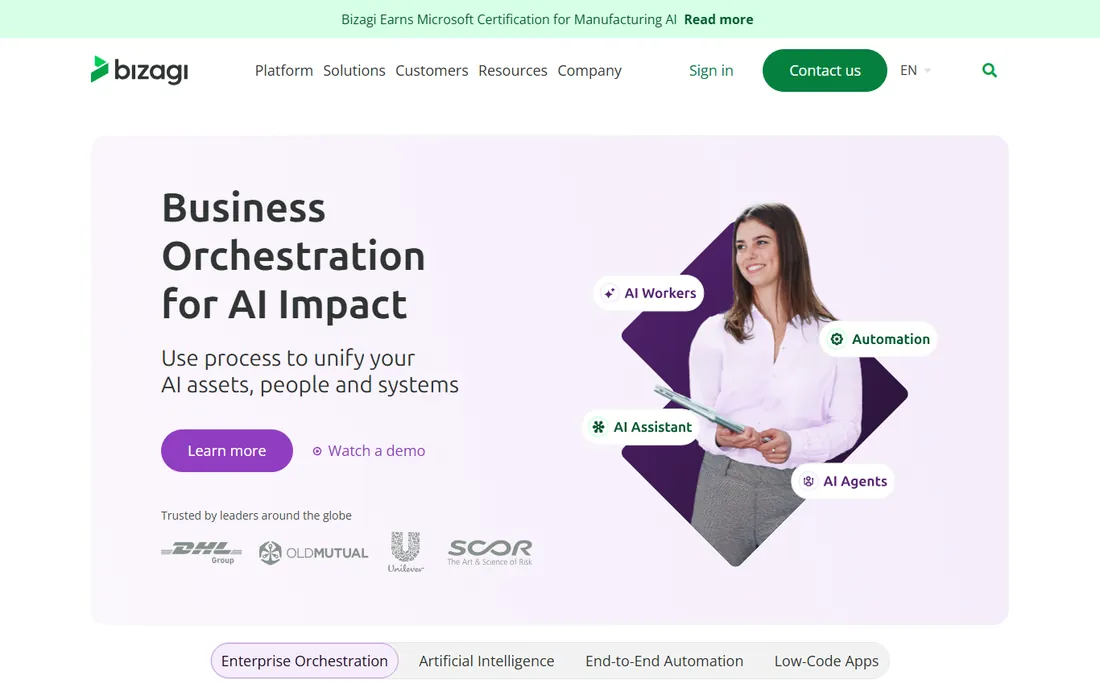
Bizagi's free Modeler is one of the best-known free tools in BPM: teams map their processes in BPMN notation at no cost, which is often the right first step before buying automation. The paid platform then executes those models as running applications with workflow, integration and case management.
The gap to manage is the handoff: a beautiful process model does not automatically become a working application, and the commercial platform is quote-based. Still, starting with the free Modeler de-risks the purchase, because you learn your real requirements before the sales conversation.
Pick Bizagi when you want to model processes properly first and automate second.
What we like- Free process Modeler
- Visual process design
- Solid automation engine
Watch out for- Paid platform pricing not published
- Modeling-to-execution handoff needs planning
#6
Camunda
Best for: Engineering teams orchestrating processes as code
Visit camunda.com
Starting priceSee website
Free planFree trial
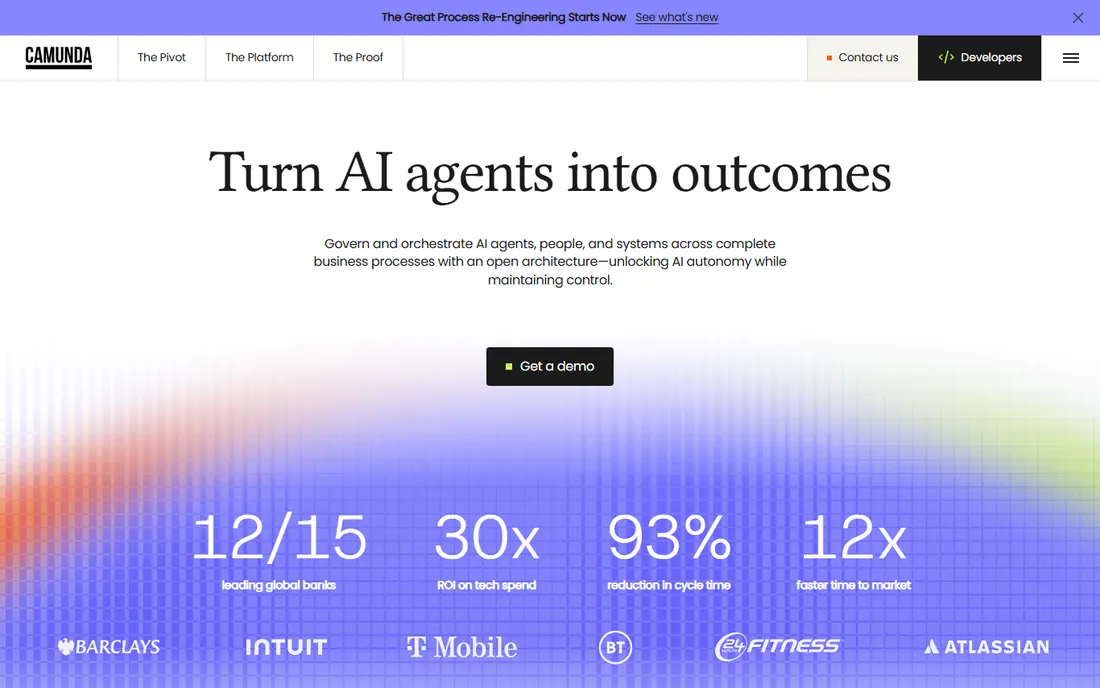
Camunda is the BPM platform developers choose when they get a vote. It orchestrates processes using the open BPMN 2.0 standard, runs self-managed or as SaaS, and is free for local development and non-production use. The 30-day SaaS trial lets teams test the hosted platform without a sales call.
The honest tradeoff: Camunda is a platform for engineers, not a no-code tool for operations teams. If you do not have developers, it is the wrong product. Production deployments need an enterprise license (quote-based), which surprises teams that built happily on the free tier.
Choose Camunda when your engineering team will own process automation and you want standards-based orchestration that avoids vendor lock-in.
What we like- Open BPMN standards
- Free for development
- Developers genuinely like building on it
Watch out for- Needs engineering resources
- Production use requires an enterprise license
#7
Pipefy
Best for: Teams that want no-code processes today, not next quarter
Visit pipefy.com
Starting priceSee website
Free planYes (Starter plan free)
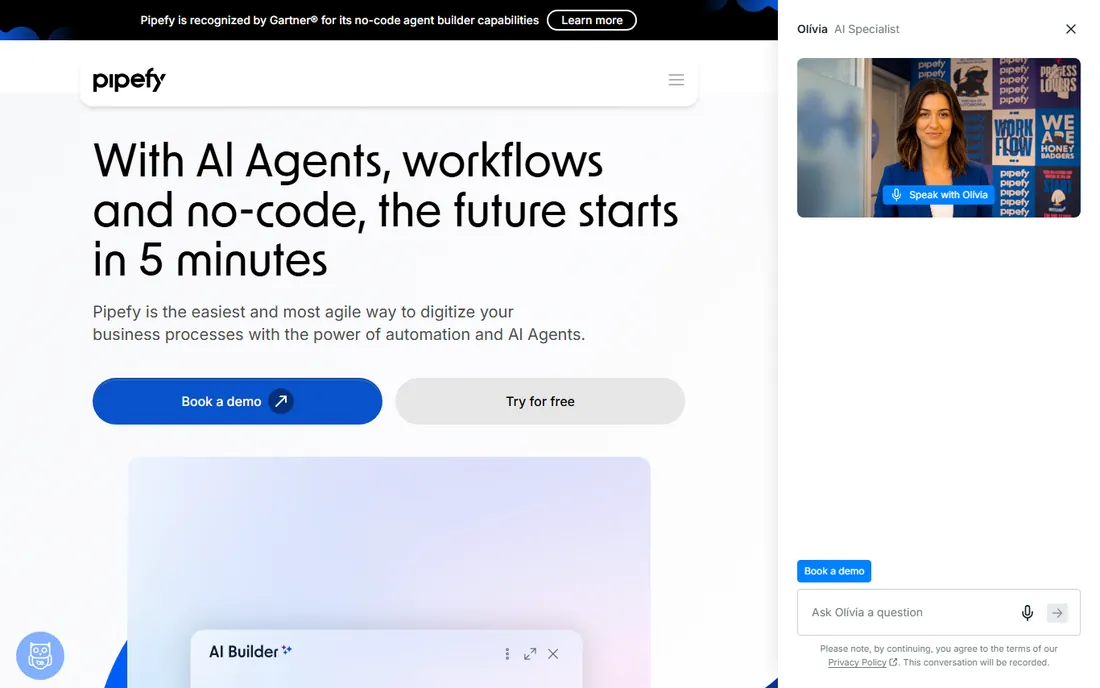
Pipefy is the fastest on-ramp on this list: a free Starter plan (up to 5 processes, 10 users) lets a team run real processes, kanban-style, with basic automations, without talking to anyone. Paid Business and Enterprise tiers add unlimited processes, API access, SSO and white labeling, but pricing requires a sales conversation.
The product's shape suits operational processes (HR requests, procurement, client onboarding) more than deeply technical orchestration. It is closer to a structured work-management tool than to Appian or Pega, which is exactly why non-technical teams adopt it quickly.
Start with the free plan; upgrade when you hit its limits rather than buying ahead of need.
What we like- Free Starter plan
- Visual kanban-style processes
- Quick to deploy
Watch out for- Paid plans are contact-sales
- Advanced features gated behind higher tiers
Starting priceSee website
Free planFree trial
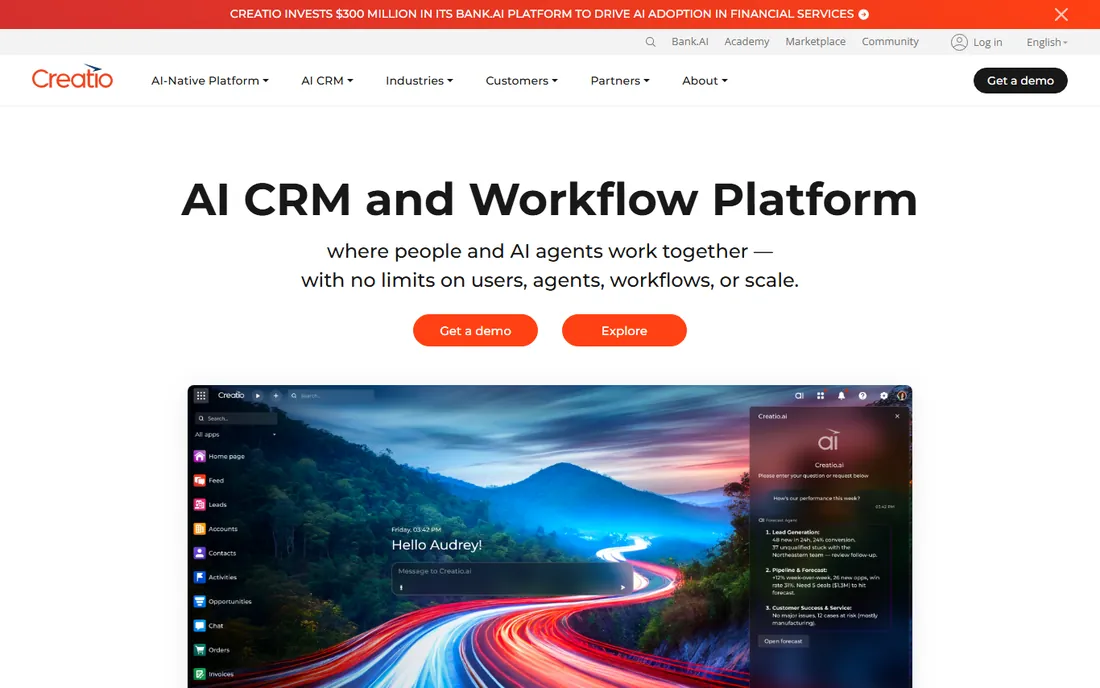
Creatio combines a no-code process automation platform with its own CRM, which makes it distinctive: processes like lead-to-cash run inside the same system as the customer data. The no-code designer is genuinely visual, and the platform has pushed hard on AI-assisted development.
Pricing is quote-based with trials for evaluation. The main question for buyers is whether you need the CRM: if you already run Salesforce or HubSpot, you are paying for a second CRM you will not use, and a pure-play BPM tool may fit better.
Pick Creatio when process automation and customer data should live in one system and you are open to its CRM.
What we like- No-code process designer
- Strong CRM integration
- AI-assisted development
Watch out for- No published pricing
- CRM strengths matter less if you already have one
How we chose
We covered the BPM spectrum: enterprise suites (Appian, Pega), mid-market automation (Nintex, Kissflow, Creatio), modeling-led (Bizagi), developer-led (Camunda) and no-code team tools (Pipefy). Pricing is quote-based across almost the entire category, so we state that plainly rather than repeating third-party estimates. Free tiers and trials were checked against vendor documentation: Pipefy's free Starter, Camunda's free development tier and Bizagi's free Modeler are all current. No hands-on testing was performed.
What to look for before you buy
Who builds the processes. This is the decision that matters most. No-code tools (Pipefy, Kissflow) put building in the hands of operations teams. Developer platforms (Camunda) need engineers. Enterprise suites (Appian, Pega) need trained specialists, often from a partner. Buy the tool your actual builders can use.
Implementation cost dwarfs license cost. For enterprise BPM, services often exceed the first year's license. Ask every vendor for a realistic implementation estimate for your specific processes before comparing quotes.
Model before you automate. The free Bizagi Modeler (or any BPMN tool) forces you to document the current process before buying software to automate it. Teams that skip this step automate broken processes faster.
Integration reality. Every BPM vendor lists hundreds of integrations. Ask specifically about your core systems (ERP, CRM, HRIS) and whether the integration is native, API-based or a third-party connector you will maintain.
Proof before purchase. Every vendor on this list offers a trial, a free tier or a free modeling tool. Run the same real process (one approval flow your team actually uses) in two finalists and measure two things: how long it takes a non-specialist to build it, and how long it takes to change it. The second number predicts your total cost of ownership better than any demo. Teams that skip this comparison almost always discover six months later that the tool they bought is harder to change than the spreadsheets it replaced.
Frequently asked questions
What is the difference between BPM and workflow automation?
Workflow automation moves a task through steps. BPM manages the full lifecycle of a process: modeling, execution, monitoring and continuous improvement. Simple approvals need workflow tools; cross-department operations need BPM.
Why does no BPM vendor publish pricing?
Enterprise BPM deals are scoped by users, processes and services, so vendors quote rather than list prices. The exceptions are team-oriented tools like Pipefy (free Starter) and developer platforms like Camunda (free development tier).
Do we need developers for BPM software?
For Pipefy or Kissflow, no. For Camunda, yes. For Appian and Pega, you need trained specialists, either in-house or from a partner.
How long does BPM implementation take?
No-code tools go live in days or weeks. Enterprise suites typically take months, including process discovery, design, integration and training. Ask for reference timelines from customers your size.
Can BPM software replace our ERP workflows?
Usually it sits alongside the ERP, orchestrating the approvals, exceptions and cross-system steps the ERP handles poorly. Replacing an ERP with BPM is rarely the right project.
Is open-source BPM viable?
Yes for engineering-led teams: Camunda's free tier and open standards make it a legitimate starting point. Budget for the enterprise license when you go to production.
Sources we checked (4)
- https://kissflow.com/workflow/pricing/
- https://www.pipefy.com/pricing/
- https://camunda.com/pricing/
- https://www.processmaker.com/pricing/
Is your product missing or out of date?
We review this list regularly. Vendors can request a listing, send updated pricing or ask about featured placement.

Shihab Mia · Founder, Rankite
Shihab has spent more than a decade helping SaaS and e-commerce brands grow through search. He writes Rankite's software buying guides from pricing pages, documentation and public user reviews. More about Shihab.