How we make this list: we compare pricing pages, product documentation and public user reviews. Ratings come from G2, Capterra or Trustpilot, with the date we checked them.
Google Drive vs Box: The Short Answer
Google Drive is the better pick for most people and most small teams. It starts free with 15 GB, its paid plans are cheap, and it works smoothly with Gmail, Docs, Sheets and Slides. If your team already lives in Google Workspace, Drive is the natural home for your files. Box is the better pick for regulated teams that need strict access controls, detailed audit trails and content governance. Box charges more per user and requires at least three users on every business plan, so it only makes sense when compliance and control matter more than price. For a household or a small business that just needs reliable storage and easy sharing, Google Drive wins on value. For a law firm, a healthcare provider or a finance team with audit requirements, Box earns its higher price.
Google Drive vs Box on Price and Storage
Price is where the two services split most clearly. Google Drive gives every account 15 GB free, shared across Drive, Gmail and Google Photos. Google One Basic costs $1.99 a month for 100 GB, Standard costs $2.99 a month for 200 GB, and Premium costs $9.99 a month for 2 TB. Google Workspace business plans start at $7 per user a month for Starter, $14 for Standard and $22 for Plus, with 30 GB, 2 TB and 5 TB of pooled storage per user. Box gives individuals 10 GB free. Its Personal Pro plan costs $10 a month billed annually for 100 GB. Business plans start at $5 per user a month for Business Starter with 100 GB per user, then $15 for Business and $25 for Business Plus with unlimited storage, and $35 for Enterprise. Every Box business plan needs at least three users, so the smallest Box Business account costs $45 a month billed annually. At the same 2 TB level, Google charges $9.99 a month for one person while Box charges $15 per user a month for a team plan. Google is cheaper for individuals and small teams. Box becomes competitive only when a team needs its governance features and would otherwise pay for a separate compliance tool.
| Feature | Google Drive | Box |
| Free storage | 15 GB | 10 GB |
| Cheapest paid plan | $1.99 a month, 100 GB | $10 a month, 100 GB, Personal Pro |
| 2 TB plan | $9.99 a month, Google One Premium | Not sold as a personal 2 TB plan |
| Business starting price | $7 per user a month, Workspace Starter | $5 per user a month, Business Starter, 3-user minimum |
| Business storage | 30 GB to 5 TB per user by plan | 100 GB per user on Starter, unlimited above |
| File upload limit | 5 TB per file | 2 GB to 250 GB by plan |
| Best for | Individuals, small teams, Google users | Regulated teams, compliance, governance |
Sharing, Collaboration and Admin Controls
Google Drive sharing is simple and fast. You can share a file or folder with a link or by email, set viewer, commenter or editor access, and set an expiry date on a link. Docs, Sheets and Slides let several people edit the same file at the same time, with comments and suggested edits built in. Admin controls in Workspace let an owner manage users, set sharing rules and review activity, but the controls are lighter than what Box offers. Box sharing is built for business from the ground up. It offers granular permissions, password protected links, download restrictions, watermarking and shared link expiry. Box Notes and Box Canvas support team work, and Box integrates with Microsoft 365, Google Workspace and Slack. The admin console gives detailed reports on who opened, edited or downloaded each file. For a team that shares files with outside clients and needs to prove who saw what, Box has the stronger toolkit. For a team that mostly edits documents together inside one company, Google Drive is faster and easier.
Security, Privacy and File Recovery
Both services encrypt files in transit and at rest. Google Drive offers two factor authentication, suspicious activity alerts and file version history of 30 days on personal plans and longer on Workspace plans. Deleted files sit in Trash for 30 days. Google scans files for malware and phishing, and Workspace admins can set data loss prevention rules. Box adds more control for regulated work. It offers granular access policies, device controls, retention policies and legal holds. Box Shield adds classification and threat detection on higher plans. Box keeps file versions for up to 100 versions on business plans, and deleted items can be recovered from Trash for 30 days or longer depending on the plan. One difference matters for privacy. Google uses customer data to improve its services under its published terms, while Box markets itself as a content cloud that does not sell customer data. Neither service offers zero knowledge encryption on its standard plans, so if you need encryption where only you hold the keys, look at Sync.com, Tresorit or pCloud Crypto instead.
Quick comparison
| Tool | Best for | Starting price | Free plan |
|---|
 Google Drive | Individuals and teams already using Google Workspace | $1.99 a month for Google One Basic, 100 GB, checked 18 Nov 2026 | Yes, 15 GB shared across Drive, Gmail and Google Photos |
 Box | Regulated teams that need governance, audit trails and admin control | $5 per user a month billed annually for Business Starter, checked 18 Nov 2026 | Yes, 10 GB for individuals |
 Dropbox | Freelancers and teams that share large files with clients | $9.99 a month billed annually for Plus, 2 TB, checked 18 Nov 2026 | Yes, 2 GB on the Basic plan |
 Microsoft OneDrive | Households and businesses already paying for Microsoft 365 | $1.99 a month for Microsoft 365 Basic, 100 GB, checked 18 Nov 2026 | Yes, 5 GB with a free Microsoft account |
 Apple iCloud Drive | iPhone, iPad and Mac owners who want automatic backup and sync | $0.99 a month for iCloud+ 50 GB, checked 18 Nov 2026 | Yes, 5 GB |
 pCloud | Buyers who want a one time lifetime payment instead of a monthly bill | $4.99 a month for Premium, 500 GB, checked 18 Nov 2026 | Yes, up to 10 GB |
 Sync.com | Privacy focused buyers who want zero knowledge encryption by default | $12 a month billed annually for Personal 1 TB, checked 18 Nov 2026 | Yes, 5 GB |
 Egnyte | Mid size companies that need file governance across cloud and on premises storage | $10 per user a month for Team, checked 18 Nov 2026 | No free plan, trial available |
Is your product missing or out of date?
We review this list regularly. Vendors can request a listing, send updated pricing or ask about featured placement.
The eight tools below cover the full range of cloud storage, from free consumer plans to enterprise content management. Google Drive and Box lead the list because they are the pair this guide compares. The other six are strong alternatives for buyers who want a different price, more privacy or a different ecosystem.
#1Google Drive
Best for: Individuals and teams already using Google Workspace4.8/5 on
Capterra (28,634 reviews, checked Oct 2026)
Visit drive.google.com
Starting price$1.99 a month for Google One Basic, 100 GB, checked 18 Nov 2026
Free planYes, 15 GB shared across Drive, Gmail and Google Photos
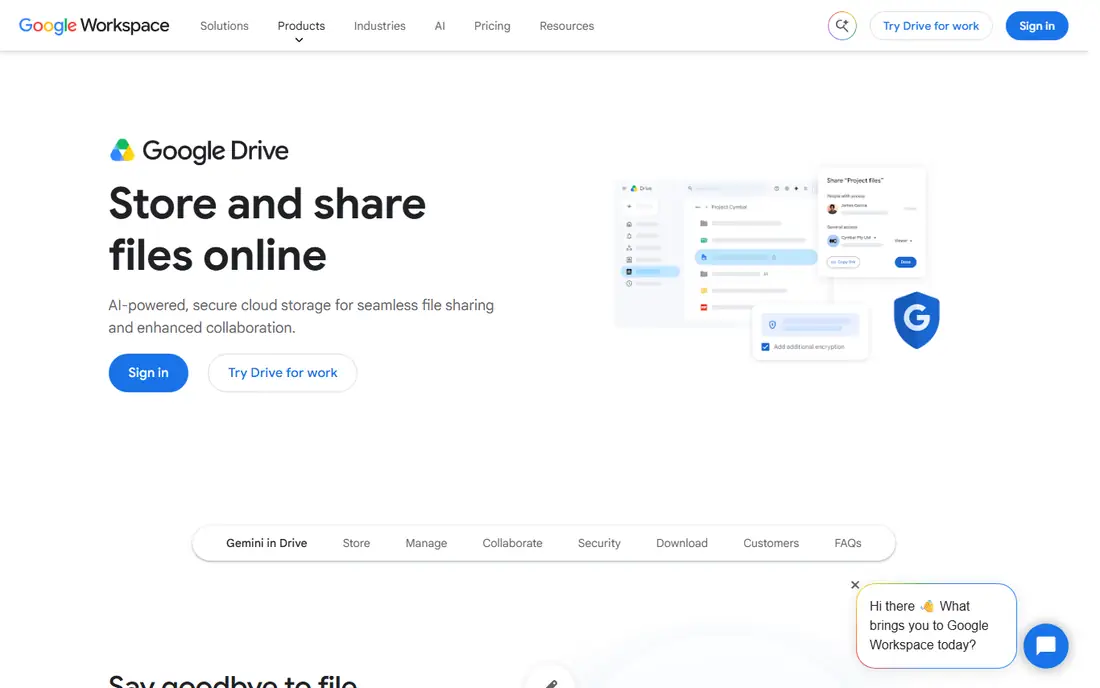
Google Drive is the default cloud storage for more than a billion people, and that scale is part of its appeal. Files sync across Windows, Mac, Android, iOS and the web, and the search finds text inside documents and images. Google One plans are simple to understand and cheap at every tier, with 100 GB for $1.99 a month and 2 TB for $9.99 a month. Business users get Workspace plans with custom email, admin controls and pooled storage. The weak points are privacy and the shared 15 GB pool, which fills up fast once Gmail attachments and Photos backups count against it.
What we like- Generous free tier, cheap paid plans, strong search, real time collaboration in Docs, Sheets and Slides
Watch out for- No zero knowledge encryption, storage is shared with Gmail and Photos so email can eat into your space
#2Box
Best for: Regulated teams that need governance, audit trails and admin control4.2/5 on
G2 (5,259 reviews, checked Oct 2026)
Visit box.com
Starting price$5 per user a month billed annually for Business Starter, checked 18 Nov 2026
Free planYes, 10 GB for individuals

Box is a content cloud built for business rather than a consumer storage locker. Its admin console gives IT teams control over who can view, edit, download or share every file, and its activity reports show exactly what happened to a document. Box integrates with more than 1,500 apps, including Microsoft 365, Salesforce, Slack and Zoom. Business Starter costs $5 per user a month billed annually but caps storage at 100 GB per user and file uploads at 2 GB. Business at $15 per user a month adds unlimited storage and Box AI. The three user minimum means a one person business pays for three seats. Box suits teams where compliance, audit and control justify the price.
What we like- Strong admin controls, detailed activity reports, granular sharing permissions, wide enterprise integrations
Watch out for- Three user minimum on every business plan, higher per user cost than Google or Dropbox, file upload limits are low on cheaper plans
#3Dropbox
Best for: Freelancers and teams that share large files with clients4.4/5 on
G2 (31,453 reviews, checked Oct 2026)
Visit dropbox.com
Starting price$9.99 a month billed annually for Plus, 2 TB, checked 18 Nov 2026
Free planYes, 2 GB on the Basic plan
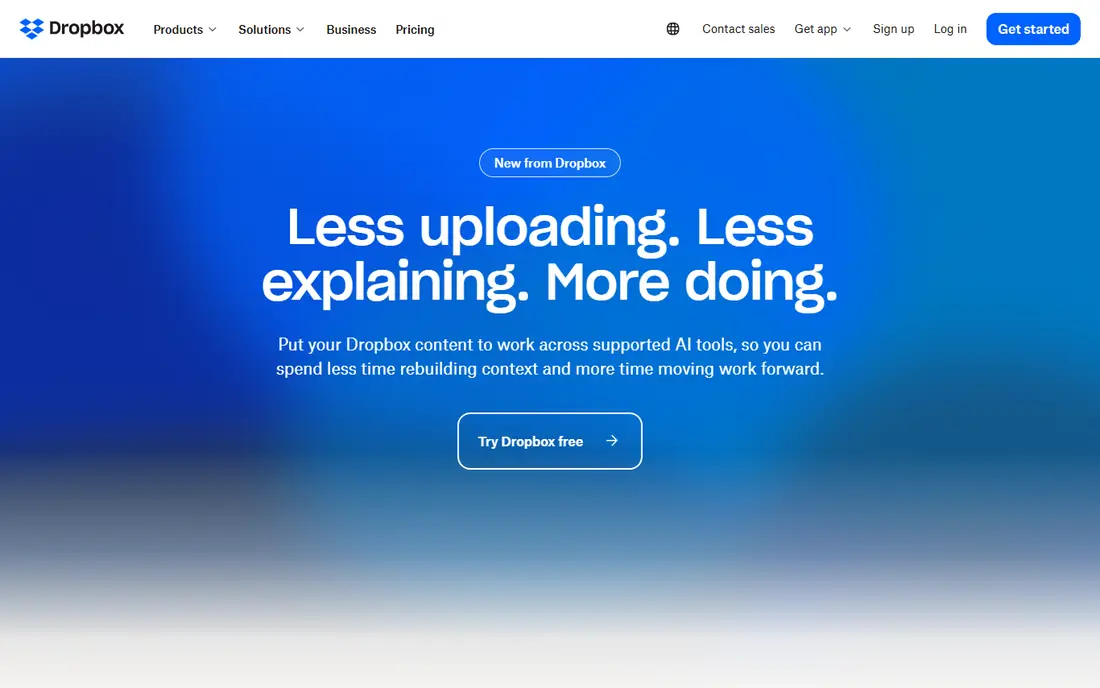
Dropbox built its name on sync that simply works. Files appear on every device quickly, and Smart Sync keeps large folders off a small hard drive until they are needed. Plus costs $9.99 a month billed annually for 2 TB, and it includes 30 day version history and file transfers up to 50 GB. Standard costs $15 per user a month billed annually with pooled storage from 3 TB and 180 day recovery. Advanced costs $24 per user a month billed annually with storage from 15 TB and single sign on. Dropbox is a good fit for creative teams and freelancers who send large files to clients every day.
What we like- Fast and reliable sync, strong file request and transfer features, good third party integrations
Watch out for- Free plan is only 2 GB, no zero knowledge encryption on standard plans, business plans cost more than Google Workspace
#4Microsoft OneDrive
Best for: Households and businesses already paying for Microsoft 3654.3/5 on
G2 (10,433 reviews, checked Oct 2026)
Visit microsoft.com
Starting price$1.99 a month for Microsoft 365 Basic, 100 GB, checked 18 Nov 2026
Free planYes, 5 GB with a free Microsoft account
OneDrive is the storage that comes with Microsoft 365, so it is the obvious choice for anyone who already pays for Word and Excel. Microsoft 365 Basic costs $1.99 a month for 100 GB, Personal costs $9.99 a month for 1 TB with the desktop Office apps, and Family costs $12.99 a month for 2 TB shared by up to six people. Business Basic costs $7 per user a month billed annually with 1 TB per user. Files On-Demand lets you see every file in Explorer without downloading it, which keeps small laptops usable. Personal Vault adds an extra layer of protection for sensitive files. The main weakness is the thin free tier and the gap between 100 GB and 1 TB on home plans.
What we like- Bundled with Word, Excel and PowerPoint on paid plans, deep Windows integration, Files On-Demand saves disk space
Watch out for- Free plan is only 5 GB, no Linux app, home plans jump from 100 GB to 1 TB with no tier between
#5
Apple iCloud Drive
Best for: iPhone, iPad and Mac owners who want automatic backup and sync
Visit icloud.com
Starting price$0.99 a month for iCloud+ 50 GB, checked 18 Nov 2026
Free planYes, 5 GB
iCloud Drive is the storage built into every iPhone, iPad and Mac. Photos, messages, device backups and app data sync automatically, and files in the Drive folder appear on every Apple device without any setup. Paid plans are simple and monthly only, with 50 GB for $0.99 a month, 200 GB for $2.99 a month and 2 TB for $9.99 a month. Larger tiers go up to 12 TB for $59.99 a month. Family Sharing lets up to six people share one storage pool, which makes the 200 GB and 2 TB plans cheap per person. The downsides are the tiny 5 GB free tier, which fills up with a single phone backup, and the poor experience on Windows and Android.
What we like- Deep integration with Apple devices, automatic device backup, Family Sharing, Private Relay and Hide My Email included
Watch out for- Free plan is only 5 GB, weak Windows and Android apps, no annual discount on any plan
#6pCloud
Best for: Buyers who want a one time lifetime payment instead of a monthly bill4.3/5 on
G2 (166 reviews, checked Oct 2026)
Visit pcloud.com
Starting price$4.99 a month for Premium, 500 GB, checked 18 Nov 2026
Free planYes, up to 10 GB
pCloud is a Swiss cloud storage service best known for lifetime plans. Premium costs $4.99 a month or $49.99 a year for 500 GB, and Premium Plus costs $9.99 a month or $99.99 a year for 2 TB. The lifetime versions cost $219 for 500 GB and $499 for 2 TB at the prices shown on the pCloud site in November 2026, down from list prices of $279 and $709. Business costs $9.99 per user a month. pCloud includes a built in audio and video player, file versioning and a virtual drive that shows files without downloading them. The catch is that true zero knowledge encryption is a paid add on called pCloud Crypto, at $4.99 a month or $150 lifetime.
What we like- Lifetime plans with a one time payment, built in media player, file versioning up to 365 days, EU or US data region choice
Watch out for- Zero knowledge encryption costs extra as pCloud Crypto, lifetime price is a frequent promotion so the checkout price varies, no real time document editing
#7Sync.com
Best for: Privacy focused buyers who want zero knowledge encryption by default4.0/5 on
G2 (44 reviews, checked Oct 2026)
Visit sync.com
Starting price$12 a month billed annually for Personal 1 TB, checked 18 Nov 2026
Free planYes, 5 GB
Sync.com is a Canadian cloud storage service that encrypts files on your device before upload, so only you hold the keys. Personal 1 TB costs $12 a month billed annually or $16 a month billed monthly, and Solo 5 TB costs $28 a month billed annually or $32 a month billed monthly. Teams Standard starts at $6 per user a month billed annually. First year promotions cut these prices by 25 percent, so check the renewal price before you commit. Sync.com has no file size limits on paid plans and offers unlimited data transfer, which suits photographers and video editors. The trade off is a smaller integration library than Dropbox or Google Drive, and sync can be slower on very large folders.
What we like- Zero knowledge encryption on every plan, Canadian privacy law, no file size limits on paid plans, HIPAA compliance on team plans
Watch out for- Slower sync than Google or Dropbox in some tests, first year discounts make the renewal price a surprise, fewer third party integrations
#8Egnyte
Best for: Mid size companies that need file governance across cloud and on premises storage4.4/5 on
G2 (1,167 reviews, checked Oct 2026)
Visit egnyte.com
Starting price$10 per user a month for Team, checked 18 Nov 2026
Free planNo free plan, trial available
Egnyte is a business file platform that blends cloud storage with on premises servers, which suits companies that cannot move everything to the cloud at once. Team costs $10 per user a month, Business costs $22, Enterprise Lite costs $39 and Elite costs $48 per user a month. Higher plans add data governance, ransomware detection, advanced permissions and compliance reporting. Egnyte works well for architecture, engineering, construction and life sciences firms with large files and strict retention rules. It is not a consumer product, and small teams will find the setup and the price more than they need. For a mid size company that needs governance across many locations, Egnyte is a serious alternative to Box.
What we like- Hybrid cloud and on premises support, strong governance and ransomware detection, granular permissions and audit logs
Watch out for- No free tier, pricing rises steeply on higher plans, setup is heavier than consumer cloud storage
Frequently asked questions
Is Google Drive or Box cheaper for a small team?
Google Drive is cheaper for most small teams. Google Workspace Starter costs $7 per user a month with 30 GB per user, and a one person business can buy a single seat. Box Business Starter costs $5 per user a month billed annually, which looks cheaper, but it requires at least three users, so the smallest Box account costs $15 a month and gives only 100 GB per user.
Can I use Google Drive and Box together?
Yes, and many companies do. A team can keep everyday documents in Google Drive for fast collaboration and use Box for contracts, legal files and regulated content that needs audit trails. Both services offer desktop sync apps, so files from each appear in Finder or File Explorer side by side. The cost of running both is the main drawback, since you pay for two subscriptions and staff must learn two sharing models.
Which service is better for sharing files with clients?
Box is better for sharing files with outside clients when control matters. It offers password protected links, download restrictions, watermarking, link expiry and detailed reports on who opened each file. Google Drive sharing is simpler and faster, with link sharing and editor, commenter or viewer roles, plus expiry dates on links. Drive is the better choice when clients just need to view or comment on a document.
Does Google Drive or Box offer zero knowledge encryption?
Neither service offers zero knowledge encryption on its standard plans. Both encrypt files in transit and at rest, and both offer two factor authentication, but the provider holds the encryption keys. That means the provider can access files if required by law. If you need encryption where only you hold the keys, consider Sync.com, which includes zero knowledge encryption on every plan, or Tresorit, or pCloud with the paid pCloud Crypto add on.
How much free storage do Google Drive and Box offer?
Google Drive gives 15 GB free, shared across Drive, Gmail and Google Photos. That is generous for documents but fills up quickly once email attachments and photo backups count against it. Box gives 10 GB free for individuals, with a 250 MB file upload limit on the free plan. Both free tiers are enough to test the service and store everyday documents, but neither is enough for a photo library or a video collection.
Sources we checked (10)
- https://one.google.com/about/plans
- https://workspace.google.com/pricing/
- https://www.box.com/pricing
- https://www.dropbox.com/plans
- https://www.microsoft.com/en-us/microsoft-365/onedrive/onedrive-plans-and-pricing
- https://support.apple.com/en-us/108047
- https://www.pcloud.com/cloud-storage-pricing-plans.html
- https://www.sync.com/pricing-individual
- https://www.egnyte.com/pricing
- https://rankite.com
Is your product missing or out of date?
We review this list regularly. Vendors can request a listing, send updated pricing or ask about featured placement.

Shihab Mia · Founder, Rankite
Shihab has 5+ years in B2B and SaaS SEO. He writes Rankite's software buying guides from pricing pages, documentation and public user reviews. More about Shihab.