How we make this list: we compare pricing pages, product documentation and public user reviews. Ratings come from G2, Capterra or Trustpilot, with the date we checked them.
What is Dropbox Sign and why do teams look for an alternative?
Dropbox Sign is an e-signature tool built for simple sending. Essentials costs $15 per user per month billed annually and includes unlimited signature requests with 5 templates, while Standard costs $25 per user per month billed annually and adds bulk send, branding and more templates. Teams look for an alternative for three reasons. The first is price: $15 per user per month is more than signNow at $8 a month for the whole account, and more than Zoho Sign at $10 per user per month. The second is features: Dropbox Sign does not include proposal building, payment collection on every plan, or the document automation that PandaDoc and DocuSign offer. The third is ecosystem: a team already using Adobe, Zoho or Jotform may get signing inside a tool it already pays for.
How much do Dropbox Sign alternatives cost in 2026?
E-signature tools charge in different units: per user per month, per account per month, or per year. The table below uses the entry price each vendor publishes.
| Tool |
Starting price, checked 16 Nov 2026 |
What the price buys |
| signNow |
$8 per month billed annually |
Business, unlimited users on the account |
| DocuSign |
$10 per month billed annually |
Personal, 5 envelopes per month |
| Zoho Sign |
$10 per user per month billed annually |
Standard, 25 envelopes per user per month |
| Signeasy |
$10 per month |
Entry plan for individuals and small teams |
| Foxit eSign |
$120 per year for individuals |
Individual plan, e-signatures plus PDF tools |
| Adobe Acrobat Sign |
$16.99 per user per month |
Acrobat Standard for teams, PDF editing plus signing |
| PandaDoc |
$19 per seat per month billed annually |
Starter, proposals plus unlimited e-signatures |
| Jotform Sign |
$34 per month billed annually |
Bronze, 100 signed documents per month |
signNow Business is the cheapest entry point at $8 a month for the whole account, since extra users are free. DocuSign Personal at $10 a month is the cheapest per user price from a major brand, but it allows only 5 envelopes a month.
Which Dropbox Sign alternative fits your team size?
Solo users and freelancers should start with the cheapest plan that covers their volume. DocuSign Personal at $10 a month billed annually allows 5 envelopes a month, which suits a freelancer with a few contracts a month. Jotform Sign has a free plan for 10 documents a month, and Zoho Sign has a free plan for 5 documents a month, so a light user may pay nothing. Small teams should compare the billing unit. signNow Business at $8 a month covers unlimited users on one account, so a five person team pays $8 a month in total, while DocuSign Standard at $25 per user per month costs $125 a month for the same five people. Larger teams should check envelope and invite limits. DocuSign Standard allows 100 envelopes per user per year, signNow Business allows 100 invites a year, and PandaDoc Starter allows unlimited documents created in the app.
What should you check before you switch from Dropbox Sign?
Check the envelope or invite limit on the plan you intend to buy, since that is the most common surprise. DocuSign caps Personal at 5 envelopes a month and Standard at 100 envelopes per user per year, while Dropbox Sign paid plans allow unlimited requests. Check templates: Dropbox Sign Essentials includes only 5 templates, so a team with many recurring document types needs Standard or an alternative with more templates. Check compliance and audit trails if you sign legal documents, and confirm the tool covers the standards your industry needs.
How we picked these 8 Dropbox Sign alternatives
We picked tools that replace the core of what Dropbox Sign does, which is sending a document, collecting a legally binding signature, and keeping an audit trail. Each tool is a live product with an official website that loads, an e-signature product, and a pricing page we could verify on 16 November 2026. Dropbox Sign itself is not listed, since this guide is about replacing it. Prices are US list prices from each vendor's own pricing page or from a pricing guide that cites the vendor page, checked on 16 November 2026.
Quick comparison
| Tool | Best for | Starting price | Free plan |
|---|
 DocuSign | Teams that need the most recognised e-signature brand | $10 per month billed annually ($120 per year) for Personal, checked 16 Nov 2026 | No free plan; free trial available |
 Adobe Acrobat Sign | Teams that already work with PDFs and the Adobe suite | $16.99 per user per month for Acrobat Standard for teams, checked 16 Nov 2026 | No free plan; free trial available |
 PandaDoc | Sales teams that build proposals, quotes and contracts | $19 per seat per month billed annually for Starter, checked 16 Nov 2026 | Free plan with 5 documents per month |
 signNow | Small teams that want the lowest flat price with unlimited users | $8 per month billed annually for Business, checked 16 Nov 2026 | No free plan; 7-day trial available |
 Zoho Sign | Teams already running Zoho CRM, Books or Forms | $10 per user per month billed annually for Standard, checked 16 Nov 2026 | Free plan with 5 documents per month for 1 user |
 Foxit eSign | Teams that handle high volumes and already use Foxit PDF software | $120 per year for individuals, checked 16 Nov 2026 | No free plan; 14-day free trial available |
 Jotform Sign | Teams that collect signatures inside forms and contracts | $34 per month billed annually for Bronze, checked 16 Nov 2026 | Free plan with 10 signed documents per month |
 Signeasy | Small teams that want the simplest setup and a strong mobile app | $10 per month, checked 16 Nov 2026 | No free plan; free trial available |
Is your product missing or out of date?
We review this list regularly. Vendors can request a listing, send updated pricing or ask about featured placement.
The 8 best Dropbox Sign alternatives
#1DocuSign
Best for: Teams that need the most recognised e-signature brand4.5/5 on
G2 (2,896 reviews, checked Oct 2026)
Visit docusign.com
Starting price$10 per month billed annually ($120 per year) for Personal, checked 16 Nov 2026
Free planNo free plan; free trial available
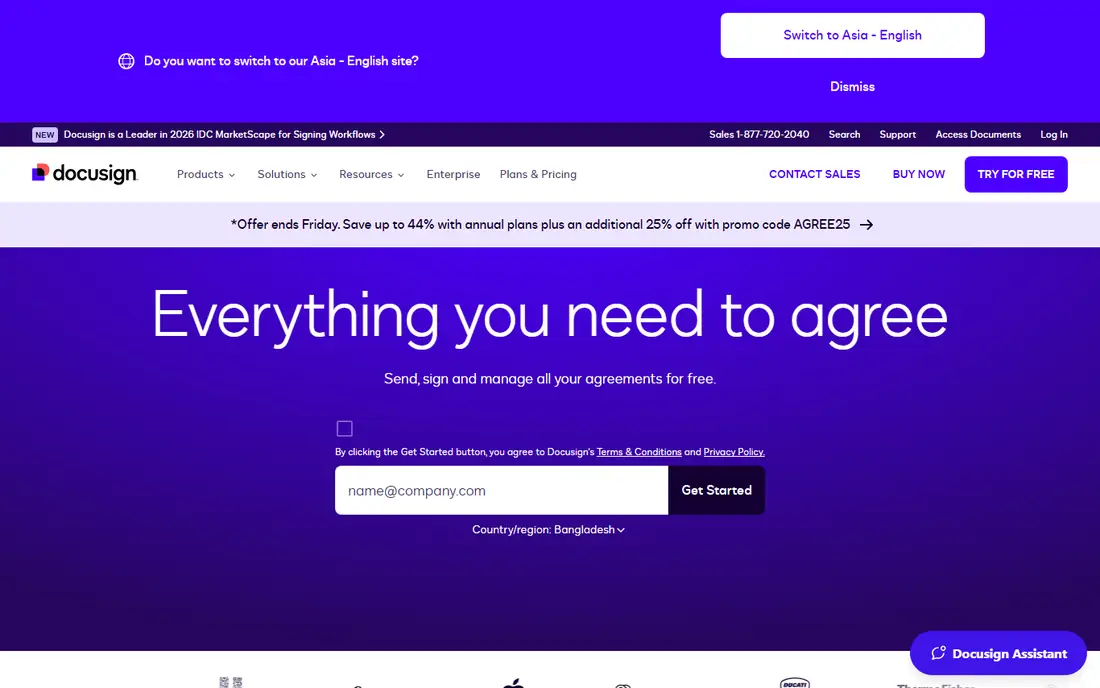
DocuSign is the default choice for e-signatures, and the brand recognition matters when you send documents to clients who need to trust the signing link. Personal costs $10 a month billed annually and suits a solo user with a few contracts a month. Standard, at $25 per user per month billed annually, adds team templates, real time commenting and custom branding. The main limits are the envelope caps: Personal allows 5 envelopes a month, and Standard and Business Pro allow 100 envelopes per user per year, which works out to about 8 a month. A team that sends more than that needs to check the overage terms or move to an enterprise plan.
What we like- Most widely recognised e-signature brand
- Strong compliance coverage
- Large integration library
Watch out for- Personal allows only 5 envelopes per month
- Standard and Business Pro cap at 100 envelopes per user per year
#2Adobe Acrobat Sign
Best for: Teams that already work with PDFs and the Adobe suite4.4/5 on
G2 (1,072 reviews, checked Oct 2026)
Visit adobe.com
Starting price$16.99 per user per month for Acrobat Standard for teams, checked 16 Nov 2026
Free planNo free plan; free trial available
Adobe Acrobat Sign is bundled into Acrobat, so teams already working with PDFs get signing inside the tool they already use. Acrobat Standard for teams costs $16.99 per user per month and includes PDF editing, e-signing and Microsoft 365 integration. Pro for teams, at $23.99 per user per month, adds redaction, web forms, bulk sending and advanced e-signatures. The main drawback is that Adobe no longer sells a cheap standalone e-signature plan, so a team that only signs is paying for editing tools it will not open. Standard also caps at 150 signature transactions per user per year.
What we like- Full PDF editing plus signing in one subscription
- Strong compliance coverage
- Pro and Studio add bulk send and web forms
Watch out for- No standalone e-signature plan, so you pay for PDF tools even if you only sign
- Standard caps at 150 transactions per user per year
#3PandaDoc
Best for: Sales teams that build proposals, quotes and contracts4.7/5 on
G2 (3,621 reviews, checked Oct 2026)
Visit pandadoc.com
Starting price$19 per seat per month billed annually for Starter, checked 16 Nov 2026
Free planFree plan with 5 documents per month
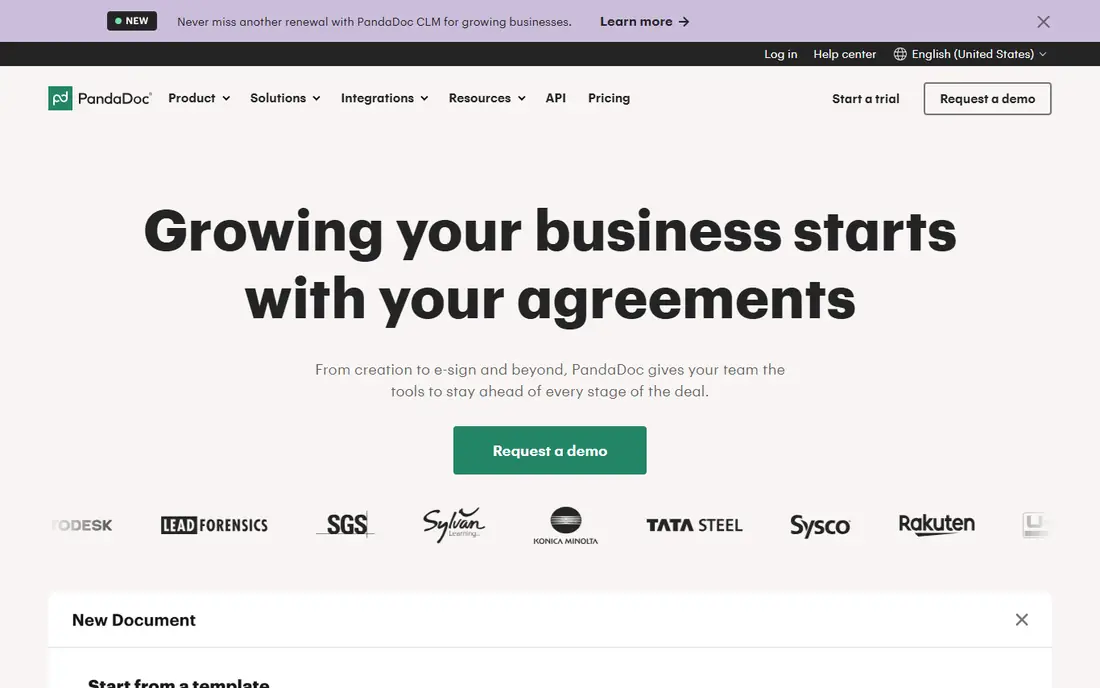
PandaDoc is a document builder first and a signature tool second. Sales teams use it to build proposals and quotes with pricing tables, product catalogs and interactive content, then collect the signature at the end of the same document. Starter costs $19 per seat per month billed annually and includes unlimited e-signatures, templates and document analytics. The main drawback is that the features a sales team needs most, like CRM integration and approval workflows, sit on Business, so the real price for a sales team is $49 a seat. For a team that only signs, PandaDoc costs more than a plain signing tool.
What we like- Drag and drop editor with pricing tables and product catalog
- Unlimited e-signatures on paid plans
- Payment collection
Watch out for- CRM integrations, approval workflows and custom branding need the Business plan at $49 per seat per month
#4signNow
Best for: Small teams that want the lowest flat price with unlimited users4.6/5 on
G2 (1,772 reviews, checked Oct 2026)
Visit signnow.com
Starting price$8 per month billed annually for Business, checked 16 Nov 2026
Free planNo free plan; 7-day trial available
signNow is the cheapest entry point in this list, and its pricing model is unusual: Business costs $8 a month billed annually for the whole account, and extra users are free. That makes it a bargain for a small team, since five senders pay $8 a month in total. Business Premium, at $15 per user per month billed annually, adds bulk sending, payment collection and advanced authentication. Enterprise, at $30 per user per month, adds more controls. The main limit is the invite allowance: Business allows 100 signature invites a year, shared across the account, and each invite past the allowance costs extra. A team that sends a high volume of documents should start on Business Premium.
What we like- One flat price covers unlimited users on the account
- Business Premium adds bulk send and payments at $15 per user per month
Watch out for- Business allows only 100 signature invites per year
- No free plan, only a trial
#5Zoho Sign
Best for: Teams already running Zoho CRM, Books or Forms4.4/5 on
G2 (64 reviews, checked Oct 2026)
Visit zoho.com
Starting price$10 per user per month billed annually for Standard, checked 16 Nov 2026
Free planFree plan with 5 documents per month for 1 user
Zoho Sign is the natural pick for a team already running Zoho apps. It connects with Zoho CRM, Books and Forms, so a contract can pull customer data from the CRM, get signed, and feed back into the books without manual entry. Standard costs $10 per user per month billed annually and allows 25 envelopes per user per month. The free plan covers 1 user and 5 documents a month, which suits a freelancer. Zoho Sign also includes blockchain time stamping, which adds a tamper proof record to each signed document. The main limit is the envelope allowance, which is lower than Dropbox Sign unlimited requests, and the integrations matter less if you do not use Zoho apps.
What we like- Deep integration with Zoho CRM, Books and Forms
- Blockchain time stamping
- Helpful GDPR and HIPAA guidance
Watch out for- Standard allows only 25 envelopes per user per month
- Less useful outside the Zoho ecosystem
#6
Foxit eSign
Best for: Teams that handle high volumes and already use Foxit PDF software
Visit foxit.com
Starting price$120 per year for individuals, checked 16 Nov 2026
Free planNo free plan; 14-day free trial available
Foxit eSign is the budget pick for high volume teams that already use Foxit PDF software. Individual plans start at $120 a year, and team plans start at $300 per user per year with a five user minimum. The platform covers PDF creation, editing and e-signatures in one account, and it includes NotaryLive integration for documents that need a notary. Foxit eSign is built for bulk sending, with fast template creation and adaptation, which suits a team that sends the same document to many recipients. The interface is less polished than DocuSign or PandaDoc, and the team price with the five user minimum means a small team pays at least $1,500 a year.
What we like- Low annual price for individuals
- PDF creation, editing and signing in one account
- NotaryLive integration
Watch out for- Team plans start at $300 per user per year with a five user minimum
- Interface is less polished than DocuSign
#7Jotform Sign
Best for: Teams that collect signatures inside forms and contracts4.7/5 on
G2 (1,827 reviews, checked Oct 2026)
Visit jotform.com
Starting price$34 per month billed annually for Bronze, checked 16 Nov 2026
Free planFree plan with 10 signed documents per month
Jotform Sign is the best free e-signature option for most people, with a free plan that covers 10 signed documents a month. It is built on the Jotform form builder, so a team can collect information in a form, turn it into a contract, and collect the signature in one flow. Bronze costs $34 a month billed annually and allows 100 signed documents a month. The mobile app supports offline signing, which helps field teams. The main limit is the document allowance on each plan, so a team that signs more than 100 documents a month needs Silver or Gold.
What we like- Free plan covers 10 documents a month
- Strong form builder with 150 plus integrations
- Mobile app with offline signing
Watch out for- Bronze allows only 100 signed documents per month
- Pricing is per account, not per user, so heavy teams pay more
#8Signeasy
Best for: Small teams that want the simplest setup and a strong mobile app4.7/5 on
G2 (782 reviews, checked Oct 2026)
Visit signeasy.com
Starting price$10 per month, checked 16 Nov 2026
Free planNo free plan; free trial available
Signeasy is the simplest tool in this list. Setup takes minutes, the interface is clean, and the mobile app is the best rated among e-signature tools, which matters for a team that signs on the go. Plans start at $10 a month, and the platform covers templates, reminders, audit trails and integrations with common business apps. Clients can sign without creating an account, which removes friction for the recipient. The trade off is depth: Signeasy has fewer advanced workflow features than DocuSign or PandaDoc, so a team that needs bulk send, payment collection and complex approval flows will outgrow it.
What we like- Simplest setup in this list
- Best rated mobile app for signing on the go
- Easy for clients to sign without an account
Watch out for- Fewer advanced workflow features than DocuSign or PandaDoc
- No free plan, only a trial
Which Dropbox Sign alternative should you pick?
If you want the lowest price, pick signNow Business at $8 a month for the whole account, and watch the 100 invite annual limit. If you want the most recognised brand, pick DocuSign Personal at $10 a month billed annually, and watch the 5 envelope monthly cap. If you sell with proposals and quotes, pick PandaDoc Starter at $19 per seat per month billed annually. If you already run Zoho apps, pick Zoho Sign Standard at $10 per user per month billed annually. If you work with PDFs all day, pick Adobe Acrobat Standard for teams at $16.99 per user per month. Check the envelope or invite limit on the plan you intend to buy before you commit.
Frequently asked questions
Is signNow really cheaper than Dropbox Sign?
signNow Business costs $8 a month billed annually for the whole account, with unlimited users, while Dropbox Sign Essentials costs $15 per user per month billed annually. For a five person team, signNow costs $8 a month in total and Dropbox Sign costs $75 a month. The catch is the invite limit: signNow Business allows 100 signature invites a year, while Dropbox Sign paid plans allow unlimited requests.
Does DocuSign have a free plan?
DocuSign does not have a free plan, only a free trial. Personal costs $10 a month billed annually and allows 5 envelopes a month. If you need a free tier, Jotform Sign offers 10 signed documents a month free, and Zoho Sign offers 5 documents a month free for 1 user. PandaDoc also has a free plan with 5 documents a month.
Can PandaDoc replace Dropbox Sign for plain signing?
PandaDoc can replace Dropbox Sign, and it adds proposal building, pricing tables and payment collection. Starter costs $19 per seat per month billed annually and includes unlimited e-signatures. The trade off is price: PandaDoc costs more than a plain signing tool, and CRM integrations and approval workflows need the Business plan at $49 per seat per month.
Is Adobe Acrobat Sign a standalone product?
Adobe no longer sells e-signing as a cheap standalone product for small businesses. E-signing comes bundled into Acrobat plans, with Standard for teams at $16.99 per user per month, Pro at $23.99 and Studio at $29.99. The standalone Acrobat Sign Solutions product is priced only through Adobe sales. If you only need signing, a cheaper standalone tool is a better fit.
Which Dropbox Sign alternative is best for Zoho users?
Zoho Sign is the best fit, since it connects with Zoho CRM, Books and Forms, and it includes blockchain time stamping. Standard costs $10 per user per month billed annually and allows 25 envelopes per user per month. The free plan covers 1 user and 5 documents a month, which is enough to test the integration before you pay.
Sources we checked (9)
- https://www.docusign.com/pricing
- https://www.adobe.com/acrobat/pricing.html
- https://www.pandadoc.com/pricing
- https://www.signnow.com/pricing
- https://www.hellosign.com/pricing
- https://www.zoho.com/sign/pricing.html
- https://www.foxit.com/esign/pricing
- https://www.jotform.com/pricing
- https://www.signeasy.com/pricing
Is your product missing or out of date?
We review this list regularly. Vendors can request a listing, send updated pricing or ask about featured placement.

Shihab Mia · Founder, Rankite
Shihab has 5+ years in B2B and SaaS SEO. He writes Rankite's software buying guides from pricing pages, documentation and public user reviews. More about Shihab.