How we make this list: we compare pricing pages, product documentation and public user reviews. Ratings come from G2, Capterra or Trustpilot, with the date we checked them.
Key takeaways
- Google Drive gives the most free storage at 15 GB, shared across Drive, Gmail and Photos.
- Mega offers the largest free allowance among privacy-focused services, with end-to-end encryption by default.
- OneDrive and iCloud are the best free options if you already live in Microsoft or Apple software.
- pCloud and Sync.com balance generous free tiers with strong privacy and file-sharing features.
- Free plans all have limits, so check file size caps, sync features and what happens when you hit the storage ceiling.
Quick comparison
Is your product missing or out of date?
We review this list regularly. Vendors can request a listing, send updated pricing or ask about featured placement.
The best free Dropbox alternatives
Starting priceFree
Free planYes
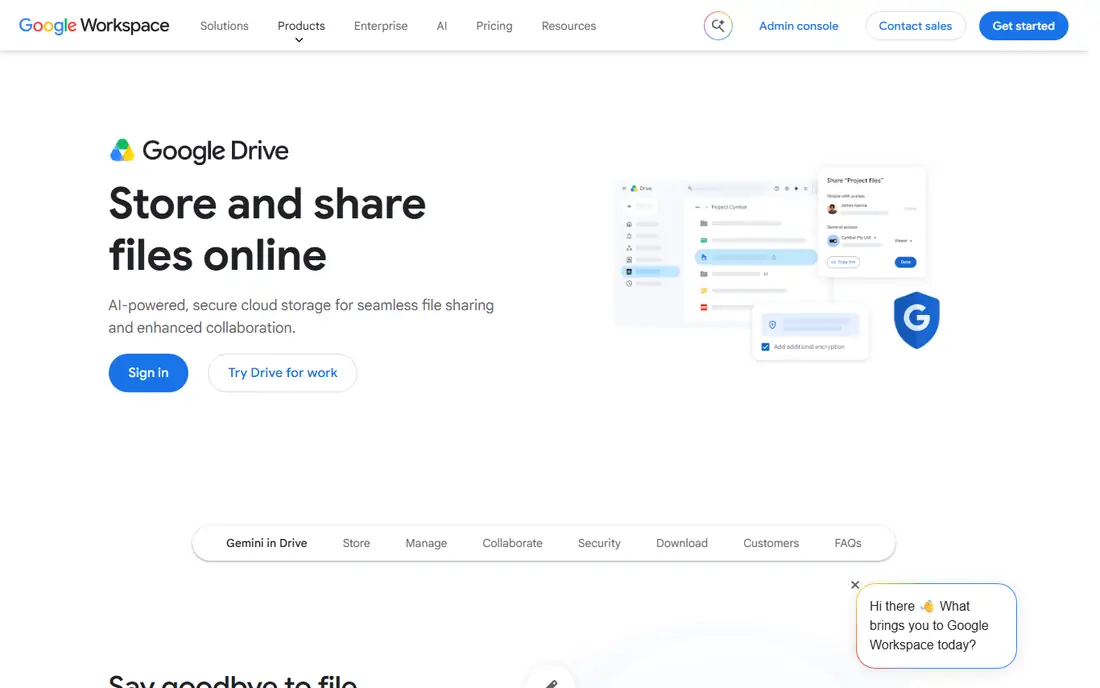
Google Drive is the default free alternative to Dropbox for most people, and the numbers explain why: 15 GB free, compared with Dropbox's 2 GB. That allowance is shared across Drive, Gmail and Google Photos, so heavy email and photo users will eat into it, but for documents and everyday files it is generous.
The real strength is integration. Google Docs, Sheets and Slides let you edit files in the browser with real-time collaboration, and sharing is simple, with link controls and permissions per person. Search is excellent, including text inside documents and images, and the mobile apps are polished.
Privacy is the main caveat: Google scans content for service purposes under its terms, which bothers some users, and the free tier has no end-to-end encryption. If privacy matters more than capacity, Mega or Proton Drive are better fits. For most users, though, Drive's free storage and tools are unmatched.
What we like- 15 GB free, the largest here
- Excellent Docs, Sheets and Slides integration
- Strong sharing and search
Watch out for- Storage is shared with Gmail and Photos
- Privacy concerns for some users
- 15 GB fills fast with photos
#2Microsoft OneDrive
Best for: Windows and Office users4.3/5 on
G2 (10,433 reviews, checked Oct 2026)
Visit microsoft.com
Starting priceFree
Free planYes
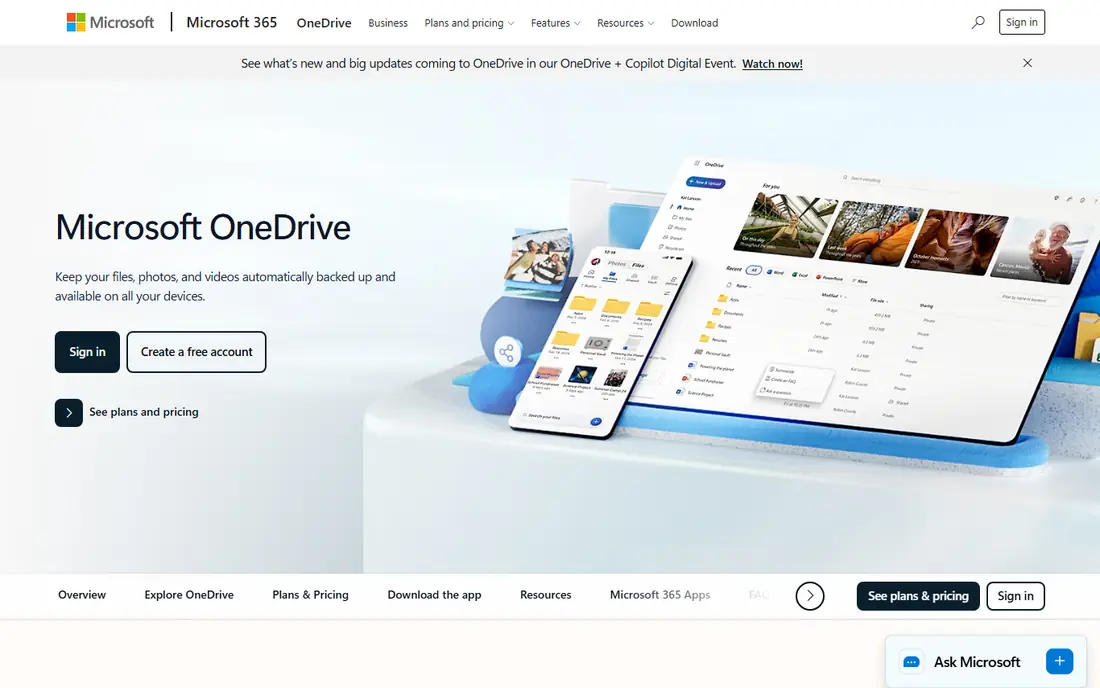
OneDrive is built into Windows, which makes it the most convenient free option for PC users. Files appear in File Explorer, sync automatically, and Files On-Demand keeps placeholders on disk until you open them, saving space. The free plan gives 5 GB, which is modest but enough for documents and schoolwork.
Office integration is the draw: Word, Excel and PowerPoint files open and co-author in the browser or desktop apps, with version history and sharing controls. OneDrive also backs up your Desktop, Documents and Pictures folders with a single switch, which is a simple safety net.
The free tier's 5 GB fills quickly with photos, and the best value comes with Microsoft 365, which adds 1 TB. If you already pay for Office, OneDrive is a no-brainer. If you only want free storage, Google Drive or Mega give you more.
What we like- Built into Windows
- 5 GB free
- Deep Office integration
- Files On-Demand saves disk space
Watch out for- Only 5 GB free
- Best features need a Microsoft 365 subscription
Starting priceFree
Free planYes
iCloud is the natural free storage for Apple users. It is built into every iPhone, iPad and Mac, backs up devices automatically, and syncs photos, documents, messages and app data without any setup. iCloud Drive appears in Finder and Files, so your documents follow you across devices.
The free plan gives 5 GB, which is tight: a single iPhone backup can use most of it, and many users hit the limit within weeks. Paid plans start cheaply, but the free tier alone is really a starter, not a full Dropbox replacement. Advanced Data Protection adds end-to-end encryption for most iCloud data if you turn it on.
If you live in Apple's world, iCloud's convenience is worth the small free allowance, and most users end up paying a little for more space. If you mix platforms, Google Drive or OneDrive will serve you better.
What we like- Built into iPhone, iPad and Mac
- Automatic device backup
- Smooth photo and document sync
Watch out for- Only 5 GB free
- Windows and Android support is limited
Starting priceFree
Free planYes
Mega is the best free option for users who care about privacy and capacity together. The free plan gives 20 GB of storage, the largest free allowance among major services after Google Drive, and all files are end-to-end encrypted by default, so only you hold the keys. Sharing uses encrypted links with optional passwords and expiry dates.
Uploads are fast, and the apps for desktop and mobile handle sync and backup well. Mega also offers a built-in chat and video calls, though most users will care more about storage. Transfer quotas on the free plan can pause large downloads once you hit a limit, which is the main frustration for heavy users.
If you want free storage without giving up privacy, Mega is the strongest pick. It lacks Google's office suite, but for storing and sharing files securely, it beats Dropbox's free tier on both space and encryption.
What we like- 20 GB free
- End-to-end encryption by default
- Fast uploads and generous transfer quotas
Watch out for- Free transfer limits can pause large downloads
- Fewer office integrations than Google
#5pCloud
Best for: Lifetime plans and sharing4.3/5 on
G2 (166 reviews, checked Oct 2026)
Visit pcloud.com
Starting priceFree
Free planYes
pCloud is a Swiss-based service that gives 10 GB free, with part of that added by completing simple steps like verifying email and installing apps. Its strengths are sharing, media playback and a lifetime payment option on paid plans, which appeals to users tired of subscriptions.
Files can be shared by link with passwords and expiry dates, and pCloud's built-in audio and video players handle media well. A Crypto folder option adds client-side encryption for sensitive files on paid plans. The desktop app mounts your storage as a virtual drive, saving local disk space.
There is no built-in office suite, so document editing means downloading or integrating another tool. But for free storage with good sharing and a path to a one-time lifetime plan, pCloud is a solid Dropbox alternative.
What we like- 10 GB free
- Lifetime paid plans available
- Good sharing and media playback
Watch out for- Free tier needs steps to reach the full 10 GB
- No document editing suite

#6Box
Best for: Business collaboration4.2/5 on
G2 (5,259 reviews, checked Oct 2026)
Visit box.com
Starting priceFree
Free planYes
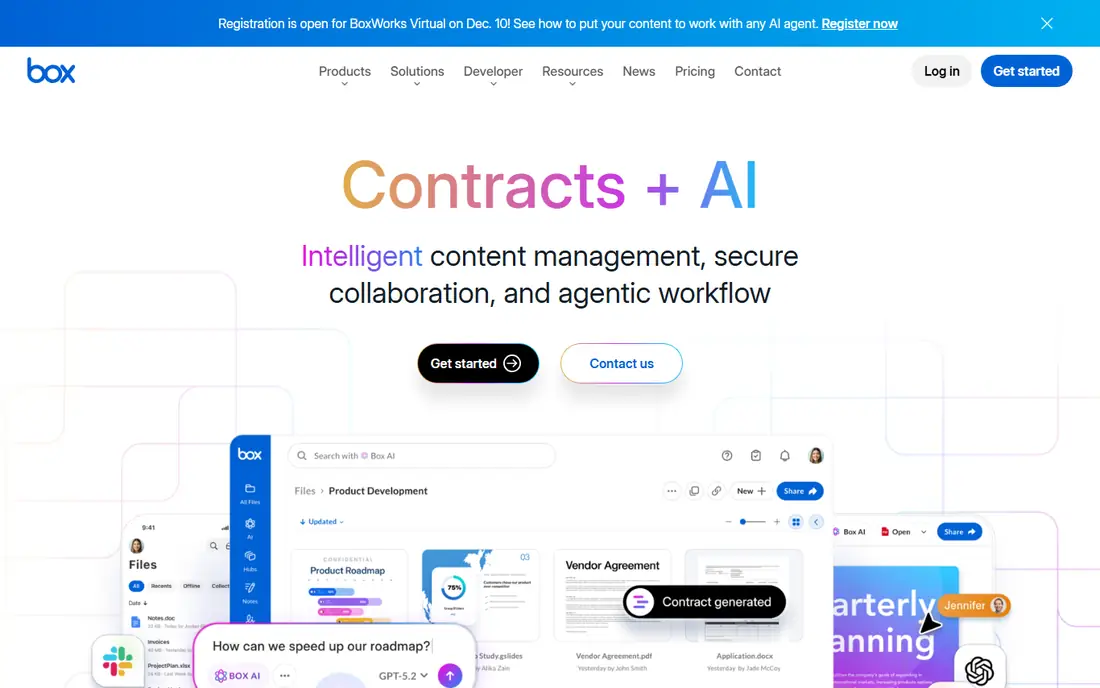
Box gives 10 GB free and is built for business collaboration, with granular permissions, version history, comments and integrations with Office, Google Workspace, Slack and many other tools. For a small team that needs controlled sharing, Box's free tier is a useful starting point.
The main limit is file size: free accounts cap uploads at 250 MB per file, which rules out large videos and disk images. The interface and feature set also lean business, so personal users may find it more formal than Google Drive or Mega.
If your goal is team collaboration with proper permissions, Box's free plan is worth trying. If you mainly store personal files and photos, a consumer-focused service will feel simpler.
What we like- 10 GB free
- Strong collaboration and admin tools
- Integrates with many business apps
Watch out for- 250 MB file size limit on free plan
- Business focus over personal use

#7Sync.com
Best for: Privacy-focused sharing4.0/5 on
G2 (44 reviews, checked Oct 2026)
Visit sync.com
Starting priceFree
Free planYes
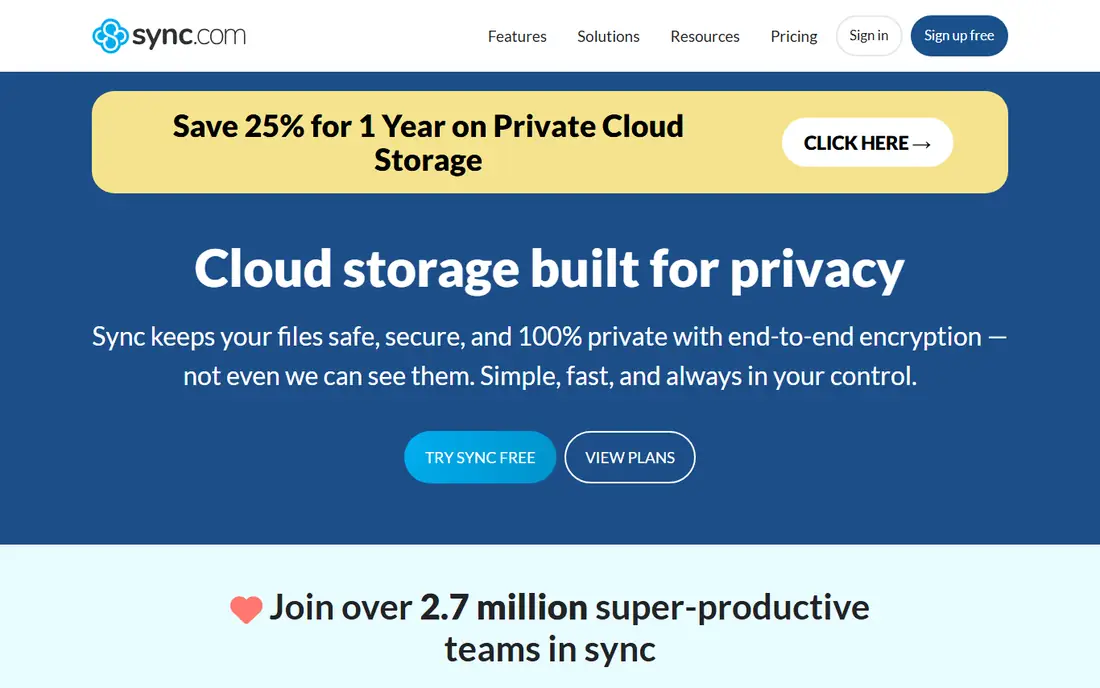
Sync.com is a Canadian service that puts privacy first: all files are end-to-end encrypted by default, and even Sync cannot read your data. The free plan gives 5 GB, with unlimited data transfer, which is a notable advantage over services that throttle free downloads.
Sharing controls are strong, with password protection, expiry dates, download limits and notifications. The apps for desktop and mobile handle sync and backup, and version history protects against accidental overwrites. Sync's privacy stance and Canadian jurisdiction appeal to users who want their files out of reach of large tech companies.
The free allowance is modest, and integrations are fewer than Google Drive or OneDrive. But for sensitive documents on a free plan, Sync.com's encryption and transfer policy make it a strong choice.
What we like- 5 GB free
- End-to-end encryption by default
- Unlimited data transfer
- Good sharing controls
Watch out for- Smaller free allowance
- Fewer integrations than Google or Microsoft
Starting priceFree
Free planYes
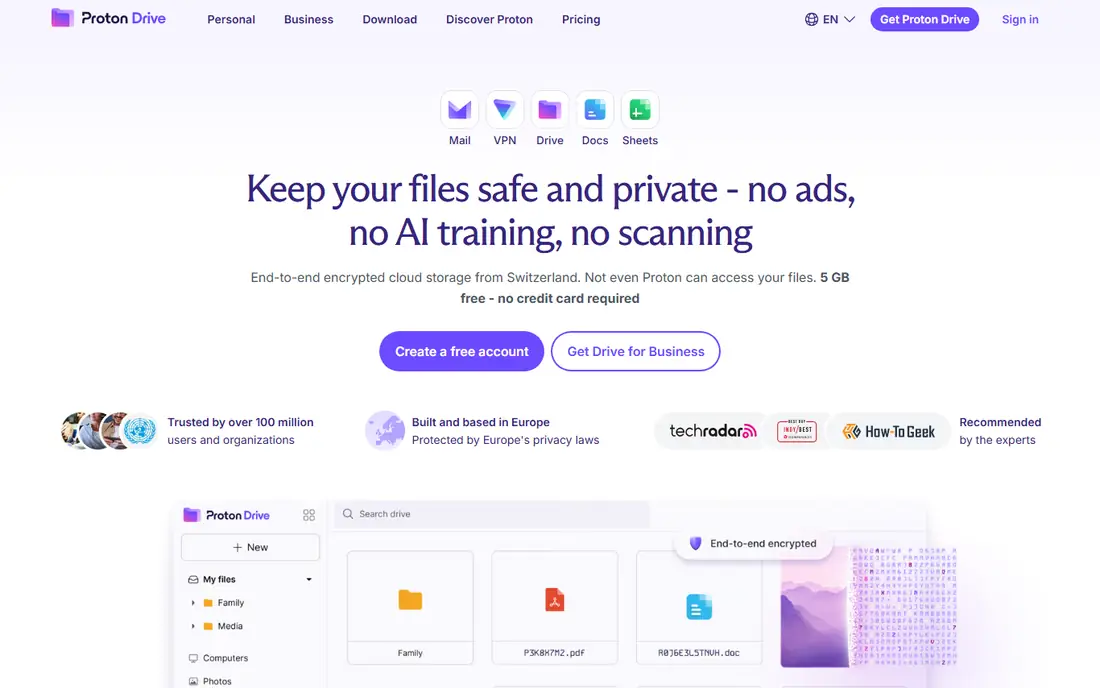
Proton Drive comes from the makers of Proton Mail, and it shares their privacy philosophy: end-to-end encryption by default, open-source apps, and Swiss jurisdiction. Files are encrypted on your device before upload, so Proton cannot read them, and sharing uses encrypted links.
The free plan gives a small allowance, enough for documents and sensitive files but not for a photo library, and it pairs with Proton Mail and Calendar in the broader Proton suite. That integration suits users already committed to Proton's ecosystem, who value privacy over capacity.
Collaboration features are thinner than Google Drive's, with no real-time document editing suite. But if your priority is keeping sensitive files private on a free plan, Proton Drive is one of the most trustworthy options available.
What we like- End-to-end encryption by default
- Part of the Proton privacy suite
- Swiss jurisdiction
Watch out for- Small free allowance
- Fewer collaboration features than Google Drive
How we chose
We compared services on free storage allowance, encryption, sharing features, platform support and ease of use. Free storage figures were checked against vendor sites, and where allowances depend on completing steps or referrals we say so. We also read public user reviews to confirm real-world sync reliability, since a free plan that loses files or stalls uploads is worth less than a smaller, dependable one.
Making a free plan last
Free storage goes further with a little housekeeping. Turn on selective sync so only the folders you need live on each device, and keep large videos and backups on an external drive rather than in the cloud. Delete duplicates and old downloads regularly, and check which apps are eating your allowance: on Google Drive, Photos and Gmail often use more than Drive itself.
Combine services for more free space
There is no rule against using two free services. Many people keep documents in Google Drive, photos in iCloud or OneDrive, and sensitive files in Mega or Proton Drive. That spreads the load and gives you more total free space, though it needs a habit of remembering where things live. A simple rule, such as one service per file type, keeps it manageable.
Frequently asked questions
What is the best free Dropbox alternative?
Google Drive is the best all-round free alternative, with 15 GB free and excellent collaboration tools. Mega is best for privacy with 20 GB free and end-to-end encryption, while OneDrive and iCloud suit Microsoft and Apple users respectively.
How much free storage does Dropbox give?
Dropbox's free Basic plan gives 2 GB, which is less than Google Drive's 15 GB, Mega's 20 GB, pCloud's 10 GB and Box's 10 GB. That small allowance is the main reason people look for alternatives.
Is free cloud storage safe?
Reputable services protect files in transit and at rest, and services like Mega, Sync.com and Proton Drive add end-to-end encryption so only you can read your files. For extra safety, keep a local backup of anything irreplaceable and use a strong password with two-factor authentication.
Can I get more free storage without paying?
Yes, in several ways. Some services give bonus space for referrals or completing setup steps, and you can combine free plans from different providers. Deleting unneeded files and moving large media to an external drive also frees space.
What happens when I hit my free storage limit?
Uploads and sync stop until you free space or upgrade, though your existing files stay accessible. Some services also stop receiving emails, as with Google Drive when Gmail shares the allowance, so watch your usage before it fills.
Do free plans have file size limits?
Some do. Box's free plan caps files at 250 MB, while Google Drive, Mega and OneDrive allow much larger files. Check the limit before uploading large videos or disk images.
Sources we checked (8)
- https://drive.google.com
- https://www.microsoft.com/en-us/microsoft-365/onedrive
- https://www.icloud.com
- https://mega.io
- https://www.pcloud.com
- https://www.box.com
- https://www.sync.com
- https://proton.me/drive
Is your product missing or out of date?
We review this list regularly. Vendors can request a listing, send updated pricing or ask about featured placement.

Shihab Mia · Founder, Rankite
Shihab has 5+ years in B2B and SaaS SEO. He writes Rankite's software buying guides from pricing pages, documentation and public user reviews. More about Shihab.
 Google Drive
 Apple iCloud
 Mega
Mega Proton Drive