How we make this list: we compare pricing pages, product documentation and public user reviews. Ratings come from G2, Capterra or Trustpilot, with the date we checked them.
Key takeaways
- DocuSign remains the standard most clients recognize, but entry plans cap envelope volume, so check volume before paying.
- PandaDoc suits sales teams best, since proposals, quotes, payments, and signing live in one tool with a free plan.
- signNow is the best value for teams with many users, since plans include unlimited users rather than charging per seat.
- Dropbox Sign and SignWell give simple signing at a fair price, with free tiers for occasional senders.
- Zoho Sign is the natural pick inside the Zoho ecosystem, with a free plan and certificate-based signing options.
Quick comparison
| Tool | Best for | Starting price | Free plan |
|---|
 DocuSign DocuSign | Clients who expect the market standard | $10 per month | Free trial |
 PandaDoc PandaDoc | Sales proposals and contracts | $19 per user per month | Yes |
 Dropbox Sign Dropbox Sign | Dropbox-centered teams | $15 per user per month | Yes |
 signNow signNow | Budget teams with many users | $8 per month | Free trial |
 Zoho Sign Zoho Sign | Zoho ecosystem users | $10 per user per month | Yes |
 SignWell SignWell | Freelancers and small teams | $10 per month | Yes |
 Signeasy Signeasy | Mobile and field teams | $10 per user per month | Free trial |
 BoldSign BoldSign | Low entry pricing | $5 per user per month | Yes |
Is your product missing or out of date?
We review this list regularly. Vendors can request a listing, send updated pricing or ask about featured placement.
The best Adobe Sign alternatives
#1DocuSign
Best for: Clients who expect the market standard4.5/5 on
G2 (2,896 reviews, checked Oct 2026)
Visit docusign.com
Starting price$10 per month
Free planFree trial
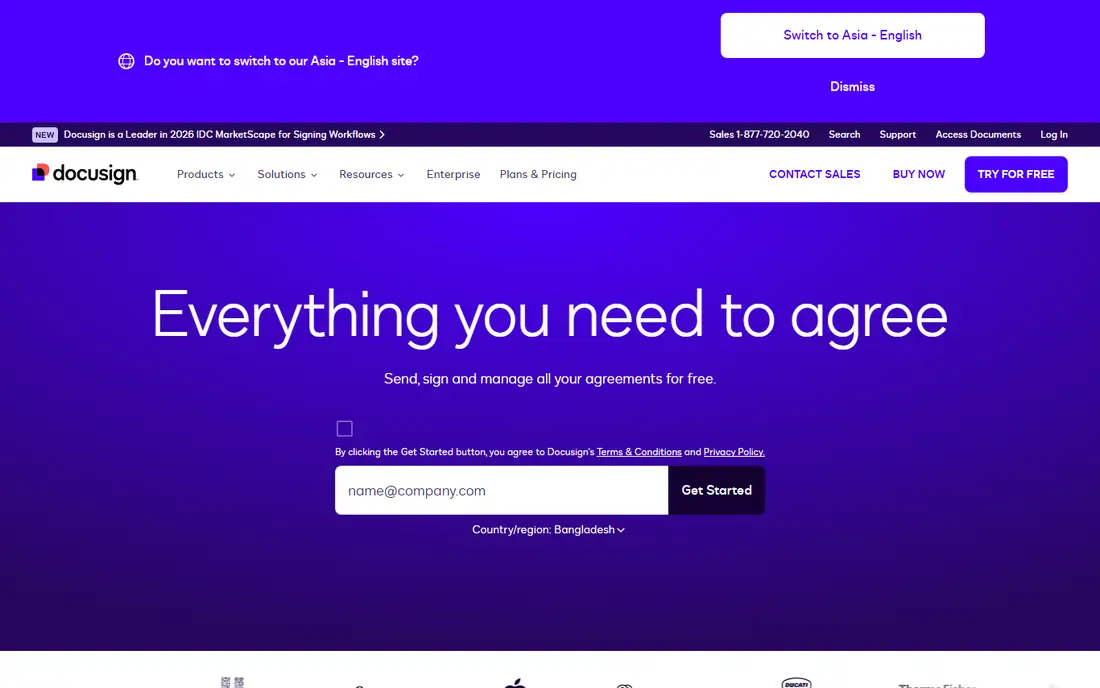
DocuSign is the e-signature standard most clients recognize, which matters when recipients hesitate to sign through an unfamiliar tool. It offers templates, bulk send, conditional routing, and integrations with Salesforce, Google Workspace, Microsoft 365, and hundreds of other apps. Audit trails, authentication options, and compliance certifications cover regulated industries.
The catch is volume. The Personal plan sends only a few envelopes per month, and team plans cap envelopes per user per year on annual billing, so high-volume senders must check limits carefully before committing. Pricing is premium compared with signNow or BoldSign. DocuSign suits companies whose clients expect the market standard and whose volume fits the plan caps.
What we like- Most widely recognized e-signature brand
- Broad integrations
- Strong audit trails and compliance options
Watch out for- Entry plan limits envelopes to a handful per month
- Team plans cap envelopes per user per year
- Premium pricing
#2PandaDoc
Best for: Sales proposals and contracts4.7/5 on
G2 (3,621 reviews, checked Oct 2026)
Visit pandadoc.com
Starting price$19 per user per month
Free planYes
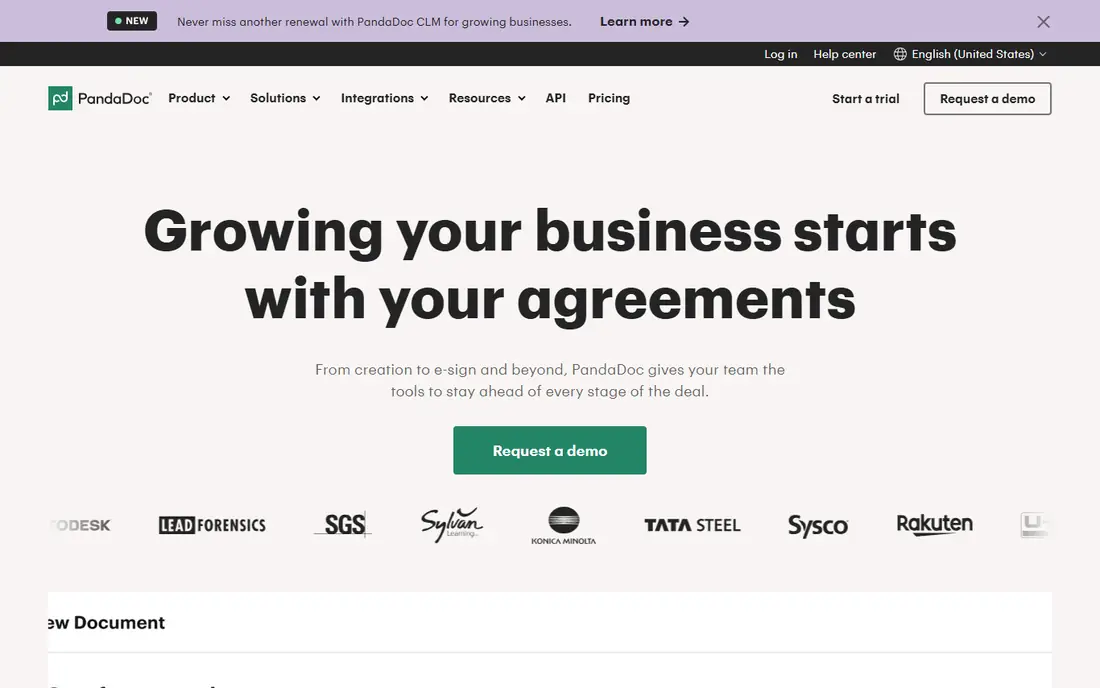
PandaDoc goes beyond signing: sales teams build proposals and quotes in its editor, add pricing tables and payments, then send for signature in the same flow. The free plan covers basic signing, and the $19 per user per month Essentials plan adds templates and document analytics. Integrations with HubSpot, Salesforce, and Pipedrive keep CRM data in sync.
Business features such as approval workflows and content libraries cost $49 per user per month, so the full platform is pricier than it first appears. Teams that only need signatures will find PandaDoc heavier than Dropbox Sign or SignWell. For sales-led teams that create documents before signing them, PandaDoc is the strongest all-in-one option here.
What we like- Proposals, quotes, payments, and signing in one tool
- Free plan for basic signing
- Strong CRM integrations
Watch out for- Business features cost $49 per user per month
- Document editor learning curve
- Overkill for pure signing
#3Dropbox Sign
Best for: Dropbox-centered teams4.7/5 on
G2 (2,283 reviews, checked Oct 2026)
Visit hellosign.com
Starting price$15 per user per month
Free planYes
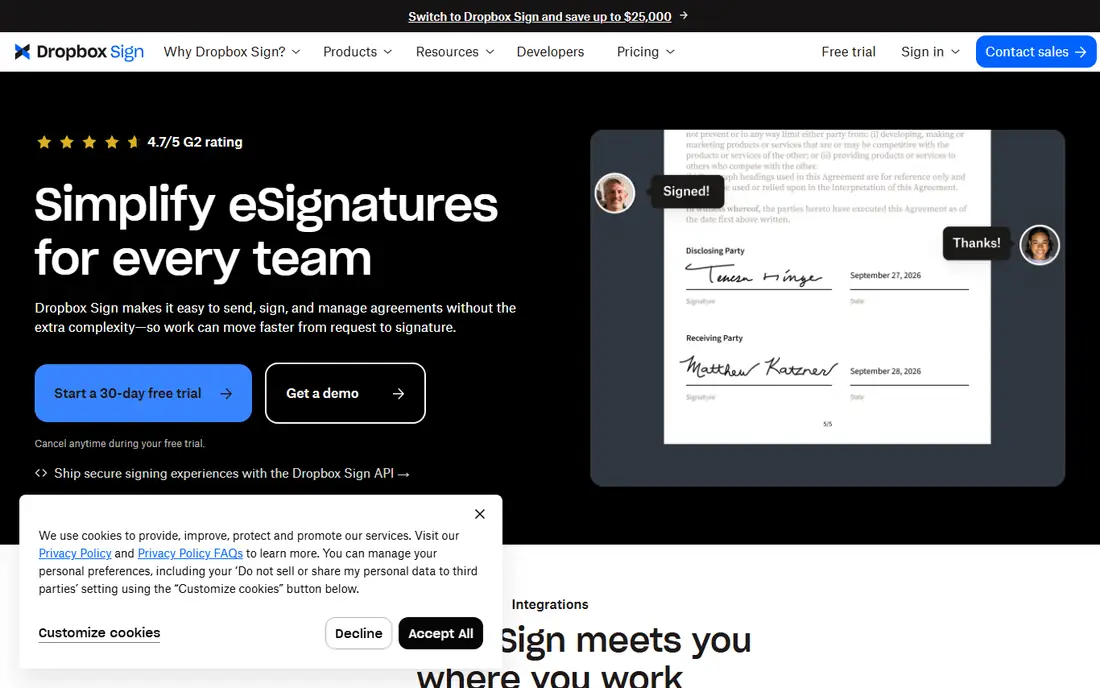
Dropbox Sign, formerly HelloSign, focuses on simple, fast signing. Senders upload a PDF, add signer fields, and send, with templates, reminders, and an audit trail. Native Dropbox storage integration suits teams whose files already live in Dropbox, and the API is well regarded for embedded signing in other apps.
Published pricing varies across sources, with Essentials listed at different figures depending on billing cycle and plan, so confirm the current price before buying. Document creation tools are lighter than PandaDoc, and advanced features sit on higher tiers. For teams that mainly send PDFs for signature and already use Dropbox, Dropbox Sign is a clean and simple choice.
What we like- Simple signing flow
- Native Dropbox storage integration
- Strong API for embedded signing
Watch out for- Published prices vary by plan and billing cycle, so confirm at checkout
- Fewer document creation tools
- Advanced features need higher tiers
#4signNow
Best for: Budget teams with many users4.6/5 on
G2 (1,772 reviews, checked Oct 2026)
Visit signnow.com
Starting price$8 per month
Free planFree trial
signNow is the value leader for teams with many users, since plans include unlimited users on the workspace rather than charging per seat. The Business plan starts around $8 per month and covers templates, bulk send, and conditional logic, which suits small and mid-sized teams sending a modest number of documents. Volume limits apply per plan, so check invite allowances against actual sending.
The interface is plainer than DocuSign or PandaDoc, and some advanced features need higher tiers. Support quality varies by plan. For budget-conscious teams that need many users without per-seat fees, signNow is hard to beat on price alone.
What we like- Lowest entry price here
- Unlimited users on team plans
- Bulk send and templates
Watch out for- Interface is plainer than DocuSign
- Some advanced features need higher tiers
- Support quality varies by plan
#5Zoho Sign
Best for: Zoho ecosystem users4.4/5 on
G2 (64 reviews, checked Oct 2026)
Visit zoho.com
Starting price$10 per user per month
Free planYes
Zoho Sign is the natural pick for businesses already using Zoho CRM, Books, or other Zoho apps, since documents and signer data flow between tools without extra integration work. The free plan covers five documents per month, and the $10 per user per month Standard plan adds templates, reminders, and bulk send. Certificate-based digital signatures are available for teams that need them.
Standalone, Zoho Sign trails DocuSign on integrations and polish, and the interface feels utilitarian. Teams outside the Zoho ecosystem gain less from choosing it. Inside Zoho, though, it is the obvious and cheapest fit, and the free plan covers occasional senders entirely.
What we like- Free plan for five documents per month
- Deep Zoho CRM and Books integration
- Certificate-based signing options
Watch out for- Best value only inside Zoho
- Standalone features trail DocuSign
- Interface feels utilitarian
#6SignWell
Best for: Freelancers and small teams4.8/5 on
G2 (532 reviews, checked Oct 2026)
Visit signwell.com
Starting price$10 per month
Free planYes
SignWell suits freelancers and small teams that want plain, affordable signing without complexity. The free plan covers occasional sending, and paid plans bill per sender with unlimited documents, which suits teams where a few people send and many sign. Setup is quick, templates and reminders are included, and the interface stays out of the way.
Integrations are fewer than DocuSign, and advanced workflows sit on higher tiers. Brand recognition is smaller, so some enterprise clients may ask what SignWell is. For individuals and small teams with repeat signing needs, SignWell offers a fair price and a genuinely useful free tier.
What we like- Free plan for occasional senders
- Unlimited documents billed per sender
- Simple setup
Watch out for- Fewer integrations than DocuSign
- Advanced workflows need higher tiers
- Smaller brand recognition
#7Signeasy
Best for: Mobile and field teams4.7/5 on
G2 (782 reviews, checked Oct 2026)
Visit signeasy.com
Starting price$10 per user per month
Free planFree trial
Signeasy targets growing businesses and field teams that sign on the go. Its mobile apps are strong, with in-person signing, offline access, and contract storage, plus workspaces, approval workflows, and renewal reminders on team plans. The individual tier starts at $10 per seat per month on annual billing, with a 14-day trial.
There is no free plan, only a trial, and team plans cost more than the headline individual tier. Document creation tools are basic compared with PandaDoc. For mobile-first teams that sign contracts in the field and store them centrally, Signeasy is a solid and practical pick.
What we like- Strong mobile signing apps
- Workspaces and approval workflows
- Renewal reminders
Watch out for- No free plan, only a trial
- Team plans cost more than the individual tier
- Document creation is basic
Starting price$5 per user per month
Free planYes
BoldSign offers the lowest paid entry price in this list, at $5 per user per month, with a free plan for light use and published document allowances that make volume planning easy. It covers templates, bulk send, and signer authentication, plus API options for developers embedding signing in their own apps.
BoldSign is newer and smaller than DocuSign or PandaDoc, with fewer integrations and less brand recognition. Advanced features sit on higher tiers. For small and medium businesses that want low-cost signing with clear allowances, BoldSign is the cheapest serious option here.
What we like- Lowest paid entry price here
- Published document allowances
- API options for developers
Watch out for- Newer and smaller brand
- Fewer integrations than leaders
- Advanced features need higher tiers
How we chose
We compared vendor pricing pages and recent 2026 e-signature guides that check prices against vendor pages, plus feature lists for templates, bulk send, integrations, and compliance. A tool made this list only if it offers legally binding e-signatures with audit trails and templates at a published price. Prices marked per user per month assume annual billing unless noted; confirm envelope and document limits at checkout, since caps differ more than headline prices suggest.
What to check before you switch
Start with volume, not price. Envelope and document caps are the hidden cost in this category: a cheap plan that caps sends at five per month costs more in upgrades than a pricier plan with generous allowances, every time. Count monthly sends across the team, including seasonal peaks, then match that number to each plan's allowance. Next, check signer experience. Send a test document to a colleague and watch how it opens on mobile, since recipients judge your business by that flow.
Also check compliance needs before buying. Regulated industries may need specific authentication methods, audit trail formats, or data residency options that only higher tiers offer. Finally, test integrations with your CRM, storage, and accounting tools, since manual document handling erases the time savings signing software promises.
Frequently asked questions
What is the best Adobe Sign alternative overall?
DocuSign is the safest general pick for recognition and integrations, while PandaDoc suits sales teams and signNow suits budget teams with many users. For simple signing at a fair price, Dropbox Sign or SignWell are strong choices.
Is there a free e-signature tool?
Yes. PandaDoc, Zoho Sign, SignWell, and BoldSign offer free plans for light use, with document or sender limits. DocuSign, signNow, and Signeasy offer trials instead. Check limits before relying on a free plan for business volume.
Are e-signatures legally binding?
Yes, in the US under the ESIGN Act and UETA, and in the EU under eIDAS, when the signature process includes consent, authentication, and an audit trail. Qualified electronic signatures have stricter requirements in the EU, so check the level your documents need.
How many envelopes does DocuSign Personal allow?
The Personal plan sends only a handful of envelopes per month, and team plans cap envelopes per user per year. Check the current allowance on DocuSign's pricing page before buying, since caps change.
Which tool is cheapest for many users?
signNow, since team plans include unlimited users rather than charging per seat. BoldSign is cheapest per user at $5 per month. Compare total team cost, not just the per-user figure.
Can I embed signing in my own app?
Yes. Dropbox Sign, BoldSign, DocuSign, and signNow all offer APIs for embedded signing, with SDK coverage varying by vendor. Developer plans and API pricing differ, so check the API tier before committing.
Sources we checked (8)
- https://www.docusign.com
- https://www.pandadoc.com
- https://www.hellosign.com
- https://www.signnow.com
- https://www.zoho.com/sign
- https://www.signwell.com
- https://signeasy.com
- https://www.boldsign.com
Is your product missing or out of date?
We review this list regularly. Vendors can request a listing, send updated pricing or ask about featured placement.

Shihab Mia · Founder, Rankite
Shihab has 5+ years in B2B and SaaS SEO. He writes Rankite's software buying guides from pricing pages, documentation and public user reviews. More about Shihab.