How we make this list: we compare pricing pages, product documentation and public user reviews. Ratings come from G2, Capterra or Trustpilot, with the date we checked them.
Key takeaways
- Deputy is the strongest all-round replacement, adding HR, payroll and compliance tools to AI scheduling.
- Homebase suits small businesses with hourly teams, combining scheduling, time clocks, payroll and HR in one app.
- When I Work starts at $2.50 per user per month with a mobile-first design for shift-based teams.
- 7shifts is the restaurant specialist, while Connecteam and ZoomShift offer generous free tiers for small teams.
- Humanity fits larger frontline workforces with AI demand forecasting and compliance controls.
Quick comparison
| Tool | Best for | Starting price | Free plan |
|---|
 Deputy Deputy | All-round scheduling plus HR and payroll | See website | No |
 Homebase Homebase | Small business hourly teams | Free | Yes |
 When I Work When I Work | Mobile-first shift teams | $2.50 per user/month | No |
 7shifts 7shifts | Restaurant scheduling and payroll | Free | Yes |
 Connecteam Connecteam | Small teams under 10 free | Free | Yes |
 ZoomShift ZoomShift | Free scheduling up to 20 staff | Free | Yes |
 Humanity Humanity | Large frontline workforces | See website | No |
Is your product missing or out of date?
We review this list regularly. Vendors can request a listing, send updated pricing or ask about featured placement.
The best Sling alternatives
#1Deputy
Best for: All-round scheduling plus HR and payroll4.6/5 on
G2 (666 reviews, checked Oct 2026)
Visit deputy.com
Starting priceSee website
Free planNo
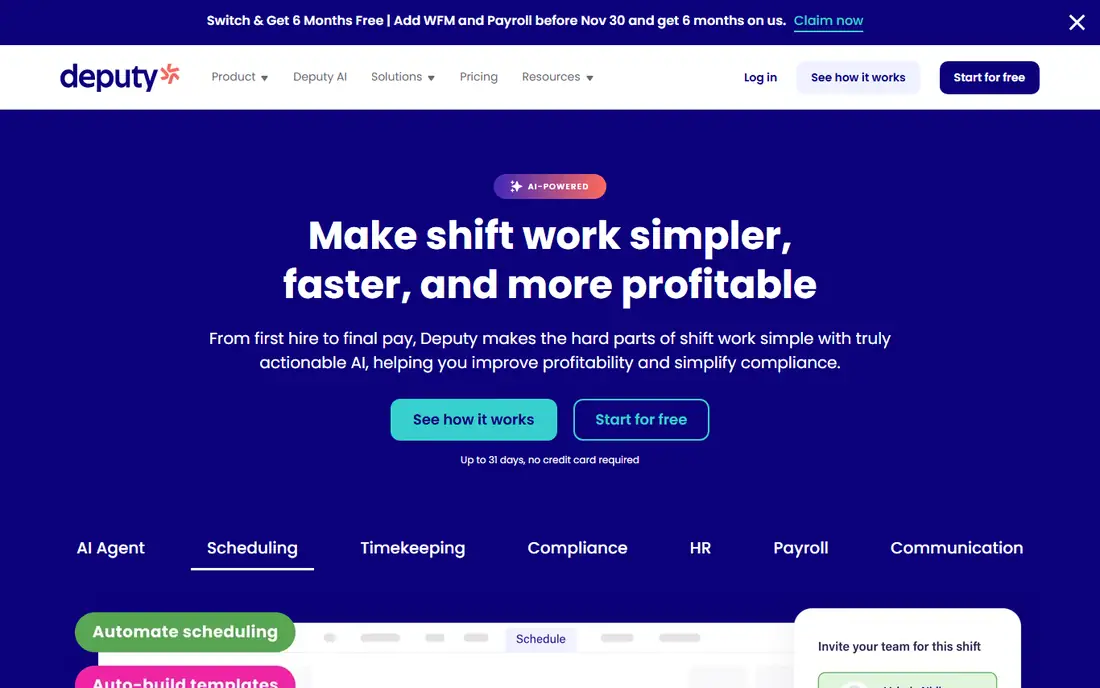
Deputy is employee scheduling, HR and payroll software that uses powerful AI models to optimize schedules, control labor costs and ensure precise staffing at every location. Its easy-to-use apps implement fast and keep staff happy, lowering churn, while audit-ready tools automate compliance requirements like breaks, Fair Workweek rules, overtime and custom pay rules.
For Sling users who want a fuller platform rather than just basic schedules, Deputy is the strongest all-round replacement. Pricing requires a visit to its pricing page, and teams should confirm which AI scheduling features their plan includes.
What we like- AI models optimize schedules, control labor costs and ensure precise staffing
- Scalable scheduling around your SOPs with roll-up and drill-down visibility
- Compliance tools for breaks, Fair Workweek, overtime and custom pay rules
- Rated 4.6 out of 5 across Capterra, Software Advice and G2
Watch out for- Pricing not shown on the homepage
- Broader HR and payroll platform may be more than a pure scheduling buyer needs
- Enterprise features sit behind higher tiers
Starting priceFree
Free planYes
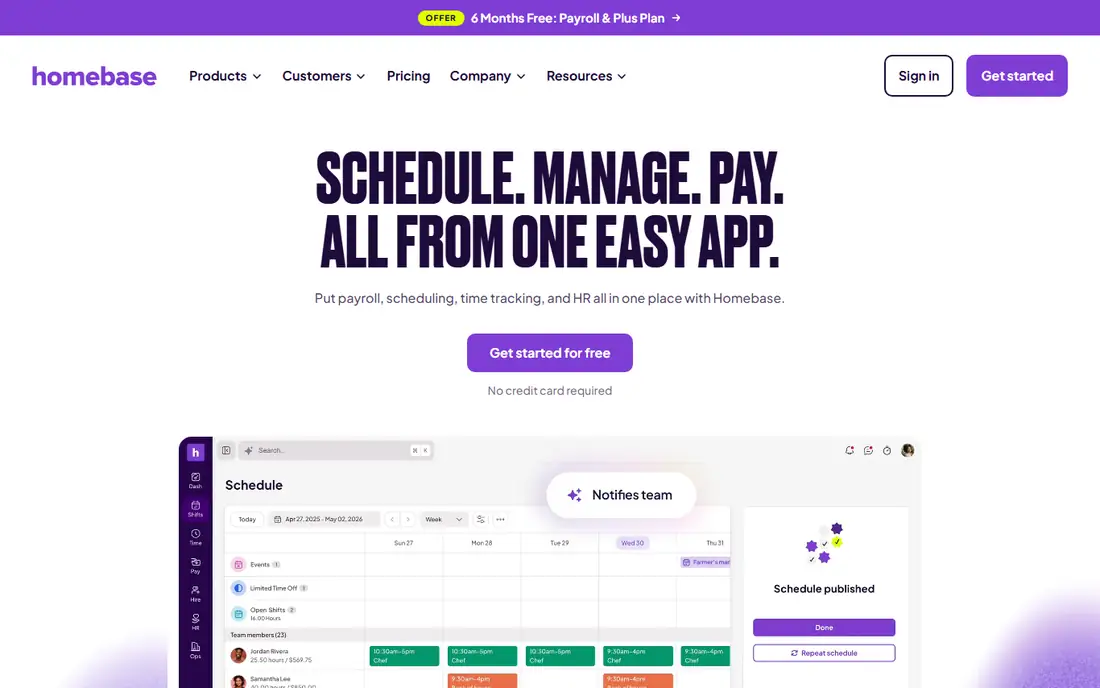
Homebase puts payroll, scheduling, time tracking and HR in one place with the pitch to schedule, manage and pay from one easy app. Automated scheduling maps availability and shifts, AI assistants build schedules and flag payroll errors early, and the platform supports over 3.5 million small business employees who logged over 1.2 billion hours in 2025.
With a free plan, no credit card required to start and a limited-time offer of 6 months of Payroll and the Plus Plan free for new customers, Homebase is the easiest Sling replacement for small businesses to try. Check the offer terms, since the promotion runs to specific dates in late 2026 and early 2027.
What we like- Free plan with scheduling, time clocks, payroll and HR in one app
- Managers save 20 hours per month on average
- 85 percent of customers rate it extremely easy to use
- 150,000 plus hourly teams and 3.5 million workers supported
Watch out for- Payroll free offer has terms and dates attached
- Advanced features need paid plans
- Small-business focus may suit large multi-location firms less
#3When I Work
Best for: Mobile-first shift teams4.4/5 on
G2 (404 reviews, checked Oct 2026)
Visit wheniwork.com
Starting price$2.50 per user/month
Free planNo
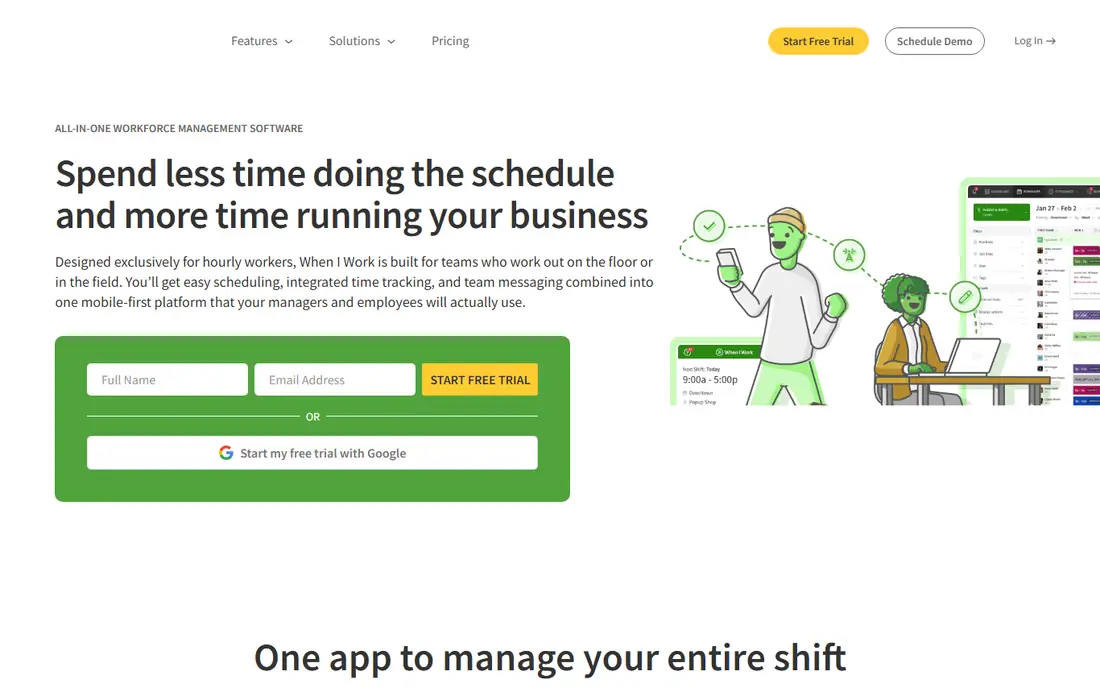
When I Work is employee scheduling and management software designed exclusively for hourly workers, built for teams on the floor or in the field. Its mobile-first platform combines easy scheduling, integrated time tracking and team messaging, with OpenShifts to fill gaps, labor forecasting to prevent overstaffing and multi-location management from a single app.
Trusted by more than 200,000 workplaces, When I Work scales from a single storefront to a 500-person workforce. At $2.50 per user per month with no long-term contracts, it is the cheapest paid starting point here for teams that outgrow free tiers.
What we like- Plans from $2.50 per user per month with a 14-day free trial
- Smart auto-scheduler matches shifts by eligibility, availability and preferences
- GPS clock-ins with geofencing
- Built-in team messaging and payroll integrations with Rippling, ADP, QuickBooks and Gusto
Watch out for- No permanent free plan
- Payroll itself is via integrations rather than built-in
- Larger enterprise features need higher tiers
#47shifts
Best for: Restaurant scheduling and payroll4.5/5 on
G2 (129 reviews, checked Oct 2026)
Visit 7shifts.com
Starting priceFree
Free planYes
7shifts is restaurant HR, scheduling, payroll and retention software, positioning itself as the platform behind great restaurant teams. It acts as a hub connecting scheduling, time tracking, payroll, tips and training, with POS links for sales and labor data, and claims users save 79 plus hours each month and over $1,000 on overtime.
With a free plan, no contracts and monthly or annual billing, 7shifts is the best Sling alternative for restaurants and hospitality teams. Non-restaurant teams should compare its feature set against Deputy or When I Work before choosing.
What we like- Free plan with basic scheduling and communication
- Pro plan trial free for 14 days with no credit card
- POS-linked sales and labor data
- Used by 55,000 plus restaurants and 1.5 million restaurant pros
Watch out for- Restaurant focus means less for non-hospitality teams
- Full features including tips, payroll and training need paid plans
- Pricing details need the pricing page
#5Connecteam
Best for: Small teams under 10 free4.6/5 on
G2 (3,506 reviews, checked Oct 2026)
Visit connecteam.com
Starting priceFree
Free planYes
Connecteam is an all-in-one employee management app that simplifies creating and sharing optimal schedules, time tracking, communication and training. Its pitch is clarity and control for every role, with full oversight from coverage to live attendance and labor cost, and a setup that takes a day rather than weeks.
With 1.8 million plus managers and employees using it daily, Connecteam suits small teams that want a free start and room to grow into a fuller employee app over time. Teams over 10 employees should check paid plan pricing carefully, since the free tier ends there.
What we like- Full access 100 percent free for teams under 10 employees
- All-in-one employee management with scheduling, time tracking, communication and training
- Setup in a day with no IT or consultants
- 24/7 live support and 4.8 out of 5 from 70,000 plus app reviews
Watch out for- Free tier limited to under 10 employees
- Paid pricing needs the pricing page
- Broader employee app may be more than pure scheduling buyers need
#6ZoomShift
Best for: Free scheduling up to 20 staff4.8/5 on
G2 (46 reviews, checked Oct 2026)
Visit zoomshift.com
Starting priceFree
Free planYes
ZoomShift is a free work schedule maker and time clock app designed for hourly employees, letting teams build schedules in minutes, track time off, reduce labor costs and have confidence staff show up on time. Its templates build schedules fast, its time clock tracks GPS and whitelisted IPs, and its forecasting compares static budgets in real time to flag costly conflicts between shifts, availability and overtime.
For small teams up to 20 employees, ZoomShift's free tier is the most generous here, covering scheduling, time tracking, time-off management and shift swapping without a card. Larger teams should check paid pricing carefully before committing.
What we like- Free for up to 20 employees with no cost and no catches
- Schedule templates with drag-and-drop shifts
- GPS time clock with IP whitelisting and overtime blocks
- PTO tracking with accrual and team messaging
Watch out for- Free tier capped at 20 employees
- Smaller ecosystem than Deputy or Homebase
- Advanced forecasting is lighter than Humanity or Deputy
#7Humanity
Best for: Large frontline workforces4.3/5 on
G2 (1,129 reviews, checked Oct 2026)
Visit humanity.com
Starting priceSee website
Free planNo
Humanity Schedule is employee scheduling software for frontline workers that builds, fills and adjusts shifts automatically for fewer coverage gaps and lower labor costs. Its Demand Scheduler AI forecasts when you will be busiest so you staff the right number of people, its labor cost optimizer flags scheduling conflicts before they become violations, and its mobile app lets managers post open shifts and employees trade shifts and request time off.
Now part of TCP Software, Humanity suits larger organizations with complex compliance needs across labor laws and collective bargaining agreements. Smaller teams should prefer the free tiers at Connecteam or ZoomShift, since Humanity's pricing is quote-based.
What we like- AI-powered shift planning with demand forecasting and compliant auto-built schedules
- Real-time labor cost insights and conflict detection
- Employee self-service with mobile app and Apple Watch support
- Integrations with ADP, Oracle, Workday and BambooHR
Watch out for- Pricing not published on the homepage
- Enterprise orientation may price out small teams
- AI forecasting needs historical data to pay off
How we chose
We compared vendor homepages against public comparisons and user reviews, focusing on scheduling tools for hourly and shift-based teams. Every tool here had its official homepage opened and confirmed. Where a vendor does not publish a price on its homepage, we recorded "See website" instead of repeating third-party estimates. Note that Shiftboard was excluded: its homepage now directs existing customers to UKG support and logins, so it is not a buyable alternative for new Sling switchers.
What to weigh before you buy
Start with your team size and industry first. Restaurants fit 7shifts best, small general teams fit Homebase, Connecteam or ZoomShift free tiers, and larger frontline workforces fit Deputy or Humanity. Check whether you need payroll built in or via integration, since When I Work syncs to payroll providers while Homebase, Deputy and 7shifts include payroll in their platforms.
Then test the mobile experience with real staff before committing. Scheduling tools live or die on adoption: if employees ignore the app, schedules fall back to group texts. Run a pilot with one location or team, measure shift-swap and time-off usage, and confirm clock-in rules like GPS and geofencing match your workplace policies. Also check compliance coverage for your state and city: Deputy automates Fair Workweek, overtime and custom pay rules, Humanity catches conflicts against labor laws and collective bargaining agreements, and both matter far more once you operate in multiple jurisdictions with different predictive scheduling laws.
Frequently asked questions
What is Sling?
Sling is employee scheduling software for shift-based teams, covering schedule building, time tracking, labor cost control and team communication. The tools here replace it with similar scheduling plus, in most cases, payroll, HR or messaging features.
Which Sling alternative is free?
Homebase, 7shifts, Connecteam and ZoomShift all offer free plans. Connecteam is free for teams under 10 employees, ZoomShift is free up to 20 employees, and Homebase and 7shifts offer free basic scheduling tiers.
Which alternative is best for restaurants?
7shifts is built for restaurants with POS-linked sales and labor data, tips, payroll and training, used by 55,000 plus restaurants and 1.5 million restaurant pros. Homebase is also strong for restaurant teams with its hourly-team focus and one-app payroll.
How much does scheduling software cost?
Free tiers cover small teams at Homebase, 7shifts, Connecteam and ZoomShift, while When I Work starts at $2.50 per user per month and Deputy and Humanity price by plan on their pricing pages. Remember that per-user pricing multiplies fast: a 50-person team at $2.50 per user costs $125 per month before add-ons, so compare total monthly cost at your real headcount, including managers who need admin seats, rather than the headline per-user rate alone.
Can I migrate schedules from Sling?
Most alternatives here support schedule import and staff import, with 7shifts explicitly offering schedule and staff import during its free trial. Confirm import formats with each vendor, export your Sling schedules, employee availability and time-off balances first, and run a parallel schedule for one cycle before switching fully so no shift or accrual gets lost in the move.
Sources we checked (7)
- https://www.deputy.com
- https://www.joinhomebase.com
- https://wheniwork.com
- https://www.7shifts.com
- https://connecteam.com
- https://www.zoomshift.com
- https://www.humanity.com
Is your product missing or out of date?
We review this list regularly. Vendors can request a listing, send updated pricing or ask about featured placement.

Shihab Mia · Founder, Rankite
Shihab has 5+ years in B2B and SaaS SEO. He writes Rankite's software buying guides from pricing pages, documentation and public user reviews. More about Shihab.