How we make this list: we compare pricing pages, product documentation and public user reviews. Ratings come from G2, Capterra or Trustpilot, with the date we checked them.
Key takeaways
- Zoom, Google Drive, and Loom cover the core needs of meetings, files, and async video inside Slack.
- Trello and Asana bring task work into channels, so discussion and deadlines stay in the same place.
- Polly and Donut improve team input and connection, with polls for decisions and pairings for informal chats.
- Geekbot suits remote teams that run daily standups in Slack rather than in live meetings.
- Notion works best as a shared knowledge base linked from Slack, not as a replacement for chat itself.
Quick comparison
| Tool | Best for | Starting price | Free plan |
|---|
 Zoom Zoom | Starting video meetings from Slack | $13.33 per user/month | Free trial |
 Google Drive Google Drive | Sharing and previewing files in Slack | See website | Yes |
 Trello Trello | Visual boards and card updates | $5 per user/month | Yes |
 Asana Asana | Structured tasks and project tracking | $10.99 per user/month | Yes |
 Polly Polly | Polls and pulse surveys in Slack | $12 per user/month | Free trial |
 Donut Donut | Pairing teammates for coffee chats | See website | Yes |
 Geekbot Geekbot | Async standups and check-ins | See website | Free trial |
 Loom Loom | Recording and sharing video updates | See website | Yes |
 Notion Notion | Docs and wikis linked from Slack | See website | Yes |
Is your product missing or out of date?
We review this list regularly. Vendors can request a listing, send updated pricing or ask about featured placement.
The best Slack apps for meetings, tasks, and team life
Slack works best when the tools a team already uses show up inside it. A good Slack app removes a tab switch, a copied link, or a follow up message. The apps below cover meetings, files, tasks, feedback, and team connection, and each one earns its place by saving a repeated step rather than adding noise to a channel.
#1
Zoom
Best for: Starting video meetings from Slack
Visit zoom.us
Starting price$13.33 per user/month
Free planFree trial
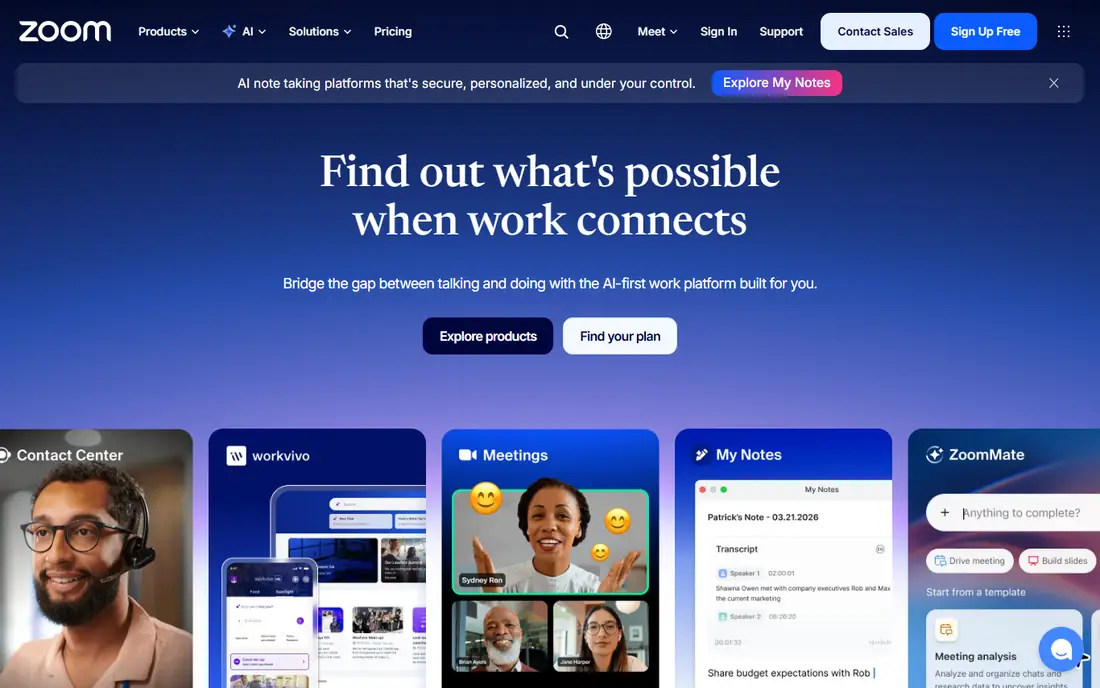
Zoom in Slack is about speed. A team discussing a problem can move to a live call without hunting for a link, pasting it, and waiting for people to join from email. The meeting details post to the channel, so late joiners can find the link and late readers can see that a call happened.
The limit is scope. Zoom for Slack launches meetings, it does not turn Slack into a meeting notes tool or a recording library. Teams that already pay for Zoom get the most value, since free meeting limits still apply. For teams on another video platform, the same benefit comes from that platform native Slack app instead.
What we like- Start and join meetings with a Slack command
- Meeting links post directly to channels
- Familiar to most teams
Watch out for- Requires a Zoom account and plan for longer meetings
- Slack app adds little beyond meeting launch for free users
#2Google Drive
Best for: Sharing and previewing files in Slack4.8/5 on
Capterra (28,634 reviews, checked Oct 2026)
Visit google.com
Starting priceSee website
Free planYes
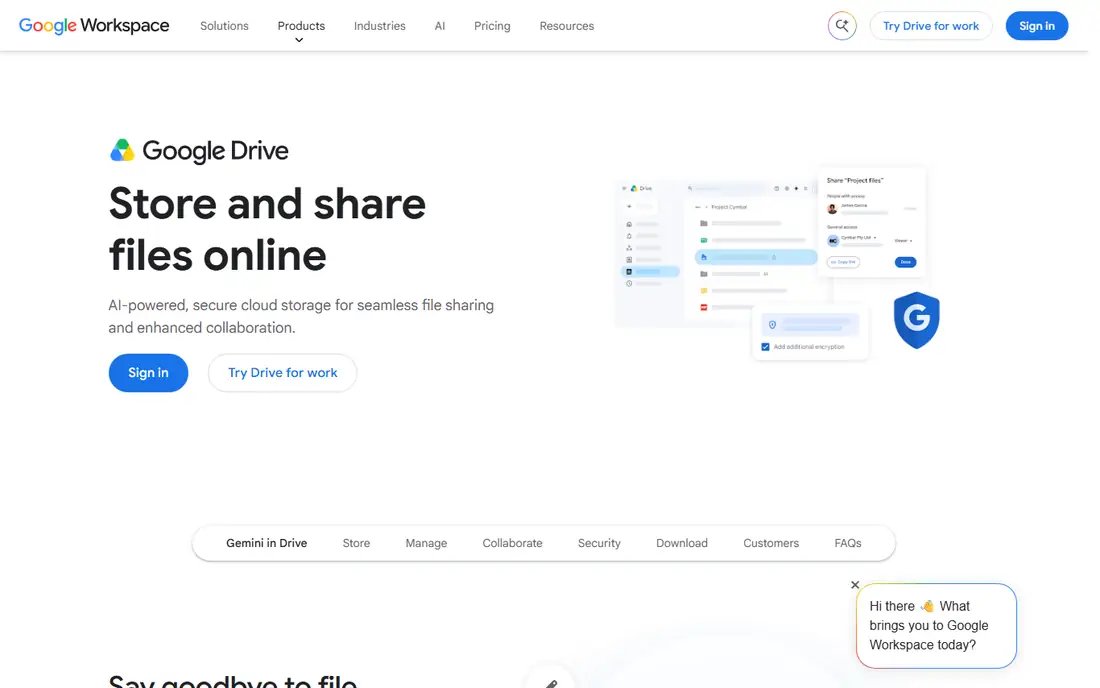
Google Drive for Slack solves a daily annoyance: files shared as bare links with no context. With the integration, a document, sheet, or slide shows a preview in the channel, and teammates can see comments and edits without opening a second tab first. That preview often decides whether a file needs attention at once or can wait.
Notification control matters. A busy shared drive can send many alerts into a channel, so teams should limit notifications to key folders or documents. Used with restraint, Drive in Slack keeps discussion and documents together, which reduces the classic problem of decisions made in chat and files stored elsewhere.
What we like- File previews inside Slack
- Notifications for comments and edits
- Easy sharing without leaving a channel
Watch out for- Permission settings need care
- Heavy Drive use can flood channels with notifications
#3Trello
Best for: Visual boards and card updates4.4/5 on
G2 (14,064 reviews, checked Oct 2026)
Visit trello.com
Starting price$5 per user/month
Free planYes
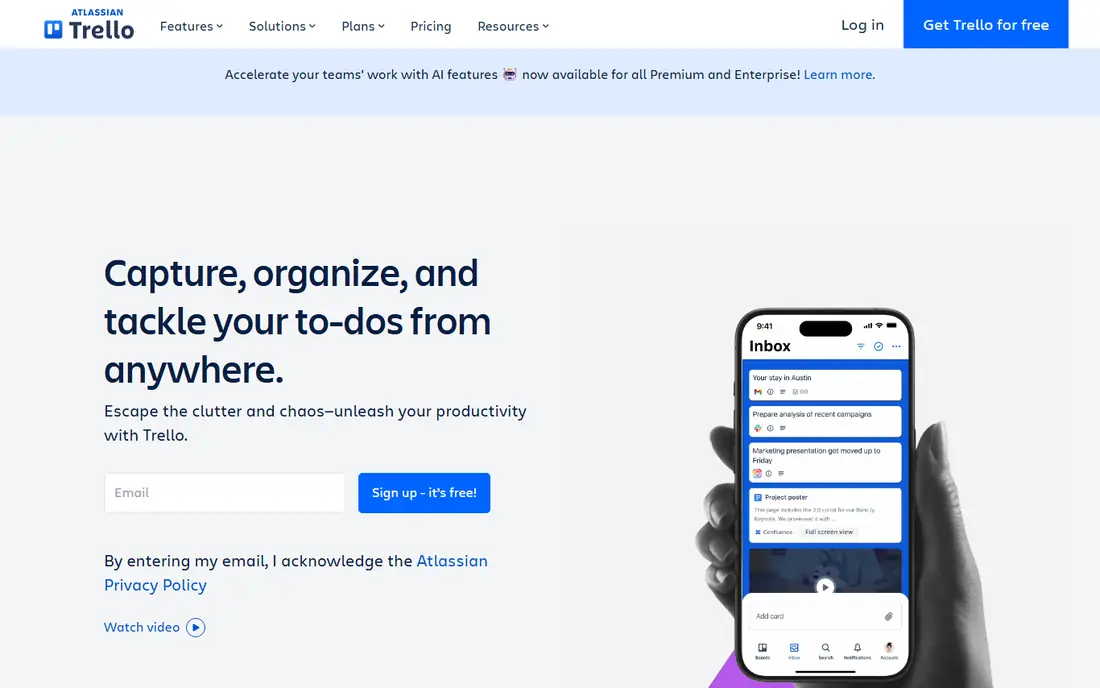
Trello for Slack fits teams that think in boards. A message about a bug, a content idea, or a client request can become a card at once, with the discussion linked to the work. Card moves, due date changes, and comments then post back to a channel, so the team sees progress without opening Trello for every update.
Small teams and simple workflows get the most from this pairing. A marketing team tracking blog posts, a support team tracking follow ups, or a product team tracking small fixes will find boards enough. Larger programmes with dependencies, portfolios, and detailed reporting may need Asana or a similar structured tool instead.
What we like- Create cards from Slack messages
- Board updates post to channels
- Visual and easy for small teams
Watch out for- Large projects can outgrow boards
- Reporting is lighter than dedicated project tools
#4Asana
Best for: Structured tasks and project tracking4.4/5 on
G2 (13,930 reviews, checked Oct 2026)
Visit asana.com
Starting price$10.99 per user/month
Free planYes
Asana for Slack suits teams that need structure. Tasks carry assignees, due dates, sections, and dependencies, and Slack becomes the place where those tasks are created and discussed. A channel message can become a task with context intact, and Asana notifications keep the channel aware of completions and overdue work.
The trade-off is setup time. Asana rewards teams that define projects, sections, and ownership clearly, and it can feel heavy for a team that only needs a simple list. If a team already uses Asana as its system of record, the Slack app is a clear win. If not, Trello may be the lighter start.
What we like- Create tasks from Slack messages
- Task updates and deadlines surface in channels
- Strong for structured projects
Watch out for- Setup takes more effort than Trello
- Free plan limits some advanced features
Starting price$12 per user/month
Free planFree trial
Polly turns a slow decision process into a short poll. Instead of a long thread where opinions get lost, a team can vote on a meeting time, a launch date, or a feature priority, and see results in the same channel. Pulse surveys also help managers check workload, morale, or blockers without scheduling another meeting.
Overuse is the risk. Daily polls for minor choices annoy teams and reduce response rates for questions that matter. Polly works best when polls are short, purposeful, and followed by a clear decision posted in the channel. That follow through is what turns a poll into a decision tool rather than a distraction.
What we like- Quick polls, pulse surveys, and standups inside Slack
- Results visible in channel
- Anonymous options for sensitive topics
Watch out for- Paid plans needed for larger teams and advanced surveys
- Poll fatigue sets in if used too often
Starting priceSee website
Free planYes
Donut addresses a quiet problem in remote work: people who never meet outside project channels. It pairs teammates at random for short coffee chats, pairs new hires with buddies, and posts celebrations for birthdays and milestones. Those small connections often make later collaboration easier, because people already know each other beyond a job title.
Participation decides the outcome. If only a few people opt in, pairings repeat and interest fades. Donut works best in teams that already value informal connection and where managers model it by joining chats themselves. It is a culture tool, not a productivity tool, and should be judged on connection rather than output.
What we like- Random pairings for virtual coffee chats
- Onboarding pairings for new hires
- Celebrations for birthdays and work anniversaries
Watch out for- Value depends on team participation
- Large or fully async teams may see low uptake
Starting priceSee website
Free planFree trial
Geekbot replaces a daily live standup with a short async check-in. Team members answer set questions in Slack, such as what they did, what they plan next, and what blocks them. Answers post to a channel or a direct message thread, so managers and teammates can read them when their workday starts, regardless of time zone.
The format needs care. The same three questions every day can turn into a chore, and answers can become vague without follow up. Teams that rotate questions, keep answers short, and act on blockers quickly get the most from Geekbot. Teams that need live discussion for complex work should keep a weekly live meeting beside it.
What we like- Automated standups in Slack
- Answers collected across time zones
- Searchable history of updates
Watch out for- Can feel repetitive if questions never change
- Paid plans needed for larger teams
#8Loom
Best for: Recording and sharing video updates4.7/5 on
G2 (2,415 reviews, checked Oct 2026)
Visit loom.com
Starting priceSee website
Free planYes
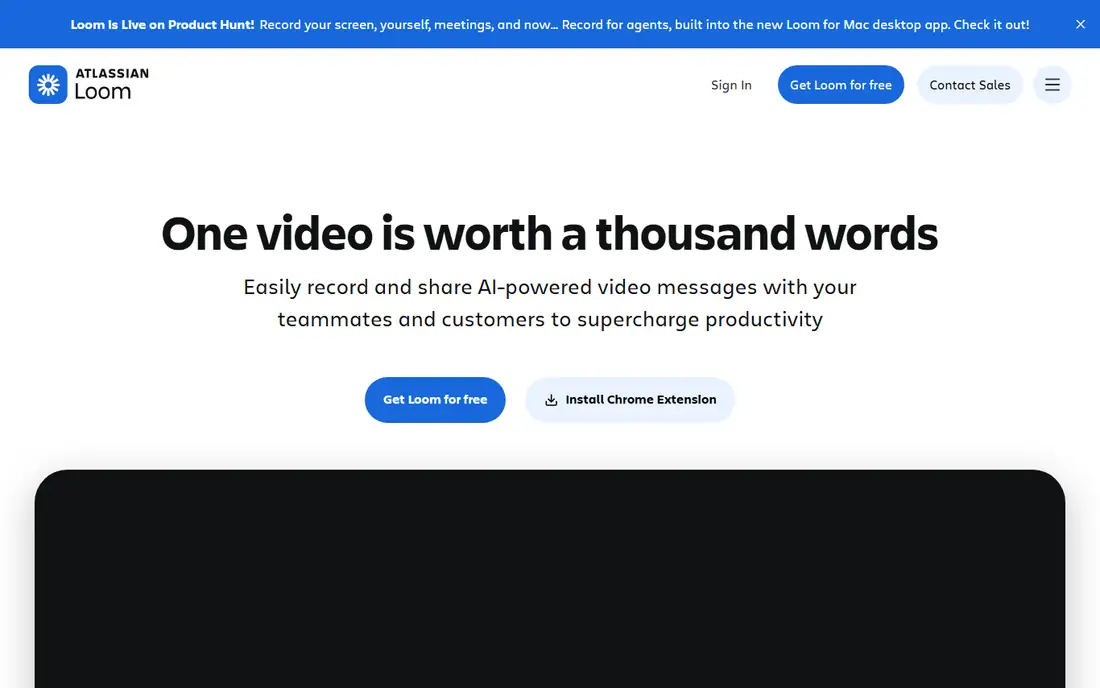
Loom for Slack helps teams share work that is hard to explain in text. A product demo, a bug walkthrough, or a design review can be recorded and posted to a channel, where teammates watch at their own pace and comment with timestamps. That async format suits distributed teams and reduces meetings that exist only to show a screen.
Video is not always the right format. Written updates remain easier to search, skim, and quote later, so Loom should complement docs rather than replace them. Teams that use Loom for demos, walkthroughs, and feedback, and keep decisions in written form, get the best balance.
What we like- Record screen and camera videos from Slack
- Async updates replace some meetings
- Comments stay tied to the video
Watch out for- Video libraries need organising
- Some teammates prefer written updates for searchable detail
#9Notion
Best for: Docs and wikis linked from Slack4.6/5 on
G2 (13,834 reviews, checked Oct 2026)
Visit notion.so
Starting priceSee website
Free planYes
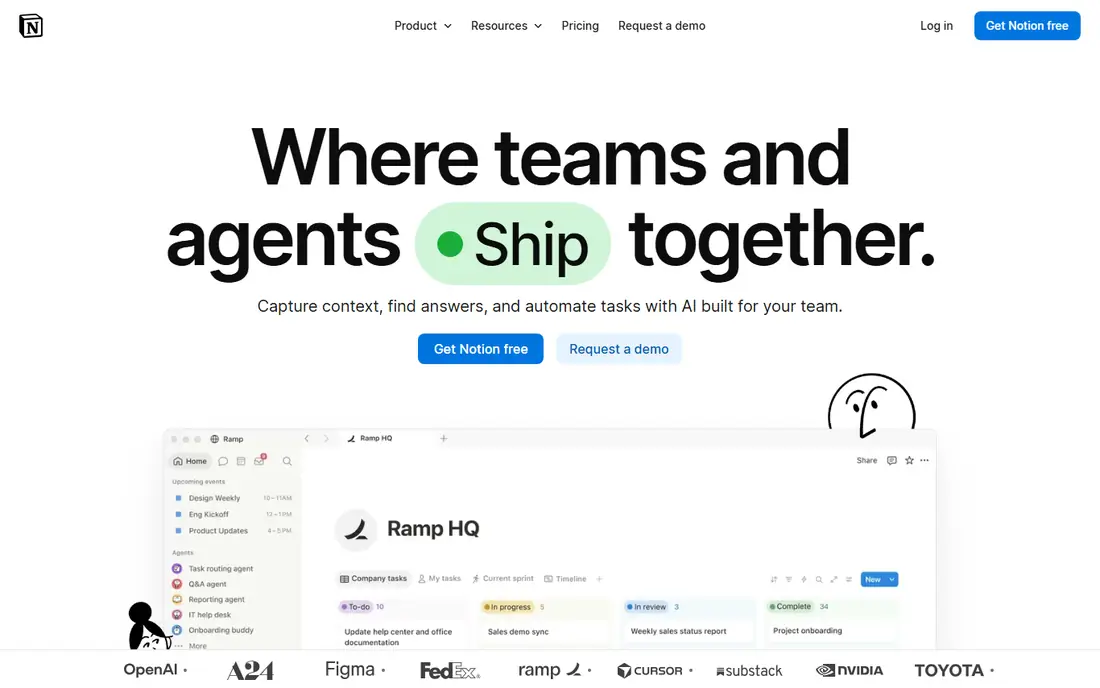
Notion for Slack connects a knowledge base to daily chat. A page link shared in Slack shows a preview, and notifications can alert a channel when a key page changes. That link between discussion and documentation helps new hires find context and helps teams avoid repeating decisions that were already written down.
Expectations should stay realistic. The Slack app does not turn Slack into a Notion editor, and heavy editing still happens in Notion itself. The value lies in discovery: a teammate can see a relevant doc, open it, and return to Slack with a better question. For teams that already keep docs in Notion, that bridge is worth setting up.
What we like- Link docs and pages directly in Slack
- Previews help teammates judge relevance
- Strong for wikis and project docs
Watch out for- Slack integration is mainly linking and notifications
- Editing still happens in Notion
How we chose
We compared vendor pricing pages, Slack marketplace listings, public documentation, and reviews on G2, Capterra, and Reddit. We looked for apps that save a repeated step inside Slack, work for small and mid sized teams, and offer a free plan or trial where stated. We favoured a mix of meetings, files, tasks, feedback, and connection tools rather than ten apps from one category. Prices change often, so where a vendor does not publish a simple starting price, we list See website and point to vendor pages in Sources.
Setting up Slack apps without creating noise
More apps do not mean a better workspace. Each new app adds notifications, commands, and habits, and a noisy workspace pushes teams back to email and side chats.
Start with one job at a time
Pick the most repeated pain first. If meetings are the pain, start with Zoom or Loom. If lost tasks are the pain, start with Trello or Asana. If decisions stall, start with Polly. Run one app for two weeks, check whether the team actually uses it, and only then add the next. A short trial with a clear job beats a workspace full of unused integrations.
Control notifications and permissions
Before a team wide rollout, check who can install apps, which channels receive notifications, and what data the app can read. Limit alerts to key channels, turn off low value notifications, and document the main commands in a pinned message. A five minute setup review prevents weeks of muted channels and missed updates.
Review apps every quarter
Slack workspaces accumulate apps as teams change. Once a quarter, list installed apps, check usage, and remove tools that no one opens. Ask the team which app saved time and which one only added alerts. Keeping the list short protects attention, which is the resource Slack apps are meant to save.
Frequently asked questions
What are the best free Slack apps?
Google Drive, Trello, Donut, Loom, and Notion all offer free plans that cover core Slack use, and Zoom offers a free tier with meeting limits. Free plans suit small teams well, while larger teams may need paid plans for advanced features, storage, or admin controls.
Do I need a paid Slack plan to use these apps?
No, most apps work on free Slack workspaces, but some Slack features, such as unlimited message history and advanced admin controls, require a paid Slack plan. App pricing is separate from Slack pricing, so check both before budgeting for a team rollout.
Which Slack app is best for project management?
Trello suits visual, simple workflows, while Asana suits structured projects with deadlines, assignees, and dependencies. Teams should pick based on project complexity and on which tool the team already uses as its system of record.
How do I add an app to Slack?
Most apps can be added from the Slack marketplace or from the vendor site with an Add to Slack button, followed by workspace approval where required. Workspace admins may restrict installs, so check approval rules before planning a team wide rollout.
Can Slack apps read private messages?
Slack apps receive only the permissions granted during install, and workspace admins can review those permissions. Teams should install apps from trusted vendors, review scopes, and avoid granting broad access to private channels unless the app job clearly requires it.
Which Slack app helps remote teams stay connected?
Donut helps with informal pairings and celebrations, Geekbot helps with async standups across time zones, and Polly helps gather team input without extra meetings. Used together in moderation, they cover connection, updates, and feedback for remote teams.
Sources we checked (9)
- https://zoom.us/pricing
- https://www.google.com/drive/
- https://trello.com/pricing
- https://asana.com/pricing
- https://www.polly.ai/pricing
- https://www.donut.com
- https://www.geekbot.com/pricing
- https://loom.com/pricing
- https://www.notion.so/pricing
Is your product missing or out of date?
We review this list regularly. Vendors can request a listing, send updated pricing or ask about featured placement.

Shihab Mia · Founder, Rankite
Shihab has 5+ years in B2B and SaaS SEO. He writes Rankite's software buying guides from pricing pages, documentation and public user reviews. More about Shihab.