How we make this list: we compare pricing pages, product documentation and public user reviews. Ratings come from G2, Capterra or Trustpilot, with the date we checked them.
Key takeaways
- Word Online suits teams already on Microsoft 365, while Notion suits teams that want docs, wikis and databases in one workspace.
- Zoho Writer suits budget-conscious teams on Zoho, while Dropbox Paper suits Dropbox users who want light, collaborative documents.
- Coda suits teams that want docs with tables and automation, while OnlyOffice suits teams that want Microsoft-compatible editing with self-hosting.
- Quip suits Salesforce teams that want chat-like docs, while Apple Pages suits Apple users who want polished documents with iCloud collaboration.
Quick comparison
Is your product missing or out of date?
We review this list regularly. Vendors can request a listing, send updated pricing or ask about featured placement.
The best alternatives to Google Docs
Starting priceFree
Free planYes
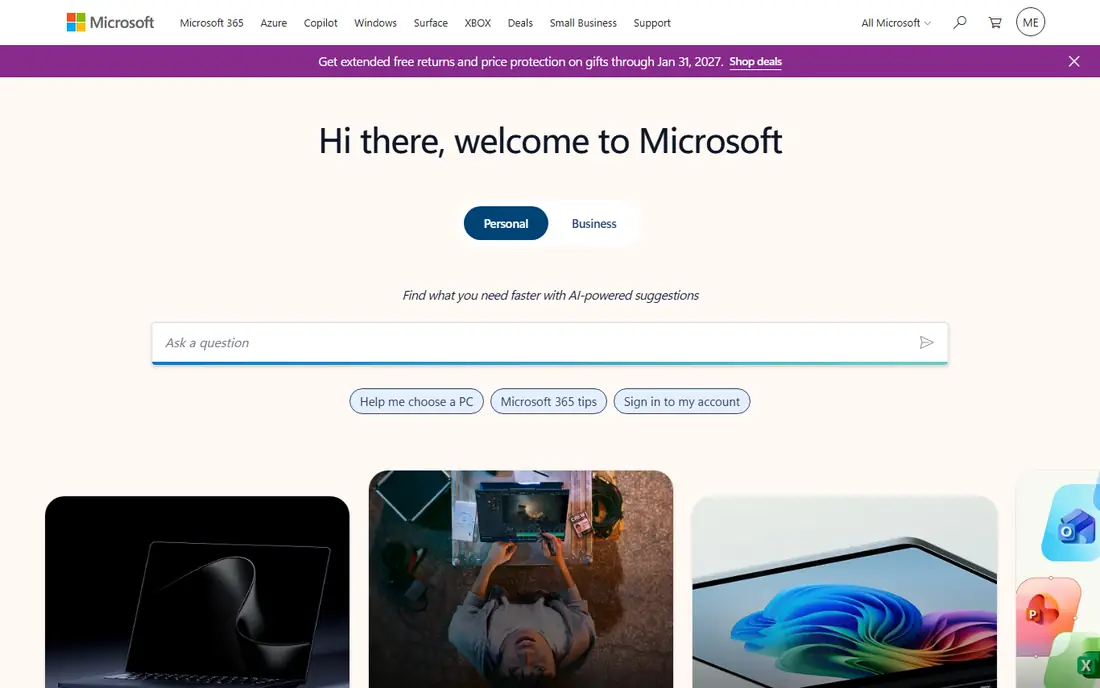
Word Online suits a team already on Microsoft 365 that needs full Word compatibility. Documents open, edit and share in a browser with real-time co-editing, comments and tracked changes, while desktop Word handles advanced formatting when needed. Integration with OneDrive, Teams and Outlook keeps documents inside the Microsoft workflow. For a Microsoft organization, Word Online is the natural Google Docs replacement.
Advanced features need a paid Microsoft 365 plan, and the interface feels heavier than Google Docs for quick notes. A team that only needs simple documents may prefer Notion or Paper. For Microsoft-compatible collaborative writing, Word Online is the standard.
What we like- Full Word compatibility
- Real-time co-editing
- Deep Microsoft 365 integration
Watch out for- Advanced features need a subscription
- Interface feels heavier than Google Docs
#2Notion
Best for: Docs plus wikis4.6/5 on
G2 (13,834 reviews, checked Oct 2026)
Visit notion.com
Starting priceFree
Free planYes
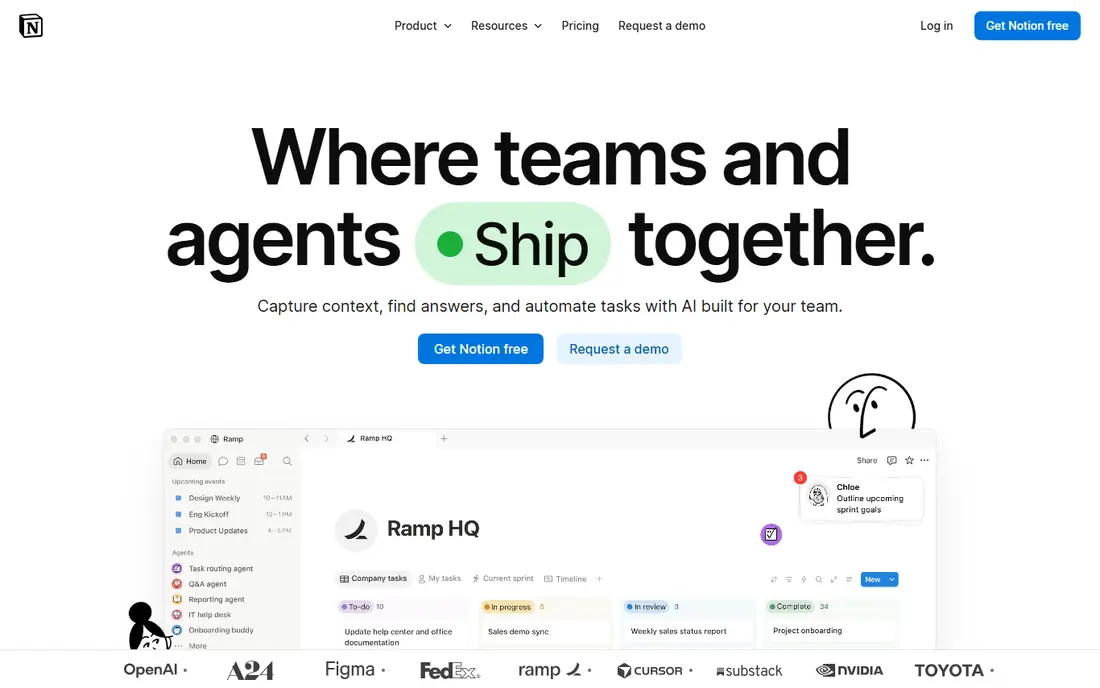
Notion suits a team that wants documents inside a larger workspace. Pages combine text, tables, databases, tasks and media in flexible blocks, so a project wiki, a meeting note and a task list can live together. Templates cover roadmaps, docs and knowledge bases, which helps a team start fast. For a team that outgrew simple documents and wants a shared workspace, Notion offers more structure than Google Docs.
Offline use is limited, and export options trail Word for complex formatted documents. A team that needs strict Word compatibility should pick Word Online instead. For docs plus wikis in one flexible workspace, Notion is a leading choice.
What we like- Docs, wikis, databases and tasks in one workspace
- Flexible blocks
- Strong templates
Watch out for- Offline use is limited
- Export options trail Word for complex documents

#3Zoho Writer
Best for: Budget Zoho teams4.4/5 on
G2 (97 reviews, checked Oct 2026)
Visit zoho.com
Starting priceFree
Free planYes
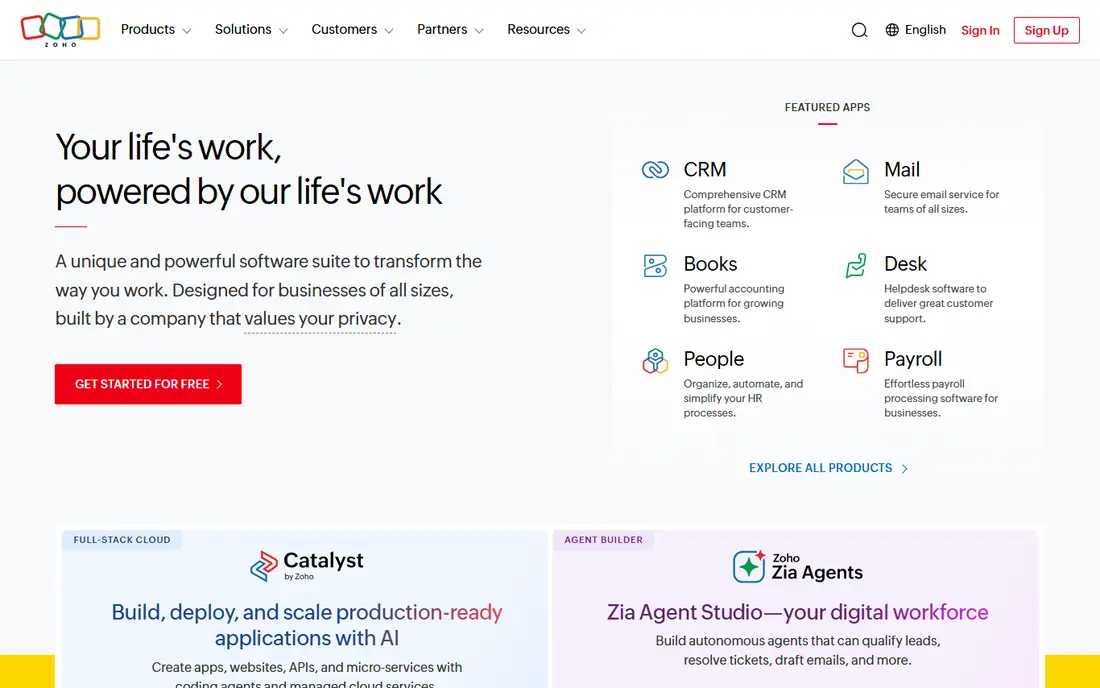
Zoho Writer suits a budget-conscious team already on Zoho. Real-time collaboration, comments and tracked changes cover daily document work, with Word-compatible import and export for sharing outside Zoho. The free tier suits small teams, and integration with Zoho CRM, Mail and WorkDrive keeps documents inside one ecosystem. For a Zoho team, Writer offers solid document editing at low cost.
The community and template library are smaller than Google or Microsoft, and some users may miss Google Docs add-ons. A team that needs a large template library should consider Notion instead. For budget Zoho document collaboration, Zoho Writer is a strong choice.
What we like- Clean collaborative writing
- Word-compatible files
- Free tier with Zoho ecosystem
Watch out for- Smaller community and template library than Google or Microsoft
Starting priceFree
Free planYes
Dropbox Paper suits a Dropbox user who wants light, collaborative documents. Clean pages support text, task lists, images, videos and embeds, with comments and real-time editing for team drafts. Integration with Dropbox files means a document can link to stored files without leaving the workspace. For a small team that already stores files in Dropbox, Paper adds simple document collaboration at no extra cost.
Formatting options are fewer than Word, and Paper development has slowed compared with Notion or Coda. A team that needs advanced documents should pick Word Online instead. For light, clean Dropbox document collaboration, Paper remains useful.
What we like- Light, clean collaborative documents
- Task lists and media embeds
- Dropbox integration
Watch out for- Fewer formatting options than Word
- Dropbox Paper development has slowed
Starting priceFree
Free planYes
Coda suits a team that wants documents that act like apps. Tables, buttons, formulas and automation turn a doc into a tracker, a request form or a project hub, while text and comments cover ordinary writing. That combination helps operations, product and support teams that need documents plus lightweight workflows in one place. For a team that finds Google Docs too static, Coda offers a powerful upgrade.
The learning curve is steeper than Google Docs, and pricing rises with larger teams and doc makers. A team that only needs simple writing should pick Zoho Writer or Paper instead. For docs with tables and automation, Coda is a distinctive choice.
What we like- Docs combined with tables, buttons and automation
- Strong for team workflows
- Good templates
Watch out for- Learning curve for new users
- Pricing rises with larger teams and doc makers

#6OnlyOffice
Best for: Microsoft-compatible editing4.6/5 on
G2 (26 reviews, checked Oct 2026)
Visit onlyoffice.com
Starting priceFree
Free planYes
OnlyOffice suits a team that wants Microsoft-compatible editing with control over hosting. Document, spreadsheet and presentation editors handle Word, Excel and PowerPoint formats faithfully, with real-time collaboration and comments. Self-hosting keeps documents on your own servers, which matters for privacy-focused organizations, while cloud hosting removes server work. For a team that needs format fidelity plus hosting choice, OnlyOffice offers flexibility that Google Docs cannot match.
Collaboration polish trails Google Docs, and self-hosting setup needs IT effort. A team that wants the smoothest cloud collaboration should pick Word Online or Notion instead. For Microsoft-compatible editing with self-hosting, OnlyOffice is a strong choice.
What we like- Strong Microsoft format compatibility
- Self-hosting option
- Docs, sheets and slides together
Watch out for- Collaboration polish trails Google Docs
- Setup needs effort for self-hosting
Starting priceFree
Free planYes
Quip suits a Salesforce team that wants documents with chat-like collaboration. Documents combine text, spreadsheets and chat threads, so discussion stays inside the document rather than in a separate chat app. Salesforce integration connects docs to records, which helps sales and support teams that work from CRM data. For a Salesforce organization, Quip adds document collaboration without leaving the ecosystem.
Features are fewer than Notion or Coda, and the Salesforce focus limits appeal outside that ecosystem. A team that does not use Salesforce may prefer Notion instead. For Salesforce team documents with built-in chat, Quip is a natural fit.
What we like- Chat-like documents with comments
- Salesforce integration
- Simple collaboration
Watch out for- Fewer features than Notion or Coda
- Salesforce focus limits appeal outside that ecosystem

#8Apple Pages
Best for: Apple users4.3/5 on
G2 (376 reviews, checked Oct 2026)
Visit apple.com
Starting priceFree
Free planYes
Apple Pages suits an Apple user who wants polished documents with easy collaboration. Templates cover reports, resumes, letters and books with strong design, while iCloud sharing allows real-time collaboration with other Apple users and web guests. Word export helps sharing with non-Apple readers, and Pages is free for Apple device owners. For a Mac or iPad user who values document design, Pages offers polish that Google Docs lacks.
Pages works best on Apple devices, while Windows and web use are more limited, and advanced business features trail Word Online. A mixed-device team should pick Word Online or Notion instead. For Apple users who want beautiful documents, Pages is an excellent free choice.
What we like- Polished document design
- Free for Apple users
- ICloud collaboration and Word export
Watch out for- Best on Apple devices
- Windows and web use are more limited
How we chose
We compared vendor product pages, feature lists and public reviews for document tools serving US readers. We looked for real-time collaboration, format compatibility, offline access, templates and honest pricing. We did not claim hands-on testing, and we noted where free tiers end or where advanced features need paid plans.
How to pick the right Google Docs alternative
Start with your existing suite. A Microsoft 365 team should pick Word Online, a Google Workspace team that wants to leave Docs may still find Google integration hard to replace, and a Zoho team should pick Zoho Writer. An Apple-heavy team should trial Pages, while a Salesforce team should trial Quip.
Next, test format compatibility with your real documents. Import a complex report, a resume and a shared spreadsheet, and check formatting, comments and tracked changes after import and export. Finally, check offline access and mobile editing, since a tool that only works online frustrates travellers and field teams. A week-long trial with real documents reveals more than any feature list.
Comments and version history deserve a close look during a trial, since they shape how a team reviews work. Check whether comments resolve cleanly, whether suggestions track changes by author, and whether version history restores an earlier draft without losing later edits. A team that reviews contracts or reports daily will feel these differences fast, and a weak review flow slows every approval.
Accessibility also matters for shared documents. Check heading structure, alt text for images and screen reader support, especially for public or company-wide documents. A tool that makes accessible documents easy helps every reader, including those using assistive technology, and it reduces rework when documents must meet accessibility standards.
Templates can save a team hours each week, so compare template libraries during a trial. Notion and Coda offer strong workflow templates, Word Online offers strong business document templates, and Pages offers strong design templates. Pick the library that matches your most repeated documents, whether reports, proposals, meeting notes or project plans.
Migration planning rounds out a switch. Export Google Docs in batches, check formatting after import, and keep Google Docs read-only for a month as a backup. Train the team on the new tool with a short guide covering sharing, comments and version history, since a new tool fails when only one person knows how to use it well, and check sharing permissions after migration.
Frequently asked questions
What is the best free alternative to Google Docs?
Word Online, Notion, Zoho Writer and Apple Pages all offer strong free tiers. Word Online suits Microsoft compatibility, Notion suits wikis, Zoho Writer suits budget teams, and Pages suits Apple users.
Can I open Google Docs in Word Online?
Yes, in most cases. Export a Google Doc as a Word file, then open it in Word Online or desktop Word, although complex formatting may need cleanup after conversion. The reverse works too, with Word files opening in Google Docs.
Is Notion a good Google Docs replacement?
Notion suits teams that want docs plus wikis and databases, but it trails Word Online for strict document formatting and offline use. A team that needs formal documents should keep Word Online alongside Notion.
Can I self-host a Google Docs alternative?
Yes. OnlyOffice offers self-hosting, so documents stay on your own servers, which suits privacy-focused organizations. Self-hosting needs IT effort for setup, updates and backups.
Which alternative works best offline?
Word Online desktop Word, Apple Pages and OnlyOffice desktop apps offer stronger offline editing than browser-only tools. Notion offline use is limited, so a team that works offline often should prioritize desktop apps.
Sources we checked (8)
- https://www.microsoft.com
- https://www.notion.com
- https://www.zoho.com
- https://www.dropbox.com
- https://coda.io
- https://www.onlyoffice.com
- https://quip.com
- https://www.apple.com
Is your product missing or out of date?
We review this list regularly. Vendors can request a listing, send updated pricing or ask about featured placement.

Shihab Mia · Founder, Rankite
Shihab has 5+ years in B2B and SaaS SEO. He writes Rankite's software buying guides from pricing pages, documentation and public user reviews. More about Shihab.
 Word Online
 Dropbox Paper
 Coda
Coda Quip
Quip