How we make this list: we compare pricing pages, product documentation and public user reviews. Rankite is independent; if a vendor ever pays for a featured spot, that listing is clearly labeled Partner.
Key takeaways
- Miro and Mural lead the online whiteboard space, with Miro winning on breadth and Mural on facilitated workshops.
- FigJam is the natural pick for teams already designing in Figma, with a playful approach to team ideation.
- Lucidspark suits organizations standardized on Lucidchart that want brainstorming in the same ecosystem.
- MindMeister and Coggle serve mind-mapping purists who think in branches and hierarchies.
- Stormboard and IdeaBoardz cover structured ideation like retrospectives and prioritization for agile teams.
The whiteboard got a URL
The best brainstorming used to require a room, a whiteboard, and sticky notes. Remote and hybrid work ended that requirement but created a new problem: how do distributed teams think together visually? Cloud-based brainstorming software answers with infinite canvases where everyone contributes simultaneously, whether they are in the office or on another continent.
The category spans several approaches. Online whiteboards offer freeform visual collaboration. Mind-mapping tools structure ideas into hierarchies. Retrospective tools guide teams through structured reflection. And AI features now cluster sticky notes, summarize themes, and turn brainstorms into action items automatically. Choosing well means matching the tool's philosophy to your team's actual creative process, not just picking the most popular whiteboard.
We compared eight platforms across those approaches, judging them on collaboration experience, templates, integrations, and whether the tool fits how your team actually generates ideas. Real user reviews and hands-on testing informed the rankings much more than vendor claims.
Quick comparison
| Tool | Best for | Starting price | Free plan |
|---|
 Miro Miro | All-round visual collaboration | See website | Yes |
 Mural Mural | Facilitated workshops | See website | Free trial |
 FigJam FigJam | Figma teams ideating | See website | Yes |
 Lucidspark Lucidspark | Lucid ecosystem brainstorming | See website | Yes |
 MindMeister MindMeister | Mind mapping | See website | Yes |
 Stormboard Stormboard | Structured team ideation | See website | Yes |
 Coggle Coggle | Simple collaborative mind maps | See website | Yes |
 IdeaBoardz IdeaBoardz | Free retrospectives | Free | Yes |
Is your product missing or out of date?
We review this list regularly. Vendors can request a listing, send updated pricing or ask about featured placement.
The best cloud-based brainstorming software in 2026
Starting priceSee website
Free planYes
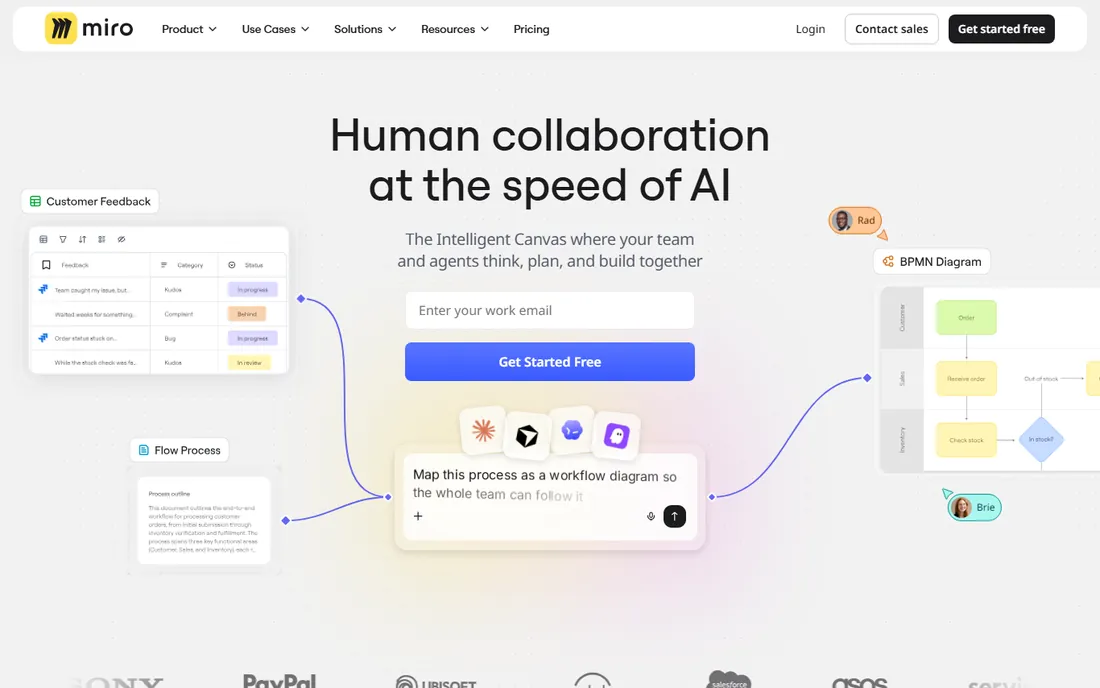
Miro became the default online whiteboard by being good at everything: brainstorming, diagramming, planning, retrospectives, and workshops all live on the infinite canvas. The template library covers hundreds of use cases, real-time collaboration is smooth, and integrations with Jira, Slack, and Teams embed boards in existing workflows. The free tier is genuinely useful for small teams.
The breadth can overwhelm newcomers, and costs scale per user. But for organizations standardizing on one visual collaboration tool, Miro's range is unmatched. It is the safe choice that covers whatever visual thinking your team attempts, from quick icebreakers to quarter-long planning epics.
What we like- Huge template library, Excellent real-time collaboration, Strong integrations, Generous free tier
Watch out for- Can feel overwhelming, Paid plans per user, Performance on huge boards
Starting priceSee website
Free planFree trial
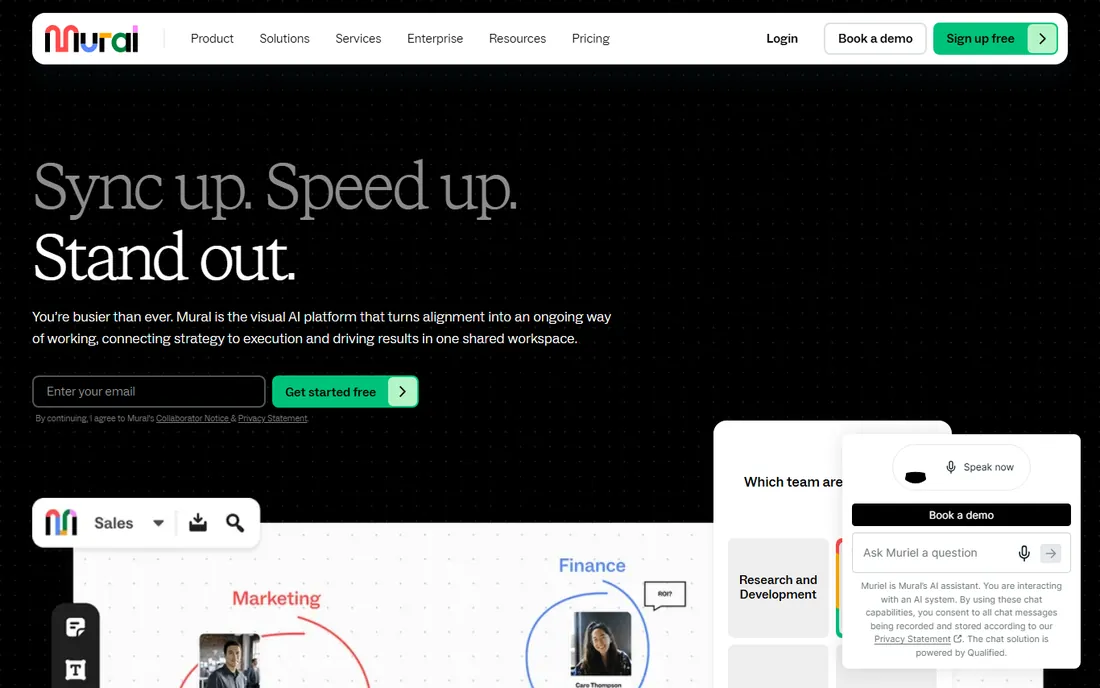
Mural approaches the whiteboard from facilitation: features like private mode, timers, and structured frameworks help workshop leaders run productive sessions. The experience feels designed for guided collaboration rather than freeform doodling, which suits consultancies, design teams, and enterprises running structured innovation programs.
The ecosystem is smaller than Miro's and pricing is quoted. But for teams where brainstorming means facilitated workshops with outcomes, Mural's purpose-built approach beats the generalist. The facilitation superpowers are the differentiator, and teams that run workshops weekly will feel the difference immediately.
What we like- Built for facilitation, Good private mode, Strong enterprise features, Thoughtful UX
Watch out for- Smaller ecosystem than Miro, Pricing not published, Less freeform flexibility
Starting priceSee website
Free planYes
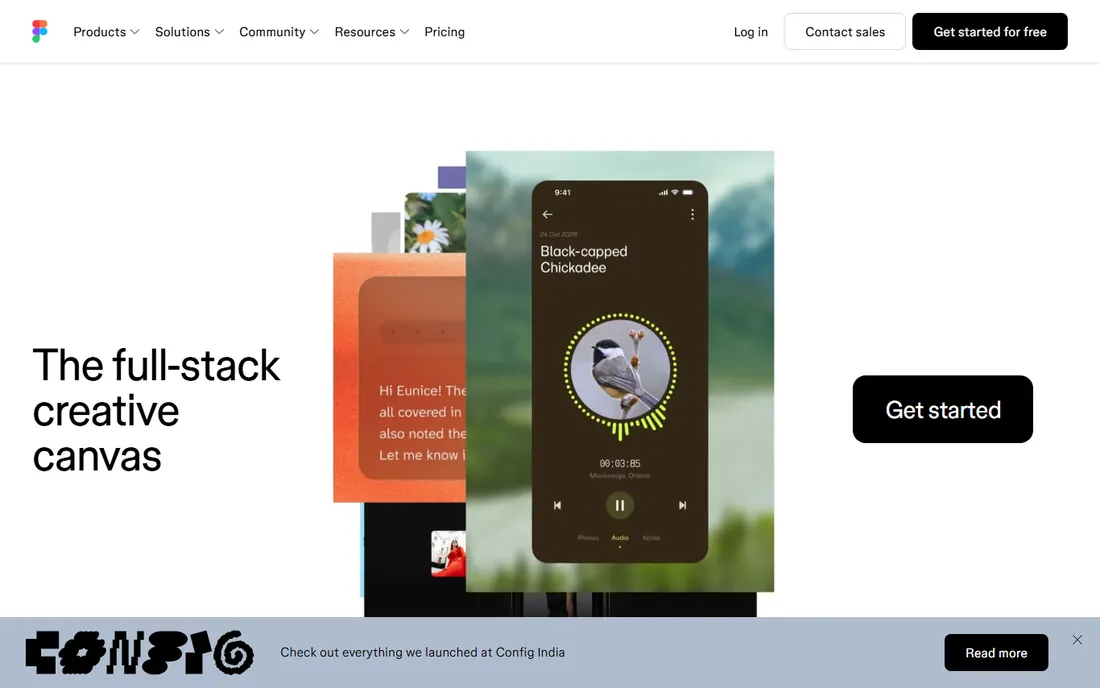
FigJam is Figma's whiteboard, and for design teams it is the obvious choice. Brainstorms flow naturally into design files, the playful interface lowers the barrier for non-designers, and the free tier covers team ideation. Stamps, widgets, and voting make sessions fun as well as productive.
It lacks Miro's depth for complex workshops, and non-Figma shops gain less. But the integration story is compelling: ideation and design in one ecosystem, one login, one bill. For product teams living in Figma, FigJam removes every reason to use anything else, and the handoff from sticky note to mockup has never been smoother.
What we like- Native with Figma, Playful and approachable, Good for design teams, Free tier included
Watch out for- Less depth than Miro, Tied to Figma ecosystem, Simpler feature set
Starting priceSee website
Free planYes
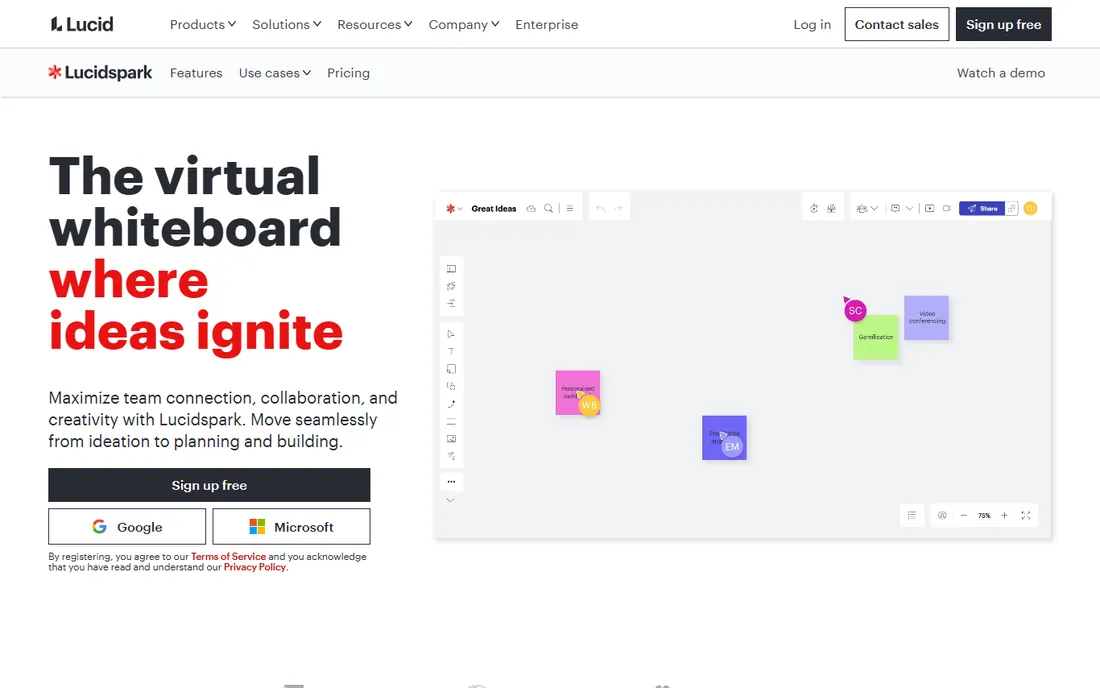
Lucidspark is Lucid's answer to the online whiteboard, designed to work with Lucidchart for diagramming. Brainstorms can evolve into structured diagrams without switching tools, which suits engineering and operations teams that think in processes. The interface is clean and the free tier functional.
The template library and community trail Miro, and the value concentrates for Lucid customers. But for organizations standardized on Lucidchart, Lucidspark keeps ideation in the family. The diagramming continuity is the reason to choose it, especially for teams whose brainstorms naturally become process maps.
What we like- Integrates with Lucidchart, Good for structured brainstorming, Clean interface, Solid free tier
Watch out for- Smaller community, Less template variety, Ecosystem lock-in
Starting priceSee website
Free planYes
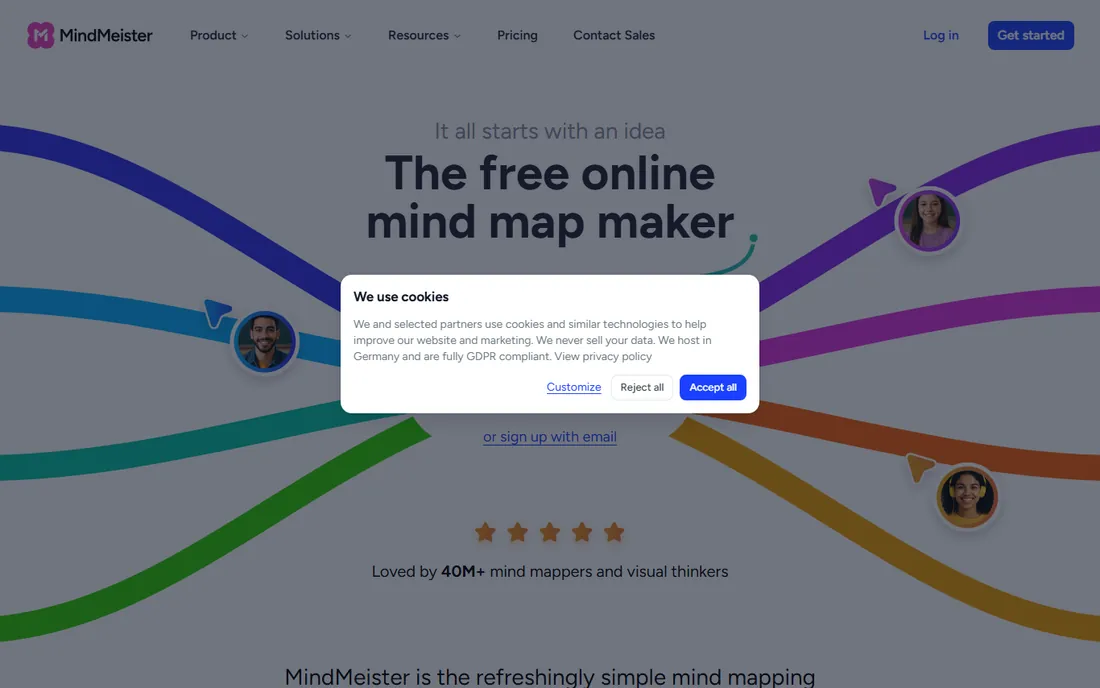
MindMeister does mind mapping better than the whiteboards do it as a sideline. Branching, collapsing, and organizing ideas hierarchically feels natural, and real-time collaboration lets teams build maps together. Integrations with MeisterTask turn mind maps into project plans, which is a neat trick.
It is a mind-mapping tool, not a whiteboard, so freeform visual work belongs elsewhere. But for thinkers who organize in hierarchies, the dedicated experience beats a whiteboard's mind-map template. The design polish makes mapping genuinely enjoyable, and the presentation mode turns maps into shareable narratives.
What we like- Excellent mind mapping, Real-time collaboration, Good integrations, Pleasant design
Watch out for- Mind maps only, Less freeform, Paid plans for full features
Starting priceSee website
Free planYes
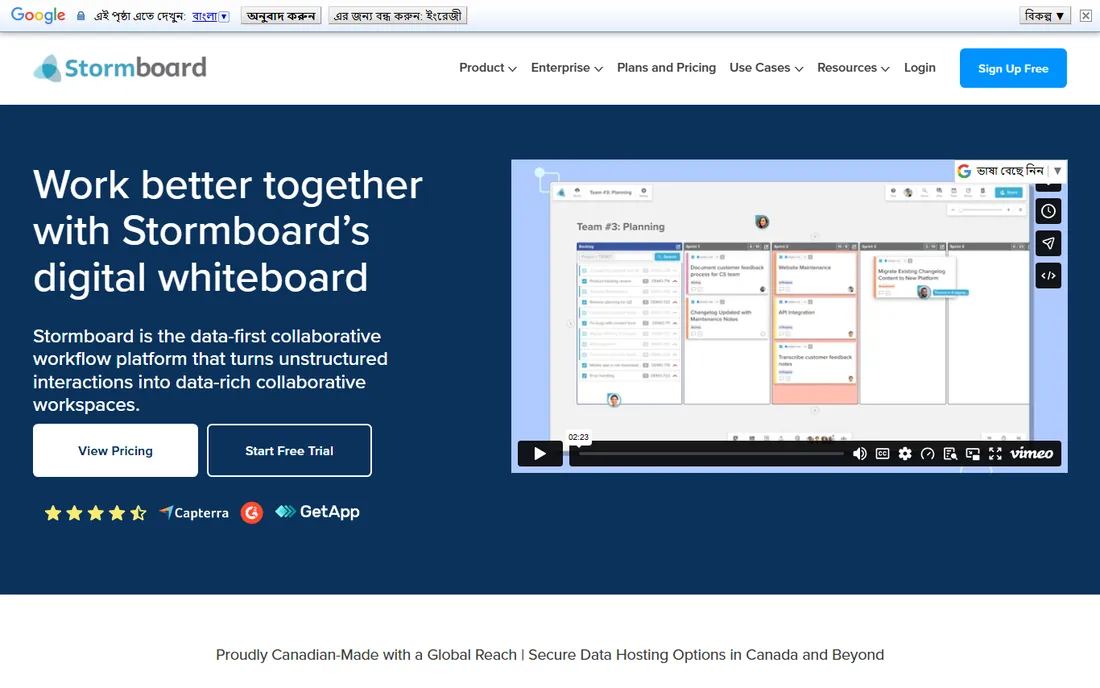
Stormboard structures brainstorming into templates for retrospectives, prioritization, and business canvases. Ideas get voted on, prioritized, and reported, which suits teams that want outcomes rather than art. Agile teams use it for sprint retrospectives and planning.
The freeform canvas is less expressive than Miro or Mural, and the interface shows its age. But structure is the point: for teams that brainstorm to decide, Stormboard's guided approach produces decisions faster than an open canvas. The reporting turns session output into documentation without extra work.
What we like- Structured ideation templates, Good for agile ceremonies, Reporting features, Free tier available
Watch out for- Less visual freedom, Smaller vendor, Interface dated
Starting priceSee website
Free planYes
Coggle proves that mind mapping does not need complexity. Beautiful, simple, collaborative mind maps with no learning curve: share a link and start branching. The free tier is generous enough for most personal and small-team use. It is the tool you recommend to someone who finds Miro intimidating.
Power users will hit limits quickly, and it is not a workshop platform. But for quick collaborative thinking, Coggle's simplicity is the feature. Sometimes the best brainstorming tool is the one everyone understands instantly, and Coggle's chat-like ease of sharing makes it the fastest way to get a group mapping.
What we like- Beautifully simple, Real-time collaboration, Generous free tier, No learning curve
Watch out for- Limited features, Not for complex workshops, Small team
Starting priceFree
Free planYes
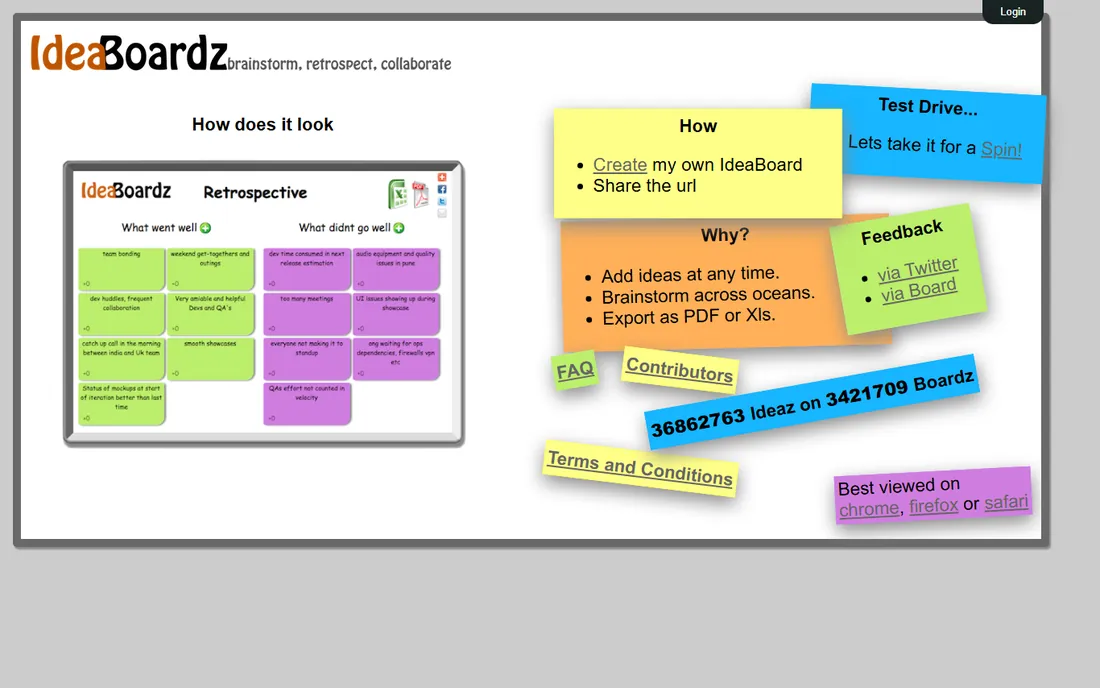
IdeaBoardz does one thing for free: agile retrospectives. Create a board, share the link, collect sticky notes on what went well and what did not, vote, and discuss. No signup, no cost, no learning curve. Distributed agile teams have used it for years because it just works.
It is not a brainstorming platform in the broader sense, and power users will want more. But for the specific ritual of the retrospective, IdeaBoardz's free simplicity is unbeatable. Every agile team should know it exists, and many will never need anything else for their retro cadence.
What we like- Completely free, Perfect for retrospectives, No signup needed, Simple and fast
Watch out for- Retrospectives only, No advanced features, Minimalist to a fault
How we chose
We covered the main brainstorming approaches: freeform whiteboards, mind mapping, and structured ideation. Each tool here leads in its approach rather than being a weak compromise. We judged collaboration quality first, since a brainstorming tool nobody can use together fails immediately.
We weighted templates, integrations, and free tiers because teams evaluate these tools hands-on. AI features were noted where they genuinely help, like clustering and summarization, and discounted where they are marketing gloss. We also considered the learning curve, since a brainstorming tool that needs training defeats its own purpose: the best ideas come when the tool disappears and only the thinking remains.
Running better remote brainstorms
Set the question before the session. The best tool cannot save a brainstorm without a clear prompt. Write the question at the top of the board, share any background in advance, and give people time to think individually before the group session. The worst remote brainstorms are the ones where thinking starts when the meeting starts.
Then use the structure the tool offers. Timers, private brainstorming modes, and voting exist because unstructured video-call brainstorming favors the loudest voices. Mural's facilitation features and Stormboard's templates are not extras; they are the difference between a session that produces ideas and one that produces meeting fatigue.
Finally, end with decisions. Assign owners to the top ideas, export the board to where work happens, and follow up. A brainstorm without follow-through teaches the team that brainstorming is theater. The tools that connect to Jira, Asana, or your docs make this handoff natural.
One practical tip: pricing pages change often, so confirm the current plan details on the vendor's own site before you commit. Most of the tools above offer a free trial or a free tier, and running a short pilot with your real data is the fastest way to judge fit.
Frequently asked questions
What is the difference between Miro and Mural?
Both are online whiteboards, but Miro emphasizes breadth and ecosystem while Mural emphasizes facilitated workshops. Miro suits organizations wanting one visual tool for everything; Mural suits teams running structured collaborative sessions. Most buyers choose based on which philosophy matches their work.
Are online whiteboards secure enough for business?
The major platforms offer enterprise security including SSO, encryption, and compliance certifications. For highly sensitive work, check the specific certifications and data residency options. The bigger risk is usually sharing settings, not the platform itself.
Can these tools replace in-person brainstorming?
They replace the mechanics well and add advantages like automatic documentation and equal participation. They do not fully replace the energy and serendipity of in-person sessions. Most teams land on hybrid: digital boards for distributed work, in-person for the sessions that matter most.
Do I need a paid plan?
The free tiers of Miro, FigJam, Lucidspark, MindMeister, Coggle, and IdeaBoardz cover real team use. Paid plans add more boards, advanced features, and administration. Start free and upgrade when you hit actual limits, which for many small teams takes months or never happens.
What about AI features in brainstorming tools?
Current AI features cluster sticky notes by theme, summarize discussions, and suggest action items. They are genuinely useful for large sessions and less necessary for small ones. Evaluate whether the AI saves facilitator time or just demos well.
Sources we checked (8)
- https://www.miro.com/
- https://www.mural.co/
- https://www.figma.com/
- https://www.lucidspark.com/
- https://www.mindmeister.com/
- https://www.stormboard.com/
- https://www.coggle.it/
- https://www.ideaboardz.com/
Is your product missing or out of date?
We review this list regularly. Vendors can request a listing, send updated pricing or ask about featured placement.

Shihab Mia · Founder, Rankite
Shihab has spent more than a decade helping SaaS and e-commerce brands grow through search. He writes Rankite's software buying guides from pricing pages, documentation and public user reviews. More about Shihab.