How we make this list: we compare pricing pages, product documentation and public user reviews. Ratings come from G2, Capterra or Trustpilot, with the date we checked them.
Key takeaways
- Best practices are habits enforced by tooling: version control, code review, automated tests, quality gates and monitoring, not posters on a wall.
- GitHub and GitLab cover the core loop of branching, review and CI in one place, with free plans for individuals and small teams.
- SonarQube adds a deterministic quality gate in CI, blocking merges that fail on bugs, vulnerabilities or duplicated code.
- Jenkins remains the free, self-hosted CI option for teams that want full control over build infrastructure.
- A free linter running on every pull request delivers more value than an expensive platform nobody checks.
Quick comparison
| Tool | Best for | Starting price | Free plan |
|---|
 GitHub GitHub | Version control, review and CI | $4 per user per month (Team) | Yes |
 GitLab GitLab | All-in-one DevSecOps platform | See website | Yes |
 SonarQube SonarQube | Code quality gates in CI | $34 per month (Team) | Yes (Community Build) |
 Jenkins Jenkins | Free self-hosted CI | Free | Yes |
 Jira Jira | Planning and issue tracking | See website | Yes |
 Sentry Sentry | Error monitoring in production | See website | Yes |
 Docker Docker | Consistent environments | $9 per user per month (billed annually) | Yes (Personal) |
 Postman Postman | API design, testing and docs | See website | Yes |
Is your product missing or out of date?
We review this list regularly. Vendors can request a listing, send updated pricing or ask about featured placement.
#1GitHub
Best for: Version control, review and CI4.7/5 on
G2 (2,412 reviews, checked Oct 2026)
Visit github.com
Starting price$4 per user per month (Team)
Free planYes
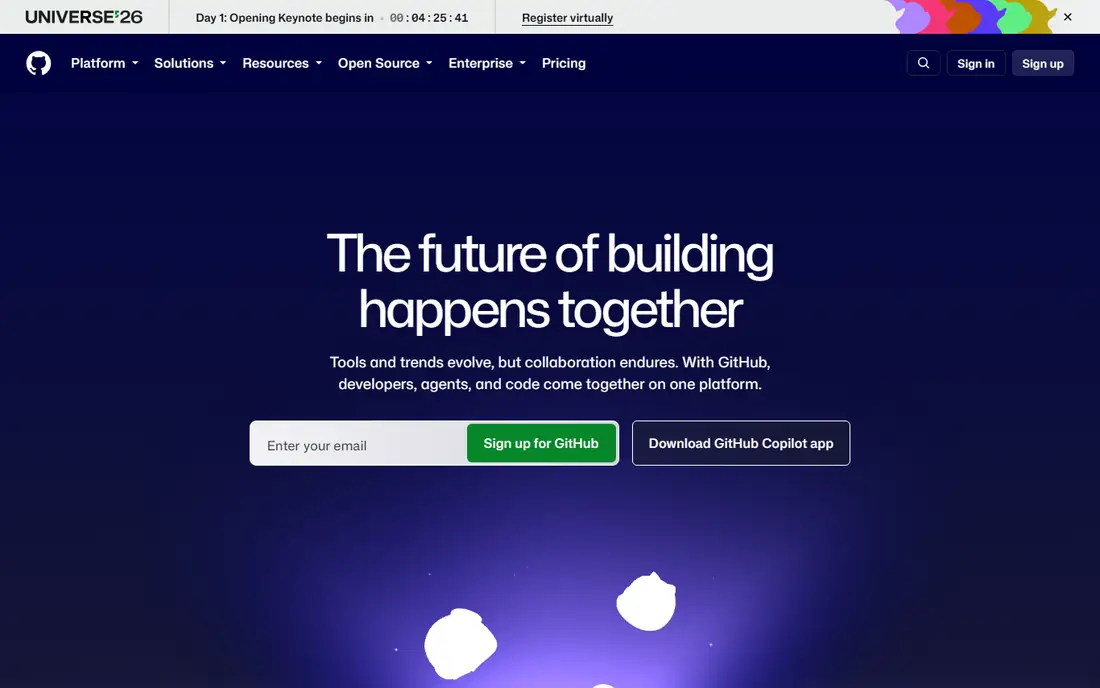
GitHub covers version control, code review and automation in one place, with a free plan for individuals and small teams. Branch protection with required checks on the main branch is the single most effective practice here: no code reaches production without review and green tests. GitHub Actions gives 2,000 included minutes per month on Free, 3,000 on Team, and 50,000 on Enterprise Cloud, with Actions free on public repositories regardless of plan.
Team costs $4 per user per month and Enterprise $21, both listed as introductory first-year rates in recent comparisons. Metered minutes need cost hygiene, since a 2-core Linux runner costs $0.006 per minute while a macOS runner costs $0.062 per minute or more. For most teams, GitHub is the default platform that the rest of this list plugs into.
What we like- Largest developer community
- Actions CI built in
- Branch protection and required checks
Watch out for- Minutes billing beyond included allowance
- MacOS runners cost far more than Linux
Starting priceSee website
Free planYes
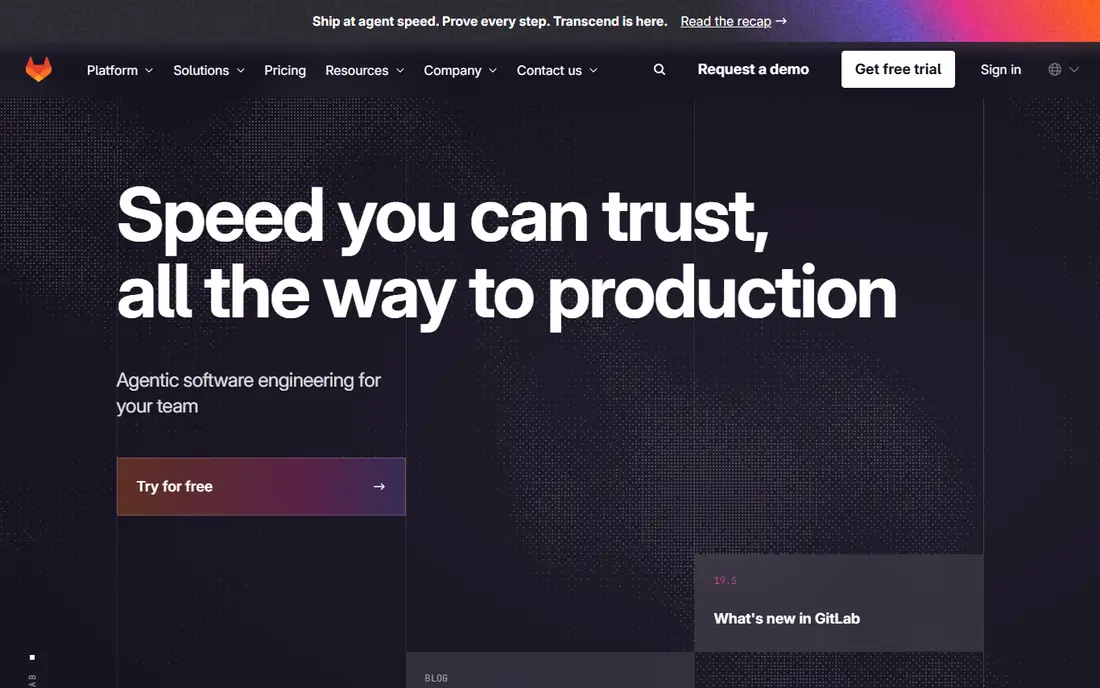
GitLab keeps YAML pipelines next to code, with security scanning jobs built into the same platform that hosts planning, review and deployment. That single-platform model removes the vendor boundary between code hosting and CI, which simplifies audit trails and access control. Shared versus private runner sizing is the main operational choice, since undersized runners slow the whole team.
Pricing tiers change often, so confirm current figures on the vendor page before budgeting. Teams that want one vendor from issue to production, rather than stitching several tools together, will find GitLab the most complete platform here.
What we like- Pipelines next to code
- Strong security jobs
- One platform from planning to monitoring
Watch out for- Runner sizing needs care
- Pricing tiers change often
Starting price$34 per month (Team)
Free planYes (Community Build)
SonarQube is the deterministic quality gate: a rule-based check in CI for 30 or more languages that blocks merges failing on bugs, vulnerabilities, code smells or duplicated code. Recent comparisons list a free tier with Team from $34 per month, and the team plan is free for private projects up to 50,000 lines in some guides. Unlike AI reviewers, SonarQube findings are reproducible and explainable, which matters for regulated codebases.
Rule tuning takes time, and noisy default rules can slow adoption if teams do not trim them early. Start with the Community Build free tier on every pull request, then add paid features only when a specific pain point appears. The best tool is the one your team actually uses, and a quality gate that runs on every merge is the habit that sticks.
What we like- Deterministic rule-based quality gate
- Covers 30 or more languages
- Blocks bad merges
Watch out for- Paid tiers add up for large codebases
- Rule tuning takes time
#4Jenkins
Best for: Free self-hosted CI4.4/5 on
G2 (570 reviews, checked Oct 2026)
Visit jenkins.io
Starting priceFree
Free planYes
Jenkins itself has no license fee: it is free, open-source software that pulls from GitHub, GitLab, Bitbucket or an internal Git server. Your real cost is infrastructure, meaning the servers or cloud instances running the controller and agents, storage for build artifacts, and engineering time to patch, upgrade and secure the installation. For small teams on cheap virtual machines, that can be far cheaper than metered minutes.
Large teams needing always-on compute can see self-hosted costs rival hosted CI, though they keep full control over where the money goes. Jenkins suits teams with existing infrastructure skills and strict control requirements, while teams without them should prefer GitHub Actions or GitLab CI.
What we like- No license fee
- Works with any Git host
- Huge plugin ecosystem
Watch out for- You pay in infrastructure and maintenance time
- Upgrades need care
#5Jira
Best for: Planning and issue tracking4.3/5 on
G2 (7,984 reviews, checked Oct 2026)
Visit atlassian.com
Starting priceSee website
Free planYes
Jira ties work together for teams, with planning, tracking and reporting that scale from small teams to large programs. The practice it enforces is traceability: every change links to an issue, every issue links to a release, and every release has a record. That traceability is what turns "we shipped fast" into an auditable claim.
Configuration can grow complex, and teams should resist building workflows with dozens of statuses that nobody follows. Start with a simple board, a definition of done, and a rule that no work ships without a ticket. Jira free tier suits small teams, with paid tiers for larger groups.
What we like- Planning, tracking and reporting that scale
- Deep Atlassian integration
Watch out for- Configuration can grow complex
- Pricing varies by tier and user count
#6Sentry
Best for: Error monitoring in production4.5/5 on
G2 (226 reviews, checked Oct 2026)
Visit sentry.io
Starting priceSee website
Free planYes
Sentry closes the loop after deployment, turning production errors into actionable issues with stack traces, breadcrumbs and release context. The practice it enforces is ownership: alerts go to on-call, not only to dashboards, and every release gets a measured error rate. Wire alerts to the team channel and to on-call rotation, since a dashboard nobody watches is not monitoring.
Event volume pricing can surprise teams with spiky traffic, so set rate limits and triage rules early. Sentry free tier suits small projects, with team plans for growing products. The cheapest reliability win is fixing the top five recurring errors each sprint, and Sentry ranks them for you.
What we like- Real error context with stack traces and breadcrumbs
- Alerts wired to on-call
Watch out for- Event volume pricing can surprise
- Noisy alerts need triage rules
#7Docker
Best for: Consistent environments4.6/5 on
G2 (304 reviews, checked Oct 2026)
Visit docker.com
Starting price$9 per user per month (billed annually)
Free planYes (Personal)
Docker standardizes how apps run across machines, ending the "works on my laptop" class of bugs. The practice it enforces is reproducibility: the same container image runs in development, CI, staging and production, with dependencies pinned rather than hoped for. Recent comparisons list Docker Pro at $9 per user per month billed annually, with a free Personal tier.
Image size and security scanning need discipline, since bloated images slow builds and unpatched base images carry vulnerabilities. Pin base image versions, scan images in CI, and keep images small. For teams shipping to varied environments, Docker is the closest thing to a standard practice in the industry.
What we like- Same environment on every machine
- Reproducible builds
- Huge image ecosystem
Watch out for- Image size and security scanning need discipline
- Desktop licensing for larger teams
#8Postman
Best for: API design, testing and docs4.6/5 on
G2 (1,795 reviews, checked Oct 2026)
Visit postman.com
Starting priceSee website
Free planYes
Postman covers API design, testing and documentation, and the practice it enforces is treating API collections as code: versioned, reviewed and run in CI like any other test suite. Collections stored in the repository, run on every pull request, catch breaking API changes before customers do. Living documentation generated from collections stays current, unlike wiki pages written once and forgotten.
Advanced collaboration features sit on paid tiers, and large collections need organization to stay usable. Start with a collection per service, a test per endpoint, and a CI step that runs the collection on every merge. For API-first teams, Postman is the practice made concrete.
What we like- Collections as code
- Automated API tests in CI
- Living documentation
Watch out for- Advanced collaboration features sit on paid tiers
- Large collections need organization
How we chose
We compared pricing pages, product documentation and public user reviews, favoring tools that enforce a specific practice rather than merely describing one. Where pricing figures conflicted across sources, we used the most recent published figure or "See website" rather than guessing. We weighed adoption, free-tier generosity, CI integration, and whether the tool creates a habit or only a report, and we left out single-purpose linters, since this list covers the platform-level tools that anchor a practice.
Small pull requests, reviewed by a human, with automated tests and a quality gate, form the core practice set. Branch protection on the main branch, required checks before merge, and artifact promotion between environments rather than deploys straight from a laptop, complete the delivery side. On the operations side, monitoring with on-call alerts, feature flags to decouple deploy from release, and secrets handled through OIDC instead of long-lived cloud keys round out the set.
AI coding tools add a new layer to the same practices, not a replacement for them. Keep human review on production paths, ban secret exfiltration through prompts, and measure whether AI shortens cycle time or only increases commit noise. Pair AI with the same branch protection you already use for junior engineers, and run the same quality gates on agent-written code.
Adopting practices without drowning in tooling
Start with free tools and add paid ones only when you hit a specific pain point. A solo or small team can run on free linting, Dependabot or Renovate updates, GitHub Actions CI, Jest and Playwright tests, and SonarQube Community Build for zero monthly cost. Mid-size teams add paid quality gates, vulnerability scanning and a proper issue tracker when volume demands it. Enterprise teams add architecture analysis and governance tooling when scale demands it, not before.
Frequently asked questions
What are the most important software engineering best practices?
Small pull requests with human review, automated tests on every merge, a quality gate for bugs and vulnerabilities, branch protection on the main branch, and production monitoring with on-call alerts. Tooling enforces these habits better than documents alone.
Which tool should a small team start with?
GitHub free tier, with Actions CI, branch protection and SonarQube Community Build. That combination costs nothing and covers version control, review, testing and quality gates for small teams.
Is Jenkins still worth using in 2026?
Yes, for teams with infrastructure skills and strict control needs. Jenkins is free and works with any Git host, but you pay in maintenance time. Teams without that capacity should prefer GitHub Actions or GitLab CI.
How do I enforce code quality without slowing developers down?
Run quality gates on pull requests with a small, tuned rule set, and fix the top recurring findings first. Noisy default rules slow adoption, so trim them early and treat the gate as a safety net, not a punishment.
Do AI coding tools replace code review?
No. AI tools increase commit volume, which makes review and quality gates more important, not less. Keep human review on production paths and run the same gates on agent-written code as on human-written code.
What is the cheapest way to adopt these practices?
Start free: GitHub or GitLab free tiers, Jenkins or hosted CI free minutes, SonarQube Community Build, Sentry free tier and Docker Personal. Add paid tiers only when a specific pain point, such as volume, private repos at scale or compliance, demands it.
Sources we checked (8)
- https://rankite.com/blog/best-software-development-tools
- https://dev.to/uss/10-best-tools-to-catch-bugs-in-ai-generated-code-before-merge-2026-2948
- https://techdebt.best/tools/
- https://wbcomdesigns.com/cloud-based-software-development-tools/
- https://pandromeda.com/software/github-actions-vs-jenkins-pricing-hosting-and-which-to-pick-in-2026
- https://github.com
- https://about.gitlab.com
- https://www.jenkins.io
Is your product missing or out of date?
We review this list regularly. Vendors can request a listing, send updated pricing or ask about featured placement.

Shihab Mia · Founder, Rankite
Shihab has 5+ years in B2B and SaaS SEO. He writes Rankite's software buying guides from pricing pages, documentation and public user reviews. More about Shihab.