How we make this list: we compare pricing pages, product documentation and public user reviews. Ratings come from G2, Capterra or Trustpilot, with the date we checked them.
Key takeaways
- Visual Studio Code is the best free starting point for most developers, with broad language support and a large extension library.
- IntelliJ IDEA and Visual Studio suit large, typed codebases, with deep refactoring, debugging, and framework support built in.
- GitHub covers version control, code review, and automation in one place, with a free plan for individuals and small teams.
- Docker standardizes how apps run across machines, while Postman covers API design, testing, and documentation.
- Jira ties the work together for teams, with planning, tracking, and reporting that scale from small teams to large programs.
Quick comparison
| Tool | Best for | Starting price | Free plan |
|---|
 Visual Studio Code Visual Studio Code | Everyday coding in many languages | $0 | Yes |
 IntelliJ IDEA IntelliJ IDEA | Java and Kotlin development | See website | Yes |
 GitHub GitHub | Version control and collaboration | $4 per user per month | Yes |
 Docker Docker | Containers and consistent environments | $9 per user per month (billed annually) | Yes |
 Postman Postman | API design and testing | See website | Yes |
 Jira Jira | Team planning and issue tracking | See website | Yes |
 Visual Studio Visual Studio | .NET and C++ development | See website | Yes |
 Sublime Text Sublime Text | Fast, lightweight text editing | See website | Free trial |
Is your product missing or out of date?
We review this list regularly. Vendors can request a listing, send updated pricing or ask about featured placement.
Starting price$0
Free planYes
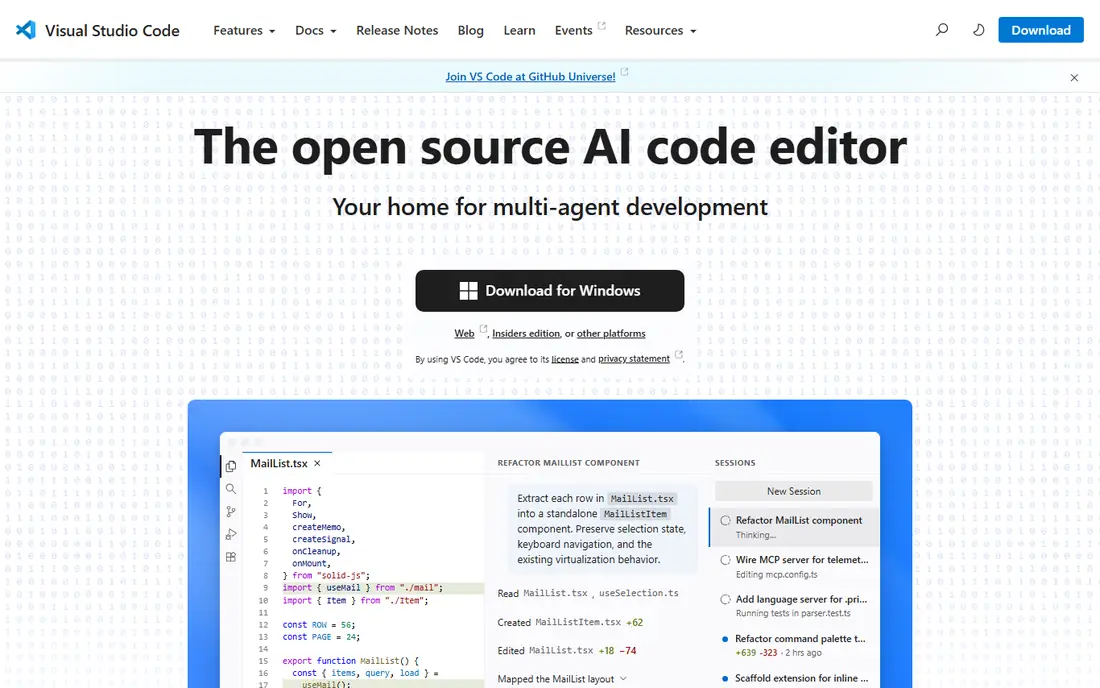
Visual Studio Code is the default editor for a large share of working developers, and the reason is simple: it is free, fast to install, and works well across languages. JavaScript, TypeScript, Python, C#, C++, Java, Go, and many more languages run well, either built in or through extensions. Built-in Git support, debugging, and an integrated terminal cover the daily loop without extra apps.
Extensions add testing, linting, remote development, containers, and AI assistance, so teams can shape the editor to their stack. The risk is extension sprawl, since a large set can slow startup and create conflicts. Start with a small set tied to your language and framework, and add more only when a real need appears.
What we like- Free and open source
- Huge extension marketplace
- Built-in Git, debugging, and terminal
Watch out for- Large projects need careful extension choices
- Heavy extension sets can slow startup
- Some enterprise features need other tools
#2IntelliJ IDEA
Best for: Java and Kotlin development4.6/5 on
G2 (2,394 reviews, checked Oct 2026)
Visit jetbrains.com
Starting priceSee website
Free planYes
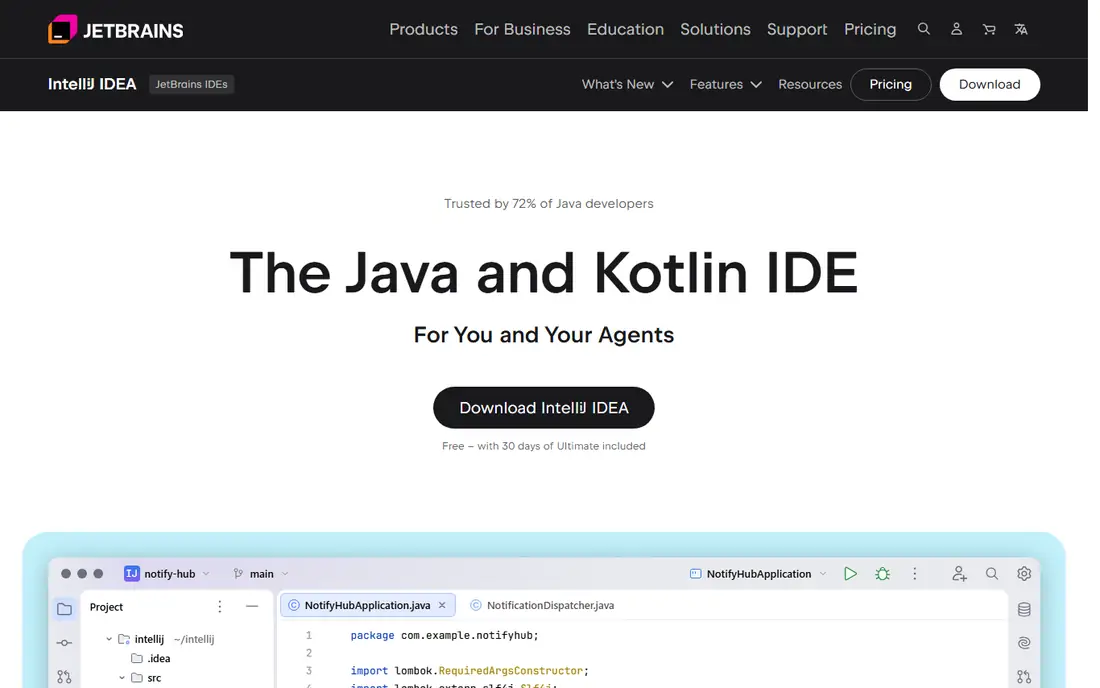
IntelliJ IDEA is the IDE of choice for many Java and Kotlin teams, thanks to its understanding of code. It tracks types, frameworks, and dependencies across a project, which makes refactoring, navigation, and error detection more reliable than in a plain editor. Spring support, database tools, profiling, and test runners sit inside the same window.
The current download is free with 30 days of Ultimate included, and paid plans add the full framework, database, and enterprise feature set. The trade-off is weight: IntelliJ uses more memory and startup time than VS Code or Sublime Text. For large JVM codebases, that cost buys back time on every refactor and debug session.
What we like- Deep Java, Kotlin, and Spring support
- Strong refactoring and code analysis
- Built-in database, profiling, and testing tools
Watch out for- Paid Ultimate features add cost for organizations
- Heavier than a light editor
- Indexing large projects takes time
#3GitHub
Best for: Version control and collaboration4.7/5 on
G2 (2,412 reviews, checked Oct 2026)
Visit github.com
Starting price$4 per user per month
Free planYes
GitHub is where most software teams store code, review changes, and automate builds. Pull requests keep review discussion next to the code, protected branches guard main branches, and Actions runs tests and deployments on every change. The free plan covers unlimited public and private repositories for individuals and organizations, with basic automation allowances.
Team, at $4 per user per month, adds team administration and stronger review controls for private repositories, while Enterprise adds compliance, identity, and audit features. Copilot assistance is sold separately. For almost any team, GitHub is the safe default for version control, with the paid tier chosen on governance needs rather than repository count.
What we like- Unlimited public and private repositories on free
- Pull requests, code review, and Actions automation
- Large open-source community
Watch out for- Advanced security and compliance features need higher plans
- Actions minutes and storage have plan limits
- Copilot is a separate paid add-on
#4Docker
Best for: Containers and consistent environments4.6/5 on
G2 (304 reviews, checked Oct 2026)
Visit docker.com
Starting price$9 per user per month (billed annually)
Free planYes
Docker solves the classic problem of code that works on one machine and fails on another. An app and its dependencies ship in a container image, so development, testing, and production run the same environment. Docker Desktop adds a local dashboard and Compose support for multi-container apps such as a web service plus a database.
The Personal plan is free for personal use, education, open source, and small businesses under set size limits, while Pro, at $9 per user per month billed annually, adds unlimited Hub pulls and extra features for individuals. Larger companies need Team or Business plans. Teams that adopt containers should also plan for image scanning and updates, since a frozen image can carry old vulnerabilities.
What we like- Same app runs on every machine
- Docker Hub image sharing
- Compose for multi-container apps
Watch out for- Desktop licensing applies to larger companies
- Containers add a learning step for beginners
- Image size and security need ongoing care
#5Postman
Best for: API design and testing4.6/5 on
G2 (1,795 reviews, checked Oct 2026)
Visit postman.com
Starting priceSee website
Free planYes
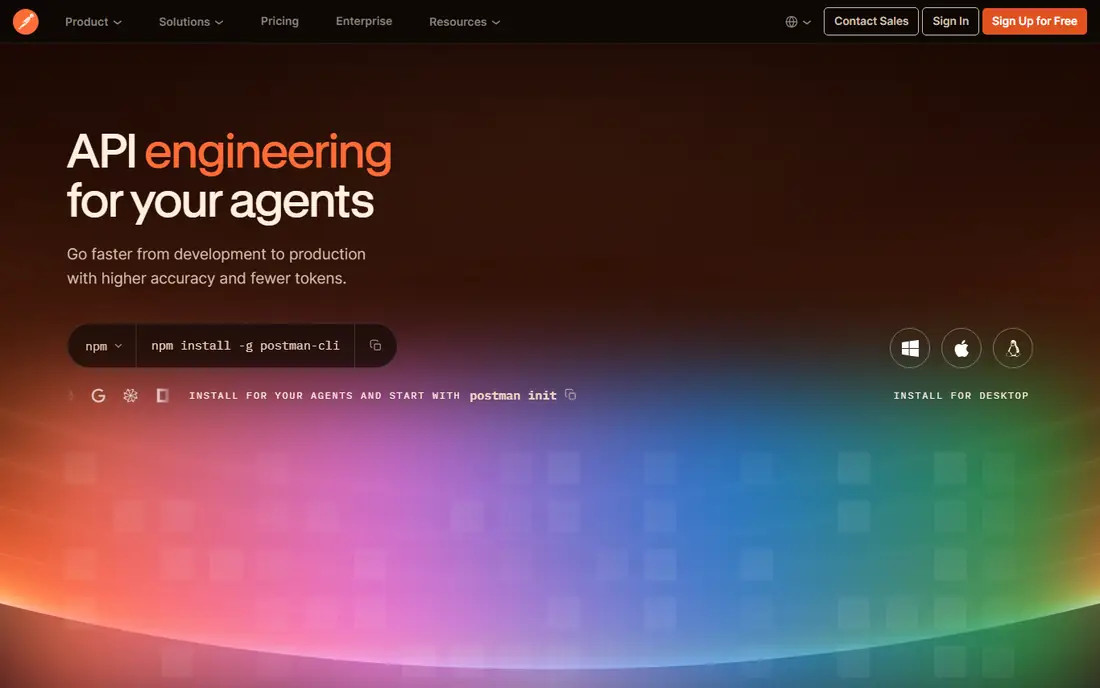
Postman is the standard tool for working with APIs. You can send requests, save them in collections, set variables and environments, and share them with a team. Mock servers let front-end work start before an API exists, while tests and monitors catch regressions and downtime in live endpoints.
Collections can also generate documentation, which keeps docs close to the requests that define them. The free plan covers individual API work, while paid plans add collaboration, governance, and higher usage limits. For any team that builds or consumes APIs, Postman belongs beside the editor and the repository, not as an afterthought.
What we like- Request building, collections, and mock servers
- Automated tests and monitors
- API documentation from collections
Watch out for- Paid plans gate team and governance features
- Large workspaces need organization
- Heavy use can push teams to paid tiers
#6Jira
Best for: Team planning and issue tracking4.3/5 on
G2 (7,984 reviews, checked Oct 2026)
Visit atlassian.com
Starting priceSee website
Free planYes
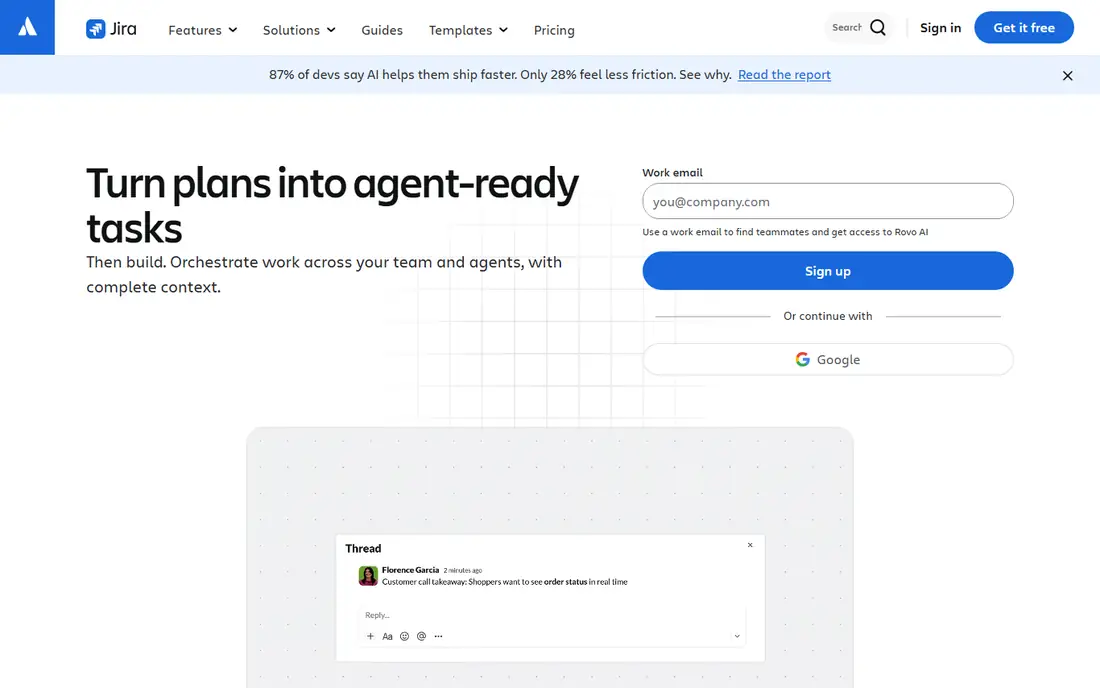
Jira is the planning layer for many software teams. Boards and backlogs organize work into sprints, roadmaps show plans over quarters, and reports track velocity and progress. Automation rules move issues, assign work, and notify teams without manual updates, which matters once a team passes a handful of people.
Jira now includes AI features for drafting, searching, and assigning work, alongside integrations with Confluence for specs and Bitbucket or GitHub for code. The free plan suits small teams getting started. Larger teams should plan time for configuration, since Jira rewards a clear workflow and punishes a setup that tries to track everything at once.
What we like- Boards, backlogs, and roadmaps for agile teams
- Reporting and automation
- Deep integration with Confluence and Bitbucket
Watch out for- Configuration can grow complex
- Small teams may find it heavy
- Pricing scales per user
Starting priceSee website
Free planYes

Visual Studio is Microsoft's full IDE, distinct from the lighter VS Code editor. It offers deep support for .NET, C#, C++, and game development with Unity and Unreal, plus IntelliSense, a strong debugger, and built-in profiling. The 2026 release adds current .NET and C# support, cloud-native tooling, and Copilot assistance.
A free Community edition covers individuals, open-source work, and small teams, while Professional and Enterprise editions add scale, testing, and architecture features. Visual Studio suits teams building .NET or C++ products on Windows, where its debugger and project tooling repay the larger install. Cross-platform teams often pair it with VS Code for other languages.
What we like- First-class .NET, C#, and C++ support
- Strong debugger and profiler
- Git and CI/CD integration built in
Watch out for- Windows-focused for the full IDE
- Heavier install than VS Code
- Paid editions add cost for larger teams
#8Sublime Text
Best for: Fast, lightweight text editing4.5/5 on
G2 (1,783 reviews, checked Oct 2026)
Visit sublimetext.com
Starting priceSee website
Free planFree trial
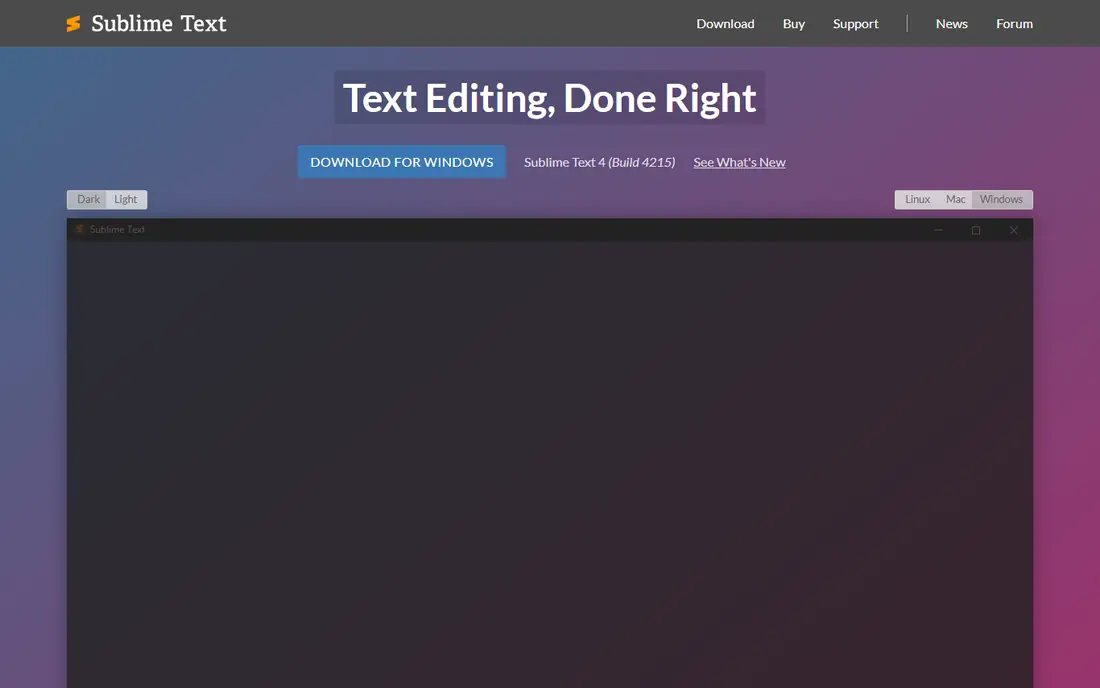
Sublime Text is for developers who want an editor that opens instantly and stays out of the way. It handles large files well, renders smoothly with GPU support, and offers split panes, multi-select tabs, and Goto Anything navigation for moving through code fast. Syntax support covers many languages, with a Python API for plugins.
What Sublime lacks is the built-in tooling of a full IDE: debugging, Git integration, and testing come through plugins or external tools. The editor can be evaluated free, with a license purchase for continued use. If you edit code, config files, and notes all day and value speed above all else, Sublime Text is still one of the best lightweight choices.
What we like- Very fast startup and file handling
- GPU rendering and split panes
- Cross-platform on Windows, macOS, and Linux
Watch out for- No built-in debugger or Git client
- Plugin setup takes more effort
- License is a one-time purchase, not a subscription
How we chose
We compared tools on the jobs a software team does every day: writing code, reviewing changes, running apps consistently, testing APIs, and tracking work. Pricing and free-plan details were checked against vendor pricing pages and product pages, and feature claims were checked against vendor documentation. We favored tools that exist today, run on current systems, and serve a distinct step in the development workflow.
We also weighed team size. A solo developer needs a free editor and a free repository, while a larger team needs governance, automation limits, and support. Where pricing varies by plan or company size, we listed the standard figure or See website rather than guessing.
Building a practical development stack
Start with editor, repository, and runtime
Pick one editor, one repository host, and one way to run the app. VS Code plus GitHub plus Docker covers most projects at low cost. Add IntelliJ IDEA or Visual Studio when a typed, framework-heavy codebase justifies a full IDE.
Add API and planning tools before scale hurts
Postman should arrive when your first API ships, not after clients report errors. Jira should arrive when work tracking moves from chat messages to a shared backlog. Both tools are cheaper to adopt early than to retrofit onto a messy process.
Watch usage-based costs
Free plans carry limits on automation minutes, storage, and seats. GitHub Actions, Docker Hub pulls, and Postman monitors can all push a team to paid tiers as usage grows. Review those meters each quarter and set alerts where the vendor offers them.
Frequently asked questions
What is the best software development tool for beginners?
Visual Studio Code is the best beginner pick, since it is free, works across languages, and has a large extension library. Pair it with GitHub for version control and Postman when you start working with APIs.
Do I need both VS Code and Visual Studio?
No. VS Code is a light, cross-platform editor for many languages, while Visual Studio is a full IDE focused on .NET, C++, and game development. Many developers use VS Code alone, and .NET teams on Windows often use Visual Studio for its debugger and project tools.
Is Docker free?
Docker Desktop is free for personal use, education, open source, and small businesses under set employee and revenue limits. Larger companies need a paid Pro, Team, or Business subscription, and the Docker Engine and CLI remain open source.
Is GitHub free for private projects?
Yes. GitHub Free includes unlimited public and private repositories with basic collaboration and automation allowances. Paid Team and Enterprise plans add administration, security, and compliance features for organizations.
What does Postman do that a browser cannot?
Postman saves requests in collections, manages environments and variables, runs automated tests, mocks APIs, monitors endpoints, and generates documentation. A browser can send a single request, but it cannot manage an API workflow across a team.
When should a team adopt Jira?
Adopt Jira when work tracking outgrows chat and spreadsheets, usually once a team runs regular sprints or juggles several projects at once. Small teams can start on the free plan and add automation and reporting as their process firms up.
Sources we checked (8)
- https://code.visualstudio.com
- https://www.jetbrains.com/idea/
- https://github.com
- https://www.docker.com
- https://www.postman.com
- https://www.atlassian.com/software/jira
- https://visualstudio.microsoft.com
- https://www.sublimetext.com
Is your product missing or out of date?
We review this list regularly. Vendors can request a listing, send updated pricing or ask about featured placement.

Shihab Mia · Founder, Rankite
Shihab has 5+ years in B2B and SaaS SEO. He writes Rankite's software buying guides from pricing pages, documentation and public user reviews. More about Shihab.