How we make this list: we compare pricing pages, product documentation and public user reviews. Rankite is independent; if a vendor ever pays for a featured spot, that listing is clearly labeled Partner.
Key takeaways
- GitHub is the collaboration default for code: pull requests, code review and Actions form the shared workflow most teams know.
- Jira suits complex agile programs; Linear is the faster modern alternative loved by product-led teams; Asana and Trello serve broader project collaboration.
- GitLab unifies code and DevOps collaboration; Bitbucket fits Atlassian shops; Slack is the communication layer tying it all together.
- The best stack is the one the whole team actually uses: integration depth between these tools matters more than any single feature.
Quick comparison
| Tool | Best for | Starting price | Free plan |
|---|
 GitHub GitHub | Code collaboration as the industry knows it | Free | Yes |
 GitLab GitLab | Teams collaborating across the full DevOps lifecycle | Free | Yes |
 Bitbucket Bitbucket | Development teams standardized on Atlassian | Free | Yes |
 Jira Jira | Complex agile programs at scale | See website | Yes |
 Linear Linear | Product-led teams wanting speed and focus | See website | Yes |
 Asana Asana | Cross-functional collaboration beyond engineering | See website | Yes |
 Trello Trello | Simple visual collaboration for small teams | See website | Yes |
 Slack Slack | The communication layer for development teams | See website | Yes |
Is your product missing or out of date?
We review this list regularly. Vendors can request a listing, send updated pricing or ask about featured placement.
Software gets built by teams, and teams need shared surfaces: code collaboration (reviews, pull requests), work tracking (issues, sprints, roadmaps) and communication (the conversation around it all). Eight tools covering those three layers.
Starting priceFree
Free planYes

GitHub is where development collaboration happens: pull requests structure code review, issues track work, Discussions capture design conversations, and Actions automate the team's delivery pipeline. Because most developers already know it, onboarding friction is near zero.
The honest gap is project management depth. Complex agile programs with sophisticated roadmapping often pair GitHub with Jira or Linear. But for code-centric collaboration (review, discuss, merge, ship), GitHub's workflow is the lingua franca.
What we like- Pull requests and code review are the collaboration standard
- Actions automate team workflows
- The largest developer community
Watch out for- Project management features lighter than Jira/Linear
- Microsoft ownership concerns some teams
#2
GitLab
Best for: Teams collaborating across the full DevOps lifecycle
Visit gitlab.com
Starting priceFree
Free planYes

GitLab extends collaboration beyond code review into the delivery lifecycle: merge requests, pipeline visibility, security findings and deployment status shared in one place, so developers, QA and ops collaborate on the same object. Review apps let stakeholders see changes live.
The honest trade-off is weight. Teams wanting lightweight code collaboration find GitLab more machinery than needed. But organizations where "done" means deployed and secure get collaboration across the whole lifecycle, not just the code.
What we like- Code, CI/CD, security and deploy in one collaborative surface
- Merge requests with review apps
- Self-hostable for control
Watch out for- Heavier than GitHub for simple collaboration
- Smaller community
Starting priceFree
Free planYes
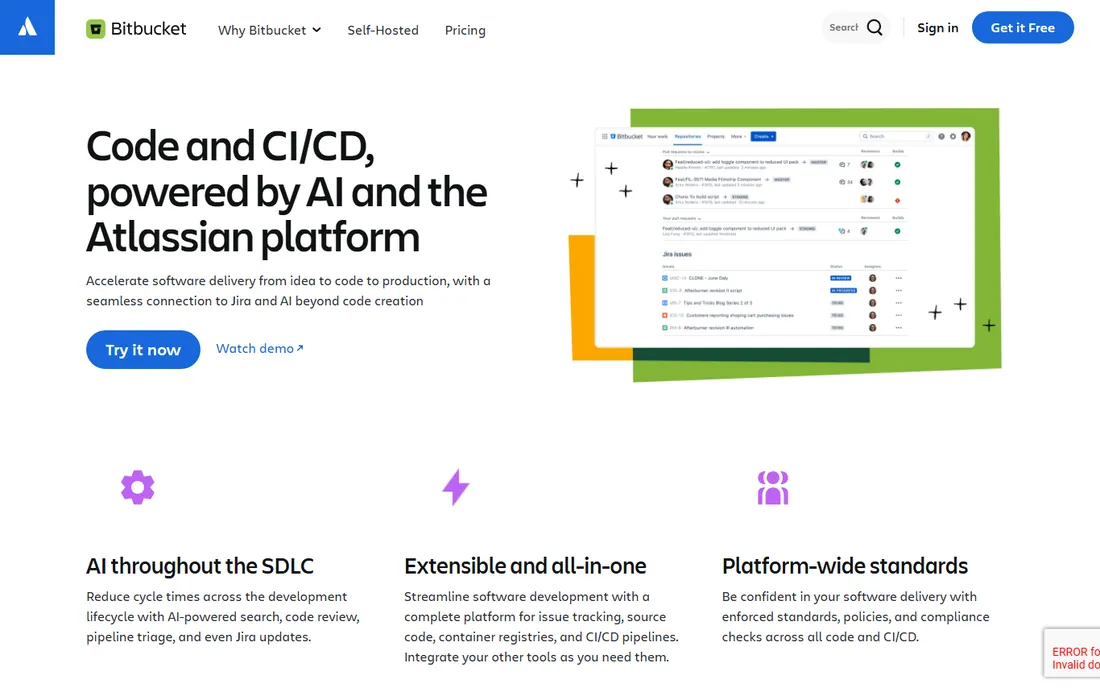
Bitbucket's collaboration value is Atlassian integration: branches link to Jira issues, deployments show in Jira, docs live in Confluence, all without configuration. Development teams in Atlassian shops get traceability from ticket to commit to deploy for free.
The honest boundary is the ecosystem edge. Open-source collaboration and community happen on GitHub; Bitbucket is for team-internal work. Within Atlassian organizations, though, the integration dividend is real.
What we like- Pull requests linked to Jira issues automatically
- Confluence and Trello integration
- Clean, focused code collaboration
Watch out for- Smaller ecosystem
- Less community collaboration than GitHub
Starting priceSee website
Free planYes
Jira is where complex development programs get managed: sprints, epics, roadmaps, custom workflows and reporting that scale from team to enterprise. Its marketplace connects it to everything, and its ubiquity means process knowledge transfers between employers.
The honest reputation is earned: Jira can become bureaucratic, and small teams often find it heavy. But for organizations running scaled agile with compliance and reporting needs, its depth remains unmatched. Configure ruthlessly and it serves; configure lazily and it punishes.
What we like- The standard for scrum, kanban and scaled agile
- Deep customization and reporting
- Massive integration marketplace
Watch out for- Complexity and configuration overhead
- Can feel bureaucratic for small teams
Starting priceSee website
Free planYes

Linear is the modern answer to Jira fatigue: issue tracking designed for speed, with cycles, project roadmaps and triage workflows that product-led teams adopt eagerly. Its performance and polish make tracking work feel less like administration.
The honest limits are customization and enterprise scale. Organizations needing Jira's workflow configurability or compliance apparatus stay put. But teams that left Jira for Linear rarely look back; the velocity culture it enables is the product.
What we like- Blazing fast with keyboard-first workflows
- Opinionated cycles and roadmaps
- Beloved by modern product teams
- Great GitHub/Slack integrations
Watch out for- Less customizable than Jira
- Newer with a smaller enterprise footprint
#6
Asana
Best for: Cross-functional collaboration beyond engineering
Visit asana.com
Starting priceSee website
Free planYes
Asana collaborates across functions: engineering tracks sprints while marketing runs launches and leadership watches portfolios, all in one system with shared goals. For organizations where development is one part of broader initiatives, the cross-functional surface matters.
The honest tension is developer adoption. Engineers often prefer dev-native trackers; Asana wins when the collaboration includes non-engineers heavily. Companies standardizing company-wide frequently choose Asana for exactly that breadth.
What we like- Projects, portfolios and goals unite engineering with marketing, design and ops
- Timeline and board views
- Strong automation
Watch out for- Less dev-specific than Jira/Linear
- Engineers sometimes resist it
Starting priceSee website
Free planYes
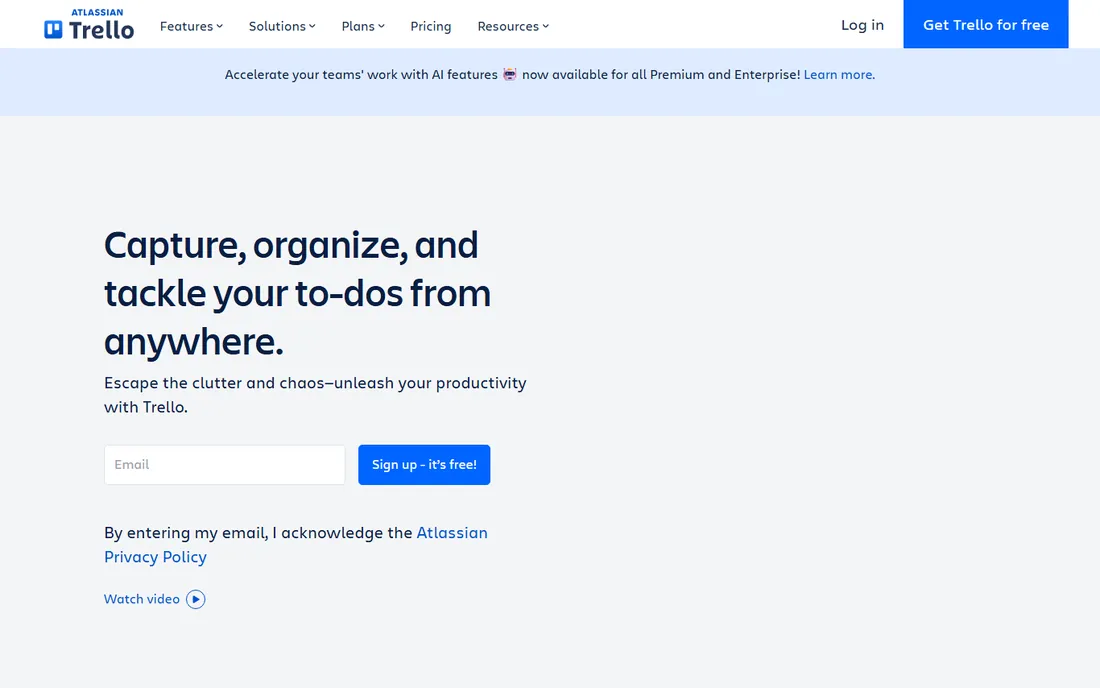
Trello is collaboration at its simplest: boards, lists and cards that any team understands instantly. Small development teams, freelancers and side projects coordinate work without process overhead, and Power-Ups add calendars, automation and integrations.
The honest ceiling is complexity. Multi-team programs with dependencies outgrow Trello quickly. But for small teams where the process should disappear into the work, Trello's simplicity is a genuine advantage, not a limitation.
What we like- Kanban simplicity anyone learns in minutes
- Generous free tier
- Power-Ups extend functionality
- Atlassian-backed
Watch out for- Limited for complex programs
- Can get messy at scale
#8
Slack
Best for: The communication layer for development teams
Visit slack.com
Starting priceSee website
Free planYes
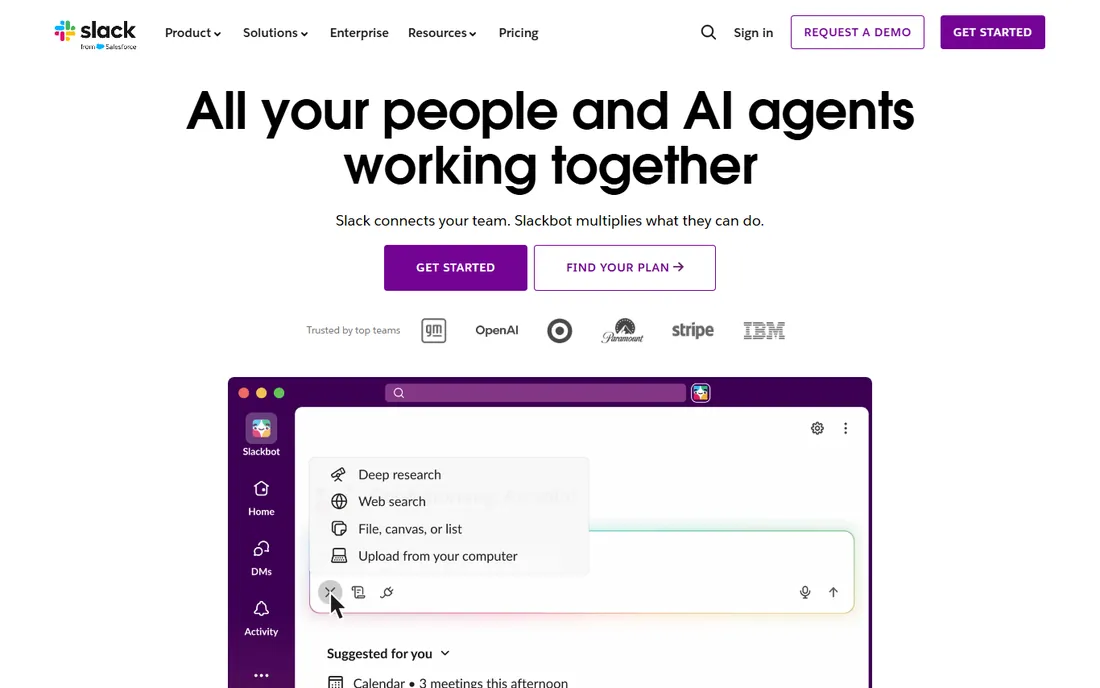
Slack is where development collaboration gets discussed: deploy notifications, PR alerts, incident channels and team conversations flow through it, integrated with every tool on this list. The 2,600-app marketplace makes it the connective tissue of the modern dev stack.
The honest costs are attention and history. Notification discipline is required, and free plans limit message history. But as the communication layer binding code, tracking and people together, Slack's centrality to development collaboration is undisputed.
What we like- Channels organize team communication
- 2,600-plus integrations pipe GitHub, Jira and CI alerts into conversations
- Huddles and canvases for quick collaboration
Watch out for- Message history limits on free plan
- Notification overload needs management
How we chose
We covered the three collaboration layers (code, work tracking, communication), selecting established tools with real team adoption in each. We weighed collaboration workflow quality, integration depth between layers, pricing fairness and honest fit for different team types. Pricing comes from each vendor's own site; unverifiable plans are marked "See website." No hands-on testing was performed.
What to look for before you buy
Map your three layers first. Code collaboration, issue tracking and communication each need a home; gaps between them (tools that do not integrate) create the friction that kills velocity.
Prioritize integration over features. A good-enough tracker deeply integrated with your code host beats a great tracker nobody connects. Check the specific integrations (not just the count) during trials.
Pilot with a real sprint. Run one full development cycle on the candidate stack before committing. Collaboration tools reveal their truth only under real deadline pressure.
Finally, consider the onboarding cost. The best tool fails if half the team will not use it; factor training, migration and cultural fit alongside the feature comparison.
Collaboration patterns that actually ship software
Tools enable collaboration; patterns determine whether it happens. Teams that ship consistently tend to share a few working agreements, regardless of which platform they use. The tools in this guide support these patterns, but the patterns have to be chosen deliberately.
Async-first communication is the foundation for distributed teams. Decisions, context and status live in written form (issues, docs, recorded video) so work does not depend on everyone being online at once. Chat is for quick questions, not decisions; anything decided in chat gets written up where it can be found later. Teams that run on chat alone lose history and exclude time zones.
Small, frequent pull requests beat large, rare ones. Reviews on 200-line changes happen the same day with useful feedback; reviews on 2,000-line changes stall for a week and get rubber-stamped. Agree on a size norm and break work down accordingly. The collaboration tool cannot fix a review culture that batches everything.
The definition of done should be explicit and shared. "Done" means code written, reviewed, tested, documented and deployed, not just "code written". Write it down, link it in the issue template, and hold to it. Most collaboration friction traces back to different people meaning different things by "done".
Ownership without silos keeps quality high. Every part of the codebase has an owner or owning team who reviews changes there, but anyone can contribute anywhere. Pure collective ownership diffuses responsibility; strict silos block progress. Code owners in the repository (CODEOWNERS files, required reviewers) implement this mechanically.
Blameless incident reviews turn outages into learning. When something breaks, the review asks what in the system allowed it, not who caused it. Teams that punish mistakes get hidden mistakes; teams that study them get fewer repeats. The collaboration platform should make timelines and context easy to reconstruct.
Finally, protect maker time. Developers need long uninterrupted blocks; a calendar full of standups, reviews and planning meetings fragments the day into useless pieces. Batch meetings, keep standups short and async where possible, and treat focus time as a resource the team manages together. No tool compensates for a schedule that prevents deep work. These patterns compound: teams that adopt them spend less time coordinating and more time building, which is the real purpose of every collaboration tool.
Frequently asked questions
What are collaborative software development tools?
Tools that let development teams work together: code hosting with review (GitHub), issue tracking (Jira, Linear), project management (Asana, Trello) and communication (Slack), integrated into shared workflows.
Which is better for collaboration: GitHub or GitLab?
GitHub for community, ecosystem and familiar pull-request workflows; GitLab for unified DevOps collaboration (code through deployment in one surface). Most teams choose by existing stack, not abstract merit.
Jira vs Linear: which should a startup choose?
Linear for speed and simplicity in product-led startups; Jira when you need deep customization, scaled agile, or enterprise compliance. Startups usually prefer Linear until complexity demands Jira.
Do I need Slack if I have Microsoft Teams?
One team communication platform suffices; choose by ecosystem (Microsoft 365 favors Teams, diverse SaaS stacks favor Slack). Running both fragments the collaboration you are trying to create.
How do these tools integrate?
Deeply: GitHub/Jira/Linear all post to Slack, link commits to issues, and trigger CI. The modern dev stack is a mesh; evaluate the specific integrations your workflow needs, not integration counts.
Can small teams use these tools free?
Yes: GitHub, GitLab, Bitbucket, Jira, Linear, Asana, Trello and Slack all offer free tiers that cover small-team collaboration genuinely. Paid plans add scale, administration and advanced features.
Sources we checked (8)
- https://github.com
- https://gitlab.com
- https://bitbucket.org
- https://www.atlassian.com
- https://linear.app
- https://www.asana.com
- https://www.trello.com
- https://www.slack.com
Is your product missing or out of date?
We review this list regularly. Vendors can request a listing, send updated pricing or ask about featured placement.

Shihab Mia · Founder, Rankite
Shihab has spent more than a decade helping SaaS and e-commerce brands grow through search. He writes Rankite's software buying guides from pricing pages, documentation and public user reviews. More about Shihab.