How we make this list: we compare pricing pages, product documentation and public user reviews. Rankite is independent; if a vendor ever pays for a featured spot, that listing is clearly labeled Partner.
Key takeaways
- Android Studio is the official IDE for native Android development with Kotlin, and it is free.
- Flutter and React Native are the two leading cross-platform frameworks, each covering Android and iOS from one codebase.
- Kotlin Multiplatform lets you share business logic while keeping fully native UIs, a middle path many teams prefer.
- .NET MAUI and Ionic serve C# and web-technology teams respectively, reusing skills your developers already have.
- Unity is the pick when your Android product is a game rather than a conventional app.
- All seven platforms are free to start with; the real cost is development time and team expertise.
Quick comparison
| Tool | Best for | Starting price | Free plan |
|---|
 Android Studio Android Studio | native Android development | Free | Yes |
 Flutter Flutter | cross-platform apps with custom UI | Free | Yes |
 React Native React Native | cross-platform apps for React teams | Free | Yes |
 Kotlin Multiplatform Kotlin Multiplatform | shared logic with native UIs | Free | Yes |
 .NET MAUI .NET MAUI | C# teams targeting Android and iOS | Free | Yes |
 Ionic Ionic | web developers building mobile apps | Free | Yes |
 Unity Unity | Android games | Free (Personal) | Yes |
Is your product missing or out of date?
We review this list regularly. Vendors can request a listing, send updated pricing or ask about featured placement.
Starting priceFree
Free planYes
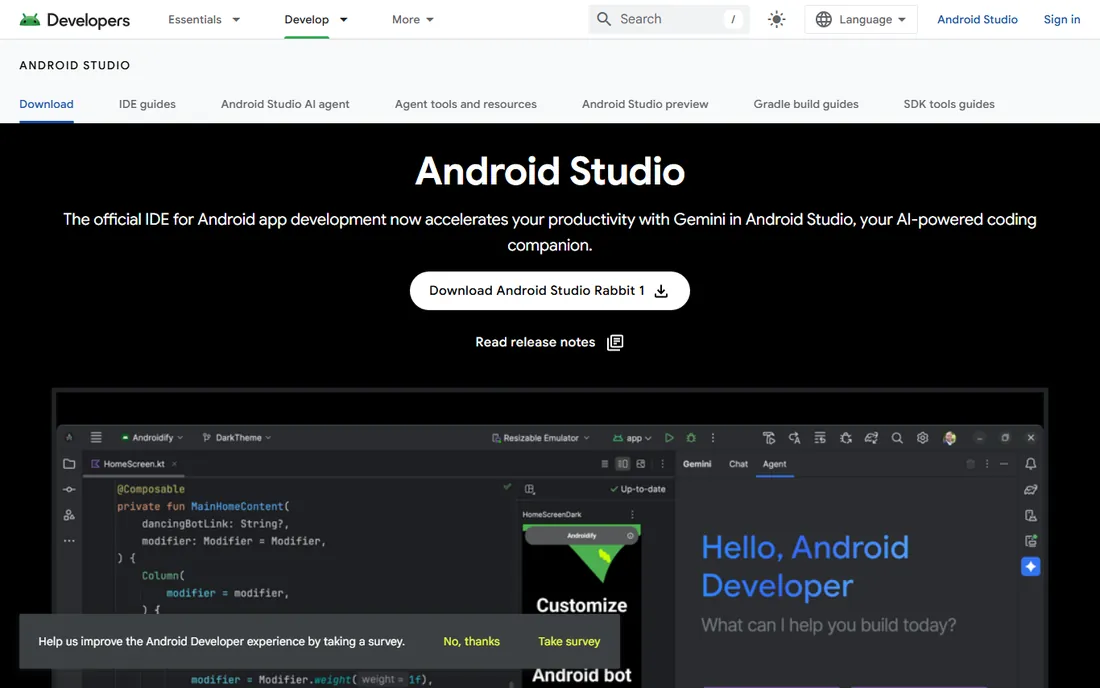
Android Studio is Google's official IDE for Android, and for pure Android development nothing else is close. It bundles a smart code editor, the Android SDK, a fast emulator, and profiling tools that show exactly where your app burns CPU, memory, and battery. Kotlin, Google's preferred language since 2019, gets first-class support with coroutines, Compose previews, and refactoring tools.
It is completely free and runs on Windows, Mac, and Linux. The honest catch is that native means Android-only: an iOS version requires a second codebase or a cross-platform layer. The IDE itself is heavy, demanding 16 GB of RAM for comfort. For teams whose product lives on Android first, or who need the newest platform APIs on day one, Android Studio is the starting point.
What we like- The official IDE with first-class Kotlin support
- Best emulator and profiling tools
- Instant access to new Android APIs
Watch out for- Resource-hungry on modest machines
- Android-only, so iOS needs separate work
- Gradle build times can frustrate
Starting priceFree
Free planYes
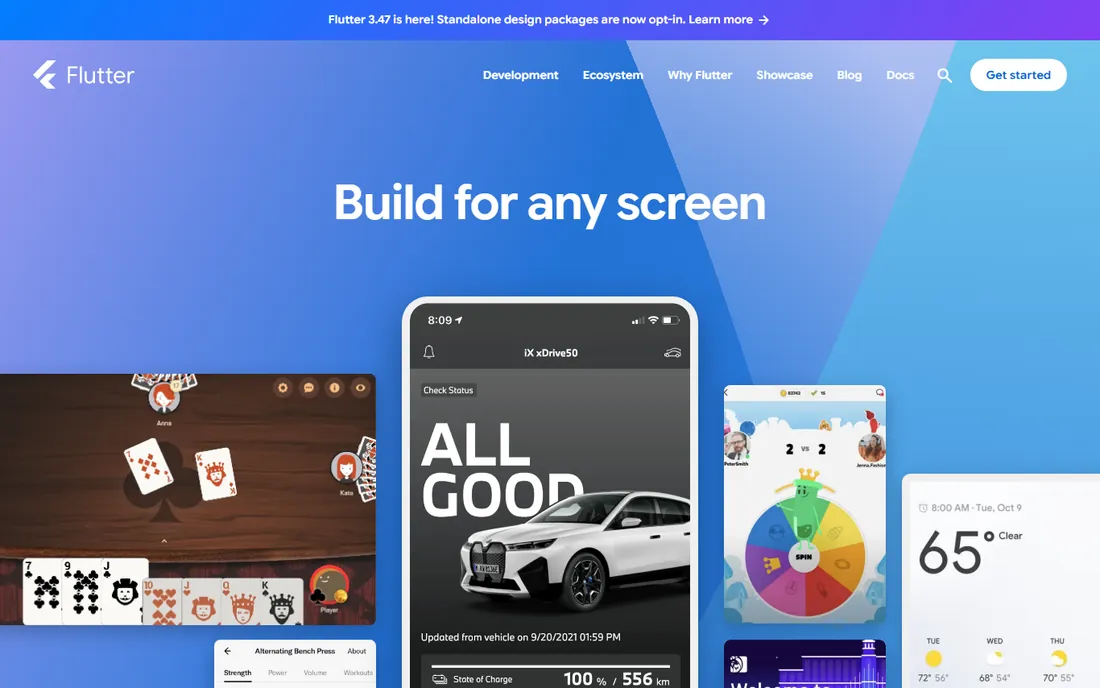
Flutter, Google's open-source UI toolkit, lets one team ship to Android, iOS, web, and desktop from a single Dart codebase. Its own rendering engine draws every pixel, so your UI looks identical on every device, and hot reload shows code changes in under a second. Major consumer apps from companies like BMW and Nubank run on it.
Everything is free and open source. The trade-offs are real: Dart has a smaller talent pool than JavaScript or Kotlin, apps are larger than native equivalents because they bundle the engine, and niche platform features sometimes require writing native bridges. For teams that want a polished, branded UI on both mobile platforms without two teams, Flutter is the strongest cross-platform choice.
What we like- One codebase for Android, iOS, web, and desktop
- Hot reload makes UI iteration fast
- Consistent pixel-perfect UI everywhere
Watch out for- Dart is a less common language
- Larger app sizes than native
- Some platform APIs need custom plugins
Starting priceFree
Free planYes
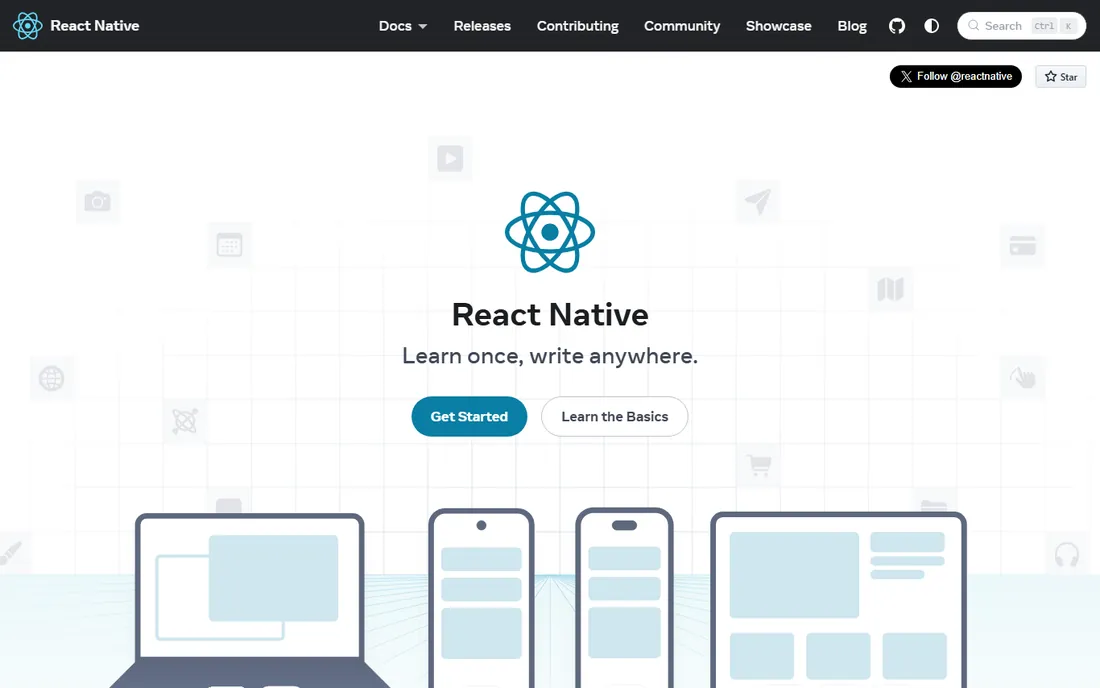
React Native, Meta's open-source framework, brings React's declarative UI model to Android and iOS with genuinely native components. If your team already writes React for the web, the learning curve is gentle, and the JavaScript ecosystem means a library exists for almost everything. It powers apps at Meta, Microsoft, and thousands of startups.
It is free under the MIT license. The catch is the bridge: features without a community library require writing native Kotlin or Swift modules, and complex animations can lag behind Flutter's engine-drawn approach. Major version upgrades occasionally break dependencies. For web-first teams that want native-feeling apps on both platforms, React Native remains the pragmatic default.
What we like- Huge JavaScript talent pool and ecosystem
- Uses real native UI components
- Strong community and Meta backing
Watch out for- Bridging native modules requires native code
- Performance gaps for heavy animation
- Upgrade cycles can break things
Starting priceFree
Free planYes
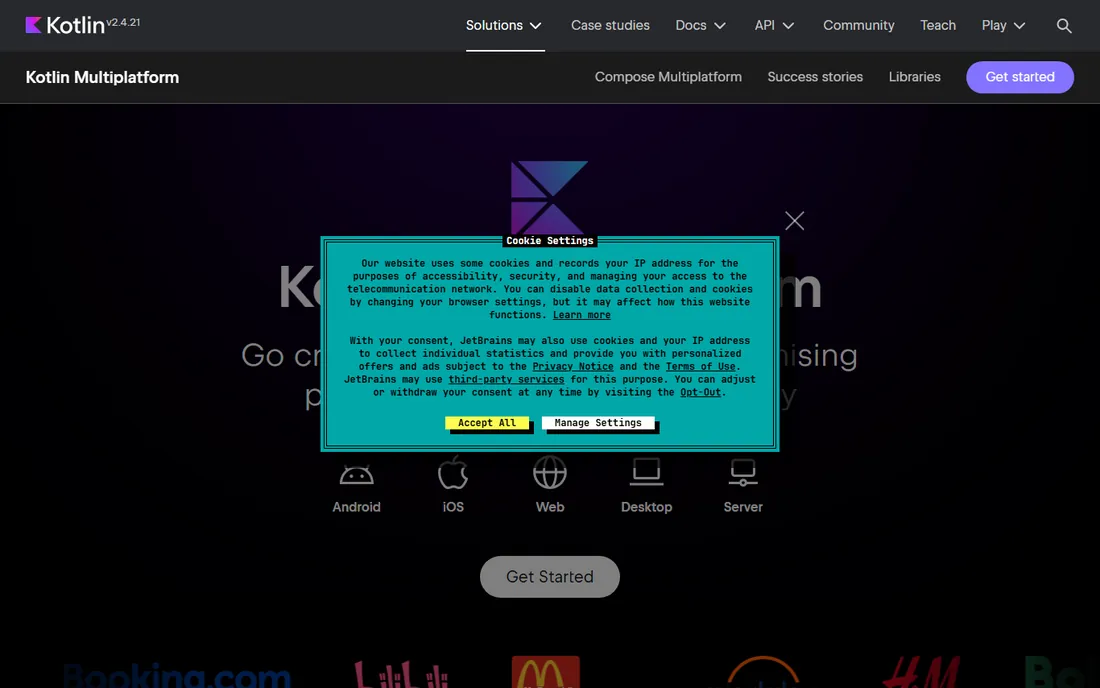
Kotlin Multiplatform takes the middle path: write your networking, data, and business logic once in Kotlin, then build each platform's UI natively. You get fully native Android and iOS interfaces with zero shared-logic duplication, and JetBrains declared it stable and production-ready in late 2023. Companies like Netflix and Philips use it in production.
It is free and open source under Apache 2.0. The trade-off is that you still build two UIs, so it saves less work than Flutter or React Native, and the iOS side requires comfort with Xcode and Swift interop. Compose Multiplatform now offers shared UI for iOS as well, closing the gap. For teams that refuse to compromise on native UI quality, KMP is the elegant answer.
What we like- Share business logic while keeping 100% native UIs
- Stable and production-ready since 2023
- Compose Multiplatform for shared UI too
Watch out for- Requires Kotlin expertise
- IOS integration needs care
- Smaller community than Flutter or React Native
Starting priceFree
Free planYes
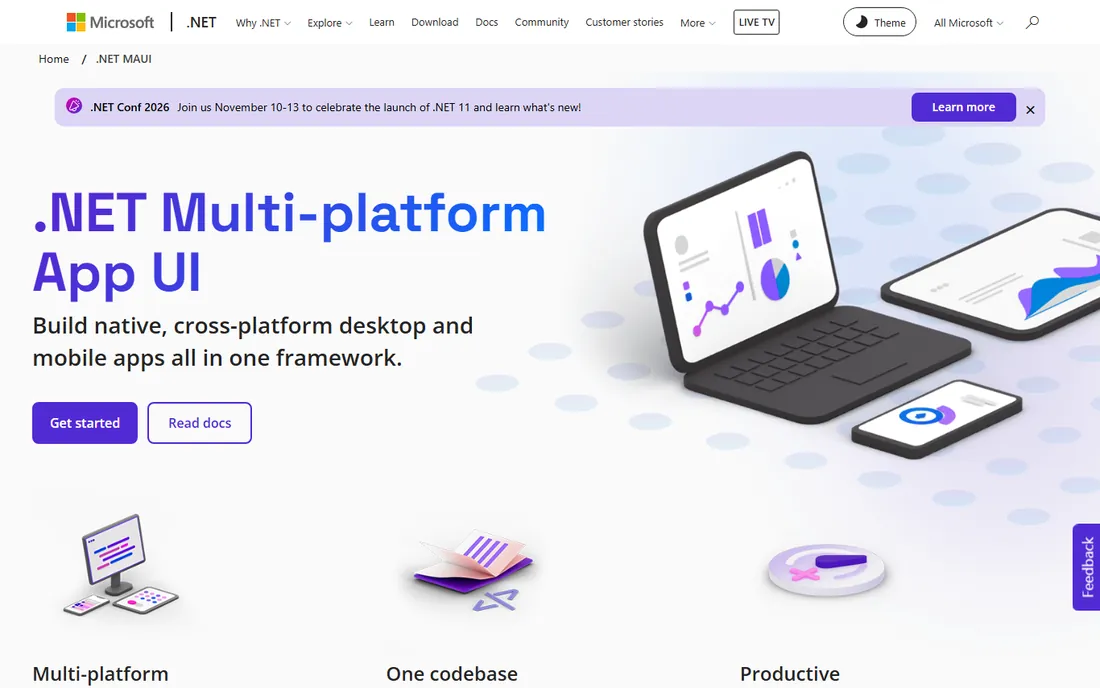
.NET MAUI is Microsoft's cross-platform framework for building native Android, iOS, Windows, and macOS apps from a single C# and XAML codebase. It is the successor to Xamarin, which Microsoft retired in 2024, and it integrates with Visual Studio's debugging and profiling. For enterprise teams standardized on .NET, it reuses existing skills and libraries.
It is free and open source. The honest catch is momentum: the community and third-party ecosystem are smaller than Flutter's or React Native's, and pixel-perfect custom UI takes more work. iOS builds still require a Mac on the network. For C# shops building line-of-business apps across mobile and desktop, MAUI is the natural fit.
What we like- One C# and XAML codebase for Android, iOS, Windows, and macOS
- Visual Studio tooling
- Free and open source
Watch out for- Smaller community than the big frameworks
- UI polish lags behind Flutter
- IOS builds need a Mac
Starting priceFree
Free planYes
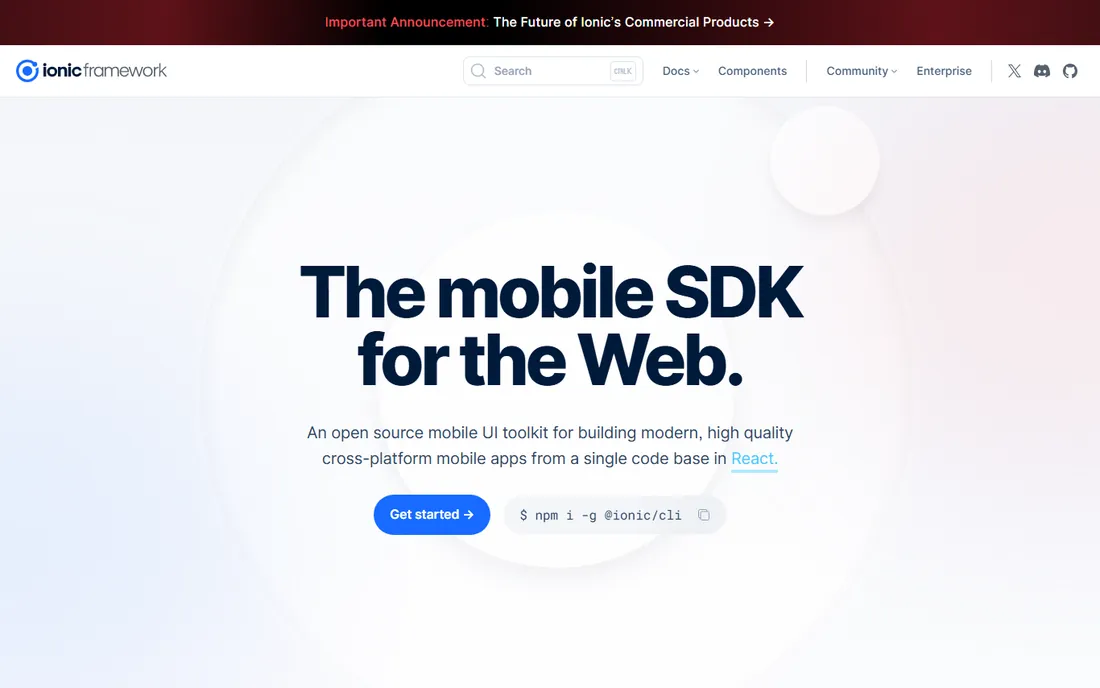
Ionic lets web developers ship mobile apps using the stack they already know: HTML, CSS, and TypeScript with Angular, React, or Vue. The framework renders in a native WebView through Capacitor, giving access to cameras, GPS, and push notifications, and the same codebase can deploy as a progressive web app. The framework itself is free and open source under MIT.
The trade-off is fundamental: WebView apps are not truly native, so performance and feel ceiling below Flutter and React Native for demanding apps. Capacitor plugins bridge the gap but add moving parts. For content apps, internal tools, and MVPs where web skills and speed matter more than native polish, Ionic gets you to both app stores fastest.
What we like- Build with HTML, CSS, and TypeScript you already know
- Works with Angular, React, or Vue
- Deploys as PWA and native app
Watch out for- WebView-based UI is not truly native
- Performance ceiling for complex apps
- Native plugins via Capacitor add complexity
Starting priceFree (Personal)
Free planYes
When your Android product is a game, Unity is the industry default: roughly 70% of top-grossing mobile games run on it. C# scripting, the Asset Store's networking and monetization plugins, and a build pipeline tuned for low-end Android devices make it the fastest path from prototype to Play Store. One project can target Android, iOS, consoles, and WebGL.
Unity Personal is free for developers under $200,000 in annual revenue or funding; above that, Pro or Enterprise subscriptions apply. The 2023 runtime fee announcement, later canceled, left lingering trust issues. For conventional business apps Unity is the wrong tool. For games, it is still the platform with the deepest mobile tooling and largest talent pool.
What we like- The dominant mobile game engine
- C# scripting with huge asset store
- Deploys to 20+ platforms from one project
Watch out for- Overkill for non-game apps
- Pro required above $200K revenue
- Runtime fee controversy damaged trust
The debate is really about where you spend money. Native development with Android Studio gives you the best performance, day-one API access, and platform-correct UI, but doubles the work if you also need iOS. Cross-platform frameworks cut that cost by 30 to 50 percent but add abstraction: plugin gaps, upgrade churn, and UI that is close to native but not identical. Kotlin Multiplatform splits the difference by sharing only logic. Choose based on your team's existing skills and whether iOS is a launch requirement or a later phase.
Start with your team's skills, because retraining is the most expensive line item. Kotlin or Java teams should go native with Android Studio, or share logic with Kotlin Multiplatform if iOS matters. React teams belong on React Native; C# teams on .NET MAUI; web teams on Ionic. Teams prioritizing custom, branded UI across platforms should evaluate Flutter.
Then validate with a prototype. Build one representative screen, including your hardest integration, in your top two candidates. Measure build times, app size, and how the UI feels on a mid-range Android device, not a flagship. The framework that survives contact with your real requirements is the right one, regardless of market share.
How we chose
We compared Android development platforms using official documentation, vendor pages, and release histories, alongside public reviews on G2, Capterra, Slashdot, and Reddit. We weighed platform coverage, language ecosystems, UI quality, performance, community size, and cost. We did not perform hands-on testing.
Frequently asked questions
What is the best platform for Android app development?
For pure Android development, Android Studio with Kotlin is the official and best-supported choice. If you also need iOS, Flutter and React Native are the leading cross-platform options. The best platform depends on your team's skills and whether iOS is required.
Is Flutter better than React Native for Android?
Flutter generally produces more consistent UI and better performance for custom designs, while React Native offers a larger JavaScript talent pool and truly native components. Both are excellent; Flutter suits UI-heavy consumer apps, React Native suits web-first teams.
Can I build Android apps without knowing Kotlin or Java?
Yes. Flutter uses Dart, React Native uses JavaScript, .NET MAUI uses C#, and Ionic uses web technologies. All are viable paths to the Play Store without touching Kotlin, though native platform knowledge helps when debugging.
Is Android Studio really free?
Yes. Android Studio is completely free to download and use for commercial development. Google charges nothing for the IDE or the Android SDK; the only costs are your time and any Play Store developer account fees.
Do I need a Mac to develop for Android?
No. Android development works fully on Windows, Linux, and Mac. You only need a Mac if you also want to build and publish the iOS version of a cross-platform app.
What happened to Xamarin?
Microsoft discontinued Xamarin in 2024 and replaced it with .NET MAUI, which is the supported path for C# cross-platform development. Existing Xamarin apps should migrate to MAUI.
Sources we checked (7)
- https://developer.android.com/studio
- https://flutter.dev
- https://reactnative.dev
- https://kotlinlang.org/multiplatform/
- https://dotnet.microsoft.com/apps/maui
- https://ionicframework.com
- https://unity.com
Is your product missing or out of date?
We review this list regularly. Vendors can request a listing, send updated pricing or ask about featured placement.

Shihab Mia · Founder, Rankite
Shihab has spent more than a decade helping SaaS and e-commerce brands grow through search. He writes Rankite's software buying guides from pricing pages, documentation and public user reviews. More about Shihab.