How we make this list: we compare pricing pages, product documentation and public user reviews. Rankite is independent; if a vendor ever pays for a featured spot, that listing is clearly labeled Partner.
Key takeaways
- The market split into three shapes: inline assistants (Copilot), AI-native IDEs (Cursor, Windsurf), and terminal/cloud agents (Codex, Junie).
- GitHub Copilot has a free tier with 2,000 completions a month; Amazon Q Developer gives 50 free agentic chats monthly.
- Gemini Code Assist starts at $19 per user per month on an annual commitment; Junie Lite is free in every JetBrains account.
- Tabnine was folded into Tricentis and Sourcegraph Cody went enterprise-only, so we list neither for individual developers.
- Model choice matters more than the wrapper: most tools let you switch between frontier models per task.
Quick comparison
| Tool | Best for | Starting price | Free plan |
|---|
 GitHub Copilot GitHub Copilot | developers who stay in their IDE | $10 per month | Yes |
 Cursor Cursor | agentic coding in a familiar editor | See website | Yes |
 OpenAI Codex OpenAI Codex | cloud agents tied to ChatGPT | See website | No |
 Windsurf Windsurf | flow-state agentic IDE | See website | Yes |
 Gemini Code Assist Gemini Code Assist | Google Cloud shops | $19 per user/month (billed annually) | No |
 Amazon Q Developer Amazon Q Developer | AWS-centered teams | See website | Yes |
 Junie Junie | model-agnostic coding agent | Free | Yes |
 JetBrains Air JetBrains Air | JetBrains users and agent governance | See website | No |
 Replit Replit | building apps without setup | Free | Yes |
Is your product missing or out of date?
We review this list regularly. Vendors can request a listing, send updated pricing or ask about featured placement.
Starting price$10 per month
Free planYes
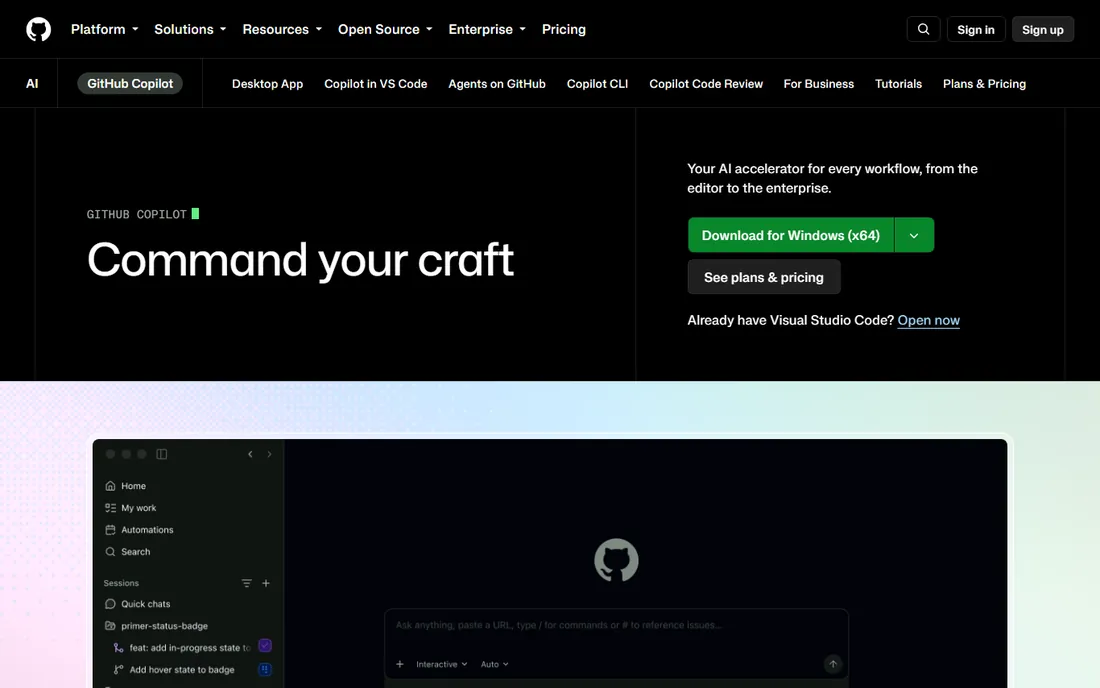
Copilot remains the default AI coding tool, and the free tier makes it the default starting point. It offers inline completions, Copilot Chat in the editor, a coding agent that opens pull requests, and a CLI, all natively integrated with GitHub. Free gives you 2,000 code completions a month plus a limited allowance of AI credits for chat and agent features.
The honest note: Copilot's inline suggestions are its strength; multi-step agentic work is newer territory where it competes with Cursor and Codex. The Pro tier at $10 a month (prices from GitHub's plan listings) is the natural upgrade once the free tier's limits bite. For teams, Business and Enterprise add policy management and IP indemnity.
What we like- Works in VS Code, JetBrains, Visual Studio, Neovim, and more
- Free tier with 2,000 completions monthly
- Chat, agents, and CLI in one subscription
Watch out for- Best results still need prompt skill
- Usage-based credits on advanced features
- Training-data opt-out is on the user
Starting priceSee website
Free planYes
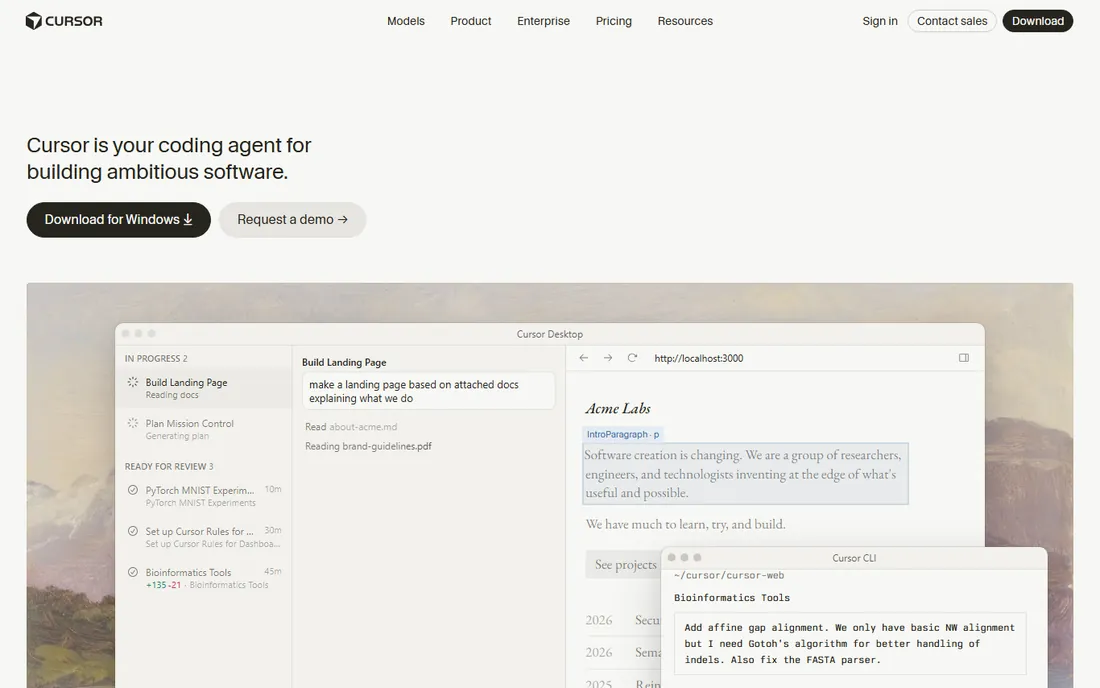
Cursor took the editor developers already knew and rebuilt it around AI. Cmd+K inline edits, an agent mode that edits multiple files and runs terminal commands, background agents that build and demo features for review, and per-task model selection across frontier models from OpenAI, Anthropic, Google, and others. Adoption stories include half of the Fortune 500, per the company's own marketing.
The honest catch: the pricing model runs on credits, and heavy agent use consumes them fast, which makes costs unpredictable compared to flat subscriptions. The VS Code fork also trails upstream releases. But for developers who want agents inside a familiar editor, Cursor defined the category.
What we like- VS Code fork, so zero learning curve
- Autonomous agents work in parallel
- Choose the best model per task
Watch out for- Pricing is usage-and-credit based and easy to burn through
- Fork lags upstream VS Code features
- Cloud agents add cost
Starting priceSee website
Free planNo

Codex is OpenAI's coding agent, available through ChatGPT, a CLI, an IDE extension, and a desktop app. Cloud agents run tasks in parallel in reusable environments, keep going after you close the laptop, and review pull requests automatically. It is included in your ChatGPT plan, which makes it the zero-marginal-cost agent for anyone already paying for ChatGPT.
The honest trade: Codex's quality depends on the plan tier and current usage limits, and the product moves fast enough that features shift between releases. The CLI is open source, which helps transparency. For ChatGPT subscribers, it is the most convenient agent; for everyone else, the subscription is the price of admission.
What we like- Included in ChatGPT plans
- Cloud agents keep working with the laptop closed
- CLI, IDE extension, and web app
Watch out for- Requires a ChatGPT subscription
- Newest features roll out unevenly
- Agentic runs consume usage
Starting priceSee website
Free planYes
Windsurf, from the team formerly known as Codeium, is the agentic IDE built around Cascade, an agent that plans and executes multi-step tasks, refactors, and runs terminal commands. The free tier covers unlimited autocomplete with a daily credit allocation for agents, and the editor imports VS Code settings and extensions.
The honest framing: Windsurf's corporate journey has been eventful, which matters for long-term bets. Reviews praise the autocomplete and flow-state editing while noting agent reliability can lag Cursor. But the free tier is genuinely usable, making Windsurf the cheapest way to try an agentic IDE before committing.
What we like- Generous free tier for evaluation
- Cascade agent handles multi-step tasks
- VS Code extension compatibility
Watch out for- Company history includes a turbulent acquisition saga
- Agent reliability trails Cursor in some reports
- Enterprise features cost more
Starting price$19 per user/month (billed annually)
Free planNo
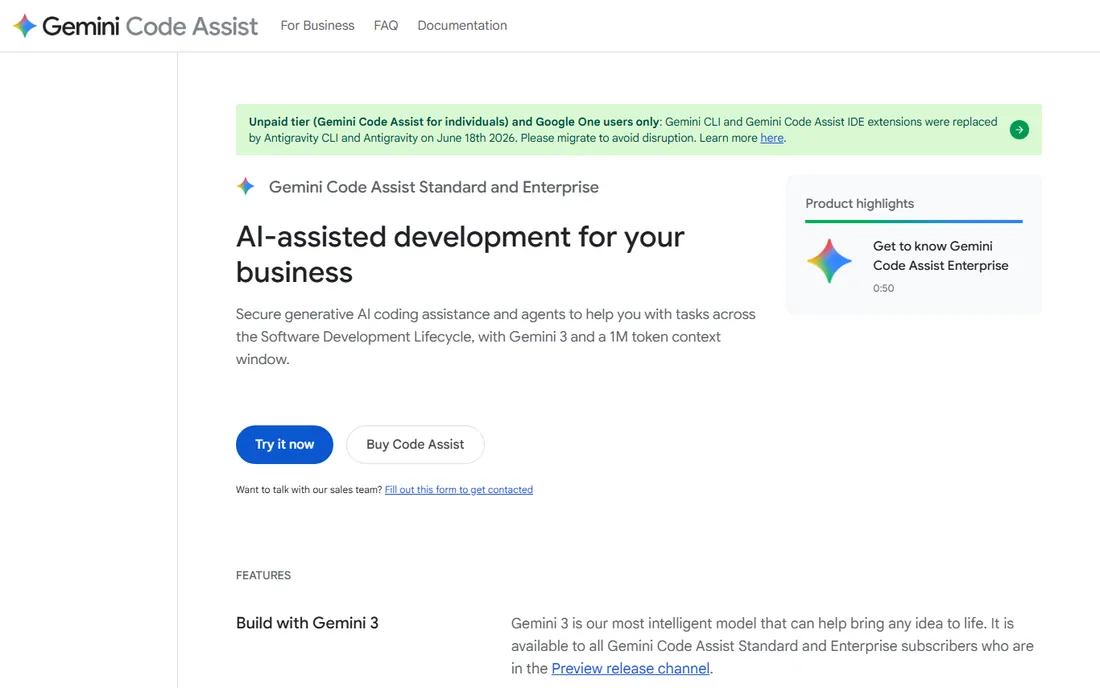
Google's Gemini Code Assist brings the 1M-token context window to IDE coding assistance, with completion, chat, agent mode, and the Gemini CLI for the terminal. Standard is $19 per user per month on an annual commitment ($22.80 monthly); Enterprise at $45 to $54 adds codebase customization, usage analytics, and stricter governance. Enterprise security, SOC certifications, and IP indemnification make it the compliance-friendly pick.
The honest note: this is priced and packaged for businesses, with no free tier. Individual developers get more for free elsewhere. But for teams standardized on Google Cloud, the native integration with Cloud services, Firebase, and BigQuery is a real advantage, and the context window handles genuinely large codebases.
What we like- 1M token context window
- Enterprise security and IP indemnification
- Deep Google Cloud integration
Watch out for- No free plan
- Priced per seat
- Best value only inside the Google ecosystem
Starting priceSee website
Free planYes
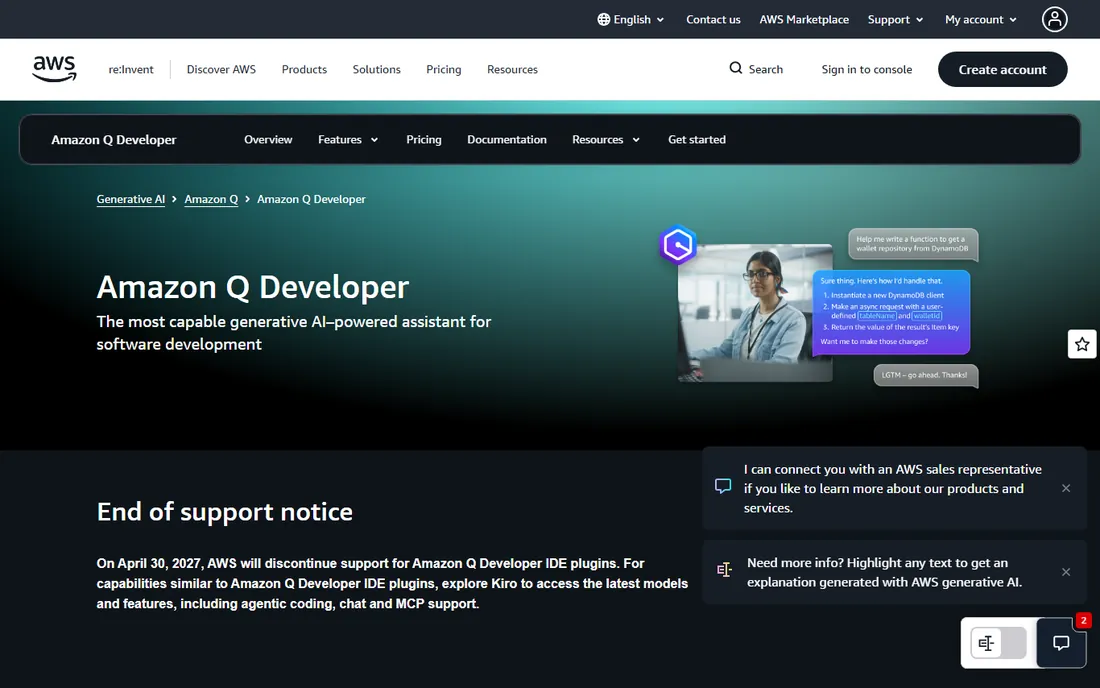
Amazon Q Developer is AWS's coding assistant, with inline suggestions, agentic chat, code transformation for upgrades, and security scanning, plus expertise on AWS services from the console to Slack. The perpetual free tier gives 50 agentic chat interactions and 1,000 lines of code transformation monthly, and your content is not used for training on paid plans.
The honest catch, and it is a big one: AWS announced it will discontinue support for the Q Developer IDE plugins on April 30, 2027, directing users to Kiro for agentic coding. That makes Q Developer a strange recommendation for new IDE-based adoption, though the console, CLI, and transformation features continue. Evaluate with the 2027 date in mind.
What we like- Free tier with 50 agentic chats a month
- Deep AWS service knowledge
- Security scanning with auto-remediation
Watch out for- IDE plugins face end of support in April 2027, with AWS pointing users to Kiro
- Best only for AWS shops
Starting priceFree
Free planYes
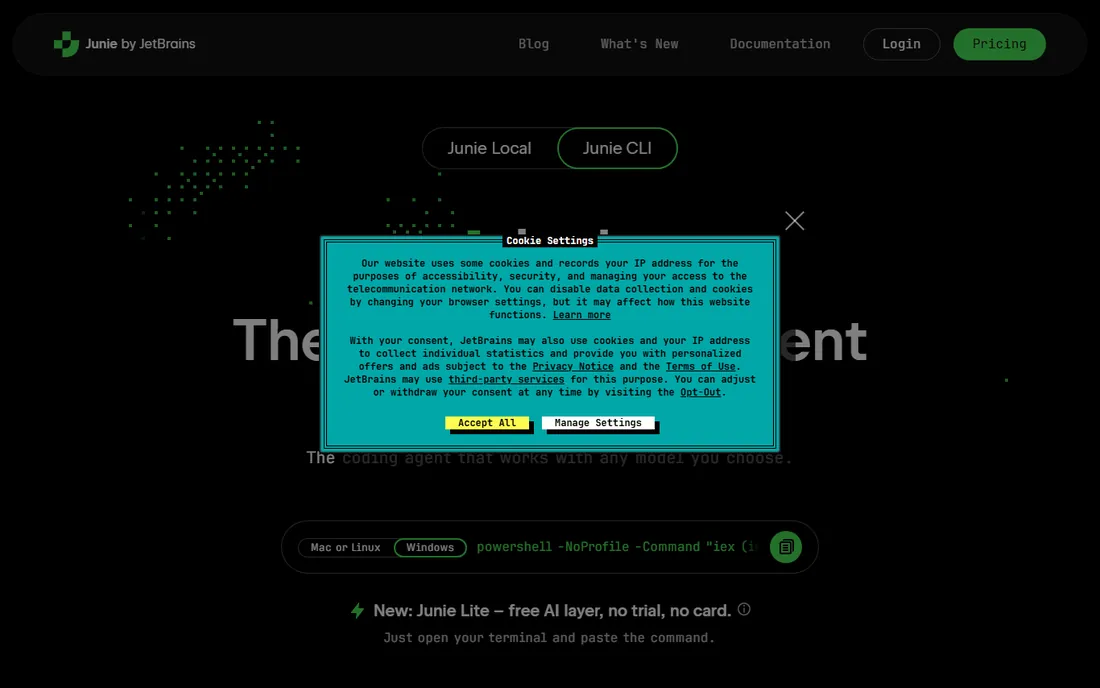
Junie is JetBrains' coding agent: give it a task in natural language and it fixes bugs, implements features, and reviews PRs from the terminal, the IDE, or CI/CD. It is deliberately model-agnostic, supporting 10+ models via bring-your-own-key, and Junie Lite puts a free AI layer in every JetBrains account with no trial and no card.
The honest trade: Junie is newer than Copilot or Cursor, so the community and ecosystem are smaller. Paid AI Pro ($8.33 per user per month) and Ultimate ($25) plans cover heavier usage with cloud credits. But the model-agnostic design is a genuine differentiator: you are never locked to one vendor's model pricing.
What we like- Free Junie Lite in every JetBrains account
- Works with any model via BYOK
- Terminal, IDE, and CI/CD support
Watch out for- Newer agent with a smaller community
- Advanced usage needs paid AI credits
- BYOK means you manage model billing
Starting priceSee website
Free planNo
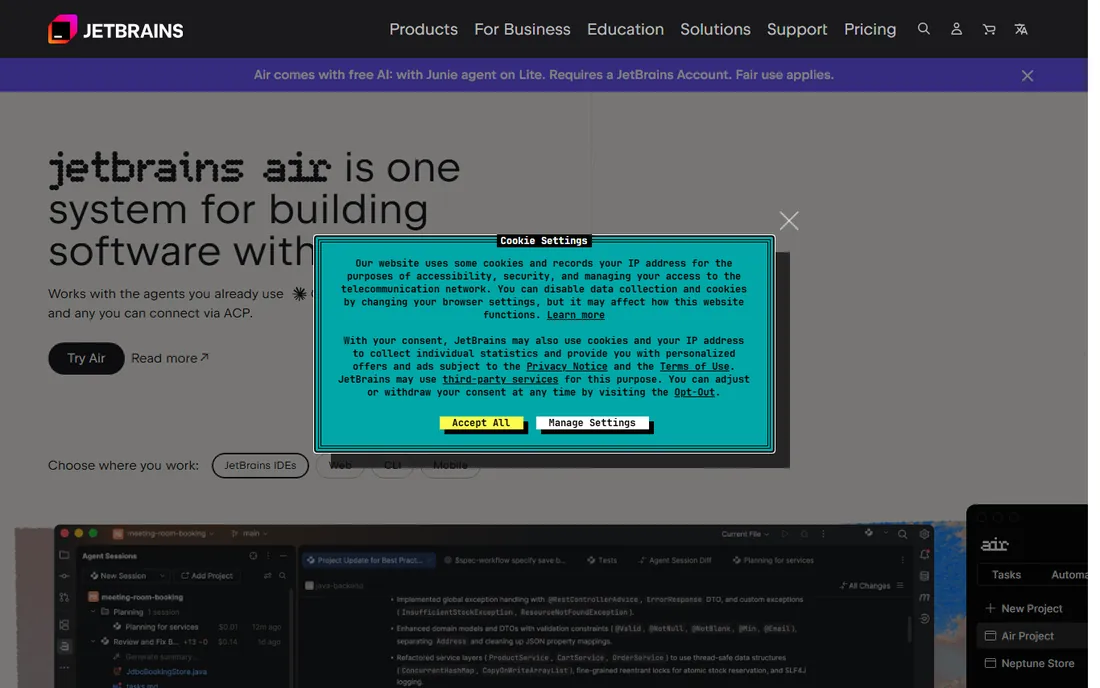
JetBrains Air is the company's new agent layer: one system for building software with agents. It connects the agents you already use, including Claude and Codex, runs them inside JetBrains IDEs with parallel session tracking, and lets you review every change in context. Teams get shared cloud environments, automations, and governance with spend controls.
The honest framing: Air is the newest product here, and it assumes you live in JetBrains IDEs. For organizations standardizing on JetBrains, it is the governance answer to the agent sprawl problem. For everyone else, it is a reason to evaluate the JetBrains ecosystem, not a standalone reason to switch.
What we like- Run any agent inside JetBrains IDEs
- Review every change in context
- Team governance and cost controls
Watch out for- Newest product in the lineup
- Pricing not public
- Value depends on existing JetBrains investment
Starting priceFree
Free planYes
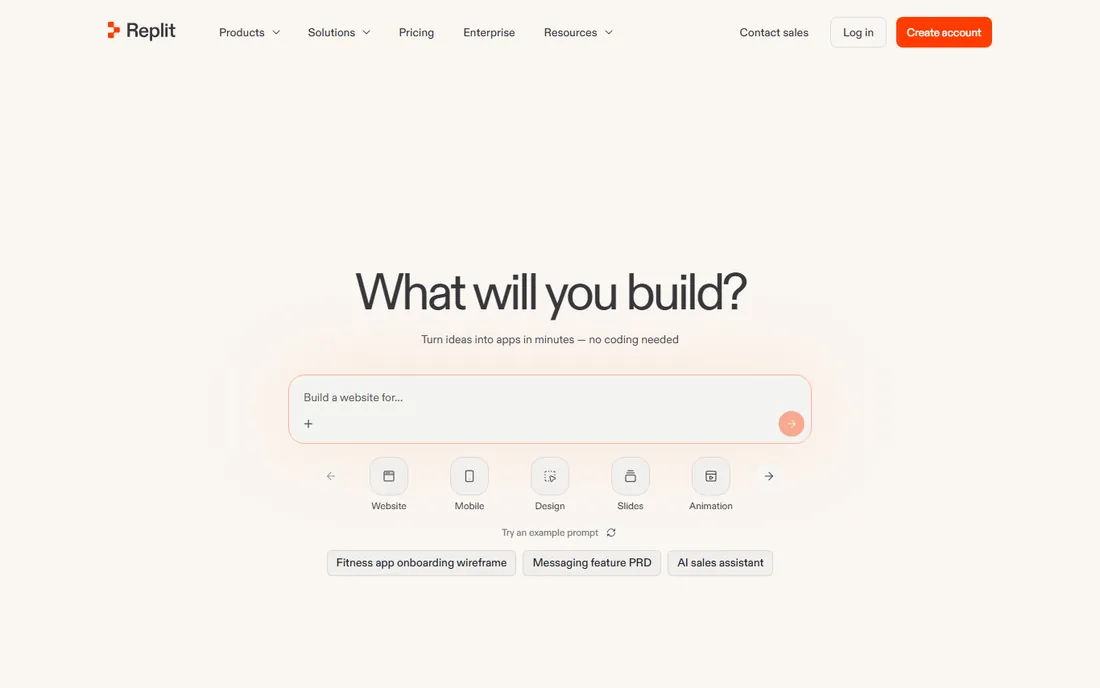
Replit is the outlier: an AI app builder where you describe what you want and the agent writes production-ready code, with hosting, database, authentication, and monitoring built in. Intelligent model routing picks the best model per task, and you can start free with no credit card.
The honest note: Replit is for creating apps, not for assisting inside your existing codebase and IDE. Professional teams will hit its limits on architecture, testing, and version control discipline. But for prototypes, internal tools, and founders who do not code, it collapses the distance from idea to deployed app like nothing else here.
What we like- Start building free with no credit card
- Agent writes and deploys full-stack apps
- Built-in hosting, database, and auth
Watch out for- Not an IDE assistant for existing codebases
- Costs scale with usage
- Serious engineering teams will outgrow it
How we chose
We verified each tool's current homepage by opening the live site and using the final resolved URL. We dropped Tabnine because tabnine.com now redirects to Tricentis's quality engineering platform, and we did not list Claude Code because its homepage could not be opened for verification. We reviewed vendor feature pages, pricing pages, and public documentation. We did not test any tool hands-on.
Inline assistant or agentic IDE?
If you like your current editor and want AI inside it, start with GitHub Copilot or Gemini Code Assist. If you want the editor rebuilt around AI, try Cursor or Windsurf. If you want to describe work and review the results, the agents (Codex, Junie, Copilot's coding agent) are the shape. Most developers end up with one from each category within a year.
Watch the pricing model, not just the price
Flat subscriptions (Copilot Pro, Gemini Code Assist) are predictable. Credit and usage models (Cursor, Junie beyond Lite, Replit) scale with how much the agent does, which means a busy month costs more. Free tiers are generous for evaluation but not for production workloads; budget the paid tier before the team adopts the tool.
The governance question for teams
Code leaving the network, models training on your codebase, and IP indemnity are the three questions every engineering leader asks. Enterprise tiers (Copilot Business/Enterprise, Gemini Code Assist Enterprise, Amazon Q Pro) answer them with policies, private models, and indemnification. JetBrains Air adds spend governance across agents. If your legal team cares, buy the enterprise tier; the free tier is for personal evaluation.
Every tool on this list generates code faster than you can read it, which makes review the bottleneck. The teams that get value treat AI output like junior-developer output: useful, occasionally brilliant, and always in need of review. Require tests with generated code, run the security scanners, and never merge what you have not read.
The second discipline is prompt hygiene. Agents perform dramatically better with repository context, coding standards, and a clear task definition. Junie's custom guidelines, Cursor's rules files, and Codex's AGENTS.md all exist because the same agent with good context outperforms a better model with none. Invest an afternoon in configuration; it pays back every day.
Frequently asked questions
What is the best AI tool for software developers?
GitHub Copilot is the safest default with the broadest IDE support. Cursor leads the agentic-IDE category. OpenAI Codex is best for ChatGPT subscribers who want cloud agents. Gemini Code Assist fits Google Cloud shops, and Amazon Q Developer fits AWS teams, though its IDE plugins sunset in 2027.
Is there a free AI coding assistant?
Yes. GitHub Copilot has a free tier with 2,000 completions a month. Amazon Q Developer offers 50 free agentic chats monthly. Windsurf has a generous free tier. Junie Lite is free in every JetBrains account. Replit lets you start free with no credit card.
What happened to Tabnine?
Tabnine's website now redirects to Tricentis, whose platform focuses on agentic quality engineering and testing rather than the standalone AI coding assistant Tabnine was known for. Developers looking for a similar coding assistant should evaluate GitHub Copilot, Cursor, or Windsurf instead.
Why is Amazon Q Developer's IDE support ending?
AWS announced it will discontinue support for the Amazon Q Developer IDE plugins on April 30, 2027, and points users to Kiro for agentic coding with the latest models. The console, CLI, and code transformation features are unaffected, but new IDE-based adoption should factor in the 2027 date.
Which AI coding tool is best for large codebases?
Gemini Code Assist offers a 1M token context window, which helps with very large repositories. Cursor and Windsurf index codebases for context-aware answers. Sourcegraph's Cody, now enterprise-only, was built for whole-repo understanding. For most teams, the tool with the best indexing of your specific stack wins over raw context size.
Do AI coding tools replace developers?
No. They accelerate writing, testing, and understanding code, but the tools still require developers to define problems, review output, and make architectural decisions. Teams report the biggest gains when AI handles boilerplate and developers spend the saved time on design and review.
Sources we checked (9)
- https://github.com/features/copilot
- https://cursor.com/
- https://openai.com/codex
- https://windsurf.com/
- https://codeassist.google/
- https://aws.amazon.com/q/developer/
- https://junie.jetbrains.com/
- https://www.jetbrains.com/ai/
- https://replit.com/
Is your product missing or out of date?
We review this list regularly. Vendors can request a listing, send updated pricing or ask about featured placement.

Shihab Mia · Founder, Rankite
Shihab has spent more than a decade helping SaaS and e-commerce brands grow through search. He writes Rankite's software buying guides from pricing pages, documentation and public user reviews. More about Shihab.