How we make this list: we compare pricing pages, product documentation and public user reviews. Rankite is independent; if a vendor ever pays for a featured spot, that listing is clearly labeled Partner.
Key takeaways
- Picking the wrong coding environment taxes every developer, every day: slow indexing, missing language support, and constant configuration drain hours that no deadline gives back.
- Visual Studio Code remains the default choice for most teams: free, fast, and extended by a huge marketplace for nearly any language.
- JetBrains IDEs (IntelliJ IDEA, PyCharm) and Microsoft's Visual Studio justify their cost for Java, Python, and .NET shops where deep refactoring and debugging pay for themselves.
- AI-native editors like Cursor are changing the calculus: evaluate how each IDE handles AI-assisted coding, because that is where the biggest productivity gaps now appear.
Quick comparison
| Tool | Best for | Starting price | Free plan |
|---|
 Visual Studio Code Visual Studio Code | teams that work across many languages | Free | Yes |
 IntelliJ IDEA IntelliJ IDEA | Java and Kotlin professionals | See website | Yes |
 PyCharm PyCharm | Python developers and data scientists | See website | Yes |
 Visual Studio Visual Studio | .NET and Windows development teams | See website | Yes |
 Eclipse IDE Eclipse IDE | teams that want free, open Java tooling | Free | Yes |
 Sublime Text Sublime Text | developers who want speed above all | See website | Free trial |
 Android Studio Android Studio | Android app developers | Free | Yes |
 Cursor Cursor | teams going all-in on AI-assisted coding | See website | Yes |
Is your product missing or out of date?
We review this list regularly. Vendors can request a listing, send updated pricing or ask about featured placement.
The best integrated development environment software
The coding environment you choose decides how fast your team ships. A bad one shows up as constant friction: an IDE that chokes on a large codebase, a debugger that fights you, extensions that break on every update. Developers adapt quietly, losing thirty minutes here and an hour there, and nobody adds it up until a project ships late. Choosing well is one of the cheapest productivity wins a team can buy.
Starting priceFree
Free planYes
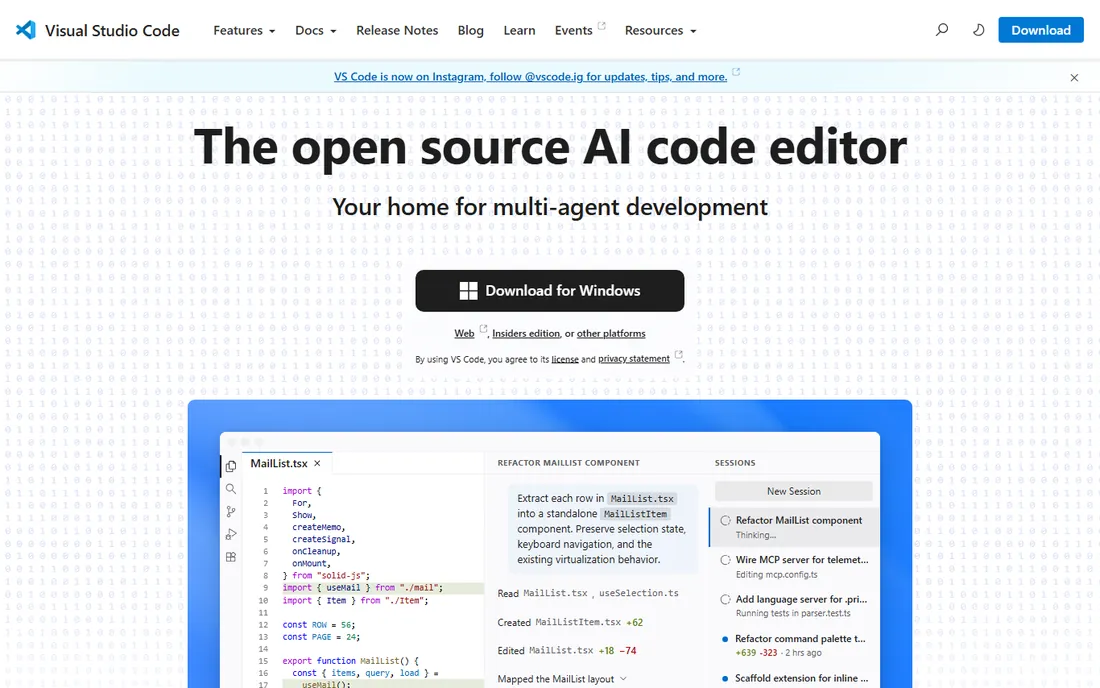
Visual Studio Code earned its dominance by being fast, free, and good at almost everything. It handles JavaScript, TypeScript, Python, Go, Rust, C++, and dozens more languages through extensions, with IntelliSense, debugging, and Git built in. For a small team that touches several stacks, one editor for everyone simplifies onboarding and support.
Microsoft has pushed VS Code hard into the AI era. The editor now hosts AI agents that plan, edit, test, and open pull requests, working across VS Code, the terminal, and the cloud. The extension marketplace remains the deepest in the industry, so almost any workflow, from remote containers to database clients, can live inside the editor.
The honest catch is that flexibility creates maintenance. A VS Code setup is really a bundle of extensions, and keeping everyone's configuration consistent across a team takes discipline. Very large codebases can still tax it. But for the price of nothing, it is the easiest recommendation on this list.
What we like- Free and open source
- Huge extension marketplace
- Strong AI agent and Copilot integration
Watch out for- Configuration can sprawl across extensions
- Heavy projects can strain performance
Starting priceSee website
Free planYes
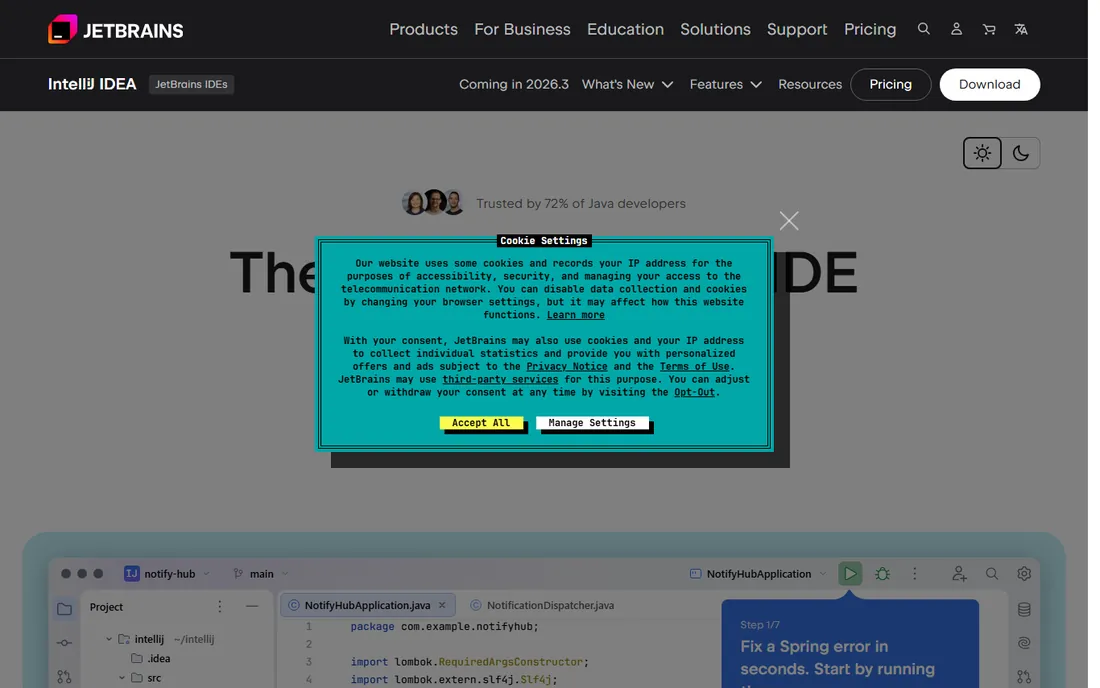
IntelliJ IDEA is the IDE Java developers measure everything else against. Its code understanding runs deeper than any editor's: refactorings that are safe across huge codebases, inspections that catch real bugs, and Spring Framework integration built with the Spring team itself. For teams living in Java or Kotlin, that depth pays back the license cost quickly.
JetBrains has rebuilt the product around AI agents without losing what made it great. Agents can use the debugger, profiler, database tools, and test runner directly, which means AI-generated code gets validated by the same machinery developers trust. The free tier now includes 30 days of Ultimate, so teams can evaluate the full feature set before paying.
The catch is the price and the footprint. Ultimate is a paid product with per-user pricing, and IntelliJ wants a capable machine to feel fast. For polyglot teams or occasional Java work, lighter options may do. For serious JVM development, nothing else on this list matches it.
What we like- Best-in-class Java and Kotlin support
- Powerful refactoring and inspections
- Trusted by 300,000+ organizations
Watch out for- Ultimate edition is paid
- Can be resource-hungry on modest machines
Starting priceSee website
Free planYes
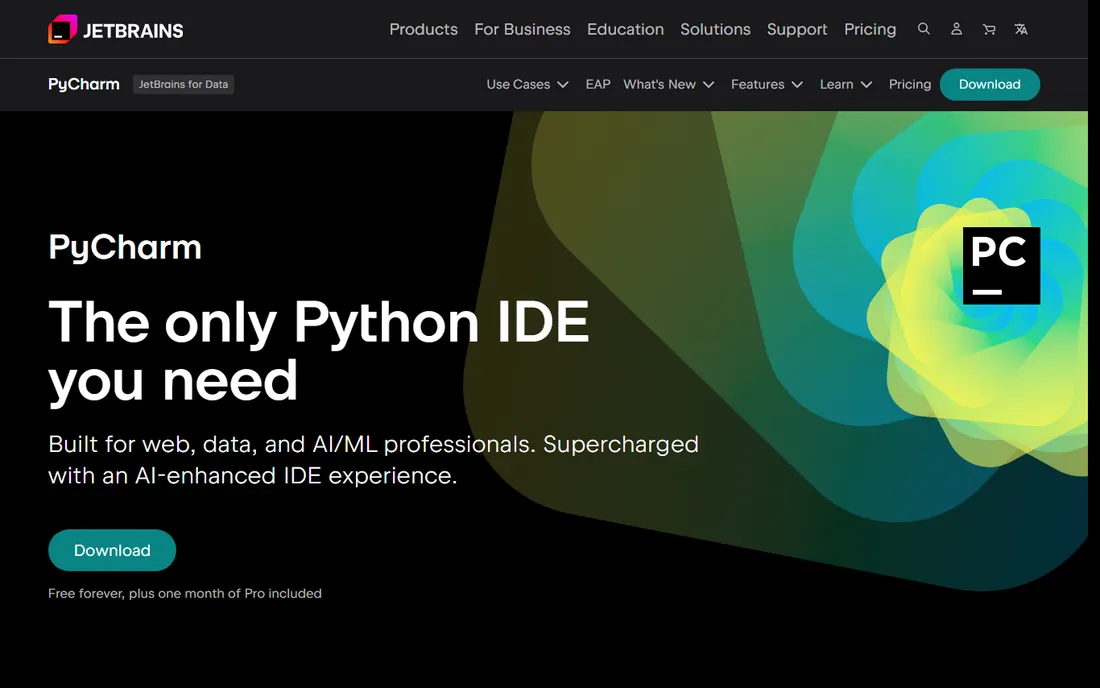
PyCharm does for Python what IntelliJ IDEA does for Java: it understands the language deeply instead of just highlighting it. Smart completion, PEP 8 checks, intelligent refactoring, and a strong debugger come standard. Web developers get Django, Flask, and FastAPI support; data scientists get Jupyter notebooks, Conda, and database tools in the same window.
JetBrains now offers PyCharm free forever with one month of Pro included, which lowers the barrier for teams to try it. The Pro tier adds the full web framework and database tooling that professional teams rely on. Context-aware AI assistance generates whole code blocks and helps fix issues without leaving the IDE.
The tradeoff is weight. PyCharm is a full IDE, not a quick editor, and it shows in startup time and memory use. Developers who mostly write scripts may prefer something lighter. For anyone building real Python applications or data pipelines, PyCharm is the most capable option here.
What we like- Purpose-built for Python with Django, Flask, and FastAPI support
- Excellent Jupyter and database tooling
- Free tier available
Watch out for- Pro features require a paid plan
- Heavier than a plain editor
Starting priceSee website
Free planYes
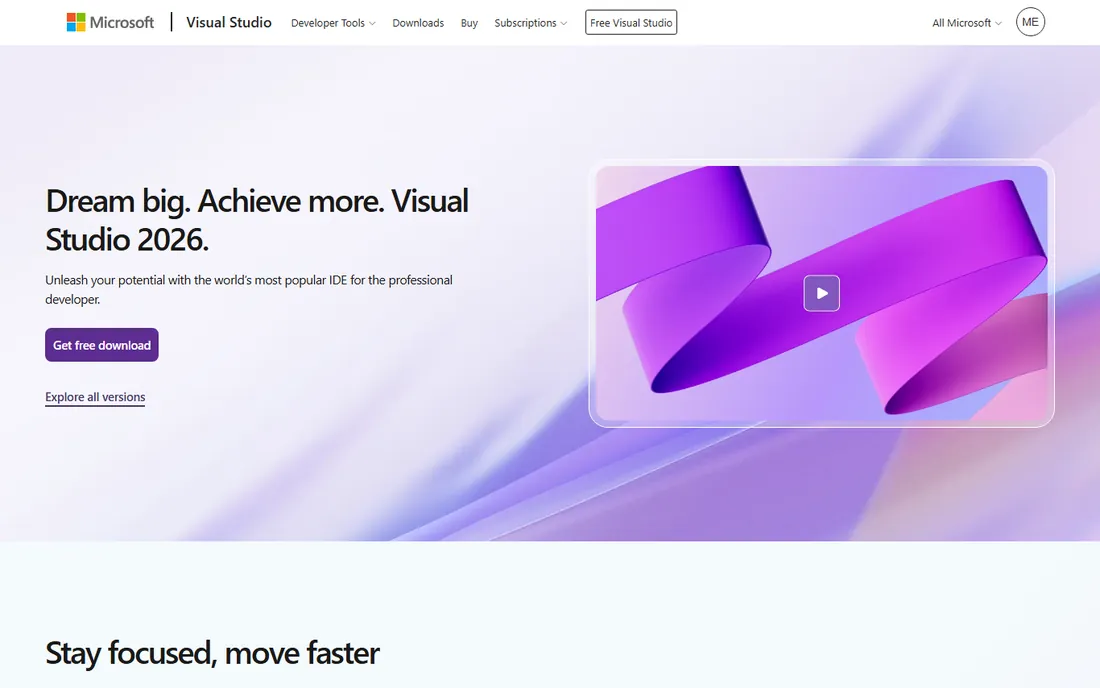
If your stack is .NET, Visual Studio is less a choice than a default. No other IDE matches its C# support, its debugger, or its integration with the Microsoft ecosystem: Azure, SQL Server, and the full .NET toolchain from web to desktop to games. The 2026 release keeps pace with .NET 10 and C# 14 on day one.
The free Community edition covers individual developers and small teams, while Professional and Enterprise add collaboration, testing, and architecture tools for larger organizations. GitHub Copilot integration is built in, and the profiler and diagnostic tools are genuinely best in class.
The limitation is platform focus. Visual Studio is a Windows-first product, and teams on macOS or Linux typically reach for VS Code or Rider instead. It is also a big install for simple projects. For .NET shops, though, it remains the center of gravity, and nothing here competes with it on its home turf.
What we like- The definitive IDE for C# and .NET
- Excellent debugger and profiler
- Free Community edition
Watch out for- Windows-centric
- Professional and Enterprise editions are paid
Starting priceFree
Free planYes
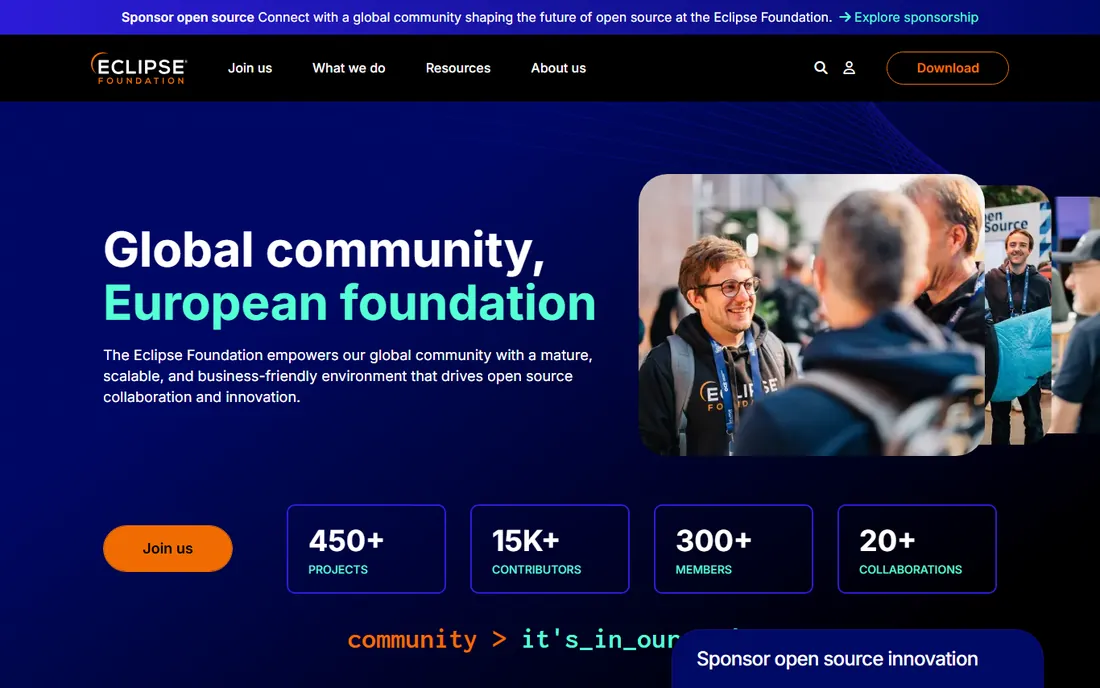
Eclipse has been the workhorse of Java development for two decades, and it is still completely free. The plugin ecosystem covers nearly every language and framework, and countless enterprise teams have standardized on it. For organizations that need capable Java tooling with zero license cost and no vendor lock-in, Eclipse remains a practical answer.
The foundation behind it keeps the project alive and vendor-neutral, which matters to large institutions and government teams. The IDE handles big enterprise codebases, and the marketplace offers everything from modeling tools to embedded development support.
The catch is modernity. Eclipse's interface feels dated next to its rivals, plugin quality is inconsistent, and it has been slower to embrace AI-assisted coding. Teams choosing Eclipse usually do so for cost and openness, not for the experience. It is the dependable used car of IDEs: not exciting, but it runs.
What we like- Completely free and open source
- Huge plugin ecosystem
- Long track record in enterprise Java
Watch out for- Dated interface
- Plugin quality varies
- Slower release cadence for new features
Starting priceSee website
Free planFree trial
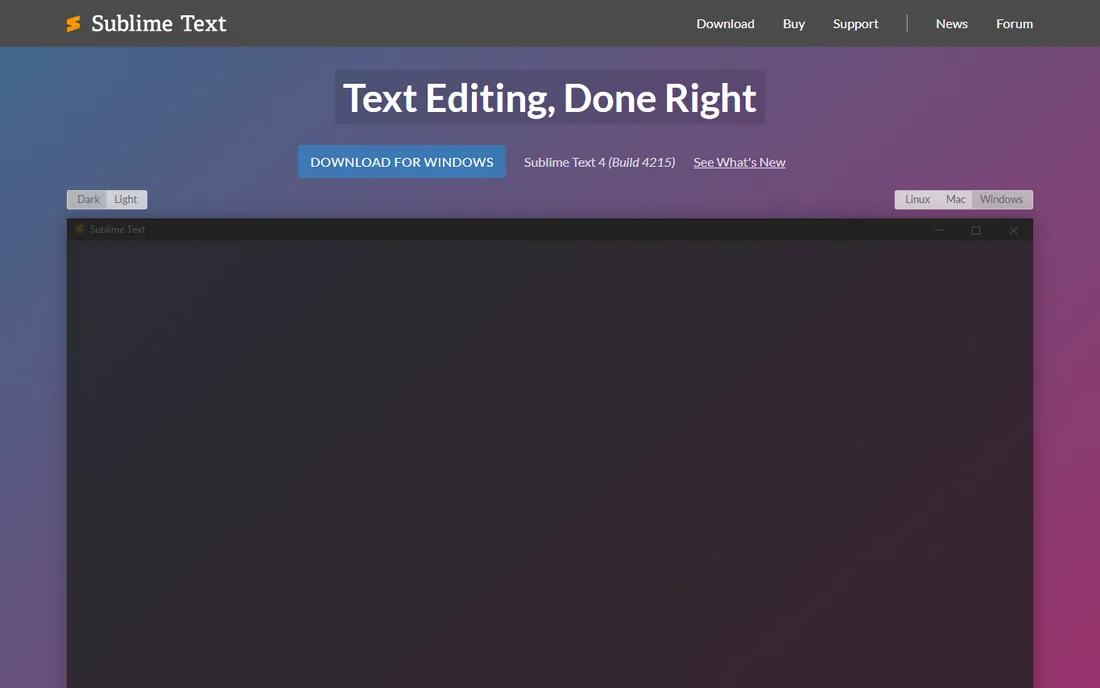
Sublime Text is the answer for developers who find full IDEs sluggish. It opens instantly, handles enormous files without complaint, and its Goto Anything navigation is still the fastest way to move through a codebase. The version 4 release added GPU rendering, native Apple Silicon support, and smarter autocomplete.
It sits between a plain editor and a full IDE. The Python-based plugin API and package ecosystem add language support, linting, and build systems, but you assemble your own workflow rather than getting one out of the box. Many developers pair it with terminal tools for compiling and debugging.
The licensing is unusual: evaluation is free and effectively unlimited, with occasional purchase reminders, and a paid license removes them. Teams that standardize on Sublime should buy licenses. It will not replace IntelliJ or Visual Studio for heavy refactoring, but as a fast daily driver it has loyalists for a reason.
What we like- Extremely fast startup and navigation
- GPU-rendered UI
- Works on Windows, Mac, and Linux
Watch out for- More text editor than full IDE
- Paid license after evaluation
Starting priceFree
Free planYes
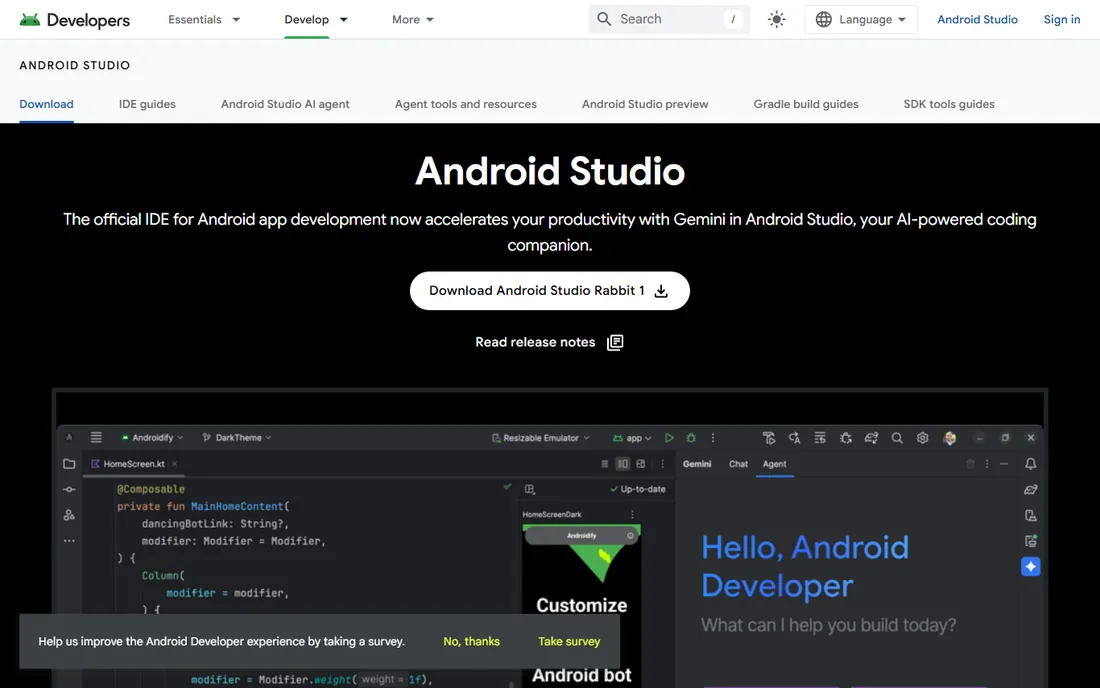
Android Studio is Google's official IDE for Android development, built on the IntelliJ platform. It is the only tool here with first-class support for the Android SDK, the emulator, Jetpack Compose previews, and app bundle publishing. If your team ships Android apps, this is where the work happens.
Recent releases add Gemini-powered AI assistance directly in the editor, along with Live Edit for Compose that shows code changes immediately. The intelligent code editor covers Kotlin, Java, and C/C++, and the built-in tools for inspecting APKs and profiling performance are specific to mobile development.
The limitations are obvious: it is an Android tool, full stop. It is also a large, heavy install at around 1.5 GB before SDKs. Nobody picks Android Studio as a general IDE. But for Android teams it is free, official, and the only choice that makes sense.
What we like- The official IDE for Android
- Built-in emulator and Compose design tools
- Free with Gemini AI assistance
Watch out for- Only useful for Android work
- Large download and heavy resource use
Starting priceSee website
Free planYes
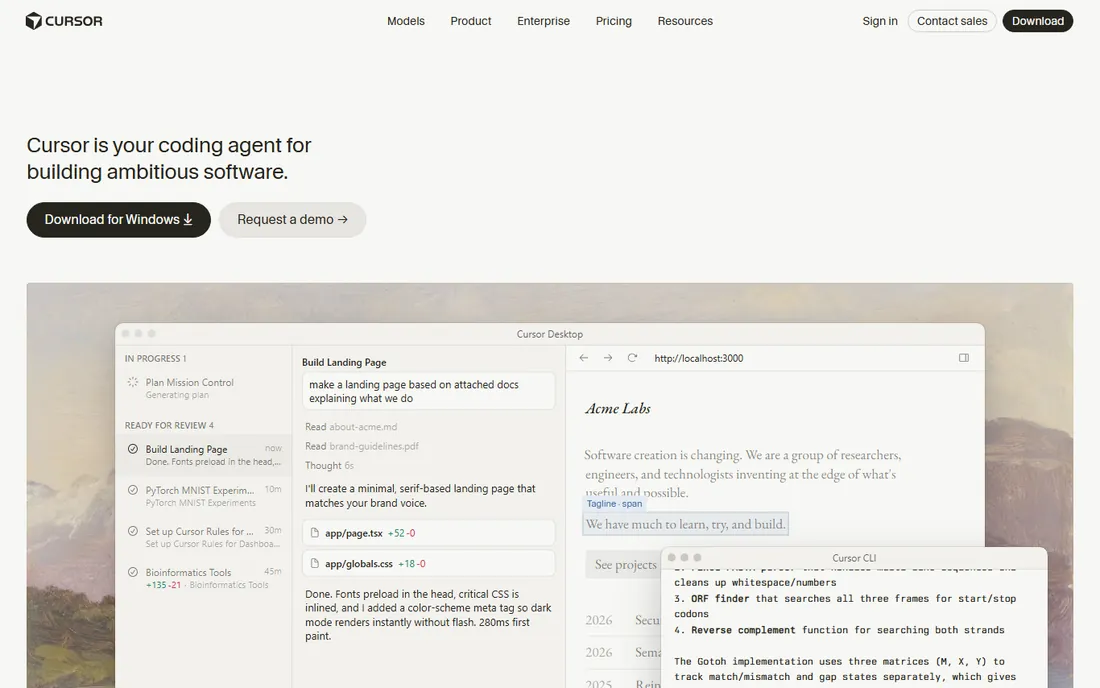
Cursor started as an AI-enhanced fork of VS Code and has grown into something different: an AI coding platform where agents work autonomously, in parallel, building and testing features for review. It supports models from OpenAI, Anthropic, Gemini, and others, and agents can run in the terminal, collaborate in Slack, and review pull requests in GitHub.
The pitch is a shift from assisted coding to delegated coding. Instead of accepting line-by-line suggestions, developers hand off whole tasks and review the results. Adoption has been explosive, including across large enterprises, which suggests the workflow resonates beyond early adopters.
The catch is cost and control. Heavy agent usage runs up bills, and reviewing autonomous output demands discipline, since confident-looking code can still be wrong. The product also moves fast, which means workflows change. For teams that want to push AI-assisted development as far as it goes today, Cursor is the frontier.
What we like- AI agents that build, test, and demo features autonomously
- Works in terminal, Slack, and GitHub
- Trusted by large enterprises
Watch out for- AI usage costs add up
- Newer product with a faster-changing feature set
How we chose
We evaluated IDEs the way working developers do: language support, editing intelligence, debugging quality, extension ecosystems, performance on real projects, and how each tool handles AI-assisted coding. We checked each vendor's own site for current features and pricing, then cross-referenced with developer discussion on Reddit, Hacker News, and public reviews on G2. We included both established leaders and newer AI-native tools, and dropped any product whose homepage we could not verify. We did not perform hands-on testing; developer tools deserve a trial on your own codebase before a team commits.
Matching the IDE to your stack and team size
The best coding software is the one that fits the languages you actually write. Start there, then weigh team factors.
Let the language decide first
Java and Kotlin teams belong in IntelliJ IDEA. Python teams belong in PyCharm. .NET teams belong in Visual Studio. Android teams belong in Android Studio. These pairings exist because deep language support, refactoring, and debugging matter more than any generic feature list. Only reach for a general-purpose editor when your team genuinely spans stacks.
Count the true cost for a team
Free tools are not free at scale. VS Code costs nothing per seat but needs configuration management across the team. Paid JetBrains licenses cost real money but arrive configured and consistent. Estimate onboarding time, lost productivity from misconfiguration, and support burden alongside the license price.
Trial AI features on your own code
Every IDE now claims AI capabilities, but they differ wildly in practice. Run the same task, a bug fix or a small feature, through each candidate's AI workflow on your own repository. Measure how much review the output needs. The tool that produces the most trustworthy code for your stack is worth more than the one with the longest feature list.
Why extensions and AI agents change the math
The old IDE debate was about built-in features. The new one is about ecosystems. VS Code won by making extensions first-class; now every serious IDE is racing to make AI agents first-class too.
An IDE's agent story determines how your team will work in two years. Tools that let agents use the debugger, test runner, and profiler produce validated code, not just plausible text. When you evaluate, look past the demo and ask what the agent can actually verify. That validation loop is the difference between a gimmick and a genuine productivity gain.
Extensions still matter for everything AI does not cover: database clients, API testing, container workflows, and language servers for niche stacks. A healthy marketplace means your IDE grows with your team instead of boxing it in.
Frequently asked questions
What is the best coding software for beginners?
Visual Studio Code is the best starting point for most beginners. It is free, runs on every major operating system, and has extensions and tutorials for nearly every language. The huge community means answers to common problems are easy to find.
What is the best IDE software for Python?
PyCharm is the most capable Python IDE, with deep language support, Django and Flask tooling, Jupyter notebooks, and database integration. Visual Studio Code with Python extensions is a strong free alternative for lighter work.
Is Visual Studio Code really free?
Yes. Visual Studio Code is free to download and use for any purpose, including commercial work. It is built on the open-source Code-OSS project, though the official Microsoft build includes some proprietary components like telemetry, which can be disabled.
What is the difference between IntelliJ IDEA Community and Ultimate?
The Community edition is free and covers Java, Kotlin, and basic JVM development. Ultimate is paid and adds Spring Framework support, web and enterprise frameworks, database tools, and profiler integration. JetBrains currently offers a free tier with 30 days of Ultimate included for evaluation.
Should our team switch to an AI-native IDE like Cursor?
It depends on your workflow. Teams that already rely on AI assistance often gain the most from Cursor's autonomous agents, but the usage costs and the need to review generated code carefully are real. Trial it on a real project alongside your current IDE and compare output quality before committing the team.
Which IDE is best for a team using multiple languages?
Visual Studio Code is the strongest general-purpose choice, with quality extensions for nearly every language. JetBrains also offers dedicated IDEs per language that share a familiar interface, which suits teams willing to pay for consistency.
Sources we checked (8)
- https://code.visualstudio.com
- https://www.jetbrains.com/idea/
- https://www.jetbrains.com/pycharm/
- https://visualstudio.microsoft.com
- https://www.eclipse.org
- https://sublimetext.com/
- https://developer.android.com/studio
- https://cursor.com
Is your product missing or out of date?
We review this list regularly. Vendors can request a listing, send updated pricing or ask about featured placement.

Shihab Mia · Founder, Rankite
Shihab has spent more than a decade helping SaaS and e-commerce brands grow through search. He writes Rankite's software buying guides from pricing pages, documentation and public user reviews. More about Shihab.