How we make this list: we compare pricing pages, product documentation and public user reviews. Rankite is independent; if a vendor ever pays for a featured spot, that listing is clearly labeled Partner.
Key takeaways
- Beyond Compare is the most capable all-rounder, with folder sync, three-way merge, and scripting for a $35 one-time license.
- WinMerge, Meld, and DiffMerge are free and cover most diffing needs on Windows, Linux, and Mac respectively.
- Araxis Merge and Kaleidoscope are the premium picks for developers who live in diffs all day, with polished interfaces and deep version-control integration.
- ExamDiff Pro is a lightweight, affordable Windows option at under $40 for quick file and folder comparisons.
- Match the tool to your platform first: several of these are Windows-only or Mac-only.
Quick comparison
| Tool | Best for | Starting price | Free plan |
|---|
 Beyond Compare Beyond Compare | power users who compare and sync everything | $35 one-time (Standard) | Free trial |
 WinMerge WinMerge | free diffing on Windows | Free | Yes |
 Araxis Merge Araxis Merge | professional code comparison and merging | See website | Free trial |
 Kaleidoscope Kaleidoscope | Mac-native visual diffs | $8/month ($96/year) | Free trial |
 DiffMerge DiffMerge | free three-way merge, cross-platform | Free | Yes |
 Meld Meld | free visual diff on Linux | Free | Yes |
 ExamDiff Pro ExamDiff Pro | lightweight Windows comparison | $37.99 one-time (Standard) | Free trial |
Is your product missing or out of date?
We review this list regularly. Vendors can request a listing, send updated pricing or ask about featured placement.
The best file comparison software
Starting price$35 one-time (Standard)
Free planFree trial
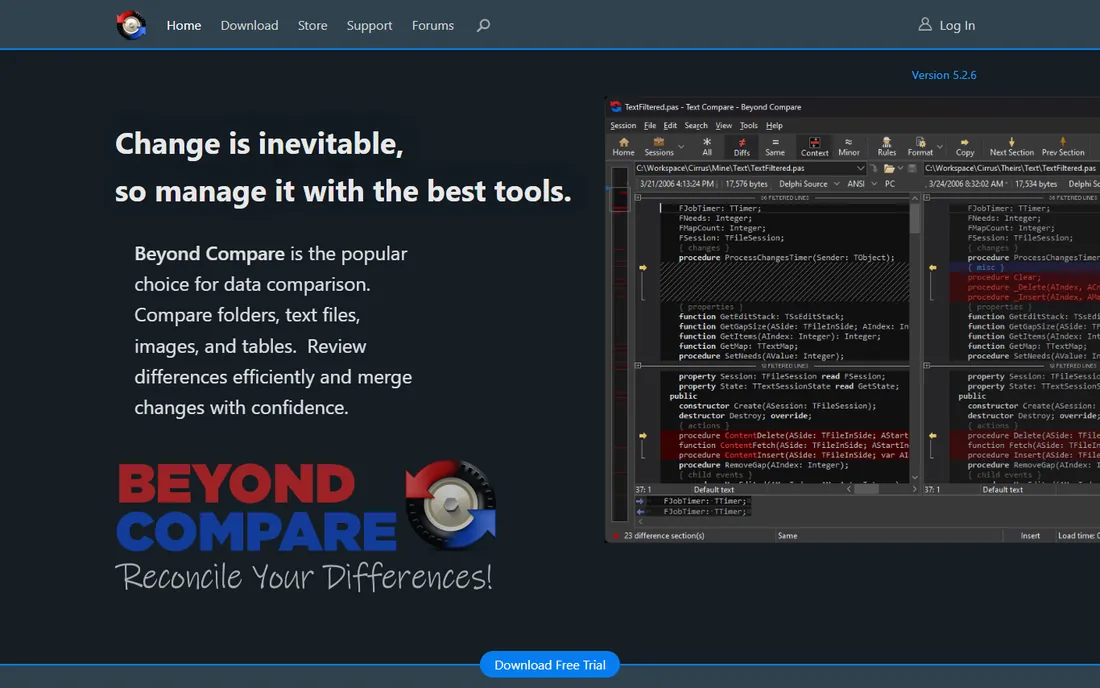
Ask developers which diff tool they would keep if they could only have one, and Beyond Compare wins the poll more often than not. It compares text, folders, images, hex dumps, MP3s, and registry dumps, then goes further with folder synchronization, automated scripting, and SFTP support. The comparison rules are deeply customizable, so you can ignore whitespace, comments, or timestamps exactly the way you want.
The pricing is refreshingly old-school: $35 for Standard or $70 for Pro as a one-time perpetual license, with volume discounts and no annual renewal. Minor updates are free forever. The honest catch is the interface, which prioritizes density over design, and the sheer depth of options can overwhelm newcomers. For anyone who diffs daily across Windows, Mac, or Linux, it is the safest purchase in this category.
What we like- Compares files, folders, images, and even archives
- Folder sync and scripting built in
- Perpetual license with no subscription
Watch out for- Interface is functional rather than beautiful
- Pro features like three-way merge cost $70
- Learning curve for advanced rules
Starting priceFree
Free planYes
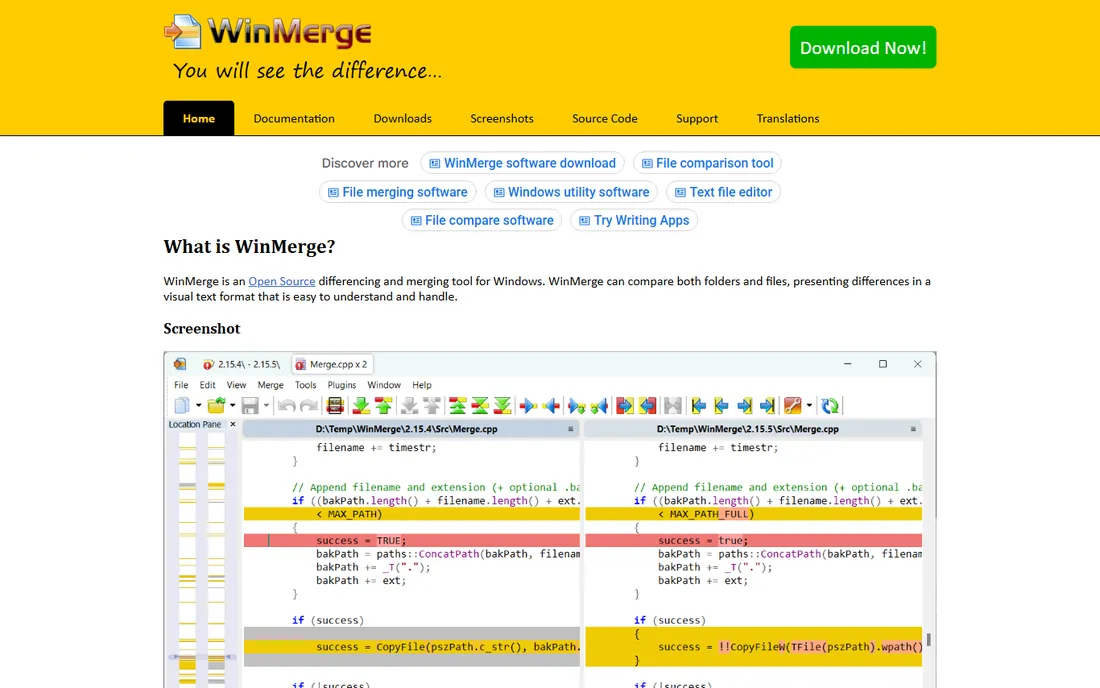
WinMerge has been the free diff tool of choice on Windows since 2000, and active development continues with new releases in 2025. It handles visual file comparison with syntax highlighting, three-way merging, folder comparison with regex filters, and patch file generation. Shell integration means you can right-click two files in Explorer and diff them instantly.
Everything is free under the GPL, with no paid tier at all. The limitations are platform and polish: it is Windows-only, and the interface looks like the era it comes from. Binary file comparison is basic compared with Beyond Compare. For Windows users who need a capable diff tool at zero cost, WinMerge remains the default recommendation.
What we like- Completely free and open source
- Folder comparison with filters
- Shell integration for right-click diffs
Watch out for- Windows-only
- Interface shows its age
- Weaker on binary and image comparison
#3
Araxis Merge
Best for: professional code comparison and merging
Visit araxis.com
Starting priceSee website
Free planFree trial
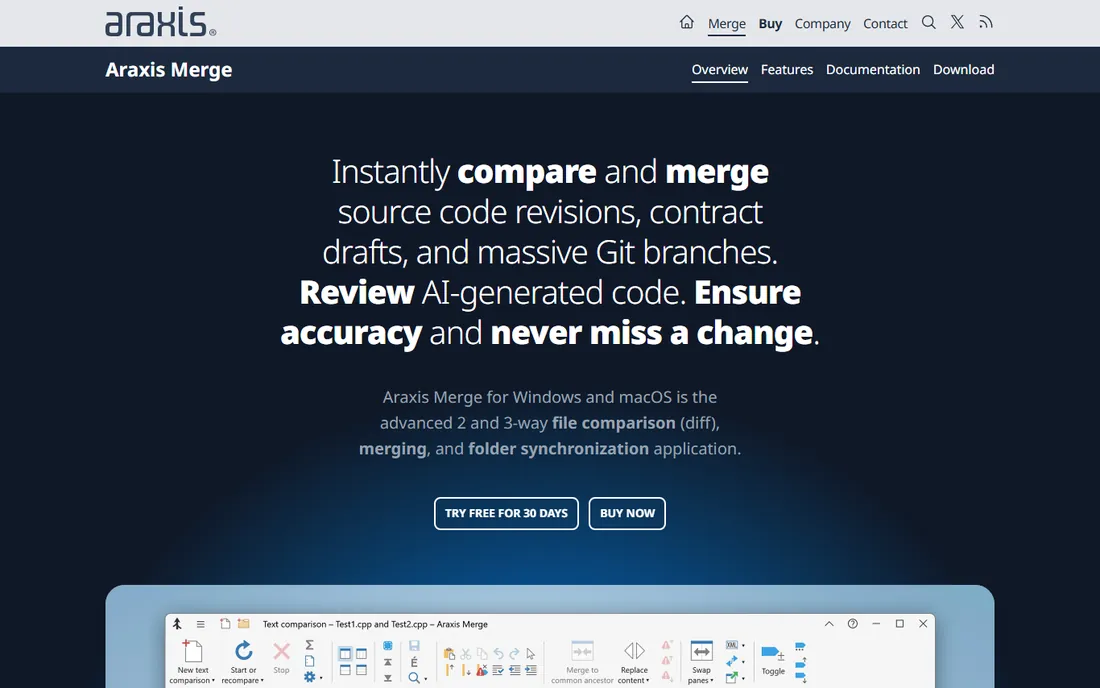
Araxis Merge is the connoisseur's diff tool, built for people who review complex merges for a living. Its three-way comparison view is widely considered the clearest in the business, and it handles large files and folder hierarchies with ease. Beyond developers, law firms and publishers use it to compare Word documents and PDFs with precision.
The product page is refreshingly honest about what it does, and the quality of the merge engine justifies the premium positioning. The catch is cost: this is the most expensive per-seat option here, and it covers Windows and Mac only. If your team merges code daily and billing rates are high, the time Merge saves pays for itself; for occasional diffing, the free tools suffice.
What we like- Superb three-way merge interface
- Handles large files well
- Trusted in legal and publishing for document comparison
Watch out for- Premium pricing
- Windows and Mac only
- Fewer automation features than Beyond Compare
Starting price$8/month ($96/year)
Free planFree trial
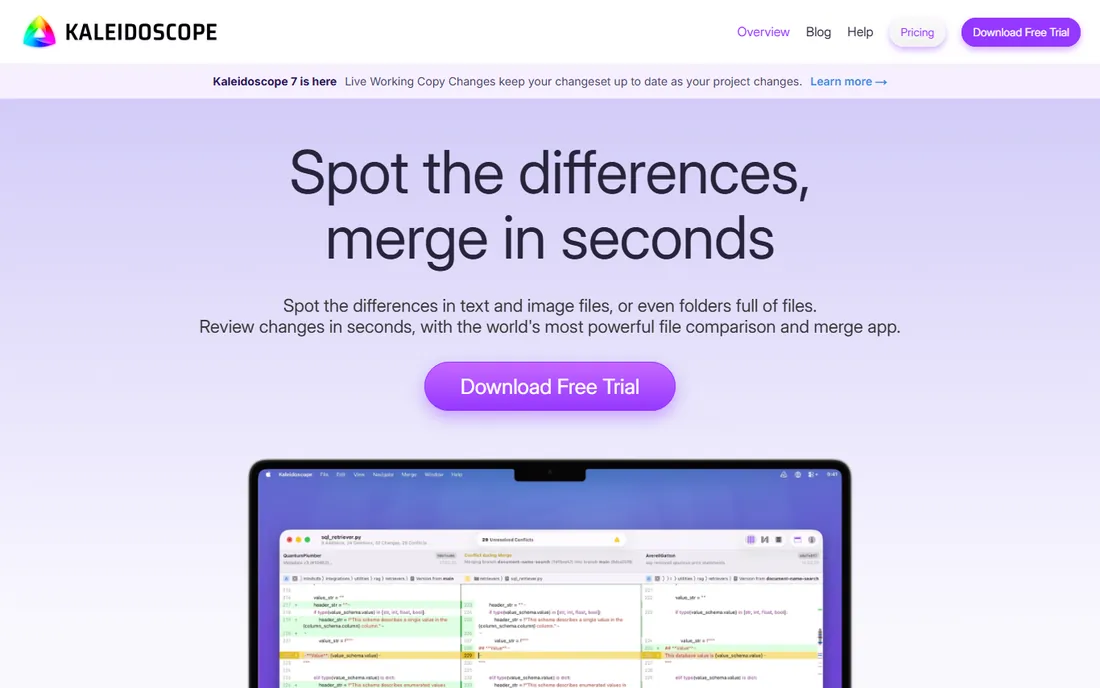
Kaleidoscope is what happens when a diff tool is designed exclusively for the Mac. Text comparison is clean and fast, but the standout is image comparison: split, blink, drag, and pixel-diff modes make it genuinely useful for designers and iOS developers comparing visual assets. Git integration keeps getting better, with changesets, file history, and live working-copy updates.
Pricing moved to a subscription at $8 per month or $96 per year for individuals, which stings for a utility. The Mac-only limitation is absolute. But for Mac developers and designers who review diffs constantly, Kaleidoscope is the most pleasant way to do it, and the Git-aware workflow saves real time during code review.
What we like- The most beautiful diff interface on Mac
- Excellent image comparison modes
- Deep Git integration with changesets
Watch out for- Mac only
- Subscription pricing
- Overkill if you just need occasional text diffs
Starting priceFree
Free planYes
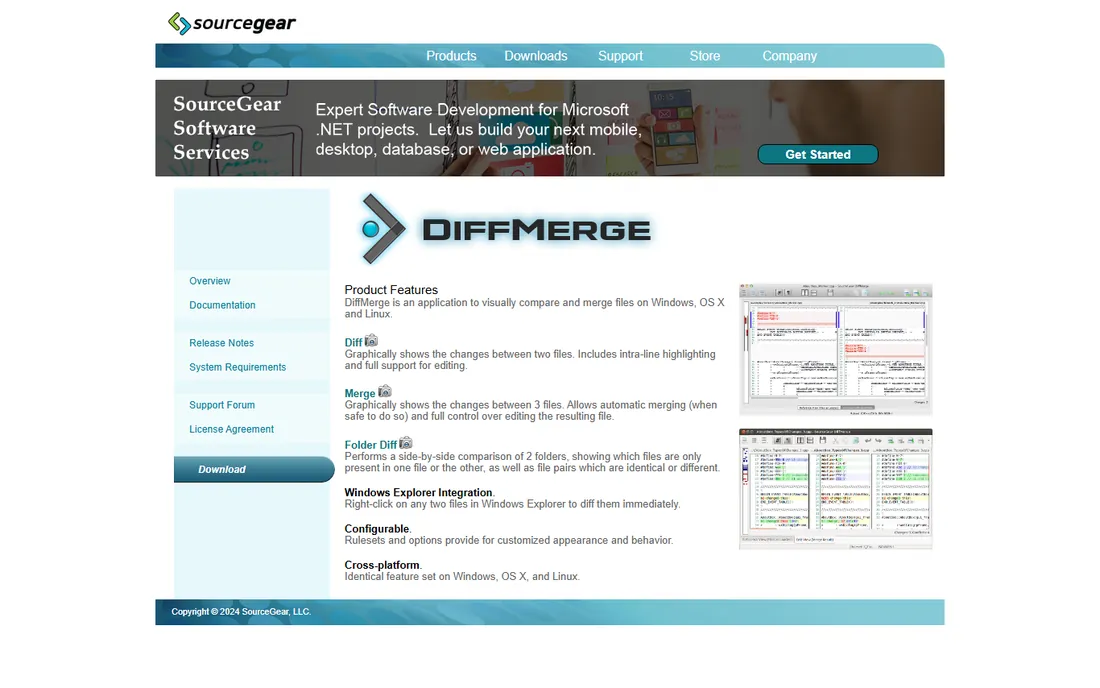
SourceGear's DiffMerge is a time capsule: a free, capable three-way merge tool whose last release was in 2009, yet it still works. It graphically compares two files with intra-line highlighting, merges three files with automatic conflict resolution, and diffs folders side by side, identically on Windows, Mac, and Linux. Registration is optional and free.
The age shows everywhere, from the interface to the lack of Git awareness. But for a free cross-platform three-way merge with no account, no trial clock, and no upsell, DiffMerge remains oddly useful, especially on Linux where options are thinner. Just do not expect updates or support; this is abandonware that happens to still run.
What we like- Free three-way file merge
- Identical on Windows, Mac, and Linux
- Explorer integration on Windows
Watch out for- Not updated since 2009
- Interface feels frozen in time
- No support for modern workflows
Starting priceFree
Free planYes
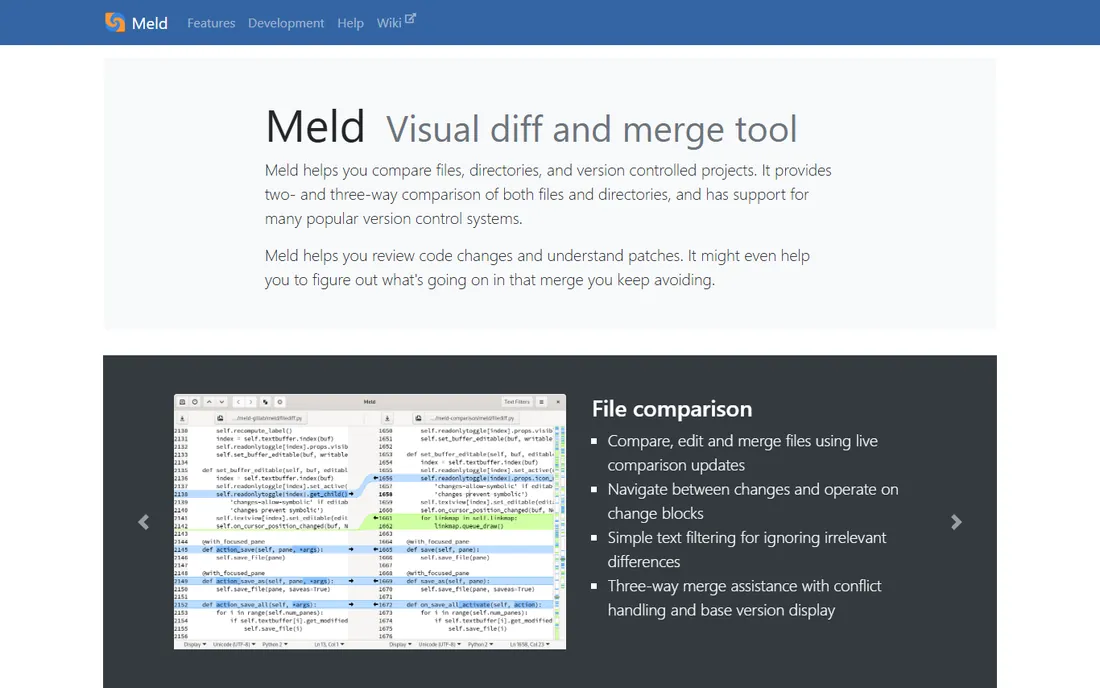
Meld is the diff tool Linux developers reach for. It compares files and directories two- or three-way, edits files live with comparison updates, and understands version control: you can review uncommitted changes, browse history, and use it as your git mergetool. It is free under the GPL and actively maintained, with new releases through 2026.
The interface is clean and tabbed, letting you run multiple comparisons at once. The catch is platform priority: Meld shines on Linux, while the Windows and Mac builds work but feel less native. On very large folder trees it can lag behind Beyond Compare. For Linux users who want a free, capable visual diff with version control baked in, Meld is the answer.
What we like- Free and open source
- Two- and three-way file and folder comparison
- Built-in Git, Mercurial, and SVN support
Watch out for- Linux-first with rougher Windows and Mac ports
- GTK interface quirks
- Slower on very large comparisons
Starting price$37.99 one-time (Standard)
Free planFree trial
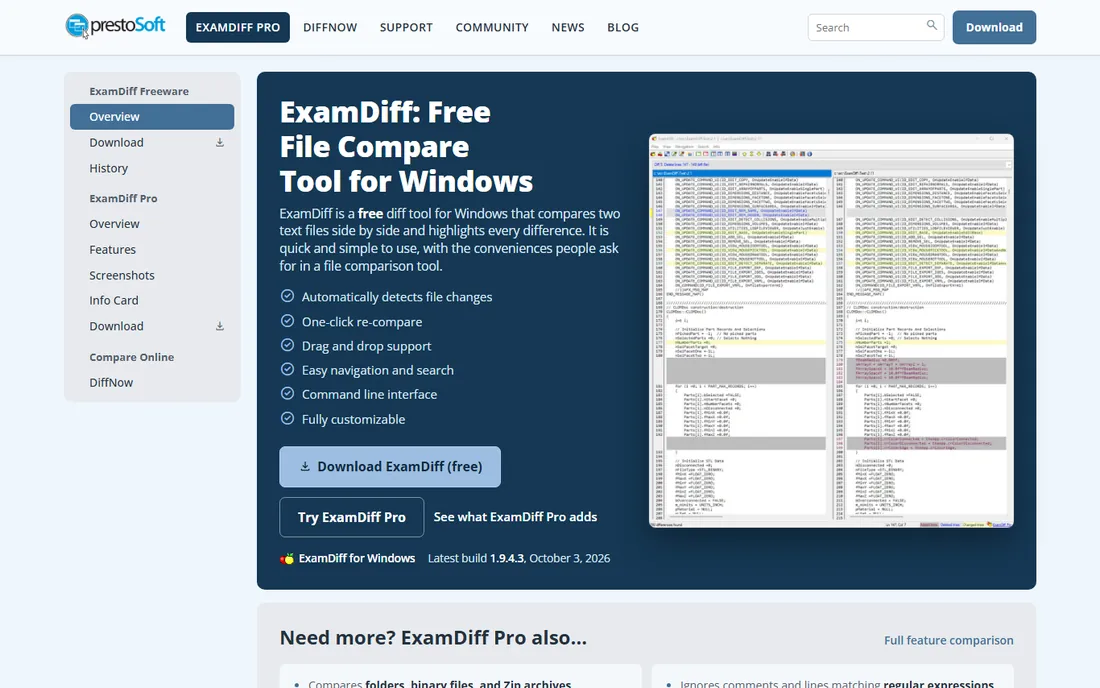
ExamDiff Pro is a no-nonsense Windows comparison tool that has been quietly doing its job since the late 1990s. It compares files and folders quickly, handles binary files like DLLs and EXEs that choke simpler tools, and can save differences as standard diff files or HTML reports. Testers use it to validate output against baselines, and developers use it to sync machines.
The Standard edition costs $37.99 as a one-time license, with a Master edition at $54.99 adding advanced features. The interface will not win design awards, and it is Windows-only. But if you want a fast, cheap, perpetual-license diff tool without a subscription or a learning curve, ExamDiff Pro delivers.
What we like- Fast and lightweight on Windows
- Can compare binary files including DLLs
- One-time license under $40
Watch out for- Windows-only
- Dated interface
- Master edition needed for advanced features at $54.99
Text diff vs. folder sync: know which job you have
Most people reach for a diff tool to compare two files, but the harder job is keeping two folder trees in sync. Beyond Compare and ExamDiff Pro both handle folder comparison and synchronization, which matters when you are reconciling a laptop with a desktop or auditing a deployment. If your work is mostly code review inside Git, your IDE's built-in diff plus Kaleidoscope or Meld as an external mergetool may be all you need. Buy for the job you do weekly, not the one you imagine.
How to choose the right file comparison software
Start with your operating system, because it eliminates half the list immediately. Windows users choose between free WinMerge, cheap ExamDiff Pro, or the full-featured Beyond Compare. Mac users who diff constantly should trial Kaleidoscope; everyone else can use the free DiffMerge or Meld builds. Linux users get Meld free or Beyond Compare paid.
Then decide how much merging you do. Occasional two-file comparisons are served perfectly by free tools. Daily three-way merges, folder synchronization, and automation justify Beyond Compare Pro or Araxis Merge. All the paid tools here offer trials, so test with your actual files, including the largest ones, before buying. A diff tool that chokes on your real workload is worthless at any price.
How we chose
We compared file comparison tools by reviewing vendor pricing pages, official documentation, and release histories, alongside public reviews on G2, Capterra, Slashdot, and Reddit. We weighed comparison accuracy, merge capabilities, folder sync, platform support, and pricing model. We did not perform hands-on testing.
Frequently asked questions
What is the best free diff tool?
WinMerge on Windows, Meld on Linux, and DiffMerge cross-platform are the best free options. WinMerge is the most actively maintained of the three. All handle two-way file comparison and merging at no cost.
Is Beyond Compare worth paying for?
For anyone who compares files or syncs folders regularly, yes. The $35 Standard license is a one-time purchase, and the folder sync, scripting, and format support go well beyond free tools. Casual users will be fine with WinMerge or Meld.
What is a three-way merge?
A three-way merge compares two changed versions of a file against their common ancestor, which lets the tool automatically resolve changes made in different places and flag only true conflicts. Beyond Compare Pro, Araxis Merge, Kaleidoscope, DiffMerge, and Meld all support it.
Can diff tools compare Word documents or PDFs?
Some can. Araxis Merge compares Word and PDF documents directly, which is why law firms and publishers use it. Beyond Compare handles Word documents through conversion rules. Plain-text diff tools like WinMerge and Meld are best with code and text files.
Do I still need a diff tool if I use Git?
Git has built-in diff, but visual tools make complex merges far easier to review. Most developers set Kaleidoscope, Meld, or Beyond Compare as their external diff and merge tool for Git, using the command line for simple cases and the visual tool for conflicts.
What is the best diff tool for Mac?
Kaleidoscope is the best Mac-native option with the nicest interface and image comparison. Beyond Compare also runs on Mac with more features at a lower one-time price. DiffMerge and Meld have Mac builds that are free but less polished.
Sources we checked (7)
- https://www.scootersoftware.com
- https://winmerge.org
- https://www.araxis.com/merge/index.en
- https://kaleidoscope.app
- http://sourcegear.com/diffmerge/index.html
- https://meldmerge.org
- https://www.prestosoft.com/edp_examdiff.asp
Is your product missing or out of date?
We review this list regularly. Vendors can request a listing, send updated pricing or ask about featured placement.

Shihab Mia · Founder, Rankite
Shihab has spent more than a decade helping SaaS and e-commerce brands grow through search. He writes Rankite's software buying guides from pricing pages, documentation and public user reviews. More about Shihab.