How we make this list: we compare pricing pages, product documentation and public user reviews. Rankite is independent; if a vendor ever pays for a featured spot, that listing is clearly labeled Partner.

Key takeaways
- No single program covers every discipline, so most firms pair a CAD/BIM design tool with a dedicated structural analysis package.
- Autodesk Civil 3D and Bentley OpenRoads Designer dominate road, grading, and land development work in the US; your state DOT's standards often decide which one.
- Structural analysis specialists like STAAD.Pro, SAP2000, and ETABS each have a clear home turf: general structures, bridges and complex systems, and buildings respectively.
- HEC-RAS is free, government-developed, and the accepted standard for river and flood modeling, which makes it an easy addition to any stack.
- Enterprise engineering tools are mostly quote-based or multi-thousand-dollar annual subscriptions, so budget for training time as well as licenses.
Quick comparison
| Tool | Best for | Starting price | Free plan |
|---|
 AutoCAD Civil 3D AutoCAD Civil 3D | road, grading, and land development design | See website | Free trial |
 Bentley OpenRoads Designer Bentley OpenRoads Designer | DOT roadway projects and corridor modeling | $7,226/year | Trial on request |
 STAAD.Pro STAAD.Pro | general structural analysis and code checks | $3,995/year | Trial on request |
 SAP2000 SAP2000 | bridges and complex structural systems | See website | Free trial |
 ETABS ETABS | building analysis and high-rise design | See website | Free trial |
 Tekla Structures Tekla Structures | structural detailing and constructible BIM | See website | Free trial |
 Autodesk Revit Autodesk Revit | multi-discipline building information modeling | See website | Free trial |
 HEC-RAS HEC-RAS | river hydraulics and floodplain modeling | Free | Yes |
Is your product missing or out of date?
We review this list regularly. Vendors can request a listing, send updated pricing or ask about featured placement.
The best civil engineering software
A county engineering office in Pennsylvania kept paying outside consultants to convert survey files into plan sheets because the in-house CAD license only did basic drafting. One parametric civil design subscription replaced both the conversion fees and the drafting backlog within a year. Civil engineering software is the infrastructure behind infrastructure: the tools that turn survey data into roads, structures and drainage that get built.
#1
AutoCAD Civil 3D
Best for: road, grading, and land development design
Visit autodesk.com
Starting priceSee website
Free planFree trial
Civil 3D is the default answer for a reason. Most American civil firms live in it for site grading, road design, drainage networks, and plan production, and it plugs directly into the Autodesk ecosystem your architects and surveyors already use. If you hire entry-level engineers, odds are they learned on it in school, which shortens onboarding noticeably.
The parametric model is the real payoff. Change an alignment and the corridors, profiles, sections, and quantity tables update with it, which cuts the drafting churn that eats budgets on design-build projects. Pipe network design and pressure network tools handle storm and sanitary systems in the same model as the road. Where it strains is very large datasets and projects where you need true BIM coordination across disciplines, and the price is never trivial. For most mid-size civil practices, though, this is the starting point.
What we like- Industry standard for US civil design
- Parametric model keeps plans, profiles, and quantities in sync
- Strong corridor and pipe network tools
Watch out for- Windows-only
- Steep learning curve for teams coming from plain AutoCAD
- Subscription pricing adds up across a full office
#2
Bentley OpenRoads Designer
Best for: DOT roadway projects and corridor modeling
Visit bentley.com
Starting price$7,226/year
Free planTrial on request
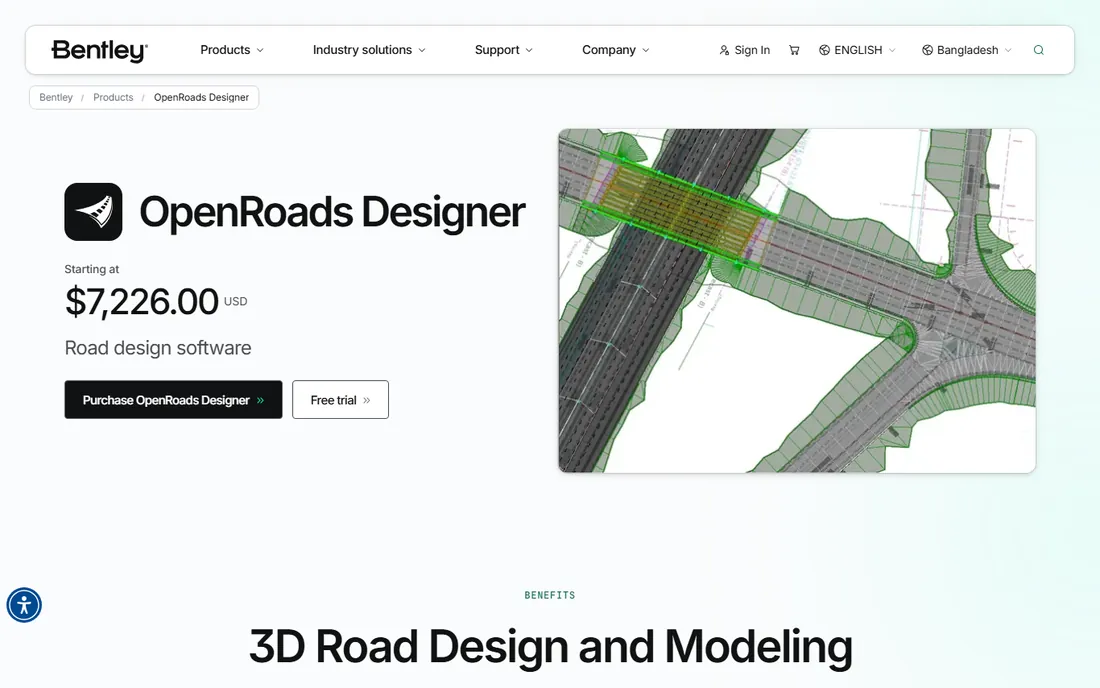
OpenRoads Designer is the road-builder's answer to Civil 3D. It absorbed the capabilities of InRoads, GEOPAK, and MX into one application, so agencies and contractors on state highway projects get survey, drainage, geotechnical, and roadway design without juggling four programs. Bentley lists it starting at $7,226 for a 12-month Virtuoso subscription, which puts it firmly in the enterprise tier.
The decisive factor is usually the client, not the firm. Many state DOTs and large transportation agencies standardize on Bentley workflows, and if your work flows through one of them, OpenRoads is nearly mandatory. It handles enormous terrain datasets and point clouds that can choke lighter CAD tools, and its iTwin and ProjectWise integrations suit multi-discipline project teams. The honest catch is the talent pool: hiring experienced OpenRoads modelers is harder in some US regions than hiring Civil 3D users, and training is not cheap.
What we like- Built for DOT-scale highway work
- Unified survey, drainage, and roadway tools in one model
- Handles massive point clouds and terrain data well
Watch out for- Premium price point
- Smaller talent pool than Civil 3D in some US markets
- Interface takes real time to master
Starting price$3,995/year
Free planTrial on request
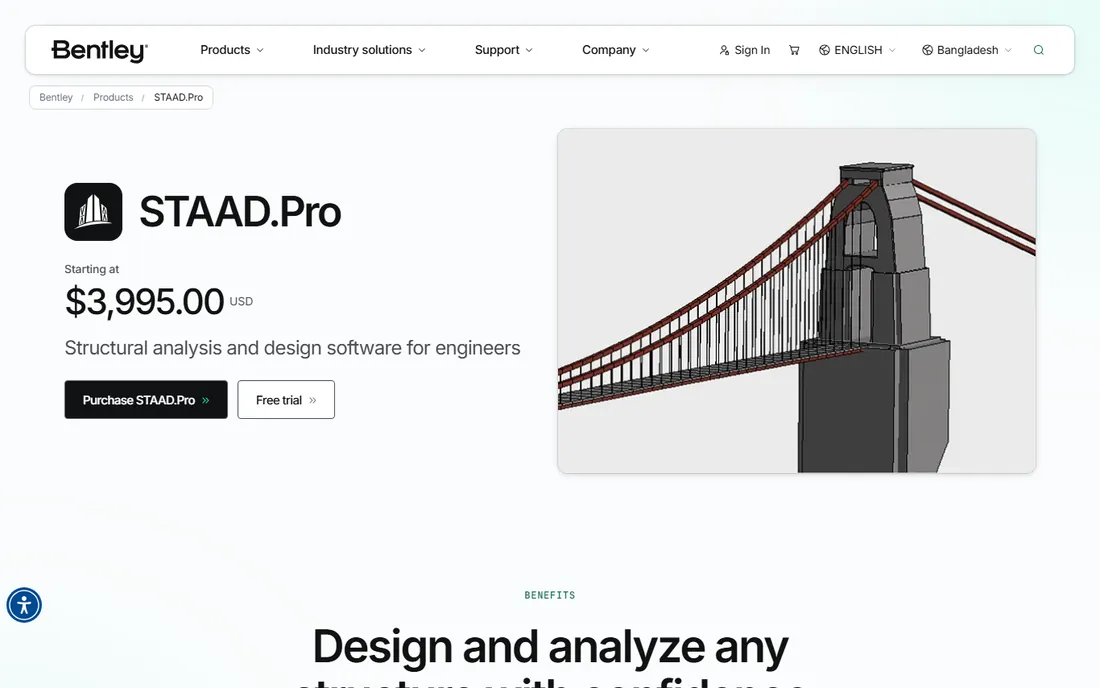
STAAD.Pro is the workhorse of structural engineering, and the numbers back that up: Bentley positions it as one of the most widely used structural analysis tools in the world, with support for more than 90 steel, concrete, timber, and aluminum design codes. Pricing starts at $3,995 for a 12-month Virtuoso subscription, with advanced tiers at $5,490 for nonlinear analysis and concrete detailing.
For a structural group that analyzes everything from buildings to towers to industrial plants, STAAD.Pro is the safe generalist pick. It handles static, dynamic, wind, seismic, and moving-load analysis, and the OpenSTAAD API lets firms script repetitive tasks instead of paying engineers to click through them. The trade-off is age: the interface shows its history, and new engineers often need real mentorship before their models can be trusted. It is a tool that rewards experienced users and frustrates impatient ones.
What we like- Supports 90-plus international design codes
- Strong FEM analysis from simple frames to complex structures
- OpenSTAAD API for automation
Watch out for- Interface feels dated next to newer tools
- Physical-to-analytical modeling takes practice
- Advanced features push into higher pricing tiers
Starting priceSee website
Free planFree trial
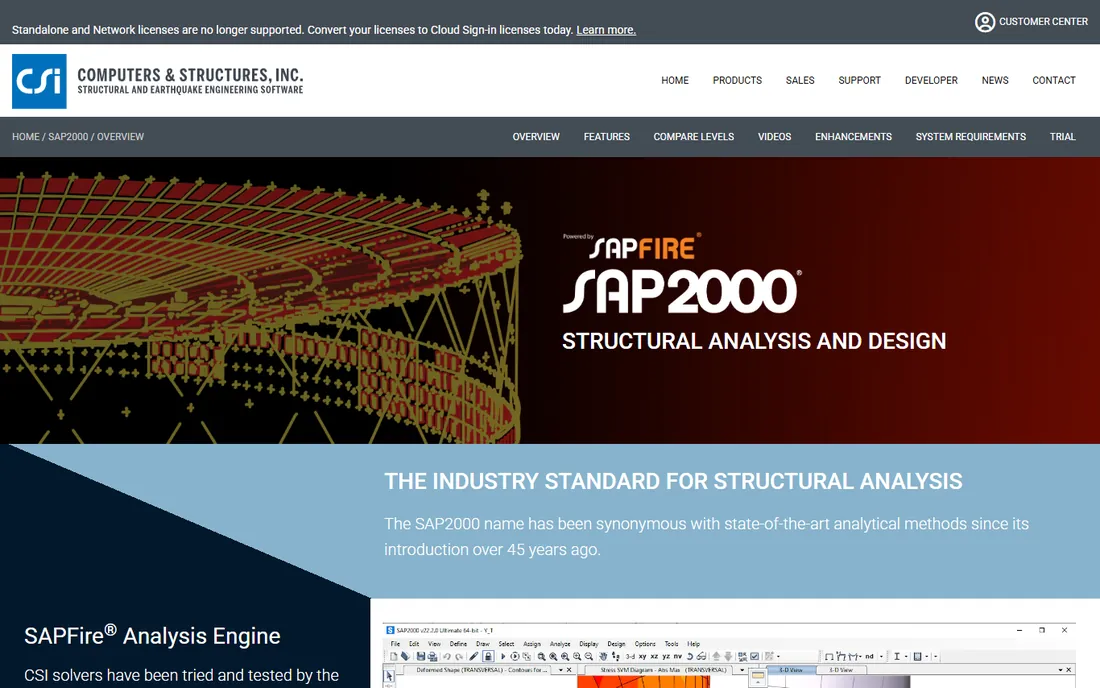
SAP2000 is the engineer's engineer tool. Developed by Computers and Structures, Inc. (CSI), it is the package firms reach for when the structure does not fit neatly in a box: bridges, dams, stadiums, offshore structures, and anything with unusual geometry or loading. Its finite element modeling is famously flexible, letting you model exactly what you need rather than forcing the structure into a template.
That flexibility comes with pricing that CSI keeps behind a quote request, and with a depth that can slow down simple work. For routine commercial buildings, ETABS (its CSI sibling) is usually the faster choice. But when a project involves complex geometry, seismic retrofitting, or specialized structures, SAP2000 is often the only tool in the office that can answer the question. Mid-size firms that touch infrastructure or specialty work should keep it in the stable.
What we like- Exceptional finite element modeling flexibility
- Trusted for bridges, dams, and specialty structures
- Strong interoperability with CSI's other tools
Watch out for- Quote-based pricing
- Overkill for routine building frames
- Learning curve for advanced modeling features
Starting priceSee website
Free planFree trial

ETABS is the building specialist in the CSI family. If your structural practice is mostly buildings, from mid-rise concrete frames to high-rise towers, ETABS models them faster and more naturally than general-purpose FEM packages. It understands building systems natively: floor diaphragms, shear walls, core structures, and the load paths that actually govern building design.
Pricing is quote-based through CSI, consistent with its enterprise positioning. The honest limitation is scope: ETABS shines on buildings and struggles with the odd geometry that SAP2000 handles gracefully, so firms with varied project types often license both. For a structural group focused on commercial and residential buildings, though, ETABS is the most productive analysis environment you can buy, and its widespread use in engineering schools keeps the hiring pipeline healthy.
What we like- Purpose-built for building systems
- Efficient modeling for high-rise and concrete frame design
- Well-documented and widely taught
Watch out for- Quote-based pricing
- Limited appeal outside building structures
- Less flexible than SAP2000 for non-building geometry
#6
Tekla Structures
Best for: structural detailing and constructible BIM
Visit tekla.com
Starting priceSee website
Free planFree trial
Tekla Structures, now part of Trimble, occupies a different seat than the analysis tools. It is a detailing and constructible modeling tool: the software that turns an engineered design into the exact 3D model steel fabricators and concrete contractors build from. Its models are dense with real-world detail, down to bolts, welds, and rebar bends.
That precision makes Tekla the standard in structural steel detailing and increasingly in precast and cast-in-place concrete. Pricing is quote-based, and the learning curve is real, but the payoff shows up in the shop: fewer RFIs, cleaner fabrication data, and clash-free site work. Most firms use Tekla alongside an analysis package rather than instead of one, with engineers designing in STAAD or SAP2000 and detailers building the constructible model in Tekla.
What we like- Extremely detailed, constructible 3D models
- Industry standard for steel detailing
- Strong fabrication and site coordination workflows
Watch out for- Quote-based pricing
- Specialized focus means a separate design model is often needed
- Steep learning curve
#7
Autodesk Revit
Best for: multi-discipline building information modeling
Visit autodesk.com
Starting priceSee website
Free planFree trial
Revit is where architecture, structure, and MEP meet in one model. For civil firms that do building-related work, or structural groups that coordinate with architects, Revit is the common language of the industry. Its parametric components mean a change to a wall or beam propagates through plans, sections, schedules, and quantities automatically.
Autodesk sells it by subscription with a free trial available, and students get free educational access, which keeps the talent pipeline strong. Be clear about what it is not: Revit is a building tool, not a road or site design tool, and firms that try to force civil workflows into it usually regret it. Used correctly, as the coordination platform for building projects alongside Civil 3D for the site, it is close to indispensable.
What we like- The dominant BIM platform for buildings
- Parametric components keep documentation consistent
- Deep ecosystem of add-ins and content
Watch out for- Subscription cost per seat
- Not a civil site design tool
- Heavy models demand capable hardware
Starting priceFree
Free planYes
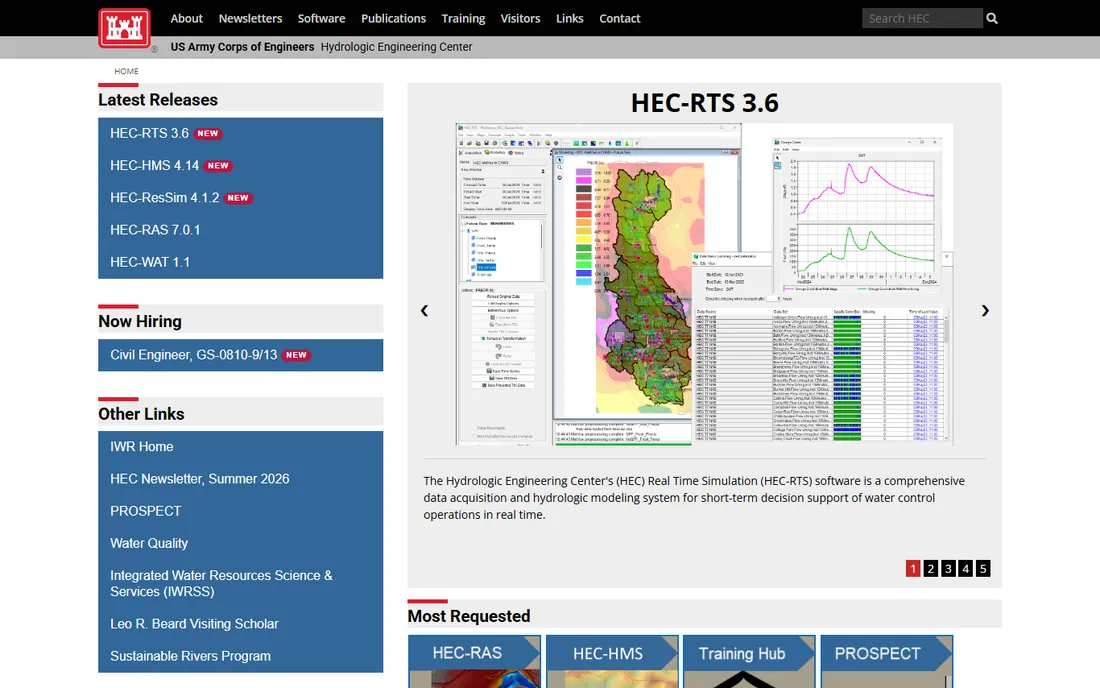
HEC-RAS is the easiest recommendation on this list. Developed by the US Army Corps of Engineers, it is free, and it is the standard tool for river hydraulics, floodplain mapping, bridge scour analysis, and FEMA flood studies across the country. The current release includes one-dimensional steady and 1D/2D unsteady flow modeling.
There is no pricing decision to make and no license server to maintain, which makes it a natural companion to every other tool here. The interface prioritizes function over beauty, and formal support is essentially the documentation plus a large user community. But for water resources work, its authority is unmatched: regulators accept its output, peers understand its files, and clients never question the license. Every civil firm that touches water should have it installed.
What we like- Completely free
- The accepted standard for FEMA floodplain studies
- 1D and 2D unsteady flow modeling included
Watch out for- Windows-only desktop software
- Interface is functional rather than polished
- Support comes from the user community
How we chose
We started from the disciplines that define civil engineering practice: site and roadway design, structural analysis and detailing, building information modeling, and water resources. For each, we looked for tools with genuine professional adoption in the US market, verifiable current vendor pages, and pricing we could confirm from the vendor's own site rather than third-party aggregators. Enterprise products that sell through quotes were included when their market position made them impossible to ignore, and we noted the pricing model honestly instead of inventing numbers. We did not run hands-on tests; this ranking reflects documented capabilities, vendor-published pricing, and industry standing.
What to match to your project type before you buy
Start with the work you actually sell. A land development firm that designs subdivisions, grading plans, and local roads should anchor on Civil 3D, while a transportation practice chasing DOT work should price OpenRoads Designer into its budget and check which platform its target agencies standardize on. Switching design platforms mid-contract is expensive, so this decision deserves more research than any other on the list.
Structural groups should separate analysis from detailing in their thinking. STAAD.Pro covers general analysis for most firms; ETABS earns its seat when buildings are the main revenue; SAP2000 is the answer for bridges and unusual structures; Tekla Structures belongs to the detailing and fabrication side. Few mid-size firms need all four on day one, but knowing which gap hurts first tells you where to spend.
Finally, treat BIM and water resources as infrastructure decisions, not software purchases. Revit is the coordination platform your building partners expect you to speak, and HEC-RAS costs nothing while satisfying regulators. Budget realistically for training on every paid tool here: the license is often the smaller expense compared to the months it takes a team to become productive.
Where the industry is heading
Two trends are reshaping civil engineering software, and both show up in the tools above. The first is the move from drawings to data-rich models that follow a project from survey through construction and into operations. Bentley's digital twin integrations and Autodesk's cloud collaboration tools both point the same way: the deliverable is becoming the model, not the sheet set. Firms that build model-first workflows now will have an easier time bidding on the projects of the next decade.
The second is the quiet arrival of AI-assisted design. Civil 3D and Revit both now ship AI-powered assistants that answer questions inside the product, and OpenRoads has begun adding AI-driven plan cleanup features. These are helpers, not replacements, and every vendor still expects engineers to verify results. The firms that benefit most will be the ones that treat AI as a way to clear routine drafting work so their engineers spend more time on judgment calls. Neither trend changes the fundamentals: sound engineering judgment, checked models, and clear documentation still win work.
Frequently asked questions
Do I need both Civil 3D and Revit?
Most firms that do both site work and buildings do. Civil 3D handles roads, grading, and utility design; Revit handles buildings and multi-discipline coordination. They serve different parts of a project and exchange data through standard formats, so the combination is common rather than redundant.
Which structural analysis software should a small firm start with?
For general building and commercial work, STAAD.Pro or ETABS are the usual starting points, with ETABS preferred if buildings dominate and STAAD.Pro if project types vary. Add SAP2000 when bridges or specialty structures enter the pipeline, and Tekla when you bring detailing in-house.
Is HEC-RAS really free for commercial use?
Yes. HEC-RAS is developed by the US Army Corps of Engineers and is available at no cost, including for commercial engineering work. It is widely accepted by FEMA and state regulators for floodplain studies, which is why it appears in nearly every water resources practice.
Why do some of these tools only show quote-based pricing?
Enterprise engineering software is typically licensed per seat or per project with negotiated terms, training, and support bundled in, so vendors like CSI and Trimble sell through quotes rather than public price lists. Where vendors do publish prices, such as Bentley's Virtuoso subscriptions, we listed them.
Can these tools run on Mac?
Mostly no. Civil 3D, STAAD.Pro, ETABS, SAP2000, and HEC-RAS are Windows applications. Firms with Mac users typically run them through Windows virtualization or keep dedicated Windows workstations for engineering, which is worth budgeting for before you buy.
How long does it take a team to become productive with these tools?
Expect three to six months of guided use before engineers work independently on production projects, and longer for complex tools like Tekla Structures or OpenRoads Designer. Training programs from the vendors and experienced in-house mentors both shorten this significantly.
Sources we checked (7)
- https://www.autodesk.com/products/civil-3d/overview
- https://www.autodesk.com/products/revit/overview
- https://www.bentley.com/software/openroads-designer/
- https://www.bentley.com/products/staad-pro/
- https://www.csiamerica.com/
- https://www.tekla.com/
- https://www.hec.usace.army.mil/
Is your product missing or out of date?
We review this list regularly. Vendors can request a listing, send updated pricing or ask about featured placement.

Shihab Mia · Founder, Rankite
Shihab has spent more than a decade helping SaaS and e-commerce brands grow through search. He writes Rankite's software buying guides from pricing pages, documentation and public user reviews. More about Shihab.