How we make this list: we compare pricing pages, product documentation and public user reviews. Rankite is independent; if a vendor ever pays for a featured spot, that listing is clearly labeled Partner.
Key takeaways
- Seven of the nine slicers here are completely free: paid slicing software only makes sense for resin production (ChiTuBox Pro $169/year, Lychee Pro ~$60/year).
- FDM beginners should start with their printer maker's slicer: Bambu Studio for Bambu Lab, PrusaSlicer for Prusa, Cura for everything else.
- OrcaSlicer is the enthusiast favorite: Bambu Studio's engine with broader printer support and deeper calibration tools, free and open source.
- Resin printing is a separate world: ChiTuBox and Lychee Slicer handle supports, hollowing and orientation in ways FDM slicers do not.
Quick comparison
| Tool | Best for | Starting price | Free plan |
|---|
 UltiMaker Cura UltiMaker Cura | Beginners and anyone with a non-Bambu, non-Prusa printer | Free | Yes |
 PrusaSlicer PrusaSlicer | Prusa owners and anyone who values print quality | Free (open source) | Yes |
 Bambu Studio Bambu Studio | Bambu Lab printer owners | Free | Yes |
 OrcaSlicer OrcaSlicer | Enthusiasts who want Bambu Studio's speed with universal printer support | Free (open source) | Yes |
 Simplify3D Simplify3D | Veterans who want total manual control over supports | See website | Free trial |
 Lychee Slicer Lychee Slicer | Resin printing with the best auto-supports | Free; Pro ~$60/year | Yes |
 ChiTuBox ChiTuBox | Resin printing on Chitu-based machines | Free; Pro $169/year | Yes |
 IdeaMaker IdeaMaker | Raise3D owners and dual-extrusion printing | Free | Yes |
 SuperSlicer SuperSlicer | Tinkerers who want everything PrusaSlicer has, plus more | Free (open source) | Yes |
Is your product missing or out of date?
We review this list regularly. Vendors can request a listing, send updated pricing or ask about featured placement.
The best slicing software for 3D printing
The slicer is the translator between your 3D model and your printer: it cuts the model into layers, plans the toolpaths, generates supports and writes the machine instructions. A bad slicer wastes filament and weekends; a good one disappears into the workflow. The good news is that free slicers won in this category years ago. These nine cover FDM filament printing and resin printing, which need fundamentally different tools.
#1
UltiMaker Cura
Best for: Beginners and anyone with a non-Bambu, non-Prusa printer
Visit ultimaker.com
Starting priceFree
Free planYes
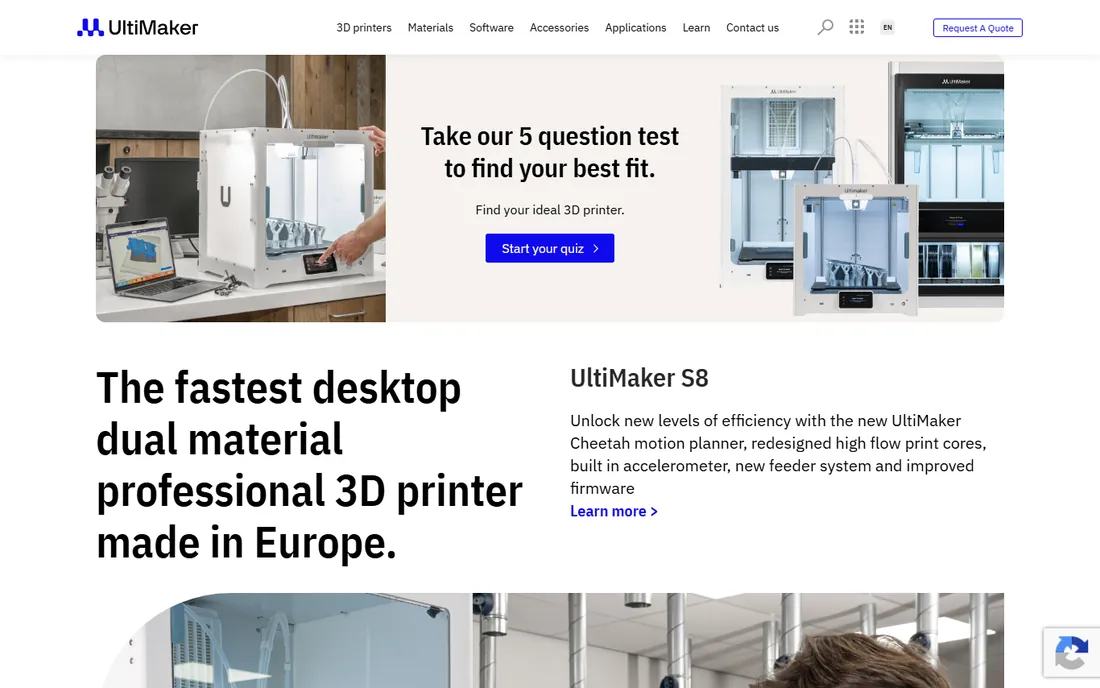
Cura remains the default recommendation for a reason: download it, pick your printer from the enormous list, and print. The recommended mode hides the complexity for beginners, while custom mode exposes over 400 settings for veterans. The plugin marketplace adds everything from calibration tools to special infill patterns.
It is not the fastest slicer anymore: Bambu Studio and OrcaSlicer slice complex models quicker. But for printers without a first-party slicer, which is most of the market, Cura's profile library is unmatched. Free, cross-platform, and community-supported: the safe starting point.
What we like- The widest printer compatibility in the business: hundreds of built-in profiles
- Beginner-friendly recommended mode plus 400-plus settings in custom mode
- Huge plugin marketplace
Watch out for- Slicing speed lags newer engines on complex models
- The interface shows its age
- UltiMaker's commercial tiers ($50/month Professional) confuse the free story
#2
PrusaSlicer
Best for: Prusa owners and anyone who values print quality
Visit prusa3d.com
Starting priceFree (open source)
Free planYes
PrusaSlicer is the thinking person's slicer: open source, precise, and tuned by the company that runs one of the world's largest 3D print farms. The default profiles are genuinely excellent, and features like adaptive layer height, monotonic infill and paint-on supports arrived here before the competitors. It handles multi-material printing with the MMU elegantly.
The learning curve is steeper than Cura's recommended mode, and non-Prusa printers depend on community profiles of varying quality. But for print quality per unit of effort, many experienced makers consider it the best FDM slicer available. Free, with no tiers or upsells: refreshingly honest software.
What we like- Completely free and open source
- Superb default profiles tuned by Prusa's print farm
- Excellent variable layer height, ironing and organic supports
Watch out for- The interface is functional rather than friendly
- Printer support beyond Prusa needs community profiles
- Fewer beginner hand-holding features than Cura
Starting priceFree
Free planYes
If you own a Bambu Lab printer, use Bambu Studio: it is free, it integrates the camera, the AMS multi-color system, one-click calibration and cloud print management, and it slices fast. The beginner experience is the best in the category: profiles are tuned, calibration is guided, and multi-color printing just works.
For non-Bambu printers it is a poor fit, and power users often graduate to OrcaSlicer for deeper control. The cloud dependency bothers the privacy-conscious, though LAN-only mode exists. None of that matters for the target buyer: Bambu owners get the most polished free slicer in printing.
What we like- Purpose-built for Bambu printers: camera monitoring, calibration and multi-color AMS control in one app
- Fast slicing engine
- Genuinely beginner-friendly
Watch out for- Tied to the Bambu ecosystem: limited value for other printers
- Some advanced users find it less configurable than OrcaSlicer
- Cloud features raise privacy questions for some
#4
OrcaSlicer
Best for: Enthusiasts who want Bambu Studio's speed with universal printer support
Visit github.com
Starting priceFree (open source)
Free planYes
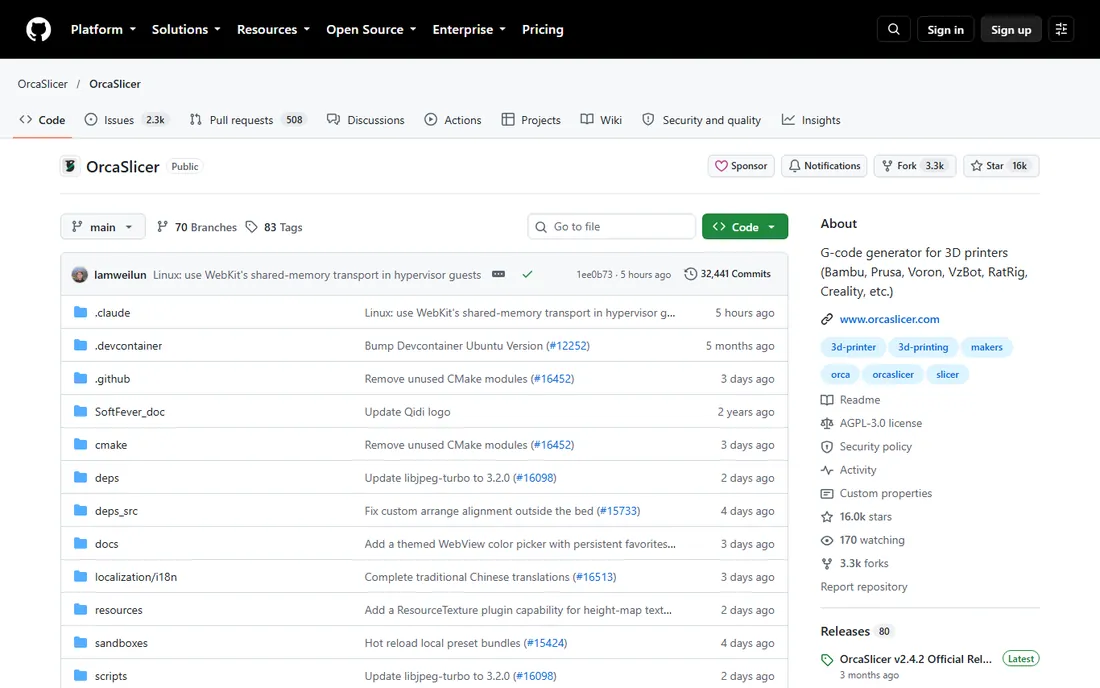
OrcaSlicer is what happens when enthusiasts take Bambu Studio's excellent engine and remove the ecosystem walls: free, open source, supporting hundreds of printers through community profiles, with calibration tests (temperature towers, flow rate, pressure advance) built right in. For experienced makers, it is the most capable free FDM slicer.
The GitHub-only distribution is the main friction: there is no polished download page, and beginners can find the release list intimidating. Profile quality varies by printer. But the calibration suite alone justifies the install: dialing in a new filament takes minutes instead of test-print archaeology.
What we like- Free and open source, built on Bambu Studio's engine
- Supports far more printers with community profiles
- The best built-in calibration tools in any slicer
Watch out for- No official homepage: distributed through GitHub, which confuses beginners
- Community profiles vary in quality
- Development depends on volunteer maintainers
Starting priceSee website
Free planFree trial
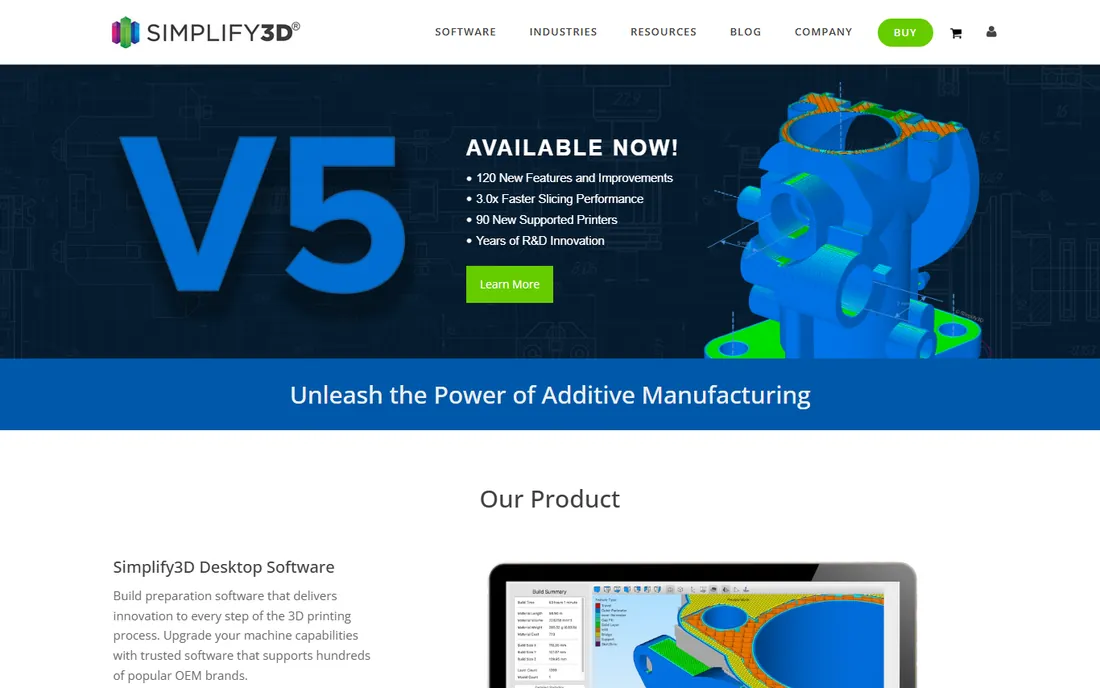
Simplify3D was the premium slicer before the free ones caught up, and its manual support controls remain superb: paint supports exactly where you want them, customize their structure, and preview every layer before committing plastic. Version 5 modernized the interface and added adaptive layering.
The problem is the market moved on. PrusaSlicer, OrcaSlicer and Cura now match or exceed it in most areas for free, and Simplify3D's development has been slow. It still suits veterans with specific workflows and unusual printers. Everyone else should exhaust the free options first: the trial will tell you quickly whether you are the exception.
What we like- The best manual support editing ever put in a slicer: place and customize every support
- Detailed per-layer preview
- Long track record with exotic printers
Watch out for- Paid software in a category where free won: pricing is not prominently published
- Development pace has lagged the open-source slicers
- The value case is hard in 2026
#6
Lychee Slicer
Best for: Resin printing with the best auto-supports
Visit mango3d.io
Starting priceFree; Pro ~$60/year
Free planYes
Lychee Slicer is the resin specialist's choice: where FDM slicers think in layers, Lychee thinks in supports, orientation, hollowing and resin exposure. The auto-support engine is the best in the business, and the one-click magic mode orients, supports and hollows models automatically. The free tier handles hobbyist resin printing completely.
Pro at around $60 a year adds island detection, advanced hollowing and production features that jewelers and dental labs pay back quickly. Note the firmware wars: some Chitu-board printers have restricted third-party slicers, so check your printer's compatibility. For resin, Lychee and ChiTuBox are the two serious options.
What we like- Excellent automatic support generation and orientation tools
- The free tier covers hobbyist resin printing fully
- Magic mode auto-orients and supports with one click
Watch out for- Pro at ~$60 a year gates the advanced features production users want
- Some Chitu-firmware printers restrict third-party slicers
- FDM support is an afterthought
Starting priceFree; Pro $169/year
Free planYes
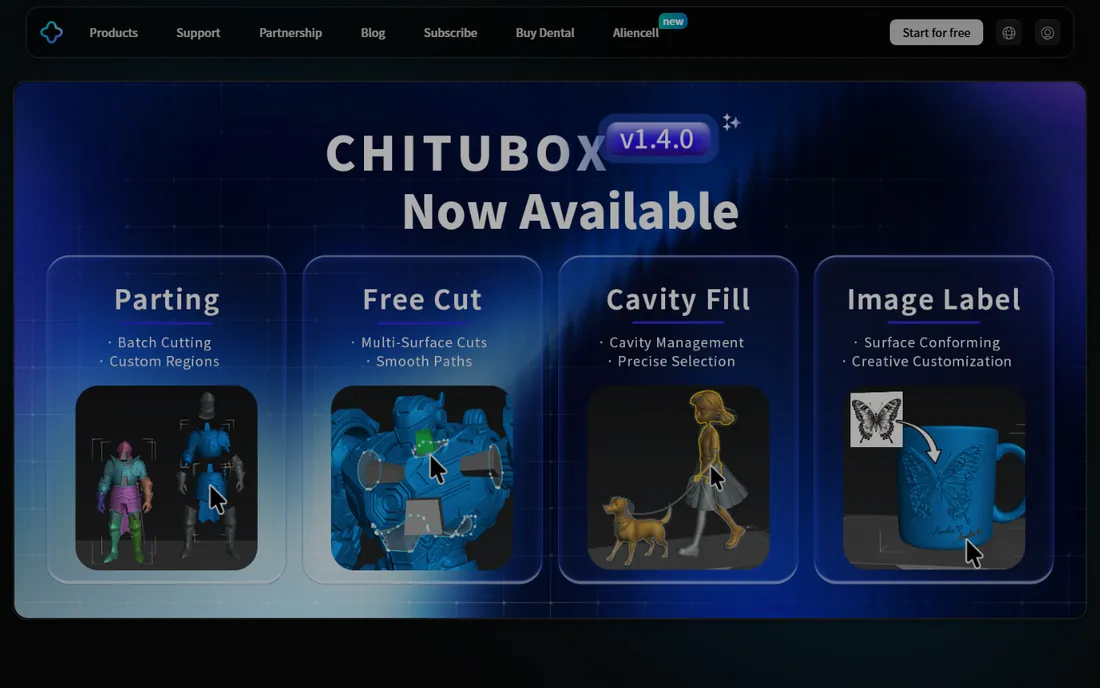
ChiTuBox is unavoidable in resin printing: Chitu mainboards power a huge share of resin printers, and ChiTuBox is their native slicer. The free version handles orientation, supports, hollowing and slicing competently. Pro at $169 a year adds model splitting, boolean operations, multi-selection and repair tools aimed at production users.
The controversy is real: Chitu has used firmware to restrict third-party slicers on some printers, which the community resents. Practically, if your printer runs a Chitu board, ChiTuBox is the path of least resistance. Compare the free version against Lychee before paying for Pro: the price gap is large.
What we like- The native slicer for Chitu mainboards: guaranteed compatibility where third-party slicers are blocked
- Free version covers the essentials
- Pro adds boolean tools, splitting and advanced repair
Watch out for- Pro at $169 a year is steep next to Lychee's ~$60
- The free version withholds genuinely useful tools like model splitting
- The company's firmware restrictions on competitors are controversial
Starting priceFree
Free planYes
IdeaMaker is Raise3D's free slicer, and it is better than most manufacturer slicers: genuinely good dual-extrusion handling, a clean interface, and thoughtful features like per-model settings and template sharing. Remote management ties into Raise3D's printer ecosystem for farm-style control.
Outside Raise3D printers, the appeal fades: profiles exist for other machines but the tuning focus is obvious, and the community is a fraction of Cura's or OrcaSlicer's. If you own a Raise3D, it is the natural choice. Otherwise, the bigger ecosystems serve you better.
What we like- Free with excellent dual-extrusion and multi-material support
- Clean, modern interface
- Remote print management for Raise3D printers
Watch out for- Tuned for Raise3D machines: other printers are second-class citizens
- The community and profile library are smaller than Cura's
- Fewer plugins and extensions
#9
SuperSlicer
Best for: Tinkerers who want everything PrusaSlicer has, plus more
Visit github.com
Starting priceFree (open source)
Free planYes
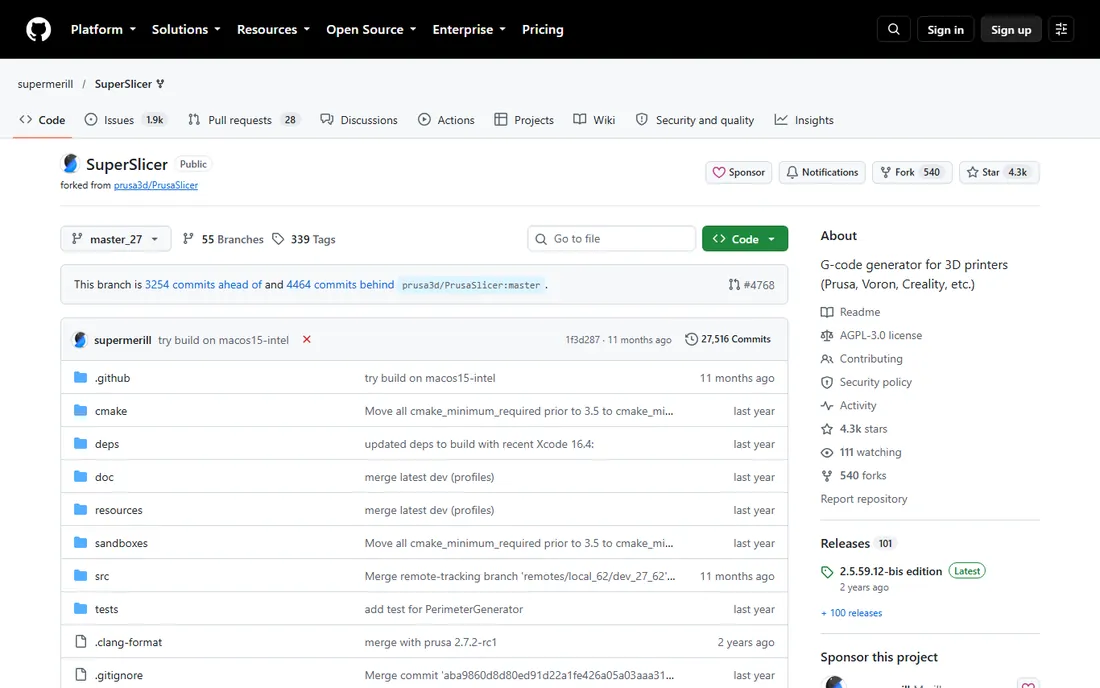
SuperSlicer takes PrusaSlicer's foundation and adds the features power users asked for: more calibration options, finer parameter control, and experimental features that eventually flow downstream. It is free, open source, and beloved by the tuning-obsessed.
The audience is narrow by design: if PrusaSlicer's settings already feel like enough, SuperSlicer's extras are noise. If you calibrate every spool and read release notes for fun, it is your slicer. Beginners should start with PrusaSlicer or Cura and graduate here only when curiosity demands it.
What we like- Free and open source: a PrusaSlicer fork with extra calibration and tuning features
- Deep control over every slicing parameter
- Active enthusiast community
Watch out for- GitHub-only distribution like OrcaSlicer
- The extra options overwhelm beginners
- Development pace depends on a small maintainer team
FDM vs resin: different printers, different slicers
The most important choice is not which slicer but which technology. FDM printers melt plastic filament: the slicer's job is toolpaths, infill and bridging. Resin printers cure liquid with light: the slicer's job is orientation, supports, hollowing and exposure. The skills barely overlap.
FDM beginners should use their printer maker's slicer first: Bambu Studio, PrusaSlicer, or Cura for everything else. Graduate to OrcaSlicer when you want more control. Resin beginners should try both ChiTuBox and Lychee Slicer free tiers on their specific printer, then pay for Pro only when production volume justifies it. Do not use an FDM slicer for resin or vice versa: the physics differ completely.
The profile secret: your printer matters more than your slicer
Experienced makers will tell you the slicer ranking depends on your printer, and they are right. A slicer is only as good as its profile for your specific machine: temperatures, retraction, speeds and accelerations tuned by people who own your printer. OrcaSlicer's community profiles, Cura's built-in library and PrusaSlicer's farm-tuned defaults are all forms of the same advantage.
Before switching slicers for better prints, check profile coverage for your printer. A well-tuned profile in Cura beats a generic profile in a "better" slicer every time. New printer launches typically have thin third-party profile coverage for 6 to 12 months: during that window, the manufacturer's slicer usually wins regardless of rankings.
Frequently asked questions
What is the best free slicer for 3D printing?
For FDM: Cura for the widest printer support, PrusaSlicer for print quality, Bambu Studio for Bambu owners, OrcaSlicer for enthusiasts. For resin: ChiTuBox or Lychee Slicer free tiers. All are completely free; the paid tiers only matter for resin production work.
Do I need a different slicer for resin printing?
Yes. Resin (SLA/DLP) printing needs orientation, support, hollowing and exposure controls that FDM slicers do not provide. ChiTuBox and Lychee Slicer are the two serious resin options, both with free tiers. FDM slicers like Cura cannot produce resin-printable files properly.
Is Simplify3D still worth paying for?
For most users, no: the free slicers have caught up or passed it. Its manual support editing remains excellent, and it suits veterans with unusual printers or specific workflows. Use the free trial against OrcaSlicer or PrusaSlicer on your own models before paying.
Which slicer works with my printer?
Check the slicer's profile library for your exact model before anything else. Cura supports the most printers out of the box. Bambu Studio is for Bambu Lab machines. PrusaSlicer is tuned for Prusa but has community profiles for others. OrcaSlicer's community maintains hundreds of profiles. When in doubt, start with your printer manufacturer's recommendation.
Can I use one slicer for multiple printers?
Yes. Cura, PrusaSlicer, OrcaSlicer and SuperSlicer all manage multiple printer profiles: slice for each machine from one app. Bambu Studio and IdeaMaker can technically do it but are tuned for their own brands. Resin and FDM always need separate slicers.
Why do my prints fail even with good settings?
The usual culprits are mechanical, not software: bed leveling, filament moisture, temperature, and cooling. A slicer cannot fix a wobbly frame or wet filament. Calibrate the printer first (OrcaSlicer's built-in tests help), dry your filament, then blame the slicer.
How we chose
We started with the searches makers run: best slicer for 3D printing, Cura vs PrusaSlicer vs OrcaSlicer, best resin slicer and Simplify3D worth it. For each candidate we verified it is actively maintained in 2026, confirmed whether it serves FDM, resin or both, and checked pricing from vendor pages and recent reviews. Community standing mattered: in this category, the profile library is the product.
Sources we checked (4)
- https://3dprinting.com/software-guides/best-3d-printer-slicers/
- https://uk.anycubic.com/blogs/3d-printing-guides/top-5-best-3d-printing-slicer-software-for-fdm-printers?_pos=1&_sid=9cf28f3a3&_ss=r
- https://www.tomshardware.com/features/6-best-3d-printer-slicers-and-how-to-use-them
- https://3dprintingindustry.com/?p=199466
Is your product missing or out of date?
We review this list regularly. Vendors can request a listing, send updated pricing or ask about featured placement.

Shihab Mia · Founder, Rankite
Shihab has spent more than a decade helping SaaS and e-commerce brands grow through search. He writes Rankite's software buying guides from pricing pages, documentation and public user reviews. More about Shihab.