How we make this list: we compare pricing pages, product documentation and public user reviews. Rankite is independent; if a vendor ever pays for a featured spot, that listing is clearly labeled Partner.
Key takeaways
- PrusaSlicer and Ultimaker Cura are free, open and excellent: most FDM owners never need anything else.
- Bambu Studio is the pick if you run Bambu Lab printers; OrcaSlicer is the community favorite for everything else.
- Simplify3D ($199 one-time) still sells on support control and multi-process profiles for production shops.
- Resin printers need a different slicer: Lychee Slicer and ChiTuBox lead, both with free versions and paid Pro tiers.
- Slicing is free almost everywhere now; pay only when a paid tier's supports or workflow saves you real failed prints.
Quick comparison
| Tool | Best for | Starting price | Free plan |
|---|
 PrusaSlicer PrusaSlicer | Prusa printer owners and anyone who wants a free, open-source FDM slicer | Free | Yes |
 Ultimaker Cura Ultimaker Cura | Beginners and owners of the widest range of FDM printers | Free | Yes |
 Bambu Studio Bambu Studio | Bambu Lab printer owners who want the full ecosystem | Free | Yes |
 OrcaSlicer OrcaSlicer | Enthusiasts who want Bambu-style modern features on any printer | Free | Yes |
 Simplify3D Simplify3D | Production shops that need exact multi-process and support control | $199 one-time | No |
 Lychee Slicer Lychee Slicer | Resin printer owners who want the smartest automatic supports | See website (free version available; Pro tier sold separately) | Yes |
 ChiTuBox ChiTuBox | Resin printing across the widest range of printer brands | See website (free version available; Pro tier sold separately) | Yes |
 ideaMaker ideaMaker | Raise3D owners and anyone doing dual-extrusion FDM printing | Free | Yes |
Is your product missing or out of date?
We review this list regularly. Vendors can request a listing, send updated pricing or ask about featured placement.
The best slicing software
Picture this: your new printer is assembled, the filament is loaded, and the model you want is sitting on your hard drive as an STL. The step between that file and a successful print is the slicer, and it matters more than most beginners expect. Layer height, supports, temperatures and print order all live here. Get the slicer right and prints succeed; get it wrong and you learn what spaghetti looks like at 2 a.m. These eight cover FDM and resin, free and paid.
#1
PrusaSlicer
Best for: Prusa printer owners and anyone who wants a free, open-source FDM slicer
Visit prusa3d.com
Starting priceFree
Free planYes
PrusaSlicer is the slicer most of the 3D printing world actually uses, and it costs nothing. Built by Prusa Research and open-sourced, it handles everything from simple PLA prints to multi-material setups, with a settings hierarchy (simple, advanced, expert) that grows with you. Features like painted-on supports and adaptive layer heights arrived here before most paid competitors.
The honest catch is the learning surface. Expert mode exposes hundreds of settings, and while the defaults are good, non-Prusa printers need profile tuning to shine. If you want the gentlest start, Cura holds your hand more. If you want a free slicer you will never outgrow, this is it.
What we like- Completely free and open source with no paywalled features
- Excellent default profiles for Prusa machines plus hundreds of community profiles
- Active development with features like organic supports and input shaping
Watch out for- Interface can overwhelm first-time users with its settings depth
- Best experience is on Prusa printers, with more tuning needed elsewhere
#2
Ultimaker Cura
Best for: Beginners and owners of the widest range of FDM printers
Visit ultimaker.com
Starting priceFree
Free planYes
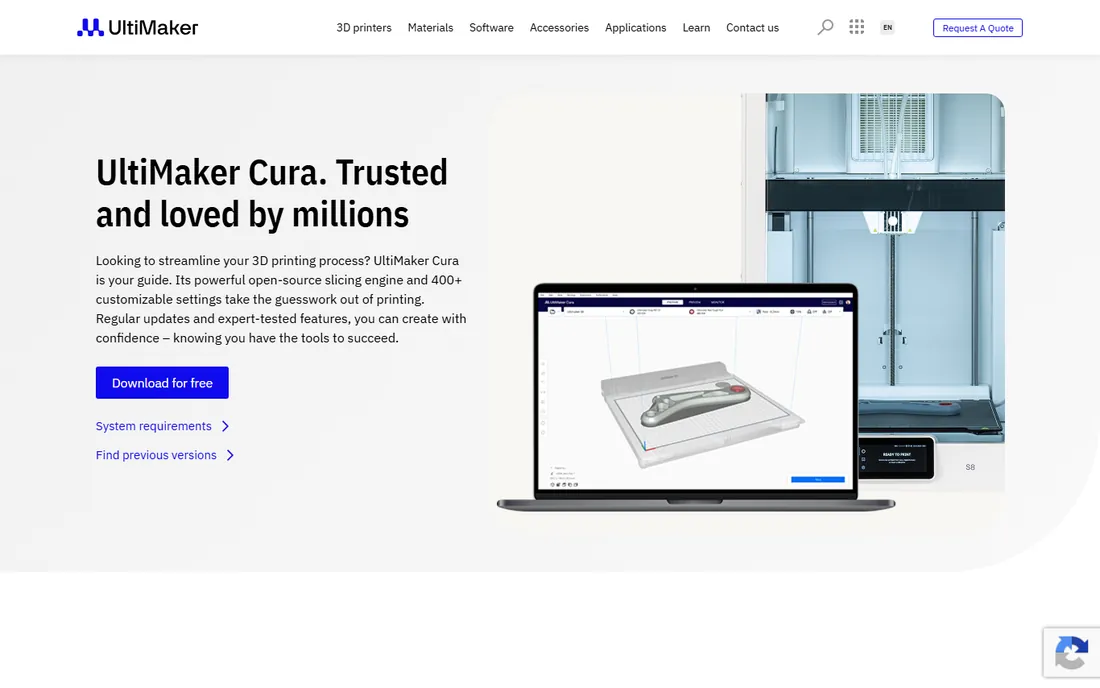
Cura is the friendly face of slicing: install it, pick your printer from a list of hundreds, accept the recommended profile, and print. The marketplace adds tools like custom supports and calibration shapes without touching settings. For schools, libraries and first-time owners, that low barrier matters more than any advanced feature.
The honest catch is momentum. Development has slowed relative to the community-driven alternatives, and power users complain that features like OrcaSlicer's calibration tools arrived years late or not at all. Cura remains the safest recommendation for a complete beginner, and the price (free) makes it easy to keep installed alongside a second slicer later.
What we like- Free with the largest printer profile library in the category
- Recommended settings mode gets beginners printing in minutes
- Huge plugin marketplace through the UltiMaker platform
Watch out for- Slower release pace since the UltiMaker merger
- Advanced users often migrate to PrusaSlicer or OrcaSlicer for newer features
#3
Bambu Studio
Best for: Bambu Lab printer owners who want the full ecosystem
Visit bambulab.com
Starting priceFree
Free planYes
Bambu Studio is what happens when the printer maker writes the slicer: everything just works. Filament slots in the AMS map to the slicer automatically, the camera feed sits in the same window, and one click sends prints to the cloud queue. For Bambu Lab owners it is not really a choice; it is part of the machine. It is also free, fast and genuinely good at supports.
The honest catch is the ecosystem lock-in. Studio's best features assume Bambu hardware and a Bambu account, and while it can drive other printers, that is not its job. Non-Bambu owners wanting the same modern feature set should look at OrcaSlicer, which forked from Studio's codebase for exactly that reason.
What we like- Free and tightly integrated with Bambu printers: camera, AMS filament management and cloud print queue
- Fast slicing engine with excellent default profiles
- Built-in model library and MakerWorld integration
Watch out for- Clearly optimized for Bambu machines, with thinner support for other brands
- Cloud features require a Bambu account
#4
OrcaSlicer
Best for: Enthusiasts who want Bambu-style modern features on any printer
Visit orcaslicer.com
Starting priceFree
Free planYes
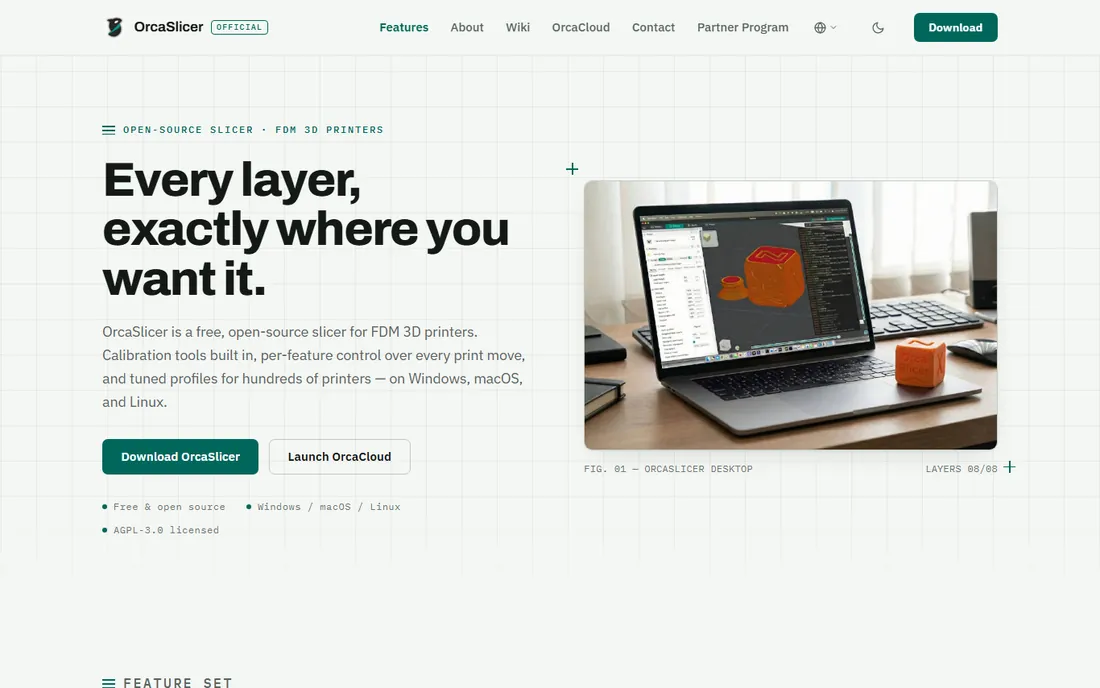
OrcaSlicer is the enthusiast's answer to Bambu Studio: it takes Studio's modern codebase and opens it to every printer, then adds the calibration suite that serious printers actually need. Flow rate, pressure advance and retraction calibrations are built in as guided tests instead of forum folklore. Development moves fast because the community, not a product roadmap, drives it.
The honest catch is the support model. There is no vendor to call; help comes from GitHub issues and Discord, which suits hobbyists and frustrates businesses. Profiles for non-Bambu printers are community-maintained and vary in quality. For a print farm or a serious hobbyist, though, OrcaSlicer plus a weekend of calibration beats any paid slicer on output quality.
What we like- Free and open source, forked from Bambu Studio with broad printer support
- Best-in-class built-in calibration tools (flow rate, pressure advance, temperature towers)
- Active community adding features fast
Watch out for- Community-driven, so support is forums and Discord rather than a vendor
- Interface inherits Bambu Studio's density, which can intimidate beginners
#5
Simplify3D
Best for: Production shops that need exact multi-process and support control
Visit simplify3d.com
Starting price$199 one-time
Free planNo
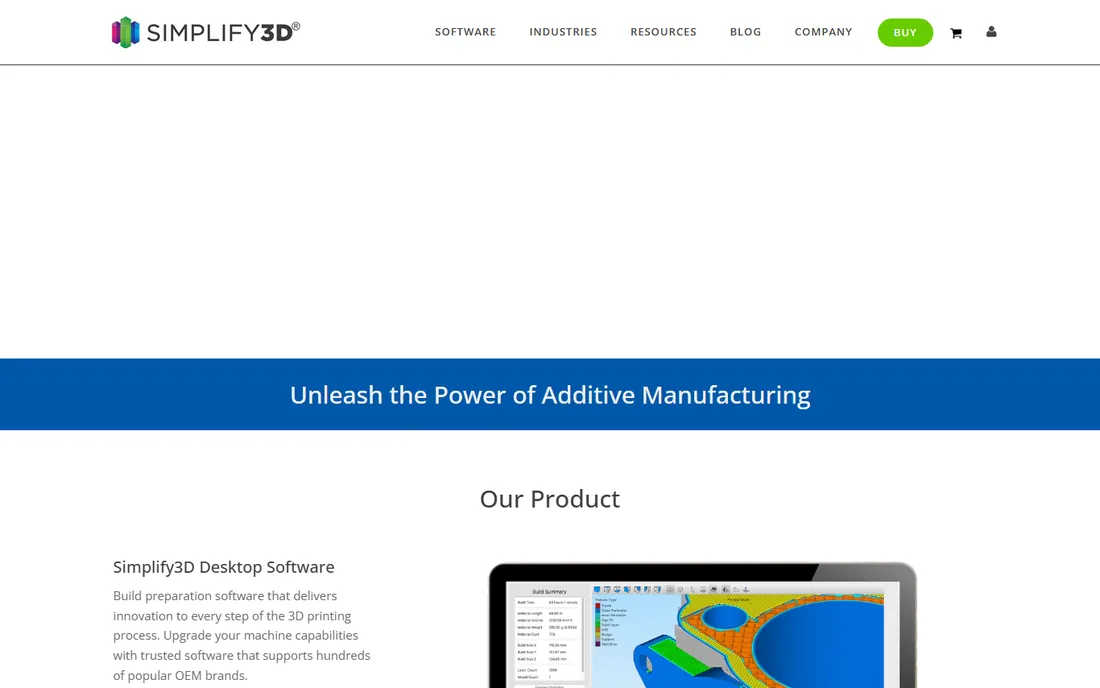
Simplify3D was the premium slicer before the free ones caught up, and it still sells on two strengths: precise manual support editing and multiple processes per model (different settings for different height ranges), which production shops use for tricky engineering prints. The $199 one-time license means no subscription, and version 5 modernized the interface substantially.
The honest catch is value. PrusaSlicer, OrcaSlicer and Bambu Studio are free and now match or beat Simplify3D on supports, speed and features for most users. The remaining buyers are shops with established Simplify3D workflows and specific multi-process needs. New buyers should exhaust the free options first; most will never look back.
What we like- One-time $199 license with no subscription
- Unmatched manual support placement and multi-process profiles for complex prints
- Long track record in professional and education settings
Watch out for- $199 buys features the free slicers now include
- Development pace has lagged the open-source alternatives
#6
Lychee Slicer
Best for: Resin printer owners who want the smartest automatic supports
Visit mango3d.io
Starting priceSee website (free version available; Pro tier sold separately)
Free planYes
Lychee Slicer, from Mango3D (now rebranded as Lychee), earned its reputation on resin supports: automatic generation that actually holds models, with manual tools that do not fight you. The free version is a complete resin slicer; Pro adds advanced support editing, hollowing controls and workflow features. Since version 5 it also slices FDM, so mixed print farms can standardize on one tool.
The honest catch is pricing transparency. Pro pricing is not published on the vendor's site in a way you can check before installing; expect a subscription in the tens of euros per year, confirmed in-app. Resin beginners should also know ChiTuBox's free tier is equally capable for basic prints. Choose Lychee when supports are your bottleneck.
What we like- Free version handles full resin workflows
- Support generation is widely considered the best in class
- Supports both resin and FDM printers in one program since version 5
Watch out for- Vendor does not publish Pro pricing publicly, so confirm the current rate in-app
- Advanced resin features sit behind the paid tier
#7
ChiTuBox
Best for: Resin printing across the widest range of printer brands
Visit chitubox.com
Starting priceSee website (free version available; Pro tier sold separately)
Free planYes
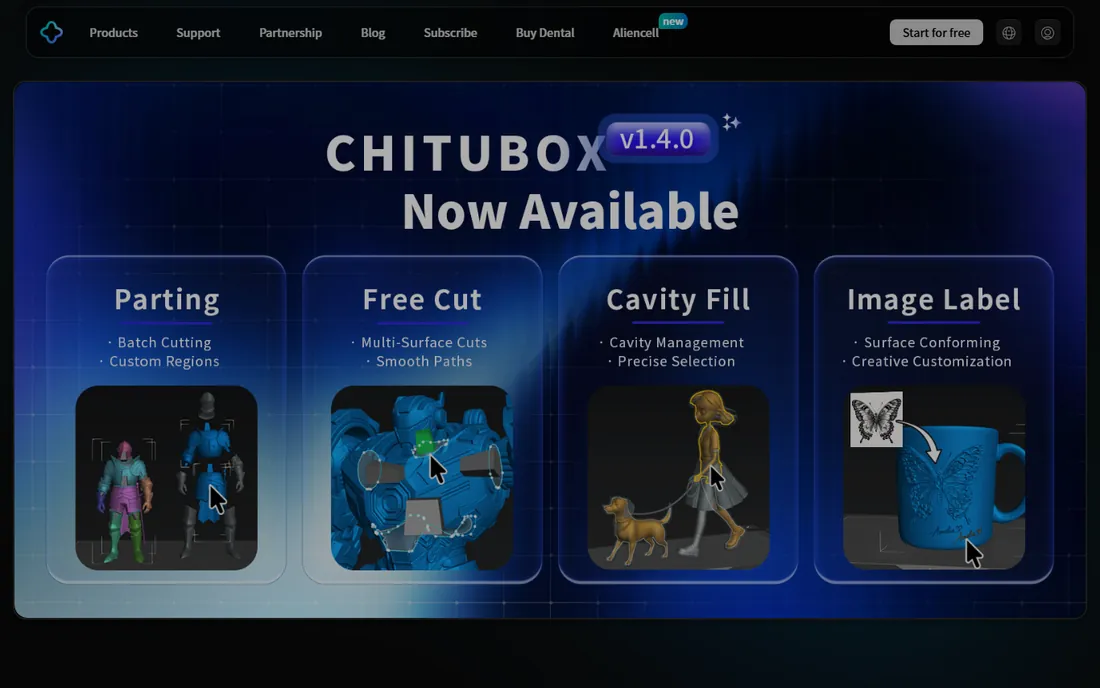
ChiTuBox is the workhorse of resin slicing: free, fast, and compatible with nearly every MSLA printer on the market. For years it was the default recommendation because printer makers bundled it or built profiles for it. The free version covers hollowing, supports, and multi-model plate layout; Pro adds advanced tools for heavy users.
The honest catch is polish. The interface gets the job done without delighting anyone, and Lychee has the edge on support intelligence. Like Lychee, Pro pricing lives in the vendor's store rather than on a public page. If your printer shipped with a ChiTuBox profile, start here; if supports keep failing, try Lychee before spending money.
What we like- Free version is a complete, mature resin slicer
- Broadest printer compatibility of any independent resin slicer
- Fast slicing engine with good hollowing and support tools
Watch out for- Interface is functional rather than polished
- Pro pricing is only visible in the vendor's store
#8
ideaMaker
Best for: Raise3D owners and anyone doing dual-extrusion FDM printing
Visit raise3d.com
Starting priceFree
Free planYes
ideaMaker is Raise3D's free slicer, and it deserves a wider audience than Raise3D owners. Its dual-extrusion handling (mirror, duplication and multi-model modes) is the clearest in the category, and the interface manages to stay clean while exposing serious settings. Print farms like the template system for pushing consistent profiles to multiple machines.
The honest catch is the ecosystem. Community profiles and tutorials are thinner than for Cura or PrusaSlicer, so owners of other printers do more setup themselves. If you run Raise3D hardware it is the obvious choice; if you run dual extrusion on anything else, it is worth the setup afternoon.
What we like- Free with excellent dual-extrusion and multi-model workflow support
- Clean interface that stays approachable at depth
- Strong template and profile management for print farms
Watch out for- Built for Raise3D first, so other printers need manual profile work
- Smaller community than Cura or PrusaSlicer
Resin vs FDM: use the right slicer for the printer
FDM and resin are different processes, and the slicer market splits accordingly. FDM slicers (PrusaSlicer, Cura, Bambu Studio, OrcaSlicer, Simplify3D, ideaMaker) think in nozzles, temperatures and layer lines. Resin slicers (Lychee, ChiTuBox) think in exposure times, lift speeds, supports and hollowing. Using an FDM slicer for a resin printer is not a settings problem; it is the wrong tool.
The good news is that both sides are effectively free now. Every FDM slicer on this list except Simplify3D costs nothing, and both resin leaders have complete free versions. Lychee's move into FDM slicing is the one exception blurring the line, and it is genuinely convenient for shops running both technologies. But as a rule, match the slicer to the process: resin printers get Lychee or ChiTuBox, FDM printers get the rest.
What to check before you choose
Start with your printer. Manufacturer slicers (Bambu Studio, ideaMaker, PrusaSlicer for Prusa) ship with tuned profiles that beat generic settings every time, so the default answer is your maker's tool. Only switch when you hit a specific limit: Cura for broader plugin support, OrcaSlicer for calibration depth, Lychee for resin supports.
Then check the price of your actual bottleneck. Failed prints cost filament, resin and time; a paid tier that fixes supports can pay for itself in a week on a busy machine. But most slicing problems are settings problems, not software problems. Before paying $199 for Simplify3D or subscribing to Lychee Pro, spend an evening with the free tier's calibration tools. The free slicers of 2026 are better than the paid slicers of 2020.
Finally, confirm compatibility. Resin printers are picky about file formats and firmware; check that your exact model is supported before committing to a workflow. FDM is more forgiving, but exotic kinematics (belt printers, polar printers) still need profile work. The community around PrusaSlicer, OrcaSlicer and Cura has solved most of these already; search for your printer model plus the slicer name before you start.
How we chose
We started with the slicers 3D printer owners actually discuss: best slicer for FDM, best resin slicer, PrusaSlicer vs Cura vs OrcaSlicer. For each candidate we checked the vendor's own site or store for pricing and plan limits, then cross-checked features against documentation and practitioner discussion on Reddit and 3D printing press. Where the vendor publishes no price, we wrote "See website" instead of quoting third-party figures as fact. Manufacturer-locked utilities without a real user choice were excluded.
Frequently asked questions
What is the best free slicing software?
For FDM: PrusaSlicer or Ultimaker Cura. PrusaSlicer has deeper features; Cura is easier for beginners. For resin: Lychee Slicer's free version or ChiTuBox free. All four are complete programs, not trials.
Do I need a different slicer for resin vs FDM printers?
Yes. Resin (MSLA) printers need Lychee Slicer or ChiTuBox; FDM printers need PrusaSlicer, Cura, Bambu Studio, OrcaSlicer or similar. The processes, settings and file outputs are completely different.
Is Simplify3D still worth $199?
Only for specific professional workflows. Its multi-process control and manual support editing remain excellent, but PrusaSlicer, OrcaSlicer and Bambu Studio are free and match it for most users. Try the free options first.
Which slicer is best for beginners?
Ultimaker Cura for FDM: pick your printer, accept the recommended profile, print. For resin, ChiTuBox free with your printer's bundled profile. Both get you printing the same day.
Can one slicer handle both my FDM and resin printers?
Lychee Slicer handles both since version 5, which suits mixed print farms. Otherwise, run one FDM slicer and one resin slicer; they are free, so there is no cost to specializing.
Why do my prints fail even with good settings?
Slicing is only half the equation. Bed leveling, filament moisture, exposure calibration and model orientation cause most failures. Use the built-in calibration tools in OrcaSlicer or PrusaSlicer before blaming the software.
Sources we checked (2)
- https://www.socialpost.news/mango3d-brings-a-powerful-update-to-lychee-slicer/
- https://3dprintingindustry.com/?p=233479
Is your product missing or out of date?
We review this list regularly. Vendors can request a listing, send updated pricing or ask about featured placement.

Shihab Mia · Founder, Rankite
Shihab has spent more than a decade helping SaaS and e-commerce brands grow through search. He writes Rankite's software buying guides from pricing pages, documentation and public user reviews. More about Shihab.