How we make this list: we compare pricing pages, product documentation and public user reviews. Rankite is independent; if a vendor ever pays for a featured spot, that listing is clearly labeled Partner.
Key takeaways
- Electrical CAD tools replace manual drafting with automated wire numbering, cross-referencing and report generation that cut documentation time sharply.
- EPLAN Electric P8 and E3.series lead for complex machine and panel work, while Capital X Panel Designer and SEE Electrical are easier entries for smaller teams.
- AutoCAD Electrical suits firms that already run AutoCAD, since the Electrical toolset is now included with the standard subscription.
- ETAP is a different category: it simulates and analyzes power systems rather than producing panel schematics, so buy it for studies and protection work.
- Most vendors price by quote rather than publishing plans, so expect a sales conversation before you know the real number.
Quick comparison
| Tool | Best for | Starting price | Free plan |
|---|
 AutoCAD Electrical AutoCAD Electrical | teams already working in AutoCAD | From $2,095/year (included with AutoCAD subscription) | Free trial |
 EPLAN Electric P8 EPLAN Electric P8 | machine and panel builders at scale | See website | No (demo available) |
 SEE Electrical SEE Electrical | small firms that need fast schematics | See website | Free trial |
 SOLIDWORKS Electrical Schematic SOLIDWORKS Electrical Schematic | teams combining electrical and mechanical design | See website | Free trial |
 Capital X Panel Designer Capital X Panel Designer | teams that want cloud-based schematic design | See website | Free trial |
 E3.series E3.series | harness, cabinet and fluid system design | See website | No (demo available) |
 WSCAD ELECTRIX WSCAD ELECTRIX | firms wanting full ECAD at a lower price | See website | Free trial |
 ETAP ETAP | power system studies and analysis | See website | No (demo available) |
Is your product missing or out of date?
We review this list regularly. Vendors can request a listing, send updated pricing or ask about featured placement.
The best software for electrical design
Starting priceFrom $2,095/year (included with AutoCAD subscription)
Free planFree trial
If your company already pays for AutoCAD, this is the lowest-friction upgrade in the entire category. The Electrical toolset ships inside the standard subscription now, not as a separate product, so the design team you already have gets schematic automation, panel layout tools and PLC I/O drawing without a second procurement cycle. The symbol library is genuinely deep, and automatic wire numbering alone replaces hours of manual checking on multi-page projects.
The honest catch is that it remains AutoCAD at its core. Project data is file-based rather than held in a single object database, so large teams that want real multi-user engineering data management will eventually feel the limits. It also carries the full price of an AutoCAD subscription, which is more than some focused ECAD tools charge on their own. For panel shops and integrators who live in DWG files anyway, that tradeoff is usually worth it.
What we like- 65,000+ intelligent electrical symbols
- Automatic wire numbering and component tagging
- Automatic report generation for BOMs and terminal plans
Watch out for- Full AutoCAD subscription cost even if you only need the electrical toolset
- Can feel like a generic CAD with electrical extras rather than a purpose-built ECAD database
#2
EPLAN Electric P8
Best for: machine and panel builders at scale
Visit eplan.com
Starting priceSee website
Free planNo (demo available)

EPLAN Electric P8 is the reference product that much of the industrial automation world designs against. Panel builders, machine builders and their suppliers use it to go from schematic to automated panel production, and the Eplan Data Portal gives access to millions of ready-to-use device data sets that keep parts information accurate across the project. The platform approach means schematics, panel layouts and documentation all draw from the same data.
That power comes with commitment. Pricing is quote-based and sits at the enterprise end of this list, and new users should plan for formal training before they are productive. Smaller shops sometimes find the cost and complexity hard to justify. But if your company builds control cabinets as a core product, EPLAN is the safe long-term choice with the deepest partner ecosystem around it.
What we like- Industry-standard schematic platform for automation
- Huge parts database through the Eplan Data Portal
- Deep ERP and PLM integration for larger operations
Watch out for- Quote-based pricing runs high for small shops
- Steep learning curve with real training time required
Starting priceSee website
Free planFree trial
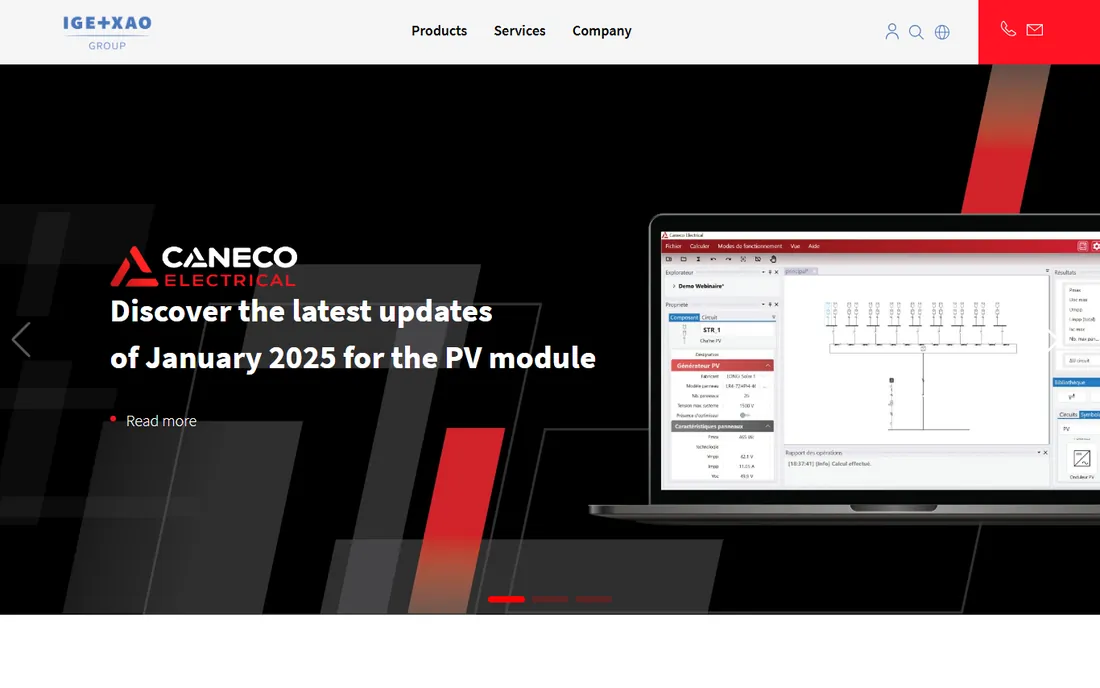
SEE Electrical from IGE+XAO has been around for decades, and it shows in a good way: the product is a polished schematic machine. Creating wiring diagrams, terminal plans and panel layouts is quick, and the parts database covers a large catalog of manufacturer components. The vendor offers a range of editions, so a two-person firm and a larger engineering department can both find a fitting license model.
The product is firmly desktop and traditional in feel, which matters if your team wants cloud collaboration or browser access. Public pricing is not available, so budget planning requires a conversation with sales. If you want a dependable, no-drama schematic tool and you work on Windows, SEE Electrical remains one of the fastest ways to get professional drawings out the door.
What we like- Intuitive schematic-first workflow
- Range of editions for different company sizes
- Strong multi-manufacturer parts database
Watch out for- Pricing is not published and requires a quote
- Interface and workflows feel dated compared to newer cloud tools
#4
SOLIDWORKS Electrical Schematic
Best for: teams combining electrical and mechanical design
Visit solidworks.com
Starting priceSee website
Free planFree trial
The selling point here is not the schematic editor itself, which is solid but conventional, but what happens around it. SOLIDWORKS Electrical Schematic keeps the 2D schematic and the 3D model in sync, so when an electrical change alters a panel layout or a wire route, the mechanical side updates instead of drifting out of date. That connection eliminates an entire class of manufacturing errors at machine builders and OEMs.
On its own it is hard to recommend over the dedicated ECAD tools. Its value appears only inside the SOLIDWORKS ecosystem, where engineers already design the machine frames, enclosures and harness geometry. Pricing flows through resellers, so expect a quote process. For SOLIDWORKS shops, though, it is the natural way to stop treating electrical and mechanical as two disconnected drawings.
What we like- Real-time 2D to 3D synchronization with mechanical models
- Shared libraries and multi-user collaboration
- Parametric design that updates documentation automatically
Watch out for- Only makes sense if you already use SOLIDWORKS
- Sold through resellers with quote-based pricing
Starting priceSee website
Free planFree trial
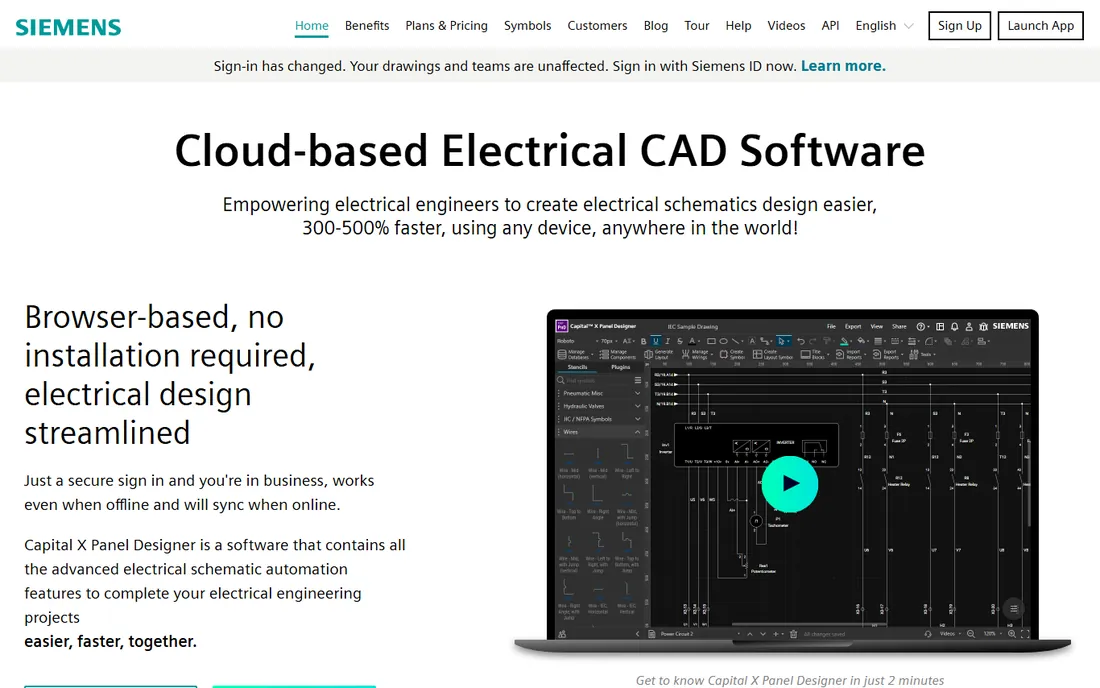
Capital X Panel Designer started life as Electra Cloud from Radica Software and now sits inside the Siemens Capital family. It is the only mainstream electrical CAD in this roundup that is fully browser-based, which changes the daily experience: no installs, no license servers, no VPN to reach the project. The automation features cover the essentials, auto-wiring, intelligent numbering, circuit reuse and one-click reports, and the team claims circuits get drawn several times faster than in general CAD.
The tradeoff is depth. Very large projects with complex panel manufacturing workflows still have more tooling in EPLAN or E3.series, and the user community is smaller, so finding answers to edge-case questions can take longer. But for small and mid-size firms that want modern cloud workflows and a gentle learning curve, this is the most pleasant product to evaluate. Pricing is listed on the vendor site with monthly and annual options.
What we like- Runs in the browser with no installation
- Simple drag-and-drop interface with quick onboarding
- Cloud sharing, versioning and daily backups included
Watch out for- Younger platform with a smaller ecosystem than EPLAN or E3.series
- Advanced panel automation is less deep than desktop rivals
#6
E3.series
Best for: harness, cabinet and fluid system design
Visit zuken.com
Starting priceSee website
Free planNo (demo available)
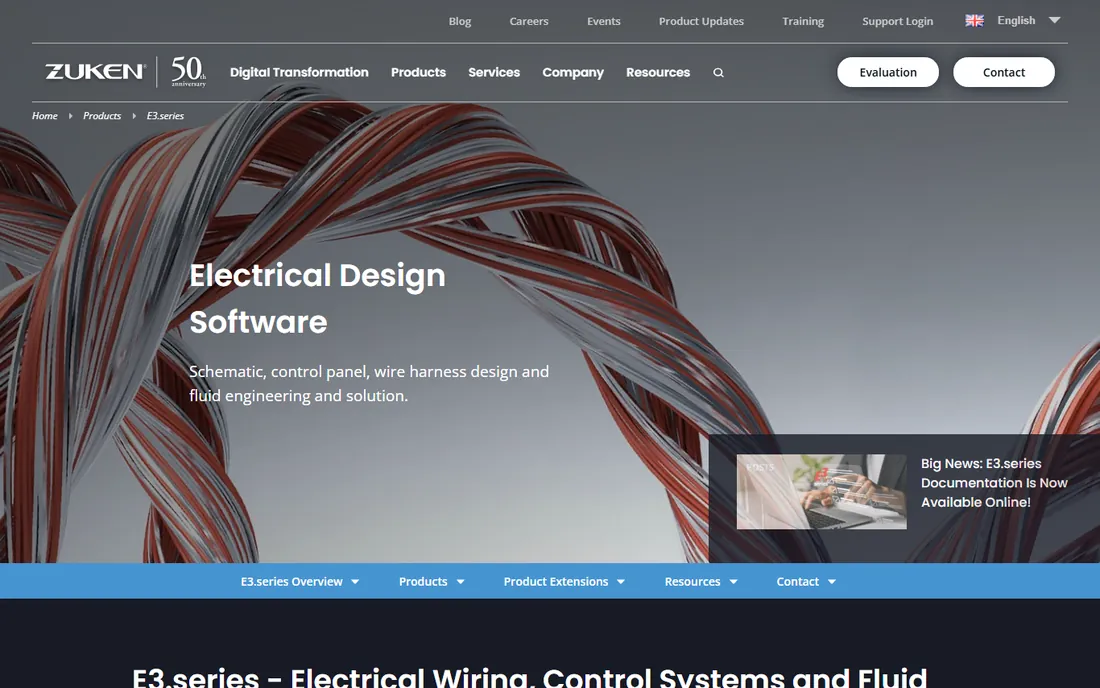
Zuken built E3.series around a single database where every component, wire and terminal exists once, so a change in the schematic updates the panel layout, the reports and the harness formboard automatically. That architecture is what makes it trusted by automotive, aerospace and industrial equipment manufacturers for wire harness and control cabinet work. The suite covers the full chain from functional design through manufacturing documentation.
This is not a casual purchase. It is sold as a modular suite with options for schematic, cable, panel, fluid and data management, and pricing reflects its enterprise audience. Smaller shops can find it heavy both in cost and in the discipline the database demands. If your products involve complex harnesses or cabinets that feed automated manufacturing, though, E3.series is purpose-built for exactly that pipeline.
What we like- Object-oriented database keeps every view consistent
- Strong modules for wire harness, panel and fluid design
- Good MCAD, ERP and PLM connections
Watch out for- Enterprise-grade pricing and implementation effort
- The modular lineup can confuse first-time buyers about which license they need
#7
WSCAD ELECTRIX
Best for: firms wanting full ECAD at a lower price
Visit wscad.com
Starting priceSee website
Free planFree trial

WSCAD positions ELECTRIX as the value alternative to the big enterprise ECAD platforms, and the comparison is deliberate: the company says its price-performance ratio is two to three times better than similar tools. One platform covers electrical engineering, cabinet design, P&ID, fluid engineering, building automation and electrical installation, all on a common database, so a firm that does several of those avoids buying and stitching together separate products.
The parts database is a genuine strength, with millions of free manufacturer components through the wscaduniverse library. The tradeoff is ecosystem: fewer third-party integrations and a smaller consultant market than EPLAN. The company has added AI-assisted design features that early users say speed up routine work. For cost-conscious firms that still want a real engineering database, WSCAD is the strongest budget option on this list.
What we like- All-in-one platform covering six engineering disciplines
- Notably lower price than EPLAN or E3.series
- Free parts library with 2.2 million components
Watch out for- Smaller market share means fewer local integrators
- AI features are new and still maturing
Starting priceSee website
Free planNo (demo available)
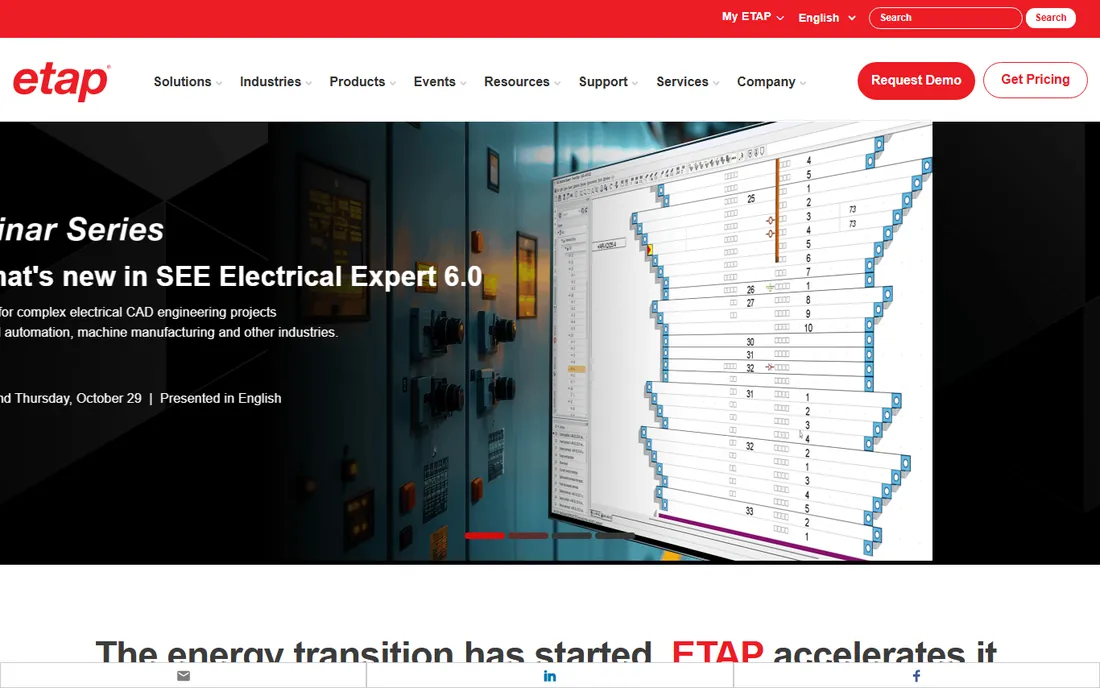
ETAP belongs on this list with a clear disclaimer: it is not an electrical schematic product. It is the analysis platform that power system engineers use to model, simulate and optimize electrical networks, from load flow and short circuit studies to arc flash hazard calculations and protective device coordination. Utilities, data centers, oil and gas facilities and large industrial plants rely on it before they energize anything.
That means it complements rather than replaces the other tools here. You would design the panel in EPLAN or WSCAD and run the power studies in ETAP. Pricing is quote-based and aimed at enterprise budgets, and there is no free tier, though the vendor offers demos and test drives. If your work involves power distribution design and you need validated analysis results, this is the standard your clients will expect.
What we like- Industry-standard power system modeling and simulation
- Covers load flow, short circuit, arc flash and protection coordination
- Strong in utilities and heavy industry
Watch out for- Not a schematic or panel design tool, so it fills a different role
- Pricing is enterprise and quote-based
What to check before you buy electrical design software
Start by separating two different jobs. Panel and control-system design needs schematic automation, parts data and manufacturing documentation. Power system design needs modeling, simulation and analysis. Some buyers need both, but no single product does both well, so confirm which job you are actually buying for before you compare feature lists.
Next, look hard at the parts library. The biggest hidden cost in electrical CAD is building and maintaining component data yourself. Tools with large manufacturer databases, such as EPLAN, WSCAD and SEE Electrical, save more time than any drawing feature. Ask each vendor how many of the components you actually specify are available off the shelf, and how the library updates when manufacturers change parts.
Then consider how your team really works. A single database product like E3.series or EPLAN Electric P8 pays off when several engineers share projects and feed manufacturing. If your engineers are scattered, travel to sites or resist IT-heavy setups, a browser-based tool like Capital X Panel Designer removes the friction that kills adoption. And if you already standardize on SOLIDWORKS or AutoCAD, the matching electrical product saves more than its price difference in training and license management.
Finally, get the total cost in writing. Published starting prices are rare in this category, and quote-based pricing varies with modules, seats and support contracts. Ask about maintenance fees, training costs and what happens to your data if you leave. A demo with one of your own real projects tells you more than any brochure, so insist on it.
How we chose
We compared pricing pages, product documentation and public feature lists from each vendor, then checked how the tools are described by working engineers on G2, Capterra and Reddit. We weighted schematic automation, parts database depth, manufacturing output quality and fit for small to mid-size engineering teams over raw feature counts. We did not run hands-on testing; every claim here comes from vendor-published material and public user feedback.
Cloud versus desktop in electrical CAD right now
Most of this category still lives on the desktop, and for good reason: large schematic projects, complex panel layouts and deep manufacturing integrations run well on workstation software. EPLAN, E3.series, SOLIDWORKS Electrical and the traditional editions of SEE Electrical assume you install, license and manage them.
The cloud shift is real but uneven. Capital X Panel Designer is the clearest example of what browser-based ECAD looks like: instant access, built-in versioning, no license server. It is excellent for distributed teams and fast onboarding. But it trades away some depth in panel manufacturing automation, and firms with strict data residency rules or heavy ERP integration may still prefer desktop. Our advice is to match the deployment to your IT reality rather than chasing the newest model. A desktop tool your team actually uses beats a cloud tool your data policies cannot accommodate.
Frequently asked questions
Is AutoCAD Electrical still sold as a separate product?
No. Autodesk now includes the Electrical toolset with the standard AutoCAD subscription. If you already subscribe to AutoCAD, you have the electrical features; if you do not, you buy AutoCAD itself, which sets the effective starting price.
What is the difference between EPLAN Electric P8 and E3.series?
Both are enterprise ECAD platforms with single databases and strong manufacturing integration. EPLAN leads in machine and panel building ecosystems, while E3.series is especially strong in wire harness design and mixed electrical and fluid systems. The right choice usually comes down to which platform your industry partners and manufacturing tools already support.
Do I need ETAP if I already have electrical CAD software?
Only if you do power system analysis. Electrical CAD tools draw and document electrical systems; ETAP models and simulates them, running load flow, fault and protection studies. Many firms use both, each for its own job.
Can small firms afford this kind of software?
Yes, with caveats. WSCAD ELECTRIX and Capital X Panel Designer are priced for smaller teams, and AutoCAD Electrical adds no extra cost if you already run AutoCAD. The enterprise platforms are genuinely expensive, so small shops should shortlist the value options first and use trials before committing.
Is browser-based electrical CAD reliable enough for real work?
For schematics and documentation, yes. Cloud tools now handle multi-page projects with versioning and backups. Desktop still holds the edge for very large projects and tight manufacturing integration, so evaluate with one of your own typical projects before deciding.
How long does it take to get productive with these tools?
It varies widely. Capital X Panel Designer and SEE Electrical are designed for quick onboarding, often days. EPLAN Electric P8 and E3.series are deeper platforms where formal training and weeks of ramp-up are normal. Budget the training time as part of the purchase, not as an afterthought.
Sources we checked (11)
- https://www.eplan.com
- https://www.autodesk.com/sg/products/autocad/included-toolsets/autocad-electrical
- https://www.ige-xao.com/en/
- https://www.solidworks.com/product/solidworks-electrical-schematic
- https://radicasoftware.com
- https://www.zuken.com/en/product/e3series/
- https://www.wscad.com
- https://etap.com
- https://www.capterra.co.nz/software/201130/electra-cloud
- https://www.capterra.ie/software/173499/ige-xao
- https://sourceforge.net/software/compare/SEE-Electrical-vs-TracingFlight/
Is your product missing or out of date?
We review this list regularly. Vendors can request a listing, send updated pricing or ask about featured placement.

Shihab Mia · Founder, Rankite
Shihab has spent more than a decade helping SaaS and e-commerce brands grow through search. He writes Rankite's software buying guides from pricing pages, documentation and public user reviews. More about Shihab.