How we make this list: we compare pricing pages, product documentation and public user reviews. Ratings come from G2, Capterra or Trustpilot, with the date we checked them.
Key takeaways
- The best Skylum alternatives in 2026 are led by Adobe Lightroom for catalog editing, Capture One for tethered studio work, and DxO PhotoLab for raw quality.
- Skylum makes Luminar Neo, an AI driven photo editor, and this guide lists alternatives to it, not Skylum itself at all.
- Lightroom suits photographers who want catalog plus cloud sync, while Capture One suits studio photographers who need tethered capture and precise color control.
- One time purchase editors like Affinity Photo and ON1 Photo RAW suit photographers who want to avoid subscriptions entirely.
- Free editors like Darktable and RawTherapee suit raw processing on a budget, though their interfaces need much more learning time.
Quick comparison
Is your product missing or out of date?
We review this list regularly. Vendors can request a listing, send updated pricing or ask about featured placement.
The best Skylum alternatives

#1Adobe Lightroom
Best for: Catalog plus cloud editing4.6/5 on
G2 (3,299 reviews, checked Oct 2026)
Visit adobe.com
Starting price$9.99 per month
Free planNo
Adobe Lightroom is the best fit for photographers who want catalog plus cloud editing, with plans from 9.99 dollars per month including Photoshop on the Photography plan today. Its catalog organizes large libraries, its cloud sync moves edits between desktop and mobile, and its presets speed up consistent looks across shoots.
The limits are subscription and AI depth. Lightroom is subscription only, and its AI tools are lighter than Luminar's one click sky and portrait tools today. For a photographer who wants a catalog first workflow, Lightroom is the best choice overall.
What we like- Best catalog and cloud sync
- Strong presets
- Mobile editing
Watch out for- Subscription only
- AI tools lighter than Luminar
- Needs Adobe account
Starting priceSee website
Free planNo
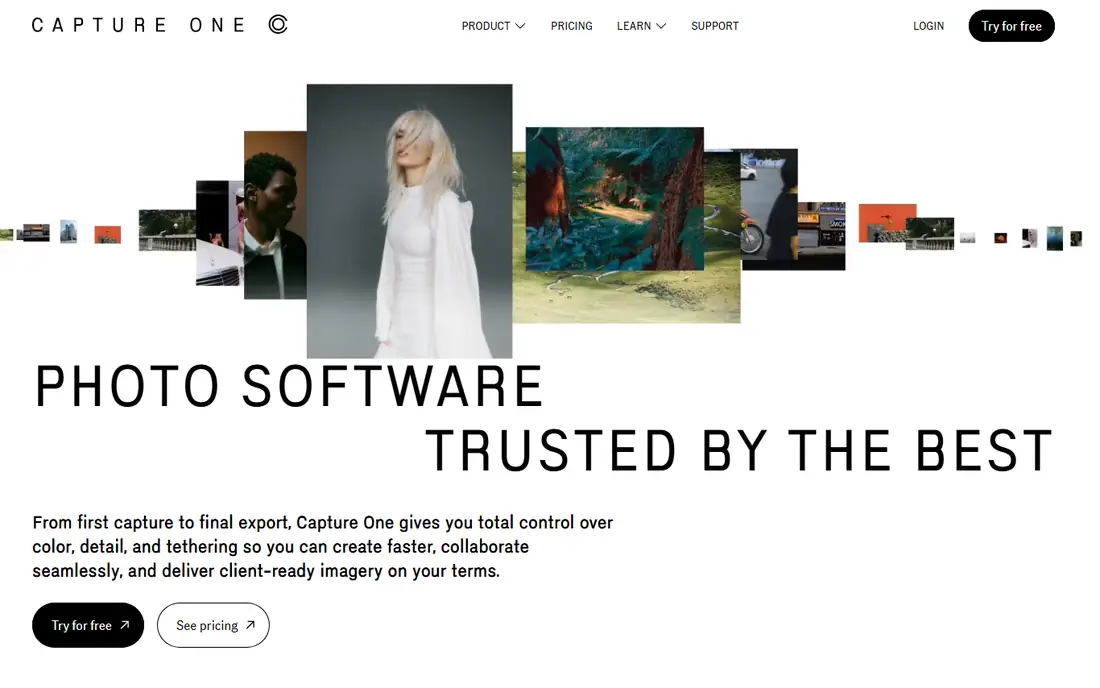
Capture One suits studio photographers who need tethered capture and color control, with sessions that organize shoots, live view tethering, and color tools that professionals trust. Pricing is quote based on its site, with subscription and perpetual options varying by region.
The limits are price and catalog. Capture One costs more than Lightroom, its learning curve is steeper, and its catalog is weaker for large libraries. For a studio photographer, Capture One is the best choice today.
What we like- Best tethered capture
- Superb color control
- Studio sessions
Watch out for- Higher price
- Learning curve
- Catalog weaker than Lightroom
Starting priceSee website
Free planNo
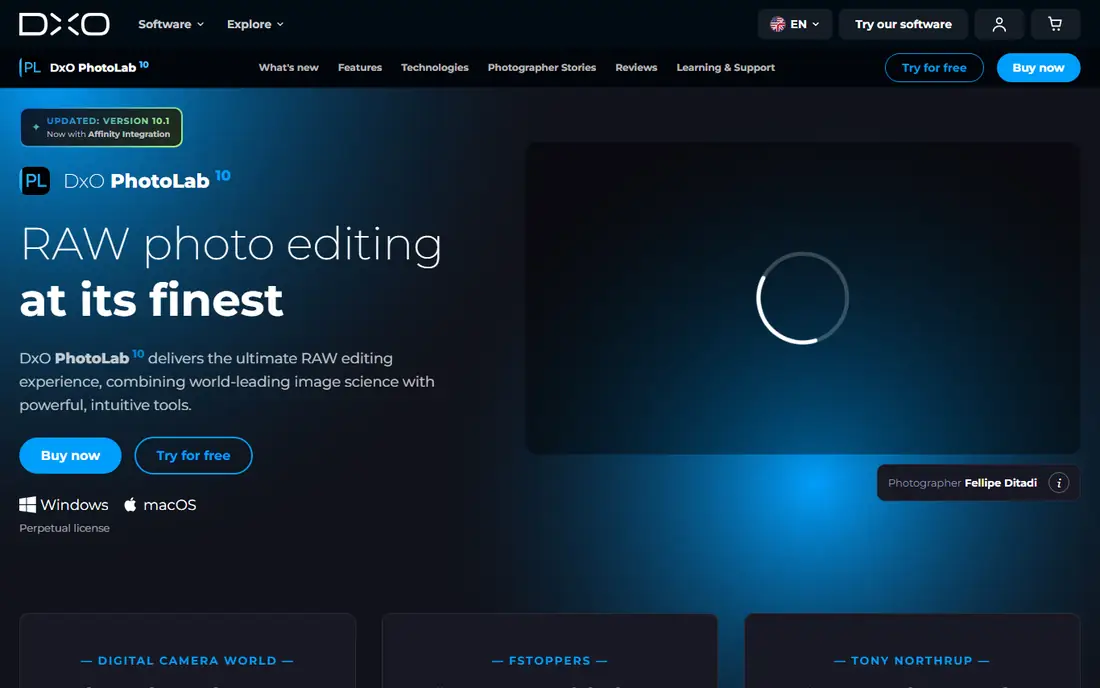
DxO PhotoLab is the best fit for photographers who rank raw quality first, with DeepPRIME noise reduction that recovers detail from high ISO files, automatic lens corrections, and strong local adjustment tools. Pricing varies by edition on its site.
The limits are catalog and cloud. PhotoLab has no deep catalog and no cloud sync, so it suits editing first photographers who organize elsewhere. For raw quality above all, DxO PhotoLab is the best choice overall.
What we like- Best raw denoising
- Lens corrections
- DeepPRIME noise reduction
Watch out for- No catalog depth
- No cloud sync
- Price varies by edition
Starting priceSee website
Free planNo
ON1 Photo RAW combines catalog, editing, and effects in one app, with AI tools for masking, sky replacement, and portrait work, plus a one time purchase option alongside subscriptions. Pricing varies on its site.
The limits are polish and speed. Its interface feels busy, performance varies on large catalogs, and its AI tools are less polished than Luminar. For a photographer who wants one app for catalog and editing without a subscription, ON1 is a strong choice today.
What we like- Catalog plus editing in one app
- AI tools
- One time purchase option
Watch out for- Interface busy
- Performance varies
- AI less polished than Luminar
Starting price$69.99 one time
Free planNo
Affinity Photo is the best fit for photographers who want Photoshop grade editing for a one time price of 69.99 dollars, with layers, masks, retouching, and RAW development in a single app. It has no subscription, which suits photographers who dislike monthly fees.
The limits are catalog and AI. Affinity Photo has no catalog, its AI tools are limited, and Photoshop users face a learning curve. For a one time purchase editor, Affinity Photo is the best choice overall.
What we like- One time purchase
- Photoshop grade tools
- No subscription
Watch out for- No catalog
- AI tools limited
- Learning curve for Photoshop users
Starting priceSee website
Free planNo
Corel PaintShop Pro suits Windows photographers who want good value, with AI tools, one time purchase pricing, and a full editing toolkit. Pricing varies on its site.
The limits are platform and polish. PaintShop Pro is Windows only, its catalog is basic, and its interface feels dated next to Lightroom. For a Windows photographer on a budget, PaintShop Pro is a strong choice today.
What we like- Good value on Windows
- AI tools included
- One time purchase
Watch out for- Windows only
- Catalog basic
- Interface dated
Starting priceFree
Free planYes
Darktable is the best fit for photographers who want free raw processing, with non destructive editing, strong color tools, and open source development. It is free, with no subscription or purchase.
The limits are learning curve and AI. Darktable's interface is complex, and it has no AI sky or portrait tools. For a photographer on a budget who wants serious raw processing, Darktable is the best free choice overall.
What we like- Free and open source
- Strong raw processing
- Non destructive editing
Watch out for- Steep learning curve
- Interface complex
- No AI tools
Starting priceFree
Free planYes
RawTherapee suits photographers who want deep raw controls free, with batch processing, strong demosaicing, and detailed tone tools. It is free and open source.
The limits are looks and catalog. Its interface feels dated, its learning curve is steep, and it has no catalog. For a free raw processor with deep controls, RawTherapee is a strong choice today.
What we like- Free and open source
- Deep raw controls
- Batch processing
Watch out for- Interface dated
- Learning curve
- No catalog
How we chose
We ranked tools by editing power, catalog tools, AI features, raw quality, and cost, favoring tools that fit real photographer workflows over tools with the very longest feature lists. We gave extra weight to raw quality and catalog, since those decide daily use far more than one click effects. We also weighed pricing model, since a subscription and a one time purchase suit very different budgets. Finally, we checked export and print tools, since a photo editor that cannot deliver clean exports, correct color profiles, and print ready files fails at the last step no matter how good its editing feels overall.
Buying guide
Start by naming your workflow. A catalog photographer needs Lightroom or ON1, a studio photographer needs Capture One, a raw quality photographer needs DxO PhotoLab, and a budget photographer needs Affinity Photo, Darktable, or RawTherapee. One workflow beats a tool that does everything weakly, and a tool chosen for your main shoot type will feel right every day, while a general tool will frustrate you on every shoot.
Next, test raw files from your own camera before buying. Denoising, lens corrections, and color rendering vary by camera, and a tool that shines on one sensor may disappoint on another. Import a real shoot, edit it fully, and export it before committing. Pay special attention to skin tones and high ISO noise, since those are the two areas where raw engines differ most visibly, and a tool that handles your camera well at ISO 6400 will save hours of cleanup later.
Finally, check the pricing model against your horizon. A 9.99 dollar monthly plan costs about 120 dollars per year, so a 69.99 dollar one time purchase pays for itself in under a year. Subscriptions add cloud sync and updates, while one time purchases save money long term. Also check upgrade pricing, since some one time tools charge for major version upgrades, and a tool that charges full price every year costs as much as a subscription without the cloud benefits.
Frequently asked questions
What is Skylum?
Skylum is the company behind Luminar Neo, an AI driven photo editor known for sky replacement, portrait retouching, and one click enhancements. This guide lists alternatives to Luminar Neo, not Skylum itself. If you like Luminar's AI approach but want a different vendor, ON1 comes closest in this list, while Lightroom and Capture One suit photographers who prefer manual control.
What is the best free alternative to Luminar?
Darktable is the best free alternative for raw processing, while RawTherapee suits photographers who want deep raw controls. Neither matches Luminar's AI tools, but both handle serious editing free. Expect a learning curve with both, since free tools invest less in onboarding and tutorials than paid tools, but the editing power is real once you learn the interface.
Is Lightroom better than Capture One?
Lightroom is better for catalog and cloud editing, while Capture One is better for tethered studio work and color control. Studio photographers usually pick Capture One, while catalog photographers usually pick Lightroom. Many professionals use both, culling and organizing in Lightroom and finishing studio sessions in Capture One, though running two catalogs adds complexity.
Can I avoid a subscription?
Yes, Affinity Photo costs 69.99 dollars one time, ON1 and PaintShop Pro offer one time options, and Darktable and RawTherapee are free. Subscriptions suit photographers who want cloud sync and constant updates, while one time purchases suit photographers who want a fixed cost and are happy to skip some new features.
Do these tools replace skies like Luminar?
ON1 and PaintShop Pro offer sky replacement, Lightroom offers masking and sky selection, and Affinity Photo handles sky work manually with layers and masks. Darktable and RawTherapee do not offer one click sky AI. If sky replacement is your main reason for using Luminar, ON1 is the closest alternative in this list, since its sky tools work in one click rather than manual masking.
Sources we checked (0)
Is your product missing or out of date?
We review this list regularly. Vendors can request a listing, send updated pricing or ask about featured placement.

Shihab Mia · Founder, Rankite
Shihab has 5+ years in B2B and SaaS SEO. He writes Rankite's software buying guides from pricing pages, documentation and public user reviews. More about Shihab.
 Capture One
 DxO PhotoLab
 ON1 Photo RAW
 Affinity Photo
 Corel PaintShop Pro
 Darktable
 RawTherapee