How we make this list: we compare pricing pages, product documentation and public user reviews. Rankite is independent; if a vendor ever pays for a featured spot, that listing is clearly labeled Partner.
Key takeaways
- SmartSHOW 3D and PTE AV Studio are the picks for users who want deep timeline control and cinematic effects.
- Animoto, Adobe Express and FlexClip run in the browser, so there is nothing to install and slideshows are easy to share.
- Icecream Slideshow Maker and PhotoStage are the simplest desktop options for beginners who want music and transitions fast.
- Most desktop tools sell lifetime licenses rather than subscriptions, which keeps long-term costs low.
Quick comparison
| Tool | Best for | Starting price | Free plan |
|---|
 SmartSHOW 3D SmartSHOW 3D | cinematic 3D effects on Windows | See website | Free trial |
 Movavi Video Editor Movavi Video Editor | beginners who want a guided slideshow wizard | See website | Free trial |
 Icecream Slideshow Maker Icecream Slideshow Maker | quick offline slideshows with music | See website | Yes |
 PhotoStage PhotoStage | slideshows with narration and voice comments | See website | Yes |
 Animoto Animoto | fast professional-looking videos in the browser | See website | Yes |
 Adobe Express Adobe Express | polished social slideshows with Adobe assets | Free | Yes |
 FlexClip FlexClip | small business slideshow promos | See website | Yes |
 PTE AV Studio PTE AV Studio | precise timeline and keyframe animation | See website | Free trial |
 MAGIX PhotoStory Deluxe MAGIX PhotoStory Deluxe | template-heavy slideshows on Windows | See website | Free trial |
Is your product missing or out of date?
We review this list regularly. Vendors can request a listing, send updated pricing or ask about featured placement.
The best slideshow software
Starting priceSee website
Free planFree trial
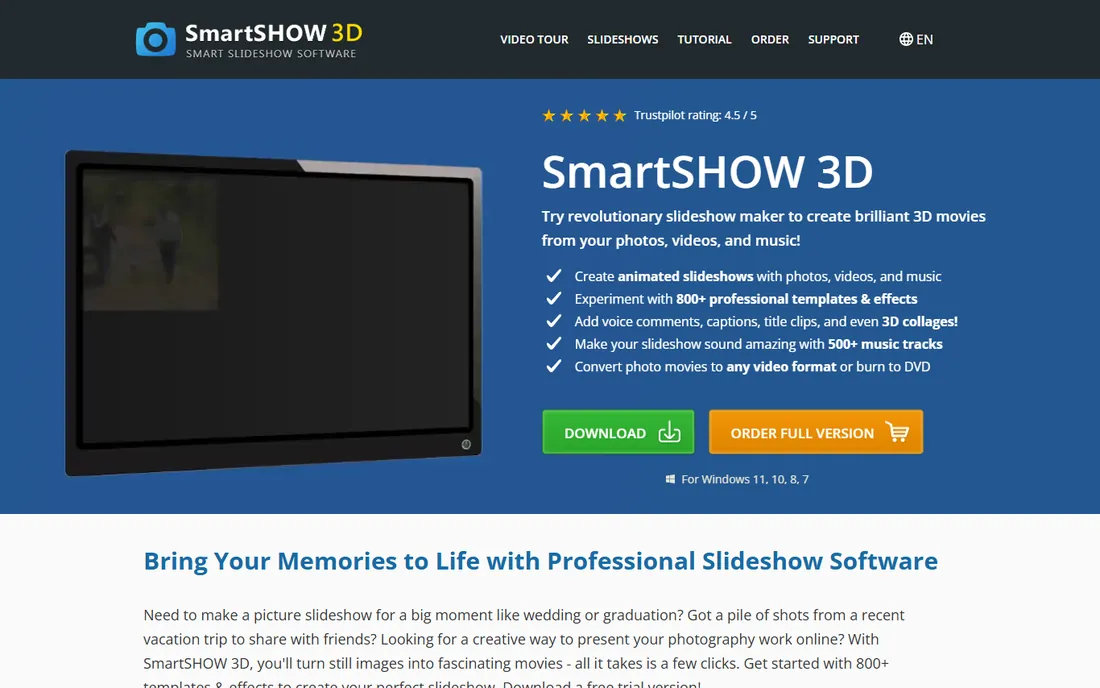
If your slideshow needs to look like more than photos fading in and out, SmartSHOW 3D is the desktop tool built for that job. It offers animated collages, 3D text and layered slides you can control with keyframes, plus more than 800 templates and effects across the full package. A built-in music library with over 1,000 tracks means you rarely need to hunt for background audio elsewhere.
It is Windows-only, which rules out Mac households entirely. The trial is free but watermarked, and the full version is a one-time purchase rather than a subscription. For wedding slideshows, family movies and photographer client reels on a Windows PC, this is the most capable option in the list.
What we like- 200 plus templates and 3D animation effects
- Multi-layer slides with keyframes
- Exports to HD video and burns to DVD
Watch out for- Windows only
- Trial version is watermarked
#2
Movavi Video Editor
Best for: beginners who want a guided slideshow wizard
Visit movavi.com
Starting priceSee website
Free planFree trial
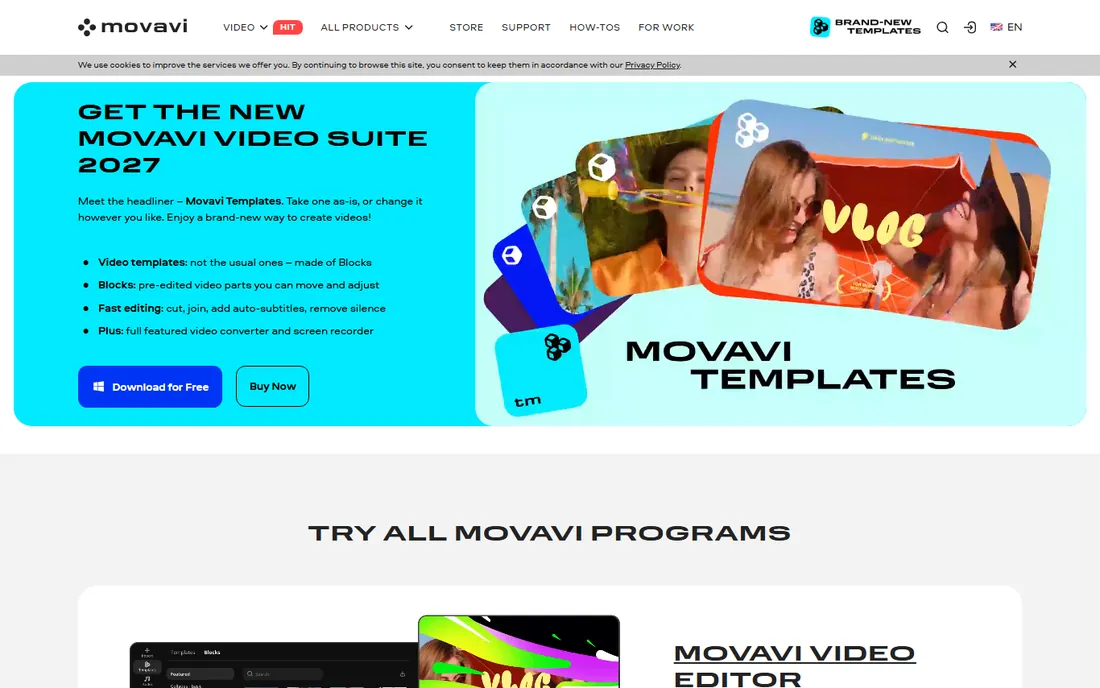
Movavi takes the opposite approach from SmartSHOW 3D: it holds your hand. Pick photos, pick a theme, and the Slideshow Wizard assembles a complete video with transitions and music synced to the beat. You can still fine-tune everything afterward, and the editor includes color correction, titles and 10,000 plus effects across its content packs.
The trade-off is that the trial is genuinely limited, with a watermark and a 60-second export cap, so you cannot preview a full slideshow before buying. Movavi sells both annual subscriptions and lifetime licenses, and it runs on Windows and Mac. For someone making their first slideshow and wanting it to look good fast, this is the friendliest start.
What we like- Slideshow Wizard builds a polished video in minutes
- 165 plus effects, filters and transitions
- Automatic beat-synced music
Watch out for- Trial limits exports to 60 seconds of video
- Some advanced features lock on export
Starting priceSee website
Free planYes
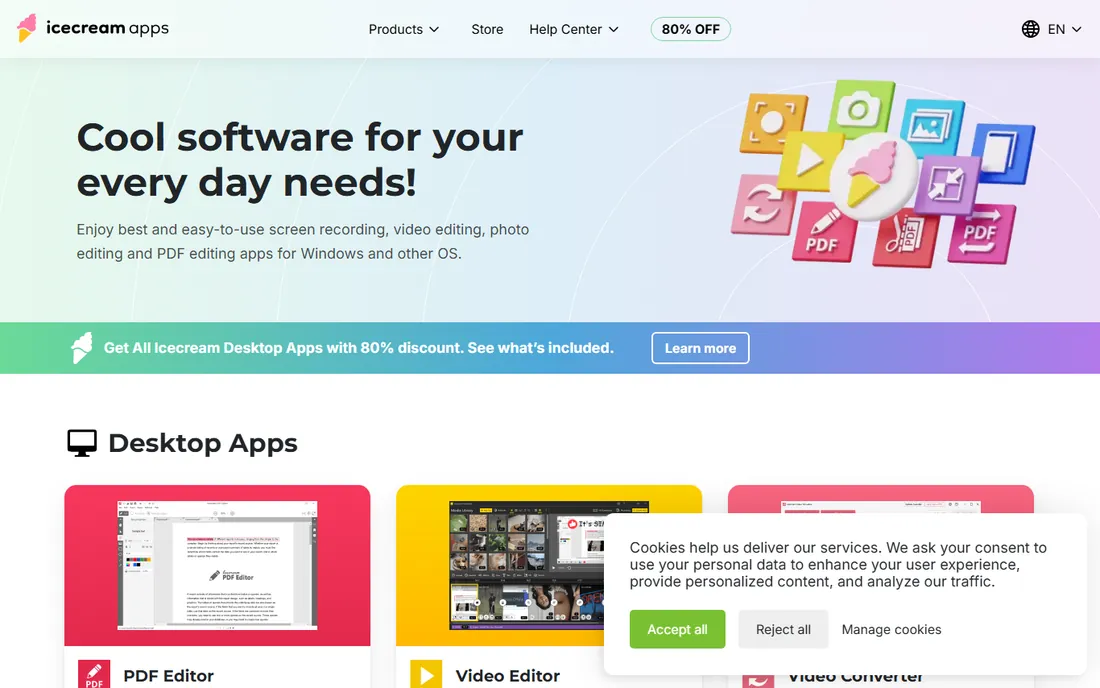
Icecream Slideshow Maker is part of the Icecream Apps suite, a collection of lightweight desktop utilities. It does one thing: turn photos into a slideshow with music, transitions and text, without an internet connection or a confusing interface. You add photos, set timing, pick music and export.
You will not get multi-layer animation or a cloud library here. That is fine if you want speed. The free version handles basic slideshows, and the paid version adds more. For a parent assembling a birthday video on a Saturday afternoon, this is all the software you need.
What we like- Works fully offline on the desktop
- Very small learning curve
- Free version available
Watch out for- No cloud storage or project syncing
- Fewer layer and animation options than pro tools
Starting priceSee website
Free planYes
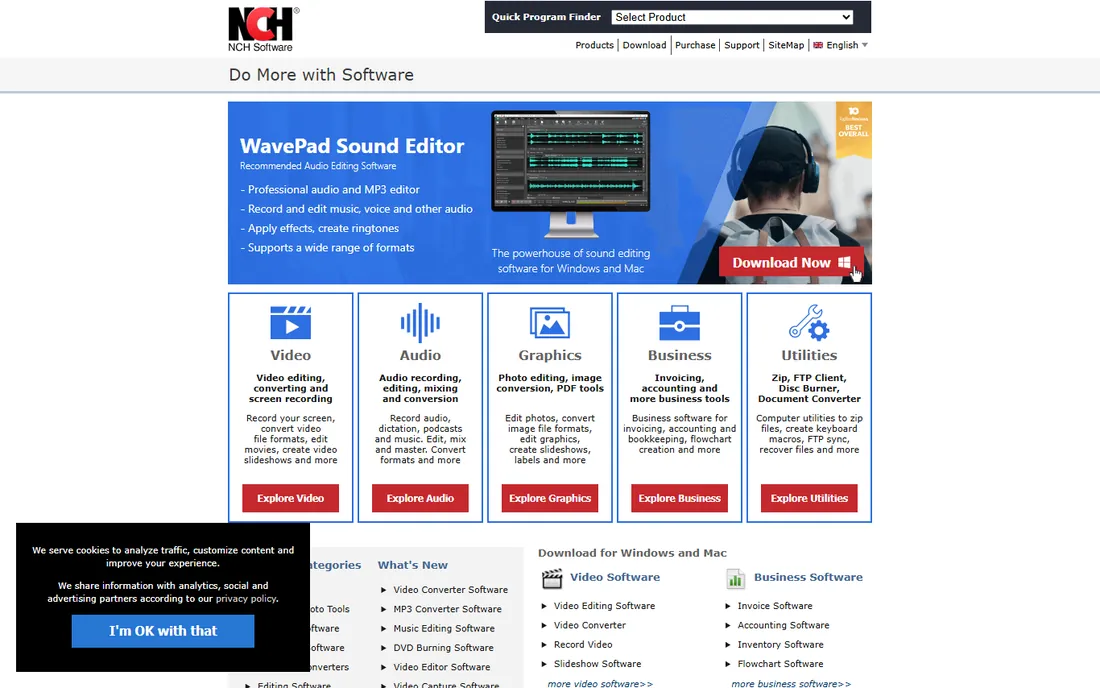
PhotoStage comes from NCH Software, the company behind dozens of small utilities, and it has one standout strength: narration. You can record voice comments directly onto slides, which makes it useful for training presentations, real estate walkthroughs and memorial videos where spoken context matters. It also handles photo effects, transitions and background music in a straightforward workflow.
The interface has not kept up with modern design trends, and the free version limits some exports. NCH offers a lifetime license model, so you pay once. If voiceovers are central to your slideshow, PhotoStage earns its place; if not, the prettier options above are better buys.
What we like- Easy narration and voiceover recording on slides
- Full-screen preview while editing
- Windows and Mac versions
Watch out for- Interface looks dated next to newer rivals
- Free version has export limits
#5
Animoto
Best for: fast professional-looking videos in the browser
Visit animoto.com
Starting priceSee website
Free planYes
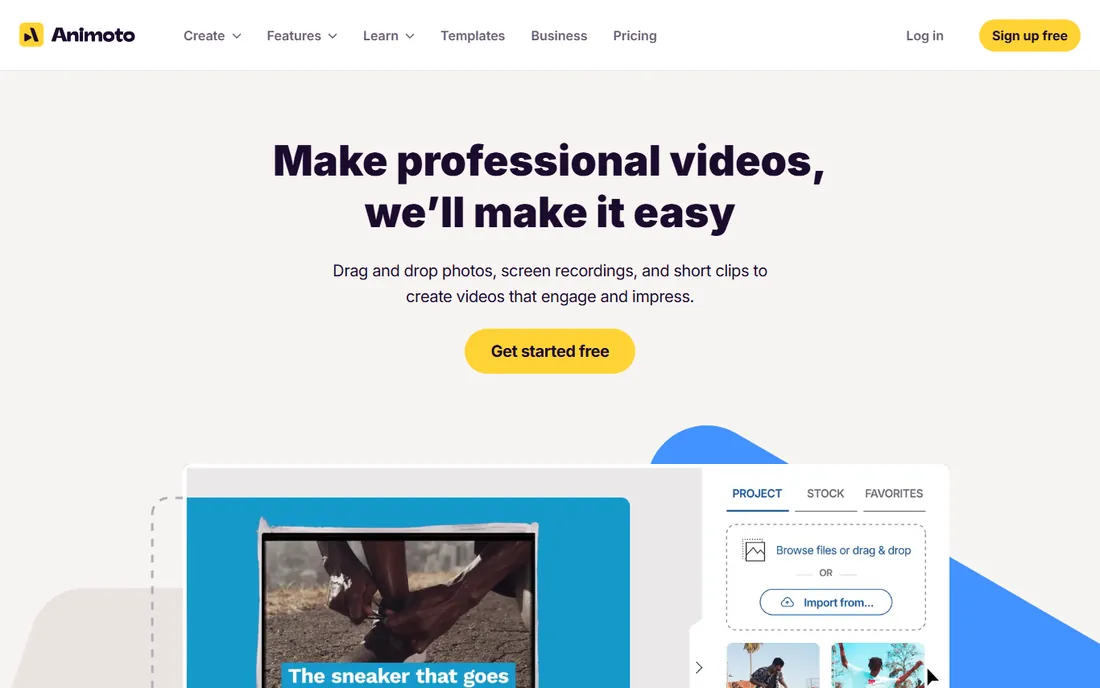
Animoto is built for speed. Open it in a browser, pick a template, drop in photos and clips, and you have a finished video in minutes. Its template and stock media libraries are genuinely large, and it is popular with small businesses making social promos, realtors making listing videos and teachers making class recaps. There is a free plan to start, and everything lives online so sharing is a link.
The catch is the subscription. Watermark removal, higher resolution exports and the full template set need a paid plan, and costs add up over years compared with a one-time desktop license. If you make slideshows regularly for work and value convenience over ownership, Animoto is hard to beat.
What we like- Hundreds of templates and a large stock library
- No install, works in any browser
- Built-in screen recording and drag-and-drop editing
Watch out for- Top features and watermark removal require a paid plan
- Monthly subscription model
#6
Adobe Express
Best for: polished social slideshows with Adobe assets
Visit adobe.com
Starting priceFree
Free planYes
Adobe Express is Adobe's free design tool, and its slideshow templates are excellent for social media. You get drag-and-drop editing, thousands of templates, Adobe's stock photo and music libraries, and one-click resizing for every platform. The free plan covers a lot, and the Premium plan (available monthly) opens up the full stock collection and brand kits.
It is a design tool first and a slideshow tool second, so fine audio control and precise timing options are limited next to SmartSHOW or PTE. For Instagram stories, Facebook posts and quick event recaps, though, the combination of free access and Adobe-quality assets is unmatched.
What we like- Free plan is generous
- Huge template and stock asset library
- Syncs across desktop and mobile
Watch out for- Limited audio and timing control compared with dedicated slideshow tools
- Account required
Starting priceSee website
Free planYes
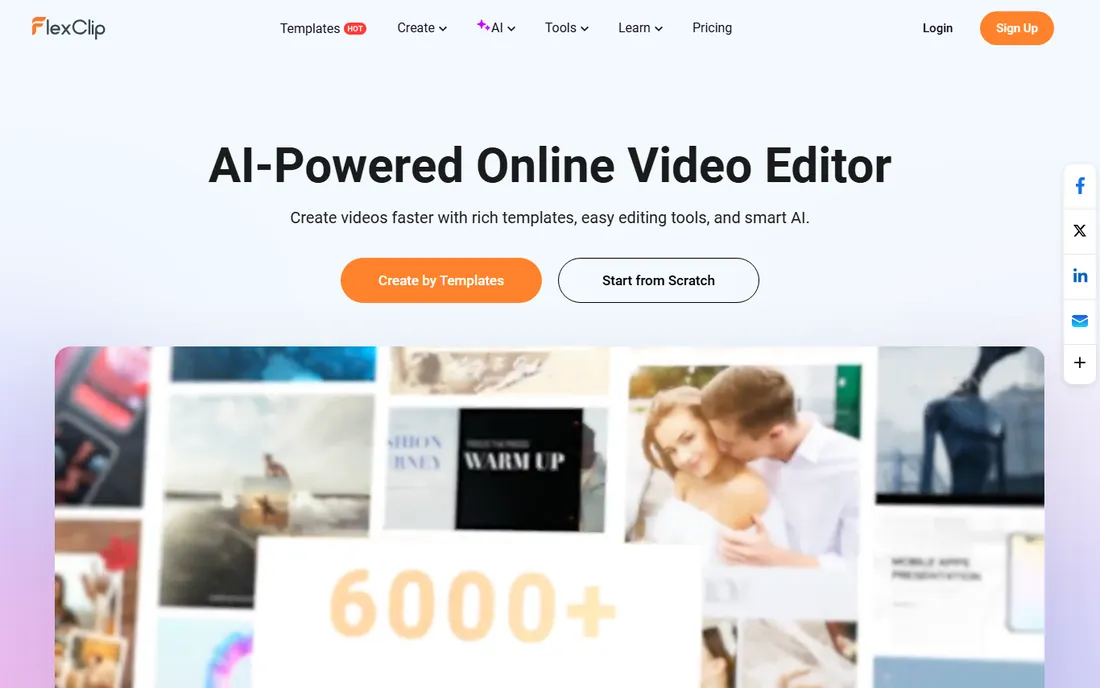
FlexClip is an online video maker with a big template library and AI features like script generation, text-to-speech and auto subtitles. Its slideshow templates cover business, weddings, sports and marketing, so you rarely start from a blank canvas. Exports go up to 4K, and the resource library includes millions of stock videos and photos plus tens of thousands of music tracks.
The free plan watermarks exports, which makes it a trial in practice for anything public. Animation control is basic compared with desktop tools. For a small business owner who needs a promo slideshow this afternoon without learning software, FlexClip's templates and AI shortcuts deliver fast.
What we like- 6,000 plus templates including slideshow categories
- AI video generation and text-to-speech built in
- Exports up to 4K
Watch out for- Free exports carry a watermark
- Advanced animation control is limited
#8
PTE AV Studio
Best for: precise timeline and keyframe animation
Visit wnsoft.com
Starting priceSee website
Free planFree trial
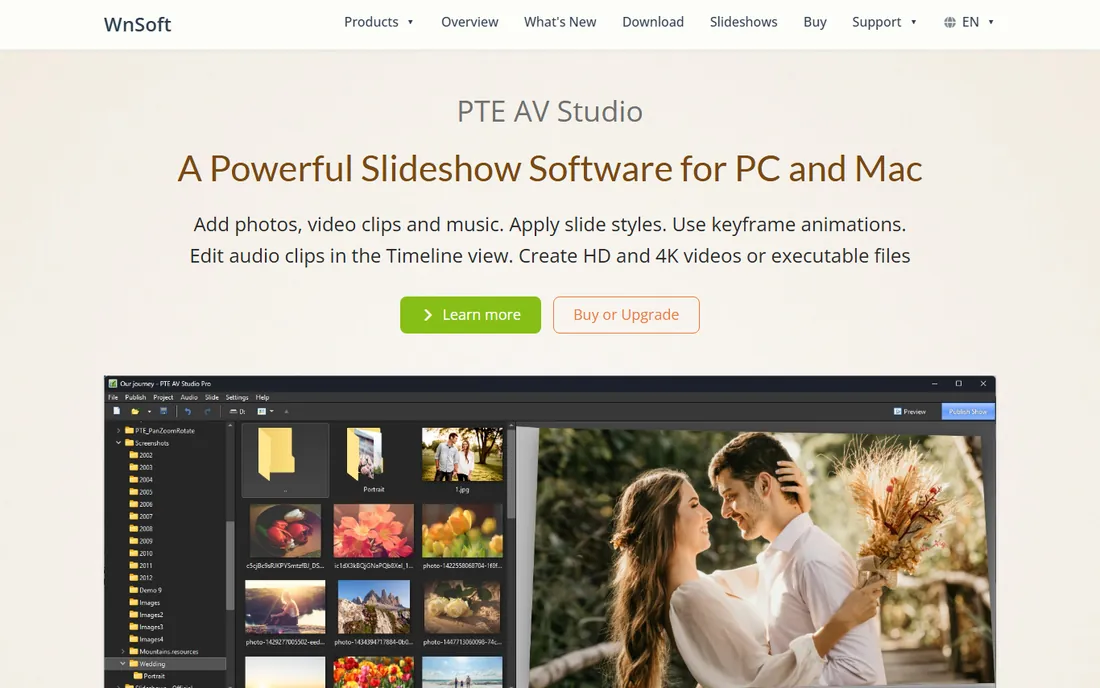
PTE AV Studio is the enthusiast's pick. Where most slideshow makers give you presets, PTE gives you a timeline, keyframes and precise control over every object's movement, opacity and timing. Its sound editing features are stronger than most rivals, which matters when your slideshow lives or dies on its soundtrack. Over 100 effects and templates keep you from starting empty.
All that control costs time. Expect a learning curve measured in days, not minutes, and the price reflects the pro positioning. For photographers and hobbyists who want their slideshows timed to the frame, nothing else here offers this much precision at this price level.
What we like- Deep timeline control with keyframing
- Over 100 effects and templates
- Strong audio editing tools
Watch out for- Steeper learning curve than wizard-style tools
- Windows and Mac only, no online version
#9
MAGIX PhotoStory Deluxe
Best for: template-heavy slideshows on Windows
Visit magix.com
Starting priceSee website
Free planFree trial
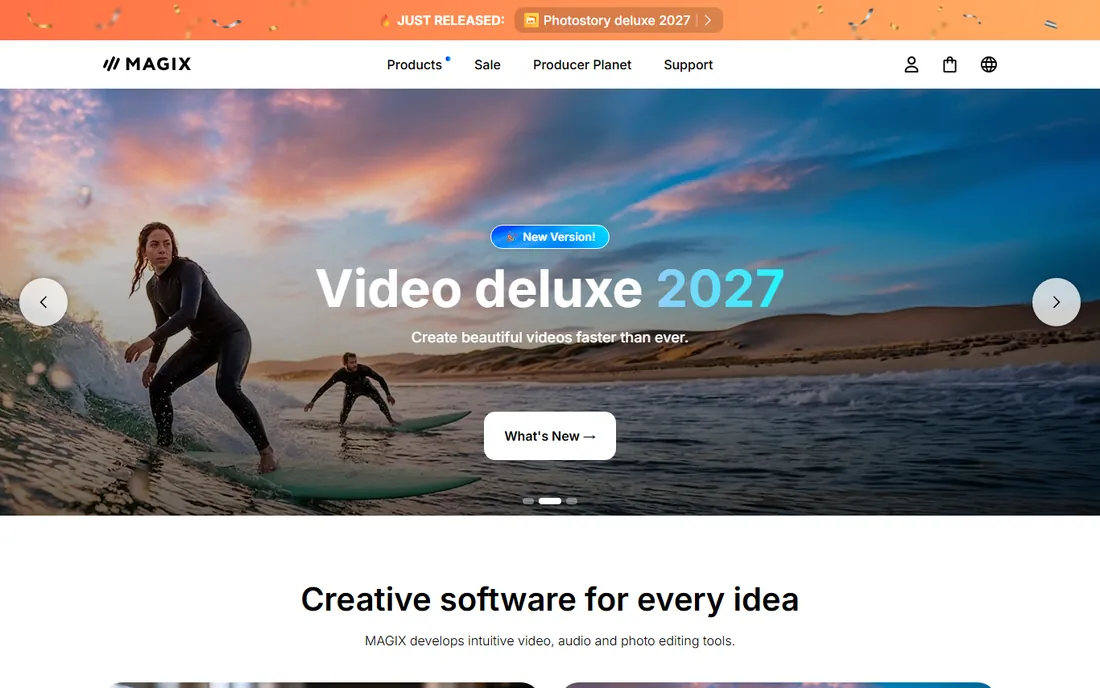
MAGIX PhotoStory Deluxe has been around for years and keeps a loyal following among Windows users. Its strength is volume: hundreds of templates, effects and filters, plus built-in tools to fix photo quality before your images hit the timeline. The audio module lets you build a custom soundtrack rather than dropping in a single track.
The interface shows its age in places and can feel busy for a first-timer. It is also Windows-only. But as a one-time purchase with a huge built-in library, it remains a solid pick for family slideshows, club presentations and anyone who wants maximum templates for minimum money.
What we like- Over 100 templates and 300 video effects and filters
- Built-in image enhancement tools
- Customizable audio module
Watch out for- Windows only
- The interface packs in a lot, which can overwhelm beginners
What to look for before you buy slideshow software
Decide first whether you want desktop software or an online tool. Desktop programs like SmartSHOW 3D and PTE AV Studio work offline, handle large photo collections and usually sell lifetime licenses. Online tools like Animoto and FlexClip need no install and make sharing easy, but they charge subscriptions and watermark free exports. If you make one slideshow a year, a desktop lifetime license is usually cheaper over time.
Check the export options before you commit. Most tools export to MP4, which plays everywhere. Some still burn DVDs or make mobile presets, which matters if your audience is not streaming. Also check resolution limits: 4K export sounds nice but is overkill for a Facebook post, and some cheaper plans cap at 720p.
Music is the hidden trap. Many tools include royalty-free tracks, but if you want your own music, confirm the tool accepts MP3 or WAV imports and lets you adjust timing. And if your slideshow includes video clips mixed with photos, verify the tool handles video on the timeline, because not all of them do.
Desktop versus online: which fits your project
Desktop slideshow software wins on control and cost over time. SmartSHOW 3D, Movavi, Icecream, PhotoStage, PTE AV Studio and MAGIX PhotoStory all run locally, so a big project with hundreds of photos will not choke your browser. Most sell one-time licenses, so after year one you are done paying. The downside is platform limits: several are Windows-only, and you install updates yourself.
Online tools win on convenience. Animoto, Adobe Express and FlexClip open in any browser, save your work in the cloud and share with a link. They are better for teams and for quick social content. The downside is the subscription treadmill and weaker offline control. A practical rule: family and event slideshows favor desktop, business and social slideshows favor online.
How we chose
We compared slideshow tools that are actively maintained and reviewed in 2026, using vendor feature pages, pricing pages where accessible, and public reviews from G2, Capterra and Reddit. We included both desktop and online tools and both subscription and one-time-license models. We excluded discontinued products such as Photodex ProShow and tools that had not been updated in years. We did not test the software hands-on.
Frequently asked questions
What is the best slideshow software for beginners?
Movavi Video Editor and Icecream Slideshow Maker are the easiest starts. Movavi's Slideshow Wizard assembles a finished video from your photos in minutes, while Icecream is simpler still and works offline. If you want free and online, Adobe Express is the friendliest no-cost option.
Can I make a slideshow with music for free?
Yes. Adobe Express, Animoto and FlexClip all have free plans that let you add music, though free exports may carry watermarks. Desktop tools like Icecream Slideshow Maker and PhotoStage offer free versions too. Check each tool's export limits before investing time in a big project.
What is the difference between slideshow software and presentation software?
Slideshow software turns photos and music into a video you can play or share, while presentation software like PowerPoint creates clickable decks for live talks. Some tools blur the line, but if your end product is a video file, you want a slideshow maker.
Do I need a Windows PC for slideshow software?
Not necessarily. Movavi, PhotoStage and PTE AV Studio run on Mac, and Animoto, Adobe Express and FlexClip run in any browser. SmartSHOW 3D, Icecream Slideshow Maker and MAGIX PhotoStory Deluxe are Windows-only, so check platform support before buying.
How long does it take to make a photo slideshow?
With a wizard-style tool and a template, a simple 50-photo slideshow can be finished in under an hour. A carefully timed project with narration, keyframed animation and custom music in a tool like PTE AV Studio can take several evenings. Budget more time the first time you use any new tool.
Sources we checked (12)
- https://smartshow-software.com
- https://www.movavi.com
- https://icecreamapps.com
- https://www.nchsoftware.com
- https://animoto.com
- https://www.adobe.com/express
- https://www.flexclip.com
- https://www.wnsoft.com
- https://www.magix.com
- https://filmora.wondershare.com/video-editing/3d-slideshow.html
- https://animoto.com/blog/video-tips/best-slideshow-video-makers
- https://www.guru99.com/free-slideshow-maker.html
Is your product missing or out of date?
We review this list regularly. Vendors can request a listing, send updated pricing or ask about featured placement.

Shihab Mia · Founder, Rankite
Shihab has spent more than a decade helping SaaS and e-commerce brands grow through search. He writes Rankite's software buying guides from pricing pages, documentation and public user reviews. More about Shihab.