How we make this list: we compare pricing pages, product documentation and public user reviews. Rankite is independent; if a vendor ever pays for a featured spot, that listing is clearly labeled Partner.
Key takeaways
- Aftershoot and FilterPixel are the two most complete AI culling platforms for wedding photographers; Narrative Select suits photographers who want AI assistance without surrendering control.
- Local processing (Aftershoot, Optyx) keeps client photos off the cloud, which matters for privacy-sensitive work; cloud tools (FilterPixel) trade that for speed on weak laptops.
- Photo Mechanic has no AI at all and still belongs on every shortlist, because for sports and news shooters raw speed beats automation.
- Price structures differ wildly: subscriptions, per-image pricing and one-time purchases, so match the billing model to your shoot volume before committing.
Quick comparison
| Tool | Best for | Starting price | Free plan |
|---|
 Aftershoot Aftershoot | High-volume wedding and portrait photographers | See website | Free trial |
 FilterPixel FilterPixel | Deadline photographers who want cloud-based culling | See website | Free trial |
 Narrative Select Narrative Select | Photographers who want AI assistance without losing control | See website | Free trial |
 Imagen AI Imagen AI | Studios that want culling and AI editing in one subscription | See website | No |
 Photo Mechanic Photo Mechanic | Sports, news and event shooters who trust their own eye | See website | No |
 Optyx Optyx | Photographers testing whether AI culling fits their workflow | See website | No |
 FotoOwl AI Culling FotoOwl AI Culling | Studios that need to cull offline at the venue | See website | Yes |
 Canon Photo Culling Canon Photo Culling | Canon shooters who want a free automated first pass | See website | Yes |
Is your product missing or out of date?
We review this list regularly. Vendors can request a listing, send updated pricing or ask about featured placement.
The best AI photo culling software
Nobody becomes a photographer to spend Sunday night clicking through 4,000 near-identical frames. Culling is the least creative part of the job and the easiest to hand to software, but the wrong tool either misses your best shots or forces you into a workflow you hate. These eight cover the real options in 2026: full AI automation, AI-assisted control, and the manual speed king that refuses to die.
Starting priceSee website
Free planFree trial
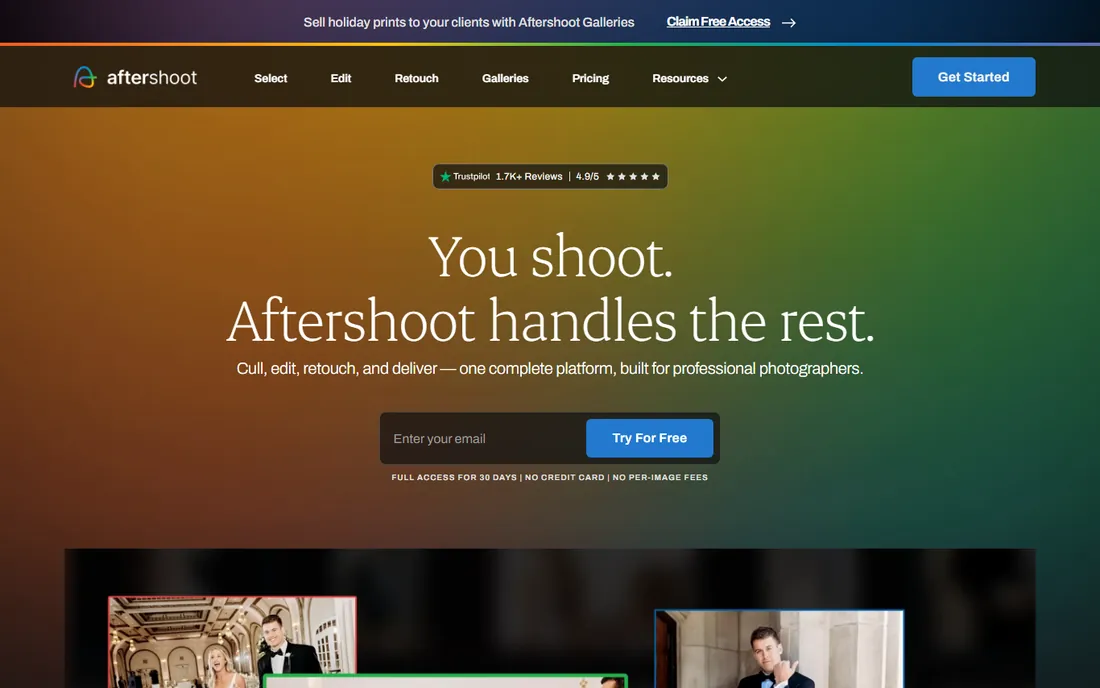
Aftershoot earned its position by solving the problem wedding photographers actually complain about: a full card that needs sorting before Monday. It runs on your own machine, so a 2,000-photo wedding culls in roughly twenty minutes on modern hardware and your clients' photos never touch a server. The duplicate grouping and face detection are the features you will notice first, and the survey and loupe review modes keep the final call in your hands.
The honest catch is that Aftershoot is priced for working pros. If you shoot a few sessions a month, the subscription stings relative to cheaper or free options. It also wants to be your editor too, and photographers who already have an editing workflow may resent the upsell. For full-time wedding and portrait shooters, though, the hours it returns each week pay for it many times over.
What we like- Processes thousands of RAWs locally in minutes with no upload wait
- Flags blur, closed eyes and duplicates with adjustable thresholds
- Cull-to-target slider delivers exactly the number of selects you ask for
Watch out for- Subscription cost adds up for part-time shooters
- The editing side of the platform is a separate workflow to learn
Starting priceSee website
Free planFree trial
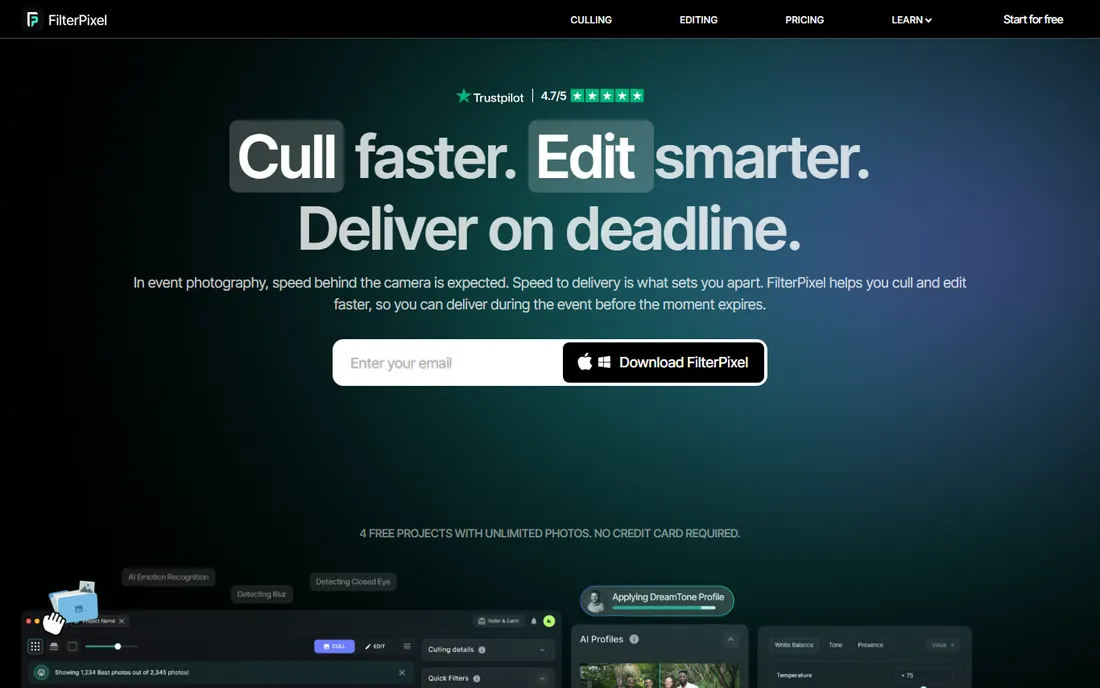
FilterPixel takes a different architectural bet from Aftershoot: your photos go to its cloud, and its servers do the heavy lifting. That is a genuine advantage on a weak laptop or when you are traveling, since the culling speed depends on FilterPixel's infrastructure, not your machine. Its DeepCull engine is tuned per genre, so it knows a slightly soft peak-action sports frame is worth more than a tack-sharp frame of nothing happening.
The trade is upload time and data leaving your control. A full wedding upload over hotel wifi is nobody's idea of fun, and some clients (corporate, schools) have policies against third-party cloud processing. If your internet is solid and your clients do not object, FilterPixel is one of the fastest ways to get from card to selects.
What we like- Genre-specific AI that understands peak action versus posed frames
- Score-plus-Reason explains why each photo was picked
- Cloud processing means any laptop can handle huge shoots
Watch out for- Uploading thousands of RAWs takes time and bandwidth
- Cloud processing raises privacy questions for sensitive clients
#3
Narrative Select
Best for: Photographers who want AI assistance without losing control
Visit narrative.so
Starting priceSee website
Free planFree trial
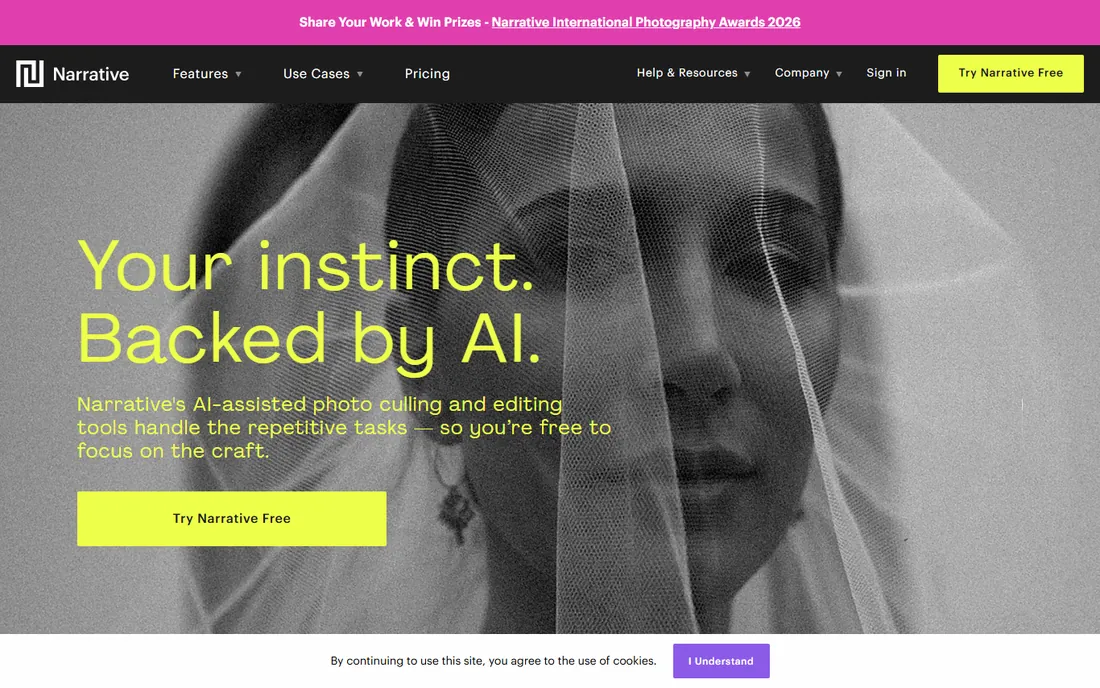
Narrative Select is the tool for photographers who distrust full automation but are tired of manual sorting. Its AI assesses faces, focus and exposure, groups similar frames into scenes and ranks them, then steps back while you make the calls. The keyboard-driven workflow is genuinely fast once learned, and the close-ups panel (all faces from a group shot side by side) is the kind of feature that makes portrait culling dramatically quicker.
It is deliberately less automated than the top two, which is either the point or the problem depending on your temperament. If you want software to hand you forty selects and be done, look elsewhere. If you want a smart assistant that does the grunt work and lets you stay the editor, Narrative Select is the best version of that philosophy.
What we like- Assisted culling keeps every final decision with the photographer
- Scenes View groups a shoot into its natural story
- Close-ups Panel speeds up expression comparisons in portraits
Watch out for- Mac-first history means Windows support lagged behind
- Less aggressive automation than Aftershoot or FilterPixel for those who want full auto
#4
Imagen AI
Best for: Studios that want culling and AI editing in one subscription
Visit imagen-ai.com
Starting priceSee website
Free planNo
Imagen AI comes at culling from the editing side. Its core product learns your personal editing style from your past work and applies it to new shoots; the culling layer was added so studios could keep the whole post-production flow in one place. For a studio with multiple shooters, the consistency argument is strong: every gallery leaves the pipeline looking like it came from one hand.
The pricing model is the thing to calculate carefully. Per-image pricing is painless for a portrait studio delivering hundreds of frames and brutal for a wedding studio processing tens of thousands. If you already pay for Imagen's editing, the culling add-on is a natural extension; as a standalone culling purchase, dedicated tools give you more for less.
What we like- Pairs AI culling with editing profiles trained on your own style
- Integrates directly with Lightroom catalogs
- Consistent results across multi-shooter studios
Watch out for- Pay-per-image pricing gets expensive at high volumes
- Culling is secondary to the editing product, not the core focus
Starting priceSee website
Free planNo
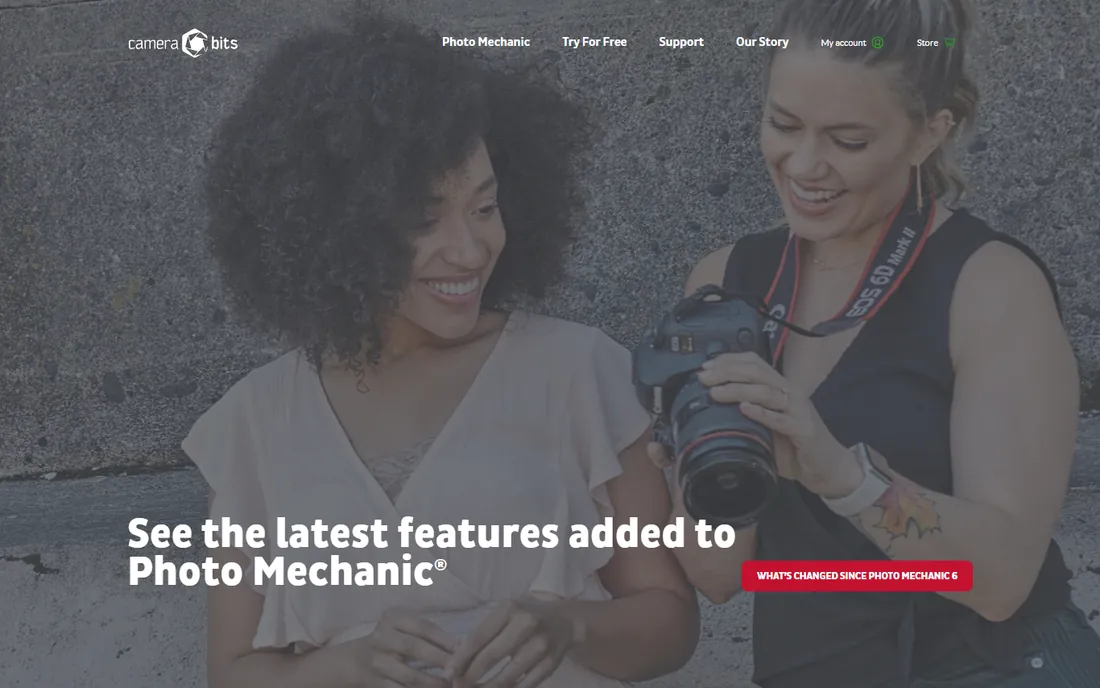
Photo Mechanic has survived every wave of AI hype for a simple reason: nothing touches its speed. It shows embedded JPEG previews instantly, so you can fly through thousands of frames with single-key ratings while an AI tool is still building its first preview. The ingest process (copy from card, rename, apply metadata templates, back up to two destinations) remains the best in the business, and photojournalists on deadline would not trade it for anything.
It is honest about what it is not: there is no AI scoring, no duplicate detection, no face analysis. You make every decision yourself, fast. For sports and news photographers who need selects in minutes and trust their judgment, that is a feature. For wedding photographers drowning in 5,000-frame weekends, pair it with an AI tool or skip it.
What we like- The fastest manual culling ever built, with instant RAW previews
- Ingest workflow with renaming, metadata templates and backups in one pass
- The industry standard photojournalists actually use
Watch out for- No AI features at all
- The interface looks dated and the learning curve is real
#6
Optyx
Best for: Photographers testing whether AI culling fits their workflow
Visit optyx.app
Starting priceSee website
Free planNo

Optyx is the low-commitment way to answer the question every photographer asks: does AI culling actually work for my shoots? At a fraction of the price of the leaders, it scores images on faces, focus and exposure and hands you a ranked set. There is no elaborate onboarding and no sales call; you can run a real wedding through it this weekend and see.
Expectations should match the price. The AI is simpler, the interface is plainer and the workflow integrations are thinner than Aftershoot or Narrative. Think of Optyx as a trial that you might keep: if it handles your volume, you have saved real money, and if you outgrow it, you now know exactly which premium features to pay for.
What we like- Very low monthly cost makes it the cheapest AI culling entry point
- Lightweight face and focus detection covers the basics
- Simple enough to evaluate in an afternoon
Watch out for- Fewer features and less polish than the category leaders
- Limited genre tuning and workflow integrations
#7
FotoOwl AI Culling
Best for: Studios that need to cull offline at the venue
Visit fotoowl.ai
Starting priceSee website
Free planYes
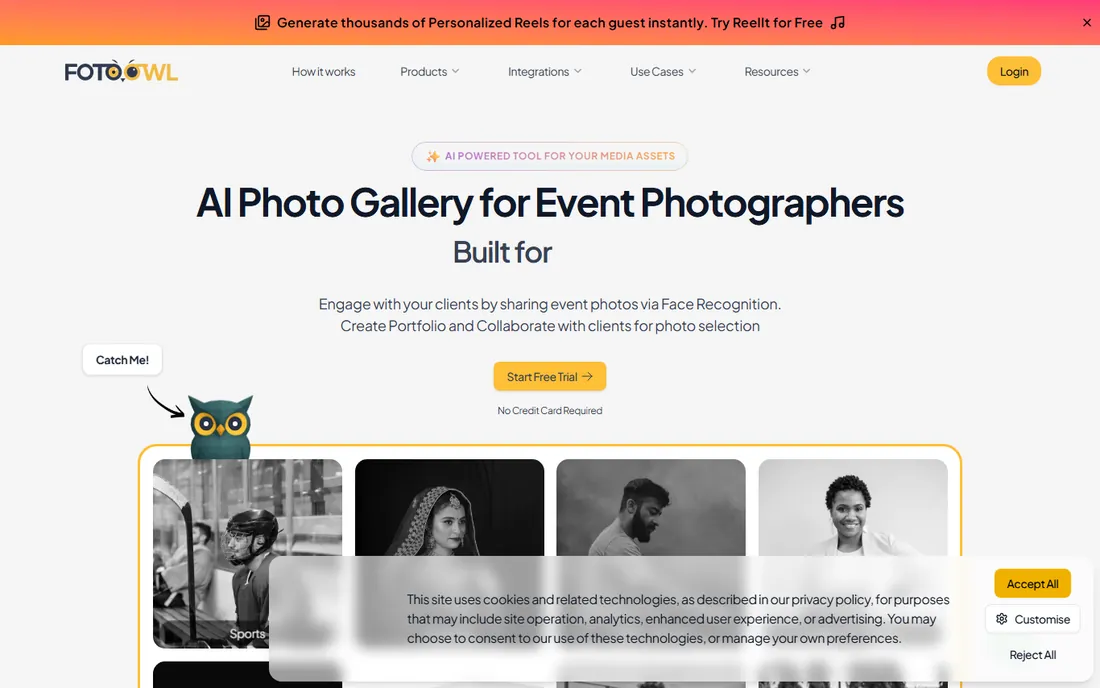
FotoOwl's culling app is built for a specific and painful scenario: culling a full wedding card on a laptop during the reception, with no wifi and no time. It is free, offline and fast, rejecting duplicates and weak frames, grouping similar shots and ranking keepers, then handing the shortlist to a human for a second pass before anything leaves the machine. For high-volume event studios, same-day selects without an upload step is a genuine differentiator.
The ecosystem question is the catch. FotoOwl's culling connects to its client gallery and delivery products, which is convenient if you use them and irrelevant if you do not. As a newer entrant it also lacks the years of refinement the leaders have. But free and offline is a combination nobody else offers, and for the right studio that outweighs everything.
What we like- Free offline desktop app with no internet required
- Groups duplicates and ranks keepers by composition, exposure and blur
- Built-in human review pass before anything exports
Watch out for- Newer product with a smaller user base and fewer reviews
- Ties into FotoOwl's gallery ecosystem, which you may not want
#8
Canon Photo Culling
Best for: Canon shooters who want a free automated first pass
Visit usa.canon.com
Starting priceSee website
Free planYes
Canon's own culling app is the quiet free option hiding in plain sight. Built by the company that made your camera, it handles Canon RAW files natively and applies automated selection to thin a shoot before you open your real culling tool. It will not replace Aftershoot or Narrative, and it is not trying to; it is a first pass that costs nothing.
The limitation is obvious: if you shoot Sony, Nikon or Fuji, this is not for you. Even Canon shooters will outgrow it once volume rises. But as a free pre-cull that runs before your paid tool touches the shoot, it can shave real time off the workflow for exactly zero dollars.
What we like- Free app from the camera maker itself
- Understands Canon files and shooting data natively
- Useful as a pre-cull before your main workflow
Watch out for- Limited to Canon shooters in practice
- Far fewer features than dedicated culling platforms
How we chose
We started from tools photographers actually discuss in 2026: dedicated AI culling platforms, AI-assisted culling apps, editing platforms with culling layers, and the manual standard the industry still measures against. We favored tools with current development and real user bases, and we included both cloud and local processing because that choice matters for privacy and speed. Pricing details come from each vendor's own pricing page; where pricing was not verifiable we used "See website" rather than repeating third-party figures. No hands-on testing was performed for this guide.
Frequently asked questions
Is AI culling accurate enough to trust?
For technical rejects (blur, closed eyes, duplicates), yes, the leading tools are very reliable. For creative selects, most professionals use AI to narrow 4,000 frames to a few hundred and then choose themselves. Full automation works best for high-volume, consistent genres like weddings.
Do I need internet for AI culling?
Not always. Aftershoot, Optyx and FotoOwl process locally on your machine. FilterPixel and Imagen AI are cloud-based and need uploads. If you cull at venues with bad wifi, local processing is the safer choice.
Will AI culling work with Lightroom?
Yes. Narrative Select, Imagen AI and most others are designed to hand selects back to Lightroom or Capture One. Check whether the integration is a plugin, an export, or a catalog sync, because the friction differs.
How much does AI culling software cost?
Anywhere from free (FotoOwl, Canon's app) to roughly $7/month (Optyx) to $15-30/month for the leading platforms, with Imagen AI charging per image. Match the billing model to your volume: per-image pricing punishes high-volume shooters.
Can AI culling handle sports photography?
Partially. Genre-tuned tools like FilterPixel understand peak action, but many sports shooters still prefer Photo Mechanic's manual speed. AI is better at portraits and weddings where expressions and duplicates dominate.
Does AI culling replace the photographer?
No. It replaces the mechanical sorting, not the editorial judgment. The professionals getting the most from these tools use AI for the first pass and keep final selection themselves.
What to check before you buy
Run a real shoot through the free trial, not the demo gallery. Your lighting, your volume and your genre expose weaknesses that marketing pages hide: a tool tuned for weddings may fumble indoor sports, and a tool that flies on 500 portraits may crawl on 5,000 RAWs.
Check where processing happens. Local processing keeps client photos private and works offline; cloud processing is faster on weak hardware but needs uploads and raises privacy questions. Your client contracts may already answer this for you.
Count your true monthly volume before choosing a billing model. Per-image pricing looks cheap until you multiply by 8,000 wedding frames. Subscriptions favor high volume; per-image favors occasional shooters.
Finally, test the handoff to your editor. The cull is only half the workflow; if getting selects into Lightroom takes twenty clicks, the time you saved evaporates. The best tools make the export step boring, which is exactly what you want.
Sources we checked (10)
- https://www.aftershoot.com
- https://www.filterpixel.com
- https://www.narrative.so
- https://www.imagen-ai.com
- https://home.camerabits.com
- https://www.optyx.app
- https://www.fotoowl.ai
- https://www.usa.canon.com
- https://filterpixel.com/ai-photo-culling-software
- https://theappwhisperer.com/2026/06/best-photo-culling-apps-2026/
Is your product missing or out of date?
We review this list regularly. Vendors can request a listing, send updated pricing or ask about featured placement.

Shihab Mia · Founder, Rankite
Shihab has spent more than a decade helping SaaS and e-commerce brands grow through search. He writes Rankite's software buying guides from pricing pages, documentation and public user reviews. More about Shihab.