How we make this list: we compare pricing pages, product documentation and public user reviews. Ratings come from G2, Capterra or Trustpilot, with the date we checked them.
Key takeaways
- Coefficient and Coupler.io suit live reporting in Sheets, with different source lists and price points.
- Zapier and Make suit app-to-app automation that includes Sheets as one step.
- Airtable and Smartsheet suit teams that need structure, views, and collaboration beyond plain sheets.
- AppSheet suits field data collection from a sheet, while Rows suits teams open to a new spreadsheet.
Quick comparison
| Tool | Best for | Starting price | Free plan |
|---|
 Coefficient Coefficient | Live business data in Sheets and Excel | $49 per user/month | Yes |
 Coupler.io Coupler.io | Multi-source reporting automation | $24 per month | Yes |
 Supermetrics Supermetrics | Marketing data in Sheets and BI | See website | Free trial |
 Zapier Zapier | App-to-app automation including Sheets | See website | Yes |
 Make Make | Visual automation workflows | See website | Yes |
 Airtable Airtable | Spreadsheet plus database workflows | See website | Yes |
 Smartsheet Smartsheet | Work management in sheet views | See website | Free trial |
 Google AppSheet Google AppSheet | Turn sheets into apps | See website | Yes |
 Rows Rows | Modern spreadsheet with integrations | See website | Yes |
Is your product missing or out of date?
We review this list regularly. Vendors can request a listing, send updated pricing or ask about featured placement.
The best sheetgo alternatives
Starting price$49 per user/month
Free planYes
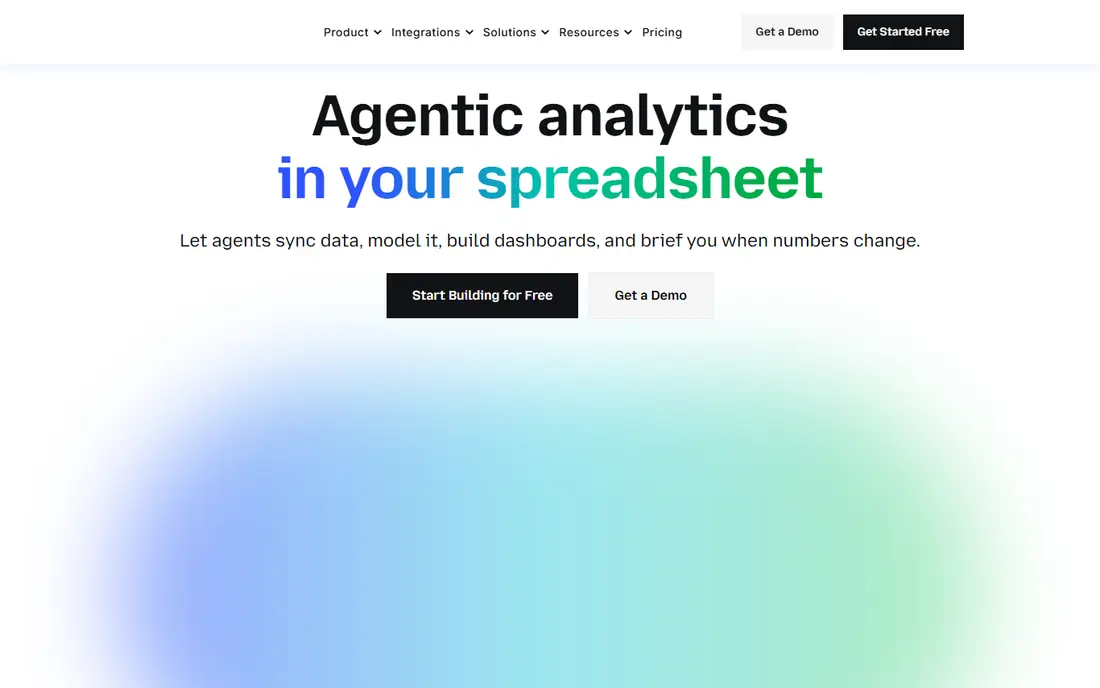
For teams that need live data in Sheets, this is a practical place to start. Coefficient pulls live data from CRMs, databases, and ad platforms into Google Sheets and Excel. It suits sales, finance, and operations teams that use spreadsheets as reporting hubs and want data without manual exports.
In daily use, the deciding factors are usually Live business data in Sheets and Excel, how the tool handles your existing stack, and whether the plan limits match your volume. Check the pricing page, the documentation for Coefficient, and recent public reviews before you buy, and use a trial with a real project rather than a demo dataset. Pricing and plan limits are worth checking on the vendor pricing page before you commit, because tiers and add-ons change over time. If the tool fits your main workflow and its limits are acceptable, it is worth a shortlist spot. If not, move to the next option in this guide.
What we like- Live CRM and database connectors
- Scheduled refreshes
- Dashboards in Sheets
Watch out for- Higher price for small teams
- Two-way sync limits vary
#2Coupler.io
Best for: Multi-source reporting automation4.8/5 on
G2 (104 reviews, checked Oct 2026)
Visit coupler.io
Starting price$24 per month
Free planYes

If your main problem is multi-source reporting, this option deserves a close look. Coupler.io automates imports from many apps into Sheets, Excel, BI tools, and warehouses. It suits teams that need multi-source reporting and want dashboards without building pipelines by hand.
In daily use, the deciding factors are usually Multi-source reporting automation, how the tool handles your existing stack, and whether the plan limits match your volume. Check the pricing page, the documentation for Coupler.io, and recent public reviews before you buy, and use a trial with a real project rather than a demo dataset. Pricing and plan limits are worth checking on the vendor pricing page before you commit, because tiers and add-ons change over time. If the tool fits your main workflow and its limits are acceptable, it is worth a shortlist spot. If not, move to the next option in this guide.
What we like- Many data sources
- Scheduled imports
- Spreadsheet, BI, and warehouse destinations
Watch out for- Advanced transforms need learning
- Plan limits on refresh frequency
#3Supermetrics
Best for: Marketing data in Sheets and BI4.4/5 on
G2 (824 reviews, checked Oct 2026)
Visit supermetrics.com
Starting priceSee website
Free planFree trial
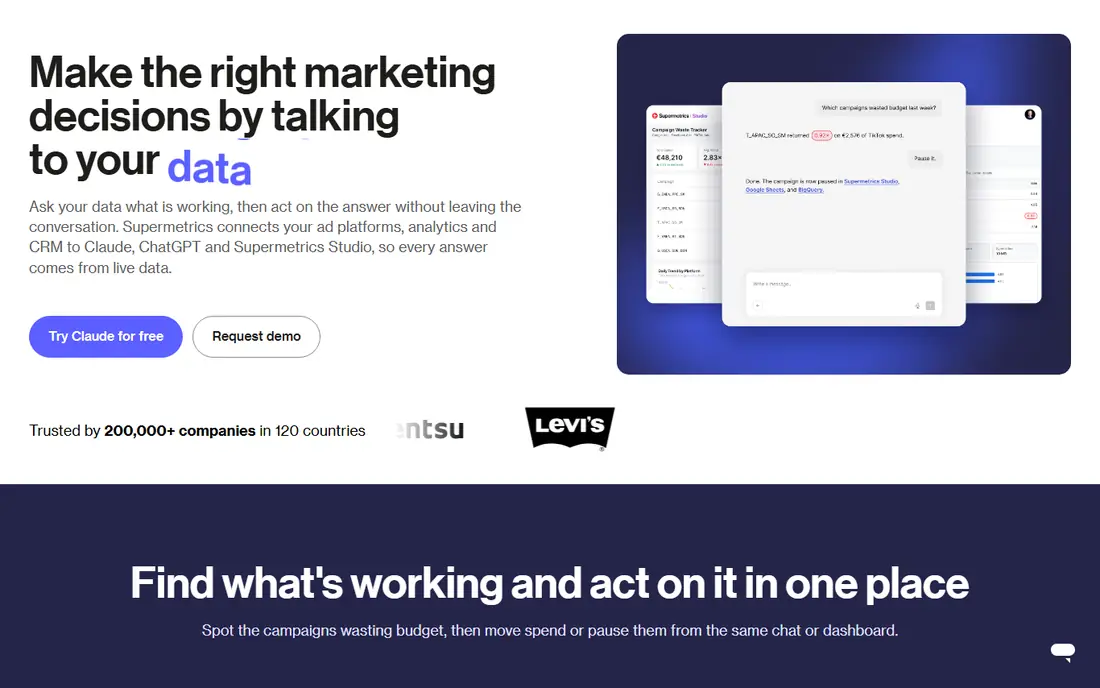
This option suits groups that want marketing data reporting without a long setup. Supermetrics pulls marketing and ad data into Sheets, Excel, and BI tools for cross-channel reports. It suits marketing teams that report across ad platforms, while general operations teams may prefer a broader connector list.
In daily use, the deciding factors are usually Marketing data in Sheets and BI, how the tool handles your existing stack, and whether the plan limits match your volume. Check the pricing page, the documentation for Supermetrics, and recent public reviews before you buy, and use a trial with a real project rather than a demo dataset. Pricing and plan limits are worth checking on the vendor pricing page before you commit, because tiers and add-ons change over time. If the tool fits your main workflow and its limits are acceptable, it is worth a shortlist spot. If not, move to the next option in this guide.
What we like- Marketing platform connectors
- Cross-channel reporting
- Looker Studio and Sheets support
Watch out for- Pricing varies by data source
- Marketing focus limits general use
#4Zapier
Best for: App-to-app automation including Sheets4.5/5 on
G2 (2,088 reviews, checked Oct 2026)
Visit zapier.com
Starting priceSee website
Free planYes

When app-to-app automation matters more than extra features, this tool fits well. Zapier connects Sheets to thousands of apps with no-code workflows for row creation, updates, and alerts. It suits teams that need simple automations across many tools, while heavy data syncs may need a dedicated data tool.
In daily use, the deciding factors are usually App-to-app automation including Sheets, how the tool handles your existing stack, and whether the plan limits match your volume. Check the pricing page, the documentation for Zapier, and recent public reviews before you buy, and use a trial with a real project rather than a demo dataset. Pricing and plan limits are worth checking on the vendor pricing page before you commit, because tiers and add-ons change over time. If the tool fits your main workflow and its limits are acceptable, it is worth a shortlist spot. If not, move to the next option in this guide.
What we like- Thousands of app connections
- No-code workflow builder
- Sheets triggers and actions
Watch out for- Task limits on lower tiers
- Complex workflows need care
#5Make
Best for: Visual automation workflows4.6/5 on
G2 (347 reviews, checked Oct 2026)
Visit make.com
Starting priceSee website
Free planYes

A good pick for people who put visual automation first is this platform. Make lets teams build visual automations that move data between Sheets and other apps. It suits users who want more control than simple triggers, with a visual view of each workflow step.
In daily use, the deciding factors are usually Visual automation workflows, how the tool handles your existing stack, and whether the plan limits match your volume. Check the pricing page, the documentation for Make, and recent public reviews before you buy, and use a trial with a real project rather than a demo dataset. Pricing and plan limits are worth checking on the vendor pricing page before you commit, because tiers and add-ons change over time. If the tool fits your main workflow and its limits are acceptable, it is worth a shortlist spot. If not, move to the next option in this guide.
What we like- Visual workflow builder
- Many app modules
- Flexible data handling
Watch out for- Learning curve for complex scenarios
- Operation limits apply
#6Airtable
Best for: Spreadsheet plus database workflows4.6/5 on
G2 (3,300 reviews, checked Oct 2026)
Visit airtable.com
Starting priceSee website
Free planYes
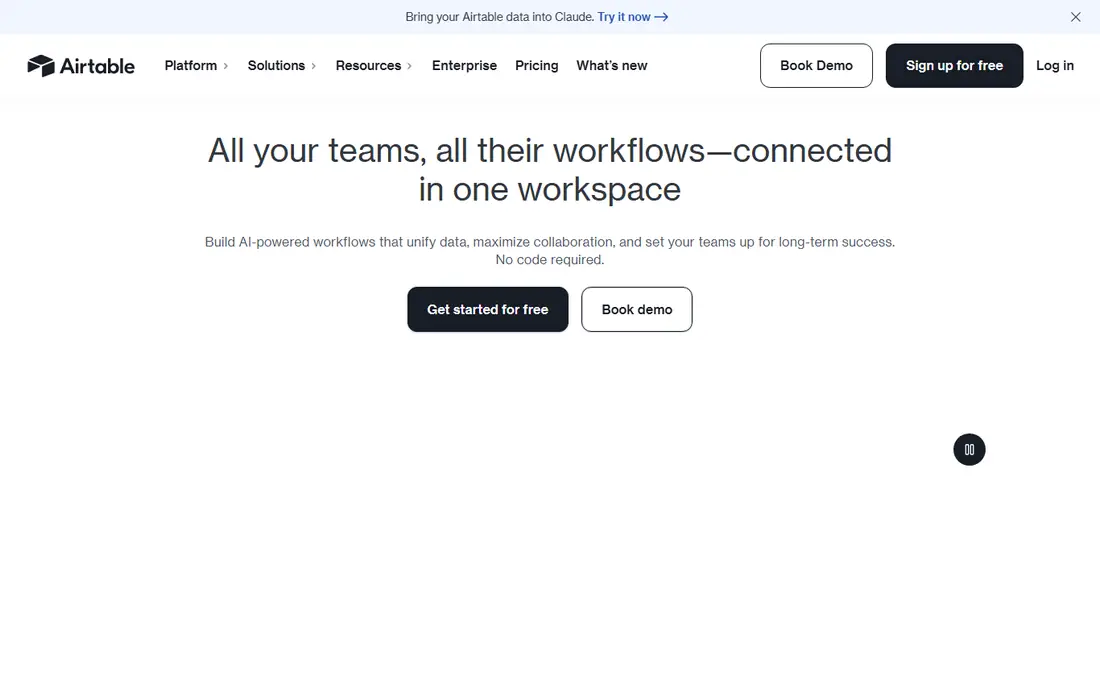
Consider this tool when spreadsheet plus database work is the deciding factor. Airtable combines spreadsheet views with database features, forms, and automations. It suits teams that outgrow plain sheets and need structured records, views, and collaboration in one place.
In daily use, the deciding factors are usually Spreadsheet plus database workflows, how the tool handles your existing stack, and whether the plan limits match your volume. Check the pricing page, the documentation for Airtable, and recent public reviews before you buy, and use a trial with a real project rather than a demo dataset. Pricing and plan limits are worth checking on the vendor pricing page before you commit, because tiers and add-ons change over time. If the tool fits your main workflow and its limits are acceptable, it is worth a shortlist spot. If not, move to the next option in this guide.
What we like- Table views, forms, and automations
- Collaboration features
- App integrations
Watch out for- Not a pure spreadsheet replacement
- Pricing rises with seats
#7Smartsheet
Best for: Work management in sheet views4.4/5 on
G2 (22,767 reviews, checked Oct 2026)
Visit smartsheet.com
Starting priceSee website
Free planFree trial
This platform works best where work management in sheets is the daily work. Smartsheet gives teams sheet views plus project views, automations, and reporting for work management. It suits operations and project teams that manage work in sheets but need timelines and approvals too.
In daily use, the deciding factors are usually Work management in sheet views, how the tool handles your existing stack, and whether the plan limits match your volume. Check the pricing page, the documentation for Smartsheet, and recent public reviews before you buy, and use a trial with a real project rather than a demo dataset. Pricing and plan limits are worth checking on the vendor pricing page before you commit, because tiers and add-ons change over time. If the tool fits your main workflow and its limits are acceptable, it is worth a shortlist spot. If not, move to the next option in this guide.
What we like- Sheet, Gantt, and card views
- Workflow automations
- Enterprise controls
Watch out for- Price and setup suit larger teams
- Less flexible for pure data sync
Starting priceSee website
Free planYes
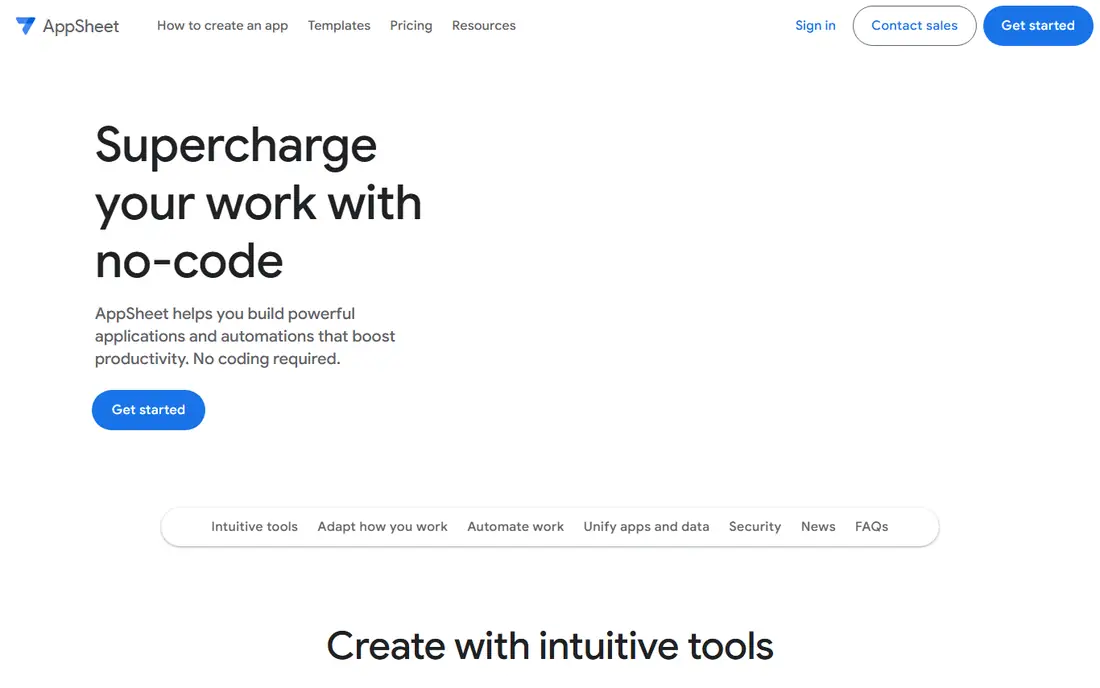
For a setup built around sheet-to-app building, this is a strong candidate. AppSheet turns a Google Sheet into a mobile or desktop app without code. It suits teams that collect data in the field and want a simple app front end for a sheet they already use.
In daily use, the deciding factors are usually Turn sheets into apps, how the tool handles your existing stack, and whether the plan limits match your volume. Check the pricing page, the documentation for Google AppSheet, and recent public reviews before you buy, and use a trial with a real project rather than a demo dataset. Pricing and plan limits are worth checking on the vendor pricing page before you commit, because tiers and add-ons change over time. If the tool fits your main workflow and its limits are acceptable, it is worth a shortlist spot. If not, move to the next option in this guide.
What we like- No-code app builder from Sheets
- Mobile apps
- Google Workspace integration
Watch out for- App design limits for complex apps
- Google ecosystem focus
#9Rows
Best for: Modern spreadsheet with integrations4.9/5 on
G2 (24 reviews, checked Oct 2026)
Visit rows.com
Starting priceSee website
Free planYes

If you value a modern connected spreadsheet above all else, start your shortlist here. Rows is a modern spreadsheet with integrations and AI-assisted features for data work. It suits teams open to a new spreadsheet that connects to business tools, while Sheets and Excel users may need time to migrate.
In daily use, the deciding factors are usually Modern spreadsheet with integrations, how the tool handles your existing stack, and whether the plan limits match your volume. Check the pricing page, the documentation for Rows, and recent public reviews before you buy, and use a trial with a real project rather than a demo dataset. Pricing and plan limits are worth checking on the vendor pricing page before you commit, because tiers and add-ons change over time. If the tool fits your main workflow and its limits are acceptable, it is worth a shortlist spot. If not, move to the next option in this guide.
What we like- Modern spreadsheet interface
- Built-in integrations
- Collaboration features
Watch out for- Smaller ecosystem than Sheets or Excel
- Migration effort
How we chose
We compared pricing pages, product documentation, and public reviews on G2, Capterra, and Reddit, then checked features, integrations, and fit for different company sizes. We did not count marketing claims as facts, and we left a price as See website when the vendor page did not publish a clear starting price.
That method favors tools with clear documentation and a plan that matches the job. A large platform can still be the wrong pick for a small team, and a small tool can still be the right pick for a focused job, so size fit mattered as much as feature count.
How to pick a Sheetgo replacement for your workflow
Map the workflow before you pick a tool
Write down the source sheets, the transforms, and the destination sheets or apps. Note how often data must refresh and who needs to see it. A live reporting tool, a sync tool, and an automation tool solve different parts of that map, so the map should come first.
Check connectors, refresh, and limits
Confirm that the tool connects to your CRM, ad platforms, databases, or forms, and check refresh frequency on your plan. Lower tiers often limit rows, refreshes, or operations. Test with real data volume, because a demo with ten rows hides limits that appear at scale.
Test permissions and error handling
Sheet workflows break when permissions change or a source column moves. Check how the tool handles errors, who can edit a workflow, and whether changes are logged. A tool that fails quietly can leave reports wrong for days, so alerts and logs matter.
Frequently asked questions
What is the closest alternative to Sheetgo for sheet-to-sheet sync?
Coupler.io and Coefficient cover much of the same reporting and sync ground, while Zapier and Make cover sheet-to-app automations. For pure sheet-to-sheet consolidation, check each tool's merge, split, and filter features in a trial.
Do I need a data connector or an automation tool?
Pick a data connector for live reports that refresh on a schedule. Pick an automation tool for event-based moves, such as creating a row when a form is submitted or sending an alert when a value changes.
Can these tools replace manual CSV exports?
Yes, in most reporting cases. Live connectors and scheduled imports remove manual exports, but you still need to check data quality, column mapping, and refresh timing after setup.
Are free plans enough for a small team?
Free plans can cover small reports and simple automations, but row, refresh, and operation limits apply. Start free, then upgrade when data volume or refresh needs grow.
How do I avoid broken sheet workflows?
Use stable column names, limit who can edit source sheets, and set up alerts for failed refreshes. Document each workflow, including source, destination, and refresh schedule, so a new team member can fix it.
Sources we checked (9)
- https://coefficient.io/pricing
- https://coupler.io/pricing
- https://supermetrics.com/pricing
- https://zapier.com/pricing
- https://www.make.com/en/pricing
- https://www.airtable.com/pricing
- https://www.smartsheet.com/pricing
- https://about.appsheet.com/pricing/
- https://rows.com/pricing
Is your product missing or out of date?
We review this list regularly. Vendors can request a listing, send updated pricing or ask about featured placement.

Shihab Mia · Founder, Rankite
Shihab has 5+ years in B2B and SaaS SEO. He writes Rankite's software buying guides from pricing pages, documentation and public user reviews. More about Shihab.