How we make this list: we compare pricing pages, product documentation and public user reviews. Ratings come from G2, Capterra or Trustpilot, with the date we checked them.
Key takeaways
- Screen Studio is a macOS app that records polished product videos with automatic zoom, captions, and backgrounds, but it is Mac-only and subscription-priced.
- CleanShot X is the closest Mac alternative, with one-time pricing and a full capture toolkit beyond recording.
- OBS Studio is free and cross-platform, but it records raw footage that needs editing elsewhere for a polished look.
- ScreenFlow and Camtasia suit creators who want a full editor built in, while Loom and Tella suit fast async sharing.
- The deciding factors are platform, editing depth, and whether you need automatic polish or full manual control.
Quick comparison
| Tool | Best for | Starting price | Free plan |
|---|
 CleanShot X CleanShot X | Mac capture toolkit | $29 one-time | No |
 Kap Kap | Free open-source Mac recording | Free | Yes |
 OBS Studio OBS Studio | Free cross-platform recording | Free | Yes |
 ScreenFlow ScreenFlow | Mac recording plus editing | See website | No |
 Camtasia Camtasia | Windows and Mac editing | See website | No |
 Loom Loom | Fast async sharing | Free; Paid $15/month | Yes |
 Tella Tella | Polished async videos | See website | No |
 Descript Descript | Editing video by editing text | See website | Yes |
Is your product missing or out of date?
We review this list regularly. Vendors can request a listing, send updated pricing or ask about featured placement.
The best Screen Studio alternatives
Starting price$29 one-time
Free planNo
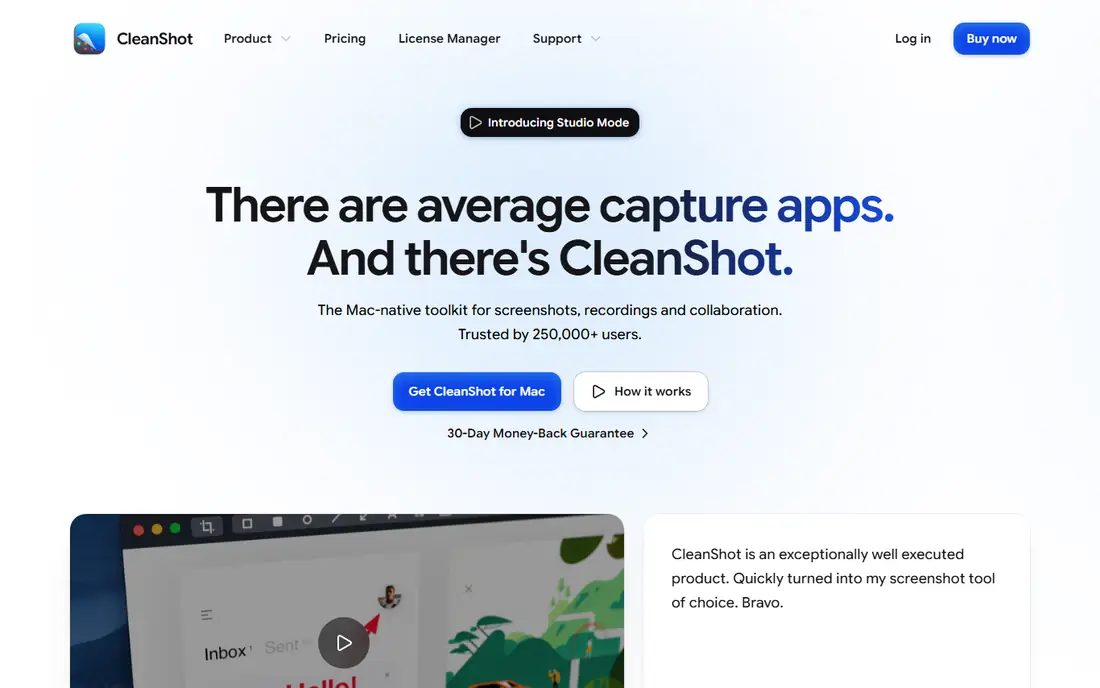
CleanShot X is the closest Mac alternative to Screen Studio, and the best pick if you dislike subscriptions. A one-time purchase of $29 covers screenshots, screen recording, scrolling capture, and annotation in one polished app, with cloud upload and sharing built in. Recordings look clean out of the box, with cursor highlighting and background options that suit product demos.
Video editing is lighter than ScreenFlow's or Camtasia's: CleanShot X polishes captures rather than replacing a full editor. It is Mac-only, so Windows teams need another tool. For a Mac user who wants Screen Studio-style polish with one-time pricing, CleanShot X is the best value.
What we like- One-time purchase, not a subscription
- Screenshots, recording, and annotation in one app
- Polished output
Watch out for- Mac-only
- Video editing is lighter than ScreenFlow
- No Windows version
Starting priceFree
Free planYes
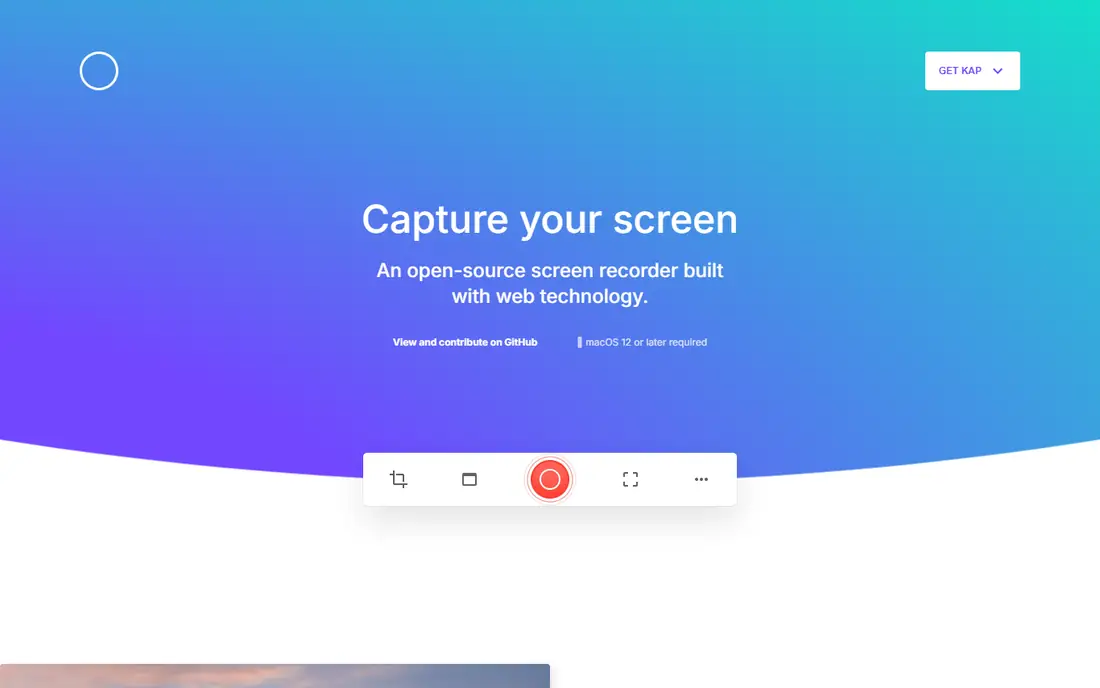
Kap is the free, open-source Mac recorder for users who want simple screen capture without paying. It records a selected region or window, exports to GIF, MP4, WebM, and APNG, and stays out of your way. The interface is minimal, and the app is light on system resources.
Kap does not add Screen Studio's automatic zoom, captions, or polished backgrounds, and editing is minimal, so polished videos need another editor. It is Mac-only. For a Mac user who needs quick, free recordings and will edit elsewhere, Kap is the best free option.
What we like- Free and open source
- Simple and fast
- Export to GIF, MP4, and more
Watch out for- Mac-only
- Minimal editing
- No automatic zoom or captions like Screen Studio
#3OBS Studio
Best for: Free cross-platform recording4.6/5 on
G2 (138 reviews, checked Oct 2026)
Visit obsproject.com
Starting priceFree
Free planYes
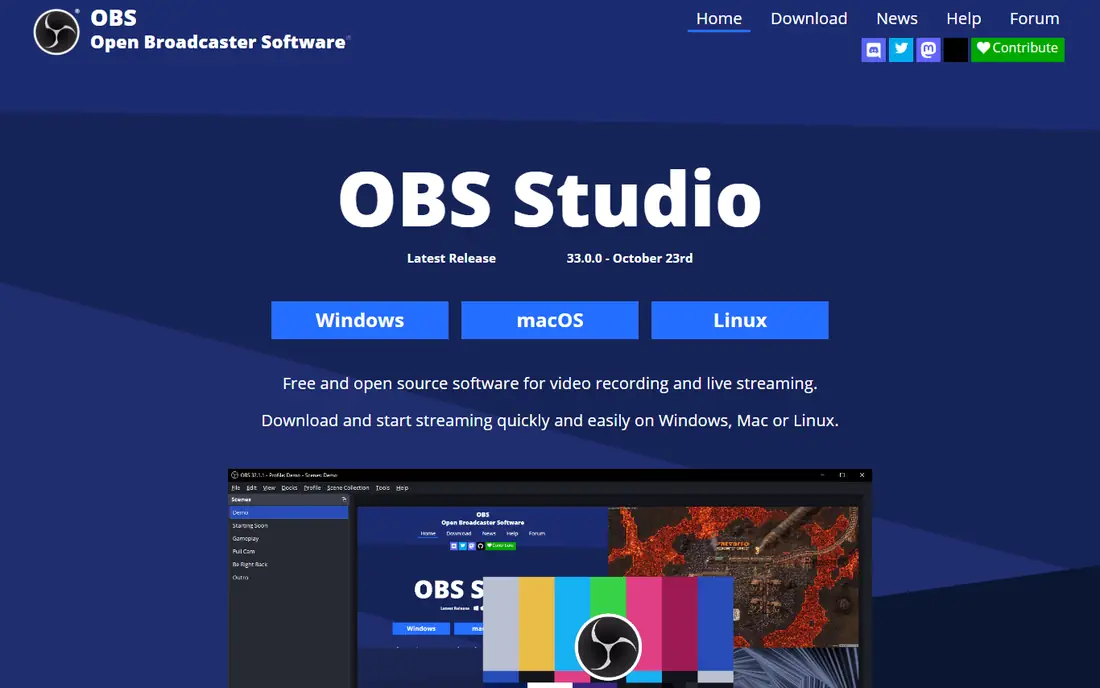
OBS Studio is the free, cross-platform powerhouse for recording and streaming. It runs on Windows, Mac, and Linux, supports scenes, multiple sources, filters, and live streaming to any platform, and it is the standard tool for streamers and tutorial creators who need control. There is no subscription and no watermark.
The learning curve is steep: OBS records raw footage, and polished product videos need editing in another tool. There are no automatic zoom or caption features. For a creator who wants free, powerful recording across platforms and will edit separately, OBS Studio is unmatched.
What we like- Free and open source
- Windows, Mac, and Linux
- Powerful scenes, sources, and streaming
Watch out for- Steep learning curve
- Raw footage needs editing elsewhere
- No automatic polish features
#4ScreenFlow
Best for: Mac recording plus editing4.5/5 on
G2 (56 reviews, checked Oct 2026)
Visit telestream.net
Starting priceSee website
Free planNo
ScreenFlow is the Mac choice for creators who want recording and full editing in one app. It captures the screen, camera, and audio together, then offers a multi-track timeline with titles, transitions, annotations, and effects, which suits tutorials, courses, and product walkthroughs that need real editing rather than automatic polish.
It is Mac-only, and the one-time price is higher than CleanShot X's, so confirm the current price on the vendor site. The editor has a learning curve, but it replaces a separate editing app entirely. For a Mac creator who wants to record and edit polished videos in one place, ScreenFlow is the strongest pick.
What we like- Full video editor built in
- Multi-track timeline
- Strong for tutorials and courses
Watch out for- Mac-only
- Higher one-time price than CleanShot X
- Learning curve for the editor
#5Camtasia
Best for: Windows and Mac editing4.6/5 on
G2 (1,769 reviews, checked Oct 2026)
Visit techsmith.com
Starting priceSee website
Free planNo
Camtasia is the cross-platform editor for training and tutorial videos, running on both Windows and Mac. It records screen, camera, and audio, then offers a full editor with templates, annotations, transitions, quizzes, and a library of assets, which suits corporate training and course creators who produce videos regularly.
Pricing is subscription or a higher one-time cost depending on the current offer, so check the vendor page. It is heavier than CleanShot X or Kap, and overkill for a quick clip. For a team that needs a full editor on Windows or Mac with training features, Camtasia is the standard choice.
What we like- Works on Windows and Mac
- Full editor with templates and assets
- Great for training videos
Watch out for- Subscription or higher one-time cost
- Heavier than lightweight recorders
- Overkill for quick clips
#6Loom
Best for: Fast async sharing4.7/5 on
G2 (2,415 reviews, checked Oct 2026)
Visit loom.com
Starting priceFree; Paid $15/month
Free planYes
Loom is the fastest alternative when the goal is sharing, not polishing. Record your screen and camera, get a link instantly, and let viewers comment with time-stamped reactions, which suits async team updates, bug reports, and quick walkthroughs. The free plan covers basic use, and paid plans start at $15 a month with longer videos and more storage.
Loom does not match Screen Studio's automatic zoom, captions, or background polish, and the free plan caps length and storage. It needs internet for sharing, since videos live on Loom's platform. For fast async communication, Loom is the best tool here.
What we like- Fastest path from record to shared link
- Free plan for basic use
- Comments and reactions built in
Watch out for- Polished product-video features are limited
- Free plan caps video length and storage
- Needs internet for sharing
Starting priceSee website
Free planNo
Tella is the async video tool closest to Screen Studio's polished look, with layouts, backgrounds, and multi-clip recording that make product demos and updates look designed rather than raw. It runs in the browser, so there is nothing to install, and sharing is instant with viewer analytics.
Pricing is subscription-based, so check the current plan, and editing is lighter than a full editor like ScreenFlow. It needs internet for recording and sharing. For a team that wants polished async videos without desktop software, Tella is a strong pick.
What we like- Polished async videos with layouts and backgrounds
- Browser-based recording
- Good for product demos
Watch out for- Subscription-priced
- Editing is lighter than ScreenFlow
- Needs internet for recording and sharing
#8Descript
Best for: Editing video by editing text4.6/5 on
G2 (928 reviews, checked Oct 2026)
Visit descript.com
Starting priceSee website
Free planYes
Descript takes a different approach: it transcribes your recording, and you edit the video by editing the text, deleting a sentence removes that video segment. Filler-word removal, studio sound cleanup, and overdub voice features make it powerful for tutorial and podcast creators who revise spoken content heavily.
Screen recording is secondary to editing, so Descript is not the best pure recorder, and the transcript workflow takes learning. A free plan covers basic use, with paid plans for full features. For a creator who edits spoken video heavily, Descript's text-based editing saves hours over timeline editing, especially when removing filler words and false starts across a long recording with many retakes and pauses.
What we like- Edit video by editing its transcript
- Filler-word removal
- Studio sound and overdub features
Watch out for- Screen recording is secondary to editing
- Transcript editing has a learning curve
- Paid plans needed for full features
How we chose
We compared screen recording tools that replace Screen Studio's core job: capturing the screen and turning it into a polished, shareable video. We weighed platform, automatic polish features, editing depth, pricing model, and sharing speed from vendor pages and 2026 screen recorder comparisons. We left out pure streaming tools without recording polish and meeting-only recorders. Where pricing is subscription-based or varies by offer, we list See website rather than quoting a figure that may have changed.
How to pick a Screen Studio replacement
Start with your platform and your editing needs. Mac users who want polish should shortlist CleanShot X and ScreenFlow. Free users should shortlist Kap and OBS Studio. Windows users should shortlist Camtasia and OBS Studio. Fast sharers should shortlist Loom and Tella. Heavy editors should shortlist Descript. Then test the polish features that matter: automatic zoom, captions, backgrounds, and cursor effects differ widely.
Decide between automatic polish and manual control
Screen Studio's appeal is automatic polish: zoom, captions, and backgrounds applied for you. CleanShot X and Tella come closest to that model. OBS Studio and Kap give you raw footage and full control, but polishing takes manual editing. Choose automatic polish if you publish often and want speed, and manual control if you need exact edits and have editing skill.
Check audio and caption quality
Polished video fails without clean audio and readable captions. Test microphone quality, background noise handling, and caption accuracy on each candidate with a real recording, not a silent screen capture. Captions matter for viewers watching muted, which is common on social platforms, and poor audio drives viewers away faster than imperfect visuals or bad lighting ever will do today.
Test the full publish path
Record a real demo, edit it, and share it before committing. Measure the time from record to published link, check how the video looks on the platform where viewers will watch it, and confirm captions and audio quality. A tool that records well but shares poorly costs more time than it saves.
Frequently asked questions
Is Screen Studio only for Mac?
Yes. Screen Studio is a macOS app, which is why Windows users need alternatives like Camtasia or OBS Studio. Mac users have the widest choice, including CleanShot X, Kap, and ScreenFlow.
What is the cheapest Screen Studio alternative?
Kap and OBS Studio are free and open source. CleanShot X at $29 one-time is the cheapest paid option with polish features. Loom's free plan is free for basic async sharing, though it caps length and storage.
Can OBS Studio make polished product videos?
Not on its own. OBS records excellent raw footage, but polished product videos with zoom, captions, and backgrounds need editing in another tool like ScreenFlow, Camtasia, or Descript. Use OBS for capture and a separate editor for polish.
Is CleanShot X a subscription?
No. CleanShot X is sold as a one-time purchase, which makes it attractive to users who dislike subscriptions. Confirm the current price and upgrade policy on the vendor site, since terms can change.
Which tool is best for async team updates?
Loom is fastest for async updates, with instant links and time-stamped comments. Tella suits teams that want more polished async videos with layouts and backgrounds. Both beat desktop recorders when sharing speed matters more than editing depth.
Sources we checked (8)
- https://cleanshot.com
- https://getkap.co
- https://obsproject.com
- https://www.telestream.net
- https://www.techsmith.com
- https://www.loom.com
- https://www.tella.tv
- https://www.descript.com
Is your product missing or out of date?
We review this list regularly. Vendors can request a listing, send updated pricing or ask about featured placement.

Shihab Mia · Founder, Rankite
Shihab has 5+ years in B2B and SaaS SEO. He writes Rankite's software buying guides from pricing pages, documentation and public user reviews. More about Shihab.