How we make this list: we compare pricing pages, product documentation and public user reviews. Ratings come from G2, Capterra or Trustpilot, with the date we checked them.
Key takeaways
- Veed.io and Kapwing are the closest browser-based alternatives for text-driven video editing and captions.
- Riverside suits podcasters and remote recording teams that need high-quality separate tracks.
- DaVinci Resolve is the best free professional editor, while Premiere Pro remains the industry standard for paid work.
- Audacity covers free audio-only editing, but it has no video or transcription workflow.
- No single tool replicates Descript exactly, so pick by whether your work is audio-first, video-first, or transcription-first.
Quick comparison
Is your product missing or out of date?
We review this list regularly. Vendors can request a listing, send updated pricing or ask about featured placement.
The best Descript alternatives
Starting priceFree
Free planYes
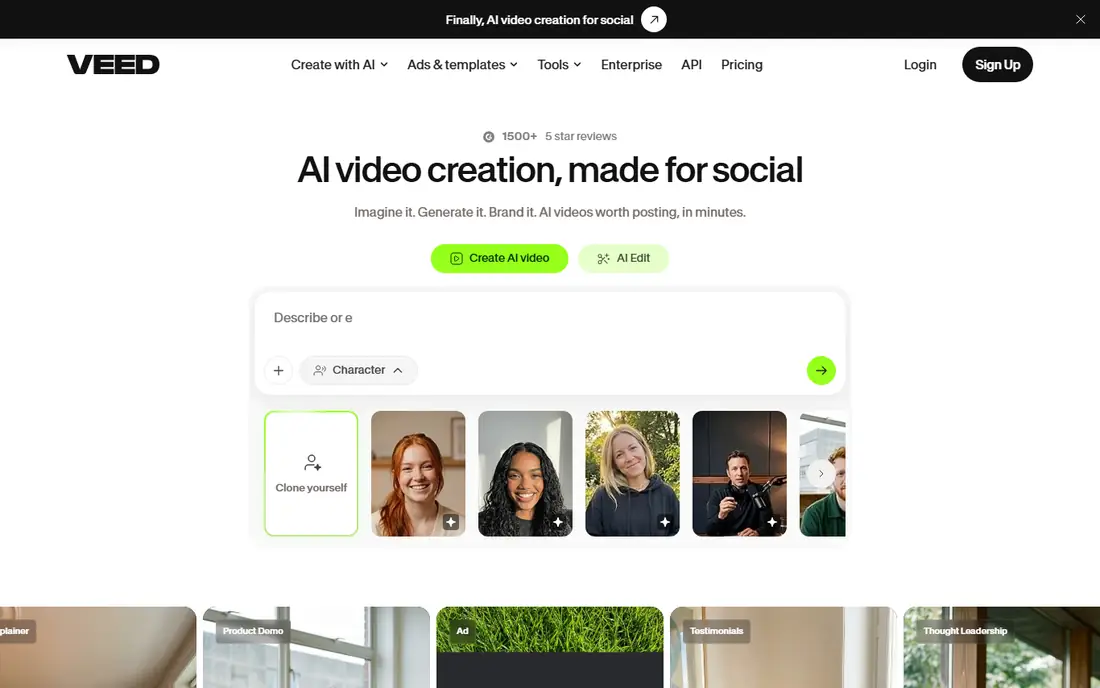
Veed.io is the closest browser-based match for Descript's video workflow, with text-based editing, automatic captions, and a template and stock library, all running without an install. Its free tier covers basic editing, and paid plans add higher quality exports, more transcription time, and brand kits.
The free tier watermarks exports and limits features, and large projects can strain browser performance. For creators who edit short videos, social clips, and captioned content in the browser, Veed.io is the most Descript-like alternative available.
What we like- Text-based editing and auto captions in the browser
- Templates and stock library
- No install needed
Watch out for- Free tier has watermarks and limits
- Advanced features need paid plans
- Browser performance varies with project size

#2Kapwing
Best for: Online video editing3.9/5 on
G2 (40 reviews, checked Oct 2026)
Visit kapwing.com
Starting priceFree
Free planYes
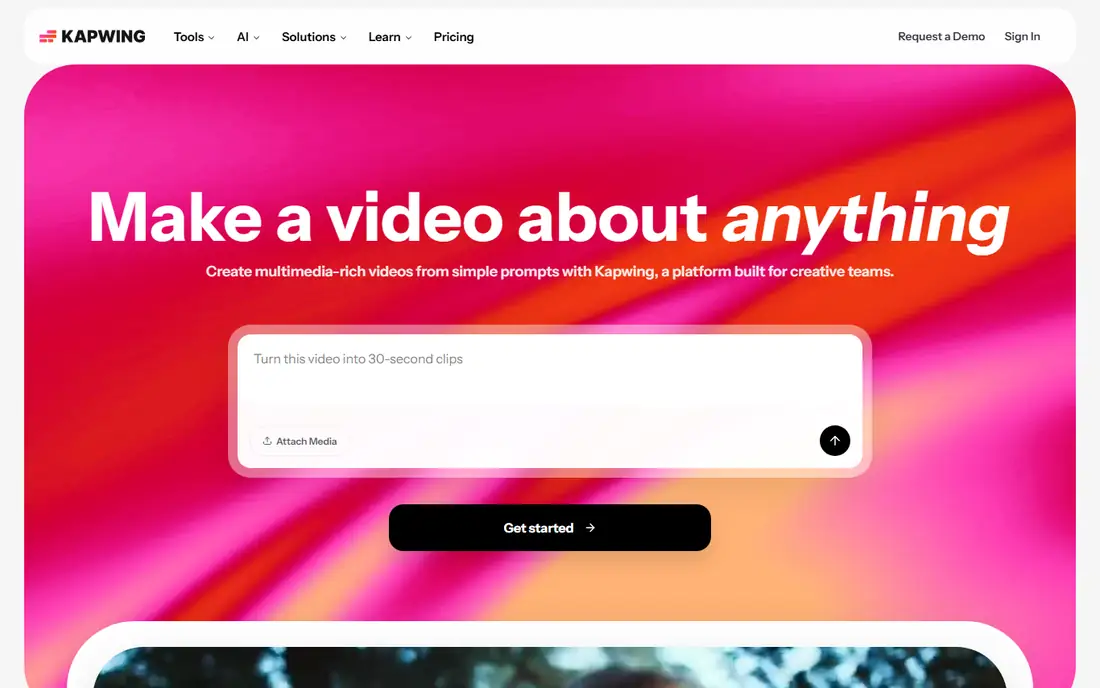
Kapwing offers collaborative online video editing with automatic subtitles, templates, and a shared workspace for teams, making it a strong Descript alternative for social and marketing video. Its free tier covers basic projects, with Pro plans adding watermark-free exports, longer videos, and more AI features.
Free exports carry watermarks and limits, and rendering can be slow on free plans. Kapwing suits teams that edit together in the browser and publish social video frequently, rather than editors who need a desktop timeline.
What we like- Collaborative online editing
- Auto subtitles and templates
- Works for teams
Watch out for- Free tier has watermarks and export limits
- Some features need Pro
- Rendering can be slow on free plans

#3Riverside
Best for: Remote recording4.8/5 on
G2 (1,754 reviews, checked Oct 2026)
Visit riverside.fm
Starting priceFree
Free planYes
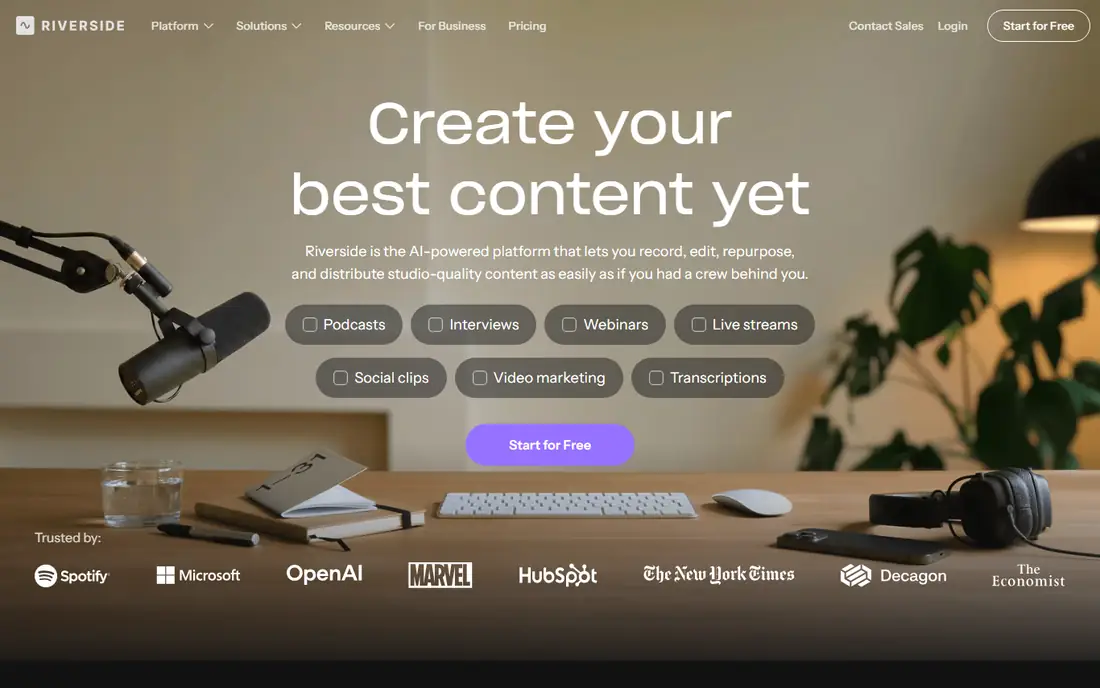
Riverside records remote guests locally on each participant's device, then uploads separate high-quality audio and video tracks, which avoids the quality loss of compressed video calls. Its text-based editing and transcription cover the Descript-style workflow for podcasts and interviews, and a free tier lets teams test the recording quality.
Editing features are lighter than Descript's full suite, and paid plans are needed for longer recordings and advanced exports. Riverside suits podcasters and interview shows whose main need is pristine remote recording, with editing as a second step.
What we like- High-quality local recording for each guest
- Separate audio and video tracks
- Text-based editing and transcription
Watch out for- Editing is lighter than Descript's
- Paid plans needed for longer recordings
- Best for recording, not full post-production
Starting priceFree
Free planYes
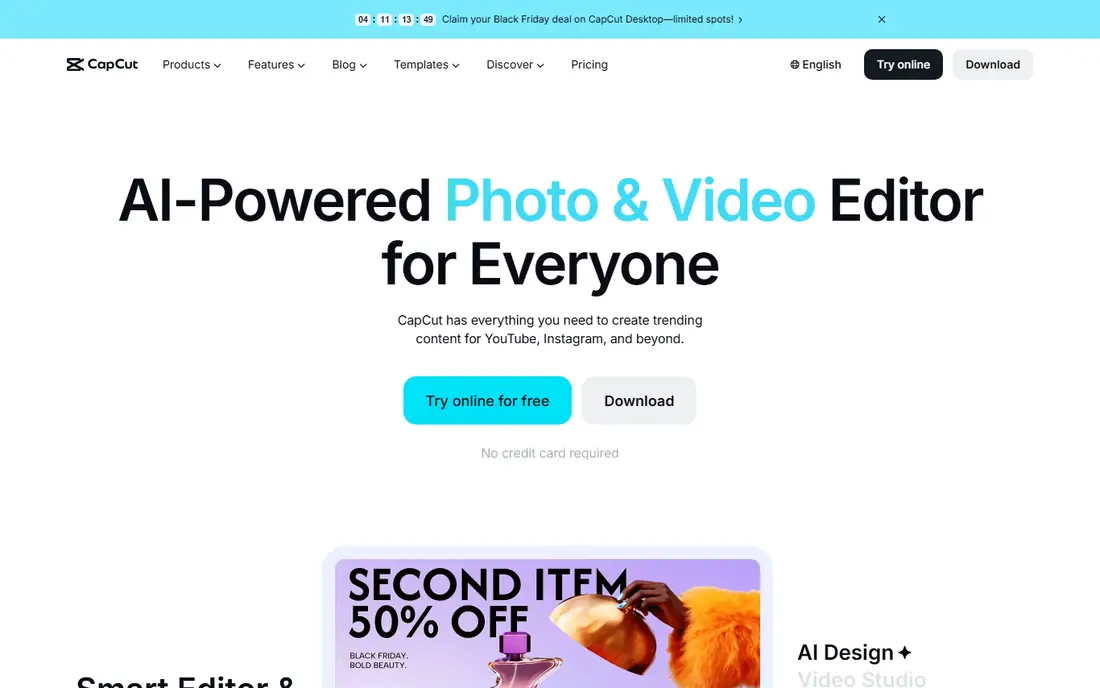
CapCut is the speed pick for short-form video, with templates, automatic captions, and effects built for TikTok, Reels, and Shorts. Its free tier is generous, and the desktop and web versions extend it beyond mobile. For creators who publish daily short videos, CapCut's workflow is faster than Descript's.
CapCut is not a text-based editor, so it does not replicate Descript's transcript editing, and commercial use terms deserve a check for business projects. It suits social creators who prioritize speed and trends over transcript-driven editing.
What we like- Fast templates and auto captions
- Strong TikTok and short-form workflow
- Free tier is generous
Watch out for- Not a text-based editor like Descript
- Desktop features vary
- Commercial use terms need checking
Starting priceSee website
Free planFree trial
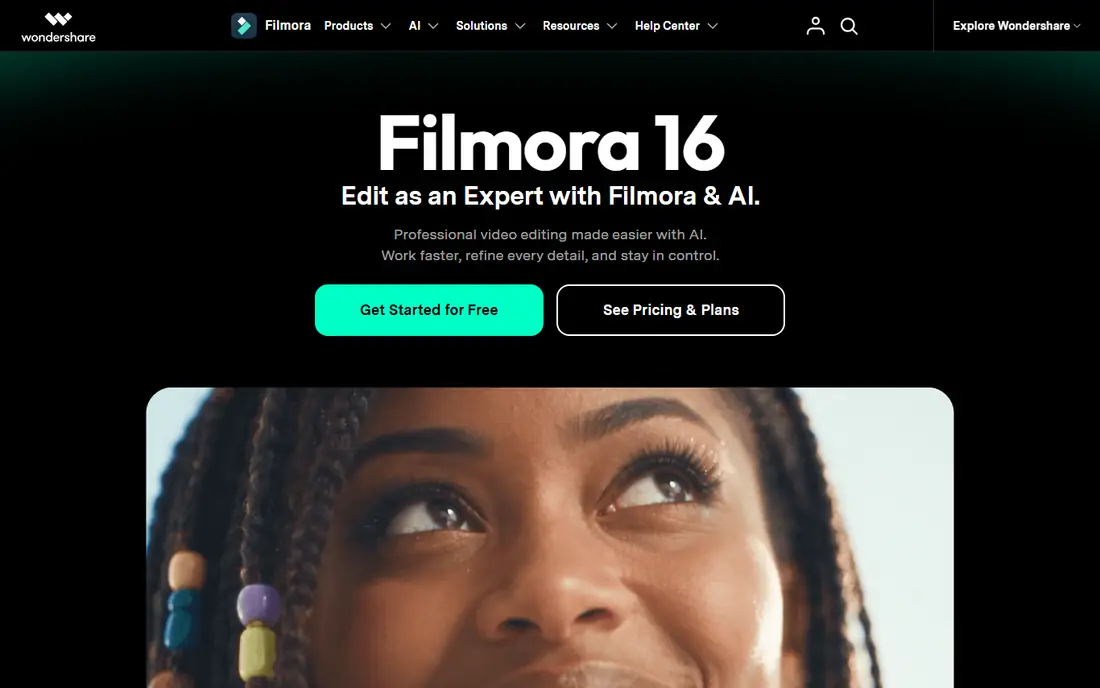
Filmora gives beginners a traditional timeline editor with effects, titles, transitions, and audio tools, at a lower price than professional editors. Its interface is approachable, and its effect library covers most creator needs without plugins.
There is no text-based transcript editing, so it does not match Descript's signature workflow, and free exports carry watermarks. Filmora suits creators who want a desktop editor they can learn quickly and who do not need transcript-driven editing.
What we like- Easy timeline editing for beginners
- Effects, titles, and audio tools included
- Affordable paid plans
Watch out for- No text-based transcript editing
- Free exports carry watermarks
- AI features need higher tiers

#6Adobe Premiere Pro
Best for: Professional editing4.5/5 on
G2 (1,675 reviews, checked Oct 2026)
Visit adobe.com
Starting price$22.99/month
Free planFree trial
Premiere Pro is the professional standard for video editing, with a full timeline, speech-to-text caption generation, and integration with After Effects, Audition, and Photoshop. Its transcription features cover captions and searchable transcripts, though editing by deleting transcript text is not its primary model.
The subscription starts around $22.99 a month, and the learning curve is steep for beginners. Premiere Pro suits professional editors and teams already in the Adobe ecosystem, where its depth and integration outweigh Descript's simpler transcript workflow.
What we like- Industry-standard timeline editing
- Speech-to-text captions
- Deep Adobe ecosystem integration
Watch out for- Subscription cost
- Steep learning curve
- No true text-based story editing like Descript
Starting priceFree
Free planYes
DaVinci Resolve is the best free professional editor available, combining editing, color grading, visual effects, and audio post-production in one application, with no watermark on the free version. Its paid Studio version is a one-time purchase rather than a subscription, which appeals to editors tired of monthly fees.
The learning curve is steep, and it needs a capable computer for smooth performance. There is no text-based transcript editing. DaVinci Resolve suits editors who want professional depth for free and are willing to learn a full post-production tool.
What we like- Professional editing, color, and audio in one free app
- No watermark on free version
- Studio version is a one-time purchase
Watch out for- Steep learning curve
- Needs a capable computer
- No text-based transcript editing

#8Camtasia
Best for: Screen recording and editing4.6/5 on
G2 (1,769 reviews, checked Oct 2026)
Visit techsmith.com
Starting priceSee website
Free planFree trial
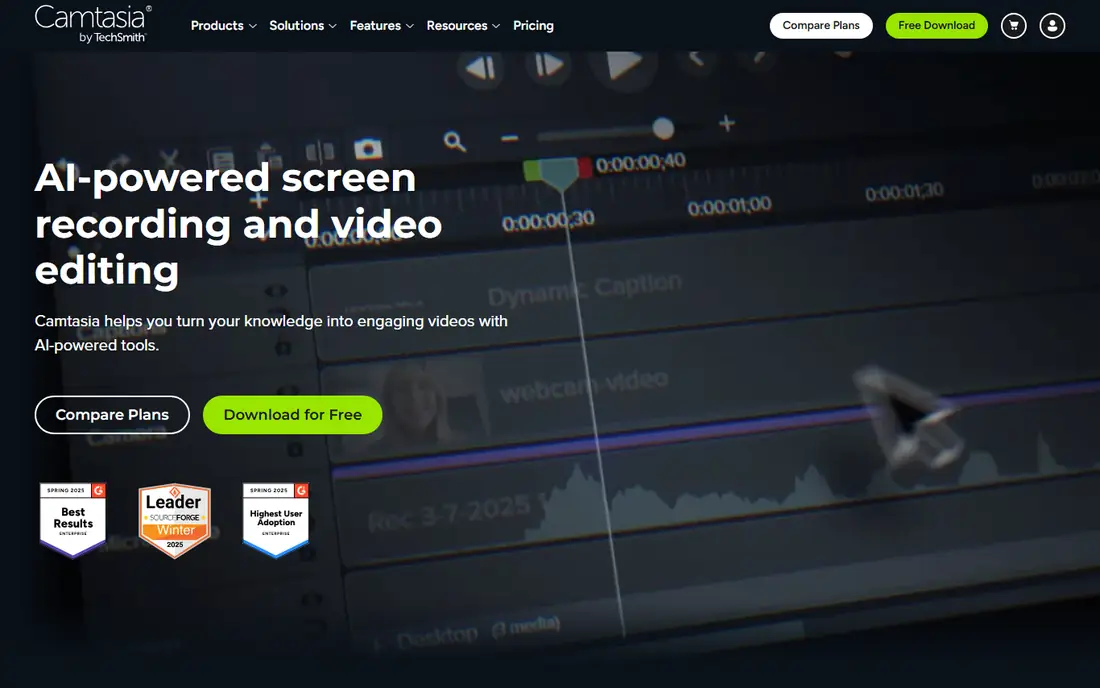
Camtasia combines screen recording with a straightforward editor, making it the best pick for tutorials, training videos, and software demos. Annotations, callouts, and quiz features support instructional content that general editors handle poorly.
It is not a transcript-based editor, pricing is confirmed on the vendor site, and it is less suited to cinematic or social video. Camtasia suits trainers, educators, and support teams whose videos start as screen recordings.
What we like- Screen recording plus editing in one tool
- Annotations and quizzes for training
- Easy for tutorials
Watch out for- Not a transcript editor
- Pricing sits on the vendor site
- Less suited to cinematic video
Starting priceFree
Free planYes
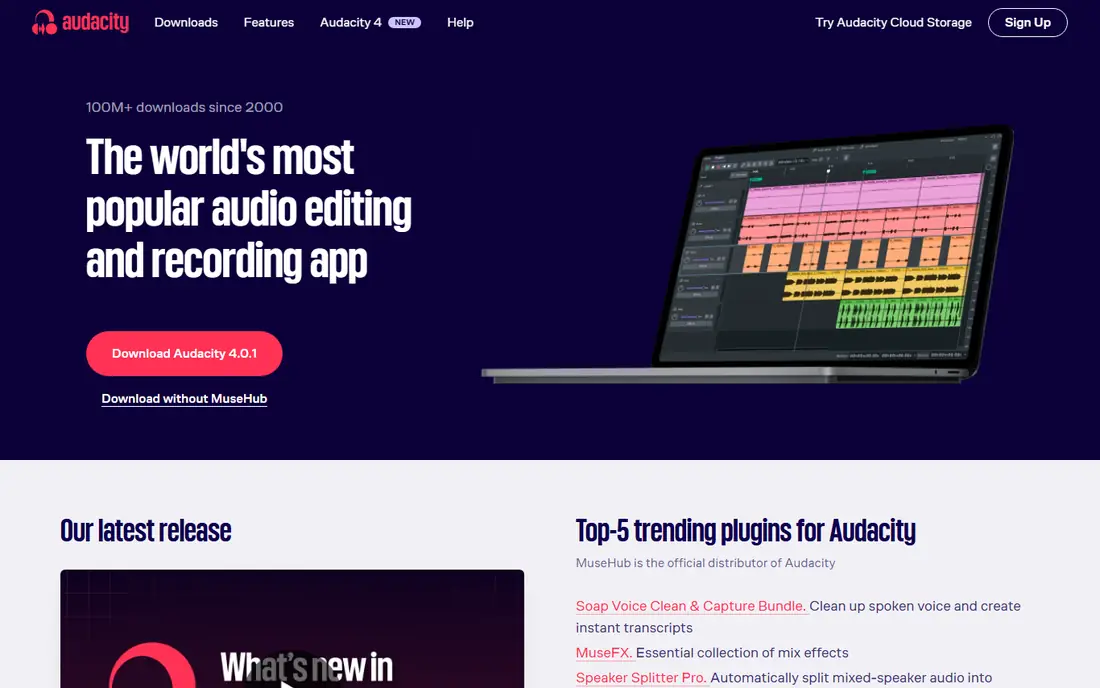
Audacity is the free audio-only answer. It is open source, runs on modest hardware, and covers recording, cutting, noise reduction, and effects for podcasts and voice work. For a podcaster who only needs audio editing, Audacity costs nothing and does the job.
There is no video support and no transcription workflow, so it cannot replace Descript for video creators. The interface is dated compared with modern editors. Audacity suits audio-only projects, and it pairs well with Riverside for recording and a video editor for visuals.
What we like- Completely free and open source
- Solid audio editing and effects
- Runs on modest hardware
Watch out for- Audio only, no video
- No transcription workflow
- Interface is dated
How we chose
We compared tools that edit audio or video, transcribe speech, or record remote conversations, excluding pure transcription services without editing and pure stock libraries. Pricing figures come from each vendor's own pricing page, checked in October 2026, and where pricing sits on the vendor site we say so. We weighed transcription quality, text-based editing, recording quality, ease of use, and price for creators versus professionals.
Audio-first podcasters should start with Riverside for recording and Audacity for free editing. Video-first creators should start with Veed.io or Kapwing for browser editing, or DaVinci Resolve for free desktop depth. Teams that need professional polish should evaluate Premiere Pro, and trainers should look at Camtasia first. No tool here does everything Descript does, so the workflow decides.
Keep transcripts in the workflow
Even without Descript, transcription remains valuable for captions, search, and repurposing. Choose a tool with solid auto captions, export transcripts for show notes and articles, and correct names and technical terms by hand, since automatic transcription still misses them.
Transcription accuracy and what to check
Automatic transcription quality decides how useful any Descript alternative really is, since captions, text editing, and search all depend on the transcript. Accuracy varies by accent, audio quality, background noise, and technical vocabulary, so a tool that scores well on clean studio audio may struggle with a remote interview recorded over a laptop microphone. Test each shortlisted tool with your actual recording conditions, not a demo clip, and count errors in names, numbers, and domain terms specifically, since those are the errors that matter most and that generic accuracy figures hide.
Speaker detection is the second thing to check. Multi-speaker recordings need reliable diarization, which is the process of marking who spoke when, and errors here make transcripts hard to follow even when individual words are correct. Overlapping speech, common in lively conversations, still challenges most tools, so listen to a busy section of your test recording and compare it with the transcript before committing.
Finally, check the correction workflow. A transcript editor should let you fix text and have those fixes flow into captions and clips without rework, and it should support custom vocabularies for names and terms your team uses often. Tools that let you add a word list once and apply it to future transcripts save real time across a series. The best transcription tool for your team is the one that handles your worst audio acceptably, not the one that handles perfect audio flawlessly.
Frequently asked questions
What is the closest alternative to Descript?
Veed.io and Kapwing, for browser-based video editing with text-based tools and automatic captions. Riverside matches Descript's recording and transcription side for podcasts.
Is there a free Descript alternative?
Partly. DaVinci Resolve is free for professional video editing, Audacity is free for audio, and Veed.io, Kapwing, Riverside, and CapCut offer free tiers. No free tool replicates Descript's full transcript-editing workflow.
Which alternative is best for podcasters?
Riverside, for high-quality remote recording with separate tracks and text-based editing. Pair it with Audacity for free audio finishing, or with Descript-style captions from Veed.io for video clips.
Can I edit video by editing text in these tools?
Veed.io, Kapwing, and Riverside offer text-based editing and transcription features, but none matches Descript's full transcript-as-timeline model. Test each tool's text editing on a real project before committing.
Should I switch from Descript at all?
Switch if your main need is covered better elsewhere: Riverside for recording quality, DaVinci Resolve for free professional depth, or Veed.io for browser simplicity. If transcript-driven editing is your core workflow, Descript remains hard to replace.
Sources we checked (9)
- https://www.veed.io
- https://www.kapwing.com
- https://riverside.fm
- https://www.capcut.com
- https://filmora.wondershare.com
- https://www.adobe.com/products/premiere.html
- https://www.blackmagicdesign.com/products/davinciresolve
- https://www.techsmith.com/video-editor.html
- https://www.audacityteam.org
Is your product missing or out of date?
We review this list regularly. Vendors can request a listing, send updated pricing or ask about featured placement.

Shihab Mia · Founder, Rankite
Shihab has 5+ years in B2B and SaaS SEO. He writes Rankite's software buying guides from pricing pages, documentation and public user reviews. More about Shihab.
 Veed.io
 CapCut
 Filmora
 DaVinci Resolve
 Audacity