How we make this list: we compare pricing pages, product documentation and public user reviews. Ratings come from G2, Capterra or Trustpilot, with the date we checked them.
Key takeaways
- Gradio is the fastest route to a shareable machine learning demo, especially with Hugging Face Spaces hosting.
- Dash gives the most control over layout and interactivity for production dashboards built in Python.
- Panel and Shiny suit notebook-first teams that already work with a specific plotting or language ecosystem.
- Reflex and NiceGUI help when you need a more app-like interface without leaving Python.
- Anvil and Taipy add hosting, user management, or data workflow features that a bare framework does not provide.
Quick comparison
| Tool | Best for | Starting price | Free plan |
|---|
 Gradio Gradio | Machine learning demos | Free | Yes |
 Dash Dash | Production Python dashboards | Free | Yes |
 Panel Panel | Notebook-based dashboards | Free | Yes |
 Shiny Shiny | R and Python reactive apps | Free | Yes |
 Reflex Reflex | Full-stack Python web apps | Free | Yes |
 NiceGUI NiceGUI | Simple Python user interfaces | Free | Yes |
 Anvil Anvil | Hosted apps with a visual builder | See website | Yes |
 Taipy Taipy | Data workflows and dashboards | See website | Yes |
Is your product missing or out of date?
We review this list regularly. Vendors can request a listing, send updated pricing or ask about featured placement.
The best streamlit alternatives
Starting priceFree
Free planYes
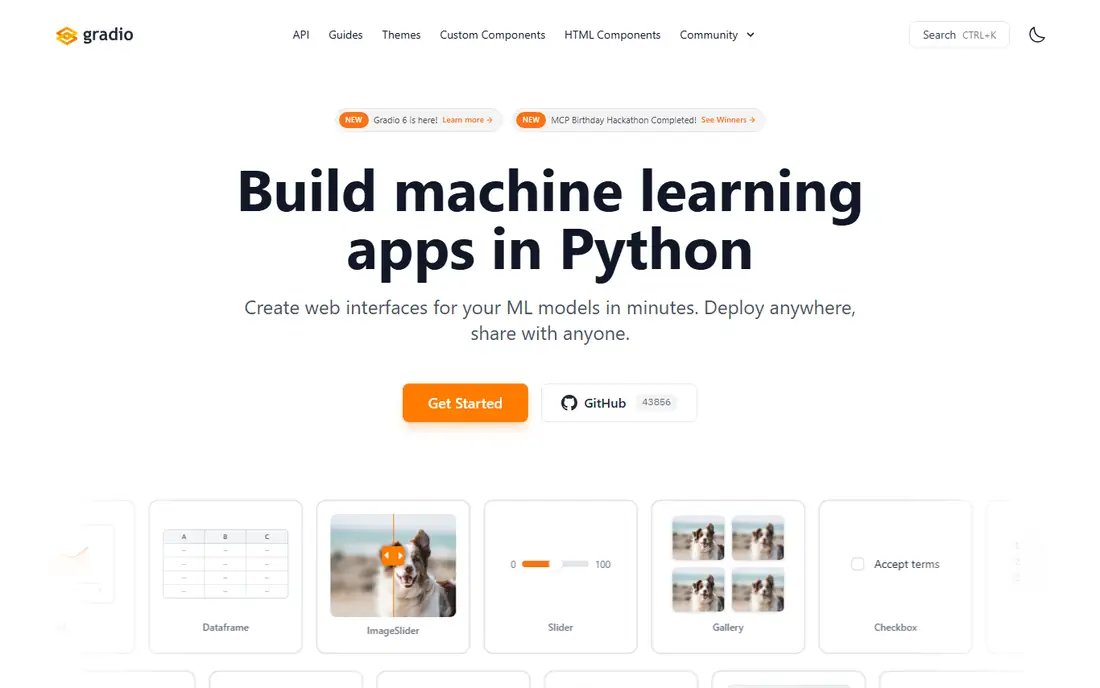
Gradio focuses on one job and does it well: put a model behind a web interface that other people can try. You define inputs and outputs, launch the app, and share a link. That simplicity explains why so many research demos and model cards use it.
The same simplicity is the limit. If you need a multi-page product with custom navigation, detailed access control, and complex state, Gradio will push back sooner than Dash or Reflex. Use it for demos, prototypes, and internal model checks, and move to a fuller framework when the demo becomes a product.
What we like- A demo can be built in a few lines of Python
- More than 40 input and output components
- Free hosting through Hugging Face Spaces
Watch out for- Layout control is limited for complex products
- Large or state-heavy apps can feel constrained
Starting priceFree
Free planYes
Plotly Dash builds apps from components and callbacks, with React running underneath. That structure takes longer to learn than a top-to-bottom script, but it pays off when an app has many linked charts, filters, and pages. State updates are targeted rather than rerunning the whole script, which matters for larger dashboards.
The open source framework is free, while Dash Enterprise is a separate paid platform for organisations that need managed deployment and access control. Small teams often self-host Dash with Docker and a reverse proxy. The decision is therefore not just about the framework, but about who will run it in production.
What we like- Full control over layout and callbacks
- Plotly charts are native
- Multi-page apps and authentication are supported in production setups
Watch out for- Steeper learning curve than Streamlit
- More setup is needed for deployment and user management
Starting priceFree
Free planYes
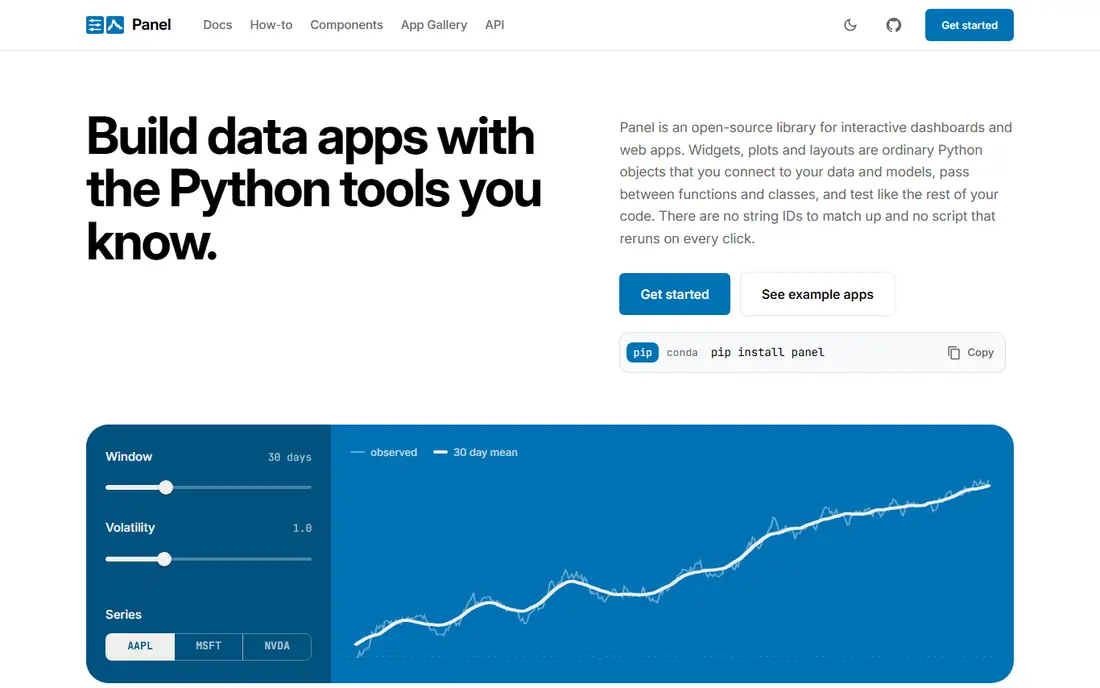
Panel comes from the HoloViz project, which also covers HoloViews, hvPlot, and related tools. Its strength is flexibility with plots: Matplotlib, Plotly, Bokeh, Altair, and many niche libraries can sit in the same app. If your team already lives in notebooks, Panel lets you turn an exploration into an interactive dashboard without rewriting the analysis.
Visual polish takes more effort than with some newer frameworks, and hosting is your responsibility. Panel is a strong pick for data teams that value plotting freedom over ready-made themes.
What we like- Works with almost any Python plotting library
- Apps can start in a notebook and grow into dashboards
- Part of the HoloViz ecosystem
Watch out for- Default styling looks plain without extra work
- No built-in managed hosting
Starting priceFree
Free planYes
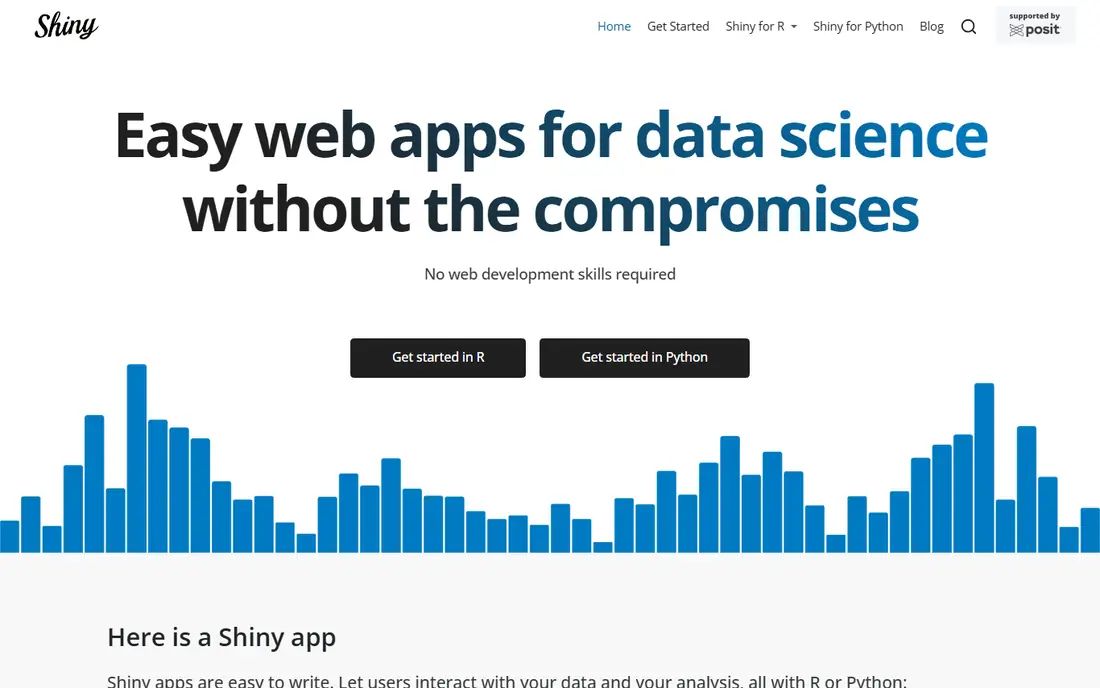
Shiny, from Posit, has been used for interactive data apps for more than a decade. You define inputs and outputs, and the app updates when an input changes. That reactive model maps naturally onto analysis work, where a slider or filter should refresh a plot and a table together.
The free framework can be self-hosted, and shinyapps.io offers a free tier with paid plans for more usage. Teams that already use R will feel at home, while Python teams should look at Shiny for Python specifically, since the two versions differ in detail.
What we like- Reactive programming model suits interactive analysis
- Long history in research and teaching
- Python and R versions are available
Watch out for- R knowledge helps for the classic version
- Hosting costs rise with usage on managed platforms
Starting priceFree
Free planYes
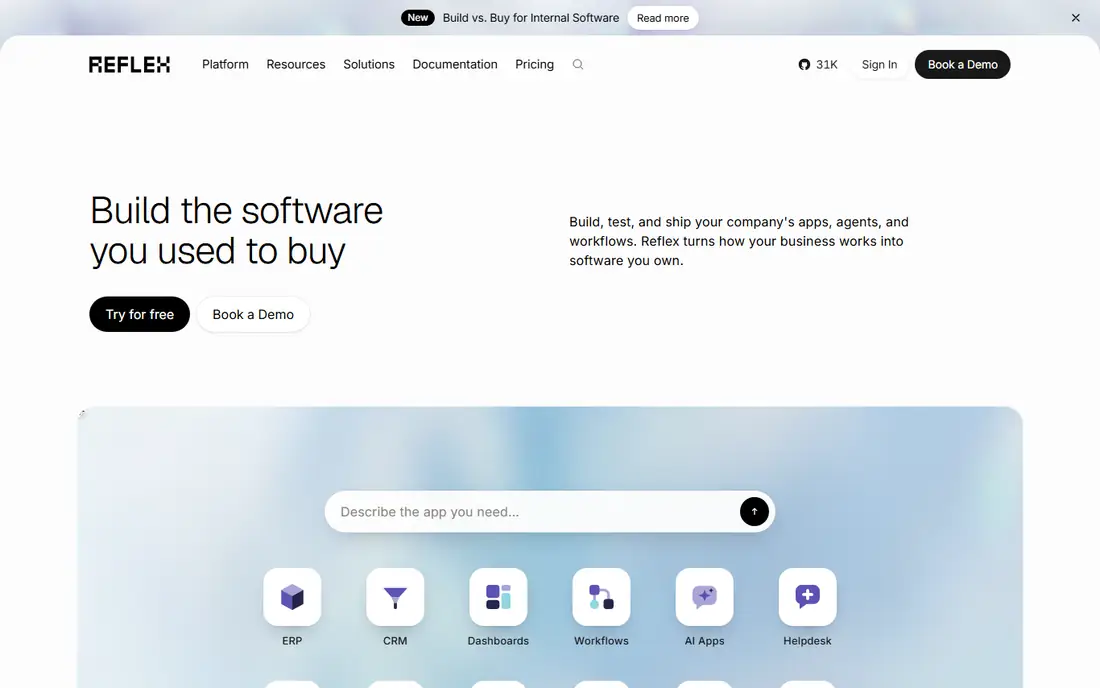
Reflex aims higher than a dashboard framework. It compiles Python code to a web front end and runs a Python back end, so a team can build a multi-page app without writing JavaScript. State lives in Python classes, and events trigger Python functions, which keeps the mental model close to ordinary Python development.
Because Reflex is newer than Dash or Shiny, its component library and community answers are thinner. Teams that want a product-like app in Python, and are willing to work with a fast-moving project, will get the most from it.
What we like- Build front end and back end in Python only
- State and events are handled in Python
- Managed hosting is available as a separate service
Watch out for- Newer ecosystem with fewer ready-made components
- Very large apps need care with state design
Starting priceFree
Free planYes
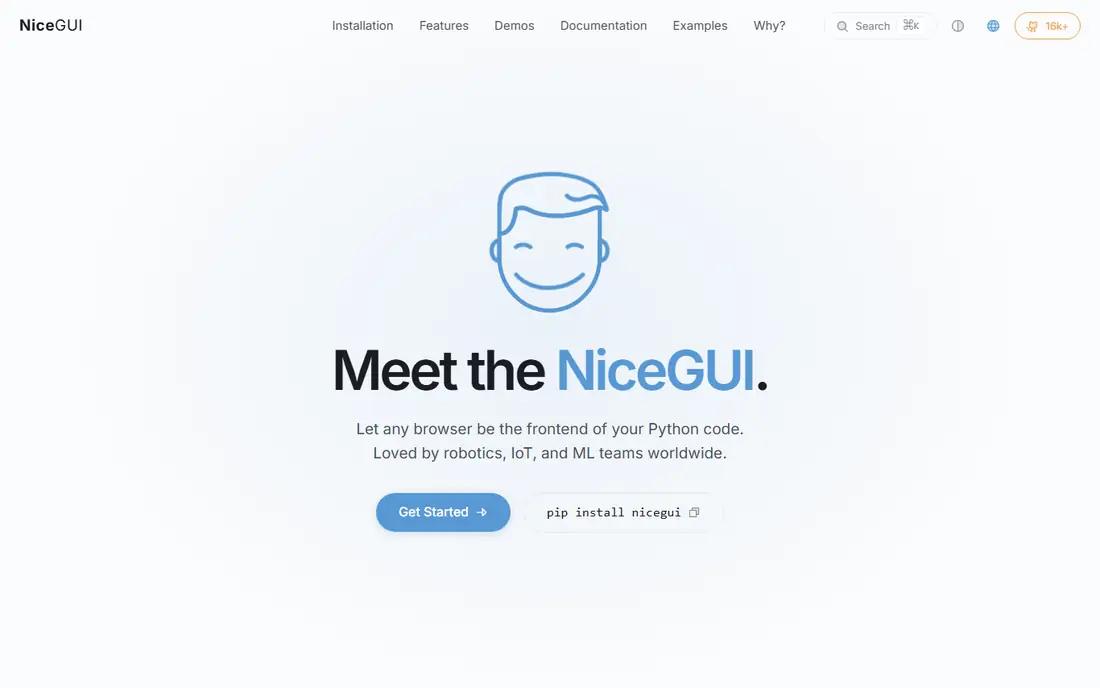
NiceGUI sits between a script and a full web framework. You add elements such as sliders, charts, and tables with Python calls, and the app updates in the browser. It is a practical choice for a control panel, a data entry tool, or a quick internal utility that would be overkill in a larger framework.
For a public product with many users, complex routing, and strict design requirements, a fuller framework or a JavaScript front end will fit better. NiceGUI wins on speed for the small and medium tools that make up much of internal work.
What we like- Very little code for buttons, tables, plots, and dialogs
- Easy to add to an existing script
- Good for internal tools and prototypes
Watch out for- Not aimed at large public products
- Theming and scale need extra work
Starting priceSee website
Free planYes
Anvil takes a different path from the frameworks above. Instead of only giving you code, it gives you a hosted platform with a visual designer, a built-in database, and user management. You can drag elements onto a page, write Python for the logic, and publish without setting up a server.
That convenience comes with platform limits. Free apps show Anvil branding, and some features are reserved for paid plans. Anvil suits small teams and solo builders who want a working app online quickly, rather than teams that need full control over infrastructure.
What we like- Drag-and-drop builder plus Python code
- Hosting, databases, and user accounts are included
- Apps can be shared with a link at once
Watch out for- Free apps carry Anvil branding
- Advanced features and higher usage sit on paid plans
Starting priceSee website
Free planYes
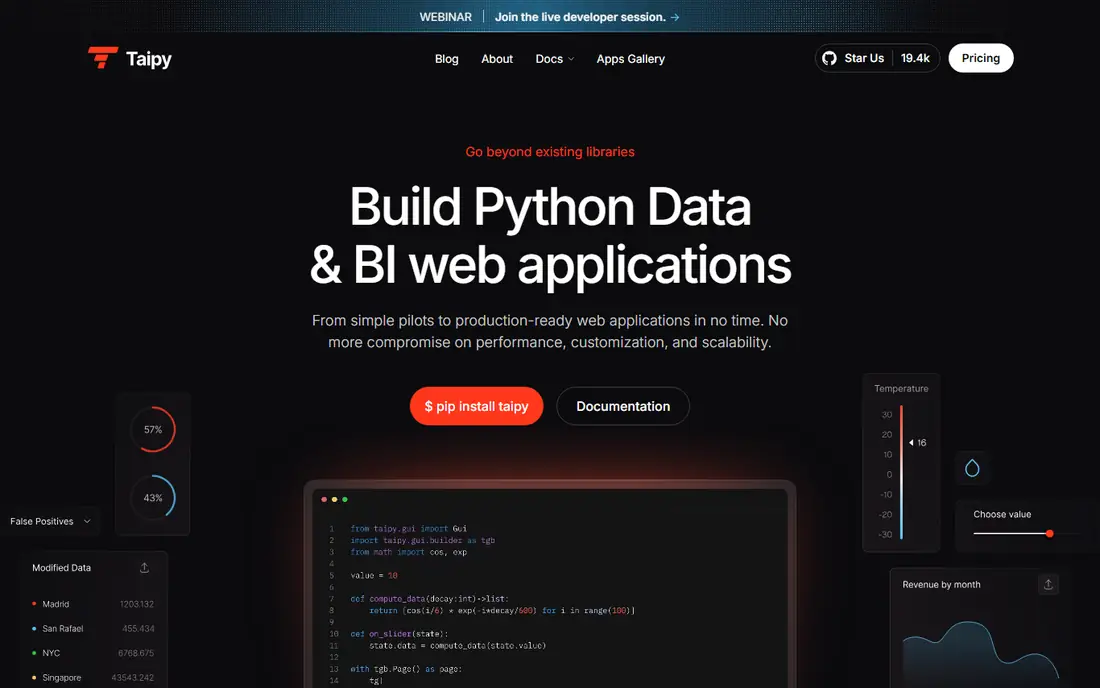
Taipy pairs a dashboard builder with tools for data pipelines, tasks, and scenarios. That combination helps when an app is not just showing data, but also running a calculation, comparing what-if cases, and tracking results over time. A planning or forecasting tool is a natural fit.
The cost is a new set of ideas to learn. Scenarios, data nodes, and tasks add structure that a simple dashboard does not need. If your app is mainly charts and filters, a simpler framework will be faster. If it runs workflows behind the dashboard, Taipy earns its place.
What we like- Combines dashboards with data pipelines and scenarios
- Visual elements for charts and tables
- Open source core with a managed option
Watch out for- Smaller community than Dash or Streamlit
- Scenario concepts take time to learn
How we chose
We reviewed vendor documentation, pricing pages, and public discussion on G2, Capterra, Reddit, and GitHub, and compared each tool on layout control, state handling, plotting support, language fit, and hosting options. Frameworks that are actively maintained and have clear documentation ranked above stalled projects, even when the stalled project was once popular. Prices are shown only where a vendor publishes a clear starting price; otherwise we mark the entry as See website and point readers to the vendor pricing page.
Choosing by the job, not the logo
Start with the user, not the chart
A demo for colleagues needs speed and a shareable link, which points to Gradio. A dashboard for analysts needs linked filters and reliable state, which points to Dash or Panel. A product for customers needs routing, accounts, and polish, which points to Reflex, Anvil, or a separate front end.
Test deployment before you commit
Many Python frameworks are pleasant locally and awkward in production. Check authentication, long-running jobs, file uploads, and cold starts early. A framework with a clear Docker setup and a managed hosting option will save weeks later.
Keep the analysis separate from the interface
Put data loading, cleaning, and modelling in plain Python functions or modules, and keep the interface thin. That separation makes it far easier to move from one framework to another, and to test the logic without running the app.
Watch out for hidden scale costs
Free tiers often limit hours, memory, or concurrent users. A demo that sleeps after inactivity is fine for sharing, but a team tool that must stay awake needs a paid host or a self-hosted server. Budget for hosting alongside any framework choice.
Prototype in two tools before deciding
Build the same small app in two frameworks before committing to one. Use a real dataset, a filter, a chart, and a table, and then deploy both versions. That exercise reveals layout limits, state quirks, and hosting friction that a feature list hides. It also shows how much code you would need to rewrite if you change direction later.
Judge the prototypes on the full journey, not just the first screen. Check load time, behaviour on a phone, handling of a large table, and what happens when a long calculation runs. A framework that is pleasant for a demo but awkward for a deployed team tool is a costly choice to reverse.
Frequently asked questions
Can I use these tools without knowing JavaScript?
Yes, for most of them. Gradio, Dash, Panel, Shiny, Reflex, NiceGUI, Anvil, and Taipy all let you build apps in Python, and many also support R or visual building. You may still need basic HTML or CSS for fine-grained styling.
Which Streamlit alternative is closest to Streamlit itself?
Gradio is closest for quick demos, while Panel is closest for notebook-style work. Neither is a drop-in replacement, so expect to rewrite layout and state code when you move.
Is Dash free?
The Dash framework is open source and free to use and self-host. Dash Enterprise is a separate paid platform with managed deployment, authentication, and support for larger organisations.
Can I host these apps for free?
Gradio apps can run free on Hugging Face Spaces, Shiny has a free tier on shinyapps.io, and Anvil has a free plan with branding. Self-hosting on your own server is also free apart from server costs.
Which tool is best for a production dashboard?
Dash is the most proven choice for production Python dashboards, thanks to its callback model and Plotly integration. Reflex is a strong alternative if you want a more app-like product in Python.
Do these tools work with my existing Python data stack?
Most of them work with pandas, NumPy, and common plotting libraries. Panel is the most flexible for niche plotting libraries, while Dash is strongest when Plotly is already your charting choice.
Sources we checked (8)
- https://www.gradio.app
- https://dash.plotly.com
- https://panel.holoviz.org
- https://shiny.posit.co
- https://reflex.dev
- https://nicegui.io
- https://anvil.works
- https://taipy.io
Is your product missing or out of date?
We review this list regularly. Vendors can request a listing, send updated pricing or ask about featured placement.

Shihab Mia · Founder, Rankite
Shihab has 5+ years in B2B and SaaS SEO. He writes Rankite's software buying guides from pricing pages, documentation and public user reviews. More about Shihab.