How we make this list: we compare pricing pages, product documentation and public user reviews. Ratings come from G2, Capterra or Trustpilot, with the date we checked them.
Key takeaways
- Kling, Pika, and PixVerse give the most usable free starting points for short social clips, but free exports often carry limits on resolution or commercial use.
- Runway and Adobe Firefly suit creators who want editing or brand-safe assets around the generator, not just a quick text-to-video clip.
- Credit math matters more than the headline price, because a five-second clip can cost very different amounts on different tools.
- Check the commercial-use terms on the free plan before you post a clip for a business or a client.
Quick comparison
| Tool | Best for | Starting price | Free plan |
|---|
 Kling Kling | Daily free credits for realistic motion | $10 per month | Yes |
 Pika Pika | Short, effect-driven social clips | $10 per month | Yes |
 PixVerse PixVerse | Stylized and character-led clips | See website | Yes |
 Hailuo Hailuo | Expressive character movement | See website | Yes |
 Runway Runway | Editing around generated video | $15 per month | Yes |
 Adobe Firefly Adobe Firefly | Brand-safe commercial assets | $9.99 per month | Yes |
 CapCut CapCut | Mobile editing with AI video | See website | Yes |
 Vidu Vidu | Fast drafts from text or images | See website | Yes |
Is your product missing or out of date?
We review this list regularly. Vendors can request a listing, send updated pricing or ask about featured placement.
The best free alternatives to grok video generation
Starting price$10 per month
Free planYes
Kling stands out first because its free tier is built for repeated use rather than a single trial. You can return on later days, try a new prompt, and learn how the model handles faces, hands, and camera movement before you pay anything. That repeatability matters when you are comparing models, since one lucky clip says little about a tool.
The paid Standard plan starts at $10 per month and adds a larger credit allowance. Paid users also get higher priority in the queue, which helps when a deadline is close. The main catch is that free output is not the same as a commercial license, so read the terms for your plan before you use a clip in an advertisement or a paid project.
What we like- Strong motion quality for short clips
- Daily credits on the free tier
- Image-to-video and text-to-video modes
Watch out for- Free clips can be watermarked
- Free queues can be slow at peak times
Starting price$10 per month
Free planYes
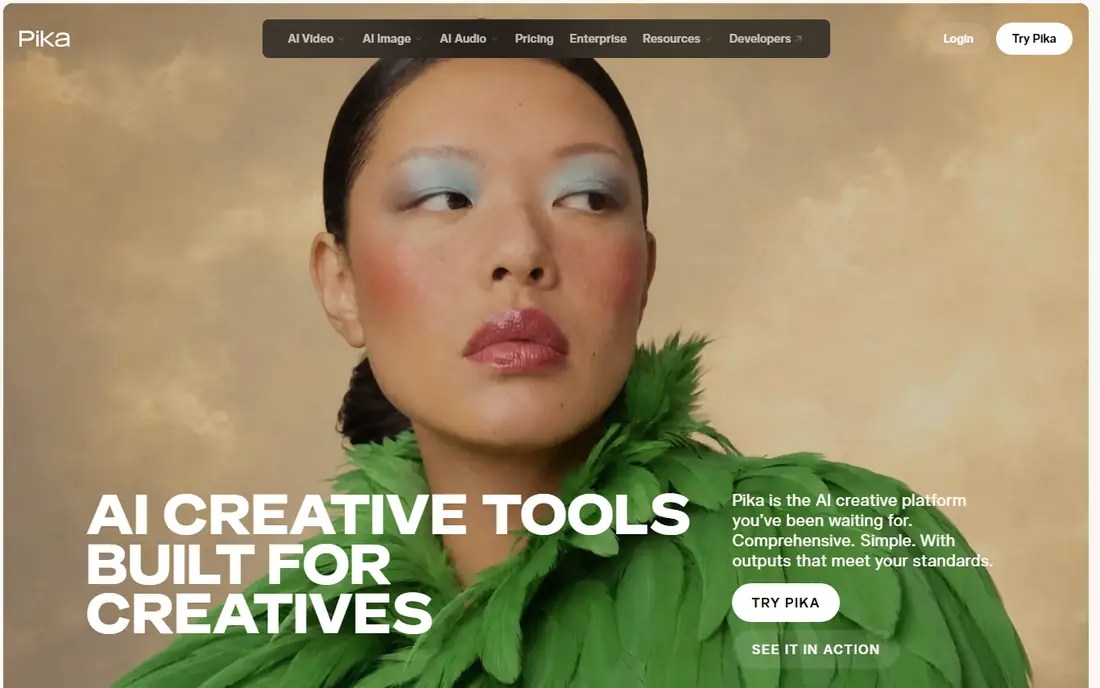
Pika takes a different route from Kling, with a stronger focus on fun, shareable clips. Its effects tools let you transform a photo or a short clip into something that looks designed for a feed, and that makes it a good match for creators who post often and need ideas fast. The interface stays simple, so a first clip does not require a tutorial.
Free access lets you test the style and the motion quality, while paid plans raise the credit allowance and remove several free-tier limits. If your goal is a longer cinematic scene, Pika will feel constrained, because it works best in short bursts. For memes, product teasers, and quick social posts, that short format is often exactly what you need.
What we like- Simple prompt workflow
- Effects and lip-sync options
- Useful for vertical social video
Watch out for- Best results come from short clips
- Free plan limits resolution and commercial use
Starting priceSee website
Free planYes
For creators who want an illustrated or anime look, PixVerse deserves a closer look than a general model. Its character features help keep a recurring character recognizable across clips, which is hard to do when every generation starts from scratch. That consistency is valuable for a series, a mascot, or a repeated social character.
The free tier gives you a way to test those stylized looks without a subscription, though the daily allowance is limited and credits can expire. Paid plans increase the allowance and the available resolution. If you need photorealistic footage of people or products, a different tool on this list will serve you better.
What we like- Strong stylized looks, including anime-style output
- Character reference features
- Free tier for daily creation
Watch out for- Photorealistic output lags behind more realistic models
- Free credits expire if unused
Starting priceSee website
Free planYes
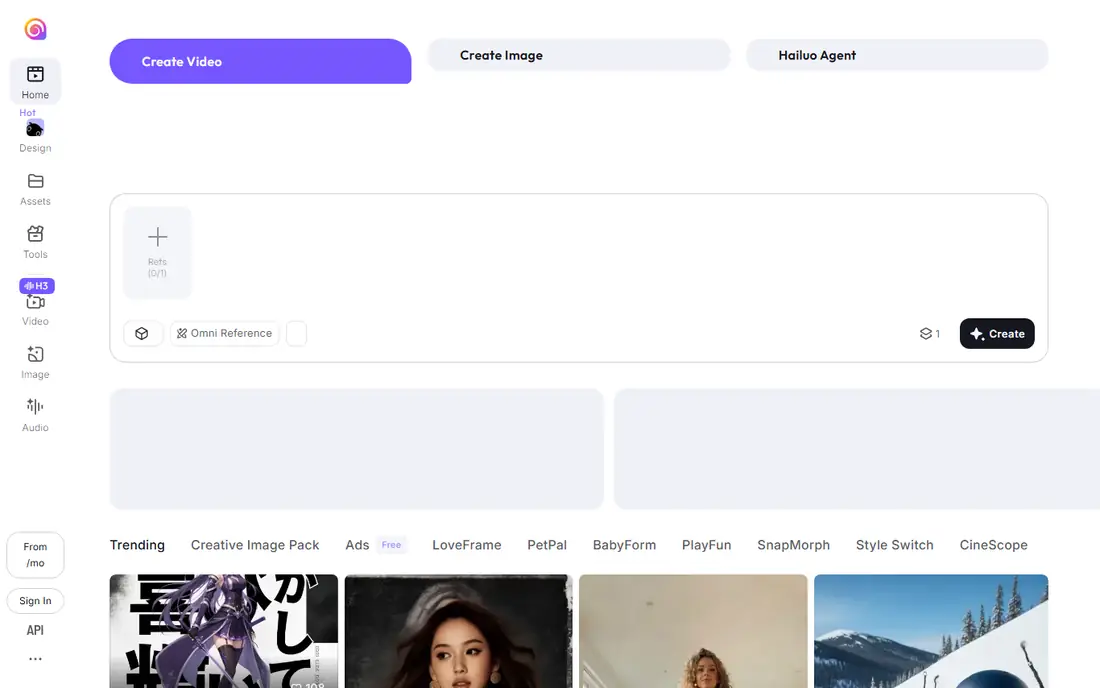
Hailuo, from MiniMax, has earned attention for character motion that feels lively rather than stiff. Faces change expression, gestures read clearly, and short scenes hold together better than many free tools manage. That makes it a strong choice for dialogue-style clips, character tests, and storyboards.
Free access is limited to a small daily allowance or a signup bundle, depending on the current offer, so plan your prompts before you spend credits. Paid plans raise the allowance and open higher resolutions. As with other free tiers, check whether free exports can be used commercially before you publish them for a brand.
What we like- Lively facial expression and body movement
- Simple text-to-video workflow
- Image-to-video support
Watch out for- Free allowance is limited
- Longer or higher-resolution clips need a paid plan
#5Runway
Best for: Editing around generated video4.1/5 on
G2 (105 reviews, checked Oct 2026)
Visit runwayml.com
Starting price$15 per month
Free planYes
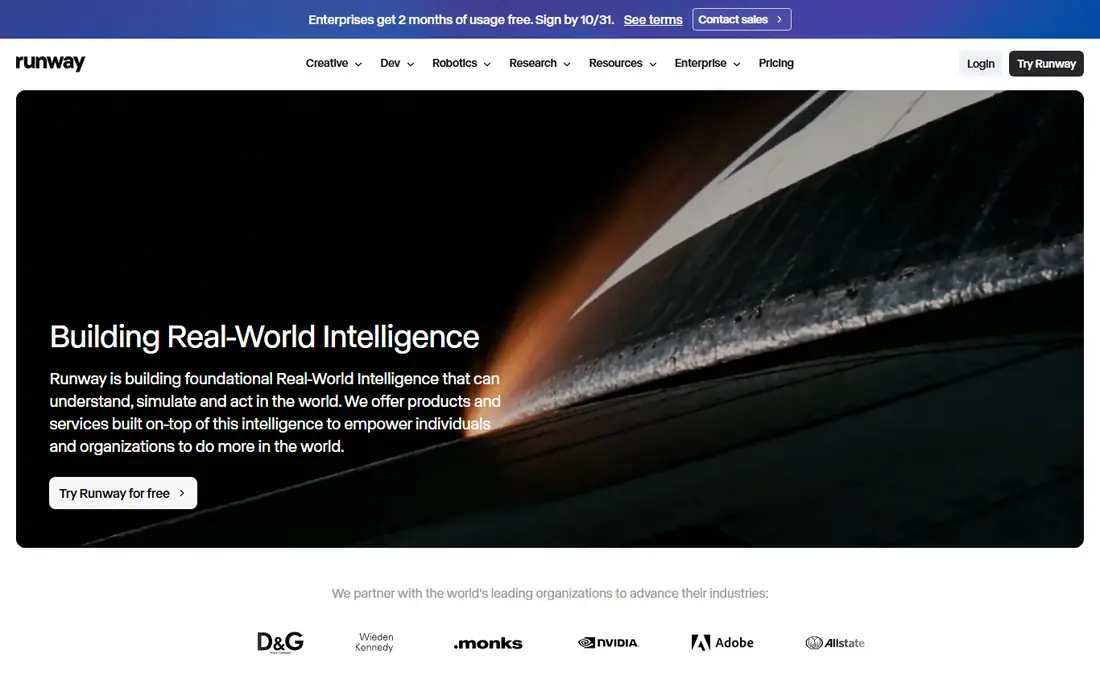
Runway is the pick for creators who want more than a generator. You can generate a shot, extend it, restyle it, or clean it up without moving to another app, and that workflow saves time on a real project. Its models also handle directed camera movement well, which helps when a shot needs a specific push-in, pan, or orbit.
The free plan gives a one-time credit allowance, so it works as a trial rather than an ongoing free tool. Standard starts at $15 per month, or $12 per month billed annually, with a larger credit pool. Before you commit, spend the free credits on a prompt that matches your real work, because credit costs differ by model, length, and resolution.
What we like- Video generation plus editing tools in one place
- Strong model quality
- Useful for directed shots
Watch out for- Free credits are a one-time allowance, not a daily refill
- Credit costs vary by model and length
#6Adobe Firefly
Best for: Brand-safe commercial assets4.4/5 on
G2 (373 reviews, checked Oct 2026)
Visit adobe.com
Starting price$9.99 per month
Free planYes
Adobe Firefly appeals to a different buyer: someone who needs to show a client or a legal team where the training data came from. Adobe positions Firefly as trained on licensed content, and that stance reduces one common worry for business use. The free tier offers daily generations, which is enough to test image and short video output.
Paid plans start at $9.99 per month and add more generations and features. The trade-off is scope. Firefly is not the deepest specialist video generator on this list, and creators chasing cinematic realism may prefer Kling or Runway. For marketing teams that value clear usage rights and Adobe integration, that trade is often worth it.
What we like- Commercially safe training approach for business use
- Daily free generations
- Works with Adobe apps
Watch out for- Video features are narrower than specialist video models
- Paid plans are needed for heavier use
Starting priceSee website
Free planYes
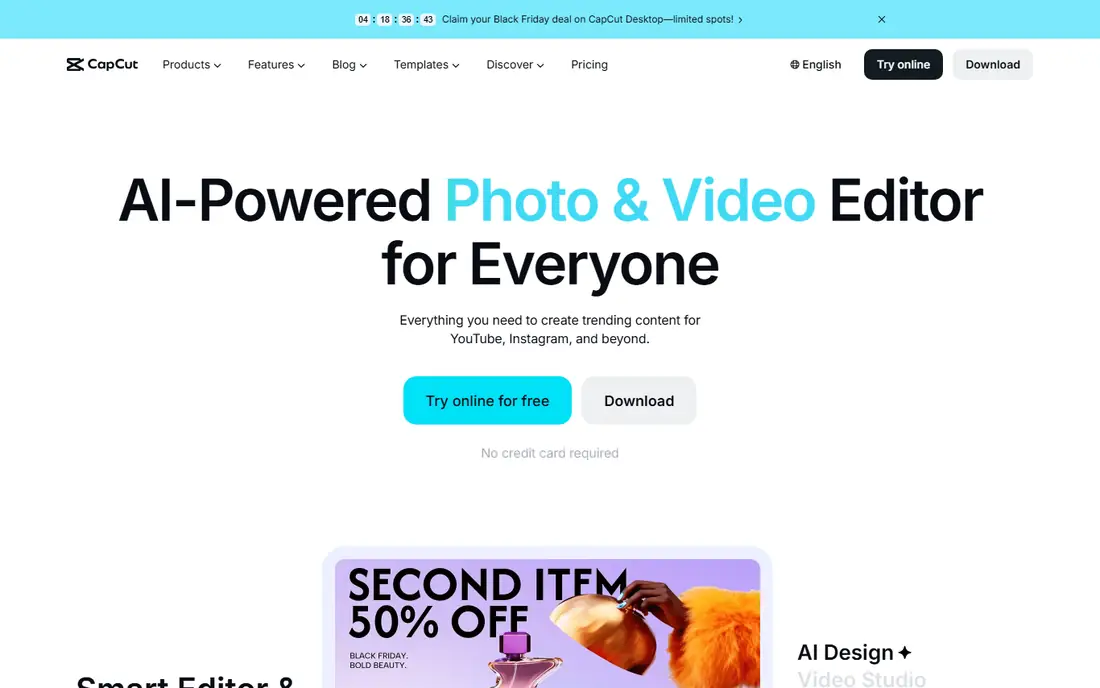
CapCut enters this list from the editing side rather than the pure generation side. Many creators already edit in CapCut, so adding an AI clip inside the same timeline feels natural. Templates, captions, transitions, and sound tools sit beside the generator, which shortens the path from an idea to a posted video.
The free version covers a large part of that workflow, while Pro adds more effects, higher-quality exports, and larger cloud storage. AI generation inside CapCut is best for short social clips rather than long cinematic scenes. If you already edit on a phone, CapCut may be the fastest free route from a prompt to a finished post.
What we like- Full mobile editing timeline
- Templates and effects for social video
- Easy export to social platforms
Watch out for- AI video quality varies by feature
- Advanced features sit behind a paid plan
Starting priceSee website
Free planYes

Vidu rounds out the list as a fast drafting tool. You can turn a text prompt or a reference image into a short clip quickly, test an idea, and move on if it does not work. That speed suits storyboarding, ad concept tests, and social content where volume matters more than a single perfect shot.
The free tier gives you a starting allowance, but resolution is limited and the best quality sits on paid plans. Vidu also offers reference-based generation, which helps when you want a clip to follow a specific look or subject. For final, high-resolution work, compare a Vidu draft against a Kling or Runway output before you choose.
What we like- Fast text-to-video and image-to-video drafts
- Reference-to-video options
- Simple interface
Watch out for- Free tier limits resolution
- Paid plans are needed for regular high-quality output
How we chose
We compared tools that exist today and offer a genuine free way to generate video, using vendor pricing pages, product documentation, and public reviews on sites such as G2, Capterra, and Reddit. We favored tools with a repeatable free tier, clear text-to-video or image-to-video modes, and a paid upgrade path, and we left out tools with no free access at all. Prices and free allowances change often in this category, so we used "See website" wherever a current figure could not be confirmed on the vendor page at the time of writing.
Start with the output you need, not the tool with the longest feature list. A vertical social clip, a product teaser, and a storyboard draft have different needs, and a tool that shines for one can disappoint for another. Write down the clip length, the aspect ratio, and whether the clip will run in an advertisement, then test two or three tools with the same prompt.
Credits, watermarks, and commercial use
Free plans differ in three ways that matter more than the model name. First, some allowances refill daily, while others are a one-time trial. Second, some free exports carry a watermark, while others do not. Third, commercial use on a free plan is restricted on several tools. Read those three terms on the vendor page before you build a project around a free tier.
Quality, queue time, and editing
A model that looks strong on a demo reel can still frustrate you if free queues are slow or if you cannot edit the result. If you need directed camera moves, choose a tool with camera controls. If you need a finished post, choose a tool with editing built in, such as CapCut or Runway. If you need a specific character to stay consistent, test character reference features early, because that feature separates the useful tools from the rest for series work.
When to pay
Pay when you hit a consistent limit, not when you feel curious. A paid plan makes sense once you need higher resolution, no watermark, commercial rights, or faster queues on a regular basis. Until then, rotating between two free tools can cover more prompts than a single paid plan, as long as you respect each tool's terms.
Frequently asked questions
Is Grok video generation free?
Grok video features are tied to xAI subscription tiers and availability, so access and limits vary by plan and region. The tools on this list give you a free starting point without that subscription, though each free tier has its own credit and usage limits.
Which free alternative gives the most free video each day?
Kling and PixVerse are among the more repeatable free options, because their allowances support daily creation rather than a single trial. Runway, by contrast, gives a one-time credit allowance, so it works better as a trial. Always check the current allowance in your account, since free tiers change.
Can I use free AI video clips commercially?
It depends on the tool and the plan. Some free plans allow personal use only, while others allow broader use with limits on resolution or attribution. Read the license terms for the exact plan you use, and upgrade when a clip will run in a paid advertisement or a client project.
Do free AI video tools add watermarks?
Some do, and some do not, and the answer can differ between plans on the same tool. Free exports from several tools on this list may carry a watermark, while paid plans usually remove it. Export one test clip and inspect it before you plan a project around a free tier.
What clip length should I expect from a free tool?
Most free tools produce clips of about five to ten seconds. Longer scenes usually require extending a clip, stitching several clips together, or moving to a paid plan. Plan your story in short shots, and use editing to join them into a longer sequence.
Is Adobe Firefly safer for business use than other free tools?
Adobe positions Firefly as trained on licensed content, which many business buyers prefer for client work. That does not remove the need to read the current license for your plan. For purely creative or personal projects, a specialist video model may give you more realistic motion.
Sources we checked (8)
- https://www.klingai.com
- https://pika.art
- https://www.pixverse.ai
- https://hailuoai.video
- https://runwayml.com
- https://www.adobe.com/products/firefly.html
- https://www.capcut.com
- https://www.vidu.com
Is your product missing or out of date?
We review this list regularly. Vendors can request a listing, send updated pricing or ask about featured placement.

Shihab Mia · Founder, Rankite
Shihab has 5+ years in B2B and SaaS SEO. He writes Rankite's software buying guides from pricing pages, documentation and public user reviews. More about Shihab.