How we make this list: we compare pricing pages, product documentation and public user reviews. Ratings come from G2, Capterra or Trustpilot, with the date we checked them.

Key takeaways
- Repurpose.io is a distribution tool, not a clip maker: most alternatives here create the clip, and only some also publish it.
- OpusClip is the best all-round clipper with scheduling, covering YouTube, TikTok, Instagram, LinkedIn, and more from one product.
- Vizard suits high-volume browser clipping from long uploads, with transcript editing and API access on paid plans.
- Descript fits creators who already edit in a transcript editor, since clipping lives inside the full edit.
- Castmagic and Podsqueeze serve podcast-first creators who need show notes, audiograms, and clips together.
Quick comparison
| Tool | Best for | Starting price | Free plan |
|---|
 OpusClip OpusClip | Clips plus scheduling | $15 per month | Yes |
 Vizard Vizard | Clips from long uploads | $29 per month | Yes |
 Descript Descript | Transcript-based editing | $16 per month | Yes |
 Castmagic Castmagic | Written content from recordings | $19 per month | No |
 Podsqueeze Podsqueeze | Podcast clips and show notes | $8.99 per month | Yes |
 Headliner Headliner | Audiograms and podcast video | $7.99 per month | Yes |
 Buffer Buffer | Scheduling only, no creation | $5 per channel per month | Yes |
 Splicora Splicora | Clips made and published | $19 per month | Yes |
Is your product missing or out of date?
We review this list regularly. Vendors can request a listing, send updated pricing or ask about featured placement.
The best Repurpose.io alternatives
#1OpusClip
Best for: Clips plus scheduling4.6/5 on
G2 (123 reviews, checked Oct 2026)
Visit opus.pro
Starting price$15 per month
Free planYes
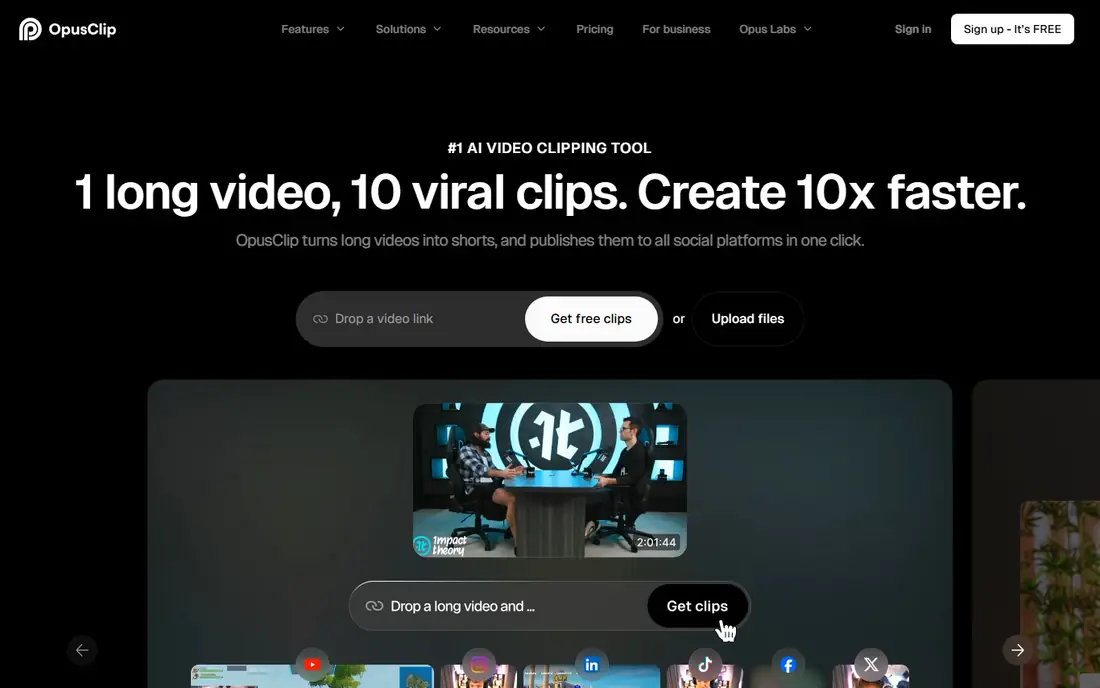
OpusClip is the closest single replacement for a creator who wants clips made and published. Its AI scores moments in a long video, cuts vertical clips with captions and reframing, and schedules them to YouTube, TikTok, Instagram, LinkedIn, Facebook, X, Pinterest, Threads, and Bluesky. Credits count minutes of source video processed, so a long podcast costs more than a short webinar.
The free plan gives 60 credits a month with a watermark, which is a test drive rather than a publishing tool. Starter near $15 per month and Pro near $29 remove the watermark and add scheduling depth. OpusClip does not match Repurpose.io's destination list exactly, missing Snapchat and Amazon, but for the major social platforms it covers creation and publishing in one product.
What we like- AI finds and cuts clips with virality scoring
- Captions in 20-plus languages
- Scheduling to major platforms on Pro
Watch out for- Free plan is watermarked with 60 credits a month
- Does not cover every Repurpose.io destination such as Snapchat or Amazon
#2Vizard
Best for: Clips from long uploads4.7/5 on
G2 (425 reviews, checked Oct 2026)
Visit vizard.ai
Starting price$29 per month
Free planYes

Vizard takes long uploads and turns them into clips with transcript-based editing. A creator can fix clip boundaries by editing text, adjust subtitles in multiple languages, and refine scenes with speaker detection. Paid plans accept uploads up to 600 minutes, which suits webinars and full podcast episodes that other clippers cap.
The free plan exports watermarked 720p clips and stores projects for only 3 days, so it is a trial rather than a workflow. Creator near $29 per month billed monthly, or $14.50 billed annually, adds scheduling and API access. For a team producing many clips from long sources with careful editing, Vizard's transcript workflow beats OpusClip's hands-off approach.
What we like- Handles uploads up to 600 minutes on paid plans
- Transcript and timeline editing
- Scheduling and API access on Creator
Watch out for- Free projects stored only 3 days with watermarked 720p exports
- Monthly price higher than OpusClip Starter
#3Descript
Best for: Transcript-based editing4.6/5 on
G2 (928 reviews, checked Oct 2026)
Visit descript.com
Starting price$16 per month
Free planYes
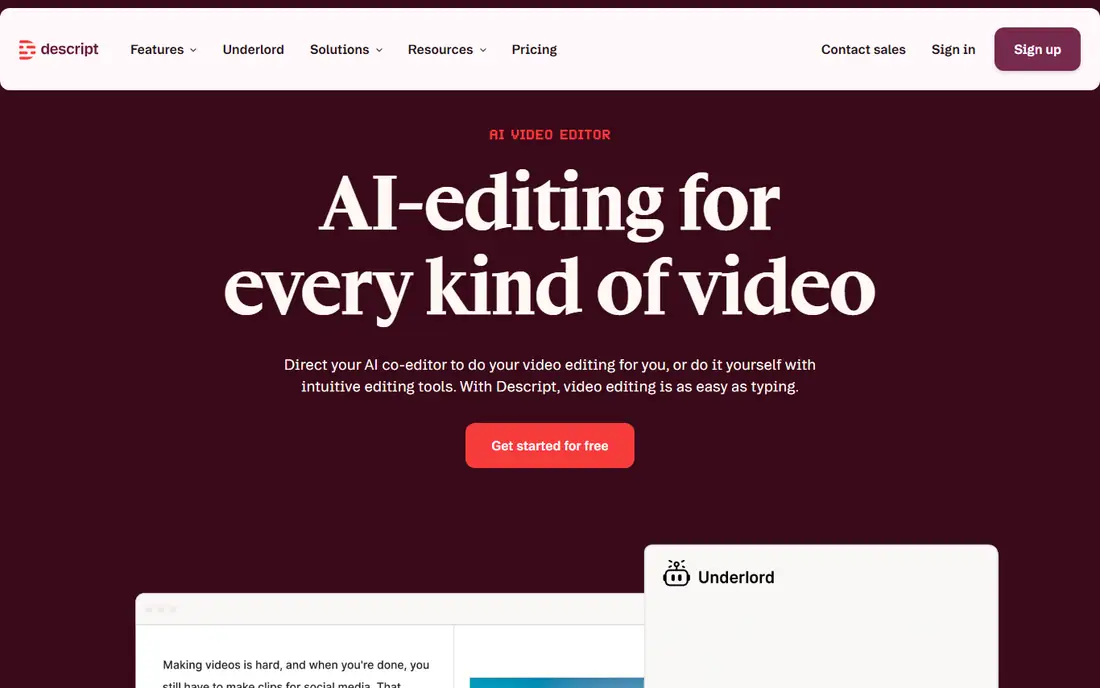
Descript edits audio and video by editing text: delete a sentence from the transcript and it leaves the recording. That makes clipping a natural extension of an existing edit rather than a separate step. A podcaster who already cuts episodes in Descript can pull vertical clips, add captions, and export without learning another tool.
The trade is focus. Descript is a full editor, so its clipping workflow is less automated than OpusClip's virality scoring, and the interface takes learning. Paid plans start near $16 per month billed annually, with a free plan for trial. For creators who already edit in Descript, its built-in clipping beats adding another subscription.
What we like- Full transcript editor for audio and video
- Clipping inside the same edit
- Studio-quality audio cleanup
Watch out for- Clipping is one feature of a larger editor, not a dedicated clipper
- Learning curve for new editors
Starting price$19 per month
Free planNo
Castmagic repurposes recordings into written content. Upload a podcast or webinar and it produces show notes, timestamps, newsletters, quotes, and social posts, which suits creators whose bottleneck is writing rather than video editing. That written output pairs well with a clipper for a complete repurposing stack.
There is no free plan listed, with paid plans from $19 per month billed annually. Video clipping is not Castmagic's strength, so video-first creators should pair it with OpusClip or Vizard. For a podcaster who needs a week's worth of written content from one recording, Castmagic is the most direct tool here.
What we like- Turns recordings into show notes, newsletters, and social posts
- Strong for podcast and webinar content
- Clean written output
Watch out for- No free plan listed
- Video clipping is secondary to written repurposing
Starting price$8.99 per month
Free planYes
Podsqueeze is built for podcasters. It generates clips, show notes, timestamps, and social content from podcast audio, with a workflow tuned to episode publishing rather than general video. Paid plans start near $8.99 per month billed monthly, or $5.99 billed annually, making it the cheapest podcast tool on this list.
The focus is also the limit: a general video creator working with webinars or talking-head YouTube videos will find Podsqueeze narrower than OpusClip or Vizard. The free account is a trial rather than a working tier. For a podcaster who wants clips and show notes at the lowest price, Podsqueeze is hard to beat.
What we like- Podcast-specific clips, show notes, and timestamps
- Lowest paid entry among podcast tools
- Simple workflow
Watch out for- Podcast-focused, so general video creators get less
- Free account limits are tight
Starting price$7.99 per month
Free planYes
Headliner makes audiograms: short videos with animated waveforms, captions, and images over podcast audio, sized for social feeds. That format still performs well for podcast promotion, and Headliner's templates make it fast. Paid plans start near $7.99 per month billed annually, with a free ad-supported plan for trial.
Headliner is not an AI clipper: it does not find highlights in a long video the way OpusClip does. It is a promotion tool for audio content. For a podcaster who needs audiograms and simple social video at a low price, Headliner remains a useful part of the stack alongside a clipper.
What we like- Audiograms turn audio into shareable video
- Free plan is ad-supported
- Simple templates for social video
Watch out for- Audiogram focus, not full AI clipping
- Free plan carries ads and limits
#7Buffer
Best for: Scheduling only, no creation4.3/5 on
G2 (1,041 reviews, checked Oct 2026)
Visit buffer.com
Starting price$5 per channel per month
Free planYes
Buffer covers the publishing half of Repurpose.io without the creation half. It schedules posts across Facebook, Instagram, TikTok, LinkedIn, Threads, Bluesky, YouTube Shorts, Pinterest, X, and more, with a free tier for 3 channels and paid plans from $5 per channel per month. Analytics and an AI assistant help on paid tiers.
The gap is obvious: Buffer does not make clips, captions, or audiograms, so a creator still needs OpusClip, Vizard, or Descript for creation. What Buffer does offer is cheaper, more flexible scheduling than Repurpose.io's $35 Starter plan, with no trial clock. For a creator who already has clips and only wants cheap scheduling, Buffer is the pragmatic pick.
What we like- Reliable scheduling across major networks
- Free tier for 3 channels
- Analytics and AI caption help on paid plans
Watch out for- Creates nothing: no clipping, captions, or editing
- Scheduling alone does not replace Repurpose.io workflows fully
Starting price$19 per month
Free planYes
Splicora combines the two halves: it makes clips and automates posting from one project, at a Starter price near $19 per month, roughly half of Repurpose.io's Starter. That matters because Repurpose.io's core complaint is that clipping and captioning still happen elsewhere: Splicora removes that bottleneck while keeping auto-posting.
The vendor is newer and smaller than OpusClip or Buffer, so buyers should verify destination coverage against their channel list and test clip quality on a real episode before committing. For a creator who wants one tool for clips plus publishing at a lower price than Repurpose.io, Splicora is the most direct like-for-like alternative.
What we like- Clips created and auto-posted from one project
- Starter costs about half of Repurpose.io
- Removes the clipping bottleneck
Watch out for- Newer vendor with a smaller track record
- Destination coverage should be checked against your channel list
How we chose
We separated creating from publishing, since Repurpose.io is a distribution tool and most alternatives create clips. Pricing figures come from vendor pages and recent published comparisons checked in October 2026, and anything we could not confirm is written as "See website". We favored actively maintained tools that serve US creators, and we flagged where free plans are watermarked, ad-supported, or storage-limited, since those limits decide whether a free tier is usable.
What to check before you switch
Decide which half of the job you are replacing. If hands-off distribution across many networks is the whole job, Repurpose.io's Pro plan with unlimited publishing may still be the best pick, since no alternative matches its destination list exactly. If clips are the bottleneck, run the same real episode through two or three free plans and compare clips side by side, since every clipper looks good on its own demo. Check four things before paying: source length and file-size limits, how usage is counted (minutes processed versus clips exported), watermark and resolution limits on free plans, and whether scheduling covers your exact channels. Those four checks prevent most billing surprises later. Also note Repurpose.io's own limits: auto-publishing checks roughly every two hours rather than instantly, and a source and destination on the same platform cannot be wired directly.
Frequently asked questions
Is Repurpose.io still a good tool?
Yes. Repurpose.io remains a strong distribution automation tool, with Starter at $35 per month, Pro at $79 with unlimited publishing, and Agency at $179. Buyers switch mainly for clip creation, lower prices, or different destinations.
Which Repurpose.io alternative is cheapest?
Headliner starts near $7.99 per month billed annually, and Podsqueeze near $5.99 billed annually. Buffer's free tier covers 3 channels for scheduling only. The cheapest fit depends on whether you need clips, audiograms, or just scheduling.
Do I need both a clipper and a scheduler?
Often yes. OpusClip and Splicora combine both, while Vizard plus Buffer is a common two-tool stack: one makes clips, the other schedules them.
What is the difference between credits and clips?
Most clippers count minutes of source video processed, not clips exported. A 60-minute podcast costs more credits than a 5-minute video, even if both yield three clips.
Can these tools publish to TikTok and YouTube Shorts?
Yes, OpusClip, Vizard, Splicora, and Buffer all support TikTok and YouTube Shorts among other platforms. Confirm your exact channel list on each vendor's integrations page before buying.
How do I test clip quality before paying?
Run the same real episode through two or three free plans and compare clips side by side. Check captions, framing, and cut points, since demo videos flatter every tool.
Sources we checked (8)
- https://www.opus.pro/pricing
- https://vizard.ai/pricing
- https://www.descript.com/pricing
- https://www.castmagic.io/pricing
- https://podsqueeze.com/pricing
- https://headliner.app/pricing
- https://buffer.com/pricing
- https://splicora.ai/pricing
Is your product missing or out of date?
We review this list regularly. Vendors can request a listing, send updated pricing or ask about featured placement.

Shihab Mia · Founder, Rankite
Shihab has 5+ years in B2B and SaaS SEO. He writes Rankite's software buying guides from pricing pages, documentation and public user reviews. More about Shihab.