How we make this list: we compare pricing pages, product documentation and public user reviews. Ratings come from G2, Capterra or Trustpilot, with the date we checked them.
Key takeaways
- This article interprets "clip" as AI video clipping tools that turn long videos into short vertical clips for TikTok, Shorts, and Reels.
- OpusClip is the most polished clipper with the least manual work, starting at $15 per month for Starter with 20 clips.
- Vizard wins on long sources, accepting uploads up to 600 minutes or 30 GB on paid plans, with Creator at about $14.50 per month billed yearly.
- 2short.ai is the cheapest paid clipper at $9.90 per month for Lite, with a generous free tier for testing.
- Submagic suits creators obsessed with caption style, with Starter near $12 per month billed yearly in one comparison and $19 per month billed monthly in another.
- Clipping tools cluster near $0.50 to $0.80 per finished clip for a creator publishing 20 shorts per month, so the allowance unit matters more than the headline price.
Quick comparison
| Tool | Best for | Starting price | Free plan |
|---|
 OpusClip OpusClip | Polished clips, least manual work | $15/month | Yes |
 Vizard Vizard | Long sources and editor review | $14.50/month | Yes |
 Submagic Submagic | Caption style and engagement | $12/month | No |
 Klap Klap | Clean simple clipping workflow | $14/month | No |
 2short.ai 2short.ai | Cheap YouTube to Shorts clips | $9.90/month | Yes |
 quso.ai quso.ai | Clipping plus wider AI toolkit | $29/month | Yes |
 GetMunch GetMunch | Trend insights and review flows | See website | No |
 CapCut CapCut | Free full editor with clipping | Free | Yes |
Is your product missing or out of date?
We review this list regularly. Vendors can request a listing, send updated pricing or ask about featured placement.
The best clip alternatives
#1OpusClip
Best for: Polished clips, least manual work4.6/5 on
G2 (123 reviews, checked Oct 2026)
Visit opus.pro
Starting price$15/month
Free planYes
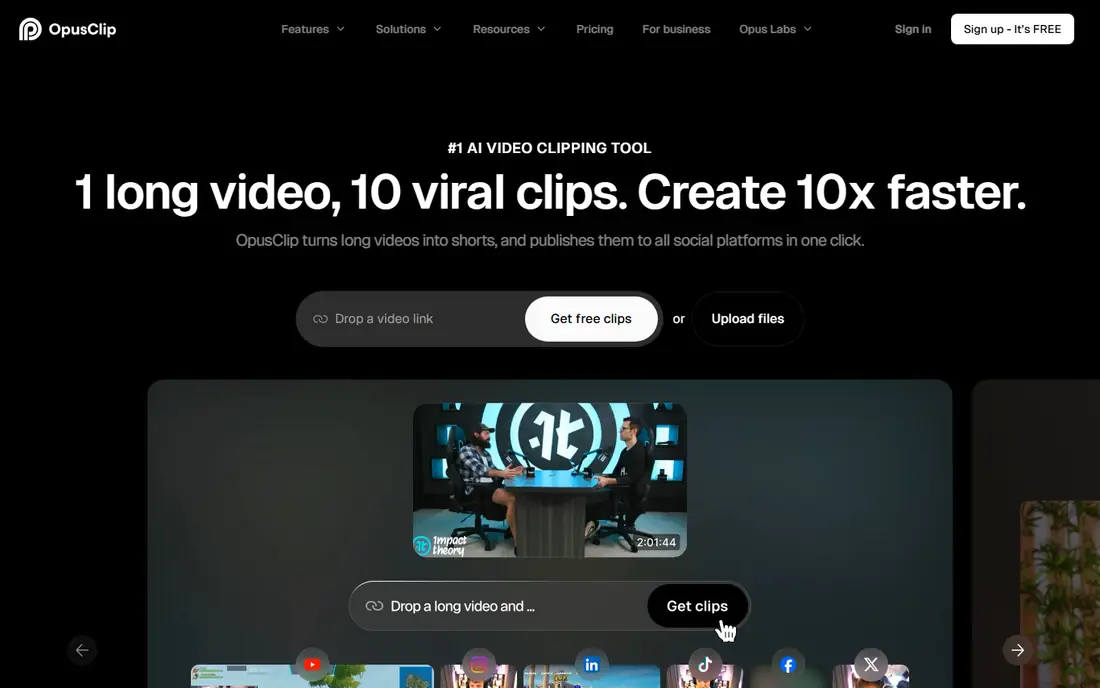
OpusClip is the tool creators and teams choose when they want the most polished clips with the least manual work. It scores clips for virality, reframes with object tracking, adds AI B-roll, and schedules to several platforms, with native mobile apps and exports to Premiere Pro and DaVinci Resolve on Pro. Credits equal minutes of source video processed, and monthly-plan credits expire after 60 days.
Pricing starts at $15 per month for Starter, which covers 20 clips in published cost models, while Pro costs $29 per month billed monthly or $14.50 per month billed yearly in some comparisons. The free plan gives 60 credits per month with a watermark and no editing, plus a 3-day export window. For a creator publishing 5 shorts per week, OpusClip Starter works out near $0.75 per finished clip, which sits in the middle of this category.
What we like- Most polished clips
- Virality score
- Reframing with object tracking
- AI B-roll
- Scheduling
- Mobile apps
Watch out for- Credit-based pricing
- Free plan watermarked with 60 credits
- Pro costs $29 per month
- Credits expire after 60 days
#2Vizard
Best for: Long sources and editor review4.7/5 on
G2 (425 reviews, checked Oct 2026)
Visit vizard.ai
Starting price$14.50/month
Free planYes

Vizard wins on long sources and editor review, making it the best choice for repurposing streams and webinars. Paid plans accept uploads up to 600 minutes or 30 GB at up to 4K, with API access included from Creator and caption translation covering over 100 languages on paid plans. The workflow suits teams that clip first and review in an editor before publishing.
Creator costs $29 per month billed monthly or about $14.50 per month billed yearly, while Pro costs $39.99 per month in published comparisons. The free plan gives 60 credits per month with 720p exports up to 10 minutes and a watermark, but storage lasts only 3 days, so review output promptly. For a creator publishing 20 shorts per month, Vizard Creator works out near $0.73 per clip, close to OpusClip.
What we like- Handles uploads up to 600 minutes or 30 GB
- Caption translation over 100 languages
- API access from Creator
- Editor review workflow
Watch out for- Free tier storage only 3 days
- Free exports 720p up to 10 minutes
- Per-minute billing
- Pro costs $39.99 per month
#3Submagic
Best for: Caption style and engagement4.6/5 on
G2 (85 reviews, checked Oct 2026)
Visit submagic.co
Starting price$12/month
Free planNo
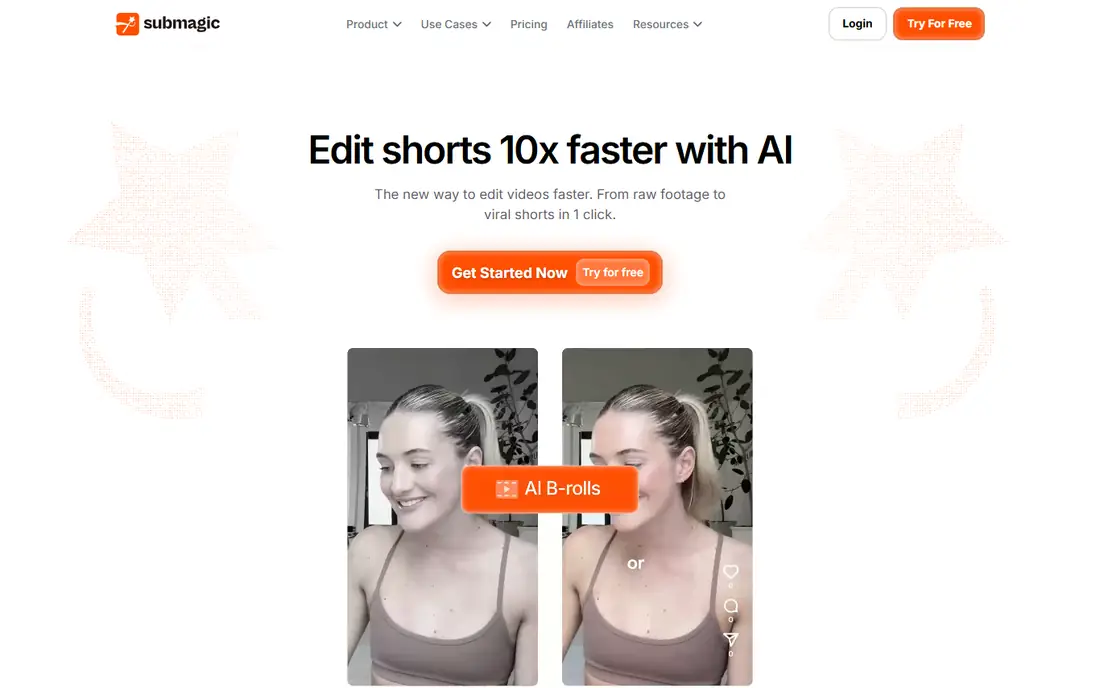
Submagic suits creators obsessed with caption style and on-screen engagement tricks. It offers animated captions, trendy templates, and engagement features that lift watch time on short videos, with support for about 50 languages. Creators whose clips underperform on watch time often find presentation, not discovery, is the problem, and Submagic styling helps more than another detector.
Pricing varies by comparison: Starter near $12 per month billed yearly in one cost model, $19 per month billed monthly in another, and Pro near $40 per month in a third, so confirm the current rate. Starter caps at 15 clips in one model and 2-minute videos in another, which limits longer source material. For a creator publishing 20 shorts per month, Submagic Starter works out near $0.80 per clip in published models.
What we like- Strongest caption styling
- Animated captions and engagement tricks
- About 50 languages
- Good for short videos
Watch out for- No free plan
- Pricing varies by comparison
- Starter caps at 15 clips in one model
- 2-minute videos on Starter
Starting price$14/month
Free planNo
Klap suits creators who want a clean, simple clipping workflow without feature bloat. It offers 52 languages, layouts such as split screen, and a low-priced entry, with one free video and no watermark for testing. The interface stays focused on turning a long video into vertical clips quickly, without the wider content toolkit that complicates rivals.
Pricing starts near $14 per month billed yearly for Starter, which covers 20 clips in published cost models at about $0.70 per clip, while Pro costs $29 per month in some comparisons. Billing runs per clip generated, and clip quotas apply per plan, so heavy publishers should check the quota before subscribing. Creators who want simplicity over trend insights will find Klap a good fit.
What we like- Clean simple workflow
- 52 languages
- Split-screen layouts
- One free video with no watermark
- Low-priced entry
Watch out for- Per-export billing
- Clip quota per plan
- Pro costs $29 per month in some comparisons
- No free plan beyond trial
#52short.ai
Best for: Cheap YouTube to Shorts clips4.5/5 on
G2 (5 reviews, checked Oct 2026)
Visit 2short.ai
Starting price$9.90/month
Free planYes
2short.ai suits YouTubers who want quick clips from talking-head videos at the lowest paid price. It is browser-based with no signup friction, offers a generous free tier with limited daily analysis, and processes short videos fast, which makes it a good place to test what AI clipping feels like before paying. Lite costs $9.90 per month and covers 20 clips in published cost models at about $0.50 per clip, the cheapest rate on this list.
The trade-offs are quality and limits: AI quality is rated weakest in one comparison, language support covers English only, free exports carry aggressive watermarks, and long videos break the renderer. Use it for one-off testing or short talking-head clips, not as a real workflow tool for long podcasts or streams.
What we like- Cheapest paid clipper
- Generous free tier
- Browser-based
- Fast processing on short videos
- Good for testing
Watch out for- AI quality weakest in some comparisons
- English only
- Aggressive watermarks on free
- Long videos break the renderer
#6quso.ai
Best for: Clipping plus wider AI toolkit5.0/5 on
G2 (1 reviews, checked Oct 2026)
Visit quso.ai
Starting price$29/month
Free planYes
Quso.ai, formerly vidyo.ai, suits creators and brands that want clipping plus a wider AI content toolkit. It combines AI clipping with scheduling and other content tools, so a creator can clip and plan posts in one place. The free plan carries a watermark, and paid plans start near $29 per month in published comparisons.
Clipping quality sits behind OpusClip and Vizard in some comparisons, and the wider toolkit adds complexity for creators who only need clips. Brands that want one platform for clipping and scheduling will find quso.ai practical, while pure clipping buyers should test OpusClip or Vizard first.
What we like- Clipping plus scheduler
- Wider AI content toolkit
- Free plan with watermark
- Good for brands and creators
Watch out for- Pro costs $29 per month
- Trial terms vary
- Clipping quality behind OpusClip and Vizard in some comparisons
#7GetMunch
Best for: Trend insights and review flows4.6/5 on
G2 (31 reviews, checked Oct 2026)
Visit getmunch.com
Starting priceSee website
Free planNo
GetMunch suits social media managers who need platform-safe clips with trend insights. It analyzes trends, generates clips with platform safety in mind, and offers review flows that help teams running client accounts approve clips before publishing. That workflow matters for agencies, where a clip must pass review before it reaches a client channel.
Pricing is the main barrier: published comparisons list about 99 euros per month for tiered usage, with no free plan beyond a trial, and direct TikTok publishing is absent in some models. Solo creators will find cheaper options here, while teams running client accounts should weigh GetMunch trend insights and review flows against the simpler solo tools.
What we like- Platform-safe clips
- Trend insights
- Review flows for client accounts
- Good for social media managers
Watch out for- Pricing near 99 euros per month in some comparisons
- Tiered usage
- No direct TikTok publishing in some models
Starting priceFree
Free planYes
CapCut suits creators who want a free full editor with AI clipping built in. The core product is free, with a full editing suite beyond clipping and a huge template community that covers captions, effects, and transitions. For a creator publishing clips on a zero budget, CapCut covers a real posting schedule at no cost, and the per-clip cost is zero.
AI clip discovery is weaker than specialists such as OpusClip and Vizard, so creators who need the best moment detection should pair CapCut editing with a specialist clipper. Ownership by ByteDance matters to some teams, and pro features cost extra. Budget creators who edit their own clips will find CapCut the best free option on this list.
What we like- Completely free core product
- Full editing suite beyond clipping
- Huge template community
- No per-clip cost
Watch out for- AI clip discovery weaker than specialists
- Owned by ByteDance, which matters to some teams
- Pro features cost extra
How we chose
We compared clip alternatives on clip discovery quality, caption styling, reframing, language support, allowance units, and per-clip cost for a creator publishing 20 shorts per month. Clipping tools cluster near $0.50 to $0.80 per finished clip in published cost models, so we weighted the allowance unit heavily: vendors count minutes processed, credits, uploaded videos, or exported clips, and those units are not interchangeable. We also flagged free tier limits, since watermarks, short retention, and export caps differ, and a free run tests quality but does not prove the free tier will carry a regular schedule. Prices come from vendor pages and published comparisons from 2026, and they change often, so confirm the current price before purchase.
How to choose the right clip alternative
Start with your bottleneck. If finding the right moments eats your time, start with OpusClip or Vizard, the two strongest at discovery. If your clips underperform on watch time, the problem is probably presentation, and Submagic styling or CapCut free editing will help more than another detector. Teams running client accounts should weigh GetMunch trend insights and review flows against the simpler solo tools.
Next, convert your typical week into each vendor unit before comparing prices, since minutes processed, credits, and exported clips are not interchangeable. A creator publishing a 60-minute podcast every week processes 240 minutes of source video per month, which exhausts most credit-based caps of 150 to 300 credits mid-month. Heavy repurposers clipping hours weekly should check processing limits and queue times, because per-month clip caps are where cheap plans get expensive. Finally, trial the top two before picking, since the $29 per month tier differences are workflow-deep rather than quality-deep.
Frequently asked questions
What is the best free clip alternative?
CapCut is the best free option, with a completely free core product and a full editing suite. Vizard and 2short.ai also offer free tiers, though Vizard free storage lasts only 3 days and 2short.ai free exports carry watermarks.
Which clip tool is cheapest per clip?
2short.ai Lite at $9.90 per month works out near $0.50 per clip for 20 clips per month in published models. Klap Starter near $0.70, Vizard Creator near $0.73, and OpusClip Starter near $0.75 per clip follow closely.
Does OpusClip have a free plan?
Yes, OpusClip offers a free plan with 60 credits per month, a watermark, and no editing, plus a 3-day export window. Starter costs $15 per month and Pro costs $29 per month billed monthly.
Is Vizard better than OpusClip for long videos?
Yes, Vizard paid plans accept uploads up to 600 minutes or 30 GB at up to 4K, which suits long streams and webinars better than OpusClip credit caps. OpusClip wins on polish and scheduling for shorter sources.
Can I use these tools for TikTok, Shorts, and Reels?
Yes, all tools here export vertical 9:16 clips suited to TikTok, YouTube Shorts, and Instagram Reels. Check direct publishing support per tool, since some offer it and others require manual upload.
Do I still need to edit AI clips?
Yes, AI clip selection accuracy averages 65 to 80 percent relevance in published analyses, so manual review is still needed. Caption accuracy near 88 to 93 percent also needs correction, adding a few minutes per clip.
Sources we checked (0)
Is your product missing or out of date?
We review this list regularly. Vendors can request a listing, send updated pricing or ask about featured placement.

Shihab Mia · Founder, Rankite
Shihab has 5+ years in B2B and SaaS SEO. He writes Rankite's software buying guides from pricing pages, documentation and public user reviews. More about Shihab.