How we make this list: we compare pricing pages, product documentation and public user reviews. Ratings come from G2, Capterra or Trustpilot, with the date we checked them.

Key takeaways
- Free image-to-video tools all limit something: credits, resolution, clip length, watermark, or commercial use. Read the free tier terms before you rely on one.
- Runway and Hailuo give one-time trial credits that do not refill, while Google Flow and Dreamina-style daily refills suit regular testing.
- Wan 2.2 is the only truly unlimited option, because it runs on your own graphics card, but it needs capable hardware.
- Adobe Firefly is the safest free option for commercial work, since its own models are designed to be commercially safe.
- Most free exports carry a watermark or a non-commercial license, so free tiers suit drafts and social tests, not client deliverables.
Quick comparison
| Tool | Best for | Starting price | Free plan |
|---|
 Runway Runway | One polished test clip | $12/month | Trial credits |
 Hailuo Hailuo | Longest free clips | $8.40/month | Trial credits |
 PixVerse PixVerse | Fast stylized social clips | $10/month | Yes |
 Vidu Vidu | Anime and illustration | See website | Yes |
 Pika Pika | Short effect-driven clips | $10/month | Yes |
 Google Flow Google Flow | Daily free Veo clips | $4.99/month | Yes |
 Adobe Firefly Adobe Firefly | Commercial-safe output | $9.99/month | Yes |
 Wan 2.2 Wan 2.2 | Unlimited local generation | Free | Yes |
Is your product missing or out of date?
We review this list regularly. Vendors can request a listing, send updated pricing or ask about featured placement.
The best free Kling AI alternatives for image to video
#1Runway
Best for: One polished test clip4.1/5 on
G2 (105 reviews, checked Oct 2026)
Visit runwayml.com
Starting price$12/month
Free planTrial credits
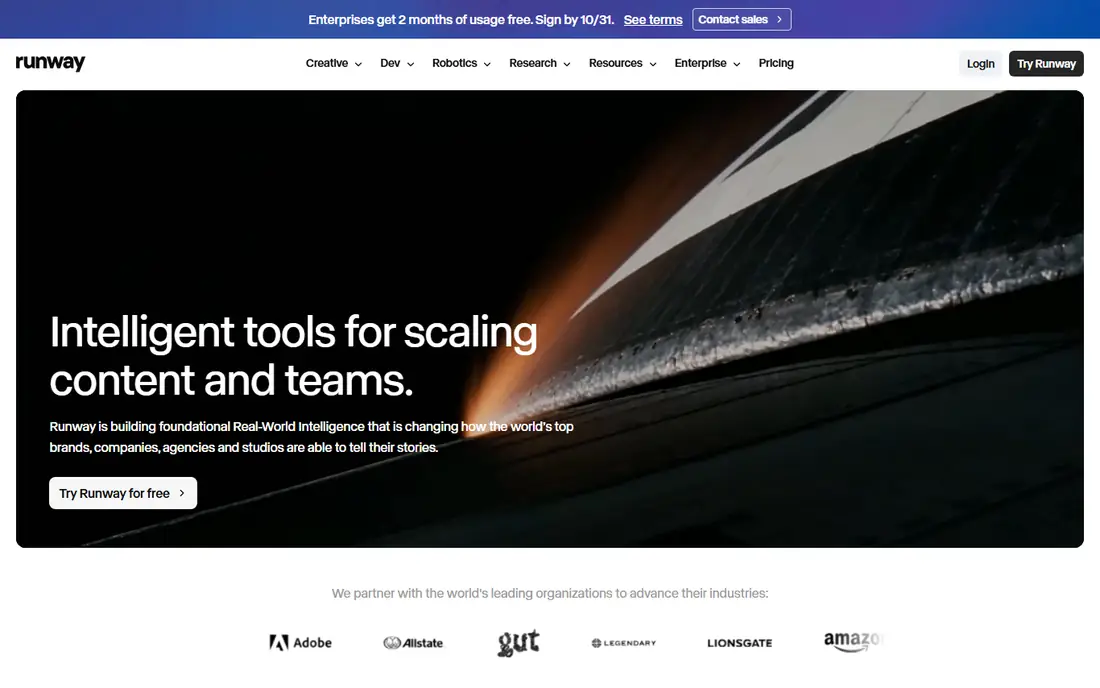
Runway is the best free alternative if you want one polished test clip rather than an ongoing free plan. The trial gives 125 credits, enough for about 10 seconds of Gen-4.5 video or about 25 seconds of Gen-4 Turbo, and those credits never refill. The editing tools around generation, including camera controls and timeline editing, are the strongest in this guide.
The free tier's limits are plain: one-time credits, watermarked output, and no stated commercial use on free. Paid plans start at $12 a month billed yearly. For a filmmaker testing whether AI video fits a project, Runway's trial is the most informative single test. For ongoing free use, look at daily-refill tools instead.
What we like- Detailed camera and editing controls
- Gen-4 models produce polished results
- Strong filmmaker tooling
Watch out for- Trial credits are one-time and never refill
- Free output is watermarked
- Commercial use on free is not stated
Starting price$8.40/month
Free planTrial credits
Hailuo, from MiniMax, offers the longest free clips in this guide: 4 to 15 seconds at 768p or 2K on newer models, from a single still image. Character movement is expressive, with natural facial expressions and body motion, which suits portrait animation and character-led clips. The first frame stays faithful to your image, then motion builds smoothly.
The free tier is a one-time trial credit package, not a refilling plan, and output is watermarked with commercial use reserved for paid users. Paid plans start around $8.40 a month billed yearly. For a longer single free clip with expressive motion, Hailuo is the best test.
What we like- Longest free clips at up to 15 seconds
- Expressive character movement
- High resolution options on newer models
Watch out for- One-time trial credits only
- Free output is watermarked
- Commercial use is for paid users only
Starting price$10/month
Free planYes
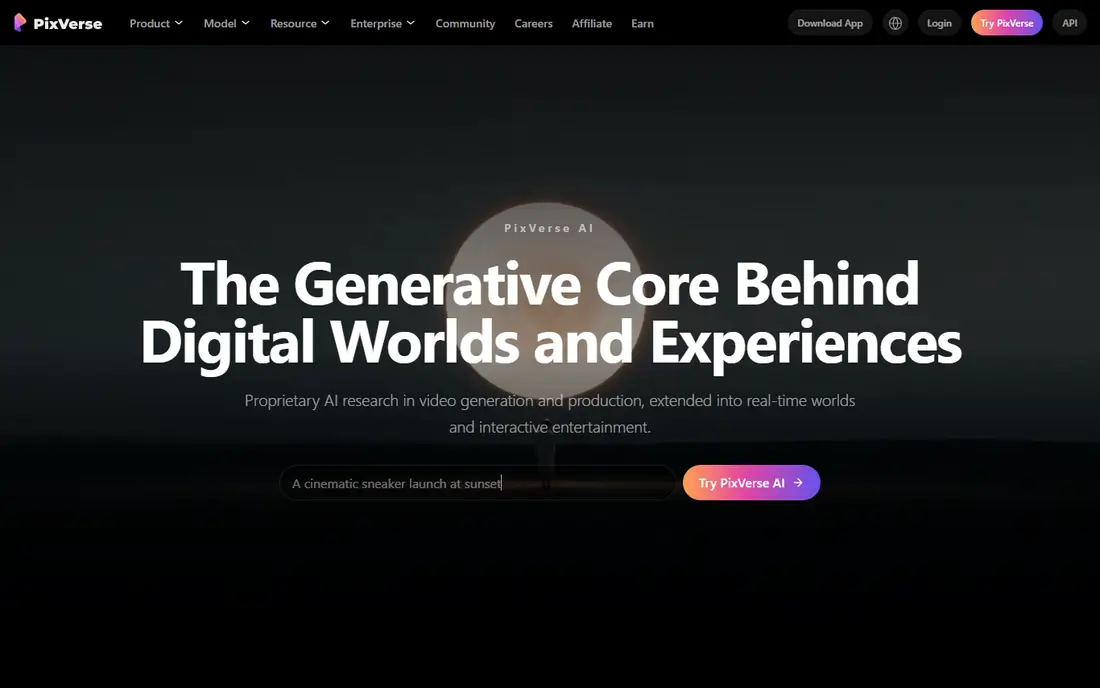
PixVerse is built for fast, stylized social clips, with effects, templates, and vertical video formats that suit short-form platforms. Free credits recur, though the exact amount varies and should be checked in the app, and generation is quick enough to iterate on a concept in minutes. Character-led and stylized looks are its strength.
Free output is low resolution and watermarked, and commercial terms need checking before publishing anything for a brand. Paid plans start around $10 a month. For rapid social drafts where speed and style matter more than resolution, PixVerse is a practical free option.
What we like- Fast generation with effects and templates
- Recurring free credits
- Good for vertical social video
Watch out for- Free output is low resolution
- Watermark on free
- Commercial terms need checking before publishing
Starting priceSee website
Free planYes
Vidu is the best free alternative for anime and illustration, animating drawn characters and illustrated scenes with a style awareness that realistic models sometimes miss. It supports text, image, and reference to video, and newer models add built-in audio including voiceover and sound effects in one pass. Sign-up credits get you started, and trial output runs at 720p and 1080p.
Free output carries a watermark and commercial use is reserved for paid users, so Vidu suits personal tests and style exploration rather than client work. Paid pricing varies by region. For animating an illustration or anime still, Vidu is the most style-faithful free test.
What we like- Strong for anime and illustration animation
- Text, image, and reference to video
- Built-in audio on newer models
Watch out for- Sign-up credits only, not a deep ongoing plan
- Free output is watermarked at 720p
- Commercial use is paid-only
Starting price$10/month
Free planYes
Pika is the pick for creative effects and video experiments: transformations, stylized effects, and prompt-based edits that turn a still into something surprising. Free accounts exist, though monthly credit allowances are limited and generation requires credits, so check the current allowance before planning a batch of clips.
Commercial use is gated to higher tiers, so free output suits personal experiments and social tests rather than brand work. Paid plans start at $10 a month. For playful, effect-driven clips where creativity matters more than realism, Pika is a strong free starting point.
What we like- Creative effects and video transformations
- Prompt edits and keyframes
- Good for experiments
Watch out for- Free account has limited monthly credits
- Commercial use is gated to higher tiers
- Clips are short
Starting price$4.99/month
Free planYes
Google Flow is the best overall free option for regular use, because its free tier refills daily: 50 credits a day, enough for up to about five Veo 3.1 Lite clips, with 4 to 8 second clips. Veo's realism suits scenes and storytelling, and sign-in needs only a Google account. Paid plans start at $4.99 a month.
The limits are clip length and unclear commercial terms on the free tier, plus regional availability differences. For a creator who wants to test image-to-video every day without paying, Flow's daily refill is the most usable free plan in this guide.
What we like- Daily refill of 50 credits for Veo clips
- Realistic scenes and storytelling
- Google account sign-in only
Watch out for- Clip length is short at 4 to 8 seconds
- Commercial terms on free are not stated
- Availability varies by region
#7Adobe Firefly
Best for: Commercial-safe output4.4/5 on
G2 (373 reviews, checked Oct 2026)
Visit adobe.com
Starting price$9.99/month
Free planYes
Adobe Firefly is the safest free option for commercial work. Its video models are trained on licensed and public domain content, so output from Firefly's own models is designed to be commercially safe, unlike many rivals where commercial use on free tiers is restricted or unclear. Free daily generations cover image, video, and audio, with Content Credentials metadata attached.
Daily free generations are limited, and video features trail dedicated tools like Runway for camera control. Paid plans start at $9.99 a month. For a brand or freelancer who needs to publish without license anxiety, Firefly is the responsible free choice.
What we like- Commercially safe output from Adobe's own models
- Daily free generations
- Integrates with Adobe apps
Watch out for- Daily free generations are limited
- Video features trail dedicated video tools
- Needs an Adobe ID
Starting priceFree
Free planYes
Wan 2.2 is the only truly unlimited option here, because it is open-source software that runs on your own graphics card. There is no credit limit, no watermark, no sign-up, and commercial use is allowed under its Apache 2.0 license. The 5B model produces 720p video at 24 frames per second on capable hardware, which is enough for drafts and many social uses.
The cost is hardware and skill: you need a capable GPU, setup takes technical effort, and generation is slower than cloud tools on modest machines. For a technical creator with a good GPU who wants unlimited image-to-video without subscription or watermark, Wan 2.2 is unmatched.
What we like- Truly unlimited on your own hardware
- No watermark
- Commercial use allowed under Apache 2.0
- No sign-up
Watch out for- Needs a capable GPU
- Setup takes technical skill
- Slower than cloud tools on modest hardware
How we chose
We compared image-to-video tools with a usable free tier that replace Kling AI's core job: animating a still image into a short video clip. We weighed free allowance type, clip length, resolution, watermark, commercial terms, and motion quality from vendor pages and 2026 free video tool comparisons. We left out tools with no free access at all and pure text-to-video tools without image input. Free terms change often, so check the current terms on each vendor's pricing page before relying on a free tier for client work.
How to pick a free Kling alternative
Start with how often you will generate. Daily creators should pick Google Flow for its refilling credits or Wan 2.2 for unlimited local use. One-time testers should pick Runway or Hailuo for a polished or long trial clip. Style creators should pick Vidu for anime or PixVerse for social effects. Commercial users should pick Adobe Firefly for license safety. Then check the three limits that matter: watermark, commercial license, and credit refill.
Read the free tier terms before you publish
Free tiers differ on the three things that decide whether a clip is usable: watermark, commercial license, and resolution. A watermarked clip cannot be used for client work, a non-commercial license cannot be used for ads, and a low-resolution clip looks poor on large screens. Check all three on the vendor's terms page for the exact plan you use, not the product homepage.
Keep prompts simple for better motion
Image-to-video models animate best with one clear action and one camera move. Ask for too many moves and the clip distorts, especially with multiple people in frame. Start with the subject, add one action, add one camera move, and keep the prompt short. Generate the same image on two or three free tiers, since motion quality varies by subject and model.
Frequently asked questions
Is there a truly free Kling AI alternative?
Wan 2.2 is truly free and unlimited, since it runs locally on your own hardware with no credits or watermark. Cloud tools all limit free use through credits, watermarks, or licenses. If you have a capable GPU, Wan 2.2 is the only option with no ongoing cost or limit.
Can I use free AI video clips commercially?
It depends on the tool. Adobe Firefly's own models are designed for commercial use, and Wan 2.2 allows commercial use under Apache 2.0. Most other free tiers restrict commercial use to paid plans or leave it unstated, including Kling, Hailuo, and Vidu. Check the license for your exact plan before publishing anything for a business or client.
Why do free clips have watermarks?
Watermarks separate free testing from paid production. Vendors give free generation to let you test quality, then remove the watermark on paid plans. A watermarked clip is fine for a private draft or a style test, but it is not usable for client deliverables or brand posts.
How long can a free image-to-video clip be?
Most free clips run 4 to 10 seconds per generation, with Hailuo reaching 15 seconds on newer models and Runway reaching about 10 seconds on Gen-4.5 or 25 seconds on Gen-4 Turbo from trial credits. For longer videos, generate several clips and edit them together.
Which free tool is best for anime?
Vidu is the best free option for anime and illustration, with style-aware animation and reference-to-video support. PixVerse also handles stylized clips well for social use. Test the same illustration on both, since style fidelity varies by image.
Sources we checked (8)
- https://runwayml.com
- https://hailuo.ai
- https://pixverse.ai
- https://www.vidu.com
- https://pika.art
- https://labs.google
- https://www.adobe.com
- https://github.com
Is your product missing or out of date?
We review this list regularly. Vendors can request a listing, send updated pricing or ask about featured placement.

Shihab Mia · Founder, Rankite
Shihab has 5+ years in B2B and SaaS SEO. He writes Rankite's software buying guides from pricing pages, documentation and public user reviews. More about Shihab.