How we make this list: we compare pricing pages, product documentation and public user reviews. Ratings come from G2, Capterra or Trustpilot, with the date we checked them.
Key takeaways
- Jellyfin is the best free Plex alternative, with no subscription, no premium tier and full self-hosting.
- Emby is the closest like-for-like replacement, with a polished interface and a paid Premiere tier for extra features.
- Kodi suits people who want a powerful player on a TV box rather than a server for the whole household.
- Stremio and Infuse are better as players and front ends than as full media servers.
- Your existing library matters: check hardware transcoding and client support before switching servers.
Quick comparison
| Tool | Best for | Starting price | Free plan |
|---|
 Jellyfin Jellyfin | Free self-hosted media server | Free | Yes |
 Emby Emby | Polished Plex replacement | Free; Premiere See website | Yes |
 Kodi Kodi | TV-connected player | Free | Yes |
 Universal Media Server Universal Media Server | Simple DLNA streaming | Free | Yes |
 Serviio Serviio | DLNA server for TVs | Free; Pro $25 one-time | Yes |
 Stremio Stremio | Streaming hub and add-ons | Free | Yes |
 Channels Channels | Live TV and DVR | See website | No |
 Infuse Infuse | Beautiful Apple playback | Free; Pro See website | Yes |
Is your product missing or out of date?
We review this list regularly. Vendors can request a listing, send updated pricing or ask about featured placement.
The best Plex alternatives
Starting priceFree
Free planYes
Jellyfin is the media server that most Plex users switch to when they want to stop paying. It is free and open source, with no subscription, no locked features and no account required. You install the server on a computer, NAS or Raspberry Pi, point it at your movies, shows and music, and stream to phones, TVs, browsers and set-top boxes through official and community clients.
Features cover the essentials: libraries with posters and metadata, user accounts with parental controls, live TV and DVR with a tuner, hardware transcoding on supported systems, and plugins for extra functions. Because there is no premium tier, every feature is available to every user, which is a genuine difference from Plex and Emby.
The trade-off is polish. Jellyfin's interface is good but less refined than Plex, and setup involves more manual steps, from installing the server to configuring clients. If you are comfortable running your own server, Jellyfin gives you the most freedom for no money at all.
What we like- Completely free with no premium tier
- Open source
- Clients for most platforms
- Hardware transcoding
Watch out for- Interface less polished than Plex
- Setup needs more manual work
Starting priceFree; Premiere See website
Free planYes
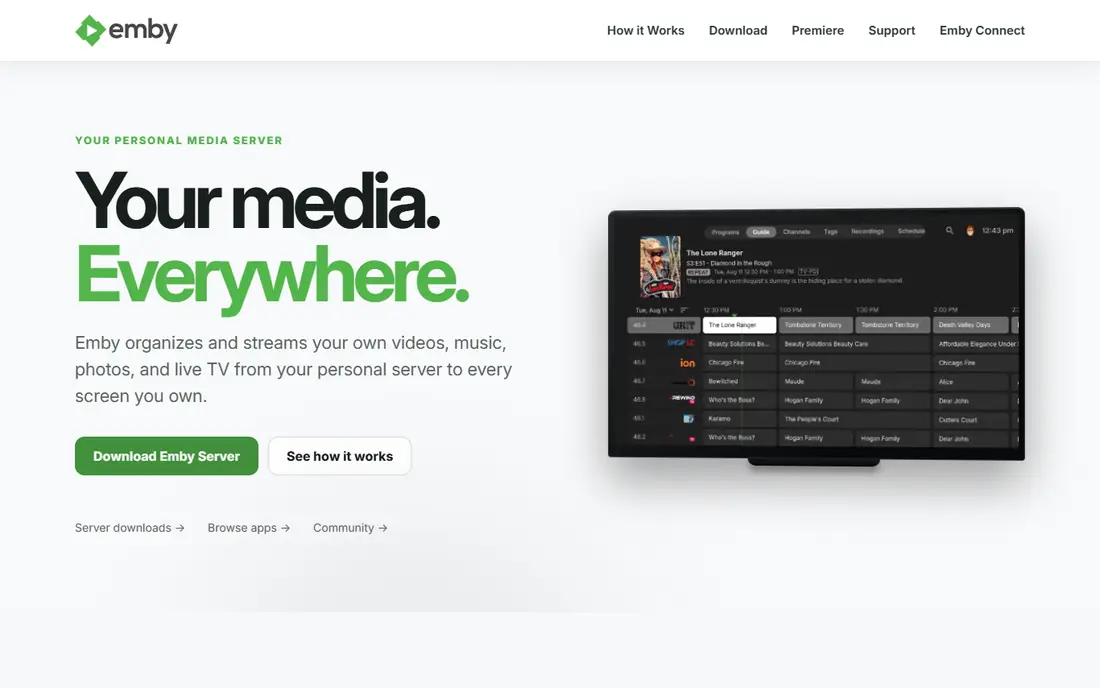
Emby is the closest experience to Plex in this list. It organises your movies, shows, music and photos into attractive libraries, streams to almost every device, and supports multiple users, parental controls, live TV and DVR. If you want to leave Plex but keep a similar look and feel, Emby is the easiest transition.
The free version covers basic server and playback, while Emby Premiere adds hardware transcoding, offline downloads, cinema mode, cloud sync and more. Premiere is sold as a monthly, yearly or lifetime plan, so check the current price on Emby's site before committing. For many users, the free tier is enough to test the switch properly.
Emby's community is smaller than Jellyfin's open-source world, and its development is commercial rather than community-led. But for a polished, family-friendly server with a familiar interface, it is the strongest direct Plex replacement.
What we like- Clean interface close to Plex
- Wide client support
- Live TV, DVR and parental controls
Watch out for- Best features need a Premiere subscription
- Smaller community than Jellyfin
#3Kodi
Best for: TV-connected player4.2/5 on
G2 (19 reviews, checked Oct 2026)
Visit kodi.tv
Starting priceFree
Free planYes
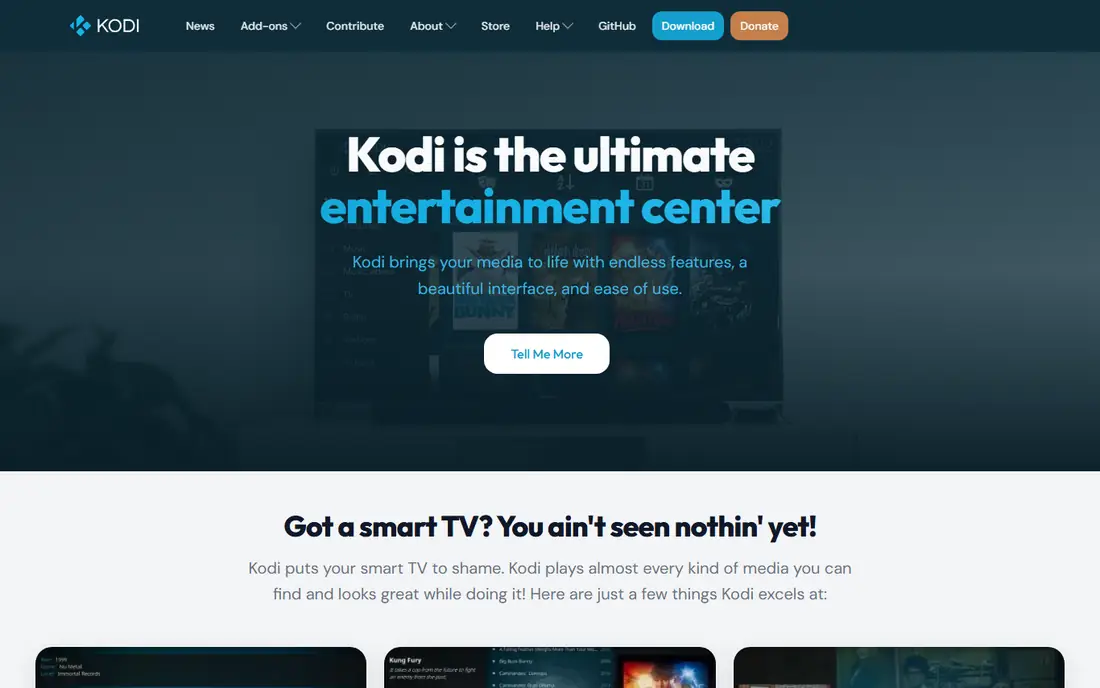
Kodi is a media player rather than a media server, and that distinction matters. It runs on a TV box, computer or Raspberry Pi connected to your television, and plays media from local drives, network shares or add-ons, with a beautiful ten-foot interface designed for a remote control. Skins, add-ons and library views make it deeply customisable.
Kodi does not work like Plex's client-server model by default: each Kodi install manages its own library, though shared databases and add-ons can sync across devices. That makes it better for a single living-room setup than for a household of remote streamers. It is also the best choice for a dedicated home theatre PC, where its playback quality and format support shine.
Setup can be fiddly, and some third-party add-ons offer pirated content, which you should avoid. Used with your own legally owned media, Kodi is a free, powerful and endlessly flexible player.
What we like- Extremely customisable
- Huge add-on library
- Runs on almost any hardware
Watch out for- Not a multi-user server like Plex
- Setup can be complex
Starting priceFree
Free planYes
Universal Media Server, or UMS, is a simple DLNA server that streams your media to smart TVs, consoles, Blu-ray players and other DLNA devices on your home network. Install it, point it at your folders, and your TV sees the files. Transcoding handles formats your TV cannot play natively.
There is no library interface with posters and metadata like Plex, and no remote access outside your home. That simplicity is the point: UMS does one job with minimal configuration, and it runs on Windows, Mac and Linux. It is ideal for a TV that already has a DLNA player but cannot run a Plex client.
Choose UMS if you want to play files on your TV with the least fuss. Choose Jellyfin or Emby if you want a proper library, user accounts and streaming away from home.
What we like- Free and open source
- Streams to any DLNA device
- Simple to set up
Watch out for- No pretty library interface
- No remote streaming like Plex
Starting priceFree; Pro $25 one-time
Free planYes
Serviio is another DLNA media server, similar in spirit to Universal Media Server but with a longer history and a Pro option. The free version streams audio, video and photos to DLNA devices, with transcoding for incompatible formats. Serviio Pro costs $25 as a one-time payment and adds features like media browser access, remote playback and more.
Serviio's strength is reliability with televisions and consoles that support DLNA but not Plex or Jellyfin clients. It runs quietly in the background on Windows, Mac or Linux, and its profiles handle the quirks of different TV brands. The interface is dated, and there is no slick mobile app or poster-rich library.
For a household whose main screen is a smart TV with DLNA, Serviio is a dependable, cheap solution. For multi-device streaming with user accounts, Jellyfin or Emby are better fits.
What we like- Reliable DLNA streaming
- Good format support
- Cheap one-time Pro licence
Watch out for- No modern library apps
- Interface is dated
Starting priceFree
Free planYes
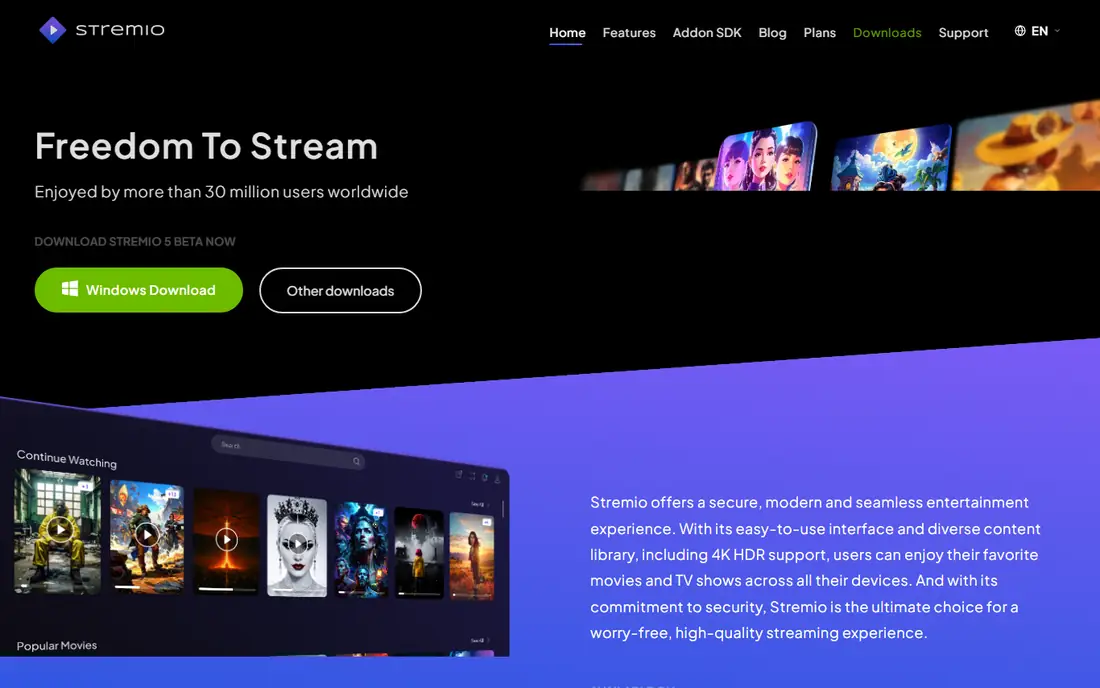
Stremio is a streaming hub rather than a personal media server. It organises movies, series, live TV and web channels into one clean interface, with a calendar for new episodes and a library that syncs across devices. Add-ons connect it to different content sources, including legal services and, controversially, sources of pirated streams.
Used with legal add-ons and your own subscriptions, Stremio is a pleasant way to keep track of what to watch across services. It is not a replacement for Plex's personal library features: it does not organise your own ripped movies and shows in the same way, though community add-ons can add local content.
The warning matters: some popular Stremio add-ons offer pirated content, and using them can carry legal and security risks. Stick to official and legal add-ons, and treat Stremio as a discovery and tracking hub rather than a media server.
What we like- Clean hub for movies, shows and live TV
- Add-ons extend sources
- Syncs across devices
Watch out for- Not a personal media server
- Add-on quality varies
- Some add-ons are legally grey
Starting priceSee website
Free planNo
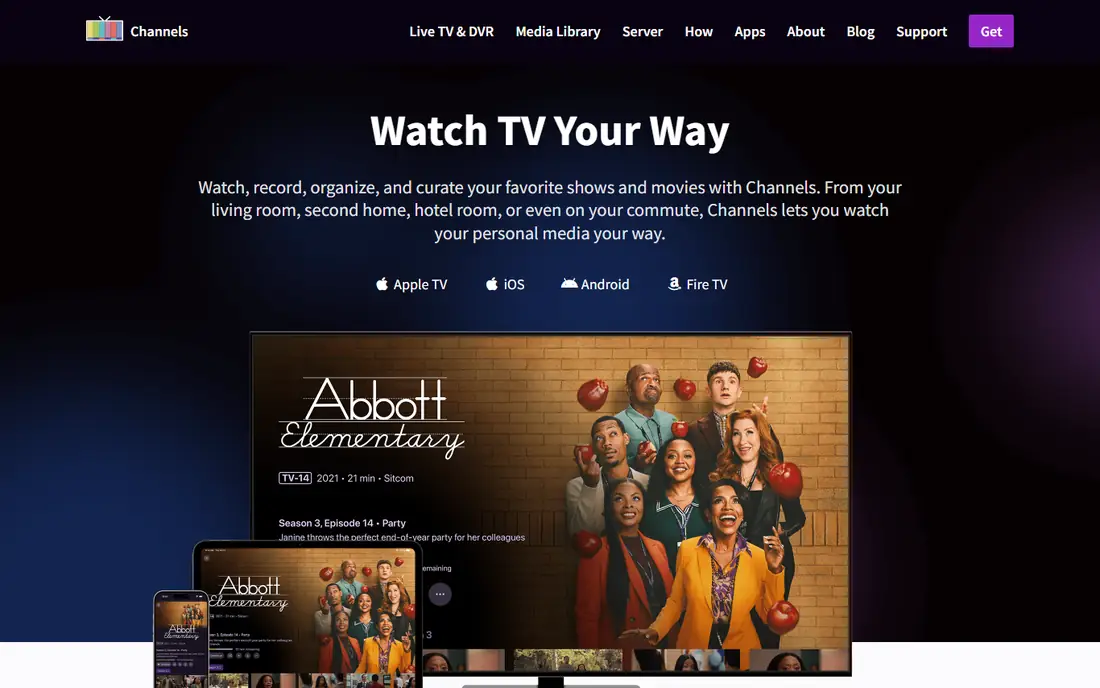
Channels started as a live TV app and remains the best choice for cord-cutters who want a proper DVR. Connect an HDHomeRun tuner or a supported TV source, and Channels records shows, manages series passes, skips commercials and streams live TV to phones, tablets, Apple TV and other devices with a polished interface.
The server runs on a computer or NAS, and the apps are among the best-designed in this list. Pricing is subscription-based, so check the current monthly or yearly price on the site. Channels also handles personal media libraries, but that is secondary to its TV strengths.
If live TV and recording matter more than a movie library, Channels beats Plex at its own game. If your library is the priority, Jellyfin or Emby will serve you better, and you can add a tuner to either for basic DVR.
What we like- Excellent live TV and DVR experience
- Works with HDHomeRun tuners
- Beautiful apps
Watch out for- Subscription required
- Less focused on personal movie libraries
Starting priceFree; Pro See website
Free planYes
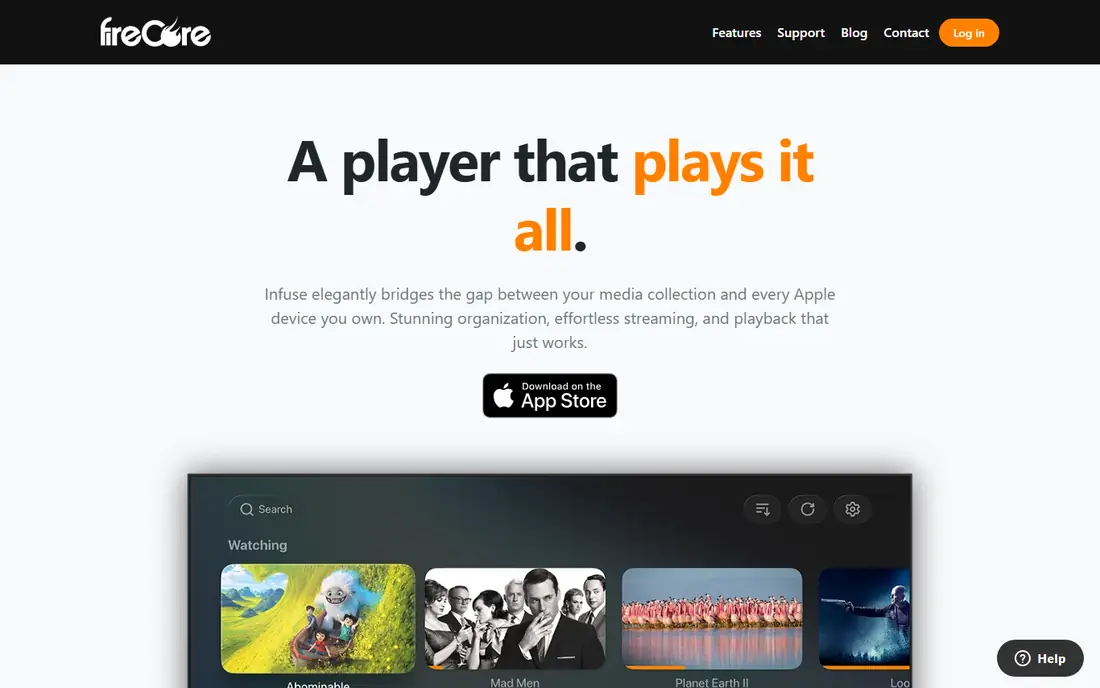
Infuse is a video player for iPhone, iPad, Apple TV and Mac, and it is the best-looking player in this list. It plays almost any video format directly, without needing the server to transcode, which saves CPU and preserves quality. It also connects to Plex, Jellyfin and Emby servers, so it can be the front end for whichever server you choose.
The free version covers basic playback, while Infuse Pro adds more formats, cloud sync, Dolby audio support and other features on a subscription basis. Trakt sync keeps your watch progress consistent across devices. The interface, with rich artwork and smooth browsing, is a clear step up from most free players.
Infuse is Apple only, so Android and Windows households need another player. But if your home runs on Apple devices, pairing Infuse with Jellyfin or Emby gives you the best combination of a free server and a premium player.
What we like- Gorgeous interface on Apple devices
- Plays almost any format without transcoding
- Syncs with Plex, Jellyfin and Emby
Watch out for- Apple only
- Pro subscription for the best features
How we chose
We compared tools on library management, client support, transcoding, live TV and DVR, price and ease of setup. Prices were checked against vendor sites, and where pricing varies by plan we say so rather than quoting a single figure. We also read public user reviews and documentation to confirm strengths and limits, and we favoured tools that work with media you own, while flagging add-ons that can lead to pirated content.
Switching from Plex without losing your library
Before you switch, check three things. First, client support: make sure your TVs, phones and streaming boxes have a client for the new server. Second, transcoding: if your server hardware is modest, a tool with good hardware transcoding or direct-play support, like Infuse on Apple devices, will run more smoothly. Third, metadata: most servers can scan your existing folders and rebuild libraries automatically, but watch progress and playlists usually do not transfer, so note anything you want to keep.
Keep Plex running during the move
Run the new server alongside Plex for a week or two, rather than replacing it in one go. Point it at the same folders, test playback on every device your household uses, and confirm that subtitles, audio tracks and remote access all work. Once the new setup passes daily use, you can cancel Plex Pass and retire the old server without a gap in service.
Frequently asked questions
What is the best free Plex alternative?
Jellyfin is the best free alternative. It is open source, has no premium tier, and covers libraries, users, live TV and transcoding at no cost. Emby's free tier is also good, but its best features need a Premiere subscription.
Can I use Jellyfin with my existing Plex library?
Yes. Jellyfin scans the same media folders and builds its own libraries with posters and metadata. Your files stay where they are; only watch history, playlists and collections need to be rebuilt.
Is Kodi a replacement for Plex?
Not exactly. Kodi is a player for a TV-connected device, not a multi-user server for remote streaming. It is excellent for a living-room setup, but Jellyfin or Emby are better if several people stream from different devices.
Do I need a powerful computer to run a media server?
Not necessarily. Direct playback needs little power, and a Raspberry Pi or basic NAS can serve a household. Transcoding, which converts video on the fly for incompatible devices, needs more CPU or GPU power, so check whether your clients can direct-play your files.
Is Stremio legal?
Stremio itself is legal software, but some third-party add-ons offer pirated streams, which are not. Use only official and legal add-ons, and treat Stremio as a hub for services you already pay for.
What is the best player to pair with Jellyfin or Emby?
On Apple devices, Infuse is the best player, thanks to direct playback of almost any format and a polished interface. On other platforms, the official Jellyfin and Emby clients work well, and Kodi can also act as a front end.
Sources we checked (8)
- https://jellyfin.org
- https://emby.media
- https://kodi.tv
- https://www.universalmediaserver.com
- https://www.serviio.org
- https://www.stremio.com
- https://getchannels.com
- https://firecore.com/infuse
Is your product missing or out of date?
We review this list regularly. Vendors can request a listing, send updated pricing or ask about featured placement.

Shihab Mia · Founder, Rankite
Shihab has 5+ years in B2B and SaaS SEO. He writes Rankite's software buying guides from pricing pages, documentation and public user reviews. More about Shihab.