How we make this list: we compare pricing pages, product documentation and public user reviews. Ratings come from G2, Capterra or Trustpilot, with the date we checked them.
Key takeaways
- LM Studio is the easiest Ollama alternative for desktop users, with model discovery, chat and a local API server in one app.
- Jan is the best open-source desktop chat app, built for fully offline use with no telemetry by design.
- LocalAI suits teams that want an OpenAI-compatible API server covering text, image and audio models.
- llama.cpp is the engine underneath many of these tools, and the right pick when you need maximum control over hardware and quantisation.
- All eight tools here are free, and most are open source, so the real cost is your hardware, not a subscription.
Quick comparison
| Tool | Best for | Starting price | Free plan |
|---|
 LM Studio LM Studio | Desktop chat and model discovery | Free | Yes |
 Jan Jan | Open-source offline chat | Free | Yes |
 LocalAI LocalAI | OpenAI-compatible API server | Free | Yes |
 llama.cpp llama.cpp | Maximum hardware control | Free | Yes |
 TextGen TextGen | Advanced experimentation | Free | Yes |
 Llamafile Llamafile | Single-file portable models | Free | Yes |
 KoboldCpp KoboldCpp | Creative writing and roleplay | Free | Yes |
 AnythingLLM AnythingLLM | Document chat and workspaces | Free | Yes |
Is your product missing or out of date?
We review this list regularly. Vendors can request a listing, send updated pricing or ask about featured placement.
The best Ollama alternatives
Starting priceFree
Free planYes
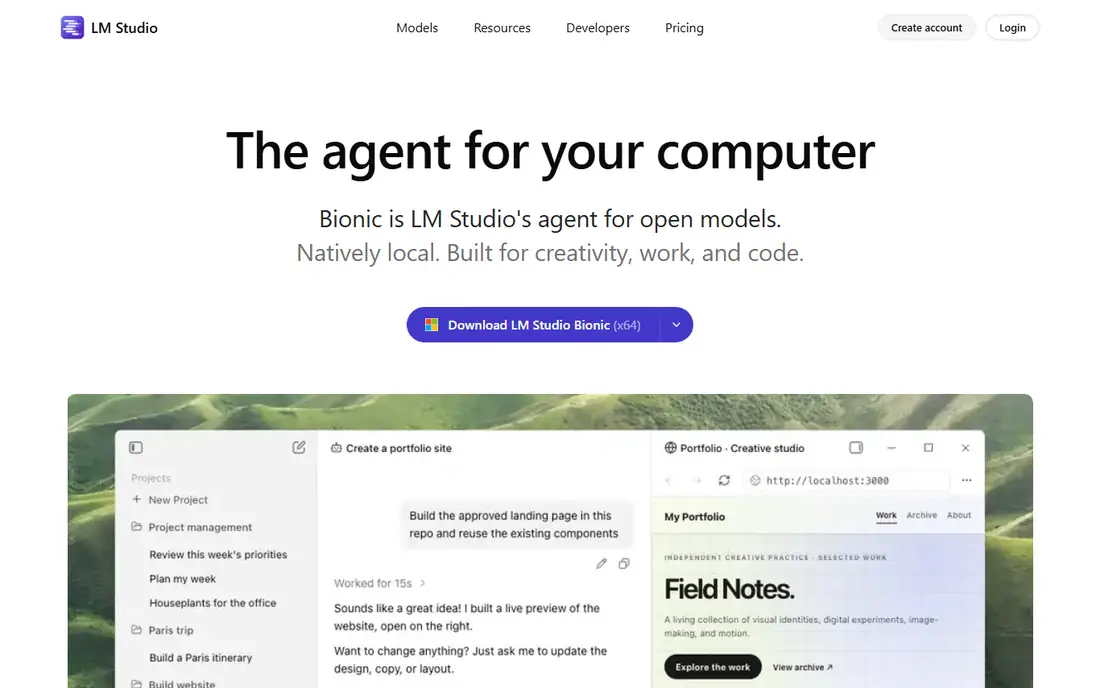
LM Studio is the most popular desktop alternative to Ollama, and the reason is how little it asks of you. Search for a model, download it, and start chatting, all inside one polished app on Windows, Mac or Linux. It handles quantised GGUF models well, shows hardware compatibility before you download, and supports both CPU and GPU inference, including Apple Silicon.
For developers, LM Studio runs a local server with an OpenAI-compatible API, so apps built for cloud models can point at your machine with a small config change. It also supports document chat, letting you ask questions about your own files without uploading them anywhere. A newer agentic mode lets models work with files and scripts in sandboxed projects, though that feature is newer and worth testing carefully.
The main caveat is licensing: LM Studio is free to use, including for work, but it is not open source. If open source matters to you, Jan is the closer match. For most desktop users, though, LM Studio is the fastest path from zero to a working local chatbot.
What we like- Easy model browsing and downloading
- Built-in chat and document chat
- Local OpenAI-compatible server for developers
Watch out for- Not open source
- Heavier than a command-line runtime
Starting priceFree
Free planYes
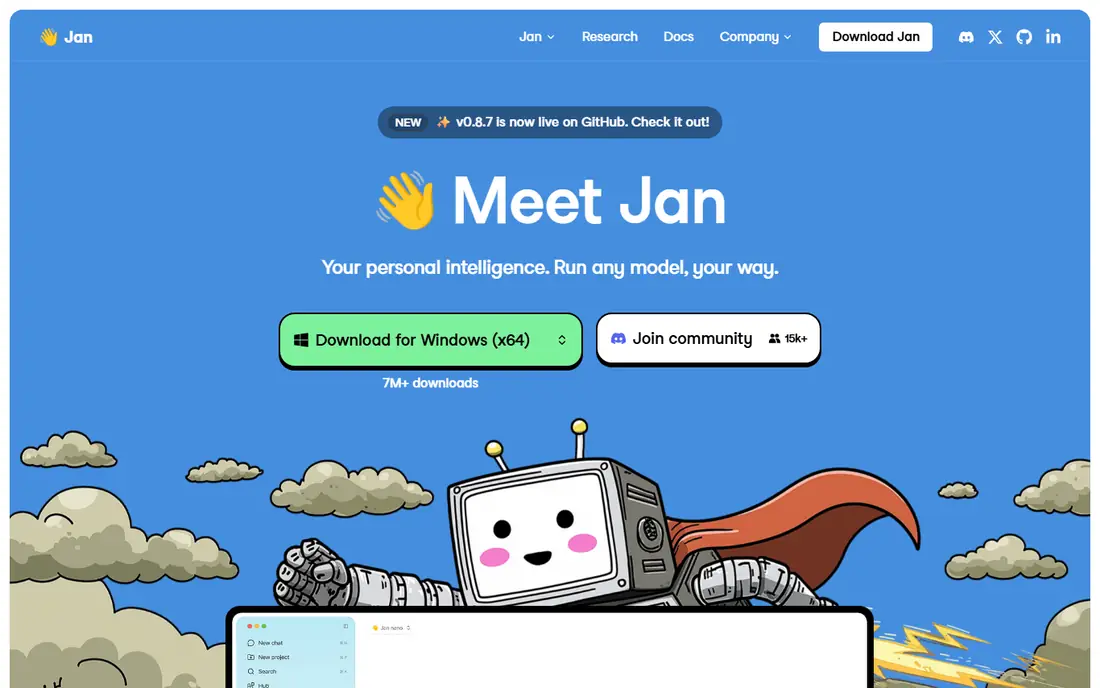
Jan is an open-source desktop app that aims to be the simplest private AI chat experience. Download it, download a model, and chat, with no account, no telemetry and no cloud connection required. It runs on the llama.cpp engine and supports Apple Silicon through MLX as well, so Mac users get good performance without extra setup.
The interface will feel familiar to anyone who has used a cloud chatbot: conversations in a sidebar, model switching, and support for both local models and, if you choose, remote providers. That optional remote support is worth noting for privacy purists: the app can connect to cloud models, but it does not do so unless you set it up.
Jan is less of a developer platform than Ollama or LocalAI, and its API and server features are more limited. But for a personal, private chat app that you can trust to stay offline, it is the strongest open-source choice in this list.
What we like- Fully open source
- Designed for 100 percent offline use
- Clean ChatGPT-style interface
Watch out for- Smaller ecosystem than LM Studio
- Fewer advanced server features
Starting priceFree
Free planYes
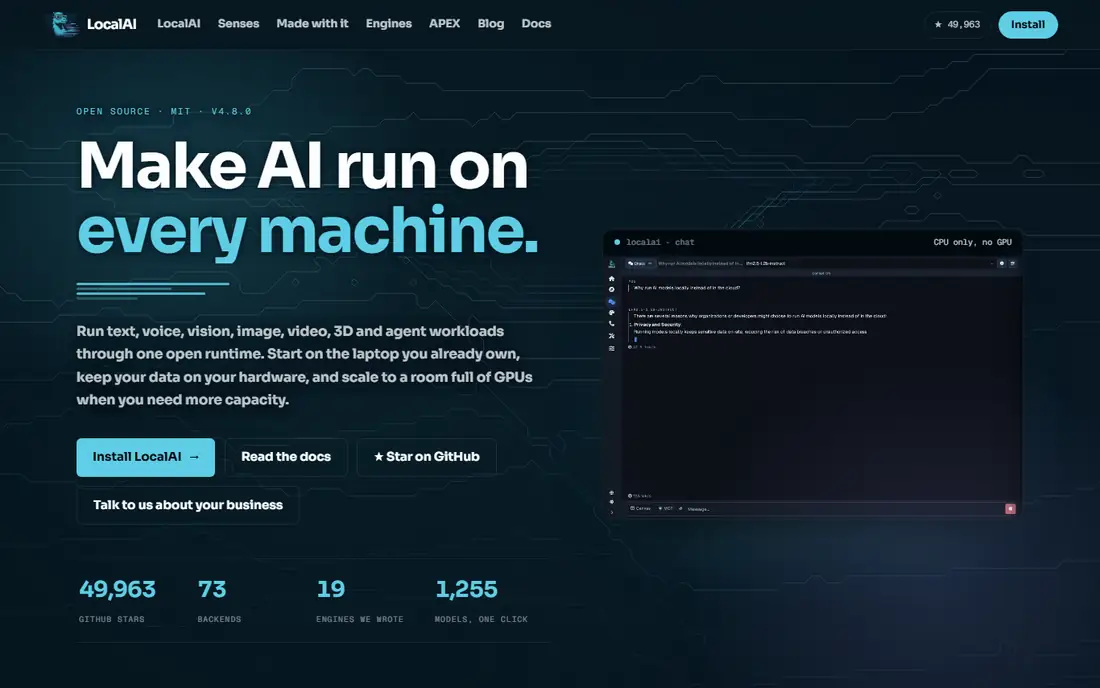
LocalAI is a self-hosted, open-source project that replaces cloud AI APIs with a local server. Point your existing tools at it, and they can use local models through the same API calls they already make to OpenAI, including for text generation, image generation and transcription. That compatibility is the whole point: it lets a team drop cloud dependencies without rewriting every integration.
It runs in Docker and supports multiple backends, so you can mix model types behind one endpoint. The trade-off is setup effort. LocalAI needs more configuration than a desktop app, and published comparisons put its raw text throughput behind high-performance servers like vLLM. Pick it for API compatibility and multi-model coverage, not for peak speed.
LocalAI fits infrastructure teams and small companies that want a private AI endpoint for internal tools. If you only want to chat with a model on your laptop, LM Studio or Jan will get you there faster.
What we like- Mimics OpenAI API endpoints
- Supports text, image and audio models
- Self-hosted with Docker
Watch out for- Slower setup than desktop apps
- Raw throughput trails specialised servers
Starting priceFree
Free planYes
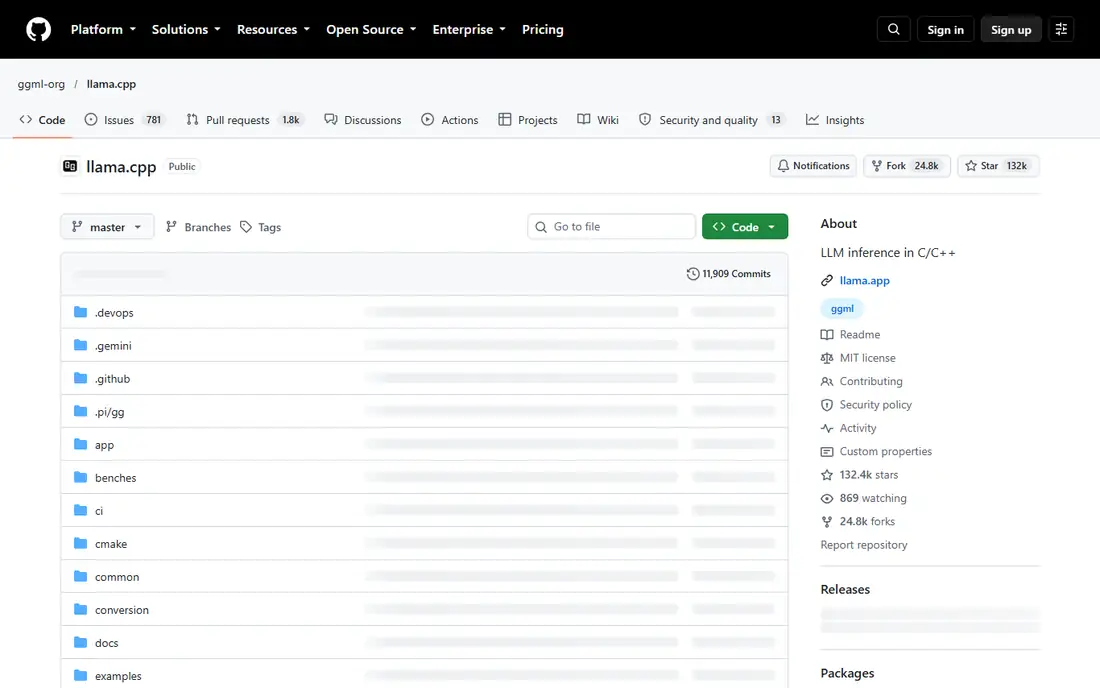
llama.cpp is not a chatbot app. It is the inference engine that powers Ollama, Jan, LM Studio and many other tools, and using it directly gives you the most control. It runs quantised GGUF models efficiently on CPU, NVIDIA and AMD GPUs, and Apple Silicon, and it supports a wide range of model architectures. If you have modest hardware, llama.cpp is often the fastest way to run a given model.
The cost of that control is effort. There is no polished chat interface out of the box, though a simple server mode provides a web chat and an API. You will spend time on flags, quantisation choices and memory settings, and you will need to build or add any features beyond basic inference yourself.
Choose llama.cpp when you are building a product, tuning performance on unusual hardware, or running models on edge devices. Choose a desktop app when you want to chat with a model tonight without reading documentation first.
What we like- Extremely efficient CPU and GPU inference
- Huge model format support
- The engine behind many other tools
Watch out for- Command-line only
- You build your own interface and API layer
Starting priceFree
Free planYes
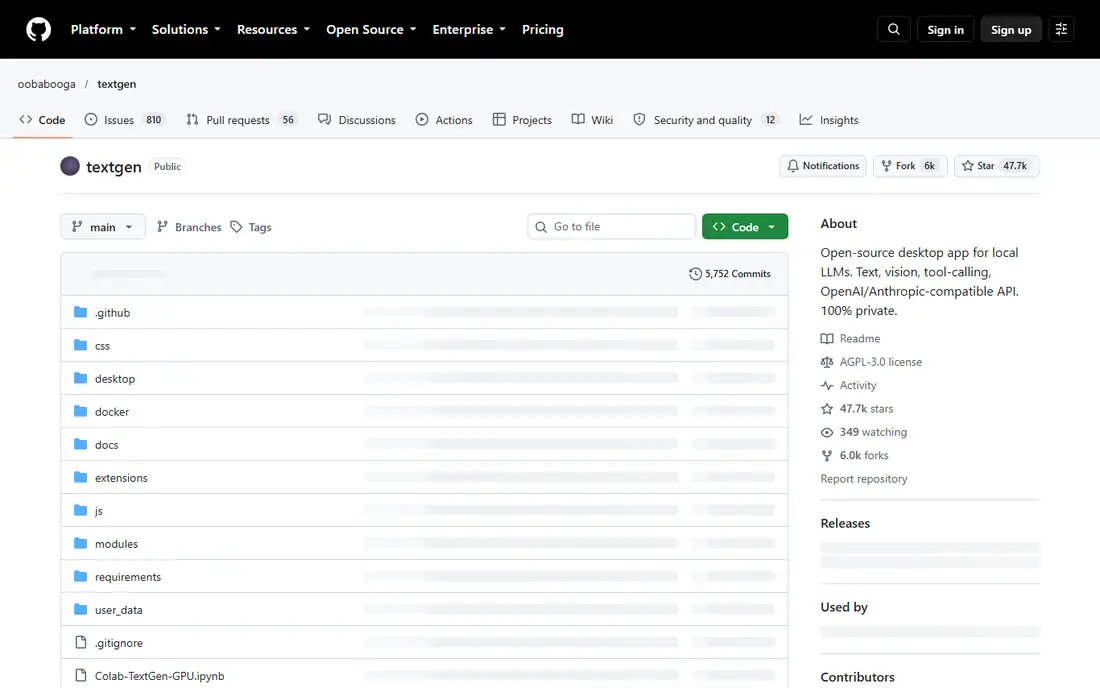
TextGen, formerly known as text-generation-webui or oobabooga, is the tinkerer's choice. Its web interface offers detailed control over sampling, prompts, character cards and extensions, and it supports GGUF models plus other formats depending on the backend chosen. A native desktop app now makes installation easier than it used to be, though the full experience still rewards users who like to tune settings.
Creative writers are a large part of its audience, thanks to character support, lore books and fine-grained generation controls. Researchers and hobbyists use it to compare models, test prompts and try new formats early, since it is often quick to support new model types.
Beginners should start elsewhere. The number of options can be confusing, and some features need extra setup. But if you outgrow a simple chat app and want to experiment, TextGen is the natural next step.
What we like- Very flexible interface with many extensions
- Strong for creative writing and experimentation
- API included
Watch out for- Setup is more involved
- Interface can overwhelm beginners
Starting priceFree
Free planYes
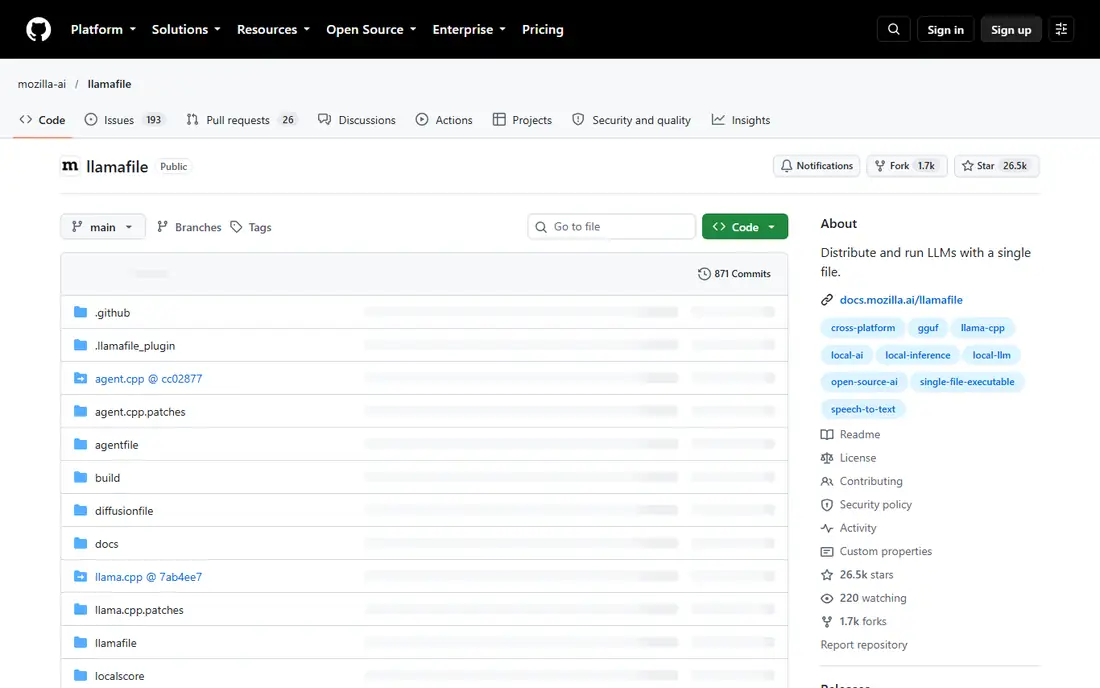
Llamafile, from Mozilla's Ocho project, turns a language model into a single executable file. Download one file, run it, and you get a working chatbot with a web interface, no installation and no dependency management. The same file runs on Windows, Mac and Linux, which makes it unusually portable.
That simplicity is the appeal. You can carry a model on a USB stick, run it on a borrowed laptop, or share it with a colleague who does not want to install anything. The web interface covers chat and basic API use, though it lacks the model library, document chat and advanced features of LM Studio or AnythingLLM.
Llamafile is the best first step for anyone curious about local AI but put off by setup. Download a small model file, run it, and see local AI working in minutes. If you like it, move to a fuller app later.
What we like- One file runs a whole chatbot
- Works across operating systems
- No installation needed
Watch out for- Fewer features than a full app
- Model choice tied to each file
Starting priceFree
Free planYes
KoboldCpp is a single-file inference tool built around creative writing. It bundles a llama.cpp-based engine with a web interface designed for stories, roleplay and long-form generation, including features like world info, author notes and sampling presets tuned for fiction. It also exposes an API, so it works as a backend for writing front ends.
Distribution is simple: one executable per platform, with GPU acceleration options for NVIDIA, AMD and Apple Silicon. That makes it easy to run on a personal machine without a larger install. Performance is solid for its size, and the project is actively maintained by a community focused on writing use cases.
For general chat, coding help or document questions, other tools here are better. For fiction, roleplay and interactive storytelling with a local model, KoboldCpp is the most purpose-built option available.
What we like- Built for storytelling and roleplay
- Easy single-file distribution
- Good API for front ends
Watch out for- Niche focus
- Less suited to general productivity or document work
Starting priceFree
Free planYes
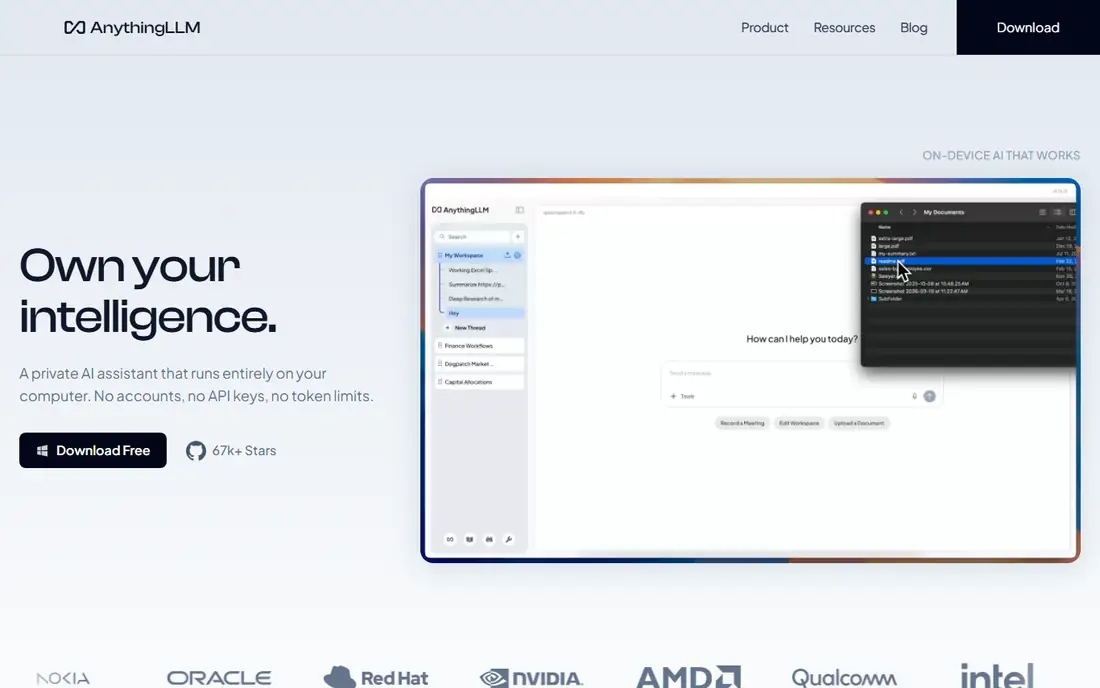
AnythingLLM is the pick when your documents are the point. Create workspaces, upload files in mixed formats, and the app handles chunking, embedding and retrieval, so you can ask questions and get answers grounded in your own material. The desktop app is single-user, while the Docker edition adds multi-user permissions for teams.
Recent releases have pushed beyond document chat into on-device dictation, text actions and meeting transcription, all processed locally. It connects to local model providers, including Ollama itself, as well as cloud models if you choose, so it can sit on top of the runtime you already run.
AnythingLLM needs more setup than a chat app, and it only shines when you have documents to feed it. But for research, support knowledge bases and private company docs, it turns a local model into a genuinely useful work tool rather than a novelty chatbot.
What we like- Full document workspaces with retrieval
- Desktop and self-hosted editions
- Works with local or cloud models
Watch out for- More setup than a chat app
- Best value needs a document collection to work with
How we chose
We compared tools on what Ollama users actually need when they look elsewhere: local inference, privacy, ease of setup, API compatibility and hardware flexibility. All eight tools are free, and we checked their current status against project pages and recent comparison guides, including noting where a tool's development has slowed. We also read public documentation and user reviews to confirm strengths and limits, and we weighted real-world usability over benchmark claims, since local AI performance depends heavily on your own hardware.
Picking the right runtime for your machine
Hardware decides more than brand does. A modern laptop with 16 GB of memory can run 7 to 8 billion parameter models comfortably, especially in 4-bit quantisation, while 13 billion parameter models usually want a GPU, and 70 billion parameter models need high-end hardware or a multi-GPU setup. Apple Silicon Macs punch above their weight here thanks to unified memory. Start with a small model, measure the speed, and only download larger models once you know what your machine handles well.
Keep your prompts private
Local tools keep your prompts on your machine, but that privacy only holds if you keep cloud features off. Some apps offer optional cloud models, web search or telemetry, so check the settings before pasting sensitive text. For document work, disable any default web search, and prefer tools that state clearly that processing stays local. If a feature sends data out, it should be one you turned on deliberately.
One tool or a stack
You do not have to pick a single tool. A common setup is llama.cpp or LocalAI as the engine, AnythingLLM for documents, and LM Studio or Jan for everyday chat, all pointing at the same models. Start with one desktop app, learn which models suit your hardware, and add a server or document tool only when a real need appears.
Frequently asked questions
Is Ollama itself bad?
No. Ollama remains a good, simple local runtime with a large model library and an easy command line. People look for alternatives when they want a graphical interface, an OpenAI-compatible server, document chat, or more control over the engine.
Can I run LLMs locally without a GPU?
Yes, for smaller models. A 7 to 8 billion parameter model in 4-bit quantisation runs on a modern CPU, though generation is slower than on a GPU. A machine with 16 GB of memory is a sensible minimum, and Apple Silicon laptops perform well for their size.
Are local models really private?
Yes, as long as the tool and model run fully on your machine and you have not enabled cloud features. Check each app's settings for optional cloud models, web search or telemetry, and turn them off when working with sensitive material.
Do I need to pay for any of these tools?
No. All eight tools in this article are free, and most are open source. Your costs are hardware, electricity and disk space for models, which can run to several gigabytes each.
Which Ollama alternative is best for beginners?
LM Studio is the easiest start for most people, thanks to its model browser and chat interface. Jan is the best open-source equivalent, and Llamafile is the simplest of all if you just want to try one model quickly.
Can these tools replace ChatGPT or Claude?
For many everyday tasks, such as drafting, summarising and brainstorming, a good local model comes close. For the hardest reasoning, coding and research tasks, frontier cloud models still lead, and local models work best as a private complement rather than a full replacement.
Sources we checked (8)
- https://lmstudio.ai
- https://jan.ai
- https://localai.io
- https://github.com/ggml-org/llama.cpp
- https://github.com/oobabooga/text-generation-webui
- https://github.com/Mozilla-Ocho/llamafile
- https://github.com/LostRuins/koboldcpp
- https://anythingllm.com
Is your product missing or out of date?
We review this list regularly. Vendors can request a listing, send updated pricing or ask about featured placement.

Shihab Mia · Founder, Rankite
Shihab has 5+ years in B2B and SaaS SEO. He writes Rankite's software buying guides from pricing pages, documentation and public user reviews. More about Shihab.