How we make this list: we compare pricing pages, product documentation and public user reviews. Ratings come from G2, Capterra or Trustpilot, with the date we checked them.
Key takeaways
- Percy is the safest cloud default for cross-browser visual coverage, while Chromatic is the best fit for teams built around Storybook.
- Argos and BackstopJS suit teams that want open source control and lower costs, but they need more setup and review discipline.
- Visual testing is usually priced by snapshots or screenshots, so estimate monthly volume before comparing headline prices.
- AI-based diffing helps most on dynamic pages; for stable, mostly static pages, simple pixel comparison is often enough.
Quick comparison
| Tool | Best for | Starting price | Free plan |
|---|
 Percy Percy | Cross-browser visual coverage at scale | See website | Yes |
 Chromatic Chromatic | Storybook component testing | See website | Yes |
 Argos Argos | Open source visual review workflow | See website | Yes |
 BackstopJS BackstopJS | Free scriptable visual regression | Free (open source) | Yes |
 Lost Pixel Lost Pixel | Open source core with managed option | See website | Yes |
 SmartUI SmartUI | Visual testing across many browsers | See website | Yes |
 Sauce Visual Sauce Visual | Visual testing inside a larger test cloud | See website | Free trial |
 Playwright Playwright | Teams already using Playwright for tests | Free (open source) | Yes |
Is your product missing or out of date?
We review this list regularly. Vendors can request a listing, send updated pricing or ask about featured placement.
#1
Percy
Best for: Cross-browser visual coverage at scale
Visit percy.io
Starting priceSee website
Free planYes
Percy, from BrowserStack, captures screenshots across browsers and screen sizes, then shows visual differences for review. It integrates with common CI systems and test frameworks, so a visual check can run beside functional tests. That breadth makes it a natural first alternative for teams moving from Applitools.
Pricing is the main watch item. Percy charges by snapshots, and a large suite with many pages and viewports can use volume quickly. Teams should estimate monthly snapshots before choosing a plan, and use ignore regions for dynamic content. For broad cloud coverage with a clear review flow, Percy is hard to beat.
What we like- Broad browser coverage
- Clear review workflow
- Strong CI integrations
Watch out for- Snapshot usage can grow costs
- AI filtering is less central than Applitools
Starting priceSee website
Free planYes
Chromatic is built by the Storybook team, and it shows. It captures component states from Storybook, compares them across commits, and lets reviewers approve or request changes in a clean interface. It also supports interaction tests and accessibility checks for components.
The limit is scope. If your product does not use Storybook, Chromatic adds little, and full-page flows still need another tool. For design-system teams, though, it is the most focused visual tool available, and its free tier covers a useful number of snapshots for small projects.
What we like- Built for Storybook
- Fast component reviews
- Visual and interaction testing
Watch out for- Little value outside Storybook
- Paid plans start higher than some rivals
Starting priceSee website
Free planYes
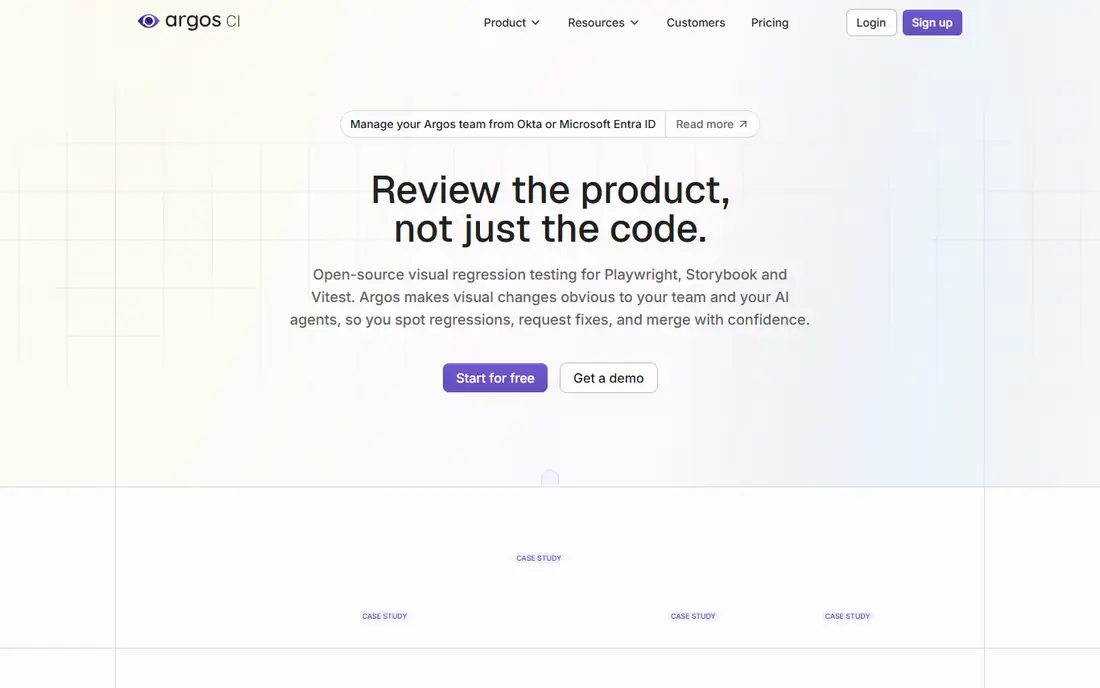
Argos provides the review layer for visual testing: builds, screenshot comparisons, comments, and approvals. Its code is open source, and it integrates with GitHub and CI pipelines. Teams that already capture screenshots with Playwright or another framework can add Argos without changing their test code much.
Argos does not capture screenshots for you in the same managed way as a full cloud platform, so your CI setup matters. Review quality is strong, with pinned comments and threads, but you own more of the pipeline. For teams that want an open, review-first workflow, Argos is a thoughtful choice.
What we like- Open source platform code
- Collaborative reviews
- GitHub integration
Watch out for- You capture screenshots yourself
- Smaller ecosystem than Percy
Starting priceFree (open source)
Free planYes
BackstopJS is the classic open source visual regression tool. You define scenarios in a config file, capture reference screenshots, and compare new runs against them. It runs locally or in CI, costs nothing beyond compute, and suits developers comfortable with configuration files.
Maintenance is the price. Baselines, storage, flaky diffs, and browser differences are your problem, and Chrome is the main focus. For a small team with a stable site and a developer willing to own the setup, BackstopJS remains a practical free alternative to a paid platform.
What we like- Free and scriptable
- Runs locally or in CI
- Good for simple sites
Watch out for- Chrome-focused
- You manage baselines, storage, and upkeep
Starting priceSee website
Free planYes
Lost Pixel offers an open source visual regression core plus a managed platform for teams that want hosted reviews. It supports Storybook stories and full pages, and it can run in CI with a review interface for approving changes. That path gives a team a free start and a managed upgrade later.
Youth is the risk. The community is smaller than Percy's or Chromatic's, and documentation and integrations are still growing. For a team that likes open source but may want managed hosting later, Lost Pixel is a smart on-ramp.
What we like- Open source core
- Managed platform option
- Storybook and page support
Watch out for- Younger project
- Smaller community than older tools
Starting priceSee website
Free planYes
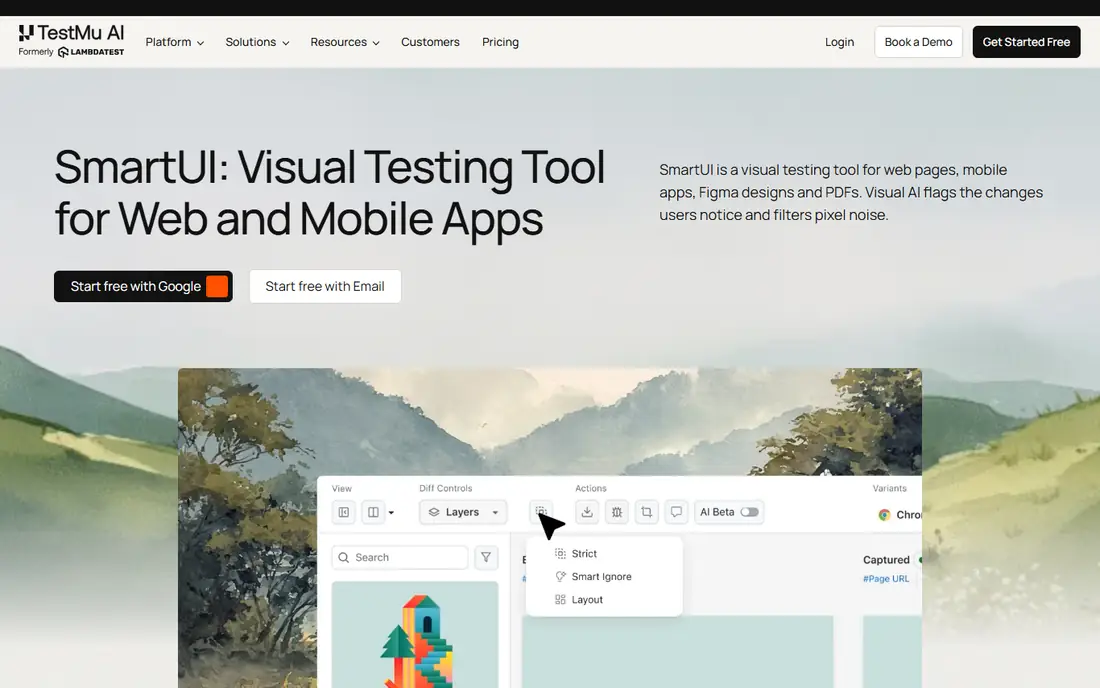
SmartUI, from LambdaTest, tests visual changes across thousands of browser and OS combinations and offers baseline management features for handling intentional changes. It also connects to a real device cloud, which helps teams that test mobile layouts alongside desktop pages.
Because it sits inside a larger testing platform, pricing and plan details can feel layered. The free tier helps for evaluation, but paid costs depend on screenshot volume. For teams that already use LambdaTest or need very broad browser coverage, SmartUI is a strong Applitools alternative.
What we like- Very broad browser and OS coverage
- Smart Baseline features
- Free tier
Watch out for- Part of a larger platform
- Screenshot pricing needs careful estimates
Starting priceSee website
Free planFree trial
Sauce Visual adds screenshot comparison to the Sauce Labs platform, so teams can run functional, cross-browser, and visual tests in one place. Plans include a set number of visual snapshots per month, with unlimited users and testing minutes on some tiers. That bundle suits teams already committed to Sauce Labs.
Standalone visual buyers should compare snapshot allowances carefully. Entry plans include a limited snapshot count, and heavy visual suites may need a higher tier. If your team already runs Sauce Labs for automation, adding Sauce Visual is a natural step.
What we like- Bundled with Sauce Labs test cloud
- Real device and browser coverage
- Unlimited users on some plans
Watch out for- Visual snapshots are limited on entry plans
- Best value inside Sauce Labs
#8Playwright
Best for: Teams already using Playwright for tests4.8/5 on
G2 (14 reviews, checked Oct 2026)
Visit playwright.dev
Starting priceFree (open source)
Free planYes
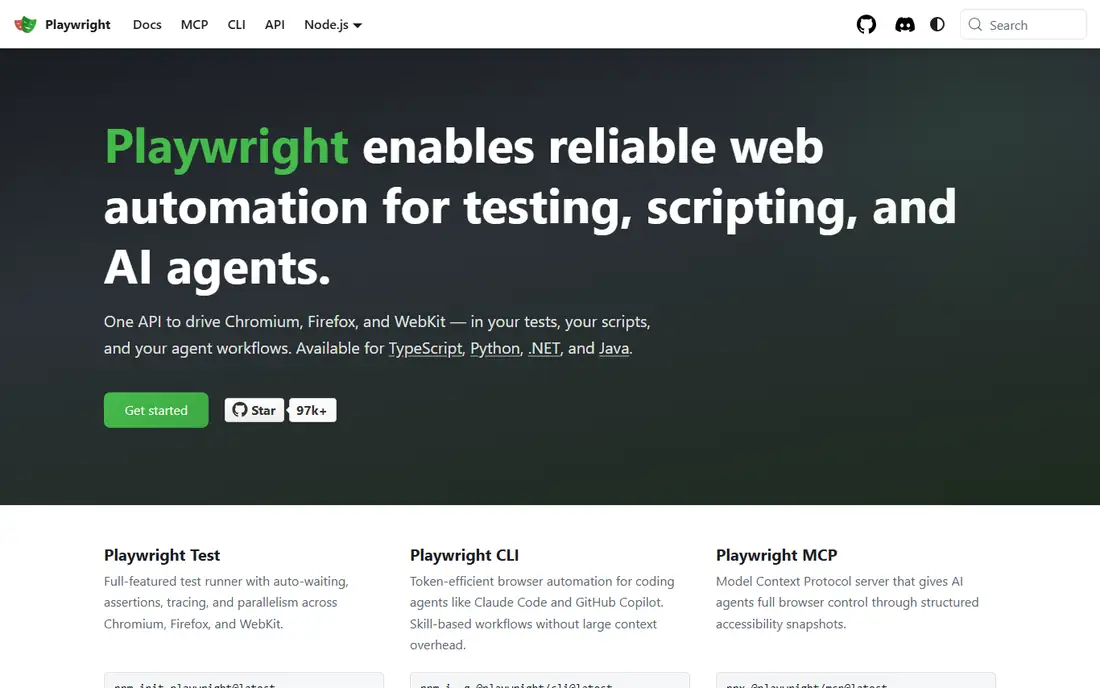
Playwright is a test framework first, but its screenshot comparison features make it a real visual testing option. Teams already writing Playwright tests can add visual assertions with little new tooling, and they keep full control over browsers, viewports, and test data.
The missing piece is the review workflow. Playwright stores baselines and reports diffs, but it does not offer the polished approval interface of Percy or Chromatic. Teams can pair it with Argos or a custom review step to close that gap. For code-first teams, Playwright is the cheapest honest starting point.
What we like- Free
- Screenshot comparison built in
- Same tool as functional tests
Watch out for- You manage baselines and review workflow
- No hosted review UI by default
How we chose
We compared pricing pages, product documentation, and public reviews for visual testing tools that capture screenshots, compare them to baselines, and support review and approval. We included cloud platforms, Storybook-focused tools, open source options, and one framework with built-in visual features, and we used "See website" where pricing depends on snapshot volume or bundles. We did not claim hands-on testing.
Estimating visual testing costs
Count pages, viewports, and browsers before you compare prices. A suite with 50 pages, three viewports, and two browsers produces 300 screenshots per run, and daily runs multiply that fast. Ignore regions, stable test data, and a smaller viewport set can cut volume without losing much coverage.
Also check what counts as a snapshot. Some tools count each screenshot, others count each comparison, and free tiers differ on whether unused volume rolls over. Ask vendors how they handle dynamic content such as dates, ads, and animations, because those are the usual sources of false positives and wasted reviews.
Finally, trial with your hardest pages. A marketing homepage with animations and a dashboard with live charts will reveal diff quality faster than a static landing page. Approve a few intentional changes during the trial to see how baseline updates work, since that workflow affects your team every week.
One more habit improves visual testing results: treat baseline updates as a review task, not a chore to click through. When a design change is intentional, approve it promptly and note the reason, so future reviewers can tell a planned change from a bug. When a diff looks unexpected, check the page in a browser before approving, since a small shift in spacing or font loading can hide a real layout problem. Also keep visual tests stable by fixing test data and viewport sizes, and by avoiding random content in test pages. Stable inputs produce stable screenshots, which means fewer false alarms and faster reviews. Over time, a disciplined baseline routine matters as much as the tool you choose, because it keeps the team trusting the results instead of ignoring them.
Before you finish, write down your top three requirements and rank the shortlist against them in plain language. That short list stops a demo or a discount from pulling the choice toward a feature you will rarely use. Share the ranking with the people who will use the tool daily, and ask them to flag any deal-breaker you missed, such as a missing integration, a device limit, or a workflow step that would take longer than it does today. Their answers often change the order. Once you have a winner, set a review date three months after launch to check cost, usage, and complaints, and be ready to switch if the tool is not earning its place. A planned review keeps the decision honest and prevents a poor fit from lingering for years.
Frequently asked questions
What is the best free Applitools alternative?
BackstopJS and Playwright are the strongest free starting points for code-comfortable teams, while Argos adds a review workflow on top of screenshots you capture. Percy, Chromatic, and SmartUI also offer free tiers, but those tiers cap monthly snapshots.
Is Percy better than Chromatic?
Percy suits full-page, cross-browser testing, while Chromatic suits Storybook component testing. Many design-system teams use Chromatic for components and Percy or Playwright for full pages. The right pick follows your architecture, not a general ranking.
Do I need AI visual testing?
AI diffing helps most on dynamic pages where pixel comparison creates noise, such as dashboards, charts, and pages with animations. For stable, mostly static pages, threshold-based pixel comparison is often enough and costs less. Trial both approaches on your hardest pages.
How do I reduce false positives?
Use stable test data, freeze dates and times where possible, mask dynamic regions, and set sensible diff thresholds. Review a baseline update process with your team, so intentional design changes are approved quickly instead of piling up as noise.
Can visual testing replace functional testing?
No. Visual testing catches layout, styling, and rendering problems that functional tests miss, but it does not check business logic, data, or API behavior. The two layers work together, and most teams run both in the same CI pipeline.
What should a small team start with?
Start with Playwright visual assertions or BackstopJS if you have developer time, and add Argos for reviews if needed. Move to Percy or Chromatic when snapshot volume, browser coverage, or review workflow outgrow a self-managed setup.
Sources we checked (8)
- https://percy.io
- https://www.chromatic.com
- https://argos-ci.com
- https://github.com/garris/BackstopJS
- https://lost-pixel.com
- https://www.lambdatest.com/smart-ui
- https://saucelabs.com
- https://playwright.dev
Is your product missing or out of date?
We review this list regularly. Vendors can request a listing, send updated pricing or ask about featured placement.

Shihab Mia · Founder, Rankite
Shihab has 5+ years in B2B and SaaS SEO. He writes Rankite's software buying guides from pricing pages, documentation and public user reviews. More about Shihab.