How we make this list: we compare pricing pages, product documentation and public user reviews. Ratings come from G2, Capterra or Trustpilot, with the date we checked them.
Key takeaways
- AWS and Microsoft Azure offer the widest service catalogs, while DigitalOcean, Vultr, Linode, and Hetzner keep pricing simpler for smaller teams.
- Oracle Cloud and IBM Cloud fit regulated or database heavy workloads better than they fit a first side project.
- Alibaba Cloud is strongest for teams serving customers in Asia, and weaker as a default choice for a US only workload.
- The cheapest headline virtual machine price rarely predicts the monthly bill, because backups, storage, bandwidth, and managed services add up fast.
- Start with one region, one workload, and a spending alert, then expand only after you know the real monthly cost.
Quick comparison
Is your product missing or out of date?
We review this list regularly. Vendors can request a listing, send updated pricing or ask about featured placement.
The best Google Cloud alternatives
Starting priceSee website
Free planFree trial
Amazon Web Services suits teams that want almost every building block in one place. You can run a small virtual server, a managed database, object storage, a content delivery network, and machine learning services under one account. That breadth matters when a project grows in unexpected directions, because you rarely need to move providers to add a new capability. The service catalog also means documentation, community answers, and contractors are easy to find.
The catch is cost control. Many services bill by usage, data movement, and storage class, so a careless setting can change the bill more than the compute price suggests. Small teams should set billing alerts on day one, tag resources by project, and review the bill weekly during the first month. If your team already uses Google Cloud and only needs one missing feature, AWS may be more platform than you need. If you expect to grow into analytics, AI, or global delivery, the breadth is hard to match.
What we like- Largest range of compute, database, and AI services
- Many regions and availability zones
- Deep partner and hiring pool
Watch out for- Pricing is complex and easy to misread
- The console can feel crowded for a small team
Starting priceSee website
Free planFree trial
Microsoft Azure is the natural alternative for companies that already run Microsoft 365, Windows Server, or Active Directory. Identity, access control, and office tools connect in ways that reduce separate sign in and permission work. Azure also covers the usual cloud needs, including virtual machines, managed databases, Kubernetes, storage, and AI services, so a team does not give up breadth by choosing it.
The honest limit is fit. A team with no Microsoft tools gains less from the integration, and still faces a large catalog to learn. Pricing is usage based for most services, so the same discipline applies as with AWS. Set a budget, pick one region near your users, and test the services you plan to use in production rather than assuming every Azure service behaves like its Google Cloud counterpart. For enterprises with compliance reviews and existing Microsoft contracts, Azure often wins on procurement as much as on technology.
What we like- Strong fit with Microsoft 365, Active Directory, and Windows workloads
- Broad global region coverage
- Strong enterprise controls
Watch out for- Service names and pricing pages take time to learn
- Some services work best inside a Microsoft setup
Starting price$4 per month
Free planFree trial
DigitalOcean appeals to developers who want a server running in minutes without a long pricing worksheet. A Basic Droplet starts at $4 per month for a small shared CPU instance, and larger sizes scale in clear steps. Managed databases start higher, and object storage and load balancers are priced separately, but the overall bill is still easier to forecast than a usage heavy hyperscaler bill. The documentation library is a real advantage for small teams without a dedicated platform engineer.
The trade off is scope. You will not find the same depth in analytics, AI, or enterprise data services that AWS, Azure, or Google Cloud offer. That is fine for web apps, APIs, and small SaaS products, and less fine for a data platform that needs many specialized services. Choose DigitalOcean when the workload is a web app with a database, a queue, and storage, and when predictable pricing matters more than having every service under one roof.
What we like- Clear flat monthly Droplet pricing
- Strong documentation and tutorials
- Managed databases and Kubernetes available
Watch out for- Smaller service catalog than the hyperscalers
- The cheapest Droplet is too small for most production apps
Starting priceSee website
Free planNo
Linode, now part of Akamai Cloud, has long served developers who want dependable virtual machines at a plain monthly price. Shared, dedicated, and high memory plans cover most web and application workloads, and managed Kubernetes and databases cover the common next steps. The Akamai connection also helps teams that need content delivery and edge performance alongside compute.
Linode is less suited to teams that want a fully managed data warehouse, a large AI platform, or dozens of niche services. You may need a separate vendor for one of those needs, which adds integration work. For a team moving off Google Cloud Compute Engine because the bill or the console felt heavy, Linode is a calm alternative. Check the current pricing page before you commit, because plan names and included transfer change over time.
What we like- Flat monthly pricing for compute
- Wide global footprint through Akamai
- Solid Linux focused tooling
Watch out for- Managed services are narrower than hyperscaler catalogs
- Support and add ons vary by plan
Starting price$2.50 per month
Free planNo
Vultr competes on price and location choice. Cloud Compute starts at $2.50 per month for a small instance, and higher tiers add NVMe storage, dedicated CPU, and GPU options. The wide region list helps teams that need a server close to users in places where larger providers have fewer options. Hourly billing with a monthly cap also helps short lived workloads, since you pay for the time used up to the monthly price.
The platform assumes more self sufficiency than DigitalOcean. Documentation and one click apps exist, but you should expect to manage the operating system, updates, and backups yourself unless you buy managed add ons. Vultr fits agencies, developers, and small SaaS teams that run many small servers and watch the bill closely. It fits less well for a team that wants a fully managed application platform with little server work.
What we like- Very low starting price
- 33 global regions
- Many instance types including GPU and bare metal
Watch out for- No permanent free tier
- DDoS protection and backups cost extra on some plans

#6
Oracle Cloud Infrastructure
Best for: Databases and enterprise workloads
Visit oracle.com
Starting priceSee website
Free planYes
Oracle Cloud Infrastructure, often called OCI, is strongest where Oracle Database already matters. Autonomous Database, HeatWave MySQL, and strong compute shapes make it a serious choice for database heavy systems. The Always Free tier includes Arm compute, block storage, object storage, and database instances with stated limits, plus trial credits for other services. That makes it possible to learn the platform without an immediate bill.
The limit is breadth of community help. For a standard web app, you will find fewer tutorials and fewer third party integrations than on AWS or Google Cloud. Pricing for compute, storage, and networking is published on the Oracle pricing pages, and Oracle presents its prices as consistent across regions, which helps budgeting. Choose OCI when Oracle workloads, data residency, or enterprise database performance drive the decision, not simply because the free tier looks generous.
What we like- Always Free tier with more than 20 services
- Strong Oracle Database performance
- Consistent pricing across regions
Watch out for- Smaller community than AWS or Azure for general web work
- Enterprise sales process can slow small purchases

#7
IBM Cloud
Best for: Regulated and hybrid workloads
Visit ibm.com
Starting priceSee website
Free planYes
IBM Cloud suits organizations in finance, health care, and government that need documented controls, encryption, and hybrid deployment. It combines virtual servers, bare metal, containers, databases, and AI services with governance features that auditors recognize. Red Hat OpenShift support also helps teams that want to run the same container platform on premises and in the cloud.
For a startup building a consumer app, IBM Cloud can feel heavier than needed. The console, pricing pages, and support tiers reflect an enterprise buyer, and the free tier covers Lite plan services rather than a full production stack. Pick IBM Cloud when compliance, hybrid architecture, or an existing IBM relationship shapes the choice. For a simple web app, a smaller provider will usually be faster to set up and easier to budget.
What we like- Strong compliance and security tooling
- Hybrid and multicloud management
- Red Hat OpenShift support
Watch out for- Service catalog and pricing can feel enterprise heavy
- Smaller developer community for small projects
Starting priceSee website
Free planFree trial
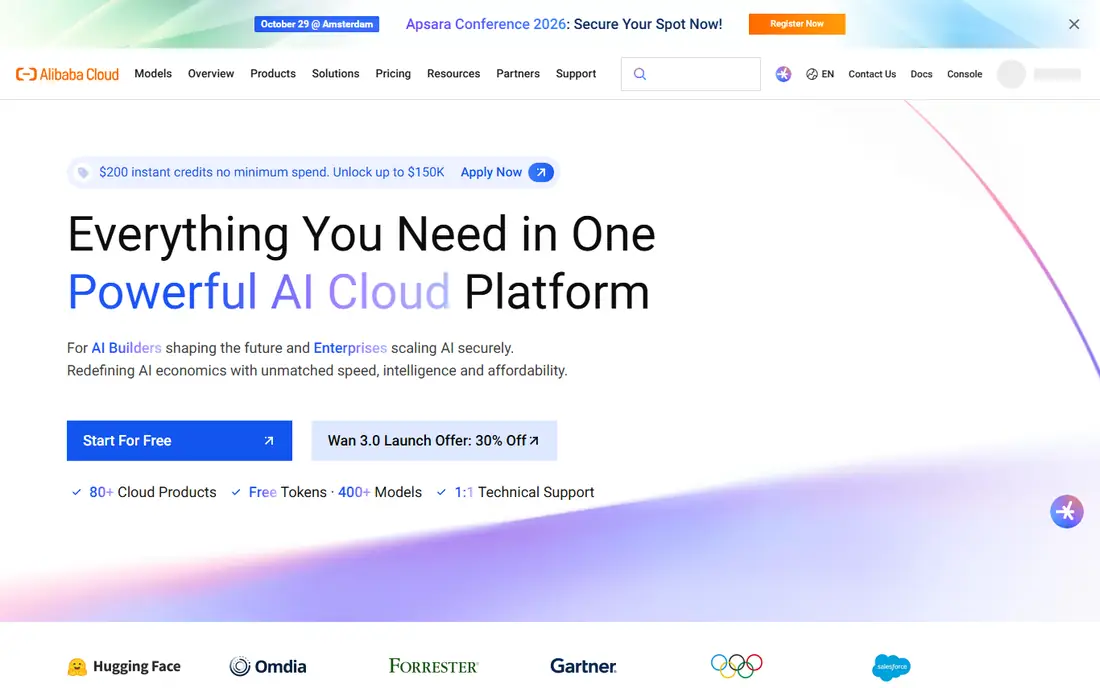
Alibaba Cloud is the leading cloud provider in China and a major provider across Asia, which makes it a practical alternative for teams serving users there. It offers elastic compute, managed databases, object storage, Kubernetes, and AI services comparable in scope to other hyperscalers. Teams that need low latency in Asia, local compliance help, or integration with Alibaba commerce systems gain the most.
For a team whose users are mainly in North America or Europe, Alibaba Cloud adds little that AWS, Azure, or a European provider does not already offer. Support hours, documentation depth, and third party integrations vary outside its core markets. Check the pricing page for the exact region you plan to use, because prices and available services differ by region. Choose Alibaba Cloud for an Asia first workload, and treat it as a second region provider elsewhere.
What we like- Strong presence in China and across Asia
- Broad compute, database, and AI catalog
- Competitive pricing in its home regions
Watch out for- Weaker fit for a US only team
- Documentation and support quality vary by region and language
Starting priceSee website
Free planNo
Hetzner is popular with developers and small businesses in Europe because the hardware value is hard to beat. Cloud servers, dedicated root servers, storage boxes, and managed servers cover most hosting needs at prices well below hyperscaler rates for similar CPU and memory. The company runs its own data centers and network, which helps keep costs down. For a European audience, latency is also a plus.
The trade off is managed depth. You will manage more of the stack yourself, and you will not find the same range of managed AI, analytics, or enterprise services. Support is competent but leaner than enterprise cloud support, so teams should be comfortable with Linux administration. Hetzner fits a cost sensitive project, a European user base, or a team that wants dedicated hardware without a large bill. It fits less well for a team that needs a fully managed platform across many service types.
What we like- Very low prices for dedicated and cloud servers
- Strong hardware value
- Data centers in Germany, Finland, and the US
Watch out for- Fewer managed services than hyperscalers
- Support is leaner and mainly ticket based
Starting price$8.50 per month
Free planNo
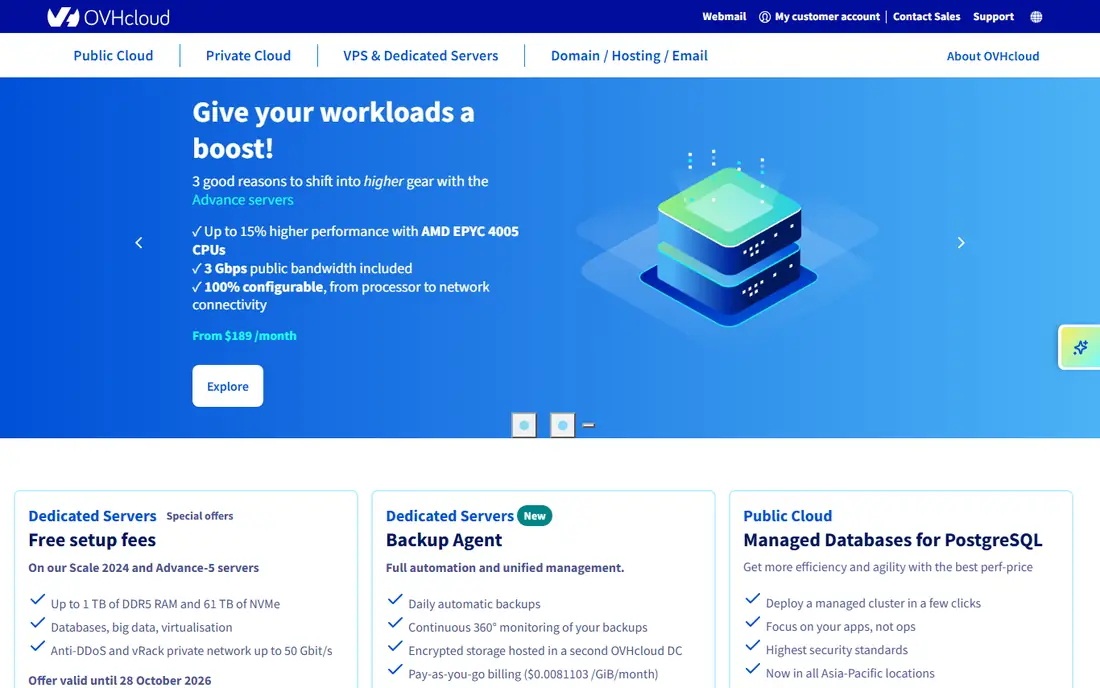
OVHcloud is a European provider with 46 data centers and a global network, offering virtual private servers, dedicated servers, public cloud, and hosted private cloud. VPS plans start at $8.50 per month on the current US site, and bare metal ranges give teams dedicated hardware without sharing CPU with neighbors. Anti DDoS protection is a real selling point for public facing sites that face frequent attacks.
The weakness is polish. The console, documentation, and support experience can feel less consistent than DigitalOcean or the hyperscalers, especially for newer services. Teams that value a clean developer experience may notice the difference on day one. OVHcloud fits teams that want European infrastructure, dedicated hardware, or a second provider outside the US hyperscalers. It fits less well for teams that need a deep managed service catalog or hands on onboarding help.
What we like- Own data centers and network across four continents
- Bare metal and public cloud in one account
- Anti DDoS protection included on many plans
Watch out for- Console and documentation can feel uneven
- Managed services are narrower than hyperscaler catalogs
How we chose
We compared pricing pages, public documentation, region lists, and public reviews on G2, Capterra, and Reddit, and we weighed service breadth, pricing clarity, managed services, support, and fit for different company sizes. We did not claim hands on testing, and we favored providers with a clear current homepage and published pricing over providers with only third party listings. Where a price depends on region, configuration, or usage, we wrote See website rather than guessing a single number.
What to check before you move a workload
Start by listing what Google Cloud does for you today. Note the compute type, database engine, storage size, bandwidth, regions, and any managed service you rely on, such as a queue, a search service, or an AI API. That list becomes your checklist, and it prevents a move that looks cheap on compute but fails on one missing service.
Next, price the full stack, not just the virtual machine. Add managed database costs, object storage, backups or snapshots, load balancing, and outbound bandwidth. A provider with a cheap server and expensive bandwidth can cost more than a provider with a higher server price and generous included transfer. Run a small pilot in one region for two to four weeks, and compare the actual invoice with your estimate before you migrate production traffic.
Migration effort
Container based workloads move most easily, because the same image can run on Kubernetes or a virtual machine on most providers. Workloads tied to a provider specific database, identity service, or AI API need more rework, and sometimes a replacement service. Budget time for DNS changes, certificate renewal, monitoring setup, and a rollback plan, and keep the old environment running until the new one has handled real traffic for a full billing cycle.
Cost control habits
Set a monthly budget alert at 50 percent and 80 percent of your expected spend, tag resources by project and owner, and delete idle servers, snapshots, and test databases each week during the pilot. Review the first invoice line by line, and ask whether each charge maps to a workload you still need. These habits matter more than the provider you pick, because every cloud bill grows when no one watches it.
Frequently asked questions
Is AWS cheaper than Google Cloud?
Not always. AWS can be cheaper for a workload that fits its reserved or savings plans, and more expensive for a workload with high outbound bandwidth or many small services. Compare the full stack in the same region, including storage and bandwidth, before you decide.
Which Google Cloud alternative is easiest for a small team?
DigitalOcean and Vultr are usually easiest for a small team running web apps, because pricing is flat and the console is smaller. Linode and Hetzner are also strong if the team is comfortable managing Linux servers.
Can I move from Google Cloud without downtime?
Often yes, if you run both environments in parallel, sync the database, and switch DNS after the new environment passes checks. Provider specific services and large databases make a zero downtime move harder, so plan a maintenance window for those cases.
Does Oracle Cloud really have a free tier?
Yes, Oracle lists more than 20 Always Free services with stated limits, plus trial credits for other services. Read the limits for compute, storage, and database size, because exceeding them starts paid billing.
Which alternative is best for users in Asia?
Alibaba Cloud is usually the strongest choice for users in China and across Asia, because of its region coverage and local performance. AWS and Azure also have Asian regions, so test latency from your actual user locations before you commit.
Should I use more than one cloud provider?
A second provider helps for redundancy and for region coverage, but it also doubles billing, identity, and monitoring work. Most small teams do better with one primary provider and good backups, and add a second provider only when a clear region or service need justifies it.
Sources we checked (10)
- https://aws.amazon.com/pricing/
- https://azure.microsoft.com/en-us/pricing/
- https://www.digitalocean.com/pricing/droplets
- https://www.linode.com/pricing/
- https://www.vultr.com/pricing/
- https://www.oracle.com/cloud/pricing/
- https://www.ibm.com/cloud/pricing
- https://www.alibabacloud.com/pricing
- https://www.hetzner.com/cloud/
- https://www.ovhcloud.com/en/vps/
Is your product missing or out of date?
We review this list regularly. Vendors can request a listing, send updated pricing or ask about featured placement.

Shihab Mia · Founder, Rankite
Shihab has 5+ years in B2B and SaaS SEO. He writes Rankite's software buying guides from pricing pages, documentation and public user reviews. More about Shihab.
 Amazon Web Services
 Microsoft Azure
 DigitalOcean
 Linode (Akamai Cloud)
 Vultr
Vultr Alibaba Cloud
 Hetzner
 OVHcloud