How we make this list: we compare pricing pages, product documentation and public user reviews. Ratings come from G2, Capterra or Trustpilot, with the date we checked them.
Key takeaways
- Rancher, Lens, K9s, and Headlamp cover Kubernetes management at low or no licence cost, while Coolify, Dokploy, and CapRover focus on Docker apps and simple deployments.
- Most Docker-focused alternatives in this guide are free to self-host, so the real cost is your server, your time, and any managed cloud tier you add later.
- Portainer Business Edition gates team features such as role-based access and single sign-on behind a paid tier, which is why many small teams look elsewhere.
- Teams running both Docker and Kubernetes should shortlist Rancher or Lens first, since Docker-only panels cannot manage clusters.
Quick comparison
| Tool | Best for | Starting price | Free plan |
|---|
 Rancher Rancher | Multi-cluster Kubernetes at scale | $0 per user/month (billed annually) | Yes |
 Lens Lens | Daily Kubernetes work from a desktop app | $25 per user/month (billed annually) | Yes |
 K9s K9s | Fast terminal control of clusters | $0 per user/month (billed annually) | Yes |
 Headlamp Headlamp | Free, vendor-neutral Kubernetes UI | $0 per user/month (billed annually) | Yes |
 Coolify Coolify | Self-hosted app deployment with many templates | $0 per user/month (billed annually) | Yes |
 Dokploy Dokploy | Modern Docker deployment on your server | $0 per user/month (billed annually) | Yes |
 CapRover CapRover | Stable, mature self-hosted PaaS | $0 per user/month (billed annually) | Yes |
 Dockge Dockge | Simple Docker Compose stack management | $0 per user/month (billed annually) | Yes |
 Komodo Komodo | Multi-server Docker deployment with Git support | $0 per user/month (billed annually) | Yes |
Is your product missing or out of date?
We review this list regularly. Vendors can request a listing, send updated pricing or ask about featured placement.
The best Portainer alternatives
#1Rancher
Best for: Multi-cluster Kubernetes at scale4.4/5 on
G2 (165 reviews, checked Oct 2026)
Visit rancher.com
Starting price$0 per user/month (billed annually)
Free planYes
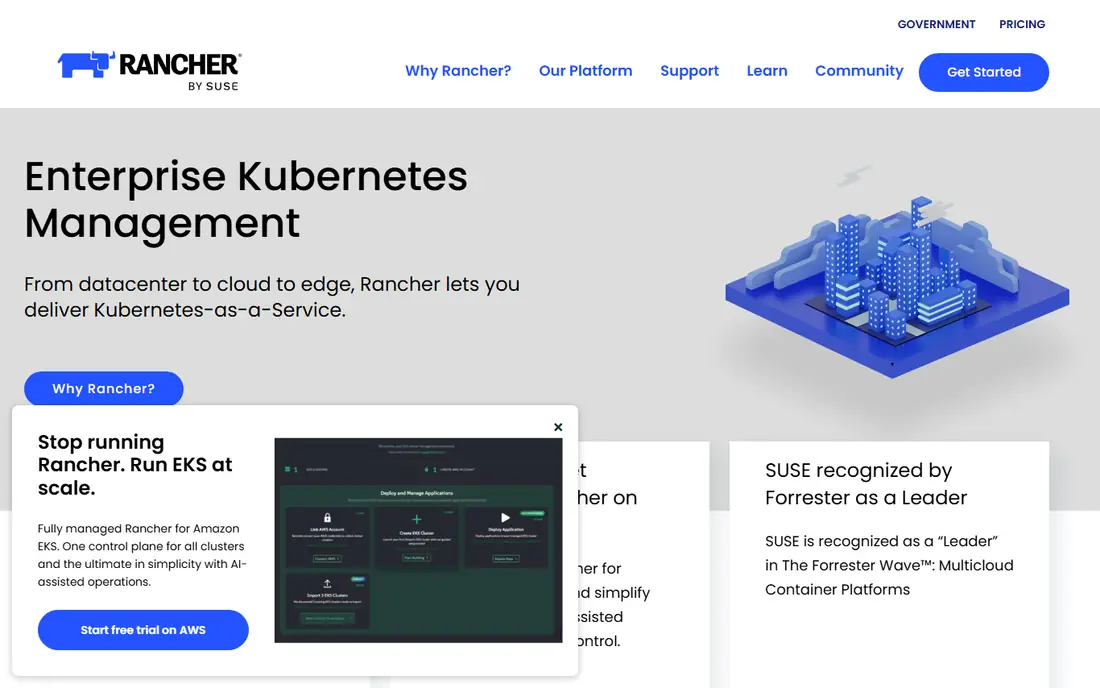
Rancher, from SUSE, is the closest like-for-like replacement for teams that use Portainer for Kubernetes rather than for single Docker hosts. It provisions clusters on cloud and on-premises infrastructure, manages upgrades, and gives platform teams one console for fleets of clusters. Role-based access, projects, and monitoring fit organisations that need governance across many environments.
That power comes with weight. Rancher needs more infrastructure and more operator knowledge than a lightweight dashboard, and small teams may find it more than they need. The open source edition is free, while Rancher Prime support and enterprise features are priced by quote. Rancher fits platform teams, managed service providers, and companies standardising Kubernetes across sites.
What we like- Central control for many clusters
- Provisioning and upgrades built in
- Open source core
Watch out for- Heavier to run than a simple UI
- Paid Prime support is quote-based
Starting price$25 per user/month (billed annually)
Free planYes
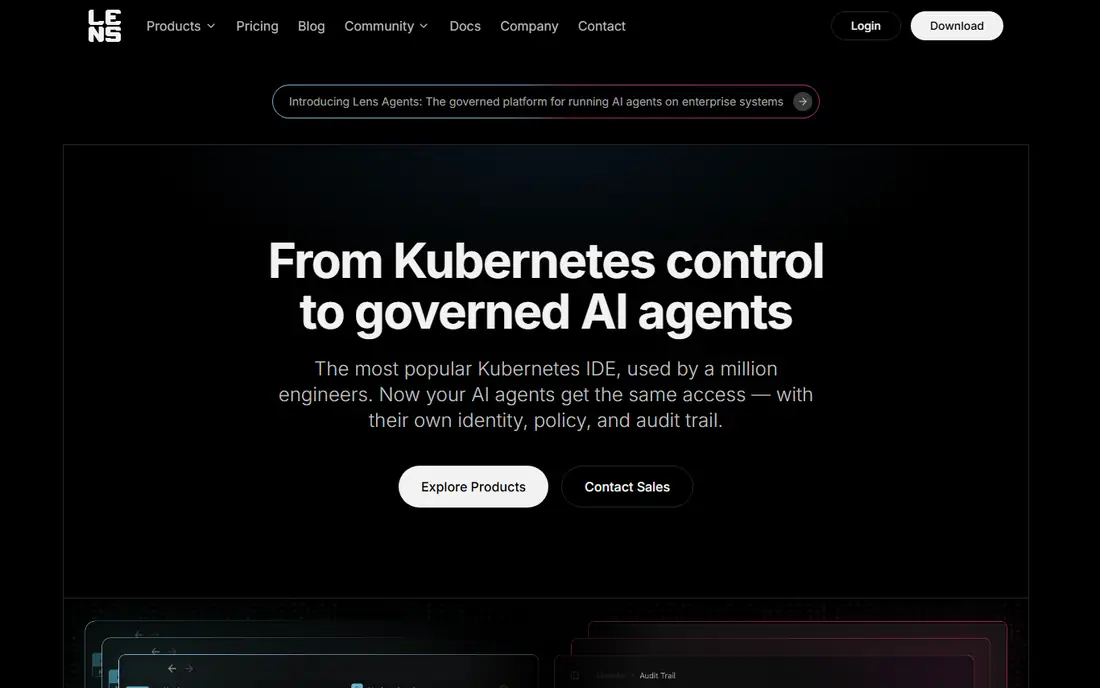
Lens, now from Mirantis, feels like an IDE for Kubernetes. Developers open the desktop app, switch between clusters, inspect pods, read logs, and edit workloads without memorising kubectl commands. Real-time views help during incidents, when a slow web dashboard can waste valuable minutes. The Personal tier is free for students, hobbyists, and engineers at small organisations.
Licensing needs care. Organisations above a revenue or funding threshold need a paid subscription, with Plus and Pro around $25 per user per month on annual billing. Lens suits individual developers and platform engineers who live in clusters daily, rather than teams that need a single shared web portal for occasional users.
What we like- Fast desktop interface for clusters, pods, and logs
- Works across many clusters
- Personal tier is free
Watch out for- Paid tiers needed for larger organisations
- Desktop focus means no shared web console by default
Starting price$0 per user/month (billed annually)
Free planYes
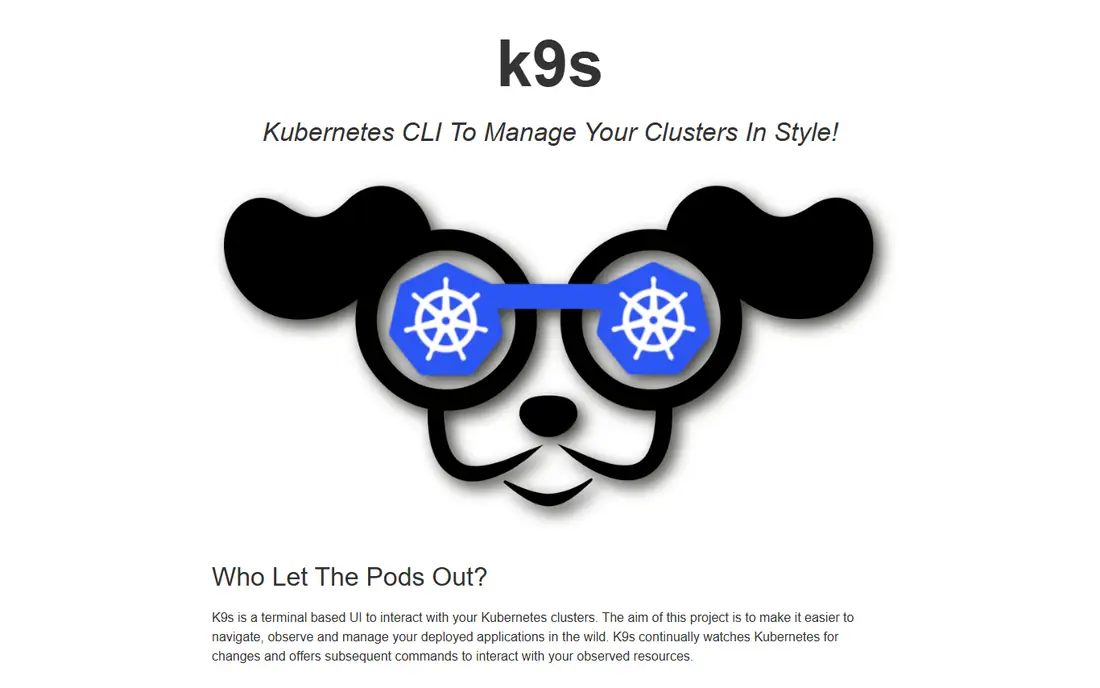
K9s takes a different path from every graphical tool on this list. It runs in the terminal and gives kubectl power users a live, keyboard-driven view of clusters, with quick jumps to logs, shell access, and resource details. Operators who already think in kubectl find it faster than clicking through a web UI, especially when checking many namespaces during an outage.
The trade-off is obvious. Non-technical team members will not use K9s, and it offers no shared access control, dashboards for managers, or deployment templates. It also assumes the operator already has cluster credentials and a working kubeconfig. K9s is best as a daily tool for engineers, often paired with a web console for the wider team.
What we like- Keyboard-driven speed for experienced operators
- Live views of pods, logs, and resources
- Fully open source
Watch out for- Terminal only, so it suits technical users
- No built-in user management for teams
Starting price$0 per user/month (billed annually)
Free planYes
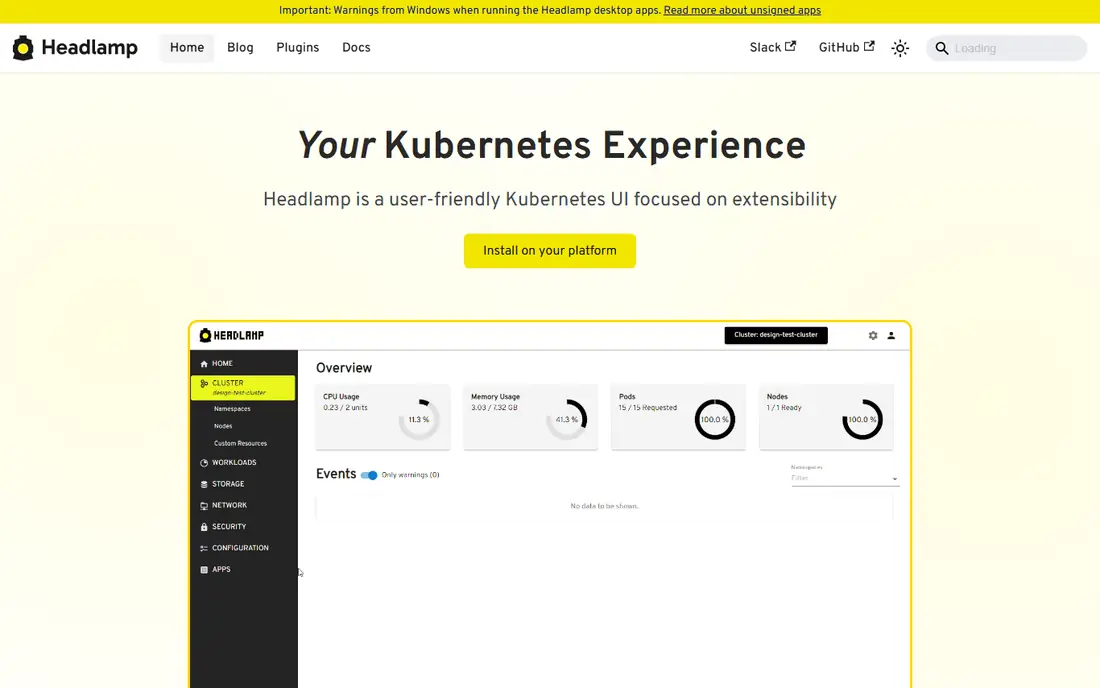
Headlamp is a Kubernetes UI project under the Kubernetes SIGs umbrella, which gives it a vendor-neutral standing that many teams value. It shows workloads, services, storage, and logs in a clean web interface, and it can run inside a cluster or as a desktop app. Plugins let platform teams add custom pages and tools without forking the whole project.
Headlamp does not try to be a full platform. It lacks the fleet provisioning, built-in PaaS deployment, and commercial support that Rancher offers, and teams that need strict governance will add their own controls around it. For companies that want a free, extensible cluster UI without a vendor lock-in question, Headlamp is a strong and honest choice.
What we like- Free and open source
- Plugin system for custom views
- Can run in a cluster or on a desktop
Watch out for- Younger ecosystem than Rancher or Lens
- Some enterprise controls need custom setup
#5
Coolify
Best for: Self-hosted app deployment with many templates
Visit coolify.io
Starting price$0 per user/month (billed annually)
Free planYes
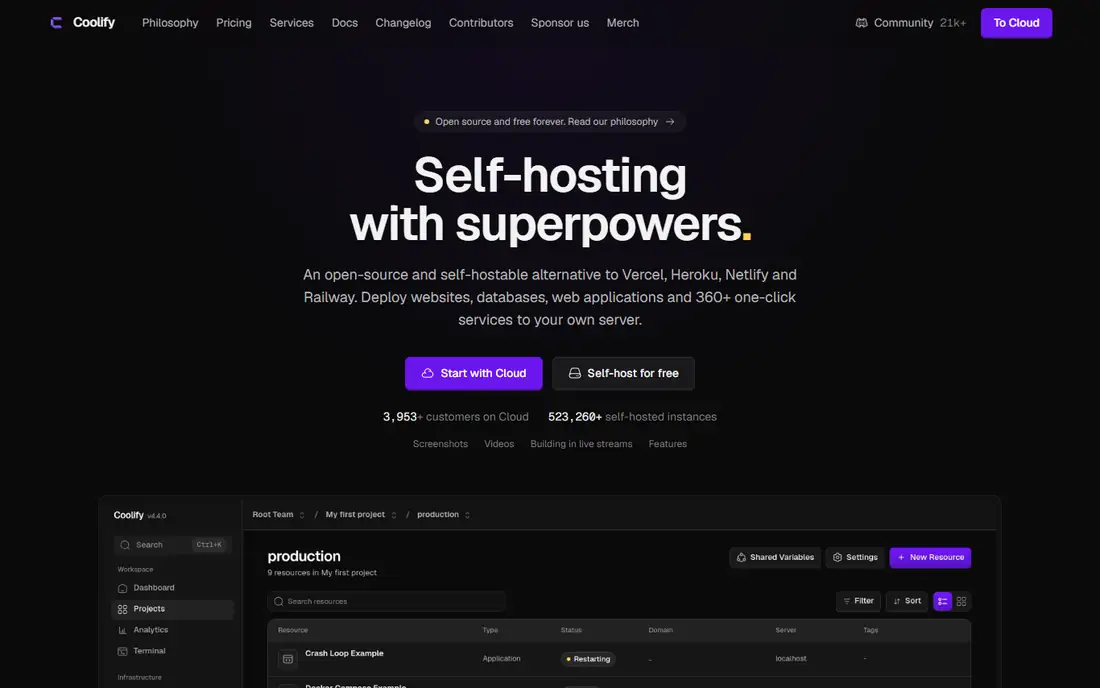
Coolify is the most popular self-hosted alternative for teams that mainly deploy applications, not clusters. It installs on your own server, connects to Git repositories, and deploys apps, databases, and services with automatic SSL certificates and preview environments. A library of hundreds of one-click services covers databases, queues, monitoring, and common open source apps.
Self-hosting is free, while Coolify Cloud starts at $5 per month per server for a managed control plane. The panel itself uses several hundred megabytes of RAM, which matters on a small virtual server. Coolify fits developers, agencies, and small SaaS teams that want a Heroku-style workflow on infrastructure they control.
What we like- Large template library for common services
- Git-based deploys with automatic SSL
- Multi-server support
Watch out for- Control panel uses noticeable server resources
- Managed cloud tier adds a per-server fee
Starting price$0 per user/month (billed annually)
Free planYes
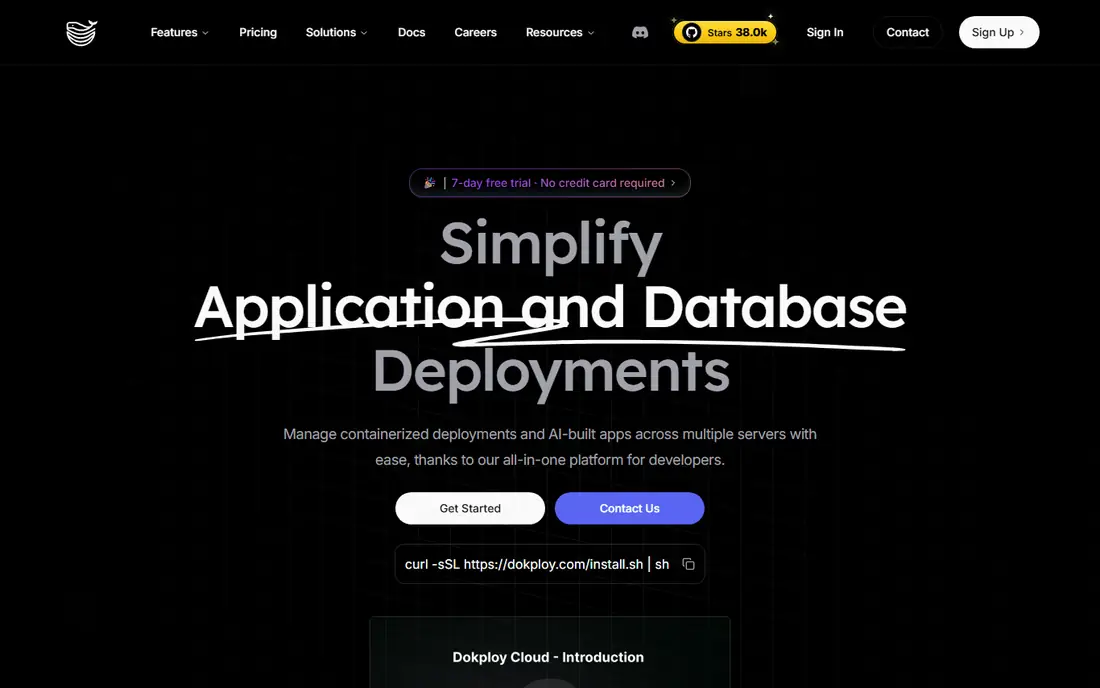
Dokploy targets the same self-hosted PaaS niche as Coolify, with a leaner footprint and a modern interface. It deploys from Git, supports Docker Compose files and Dockerfiles, manages databases and backups, and routes traffic through Traefik with automatic SSL. Teams that found Coolify heavy on a small server often test Dokploy as a lighter option.
Youth is the main risk. Dokploy has a smaller community and fewer templates than Coolify, and its release pace and documentation still lag behind more mature panels. Multi-server scaling relies on Docker Swarm rather than Kubernetes. Dokploy suits developers who want a tidy, fast panel for one or a few servers and who are comfortable with a newer project.
What we like- Clean interface for Docker Compose and Git deploys
- Lower resource use than heavier panels
- Growing template library
Watch out for- Newer project with a smaller community than Coolify
- Multi-node setups use Docker Swarm
Starting price$0 per user/month (billed annually)
Free planYes
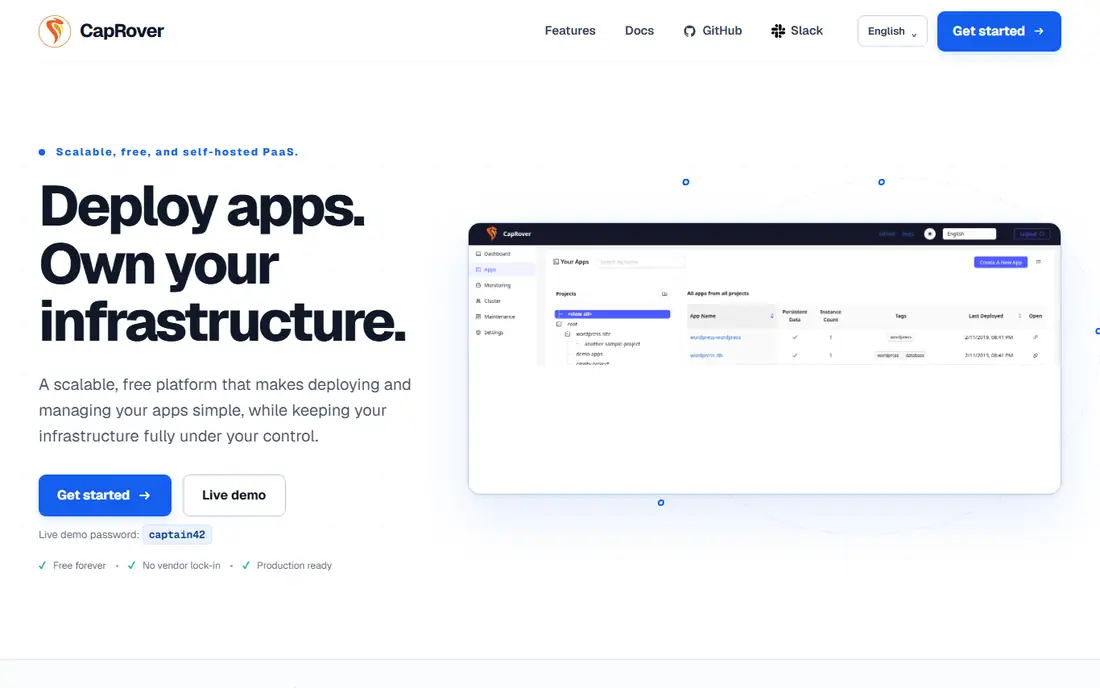
CapRover has served self-hosters since 2017, and that maturity shows in its stability. Apps deploy from Git, the command line, or a web dashboard, with automatic SSL, one-click apps, and Docker Swarm clustering for multiple nodes. For a team that values a panel that simply keeps working, CapRover remains a dependable pick.
Newer panels have moved faster on Docker Compose support, interface polish, and template breadth. CapRover uses its own app definition format, which can frustrate teams that already standardised on Compose files. It also has no managed cloud option, so teams must run it themselves. CapRover fits teams that prioritise stability over new features.
What we like- Long track record since 2017
- Simple app deployment from Git or CLI
- Free to self-host
Watch out for- Slower release pace
- Limited native Docker Compose support compared with newer panels
Starting price$0 per user/month (billed annually)
Free planYes
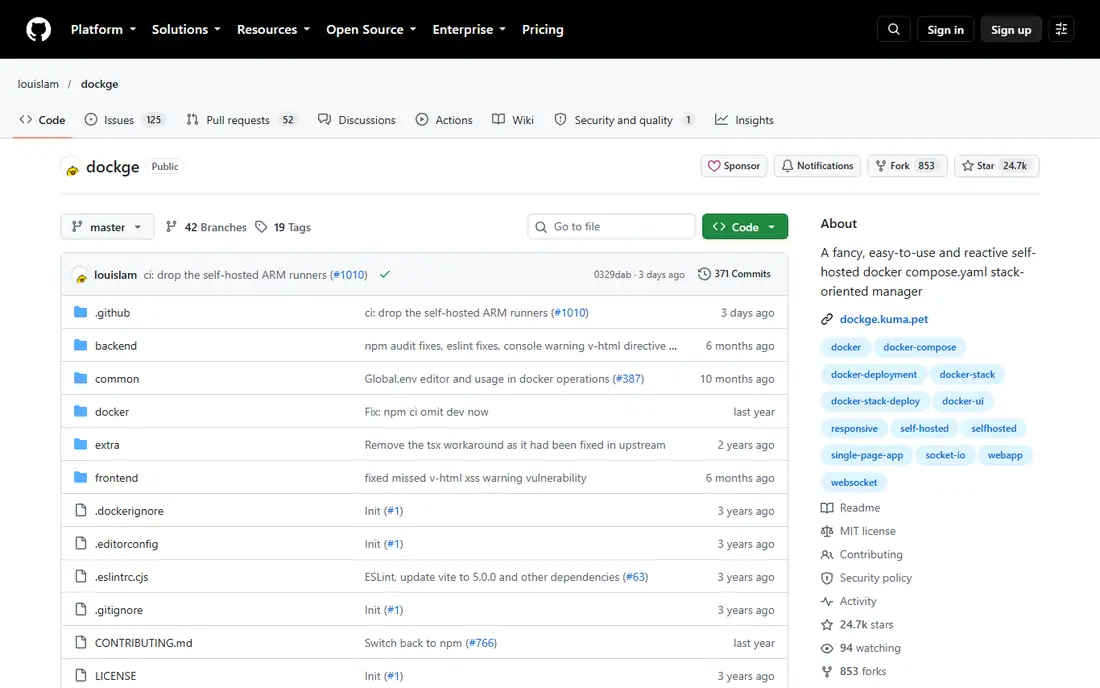
Dockge does one job and does it well: managing Docker Compose stacks from a web page. Users create or paste a Compose file, start and stop stacks, view logs, and check container status without touching the command line. The interface is deliberately plain, which keeps the learning curve short for home lab users and small teams running a handful of services.
Limits are clear. Dockge does not manage Kubernetes, does not offer multi-server fleets, and does not include team roles or advanced access controls. Anyone who needs those features should look at Rancher, Komodo, or a full PaaS panel instead. Dockge is ideal for a single server where Compose files are already the standard way of working.
What we like- Very simple Compose-focused interface
- Lightweight to run
- Free and open source under MIT licence
Watch out for- Single-host focus
- No team access controls or multi-server fleet management
#9
Komodo
Best for: Multi-server Docker deployment with Git support
Visit github.com
Starting price$0 per user/month (billed annually)
Free planYes
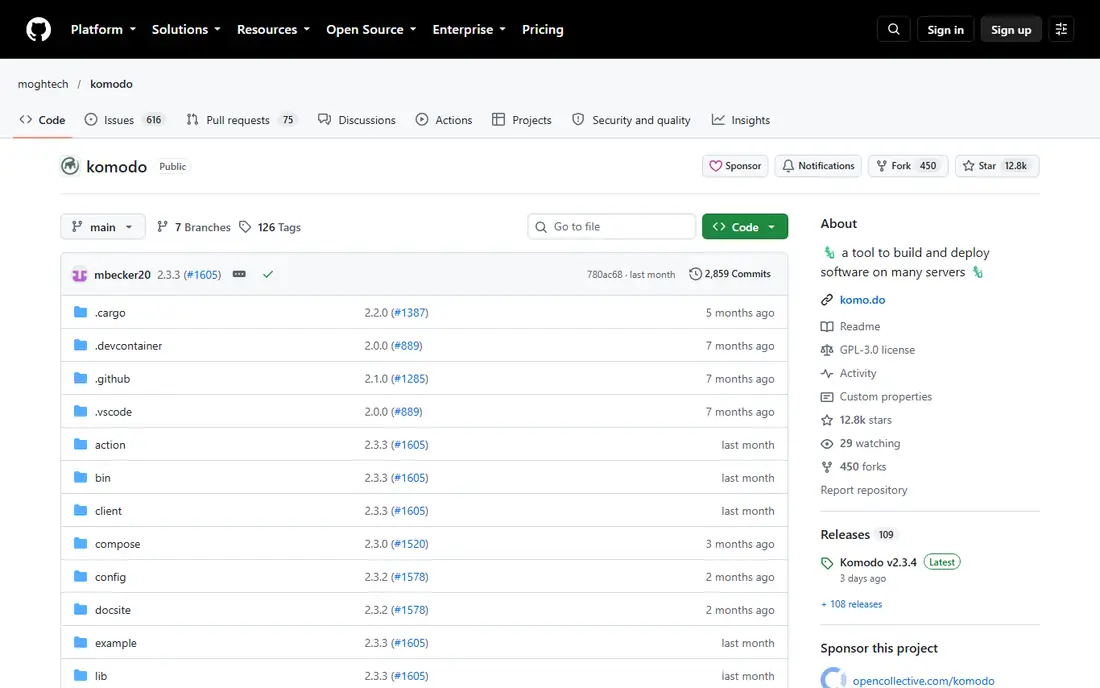
Komodo fills the gap between single-host tools like Dockge and full Kubernetes platforms. A central Core server talks to lightweight Periphery agents on each managed host, letting teams deploy Docker stacks and Compose files across many servers from one screen. Git integration keeps deployments tied to repositories, and the project is free, with core features not held behind a paid tier.
Kubernetes users should stop here: Komodo does not manage clusters, and teams that need both Docker and Kubernetes still need Rancher or Lens alongside it. The community is also smaller, so guides and troubleshooting help are less plentiful than for older tools. Komodo fits home labs, agencies, and small platform teams running Docker across several servers.
What we like- Multi-server management from one console
- Git-based deployments and sync
- Free with no paid tier gating core features
Watch out for- No Kubernetes support
- Smaller community than Rancher, so help resources are thinner
How we chose
We compared vendor pricing pages, project documentation, and public reviews on GitHub, Reddit, and G2, and we checked each tool against the same questions: Docker or Kubernetes scope, self-hosting cost, team access controls, and maturity. We gave weight to free open source options, since Portainer users often move for cost or for features gated behind a paid tier. Prices here reflect published list prices or a free open source licence where no paid tier applies.
Picking the right replacement for your setup
Portainer covers Docker, Swarm, and Kubernetes, so no single alternative matches it exactly. The right pick depends on which part of Portainer you actually use day to day.
Start from your workload type
If your apps run as Docker Compose stacks on one or a few servers, a PaaS panel or Compose manager will feel closer to Portainer than a Kubernetes platform. If you run clusters, shortlist Rancher, Lens, Headlamp, or K9s first, and treat Docker-only panels as a separate category. Mixing the two categories in one comparison leads to poor choices.
Check team access before you migrate
Portainer Business Edition charges for role-based access, single sign-on, and audit features. Check whether your replacement offers those controls free, as Komodo and Rancher do in their open cores, or whether they need a paid tier. A free tool that cannot limit who restarts production containers may cost more in risk than it saves in licence fees.
Test on a non-production host first
Install the replacement on a spare server or a test cluster, connect it to a copy of a real stack, and run a deploy, a rollback, and a log check. This test exposes missing features, such as Compose support or backup handling, before production depends on the new tool. Keep Portainer running in parallel until the replacement passes those checks.
Frequently asked questions
Is there a free alternative to Portainer?
Yes. Rancher open source, K9s, Headlamp, Coolify self-hosted, Dokploy self-hosted, CapRover, Dockge, and Komodo are all free to run on your own infrastructure. The main costs are your server and your time. Paid tiers mainly add managed hosting, support, or enterprise controls.
Can these tools replace Portainer for Kubernetes?
Rancher, Lens, K9s, and Headlamp can, since they are built for Kubernetes. Coolify, Dokploy, CapRover, Dockge, and Komodo focus on Docker and do not manage Kubernetes clusters. If you need both Docker and Kubernetes in one console, Rancher is the closest match in this list.
What is the easiest Portainer alternative for beginners?
Dockge is the simplest if you already use Docker Compose, since it manages stacks with very little setup. Coolify is the easiest full PaaS option, with templates and Git deploys that hide much of the server work. Beginners should still learn basic Docker concepts, since no panel removes the need to understand containers.
Does Coolify cost money?
Coolify self-hosted is free open source software, and you pay only for the server it runs on. Coolify Cloud, the managed option, starts at $5 per month per server. That split lets teams start free and pay later only if they want someone else to run the control plane.
Should I switch from Portainer at all?
Switch only if Portainer's paid tier gates a feature you need, its pricing no longer fits, or your workload has moved mainly to Kubernetes or mainly to simple Docker apps. Portainer still covers mixed Docker and Kubernetes estates well. A move makes sense when a free alternative already covers your actual workload.
Sources we checked (9)
- https://www.rancher.com/pricing
- https://k8slens.dev/pricing
- https://k9scli.io
- https://headlamp.dev
- https://coolify.io/pricing
- https://dokploy.com/pricing
- https://caprover.com
- https://github.com/louislam/dockge
- https://github.com/moghtech/komodo
Is your product missing or out of date?
We review this list regularly. Vendors can request a listing, send updated pricing or ask about featured placement.

Shihab Mia · Founder, Rankite
Shihab has 5+ years in B2B and SaaS SEO. He writes Rankite's software buying guides from pricing pages, documentation and public user reviews. More about Shihab.