How we make this list: we compare pricing pages, product documentation and public user reviews. Ratings come from G2, Capterra or Trustpilot, with the date we checked them.
Key takeaways
- Podman Desktop and Rancher Desktop are the strongest free GUI replacements across platforms.
- OrbStack is the fastest Mac option in this list, but it does not run on Windows or Linux.
- Rancher Desktop suits Kubernetes developers, while Colima and nerdctl suit terminal-first developers.
- Portainer suits teams managing several hosts from a browser, not just one laptop.
Quick comparison
| Tool | Best for | Starting price | Free plan |
|---|
 Podman Desktop Podman Desktop | Free cross-platform container GUI | See website | Yes |
 Rancher Desktop Rancher Desktop | Container plus Kubernetes desktop | See website | Yes |
 OrbStack OrbStack | Fast macOS container desktop | $8 per user/month | Free trial |
 Colima Colima | Lightweight Mac container runtime | See website | Yes |
 Finch Finch | AWS-backed container tool | See website | Yes |
 Lima Lima | Linux VMs for container work | See website | Yes |
 Portainer Portainer | Browser container management | See website | Yes |
 nerdctl nerdctl | Containerd command-line tool | See website | Yes |
Is your product missing or out of date?
We review this list regularly. Vendors can request a listing, send updated pricing or ask about featured placement.
The best docker desktop alternatives
Starting priceSee website
Free planYes
For teams that need a free container GUI, this is a practical place to start. Podman Desktop is the closest free GUI replacement for Docker Desktop on Windows, macOS, and Linux. It runs containers without a central daemon, which many teams prefer for security, while most Docker commands still work.
In daily use, the deciding factors are usually Free cross-platform container GUI, how the tool handles your existing stack, and whether the plan limits match your volume. Check the pricing page, the documentation for Podman Desktop, and recent public reviews before you buy, and use a trial with a real project rather than a demo dataset. Pricing and plan limits are worth checking on the vendor pricing page before you commit, because tiers and add-ons change over time. If the tool fits your main workflow and its limits are acceptable, it is worth a shortlist spot. If not, move to the next option in this guide.
What we like- Free and open source
- Daemonless and rootless containers
- Docker-compatible commands
Watch out for- Some Docker extensions missing
- Edge-case compatibility gaps
#2Rancher Desktop
Best for: Container plus Kubernetes desktop4.8/5 on
G2 (3 reviews, checked Oct 2026)
Visit rancherdesktop.io
Starting priceSee website
Free planYes
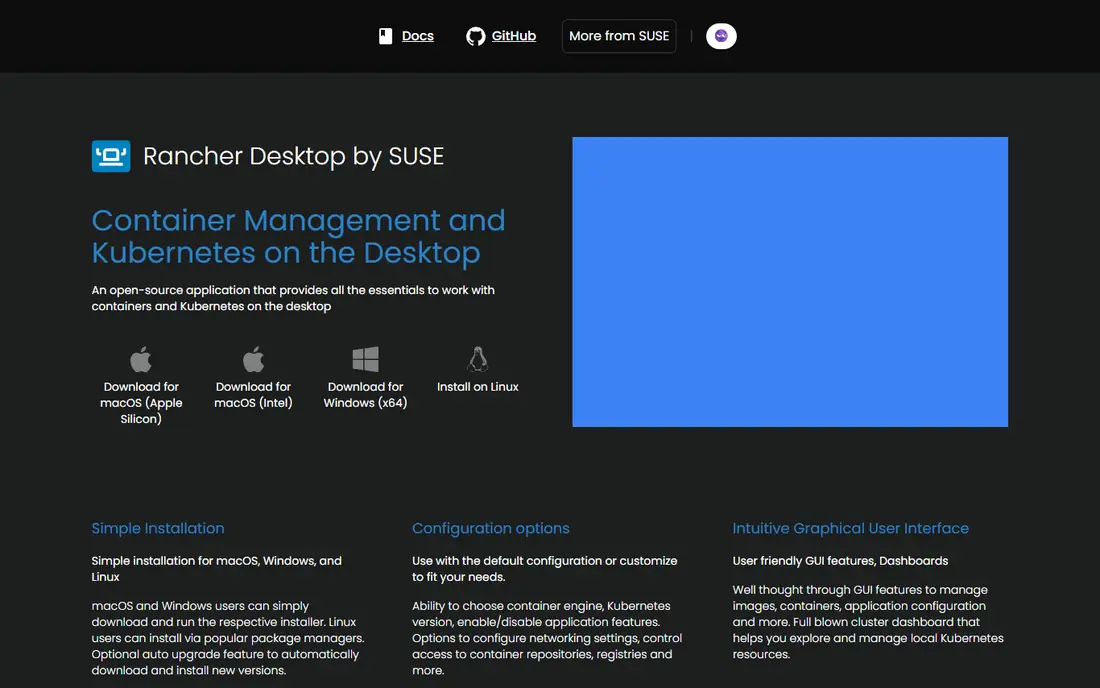
If your main problem is containers plus Kubernetes, this option deserves a close look. Rancher Desktop combines container management with a local Kubernetes cluster you can pin to a version. It suits developers who deploy to Kubernetes and want to test against a matching local version.
In daily use, the deciding factors are usually Container plus Kubernetes desktop, how the tool handles your existing stack, and whether the plan limits match your volume. Check the pricing page, the documentation for Rancher Desktop, and recent public reviews before you buy, and use a trial with a real project rather than a demo dataset. Pricing and plan limits are worth checking on the vendor pricing page before you commit, because tiers and add-ons change over time. If the tool fits your main workflow and its limits are acceptable, it is worth a shortlist spot. If not, move to the next option in this guide.
What we like- Free and open source
- Built-in Kubernetes with version choice
- Containerd or Docker engine
Watch out for- Heavier than CLI tools
- Kubernetes adds resource use
Starting price$8 per user/month
Free planFree trial
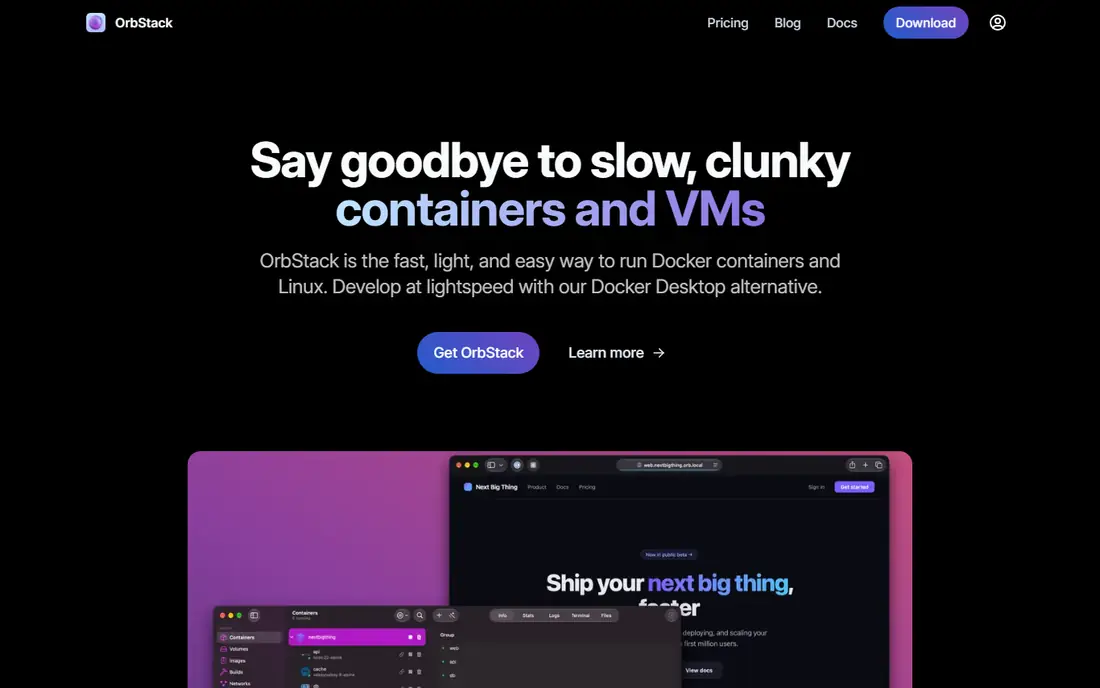
This option suits groups that want fast Mac containers without a long setup. OrbStack is built for Mac users who want fast startup and low resource use. It is a strong pick for Mac-only teams, but Windows and Linux users need a different tool.
In daily use, the deciding factors are usually Fast macOS container desktop, how the tool handles your existing stack, and whether the plan limits match your volume. Check the pricing page, the documentation for OrbStack, and recent public reviews before you buy, and use a trial with a real project rather than a demo dataset. Pricing and plan limits are worth checking on the vendor pricing page before you commit, because tiers and add-ons change over time. If the tool fits your main workflow and its limits are acceptable, it is worth a shortlist spot. If not, move to the next option in this guide.
What we like- Very fast startup on Mac
- Low memory use
- Built-in Kubernetes
Watch out for- MacOS only
- Paid for commercial use
Starting priceSee website
Free planYes
When a lightweight CLI runtime matters more than extra features, this tool fits well. Colima gives terminal-first developers a light way to run containers on Mac without a full desktop app. It suits developers who prefer the command line and want a scriptable setup.
In daily use, the deciding factors are usually Lightweight Mac container runtime, how the tool handles your existing stack, and whether the plan limits match your volume. Check the pricing page, the documentation for Colima, and recent public reviews before you buy, and use a trial with a real project rather than a demo dataset. Pricing and plan limits are worth checking on the vendor pricing page before you commit, because tiers and add-ons change over time. If the tool fits your main workflow and its limits are acceptable, it is worth a shortlist spot. If not, move to the next option in this guide.
What we like- Free and open source
- Lightweight CLI setup
- Docker and containerd support
Watch out for- No GUI
- Mac and Linux focus
Starting priceSee website
Free planYes
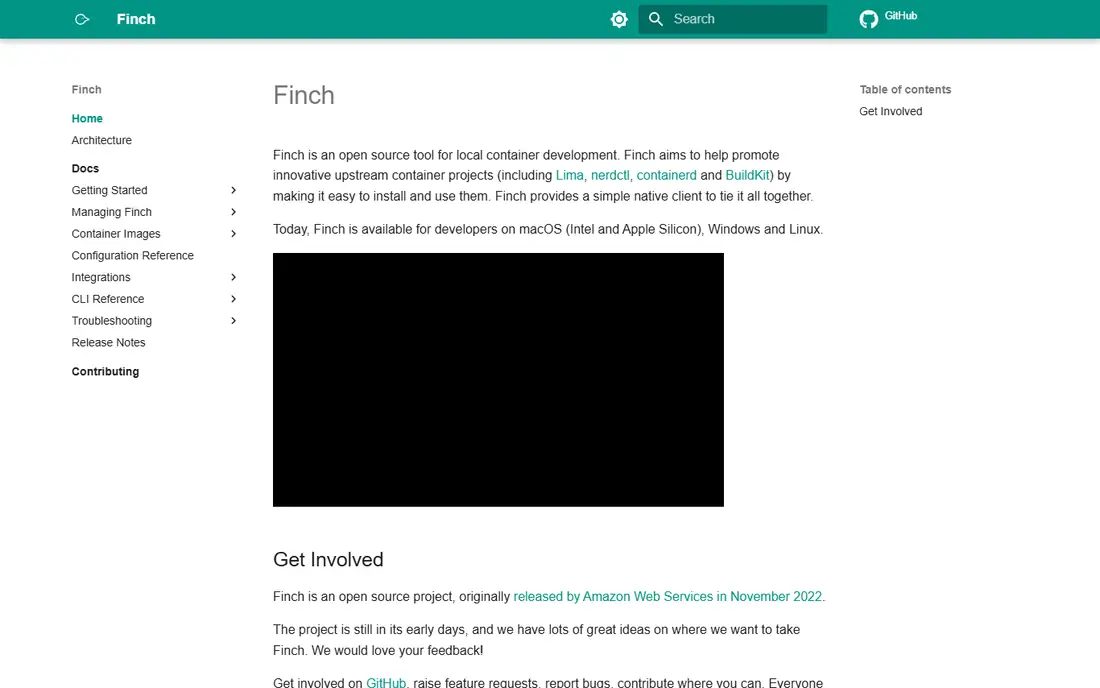
A good pick for people who put an AWS-backed container tool first is this platform. Finch is an AWS open-source tool that bundles the parts needed to run containers locally. It suits teams that want one install and a Docker-like command, without a heavy desktop app.
In daily use, the deciding factors are usually AWS-backed container tool, how the tool handles your existing stack, and whether the plan limits match your volume. Check the pricing page, the documentation for Finch, and recent public reviews before you buy, and use a trial with a real project rather than a demo dataset. Pricing and plan limits are worth checking on the vendor pricing page before you commit, because tiers and add-ons change over time. If the tool fits your main workflow and its limits are acceptable, it is worth a shortlist spot. If not, move to the next option in this guide.
What we like- Free and open source
- Bundles Lima, containerd, and BuildKit
- Simple Finch commands
Watch out for- Newer ecosystem
- Mac and Linux focus
Starting priceSee website
Free planYes
Consider this tool when Linux VMs for containers is the deciding factor. Lima runs Linux virtual machines on Mac, which other container tools build on. It suits technical users who want control over the VM layer, while most developers will prefer a GUI on top of it.
In daily use, the deciding factors are usually Linux VMs for container work, how the tool handles your existing stack, and whether the plan limits match your volume. Check the pricing page, the documentation for Lima, and recent public reviews before you buy, and use a trial with a real project rather than a demo dataset. Pricing and plan limits are worth checking on the vendor pricing page before you commit, because tiers and add-ons change over time. If the tool fits your main workflow and its limits are acceptable, it is worth a shortlist spot. If not, move to the next option in this guide.
What we like- Free and open source
- Linux VMs on Mac
- Flexible configuration
Watch out for- CLI only
- Setup needs technical skill
#7Portainer
Best for: Browser container management4.8/5 on
G2 (297 reviews, checked Oct 2026)
Visit portainer.io
Starting priceSee website
Free planYes
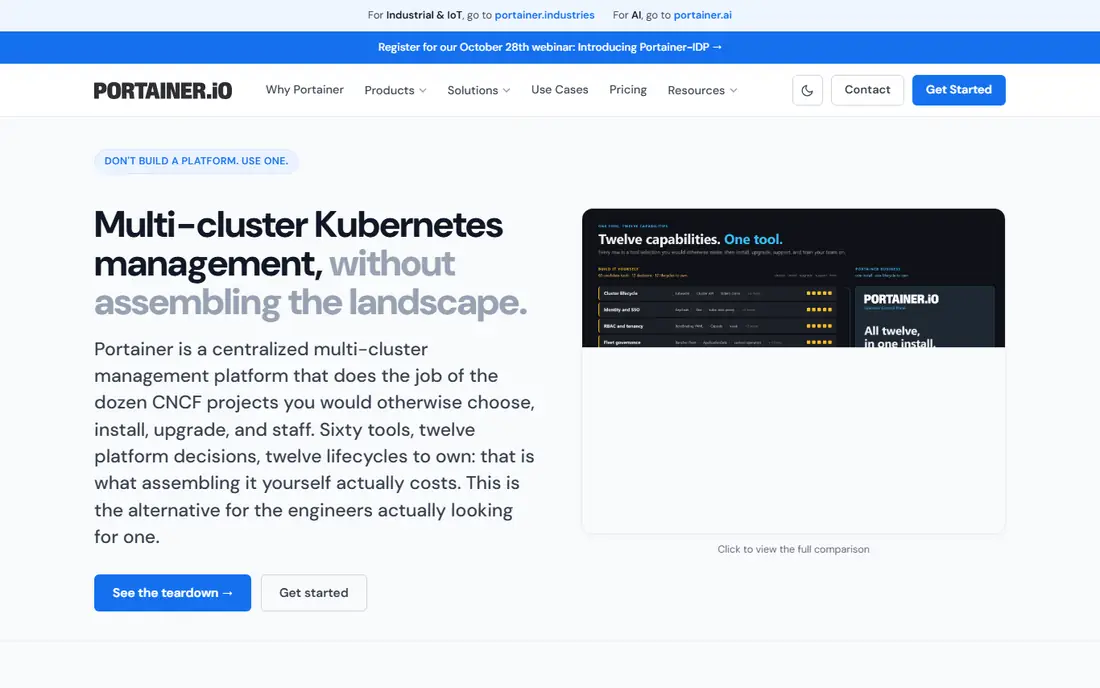
This platform works best where browser container management is the daily work. Portainer replaces a desktop GUI with a browser interface for local and remote Docker and Kubernetes hosts. It suits teams that manage several hosts and want one control plane, rather than a single laptop setup.
In daily use, the deciding factors are usually Browser container management, how the tool handles your existing stack, and whether the plan limits match your volume. Check the pricing page, the documentation for Portainer, and recent public reviews before you buy, and use a trial with a real project rather than a demo dataset. Pricing and plan limits are worth checking on the vendor pricing page before you commit, because tiers and add-ons change over time. If the tool fits your main workflow and its limits are acceptable, it is worth a shortlist spot. If not, move to the next option in this guide.
What we like- Browser-based management
- Docker and Kubernetes support
- Team access controls
Watch out for- Needs a server or host to run
- Paid tiers for business features
Starting priceSee website
Free planYes
For a setup built around a containerd CLI, this is a strong candidate. nerdctl is a command-line tool for containerd that feels close to Docker commands. It suits teams that run Kubernetes nodes and want the same runtime locally, while GUI users will miss a desktop app.
In daily use, the deciding factors are usually Containerd command-line tool, how the tool handles your existing stack, and whether the plan limits match your volume. Check the pricing page, the documentation for nerdctl, and recent public reviews before you buy, and use a trial with a real project rather than a demo dataset. Pricing and plan limits are worth checking on the vendor pricing page before you commit, because tiers and add-ons change over time. If the tool fits your main workflow and its limits are acceptable, it is worth a shortlist spot. If not, move to the next option in this guide.
What we like- Free and open source
- Docker-like CLI for containerd
- Matches Kubernetes nodes
Watch out for- No GUI
- Manual setup for desktop use
How we chose
We compared pricing pages, product documentation, and public reviews on G2, Capterra, and Reddit, then checked features, integrations, and fit for different company sizes. We did not count marketing claims as facts, and we left a price as See website when the vendor page did not publish a clear starting price.
That method favors tools with clear documentation and a plan that matches the job. A large platform can still be the wrong pick for a small team, and a small tool can still be the right pick for a focused job, so size fit mattered as much as feature count.
How to move off Docker Desktop with less friction
Check platform and license first
Docker Desktop is free for small businesses and personal use, but paid for larger commercial use. Free open-source tools remove that license question at any size. Check Windows, macOS, and Linux support for your whole team before you pick, because a Mac-only tool cannot serve a mixed team.
Test your images, Compose files, and volumes
Most tools here run OCI images and Dockerfiles, but extensions, networking, and volume handling can differ. Move one real project first, including Compose, volumes, and ports. Check that builds, hot reload, and database containers behave as expected before you move every project.
Decide if you need Kubernetes locally
A local Kubernetes cluster helps if you deploy to Kubernetes, but it adds resource use and complexity. If you only run containers locally, a plain container desktop is lighter and faster. Pick Kubernetes tooling only when local cluster testing is part of your daily work.
Frequently asked questions
Is Podman Desktop a direct replacement for Docker Desktop?
For most container work, yes. Podman Desktop offers a GUI, Docker-compatible commands, and free use at any size. Some Docker extensions and edge-case features may differ, so test your projects first.
Why do teams leave Docker Desktop?
Common reasons are commercial licensing above the free thresholds, memory and startup time on Mac and Windows, and a preference for rootless or daemonless containers. The best replacement depends on which of those reasons applies to your team.
Which alternative is best on a Mac?
OrbStack is noted for speed and low memory use on Mac, while Podman Desktop and Rancher Desktop also run well on Mac and other systems. Colima is a good light CLI option for Mac developers who do not need a GUI.
Do I need to rewrite my Dockerfiles?
In most cases, no. These tools run OCI images and Dockerfiles, so existing images usually work. Check build features, such as BuildKit options, if your builds rely on advanced Docker features.
Can I run Kubernetes locally with these tools?
Yes, Rancher Desktop and OrbStack include local Kubernetes, and Portainer can manage Kubernetes clusters. Podman Desktop also connects to Kubernetes environments, including kind and Minikube setups.
Sources we checked (8)
- https://podman-desktop.io/
- https://rancherdesktop.io/
- https://orbstack.dev/pricing
- https://github.com/abiosoft/colima
- https://runfinch.com/
- https://lima-vm.io/
- https://www.portainer.io/pricing
- https://github.com/containerd/nerdctl
Is your product missing or out of date?
We review this list regularly. Vendors can request a listing, send updated pricing or ask about featured placement.

Shihab Mia · Founder, Rankite
Shihab has 5+ years in B2B and SaaS SEO. He writes Rankite's software buying guides from pricing pages, documentation and public user reviews. More about Shihab.