How we make this list: we compare pricing pages, product documentation and public user reviews. Ratings come from G2, Capterra or Trustpilot, with the date we checked them.
Key takeaways
- Angry IP Scanner is the easiest free replacement for quick local network discovery.
- Masscan and ZMap trade depth for raw speed on very large address ranges.
- RustScan pairs fast port discovery with Nmap itself for detailed follow-up scans.
- OpenVAS and Nessus go beyond port lists into vulnerability assessment and reporting.
Quick comparison
| Tool | Best for | Starting price | Free plan |
|---|
 Angry IP Scanner Angry IP Scanner | Fast local network discovery | Free | Yes |
 Masscan Masscan | Internet-scale port scanning | Free | Yes |
 RustScan RustScan | Fast discovery plus Nmap depth | Free | Yes |
 ZMap ZMap | Single-port internet surveys | Free | Yes |
 OpenVAS OpenVAS | Open source vulnerability scanning | Free | Yes |
 Fing Fing | Home and small office networks | Free | Yes |
 ManageEngine OpUtils ManageEngine OpUtils | IP and switch port management | Free | Yes |
 Nessus Nessus | Professional vulnerability assessment | See website | No |
Is your product missing or out of date?
We review this list regularly. Vendors can request a listing, send updated pricing or ask about featured placement.
The best Nmap alternatives
Starting priceFree
Free planYes
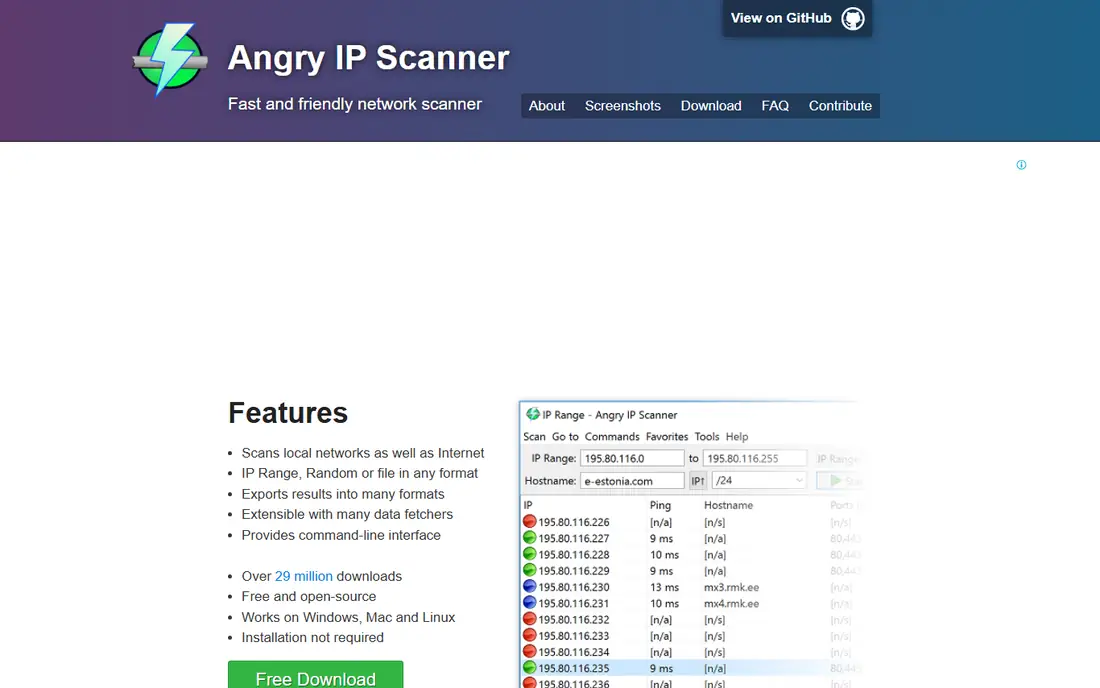
Angry IP Scanner is the tool to reach for when the question is simply what is on this network right now. It scans IP ranges, resolves hostnames, checks ports and exports results to common formats, all from a small graphical window. With more than 29 million downloads, it is one of the most widely used free scanners, and it runs without installation on Windows, Mac and Linux.
The limits are clear. Angry IP Scanner does not fingerprint operating systems, detect service versions in depth or run a scripting engine like Nmap's NSE. For a home network audit or a quick office inventory, that simplicity is a strength. For a penetration test, it is a first step, not the whole toolkit.
What we like- Free and open source
- Runs on Windows, Mac and Linux
- No installation required
Watch out for- Shallower than Nmap
- No OS detection or scripting engine
Starting priceFree
Free planYes
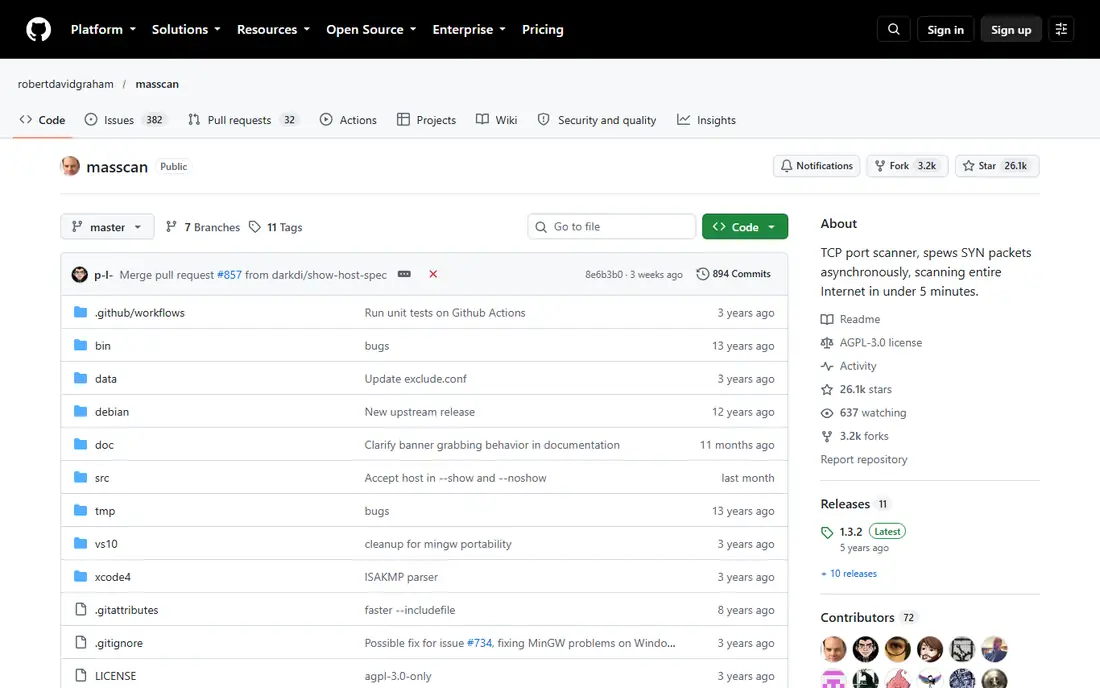
Masscan was built for one job: find open ports across huge address ranges as fast as possible. Using its own asynchronous TCP/IP stack, it can transmit millions of packets per second and scan the entire internet on a single port in minutes from a fast connection. Its command-line options deliberately mirror Nmap, so Nmap users feel at home.
The trade-off is depth. Masscan reports which ports are open and can grab simple banners, but it does not identify service versions, operating systems or vulnerabilities. The standard professional workflow is Masscan for discovery, then Nmap for detail on the open ports found. Its speed also demands restraint: scanning at full rate without permission can overwhelm targets and get a scanner blocked.
What we like- Extremely fast async scanning
- Nmap-style options
- Banner grabbing support
Watch out for- Port status only, no service or OS detection
- Needs care with transmit rates
Starting priceFree
Free planYes
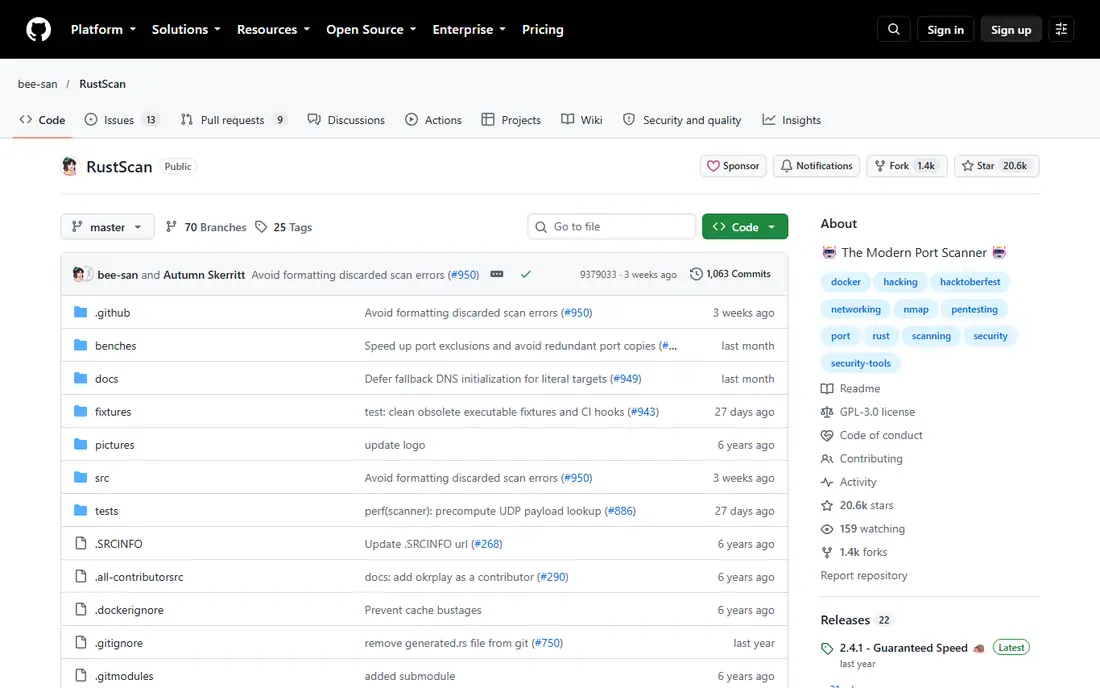
RustScan takes the hybrid path. Written in Rust, it finds open ports across the full range in about three seconds on a local target, then hands those ports to Nmap for service detection, OS fingerprinting and scripts. Its adaptive batching adjusts scan speed to the network, and a scripting engine supports Python, Lua and shell scripts for follow-up actions.
For testers who like Nmap's depth but dislike waiting through its full port phase, RustScan is the most practical upgrade. It is free and open source, packaged for major platforms, and its accessibility work is unusual in this category. The catch is that it is a companion to Nmap, not a replacement for it.
What we like- Scans all 65,535 ports in seconds
- Pipes results into Nmap automatically
- Scripting engine
Watch out for- Port discovery only on its own
- Still needs Nmap for version and OS detection
Starting priceFree
Free planYes
ZMap is a fast single-packet scanner built for internet-wide surveys. On a gigabit connection it can scan the entire public IPv4 space on one port in under 45 minutes, and with faster networking and PF_RING it can finish in about five minutes. Around it sits a family of companion tools: ZGrab for application-layer handshakes, ZDNS for fast DNS lookups and LZR for protocol identification.
That design makes ZMap a research instrument first. It answers questions like how many hosts expose a given port worldwide, rather than auditing one company's network in depth. Security teams studying exposure trends will value it; teams needing per-host service detail will pair it with Nmap or a vulnerability scanner.
What we like- Internet-wide single-port scans in under 45 minutes
- Research-grade tooling
- Companion tools
Watch out for- Single-port focus
- Research oriented, not a general pentest scanner
Starting priceFree
Free planYes
OpenVAS, developed by Greenbone since 2006, moves past port lists into vulnerability assessment. It runs unauthenticated and authenticated tests across many protocols, draws its checks from a feed updated daily, and ships as part of the OpenVAS Community Edition alongside other open source modules. For teams that want to find missing patches and misconfigurations, not just open ports, it is the leading free option.
Setup is the price. Running the community edition means maintaining the scanner, feed and supporting services, which is more work than launching Angry IP Scanner. Organizations that want a supported product with less upkeep usually look at Nessus or Greenbone's commercial editions instead.
What we like- Full vulnerability scanner
- Daily feed updates
- Unauthenticated and authenticated testing
Watch out for- Heavier setup than a port scanner
- Community edition needs maintenance
Starting priceFree
Free planYes
Fing turns network scanning into something a non-specialist can use. Its desktop and mobile apps discover every device on a network, identify models from a catalog of 450,000 devices, and flag unknown devices, with optional continuous monitoring through Fing Agent on a Raspberry Pi or Docker. The company reports 15 million scans a month and 30 million registered users.
For home users and small offices, Fing answers the everyday questions: who is on my Wi-Fi, is something new connected, and is my internet performing. It is not a penetration testing tool and will not replace Nmap for service detection or scripting. Its free tier covers discovery well, while always-on monitoring sits behind a subscription.
What we like- Friendly desktop and mobile apps
- Device recognition catalog
- Monitoring and alerts
Watch out for- Geared to smaller networks
- Advanced monitoring needs a subscription
#7ManageEngine OpUtils
Best for: IP and switch port management4.4/5 on
G2 (10 reviews, checked Oct 2026)
Visit manageengine.com
Starting priceFree
Free planYes
OpUtils is a network management console whose scanning features serve IT teams rather than individual testers. It discovers IPs across subnets, maps switch ports to devices, tracks DHCP and DNS data, and watches for rogue devices, with more than 30 built-in network utilities including a port scanner. Teams in 190-plus countries use it, according to ManageEngine.
Pricing is transparent and device-based. A free edition covers one Class C subnet and switch, while Professional starts at $138 for 250 IPs and switch ports. For an IT department that needs ongoing IP address management, OpUtils is a stronger fit than any free scanner here. For a one-off port scan, it is far more console than needed.
What we like- Free edition for one subnet
- Switch port mapping
- Rogue device detection
Watch out for- Enterprise console, not a lightweight scanner
- Paid editions priced per IP and port
Starting priceSee website
Free planNo
Nessus is the commercial standard for vulnerability assessment, trusted by tens of thousands of organizations with more than 4 million downloads. It covers over 117,000 CVEs with 319,000 plugins, scores findings with CVSS and EPSS, and ships more than 450 report templates. Its live results feature updates assessments as new plugins arrive.
The gap against Nmap is purpose. Nessus finds and prioritizes vulnerabilities with remediation guidance, while Nmap maps networks and services. Many security teams run both: Nmap or a fast scanner for discovery, Nessus for assessment. Pricing is not published on the product page, so buyers need a quote, and the product is aimed squarely at professionals rather than casual users.
What we like- Deep vulnerability coverage
- Low false positive rate
- Hundreds of report templates
Watch out for- No public pricing
- Paid product aimed at professionals
How we chose
We compared these tools on scanning speed, depth of results, platform support, cost and fit for different network sizes. We also weighted whether a tool is actively maintained, since unmaintained scanners miss new services and protocols as networks change. Every homepage listed here was opened and checked on 27 October 2026 to confirm it loads and belongs to the product named. Prices come from vendor pages where published; where a vendor does not publish pricing, the field reads See website rather than a guessed number.
Scanning only what you are allowed to scan
Port scanning sits in a sensitive legal and professional area. Only scan networks and systems you own or have written permission to test, and keep that permission in writing before running any tool on this list. A scan is often the first thing an investigator or a network owner sees in the logs, and an unannounced scan of someone else's network can be treated as unauthorized access.
A small lab removes the risk while learning. A host-only virtual network with a scanner machine and a deliberately vulnerable target keeps traffic off real networks entirely. Rate limits matter too: tools like Masscan and ZMap can send traffic fast enough to disrupt fragile devices, so start slow, exclude sensitive ranges, and confirm with the network owner what is in scope.
Choosing by network size keeps the decision simple. Home users and tiny offices get everything they need from Fing or Angry IP Scanner, both free and quick to learn. Mid-size IT teams that manage switches and address space should weigh OpUtils, whose free edition covers a single subnet and whose paid editions scale by device count. Security testers and researchers will usually run a combination: RustScan or Masscan for discovery, Nmap for detail, and OpenVAS or Nessus when the job calls for vulnerability assessment and reporting rather than a port list alone. Document every scan you run, including target range, tool version and date, so results stay comparable over time and audits have a clear trail to follow. Regular rescans catch new exposures early, before attackers find them.
Frequently asked questions
Is Angry IP Scanner a full Nmap replacement?
For local discovery it is close, and it is much easier to use. For OS detection, service versions and scripted checks, Nmap remains deeper, so many users keep both installed.
Which Nmap alternative is fastest?
Masscan and ZMap are fastest on huge ranges, with Masscan built for internet-scale port discovery. RustScan is fastest for a single host, finding all open ports in seconds before handing off to Nmap.
Do I still need Nmap if I use RustScan?
Yes, in most cases. RustScan finds open ports quickly and pipes them into Nmap for version detection, OS fingerprinting and scripts. The two tools are designed to work together.
Which tool finds vulnerabilities, not just open ports?
OpenVAS and Nessus both assess vulnerabilities, with OpenVAS free and Nessus commercial. Nmap's scripting engine can run some vulnerability checks, but dedicated scanners go much deeper.
Can Fing replace Nmap for a business network?
Fing suits home and small office discovery and monitoring. Larger business networks with switches, VLANs and compliance needs fit OpUtils or a vulnerability scanner better.
Is it legal to scan a network with these tools?
Scanning your own network or one you have written permission to test is normal practice. Scanning networks without permission can be unlawful and can get your address blocked, so always confirm authorization first.
Sources we checked (8)
- https://angryip.org
- https://github.com/robertdavidgraham/masscan
- https://github.com/RustScan/RustScan
- https://zmap.io
- https://www.openvas.org
- https://www.fing.com
- https://www.manageengine.com/products/oputils/
- https://www.tenable.com/products/nessus
Is your product missing or out of date?
We review this list regularly. Vendors can request a listing, send updated pricing or ask about featured placement.

Shihab Mia · Founder, Rankite
Shihab has 5+ years in B2B and SaaS SEO. He writes Rankite's software buying guides from pricing pages, documentation and public user reviews. More about Shihab.