How we make this list: we compare pricing pages, product documentation and public user reviews. Ratings come from G2, Capterra or Trustpilot, with the date we checked them.
Key takeaways
- Miro is the best all-round replacement, with a huge template library and paid plans from $8 per user per month.
- FigJam is the cheapest paid option for design teams, at $3 per editor per month, because viewers do not need a paid seat.
- Mural suits facilitated workshops best, with timers, voting, and private mode for facilitators.
- Lucidspark suits teams that need whiteboarding plus precise diagrams, thanks to its link with Lucidchart.
- Microsoft Whiteboard and Excalidraw offer the lowest cost, since Whiteboard is included with Microsoft 365 and Excalidraw is free in the browser.
Quick comparison
| Tool | Best for | Starting price | Free plan |
|---|
 Miro Miro | all-round workshops and planning | $8 per user per month | Yes |
 Mural Mural | facilitated workshops | $12 per user per month | Yes, limited |
 FigJam FigJam | Figma design teams | $3 per editor per month | Yes |
 Lucidspark Lucidspark | brainstorming plus diagrams | $7.95 per user per month | Yes |
 Microsoft Whiteboard Microsoft Whiteboard | Microsoft 365 teams | Included with Microsoft 365 | Yes |
 Stormboard Stormboard | structured brainstorming and reports | $10 per user per month | Yes |
 Excalidraw Excalidraw | fast open-source sketching | Free; Plus from $6 per user per month | Yes |
 Whimsical Whimsical | wireframes and flowcharts | $10 per user per month | Yes |
Is your product missing or out of date?
We review this list regularly. Vendors can request a listing, send updated pricing or ask about featured placement.
The best Conceptboard alternatives
#1Miro
Best for: all-round workshops and planning4.6/5 on
G2 (13,631 reviews, checked Oct 2026)
Visit miro.com
Starting price$8 per user per month
Free planYes

Miro is the default whiteboard for most teams leaving Conceptboard. The canvas is infinite, collaboration is live, and templates cover retros, journey maps, planning, brainstorming, and diagramming. That breadth means one tool can serve product, design, marketing, and engineering teams without each group buying a separate board.
Collaboration features are strong. Multiple people can edit at once, comment, vote, and present from a board, and facilitators can use frames to guide a workshop step by step. Integrations with Slack, Jira, Asana, and Google Drive help turn board output into tracked work rather than a screenshot that gets forgotten.
Cost is the main watch point. Paid plans start at $8 per user per month on annual billing in recent listings, and a team where many people only view boards can still pay for full seats. Use the free plan to test, then check viewer and guest rules before you buy seats for a whole company.
What we like- Very large template library
- Infinite canvas with strong collaboration
- Many integrations with Slack, Jira, and Google Drive
Watch out for- Per-seat cost rises fast at scale
- Feature depth can overwhelm new users
- Large boards can slow on weaker devices
#2Mural
Best for: facilitated workshops4.6/5 on
G2 (1,496 reviews, checked Oct 2026)
Visit mural.co
Starting price$12 per user per month
Free planYes, limited
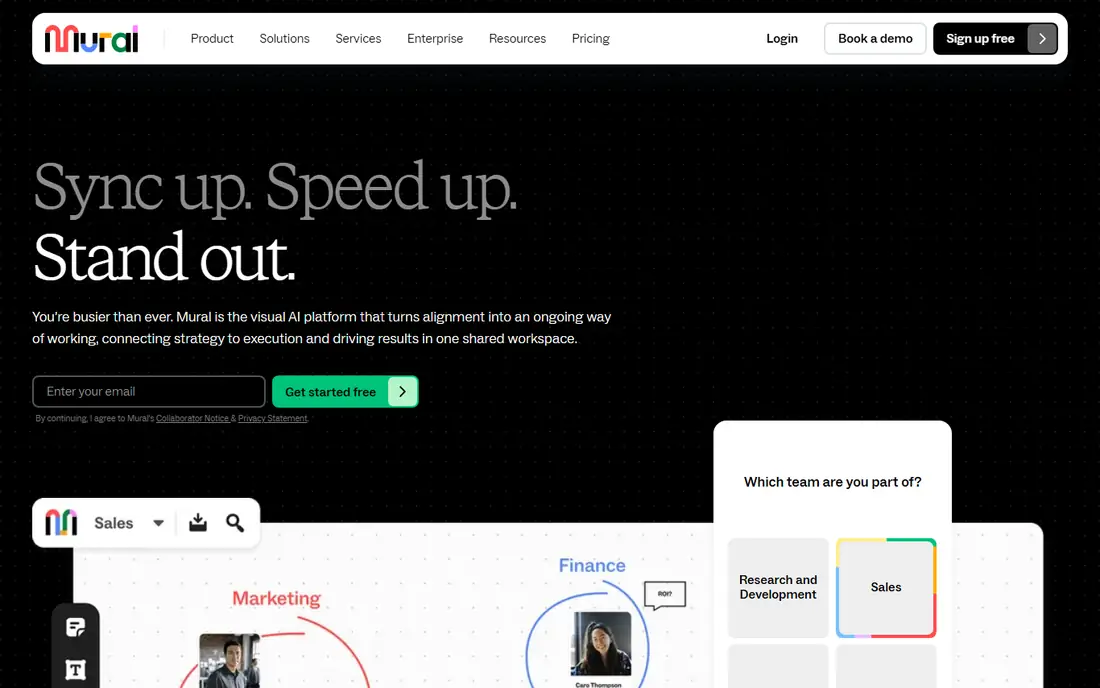
Mural is built for workshops, not just freeform drawing. Facilitators get timers, a summon feature to bring everyone to the same area, private mode for solo work, and voting to prioritise ideas. Those controls help a workshop stay on track when twenty people are on one board.
Templates focus on design thinking, agile ceremonies, and innovation methods, which suits consulting, product, and training teams. Mural also offers enterprise security and admin controls, plus integrations with Slack, Microsoft Teams, and Jira. For a team that runs workshops every week, those facilitation tools save real time.
Pricing starts at $12 per user per month in recent listings, with a limited free plan for three murals in some guides. That is higher than Miro, so Mural makes most sense when facilitation is a weekly job. For occasional brainstorming, FigJam or Microsoft Whiteboard may be enough.
What we like- Facilitator tools such as timers, summon, and private voting
- Strong template library for design thinking
- Enterprise controls
Watch out for- Higher price than Miro and FigJam
- Diagramming is weaker than Lucidspark
- Casual use can feel expensive
#3FigJam
Best for: Figma design teams4.5/5 on
G2 (465 reviews, checked Oct 2026)
Visit figma.com
Starting price$3 per editor per month
Free planYes
FigJam is the cheapest paid whiteboard here for design-led teams. Editors pay $3 per month on a Figma Collab seat in recent listings, while viewers can join free. That model keeps costs down when many stakeholders only comment, which is a common pain with per-seat whiteboards.
The link to Figma is the core advantage. A brainstorm can move straight into a design file, and design files can be embedded back into a FigJam board for review. Sticky notes, stamps, connectors, and widgets cover most early-stage design work, and the interface feels lighter than Miro for non-designers.
FigJam feels thin for heavy diagramming or enterprise planning. If your team needs precise process diagrams, Lucidspark is stronger. If your team lives in Figma and needs a fast board for ideation and reviews, FigJam is the natural pick.
What we like- Very low editor price
- Tight link to Figma design files
- Simple, playful interface that teams learn fast
Watch out for- Light outside design work
- Fewer enterprise admin controls than Miro
- Diagram depth is limited
Starting price$7.95 per user per month
Free planYes

Lucidspark bridges two needs that Conceptboard users often have: freeform brainstorming and structured diagrams. You can start with sticky notes and free drawing, then turn ideas into flowcharts, mind maps, and process diagrams without leaving the Lucid family. That path suits product and operations teams that need both stages.
Facilitation tools include visual activities, breakout boards, and facilitator controls, which help workshops with larger groups. Lucidspark also integrates with Slack, Google Drive, and Microsoft Teams, and documents can be embedded for review beside a board. For teams already using Lucidchart, the shared account and shape libraries are a clear bonus.
Pricing starts at $7.95 per user per month in recent listings, with a free plan for limited boards. The interface takes a little longer to learn than FigJam, and some precise diagram features live in Lucidchart rather than Lucidspark itself. If diagrams matter as much as brainstorming, Lucidspark is worth that learning curve.
What we like- Strong diagramming beside freeform brainstorming
- Breakout boards and facilitator tools
- Link to Lucidchart for precise diagrams
Watch out for- Full value needs Lucidchart for some diagram work
- Interface can feel heavier than FigJam
- Team pricing varies by plan
#5Microsoft Whiteboard
Best for: Microsoft 365 teams4.0/5 on
G2 (51 reviews, checked Oct 2026)
Visit microsoft.com
Starting priceIncluded with Microsoft 365
Free planYes
Microsoft Whiteboard is the zero-cost starting point for any team that already pays for Microsoft 365. It runs in Teams meetings, in OneDrive, and on the web, so a board can start during a call without a new account or a new bill. That convenience alone makes it worth trying before you buy another tool.
The board covers the basics well: sticky notes, ink, shapes, text, and images, with live collaboration across devices. Teams can save boards to OneDrive and share them like any other file. For internal meetings, retros, and quick planning, that is often enough.
Whiteboard feels basic next to Miro or Mural once you leave simple brainstorming. Templates are fewer, facilitation tools are lighter, and diagramming is not a strength. If your team already uses Microsoft 365 and needs only a simple shared canvas, Whiteboard is the sensible default. Buy Miro or Mural only when you need deeper workshops.
What we like- No extra cost for most Microsoft 365 plans
- Deep Teams and OneDrive integration
- Simple and fast for basic boards
Watch out for- Template and facilitation depth is lighter than Miro
- Best inside the Microsoft stack
- Advanced diagram tools are limited
Starting price$10 per user per month
Free planYes
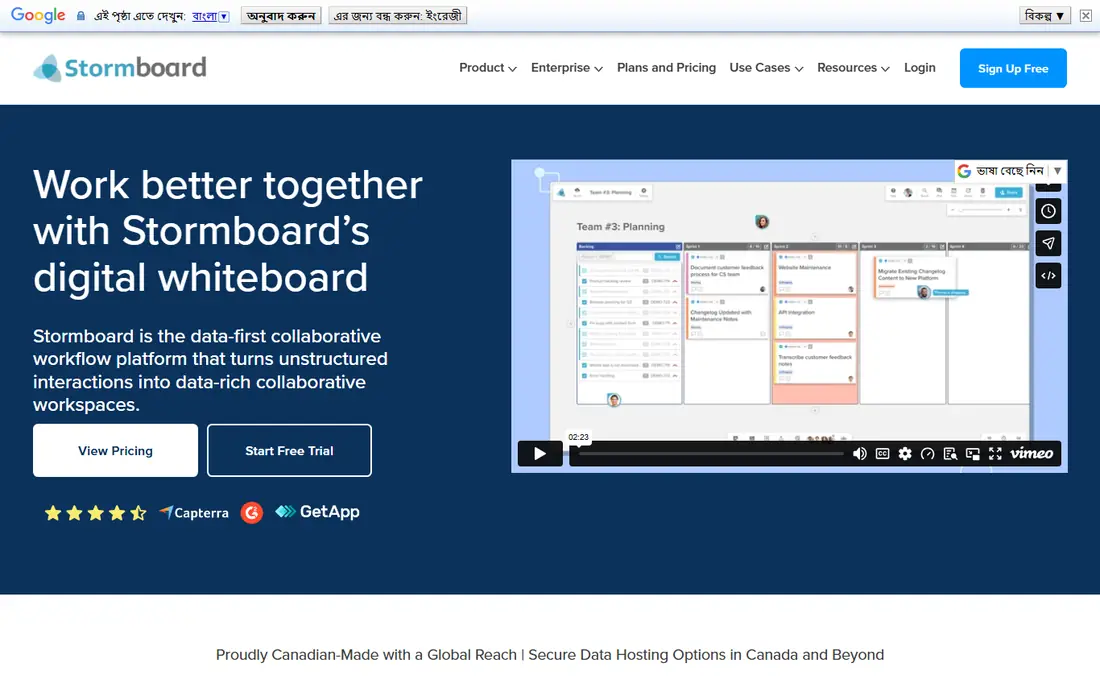
Stormboard suits facilitators who want structure, not a blank canvas. Templates for SWOT, 5 Whys, retros, and business planning guide a session step by step, and ideas can be voted on and prioritised inside the board. That structure helps teams that drift when given an infinite canvas.
Reporting is a clear advantage. Stormboard can export a session to Word, Excel, or PowerPoint, which helps consultants and managers who need a tidy record for stakeholders. The tool also supports sticky notes, comments, and task assignment, so a brainstorm can move toward action without a second tool.
The interface looks dated compared with Miro and FigJam, and freeform sketching is not a strength. Pricing starts at $10 per user per month in recent listings, with a free plan for basic use. Choose Stormboard when structured frameworks and reports matter more than a modern canvas.
What we like- Structured templates such as SWOT and retros
- Instant reports to Word, Excel, and PowerPoint
- Idea voting and prioritisation
Watch out for- Interface feels dated next to Miro
- Freeform drawing is weaker
- Price is mid-range for a niche tool
#7Excalidraw
Best for: fast open-source sketching4.5/5 on
G2 (32 reviews, checked Oct 2026)
Visit excalidraw.com
Starting priceFree; Plus from $6 per user per month
Free planYes
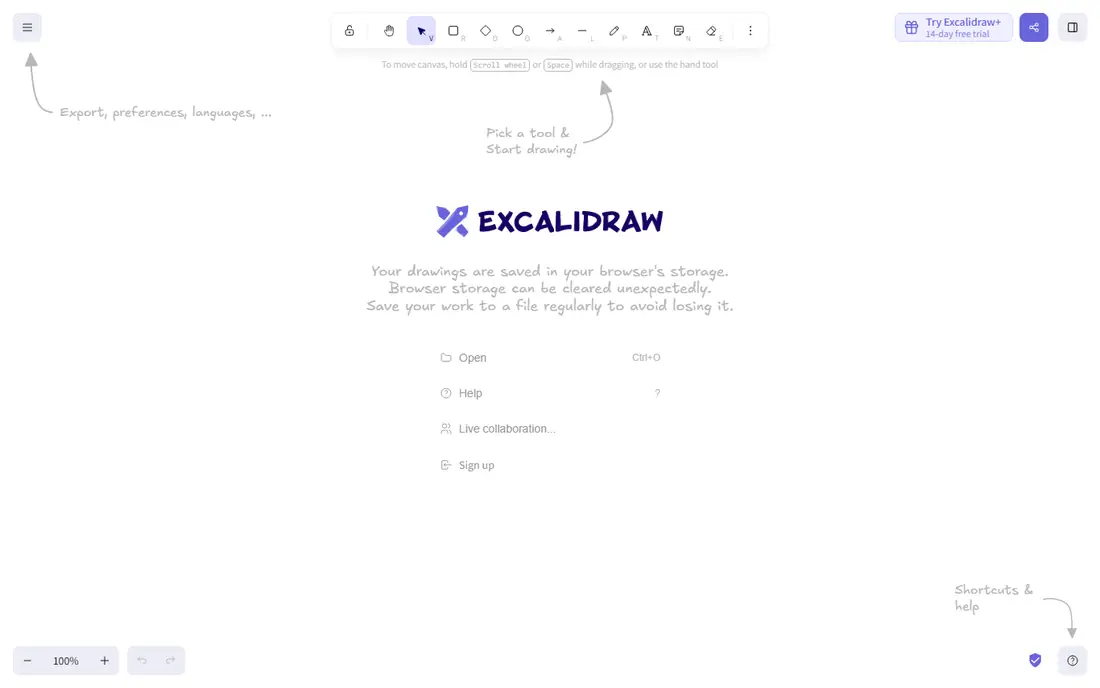
Excalidraw is the simplest tool here, and that is its appeal. Open the browser, start drawing, and share a link. The hand-drawn style suits architecture diagrams, system sketches, and quick explanations, especially for engineering teams that want clarity without design polish.
The open-source core is free, and Excalidraw Plus adds collaboration rooms, libraries, and extra storage from $6 per user per month in recent listings. Teams can also self-host, which helps organisations with strict data rules. For a quick sketch during a call, few tools are faster.
Excalidraw is not a workshop platform. Templates are few, facilitation tools are minimal, and enterprise controls are light. Use it for sketching and technical diagrams, and pair it with Miro or Microsoft Whiteboard when you need full workshop features.
What we like- Free in the browser
- Hand-drawn style that suits technical sketches
- Self-hosting option for privacy-focused teams
Watch out for- Few templates
- Light collaboration and admin controls
- No full workshop facilitation suite
#8Whimsical
Best for: wireframes and flowcharts4.6/5 on
G2 (189 reviews, checked Oct 2026)
Visit whimsical.com
Starting price$10 per user per month
Free planYes
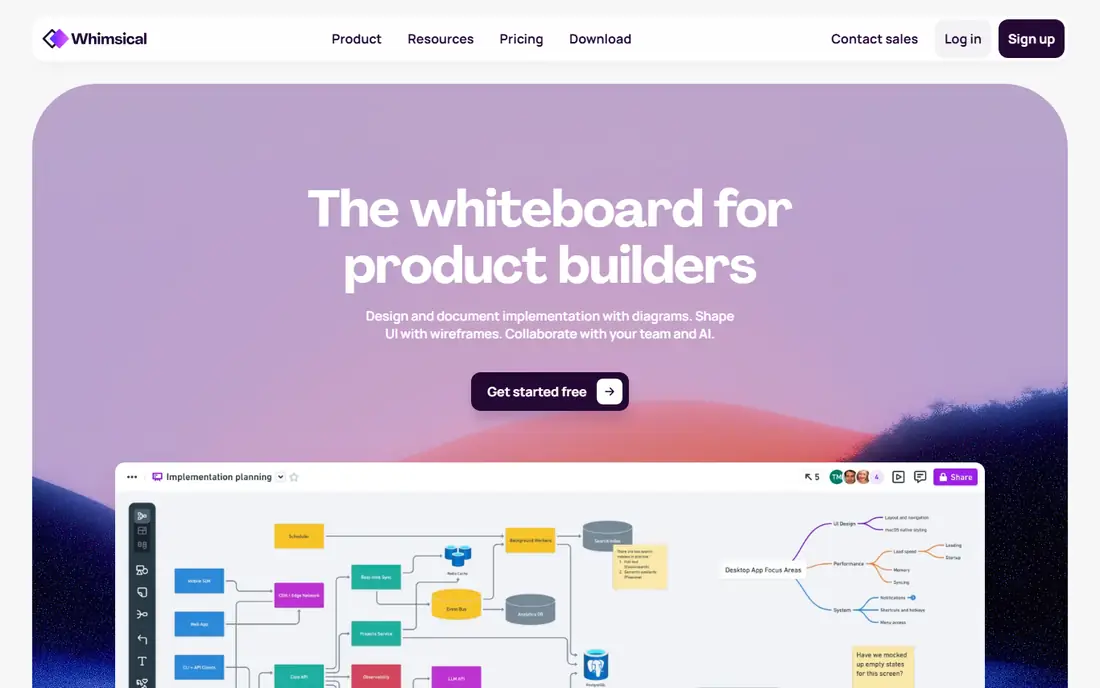
Whimsical focuses on structured visuals rather than freeform art. Wireframes, flowcharts, mind maps, and sticky note boards share one clean style, which helps product teams keep docs consistent. A flowchart made in Whimsical looks tidy without extra formatting work.
Speed is another strength. The interface is fast, shortcuts are clear, and a new user can build a flowchart in minutes. Whimsical also supports comments and sharing, so a diagram can be reviewed without exporting to another tool. Product managers and engineers often prefer it to a general whiteboard for specs and planning docs.
The trade-off is breadth. Whimsical does not match Miro for large workshops or freeform brainstorming, and its template library is smaller. Pricing starts at $10 per user per month in recent listings, with a free plan for basic use. Choose Whimsical when wireframes and flowcharts are the main job.
What we like- Clean wireframes, flowcharts, and mind maps
- Fast and focused interface
- Good for product and engineering docs
Watch out for- Freeform whiteboarding is narrower than Miro
- Price is mid-range
- Template library is smaller than Miro
How we chose
We compared tools that replace the core Conceptboard job: a shared online canvas for brainstorming, workshops, diagramming, and visual review. We used pricing and feature details from vendor pages and recent comparison guides found in web search, and we kept only tools active in 2026. We favoured a mix of all-round, design-led, facilitation-led, diagram-led, and low-cost options so readers can match a tool to their main use.
What to check before you buy
Start with your main use. A design team needs FigJam or Miro, a workshop team needs Mural, and an engineering team may need Lucidspark or Excalidraw for diagrams. Next, count editors versus viewers, because FigJam charges editors only while Miro and Mural charge per user. That difference can change the yearly bill by thousands for a large team.
Then test a real workshop, not just a blank board. Run a retro or a planning session with your actual team size, and check performance, facilitation tools, and export options. Finally, confirm integrations with Slack, Teams, Jira, or Confluence, since a board that cannot feed into tracked work often ends as a forgotten screenshot.
Frequently asked questions
What is the best free Conceptboard alternative?
Microsoft Whiteboard is free with most Microsoft 365 plans, and Excalidraw is free in the browser. FigJam, Miro, Lucidspark, and Whimsical also offer free plans with limited boards, which are enough to test before you pay.
Is Miro better than Mural?
Miro is better as an all-round whiteboard for many teams and use cases. Mural is better for facilitated workshops, thanks to timers, summon, private mode, and voting. Choose Miro for breadth and Mural for workshop control.
Can FigJam replace Miro for non-design teams?
FigJam can work for simple brainstorming, but it feels light for heavy planning, diagramming, and enterprise workshops. Non-design teams that need depth should shortlist Miro, Lucidspark, or Microsoft Whiteboard instead.
Do these tools work for remote workshops?
Yes, all eight support live collaboration, comments, and sharing. Mural and Lucidspark add the strongest facilitation controls, while Miro offers the broadest template set for remote sessions.
How much should a small team budget for a whiteboard?
A small team can start free on most tools here. Paid plans run from $3 per editor per month for FigJam to $12 per user per month for Mural, so a ten-person team might pay $30 to $120 per month depending on the tool and seat model.
What about data privacy and EU hosting?
Conceptboard is known for German hosting under GDPR, so EU teams should check each alternative hosting region and data processing terms. Microsoft, Miro, Mural, and Lucid all offer enterprise data controls, but hosting details vary by plan, so confirm in writing before you buy.
Sources we checked (8)
- https://miro.com
- https://www.mural.co
- https://www.figma.com/figjam
- https://www.lucid.co
- https://www.microsoft.com/en-us/microsoft-365/microsoft-whiteboard/digital-whiteboard-app/
- https://www.stormboard.com
- https://excalidraw.com
- https://whimsical.com
Is your product missing or out of date?
We review this list regularly. Vendors can request a listing, send updated pricing or ask about featured placement.

Shihab Mia · Founder, Rankite
Shihab has 5+ years in B2B and SaaS SEO. He writes Rankite's software buying guides from pricing pages, documentation and public user reviews. More about Shihab.