How we make this list: we compare pricing pages, product documentation and public user reviews. Ratings come from G2, Capterra or Trustpilot, with the date we checked them.
Key takeaways
- Notion, Miro, and ClickUp give the clearest starting prices here, at $10, $8, and $7 per user per month billed annually, with free plans for testing.
- The cheapest plan is not always the cheapest AI plan, because Notion includes full AI only on Business, while other tools sell AI as credits or add-ons.
- Miro fits visual work, Notion fits docs and knowledge, ClickUp fits task work, and Slack, FigJam, and Google Workspace fit teams already living in those tools.
- Check AI credit limits, guest rules, and permission controls before you roll out, because those limits decide daily use more than demo features do.
- A team that will not update its docs, boards, or tasks will not get value from AI search or summaries, no matter which platform it buys.
Quick comparison
| Tool | Best for | Starting price | Free plan |
|---|
 Notion Notion | Docs, wikis, and AI search | $10 per user/month (billed annually) | Yes |
 Miro Miro | Visual boards and workshops | $8 per user/month (billed annually) | Yes |
 ClickUp ClickUp | Tasks, docs, and team AI | $7 per user/month (billed annually) | Yes |
 Asana Asana | Structured team projects | See website | Yes |
 monday.com monday.com | Visual project workflows | See website | Yes |
 FigJam FigJam | Design team brainstorming | See website | Yes |
 Slack Slack | Team chat with AI summaries | See website | Yes |
 Google Workspace with Gemini Google Workspace with Gemini | Docs, mail, and meetings | See website | Free trial (14 days) |
Is your product missing or out of date?
We review this list regularly. Vendors can request a listing, send updated pricing or ask about featured placement.
#1Notion
Best for: Docs, wikis, and AI search4.6/5 on
G2 (13,834 reviews, checked Oct 2026)
Visit notion.so
Starting price$10 per user/month (billed annually)
Free planYes
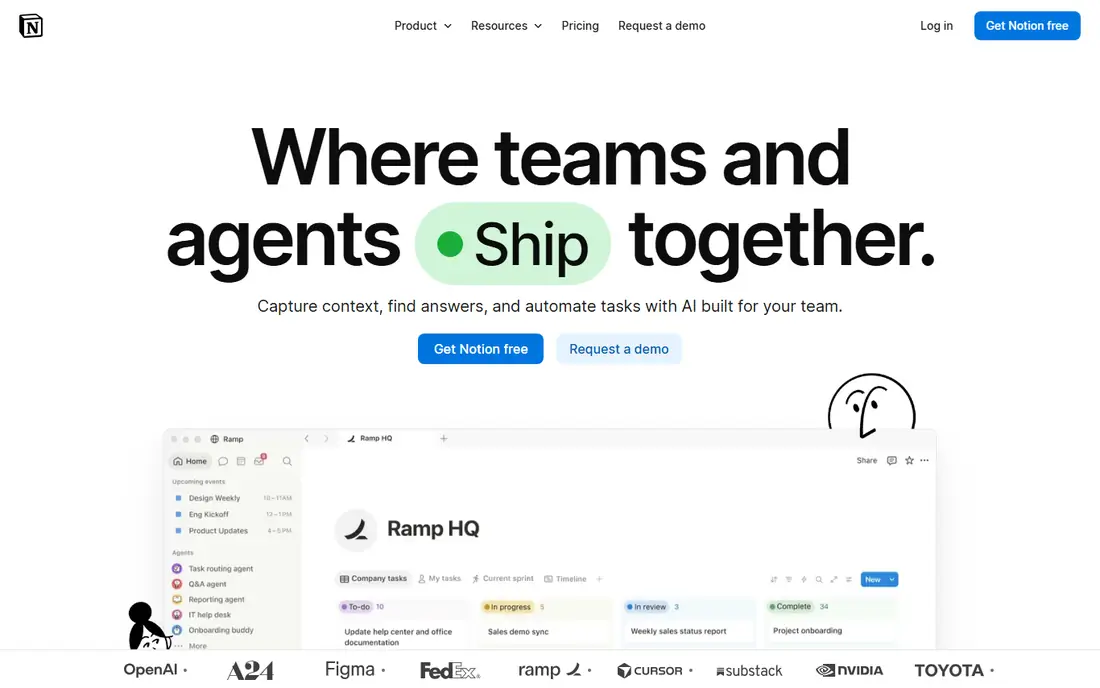
Notion works best as a single home for team knowledge. Pages, databases, wikis, and project trackers live in one place, so AI can search across them instead of guessing from one document. That structure is why teams that keep docs current get more from Notion AI than teams that store files in scattered folders.
Pricing needs care. Plus, at $10 per user per month billed annually, covers collaboration well, but full AI, including Agent, AI Meeting Notes, and Enterprise Search, sits on Business, at $20. Free covers individuals and small tests, with upload and history limits. Choose Notion when docs and knowledge are the core work, and budget for Business if AI is the main reason to buy.
What we like- Docs, databases, wikis, and calendars in one workspace
- AI search, meeting notes, and agents on Business
- Granular permissions and private teamspaces on higher plans
Watch out for- Full Notion AI needs Business at $20 per user per month billed annually, not Plus
- Free and Plus plans include only a capped AI trial
#2Miro
Best for: Visual boards and workshops4.6/5 on
G2 (13,631 reviews, checked Oct 2026)
Visit miro.com
Starting price$8 per user/month (billed annually)
Free planYes
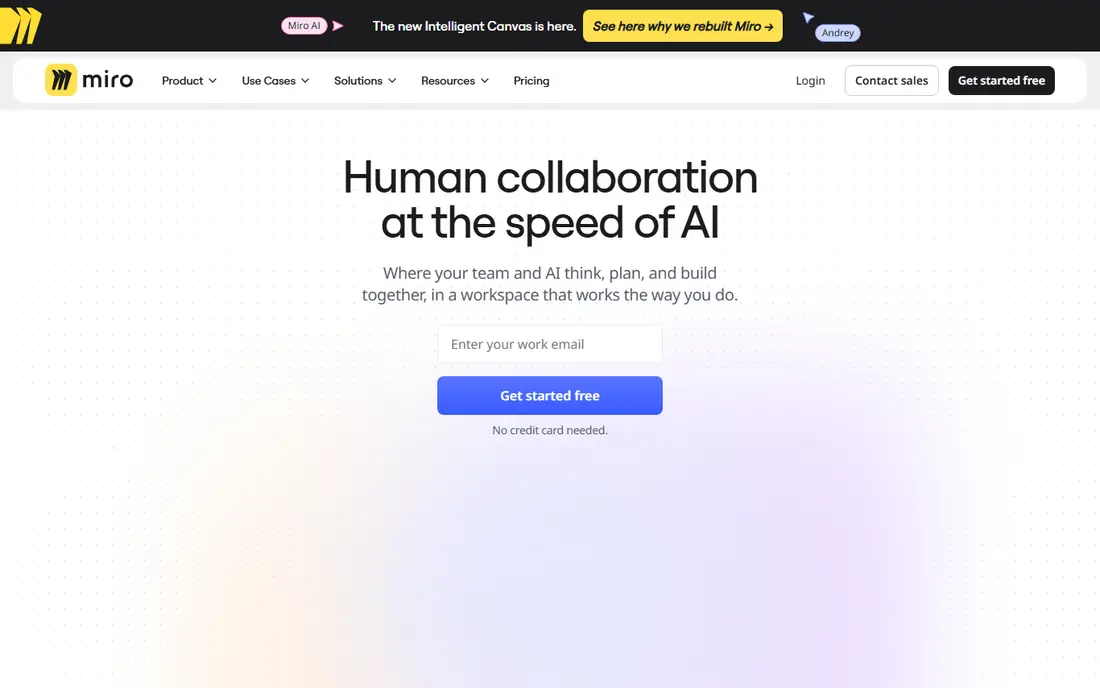
Miro is the visual end of team collaboration. Teams map ideas on sticky notes, cluster them with AI, build diagrams, and run workshops on one board, with guests and visitors joining without a full seat in many cases. That shared canvas helps remote teams think together in a way that a document thread rarely matches.
Starter, at $8 per user per month billed annually, covers unlimited boards, private access controls, and AI credits, while Business adds more AI tools, Sidekicks, and governance. The free plan covers three editable boards, which is enough to test a workshop. Pick Miro when planning, design sprints, and workshops are the work, and pair it with a docs tool if long-form writing matters too.
What we like- Infinite canvas for brainstorming, planning, and diagramming
- AI clustering, mind maps, and Sidekicks for visual work
- Strong templates and integrations
Watch out for- AI credits are limited, with 10 per team per month on Free and 25 per member on Starter
- Text-heavy docs fit Notion better than a canvas
#3ClickUp
Best for: Tasks, docs, and team AI4.6/5 on
G2 (14,878 reviews, checked Oct 2026)
Visit clickup.com
Starting price$7 per user/month (billed annually)
Free planYes
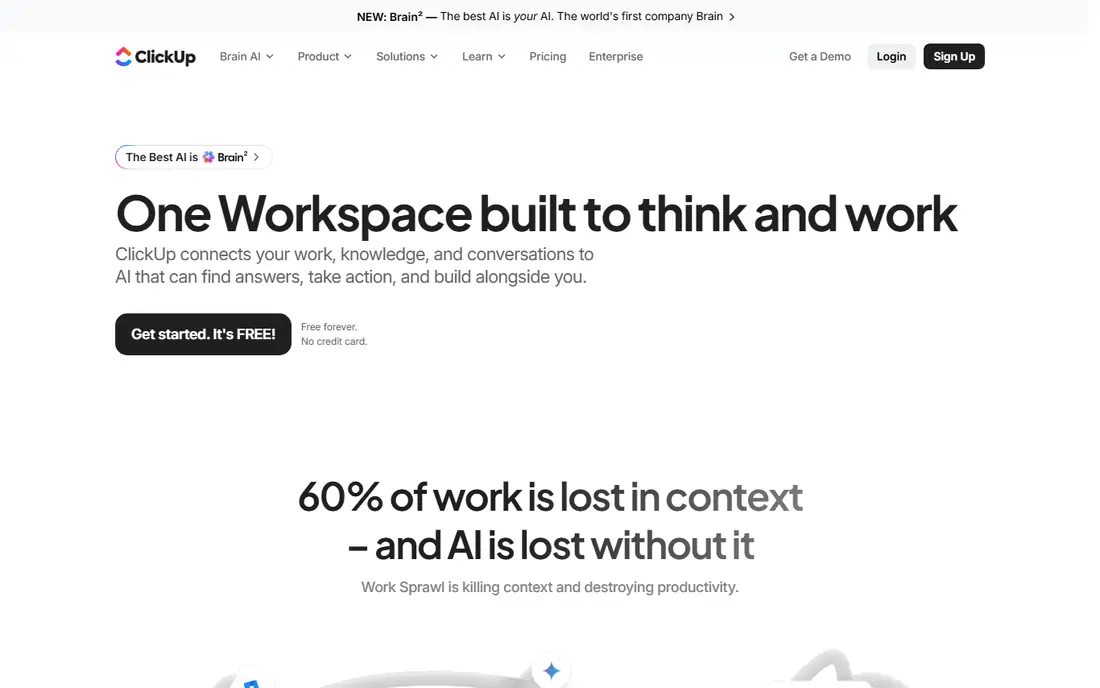
ClickUp suits a team that wants tasks and docs in one place, without paying for two tools. Unlimited, at $7 per user per month billed annually, covers core project work, while Business, at $12, adds more automations and controls. ClickUp AI helps draft task descriptions, summarize threads, and turn notes into action items, which saves time when a project has many moving parts.
The risk is complexity. ClickUp offers many views, fields, and automations, and a team that turns them all on at once will struggle. Start with one project, one view, and a small set of fields, then add AI prompts for summaries and standups. Choose ClickUp when task execution, not just discussion, is the main job.
What we like- Tasks, docs, goals, timelines, and chat in one app
- ClickUp AI drafts, summarizes, and rewrites across tasks and docs
- Low entry price with a free plan
Watch out for- Feature depth can overwhelm new teams
- AI limits and plan details change, so check the current pricing page
#4Asana
Best for: Structured team projects4.4/5 on
G2 (13,930 reviews, checked Oct 2026)
Visit asana.com
Starting priceSee website
Free planYes
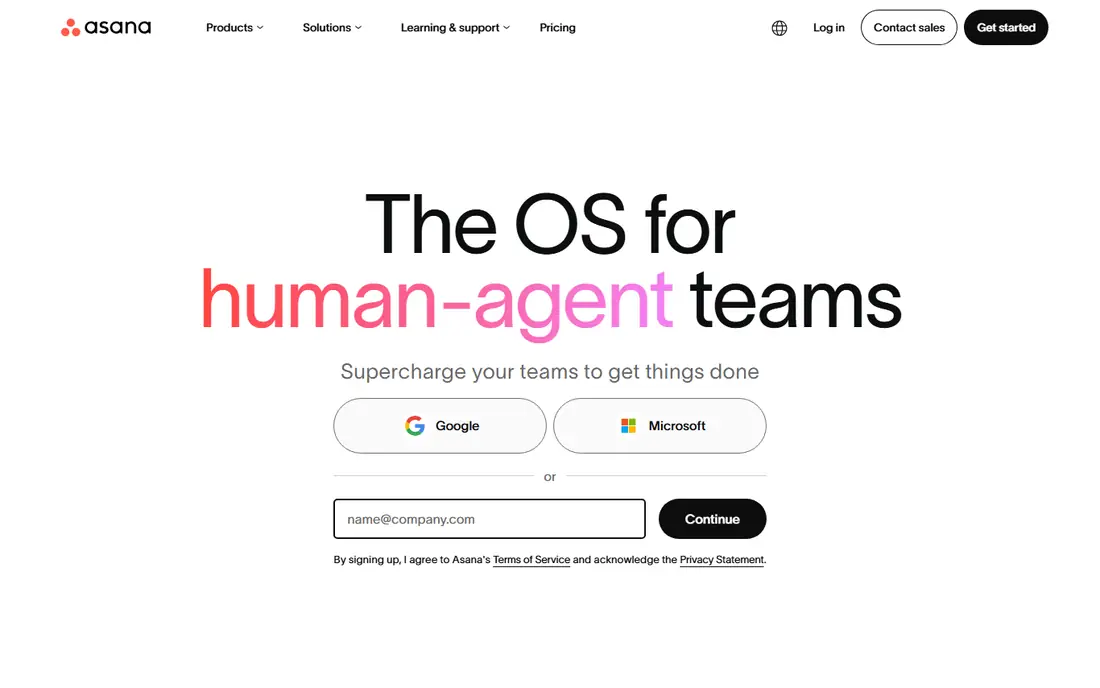
Asana fits teams that run structured projects with owners, dates, and dependencies. Work moves from intake to delivery in a clear order, and managers can see workload and deadlines without asking for status reports. AI helps by summarizing tasks, drafting status updates, and suggesting fields, which cuts the weekly reporting load.
The free plan covers basic personal and small-team work, while paid plans add timelines, reporting, and AI features. Because Asana pricing and AI packaging change, check the vendor page for the current entry price before you budget. Pick Asana when project structure and accountability matter more than free-form docs or visual brainstorming.
What we like- Clear projects, timelines, and workload views
- AI features for summaries, status updates, and smart fields
- Strong integrations with common work tools
Watch out for- No list price shown here, so confirm the current plan on the vendor page
- AI depth varies by plan and needs a paid tier for full use
#5monday.com
Best for: Visual project workflows4.7/5 on
G2 (17,182 reviews, checked Oct 2026)
Visit monday.com
Starting priceSee website
Free planYes
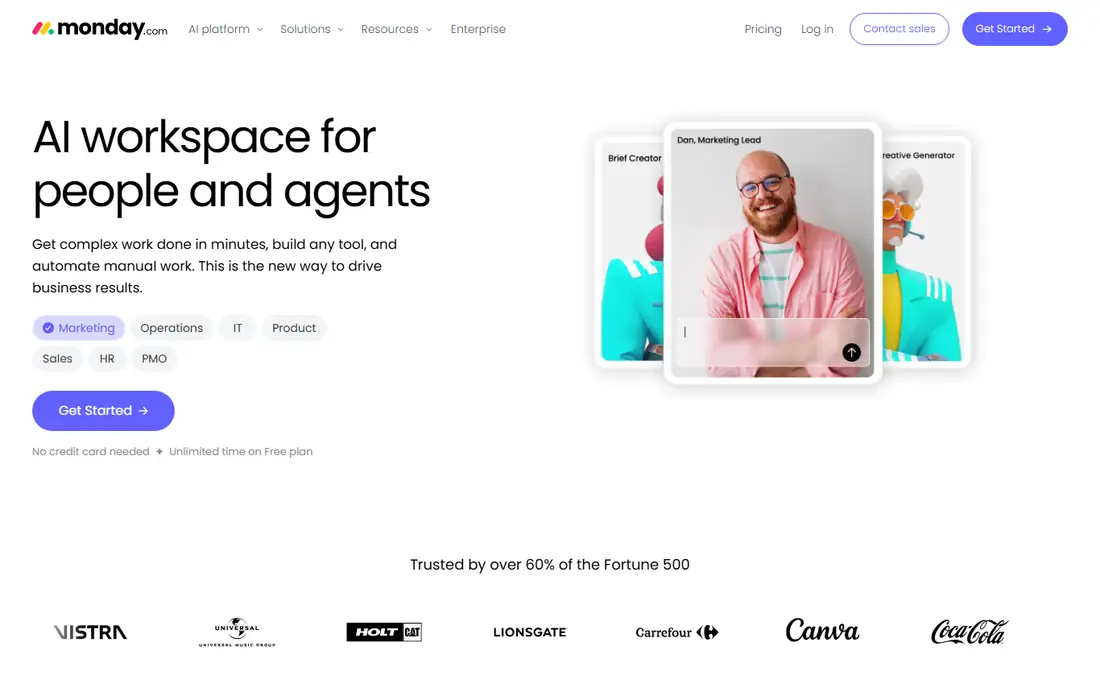
monday.com is a visual work platform that suits teams who think in boards, not documents. Columns, statuses, timelines, and dashboards show project health at a glance, and automations move work forward when a status changes. AI can summarize updates, help write formulas, and turn plain language into tasks, which helps teams that update boards daily.
The free plan covers up to two seats for basic work, while paid plans add automations, integrations, and AI depth. Pricing varies by plan and seat count, so get a quote for your actual team size. Choose monday.com when a visual, low-code workflow matters more than deep docs, and when the team will actually keep boards current.
What we like- Visual boards that non-technical teams learn fast
- Automations and dashboards for status tracking
- AI tools for summaries, formulas, and task creation
Watch out for- No list price shown here, so confirm the current plan on the vendor page
- Costs rise with seats and advanced features
#6FigJam
Best for: Design team brainstorming4.5/5 on
G2 (465 reviews, checked Oct 2026)
Visit figma.com
Starting priceSee website
Free planYes
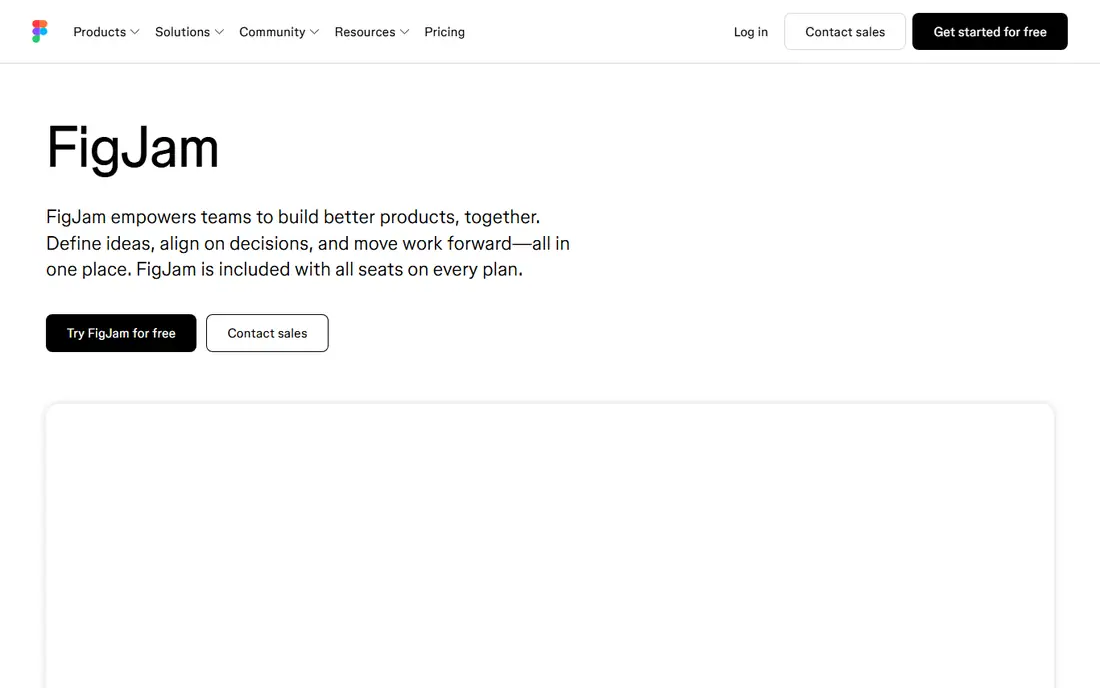
FigJam is Figma's whiteboard, and it fits design teams best. Teams brainstorm, map flows, and organize research on a board, then move ideas into Figma design files without exporting and re-importing. AI helps cluster sticky notes, summarize feedback, and start diagrams, which speeds early design work.
FigJam is included in Figma's free tier for basic use, while paid Figma plans add more editors, features, and AI depth. It is not a replacement for Notion docs or ClickUp tasks, and teams that buy it as a general workspace will hit limits. Pick FigJam when your team already designs in Figma and brainstorming needs a direct path to design work.
What we like- Simple whiteboard inside the Figma ecosystem
- AI tools for organizing notes and starting diagrams
- Easy handoff from brainstorm to design file
Watch out for- No list price shown here, so confirm the current Figma plan
- Less suited as a general docs or task system
#7Slack
Best for: Team chat with AI summaries4.5/5 on
G2 (39,944 reviews, checked Oct 2026)
Visit slack.com
Starting priceSee website
Free planYes
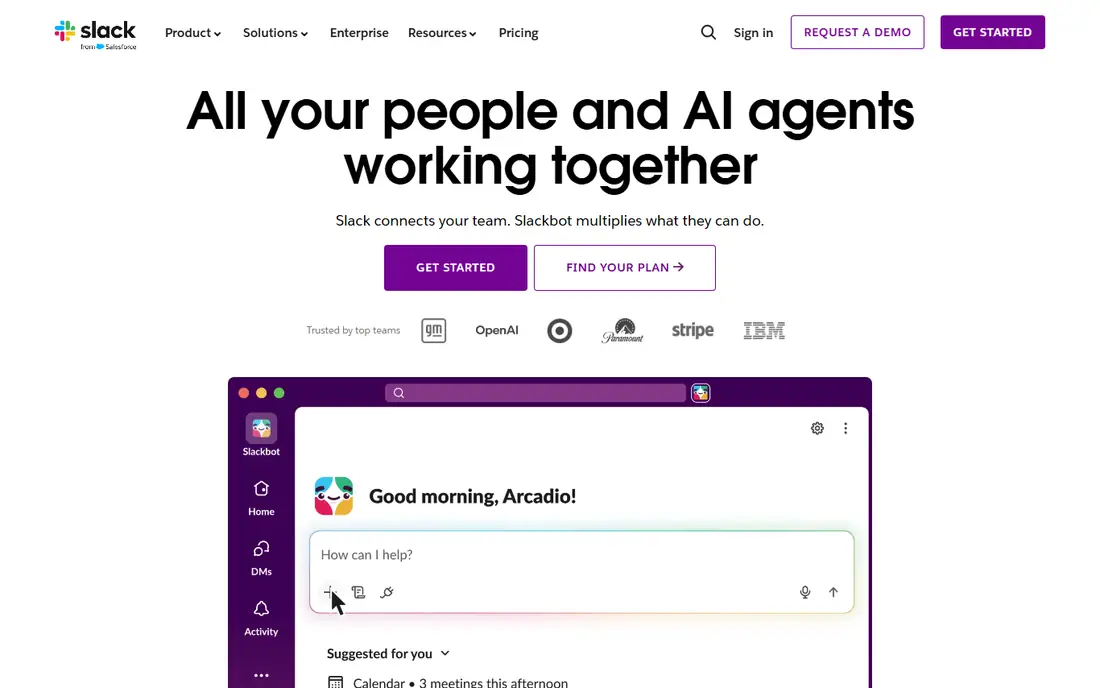
Slack is where many teams talk, and its AI value comes from that position. AI summaries condense long channels and threads, search finds decisions buried in chat, and integrations pull updates from docs, tasks, and code tools into the conversation. That helps a team that already lives in Slack catch up fast after time off or a busy launch.
Slack's free plan covers basic chat with message history limits, while paid plans add full history, more integrations, and AI features, often as an add-on. Price depends on plan and AI packaging, so check the vendor page for your team size. Choose Slack AI when conversation is your main collaboration surface, and pair it with a docs or task tool for lasting knowledge.
What we like- Channels, threads, and huddles keep team talk in one place
- AI summaries and search help catch up on long threads
- Huge integration library for work tools
Watch out for- No list price shown here, so confirm the current plan and AI add-on price
- Chat alone does not replace docs, boards, or task tracking
Starting priceSee website
Free planFree trial (14 days)
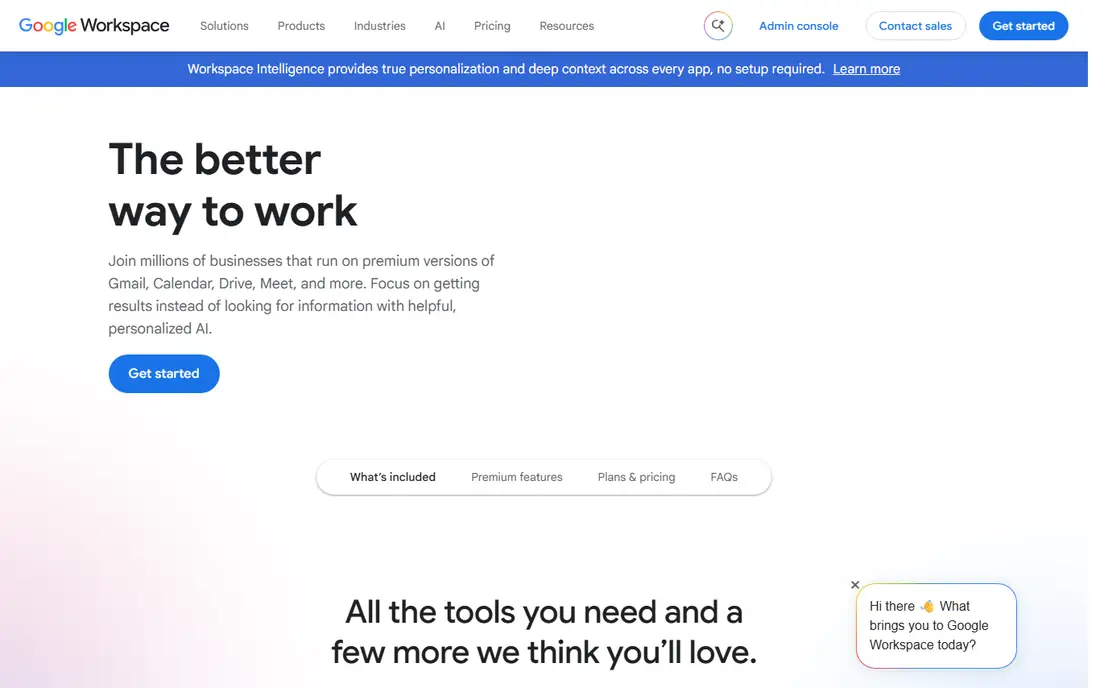
Google Workspace with Gemini fits teams that already write, mail, and meet in Google apps. Gemini can draft documents, summarize email threads and meetings, and search across Drive and Gmail, which saves time when a project spans many files. Because most teams already know Docs and Sheets, adoption is usually faster than with a new workspace.
Workspace plans vary, and Gemini packaging has changed over time, so confirm the current plan, trial, and AI add-on on the vendor page before you budget. The free trial, typically 14 days, lets a team test AI summaries and drafting on real work. Pick this option when your docs, mail, and calendar already live in Google, and you want AI inside those tools rather than in a separate app.
What we like- Docs, Sheets, Slides, Gmail, Drive, and Meet in one suite
- Gemini AI drafts, summarizes, and searches across Workspace apps
- Familiar tools lower training time
Watch out for- No list price shown here, so confirm the current plan and Gemini packaging
- AI value depends on how much work already lives in Google apps
How we chose
We compared vendor pricing pages, product documentation, and public reviews on G2, Capterra, and Reddit, and we checked each tool for AI that works inside shared team work, not just a standalone chatbot. We favored tools that cover docs, visual boards, tasks, chat, and design, because teams collaborate in different ways. Prices shown are current public list prices, and where a vendor page does not give a clear list price for the AI plan, we wrote See website.
Start from the work, not the AI demo
List the three workflows your team repeats most, such as weekly planning, project delivery, or design review. The platform that fits those workflows wins, even if another tool has a flashier AI demo. AI summaries help only when the underlying docs, boards, or tasks are current and shared.
Test AI on real team content, with real permissions
Run a trial with your own docs, boards, and channels, and check AI answers for accuracy, source links, and permission handling. Confirm that a teammate cannot see private content through AI search, and that guests see only what they should. A good trial also tests credit limits, because a tool that runs out of AI credits mid-week will frustrate the team fast.
Plan ownership, naming, and cleanup
Assign an owner for each workspace, agree on naming and folder rules, and schedule a monthly cleanup for stale boards and docs. AI search gets worse as clutter grows, so governance is part of the purchase, not an afterthought. Keep the tool count low: one docs home, one task home, and one chat home beats five overlapping apps.
Frequently asked questions
What is a collaborative AI platform for teams?
It is a shared workspace, such as docs, boards, tasks, or chat, with AI built in to draft, summarize, search, and organize team work. The AI works on the team's own content, with permissions, rather than as a separate chatbot. The best platform depends on whether your team works mostly in docs, boards, tasks, or chat.
Is Notion AI included in the $10 Plus plan?
No, based on current Notion pricing summaries. Plus, at $10 per user per month billed annually, includes only a capped AI trial, while full Notion AI, including Agent and AI Meeting Notes, needs Business at $20. Check the Notion pricing page before you buy, because AI packaging can change.
Do AI credits limit daily use?
Yes, on some tools. Miro, for example, limits AI credits per team or per member by plan, and other tools limit AI actions by plan or add-on. Check credit limits, reset periods, and what happens when credits run out, before you roll AI out to a large team.
Can AI search see private team content?
It should respect workspace permissions, but you must test it. Check that AI search, summaries, and agents only return content the viewer already has permission to see, and review guest and external sharing rules. For sensitive work, ask the vendor for documentation on data use, retention, and model training.
Should a small team pay for AI, or start free?
Start free when the team is still learning the workspace, because free plans reveal whether docs, boards, or tasks will actually be kept current. Pay for AI when the team already uses the workspace daily and spends real time on summaries, status updates, or searching for decisions. A paid AI plan on an unused workspace wastes money.
Can one tool replace docs, tasks, and chat?
Some tools try, such as Notion, ClickUp, and Google Workspace, but most teams still use two or three tools: one for docs, one for tasks, and one for chat. A single tool can work for a small team with simple work, while a larger team usually needs clearer separation. Judge by workflow fit, not by the promise of one app for everything.
Sources we checked (8)
- https://notion.so/pricing
- https://miro.com/pricing
- https://clickup.com/pricing
- https://asana.com/pricing
- https://monday.com/pricing
- https://figma.com/figjam
- https://slack.com/pricing
- https://workspace.google.com/pricing
Is your product missing or out of date?
We review this list regularly. Vendors can request a listing, send updated pricing or ask about featured placement.

Shihab Mia · Founder, Rankite
Shihab has 5+ years in B2B and SaaS SEO. He writes Rankite's software buying guides from pricing pages, documentation and public user reviews. More about Shihab.