How we make this list: we compare pricing pages, product documentation and public user reviews. Ratings come from G2, Capterra or Trustpilot, with the date we checked them.
Key takeaways
- ownCloud, Seafile, Pydio Cells, and OpenCloud are the closest self-hosted replacements for Nextcloud.
- Syncthing suits device-to-device sync with no central server, but it is not a full collaboration suite.
- Proton Drive and Zoho WorkDrive suit teams that want managed hosting with stronger privacy or office tools.
- FileCloud and Dropbox Business suit businesses that need admin controls without running a server.
- Self-hosted software is often free, but hosting, backups, and maintenance are real ongoing costs.
Quick comparison
| Tool | Best for | Starting price | Free plan |
|---|
 ownCloud ownCloud | Enterprise file sharing continuity | Free | Free plan |
 Seafile Seafile | Fast file sync | Free | Free plan |
 Pydio Cells Pydio Cells | Compliance-heavy teams | Free | Free plan |
 OpenCloud OpenCloud | Simple modern self-hosting | Free | Free plan |
 Syncthing Syncthing | Private device-to-device sync | Free | Free plan |
 Proton Drive Proton Drive | Encrypted managed storage | See website | Free trial |
 Zoho WorkDrive Zoho WorkDrive | Office suite with file storage | See website | Free trial |
 FileCloud FileCloud | Business file sharing with controls | See website | Free trial |
 Dropbox Business Dropbox Business | Managed sharing at scale | See website | Free trial |
Is your product missing or out of date?
We review this list regularly. Vendors can request a listing, send updated pricing or ask about featured placement.
The best Nextcloud alternatives
Starting priceFree
Free planFree plan
ownCloud is the closest historical relative to Nextcloud, and it remains a serious enterprise file sharing platform in its Infinite Scale form. The community edition is free with unlimited users in principle, while paid packages add enterprise support and features for larger deployments. Teams that already know ownCloud, or that value its enterprise file sharing model, can migrate with less retraining than a move to a very different system.
The trade-off is ecosystem size. Nextcloud has a larger app community, so ownCloud users may find fewer community apps and integrations. Paid pricing for larger deployments is also handled through sales, which makes budgeting less transparent. For organizations that prioritize stable enterprise file sharing over a large app catalog, ownCloud remains a credible Nextcloud alternative.
What we like- Free community edition
- Enterprise file sharing features
- Familiar path for ownCloud users
Watch out for- Smaller community than Nextcloud
- Paid packages are sales-led for larger teams
Starting priceFree
Free planFree plan
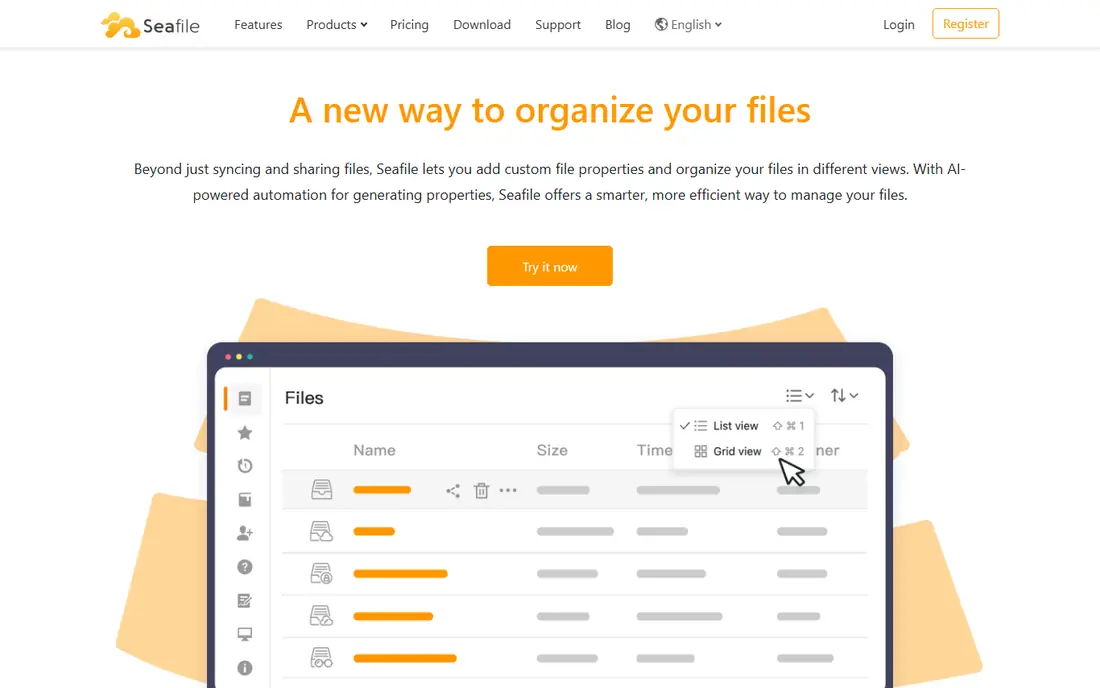
Seafile earns its place on sync speed. Its delta sync and library model handle large files and many small files efficiently, which matters for teams that move large media, datasets, or project folders daily. The community edition is free, and the Pro edition adds features for teams that need more, with a small free user allowance reported in public comparisons.
Collaboration is thinner than Nextcloud. Document editing, calendar, contacts, and chat are not Seafile strengths, so teams that need a full suite will need companion tools. If the core job is reliable, fast file sync and sharing, Seafile is hard to beat. If the core job is replacing the whole Nextcloud suite in one product, look at ownCloud or Pydio Cells first.
What we like- Very fast sync performance
- Free community edition
- Solid versioning and libraries
Watch out for- Collaboration depth is thinner than Nextcloud
- Paid Pro details need a vendor check
Starting priceFree
Free planFree plan
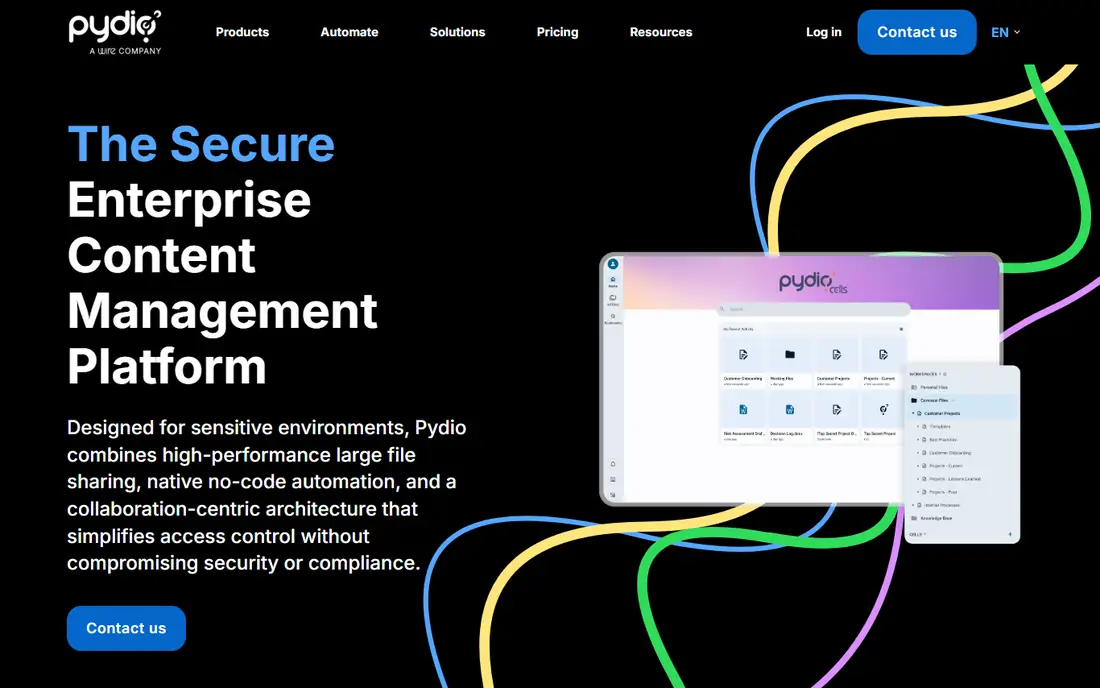
Pydio Cells targets teams where governance, audit logs, and fine-grained sharing controls are requirements, not extras. Workspaces, policies, and audit trails help regulated organizations prove who accessed what and when. The architecture is performant, and the admin interface gives IT teams real control over sharing rules and data flows.
Deployment takes more effort than a simple single-binary install, and documentation can feel thinner than Nextcloud for edge cases. The community edition is free, while enterprise pricing is handled through sales, so budget planning needs a vendor conversation. For compliance-heavy teams, that effort is justified by the control. For a small team that only needs file sharing, a simpler tool will feel lighter.
What we like- Strong audit and sharing controls
- Enterprise governance features
- Performant architecture
Watch out for- Deployment is more involved
- Community is smaller than Nextcloud
Starting priceFree
Free planFree plan
OpenCloud positions itself as a simpler, modern self-hosted file cloud. Setup is notably easier than many older platforms, and the open source license and GDPR focus appeal to European teams and privacy-conscious organizations. For a team that wants self-hosting without a complex stack, OpenCloud lowers the barrier to entry.
The ecosystem is the limit. OpenCloud does not match Nextcloud app breadth, so teams that rely on many Nextcloud apps should check each one before migrating. Its relative newness also means fewer long-term deployment stories to learn from. For file sharing as the core job, with a clean setup and modern code, OpenCloud is a strong Nextcloud alternative to trial.
What we like- Simple single-binary style setup
- Modern architecture
- Free community edition
Watch out for- Smaller app ecosystem than Nextcloud
- Newer platform with less history
Starting priceFree
Free planFree plan
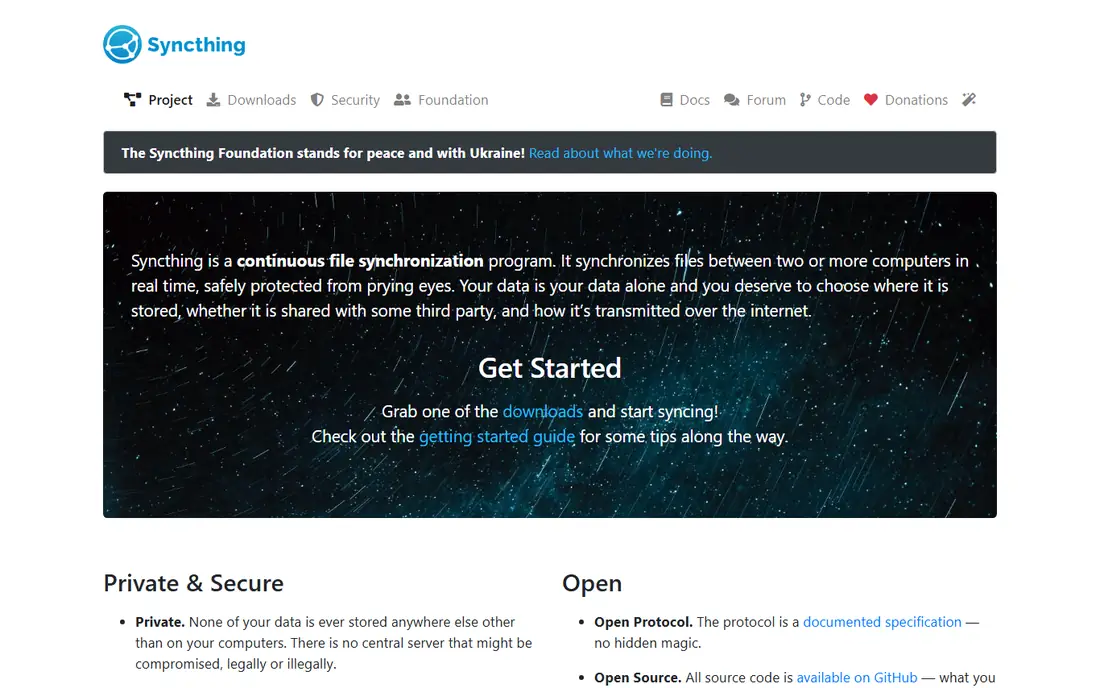
Syncthing works differently from every other tool here. It syncs folders directly between devices, with no central server holding the files. That model gives excellent privacy and removes server costs, and it suits individuals and small teams who mainly need files kept in sync across laptops, phones, and a home or office machine.
It is not a Nextcloud replacement for collaboration. There is no built-in document editing suite, calendar, contacts, or central web portal with the same sharing controls. Setup is also device by device, which scales poorly for a large organization. Use Syncthing when private sync is the job, and pair it with other tools when you need shared editing and central administration.
What we like- Free and open source
- No central server required
- Strong privacy model
Watch out for- No central collaboration suite
- Setup is device by device
Starting priceSee website
Free planFree trial
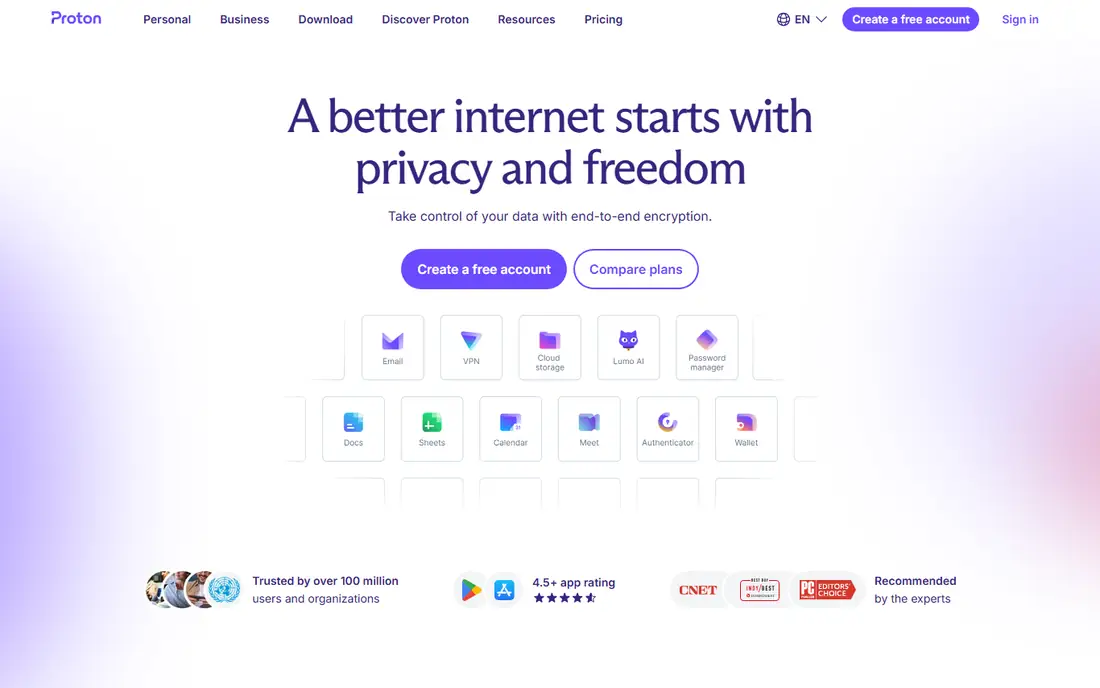
Proton Drive suits users and teams that want managed storage with a strong encryption story. Files are protected with end-to-end encryption, and Proton handles hosting, maintenance, and updates, so no server administration is needed. Teams already using Proton Mail, Calendar, and VPN will find the bundle convenient, since accounts and billing stay in one place.
Collaboration depth trails Nextcloud. Real-time document editing and the wider app suite are more limited, so teams that live in shared documents may need a companion editor. Per-user pricing also scales linearly, unlike self-hosted software where the server cost stays flat as users grow. Choose Proton Drive for private, managed storage first, and judge collaboration fit second.
What we like- End-to-end encryption focus
- Managed hosting with no server work
- Swiss jurisdiction appeal
Watch out for- Collaboration features are thinner
- Per-user pricing scales with team size
#7Zoho WorkDrive
Best for: Office suite with file storage4.4/5 on
G2 (721 reviews, checked Oct 2026)
Visit zoho.com
Starting priceSee website
Free planFree trial
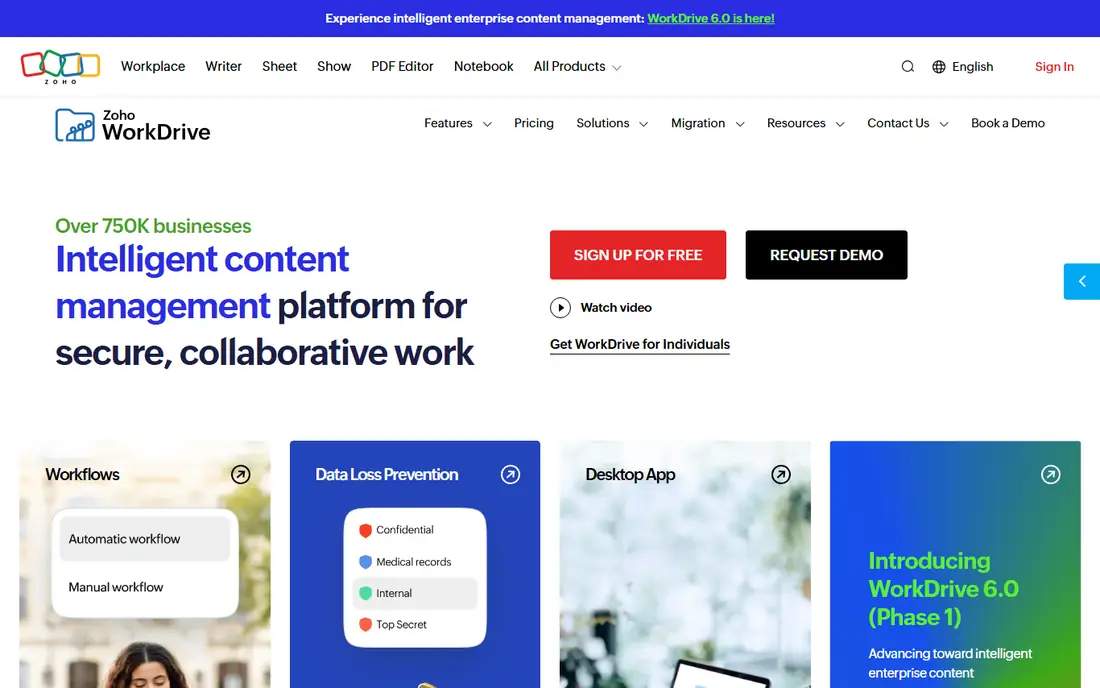
Zoho WorkDrive fits teams that want file storage plus office documents in one managed suite. Writer, Sheet, and Show cover everyday document work natively, and team folders, sharing controls, and admin tools suit small and mid-size businesses. Pricing is competitive inside the Zoho ecosystem, especially for teams already using Zoho Mail, CRM, or Workplace.
The catch is ecosystem fit. WorkDrive shines brightest for Zoho users, and teams outside Zoho may find integrations and workflows less natural. There is also no self-hosting option comparable to Nextcloud, so data control rests with the vendor. For a business that wants a managed office and storage bundle without running servers, WorkDrive is a practical Nextcloud alternative.
What we like- Native Zoho office apps
- Team folders and admin controls
- Good value inside Zoho
Watch out for- Best value requires Zoho ecosystem
- Less self-hosting control
Starting priceSee website
Free planFree trial
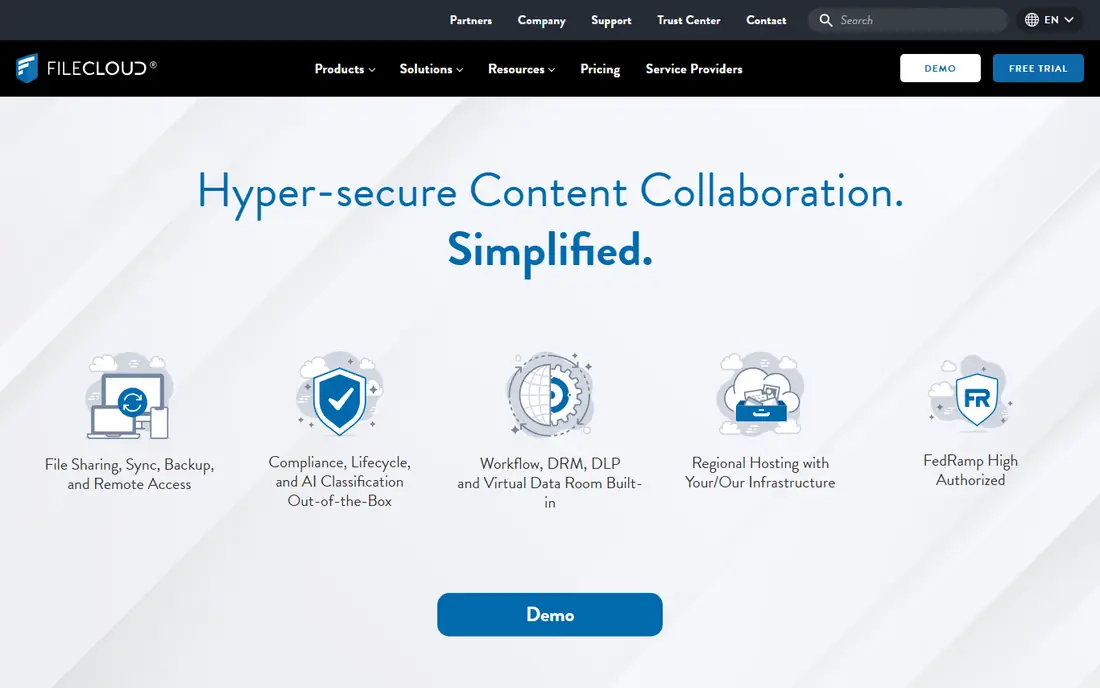
FileCloud bridges self-hosting and managed business file sharing. Organizations can run it on their own infrastructure or use a managed deployment, with admin controls, sharing policies, and audit features that suit business use. That flexibility helps companies that need control but do not want to build a file platform from open source parts.
Pricing transparency is weaker than open source rivals, since many plans are quoted through sales. Setup also benefits from IT involvement, especially for larger deployments with existing identity and storage systems. Check the current plan structure on the vendor site and request a quote early, so the comparison against free self-hosted software reflects real total cost.
What we like- Self-hosted or managed options
- Strong admin and sharing controls
- Enterprise features
Watch out for- Pricing is sales-led for many plans
- Setup needs IT involvement
#9Dropbox Business
Best for: Managed sharing at scale4.4/5 on
G2 (31,453 reviews, checked Oct 2026)
Visit dropbox.com
Starting priceSee website
Free planFree trial
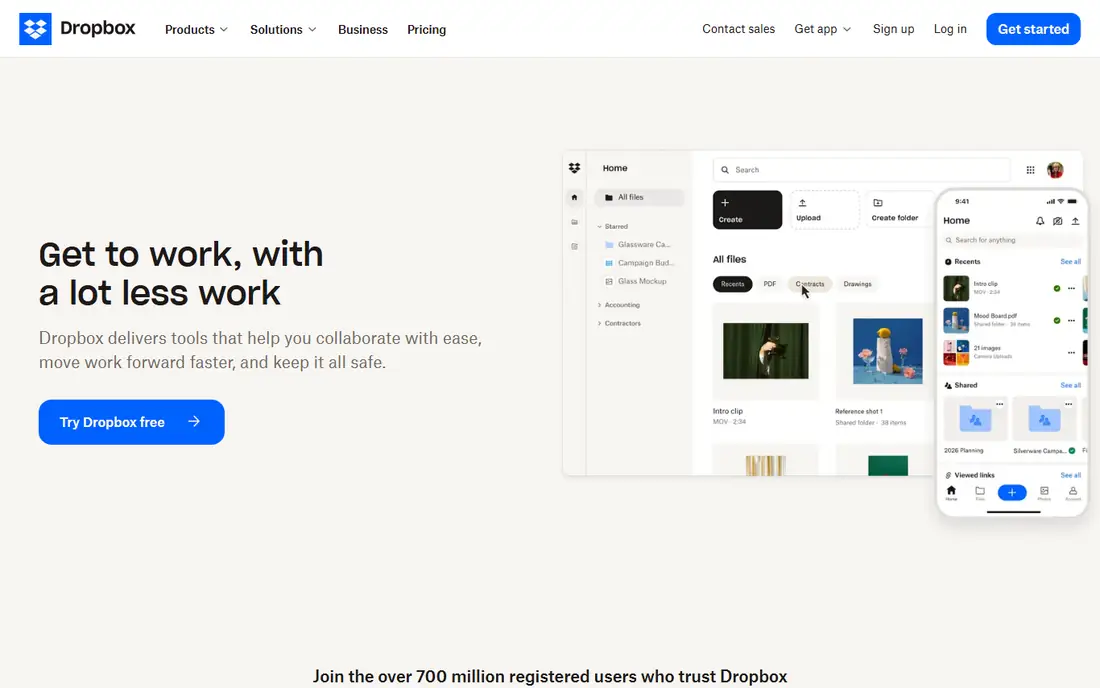
Dropbox Business is the managed, mainstream option on this list. Most users already know how Dropbox sharing works, sync clients are mature across devices, and integrations with office, design, and productivity tools are broad. For a business that wants reliable file sharing without server work or a learning curve, Dropbox is an easy sell to staff.
Cost and control are the trade-offs. Per-user pricing scales with headcount, and there is no self-hosted deployment for teams that need data on their own servers. Privacy-conscious organizations should also review Dropbox data handling against their own requirements. Choose Dropbox when ease of adoption and managed reliability matter more than self-hosting or the lowest possible cost.
What we like- Familiar sharing experience
- Strong sync clients
- Wide third-party integrations
Watch out for- Per-user pricing adds up
- No self-hosting option
How we chose
We compared pricing pages, product documentation, and public reviews on G2, Capterra, and Reddit, and we kept only tools that exist today and cover file sync, sharing, or collaboration. Each tool was judged on hosting model, sync performance, collaboration depth, admin controls, privacy approach, and total cost including hosting and maintenance. We did not claim hands-on testing, and we left prices as See website where a vendor price could not be confirmed from a current public source at the time of writing.
Self-hosted or managed: the decision that matters most
Decide the hosting model before you compare features. Self-hosted tools such as ownCloud, Seafile, Pydio Cells, and OpenCloud give you data control and flat infrastructure costs, but they require backups, updates, security patching, and someone responsible when sync breaks. Managed tools such as Proton Drive, Zoho WorkDrive, and Dropbox remove that work, but they charge per user and place data with a vendor.
Test migration with real data, not a handful of test files. Move a representative folder set, including large files, shared folders, and permission rules, and check sync speed, version history, and sharing links on desktop and mobile. Check document editing separately, since many file tools rely on an external editor such as Collabora or OnlyOffice, and that integration shapes daily use more than the file list itself.
Plan for backups from day one. A self-hosted file server without tested restores is a risk, not a solution. Confirm backup, restore, and export options before migrating users, and keep the old Nextcloud instance read-only until the new system has run cleanly for a full work cycle.
Shortlist by situation
- Closest self-hosted suite: ownCloud, Pydio Cells
- Fastest sync: Seafile
- Simplest self-hosting: OpenCloud, Syncthing for private sync
- Managed privacy or office: Proton Drive, Zoho WorkDrive, Dropbox Business
Frequently asked questions
Is ownCloud a good Nextcloud alternative?
Yes, for enterprise file sharing. ownCloud offers a free community edition and paid enterprise packages, with a familiar file sharing model. Its app ecosystem is smaller than Nextcloud, so check any must-have apps before migrating.
What is the best free Nextcloud alternative?
Seafile, OpenCloud, Pydio Cells, ownCloud, and Syncthing all offer free editions or fully free software. The best choice depends on whether you need fast sync, a full suite, compliance controls, or private device sync, since free does not mean identical.
Can I self-host a Nextcloud alternative without a large IT team?
OpenCloud and a managed Nextcloud-style host lower the barrier, but any self-hosted system still needs updates, backups, and security attention. Small teams without IT help should consider a managed option such as Proton Drive or Zoho WorkDrive.
Does Syncthing replace Nextcloud?
Syncthing replaces file sync, not the full Nextcloud suite. It lacks central document editing, calendar, contacts, and admin controls, so it suits private sync use cases rather than organization-wide collaboration.
How much does self-hosting really cost?
The software is often free, but a server, storage, backups, domain, certificates, and admin time all cost money or hours. For a small team, a low-cost VPS or managed host can keep total cost modest, while larger teams should model admin time honestly.
Sources we checked (9)
- https://owncloud.com/pricing
- https://www.seafile.com/pricing
- https://pydio.com/pricing
- https://opencloud.eu/pricing
- https://syncthing.net
- https://proton.me/pricing
- https://www.zoho.com/workdrive/pricing
- https://www.filecloud.com/pricing
- https://www.dropbox.com/pricing
Is your product missing or out of date?
We review this list regularly. Vendors can request a listing, send updated pricing or ask about featured placement.

Shihab Mia · Founder, Rankite
Shihab has 5+ years in B2B and SaaS SEO. He writes Rankite's software buying guides from pricing pages, documentation and public user reviews. More about Shihab.